The best chatbot for WordPress in 2026 is Tidio for stores that want live chat and AI replies in one tool. WPBot is the best free bot that runs inside your own site, and AI Engine wins if you bring your own OpenAI or Claude key.
We did not rank these from their sales pages. On September 23, 2026, we installed eleven chatbot plugins one at a time on fresh WordPress 7.1.2 test sites. As a logged-out visitor, we checked whether a widget appeared without signing up and how much each one added to the page.
You get the test results first. A comparison table follows, along with the ten plugins worth your time and today’s prices. After that come what “free” means, whether chatbots slow a site down, and our pick for each kind of site.
Note: Want to talk to visitors yourself instead of letting a bot answer? See our list of the best WordPress chat plugins for live chat tools.
How We Tested These WordPress Chatbot Plugins
We tested each WordPress chatbot plugin on its own clean WordPress 7.1.2 site running PHP 8.3 and the Twenty Twenty-Five theme. After installing and activating the plugin, we loaded the home page logged out and counted every script and stylesheet. A site with no plugin loaded 2 files totaling 25 KB, which is the baseline.
Two results stood out. Plugins that run the chatbot on your own server added real weight straight away.
Plugins that connect to a hosted service added nothing until you link an account. That split matters more than any feature list, because it decides where your visitors’ data goes and what slows your pages.
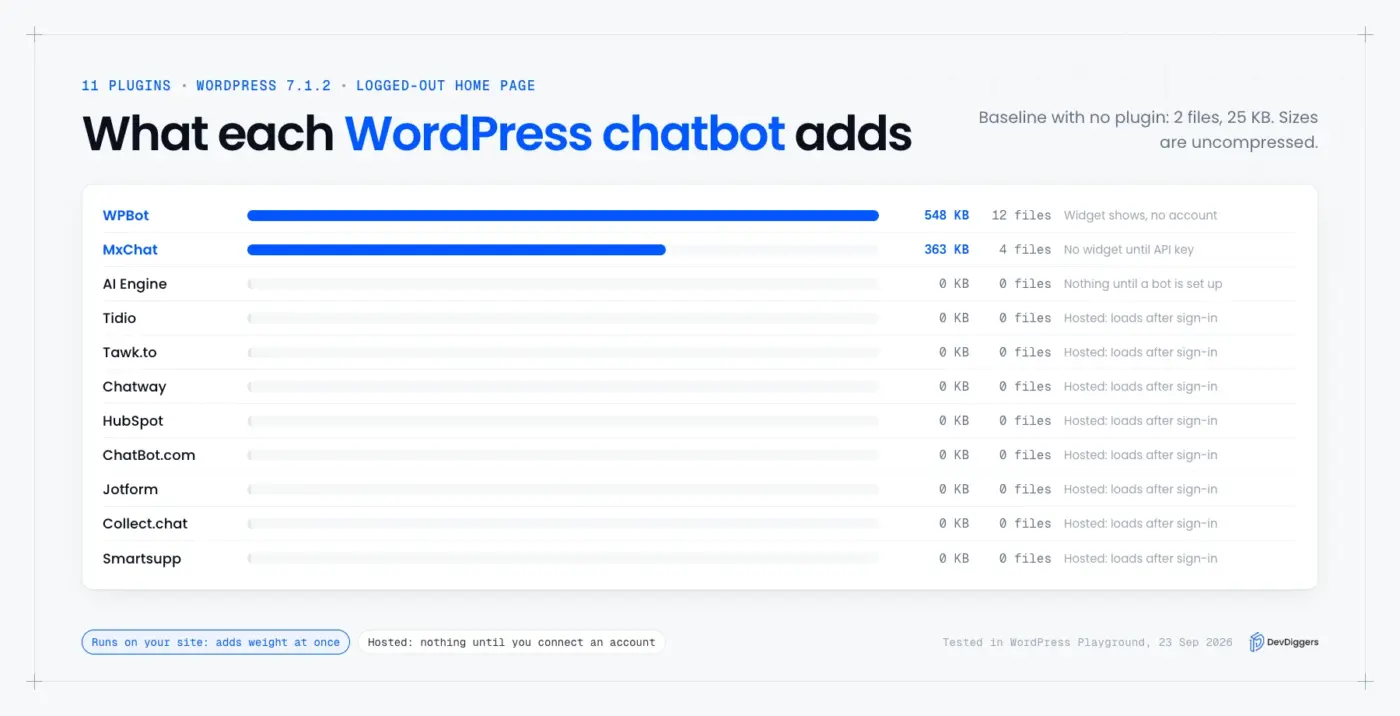
These were the results, measured as uncompressed file sizes before any caching or compression:
| Plugin | Widget visible without an account or key | Files added to the page | Size added |
|---|---|---|---|
| WPBot | Yes | 12 | About 548 KB |
| MxChat | No | 4 | About 363 KB |
| AI Engine | No | 0 | 0 KB |
| Tidio | No | 0 | 0 KB |
| Tawk.to | No | 0 | 0 KB |
| Chatway | No | 0 | 0 KB |
| HubSpot | No | 0 | 0 KB |
| ChatBot.com | No | 0 | 0 KB |
| Jotform AI Chatbot | No | 0 | 0 KB |
| Collect.chat | No | 0 | 0 KB |
| Smartsupp | No | 0 | 0 KB |
The zeros do not mean those plugins are weightless. Hosted chatbots load their widget script from the vendor’s servers once you connect an account, and we could not measure that part without signing up. What the zeros do show is that installing them costs nothing until you finish setup. On October 13, 2026, we repeated the test for Tawk.to and HubSpot on WordPress 7.1.3, and both still added 0 KB.
Note: WPBot and MxChat both load jQuery, which WordPress ships but most modern block themes no longer need. On a site that already uses jQuery for other plugins, part of their weight is already paid.
Quick Comparison of the Best WordPress Chatbot Plugins
The best WordPress chatbot plugins split into two kinds: bots that run on your site, and hosted chat services with a connector. Bots such as WPBot, AI Engine and MxChat keep data on your site and bill no conversations. Hosted tools such as Tidio, Tawk.to and Chatway add live chat, team inboxes and mobile apps.
This table sums up each one. Install counts and ratings come from the WordPress.org plugin directory, and prices come from each vendor’s pricing page, checked on September 23, 2026.
| Plugin | Type | Free plan | Paid from | Active installs | Rating |
|---|---|---|---|---|---|
| Tidio | Hosted live chat and AI | 50 conversations a month | $24.17/month | 70,000+ | 4.7 |
| WPBot | Runs in WordPress | Free plugin | Pro licenses on vendor site | 5,000+ | 4.7 |
| AI Engine | Runs in WordPress with your API key | Free plugin | Pro from $79 | 90,000+ | 4.9 |
| MxChat | Runs in WordPress with your API key | Free plugin | Pro on vendor site | 2,000+ | 5.0 |
| Tawk.to | Hosted live chat | Free live chat | AI Assist from $29/month | 100,000+ | 4.6 |
| Chatway | Hosted live chat and AI | 1 seat with unlimited chats | $24/month billed yearly | 30,000+ | 5.0 |
| HubSpot | Hosted CRM with chat | Free chatbot builder | Paid HubSpot hubs | 200,000+ | 4.3 |
| ChatBot.com | Hosted AI chatbot | 14-day trial only | $19/user/month billed yearly | 1,000+ | 3.7 |
| Jotform AI Chatbot | Hosted AI agent | 100 conversations a month | $39/month | 5,000+ | 5.0 |
| Collect.chat | Hosted rule-based bot | 100 responses a month | $14/month billed yearly | 6,000+ | 4.4 |
Ratings are the WordPress.org star average, and the number of reviews varies a lot. Jotform’s 5.0 rests on a single review, while AI Engine’s 4.9 comes from more than 860.
10 Best WordPress Chatbot Plugins in 2026
These ten are ranked by how well each suits a typical WordPress or WooCommerce site. Install counts played no part. Each entry covers what it does, what we saw in our test, what it costs today, and who should pick it. Prices change often. Check the vendor’s page before you buy.
1. Tidio
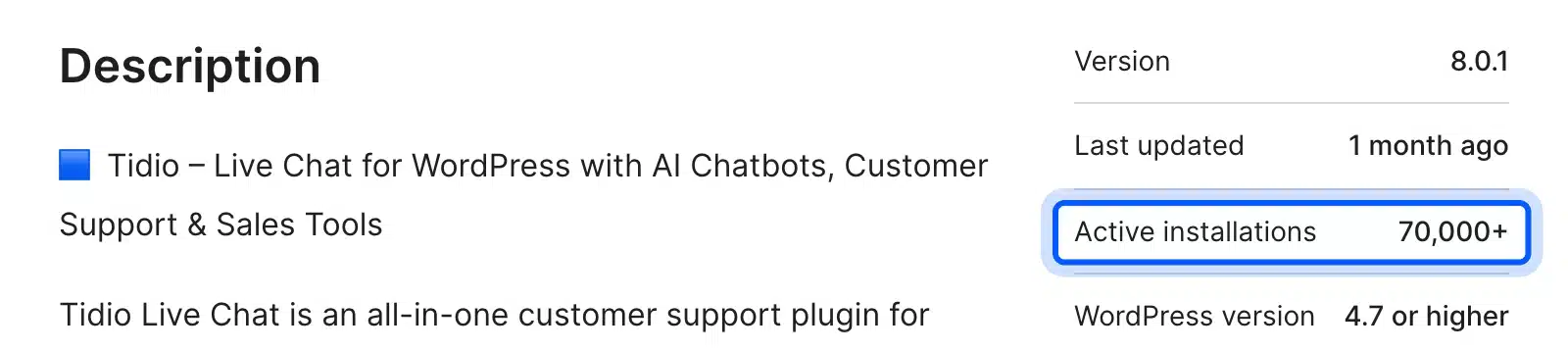
Tidio is a hosted live chat tool with an AI agent called Lyro that answers from your own help content. Its WordPress plugin connects your site to a Tidio account, where you set up the widget, the inbox and the AI replies. It has more than 70,000 active installs on WordPress.org. If you want to build your own, see the build steps for a store AI agent.
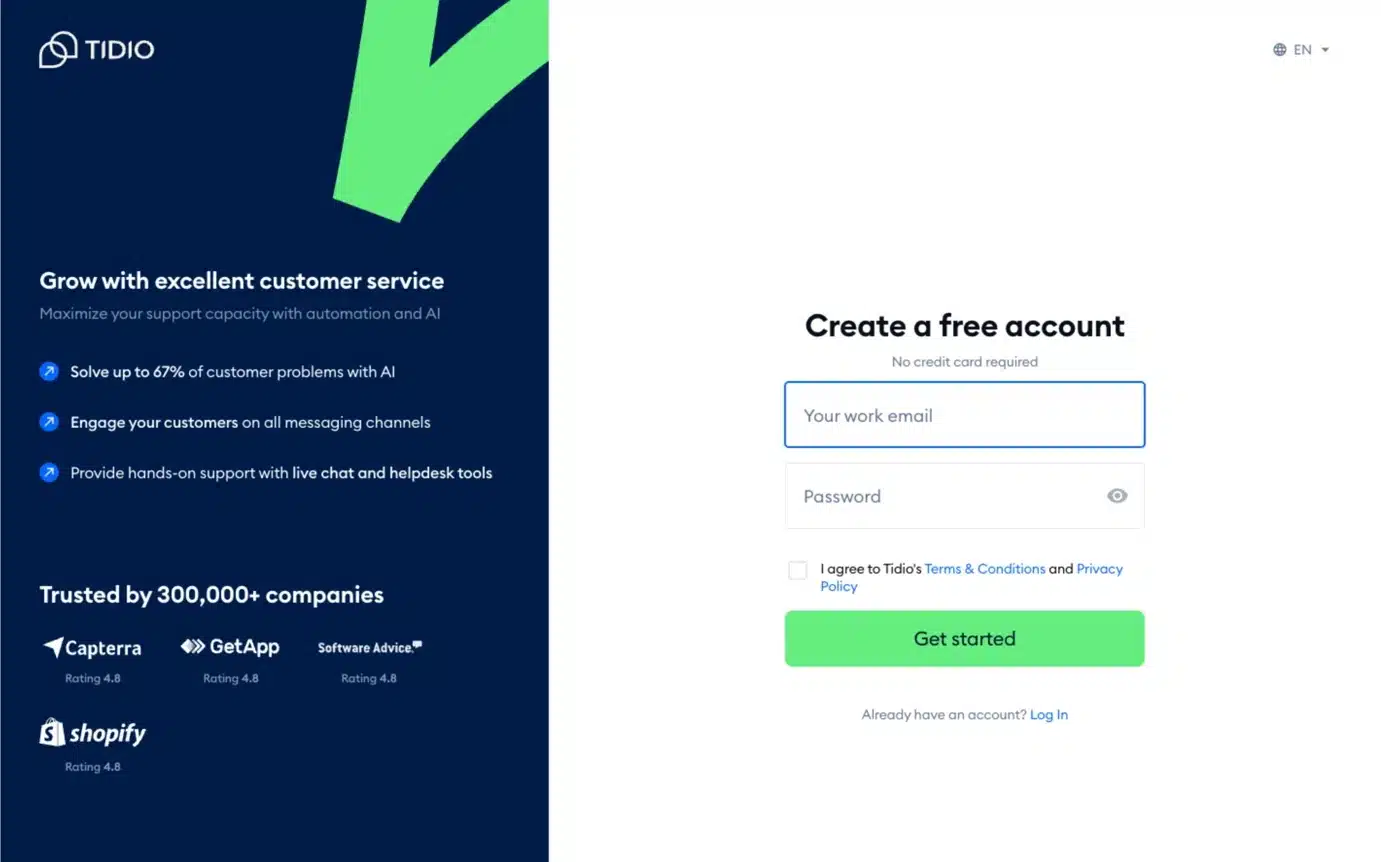
In our test, Tidio added nothing to the page until an account was connected, which is how hosted tools work. According to Tidio’s pricing page, the free plan includes 50 conversations a month and 50 Lyro AI conversations in total. The Starter plan costs $24.17 a month.
Pick Tidio if you want one tool for both human live chat and AI answers, with apps for your phone. Watch the conversation limits as traffic grows, because the free AI allowance is a one-off rather than monthly.
2. WPBot
WPBot runs entirely inside your site, and it was the only plugin in our test with a working widget and no account or key. It runs a rule-based bot out of the box.
Its plugin page on WordPress.org lists ChatGPT, Claude, Gemini and OpenRouter support once you add your own key. That makes it a free chatbot for WordPress that can grow into an AI one later.
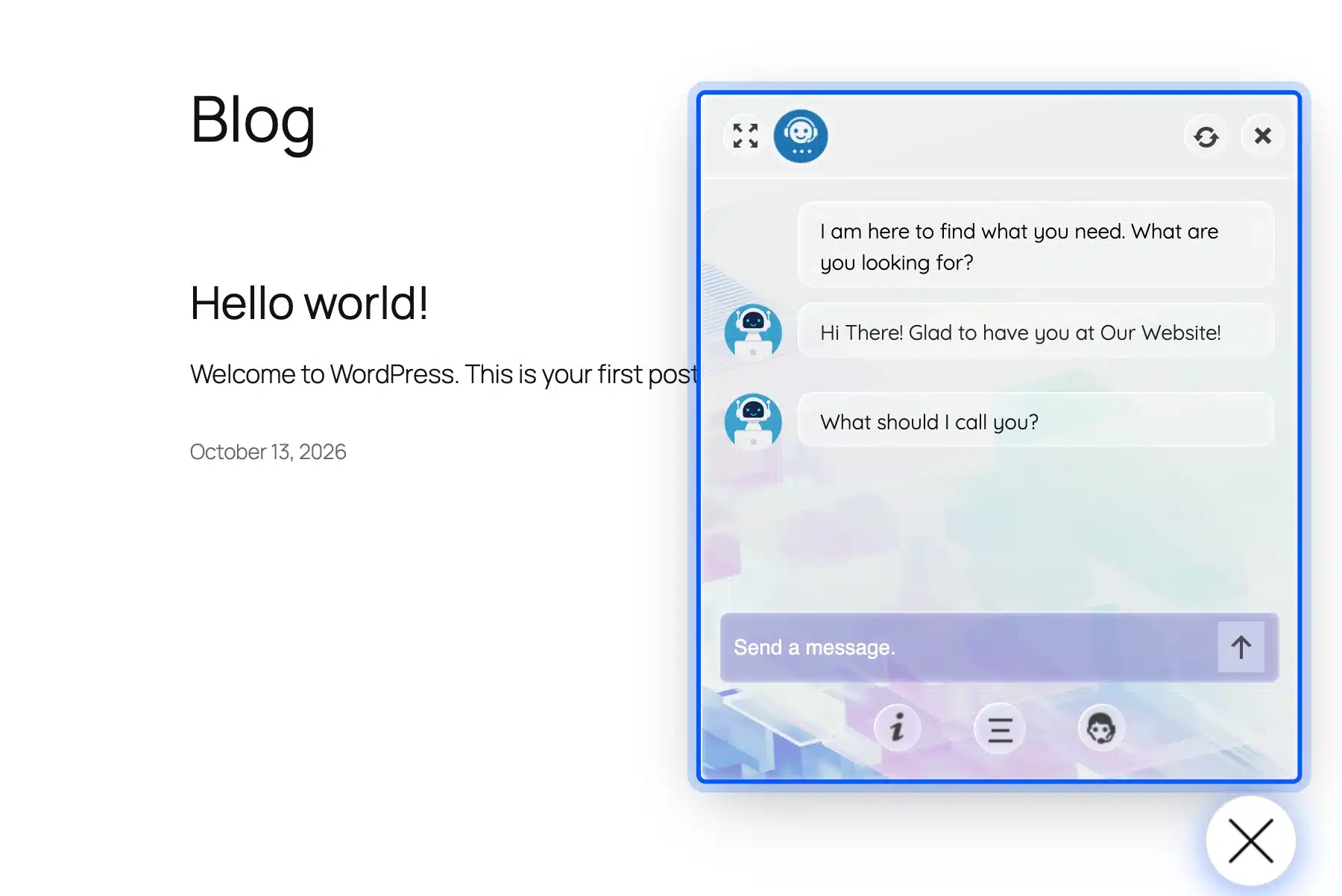
That convenience has a cost. WPBot added 12 files and about 548 KB to our test page, including its own chat scripts, jQuery and WordPress’s Dashicons stylesheet. It has 5,000+ active installs, a 4.7 rating from 124 reviews, and was updated on October 7, 2026.
Its dashboard on our test site listed a WooCommerce Module, Live Chat and Conversational Form as separate add-ons, each marked “Not Installed.” So store features such as product search inside the chat are paid extras outside the free core.
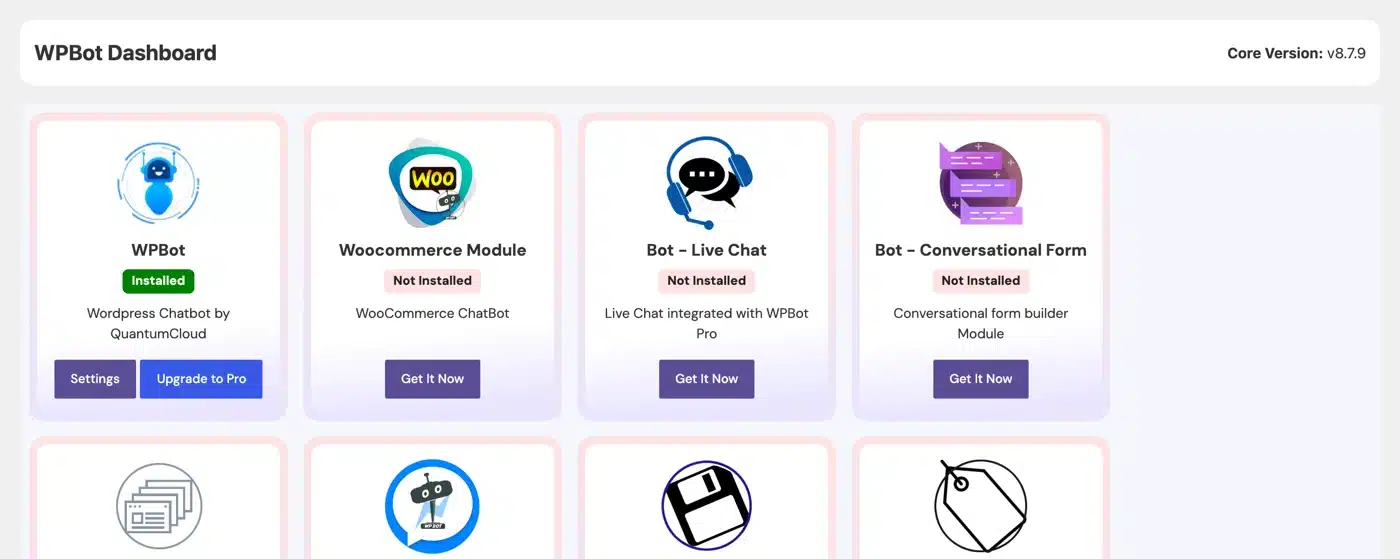
Pick WPBot if you want a free chatbot running today with no signup, and your pages are already fast enough to absorb the extra files. Pair it with a caching plugin that combines or defers scripts.
3. AI Engine
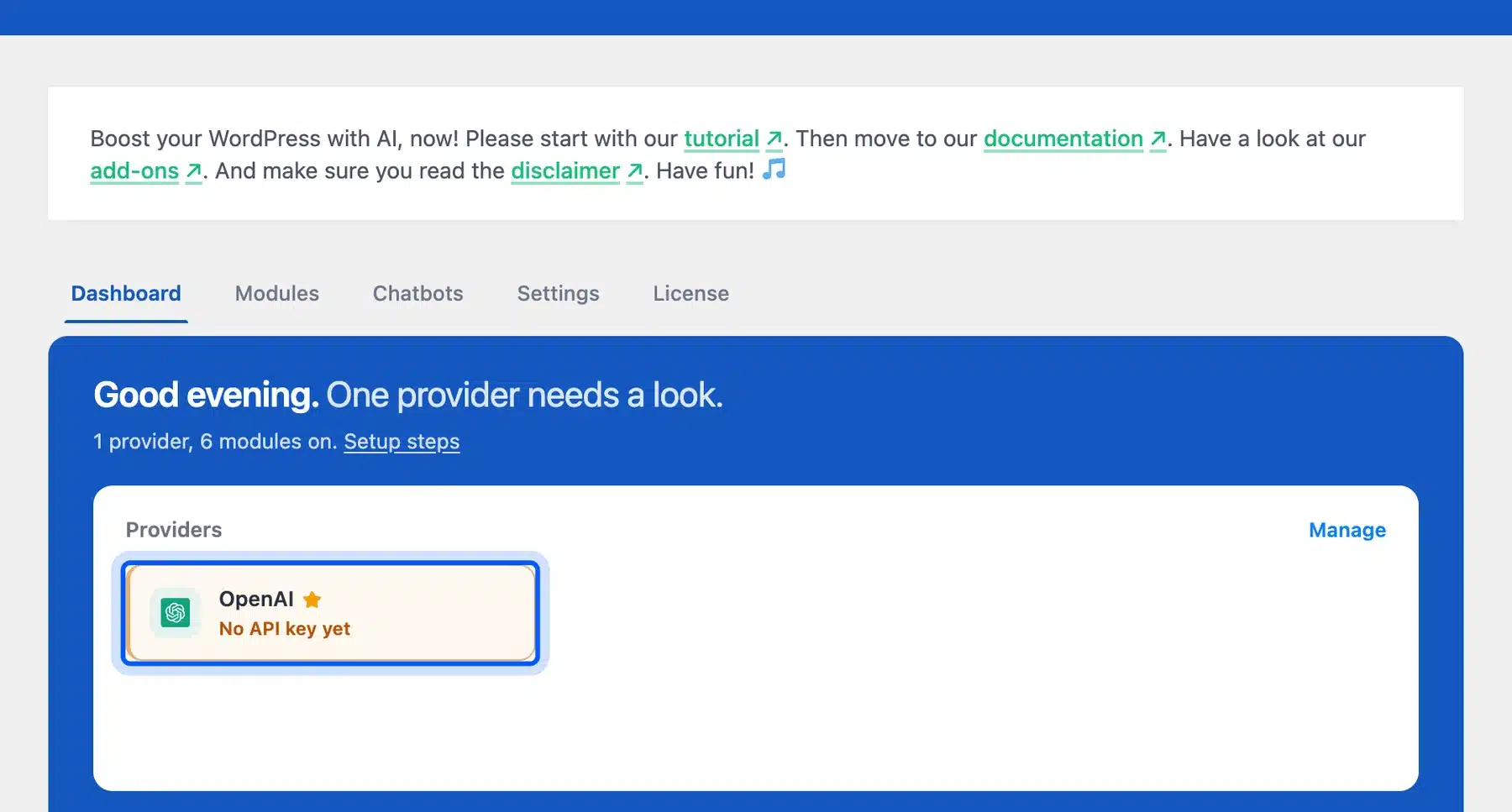
AI Engine by Meow Apps is a free AI toolkit whose chatbot uses your own API key. The AI Engine product page lists OpenAI, Claude, Gemini, Mistral, Perplexity and OpenRouter, and states there is “no markup on tokens.” That means you pay the model provider directly and nothing per conversation.
In our test, AI Engine added nothing to the front end until a chatbot was set up. That keeps pages clean on sites that only use its writing tools. It has more than 90,000 active installs and a 4.9 rating from over 860 reviews, the strongest record in this list.
Pro starts at $79 and adds knowledge bases, forms and function calling. Pick AI Engine if you are comfortable creating an API key and want the lowest running cost at high traffic.
4. MxChat
MxChat is a free AI chatbot plugin that trains on your own content and works with ChatGPT, Claude, Gemini or Grok through your own key. Its plugin page describes it as “WooCommerce ready with RAG,” meaning it can answer from product data as well as pages.
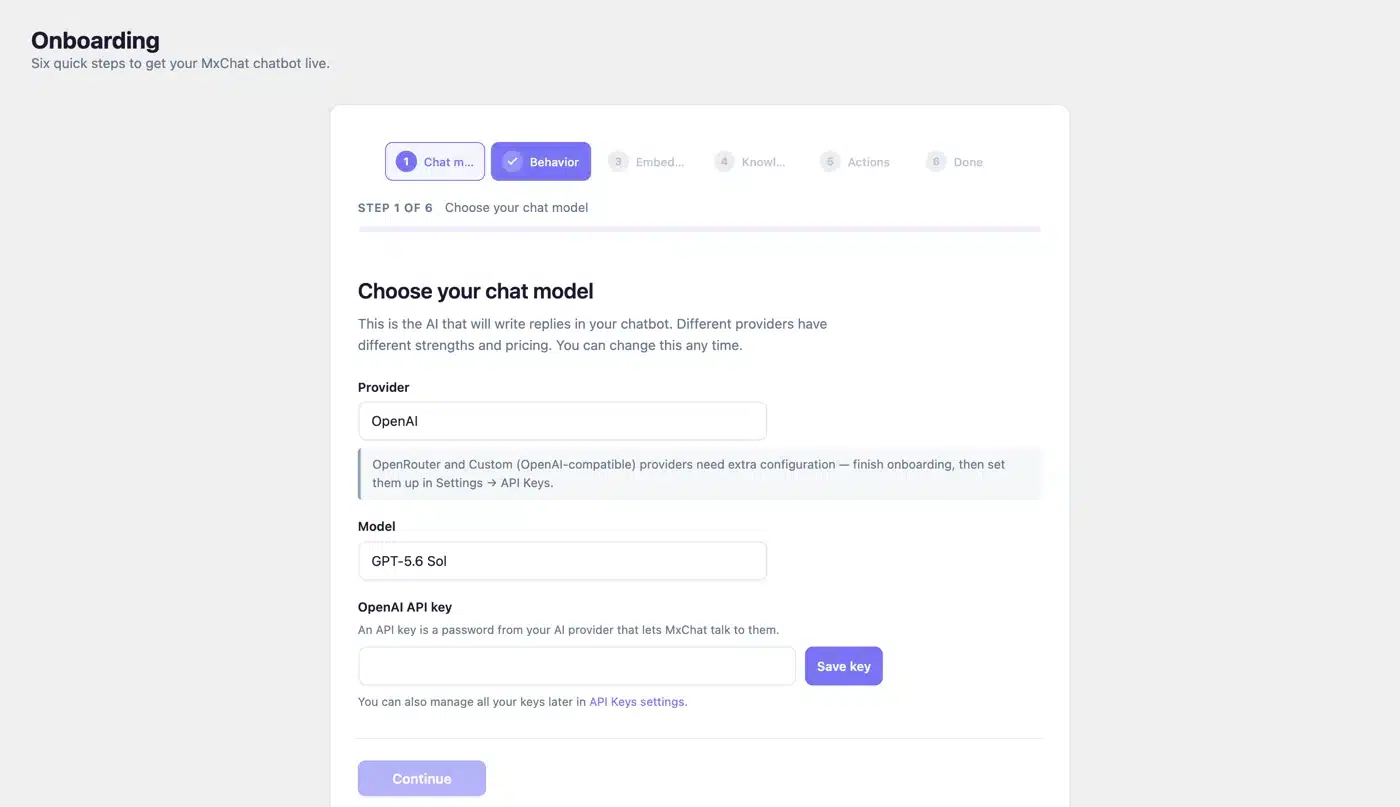
In our test, MxChat showed no widget without an API key, but it still loaded 4 files and about 363 KB on the page. Most of that was its chat script at around 210 KB. Set it up fully before activating it on a live store, or those files load for nothing.
It has 2,000+ installs and a 5.0 rating from 30 reviews, updated on October 10, 2026. Pick MxChat if you want an in-WordPress AI bot with store answers and a one-time Pro license rather than a subscription.
5. Tawk.to
Tawk.to is a free hosted live chat service with the largest free offer in this list: its core live chat has no conversation limit. The official plugin connects your WordPress site to a tawk.to account, and like the other hosted tools, it added nothing to our page until connected.
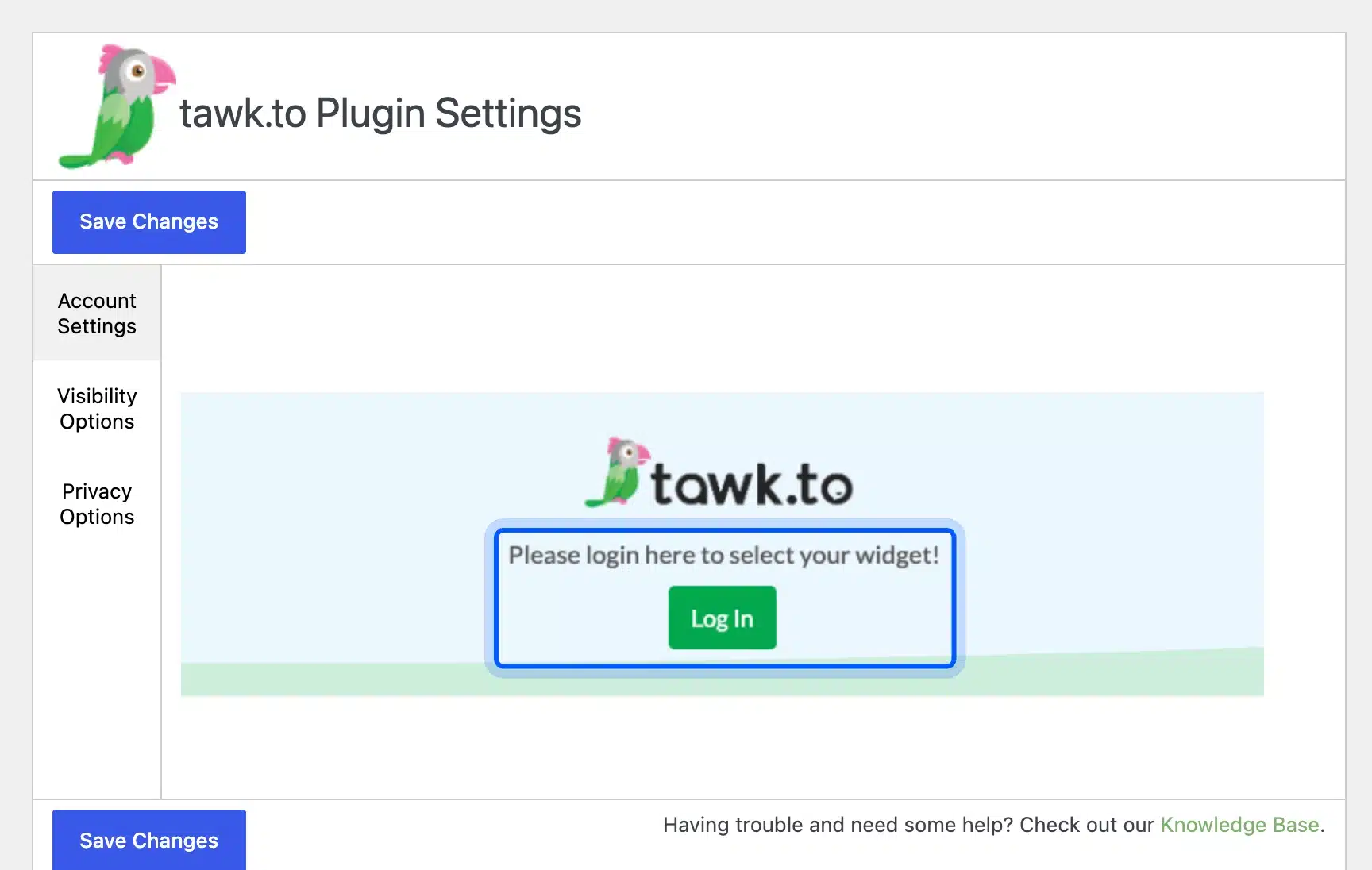
According to tawk.to’s page on why it is free, removing the “Powered by tawk.to” branding costs $29 a month, and its AI Assist chatbot starts at $29 a month. It also sells hired chat agents from $1 an hour.
One thing to note: its WordPress.org listing says the plugin was last tested up to WordPress 6.9.10 and last updated in January 2026. Pick Tawk.to if you mainly want free human live chat and can live without deep AI answers.
6. Chatway
Chatway is a hosted live chat and AI agent with a generous free plan and a 5.0 rating from more than 750 reviews. The free tier gives one seat with unlimited conversations, 30 days of chat history and 10 free AI conversations, according to Chatway’s pricing page.
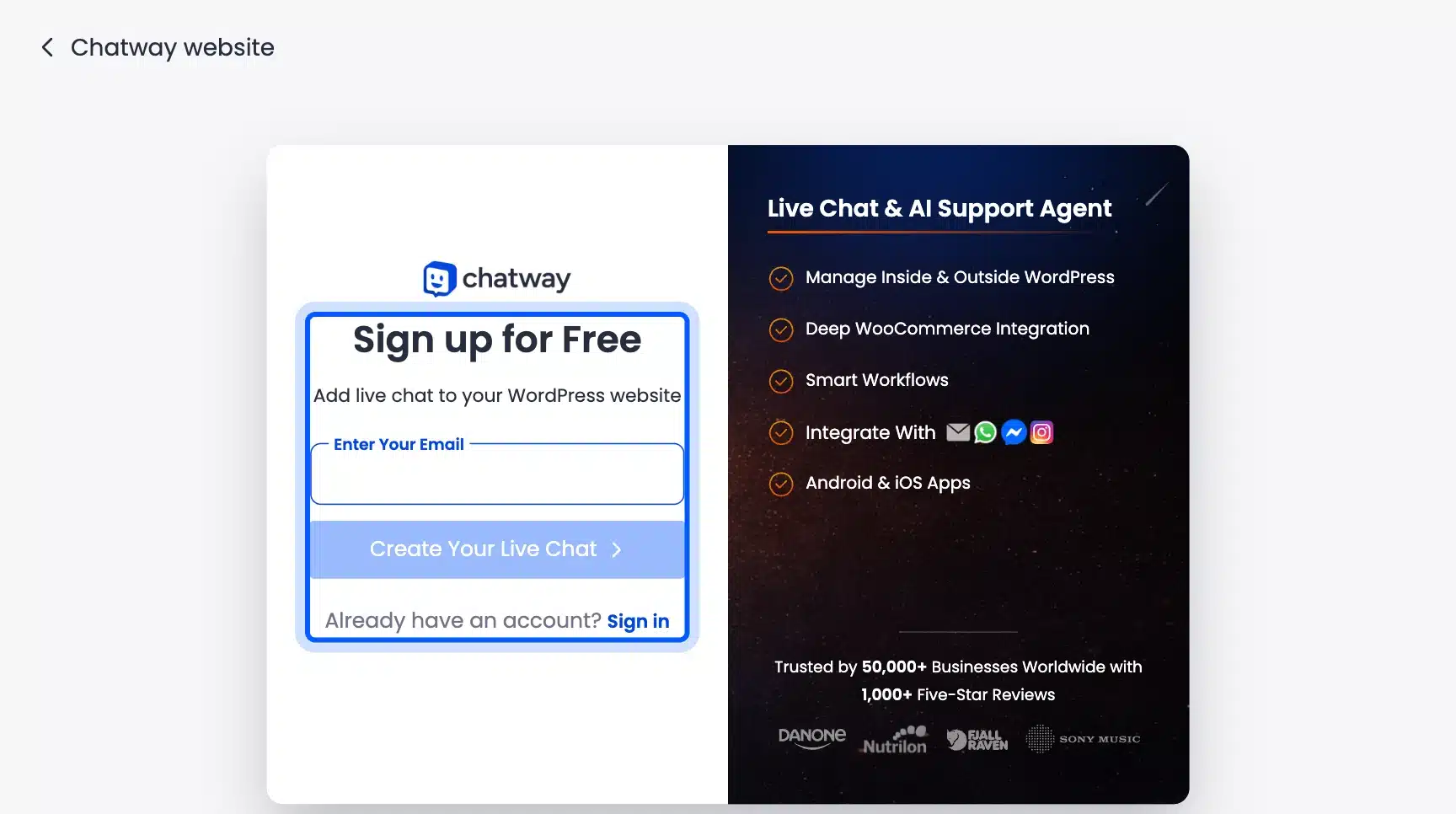
After the free AI allowance, AI replies cost $0.50 per resolved conversation, and paid plans start at $24 a month billed yearly. That per-answer pricing is easy to predict for a small site but adds up on a busy one.
Pick Chatway if you want free live chat plus pay-as-you-go AI, with social buttons for WhatsApp and Instagram in the same widget.
Store owners who want WhatsApp chats to end in a placed order can compare WhatsApp order plugins for WooCommerce instead of a chat button alone.
7. HubSpot
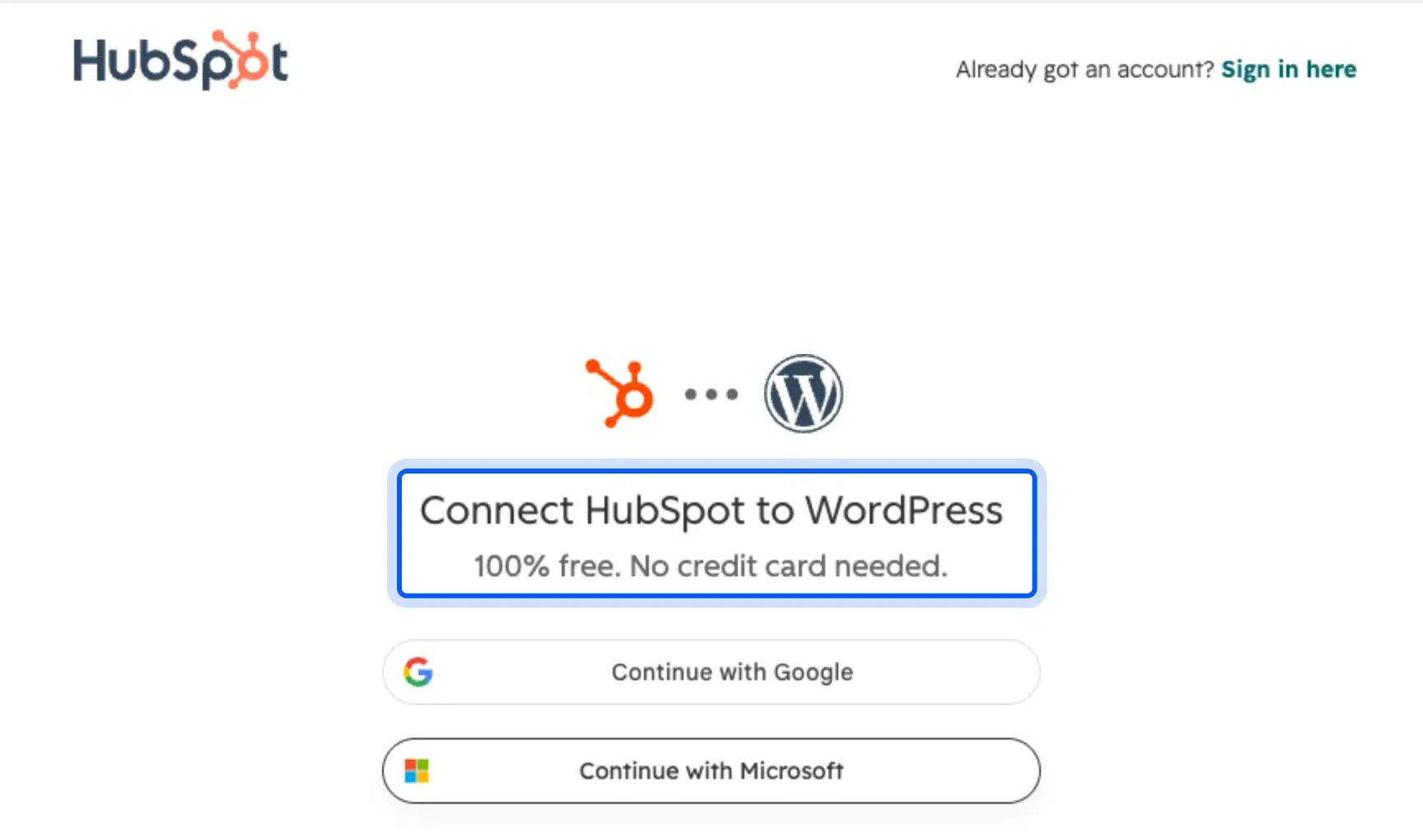
HubSpot’s WordPress plugin bundles live chat and a chatbot builder with its free CRM, forms and email tools. HubSpot’s chatbot builder page says it “is available for free with no credit card required,” with premium features in its paid hubs.
With more than 200,000 active installs on its plugin listing, it is the most installed plugin here, though mostly for its forms and CRM. Its bots follow rule-based flows unless you pay for HubSpot’s AI features. Its listing was updated on September 16, 2026, but names WordPress 6.9.10 as the last tested version.
Pick HubSpot if you want chat leads to land straight in a CRM with their page history attached. It is more tool than a small site needs if chat is the only goal.
8. ChatBot.com
ChatBot.com is a hosted AI chatbot from the team behind LiveChat, trained on your site content and documents. Its visual builder is polished, and it hands chats to human agents in LiveChat.
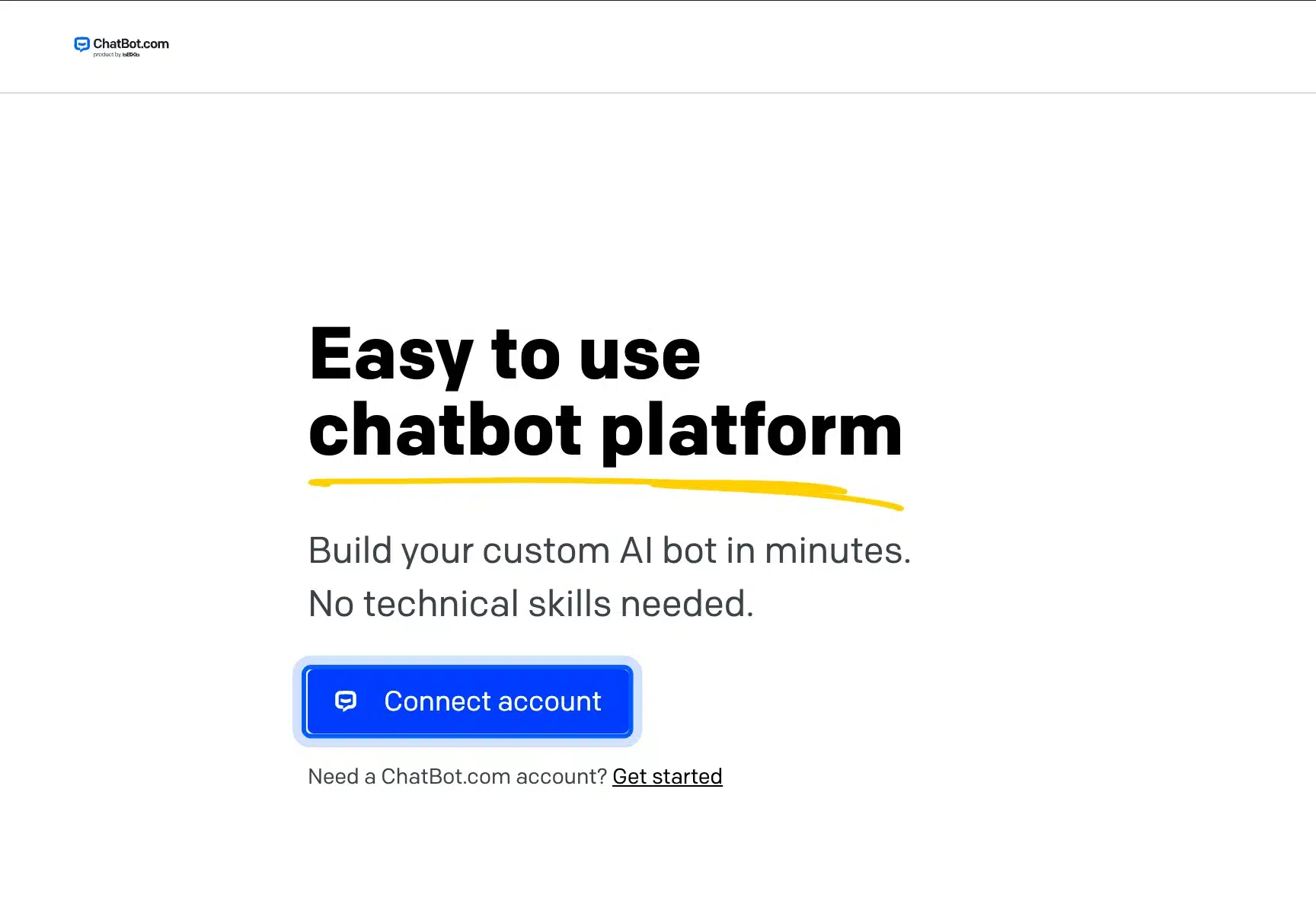
There is no free plan. ChatBot.com’s pricing page lists a 14-day free trial and then $19 per user a month billed yearly for the Essential plan. That plan includes 10 AI resolutions a month.
Its WordPress.org plugin listing shows 1,000+ installs and was last tested up to WordPress 6.9.0.
Pick ChatBot.com if your team already uses LiveChat and wants a supported commercial product rather than a plugin you assemble.
9. Jotform AI Chatbot
Jotform AI Chatbot turns Jotform’s AI agent into a website chat widget that can answer FAQs, collect leads and point shoppers to WooCommerce products. Its free Starter plan allows 100 conversations a month and 5 active agents.
According to Jotform’s pricing page, paid plans start at $39 a month for 1,000 conversations. The plugin has 5,000+ active installs, but its 5.0 rating comes from a single review. Treat it as untested by the crowd.
Pick Jotform if you already use Jotform for forms and want the chatbot managed in the same account.
10. Collect.chat
Collect.chat is a rule-based chatbot built for lead capture rather than open-ended AI chat. Its plugin page is direct about it: “Chatbots without AI are the easiest way to collect leads & data from visitors.”
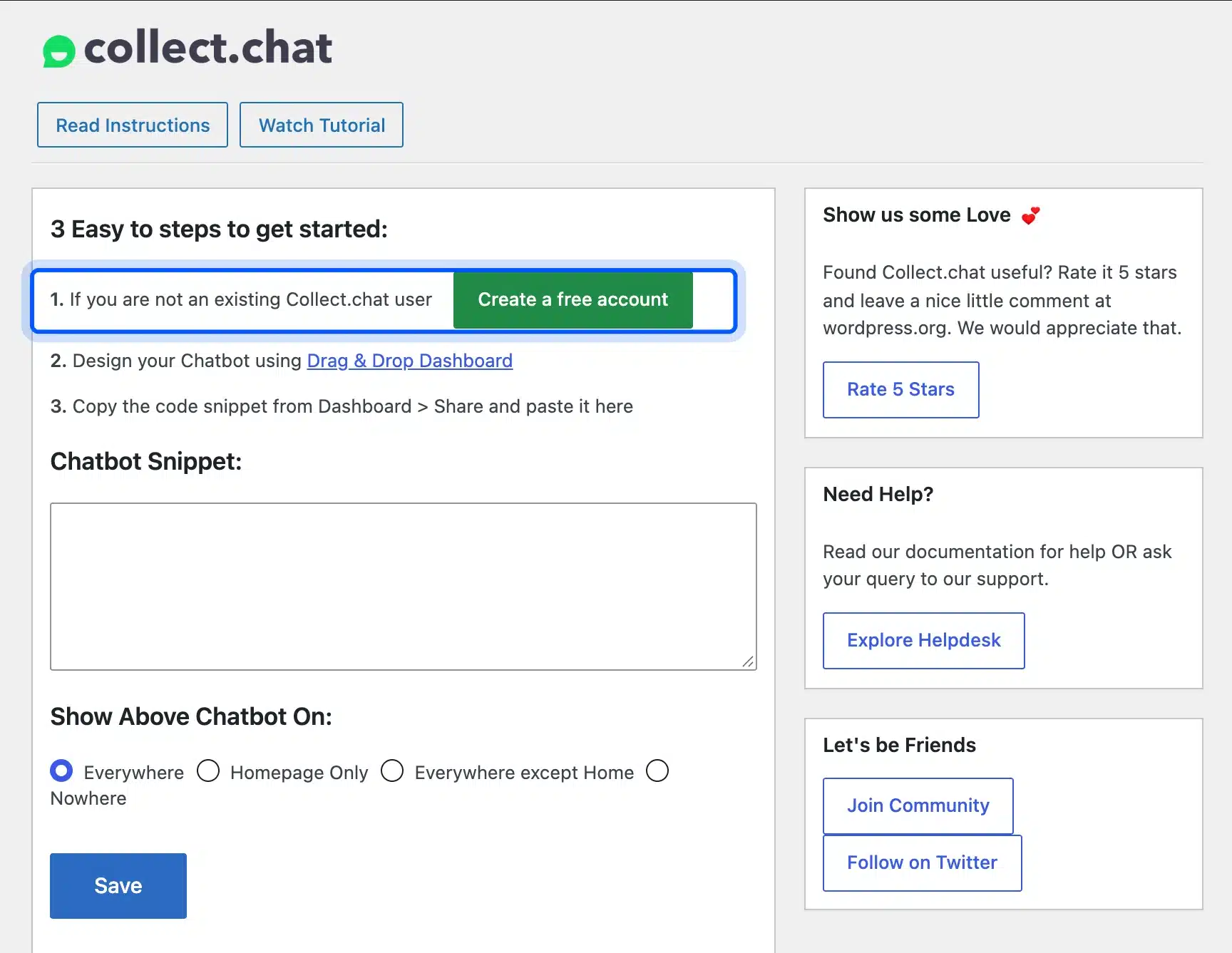
The free plan includes 100 responses a month, and paid plans start at $14 a month billed yearly, per Collect.chat’s pricing page. It suits quote requests, bookings and short surveys where you want the same questions asked every time.
Pick Collect.chat if predictable scripted questions matter more than AI answers.
Also Tested: Smartsupp
The eleventh plugin in our test table is Smartsupp, a hosted live chat that did not make the top ten. Like the other hosted tools, it showed no widget until an account was connected. We could not test the chat itself.
According to Smartsupp’s pricing page, the free plan covers 1 operator and 25 conversations a month. Its AI agent, Mira, is a paid add-on from $16 a month.
Its WordPress.org listing shows 20,000+ active installs, a 4.7 rating from 131 reviews, and an update on October 4, 2026.
AI Chatbot for WordPress: Models and Knowledge Bases Compared
An AI chatbot for WordPress is only as good as the model behind it and the content it answers from. This table compares both for the plugins in our list that include AI. Details come from each WordPress.org listing or vendor page, checked on October 13, 2026.
| Plugin | AI models | Knowledge base | Who bills the AI |
|---|---|---|---|
| AI Engine | OpenAI, Anthropic, Google, Mistral, Perplexity, OpenRouter | Pro: built from your content and PDFs | You through your own API key |
| MxChat | OpenRouter, OpenAI, Claude, Gemini, Grok, DeepSeek | Trains on site content, WooCommerce products and PDFs | You through your own API key |
| WPBot | OpenAI, Gemini, OpenRouter | RAG over your site content per the plugin listing | You through your own API key |
| Tidio | Lyro AI agent | Learns from your help content | Tidio with 50 Lyro conversations free once |
| Chatway | Chatway AI agent | Learns from data sources and site content including WooCommerce data | Chatway at $0.50 per resolved conversation after 10 free |
| Jotform AI Chatbot | Jotform AI agent | Crawls your site content to train the bot | Jotform with 100 conversations free a month |
| Tawk.to | AI Assist | Knowledge Base and Shortcut FAQs | tawk.to from $29 a month |
Plugins that run in WordPress let you pick the model and bill you through your own API key. Hosted tools such as Tidio and Chatway sell their own AI agent instead, billed through the plan.
If a plugin needs your own key, you can integrate ChatGPT into WordPress safely using three tested routes.
Ask where a bot’s answers come from before you ask which model it uses. A bot trained on your own pages and products gives answers that match your real prices and policies.
What “Free” Means for a WordPress Chatbot Plugin
A free WordPress chatbot plugin comes in three shapes, and they are not the same deal. Some are hosted plans with a monthly limit, and some are plugins that need your own paid API key. The third kind is a rule-based bot with no AI at all.
- Free hosted plan with limits: Tidio, Chatway, Jotform and Collect.chat give a monthly or lifetime allowance and then charge a subscription.
- Free plugin, paid model: AI Engine, MxChat and WPBot’s AI mode use your own OpenAI, Claude or Gemini key. You pay the model provider per use.
- Free rule-based bot: WPBot’s default mode and Collect.chat follow scripts you write and cost nothing in AI fees.
Knowing which shape you have tells you where the bill will come from. For anyone hunting the best WordPress chatbot plugin free of charge, it is also the question that matters most.
For a small site, the second shape is often the cheapest over a year, since you pay only for what visitors ask. Say 300 visitors a month each ask two short questions. That is 600 model calls billed at the provider’s per-use rate, while a hosted subscription costs the same whether anyone chats or not.
The first shape wins on setup time. A hosted tool gives you an inbox, apps and human handover on day one, which an in-WordPress bot does not.
What to Check Before Choosing a WordPress Chatbot Plugin
Five things decide whether a chatbot plugin for WordPress earns its place. They are where the data goes, how much it adds to each page, and how it handles questions it cannot answer. Pricing at your traffic and ongoing maintenance complete the list.
Our guide shows how to connect WordPress to Claude AI through MCP.
- Where the data goes: A hosted tool stores chats on the vendor’s servers, while an in-WordPress bot keeps them on your site. Check this against your privacy policy before launch.
- Page weight: Our test showed a range from zero to about 548 KB added. Check your own pages after activating any plugin.
- Unknown questions: A good bot says so and offers a human or a form. Test a hard question before you go live.
- Pricing at your traffic: Per-conversation pricing looks cheap at 50 chats and expensive at 5,000.
- Maintenance: Check the “tested up to” version on WordPress.org. On October 13, 2026, Tawk.to and HubSpot listed WordPress 6.9.10 as their last tested version. ChatBot.com listed 6.9.0 and Collect.chat 7.0.7, while the other six listed 7.1.3.
A chatbot also joins your update list, and chat widgets load on every page. Our guide to what a WordPress care plan covers explains how updates like these get checked before they reach visitors.
Do Chatbot Plugins Slow Down WordPress?
Chatbot plugins can slow WordPress down, and in our test the difference ranged from nothing to about 548 KB of extra files on every page. In-WordPress bots load their scripts from your server as soon as they are active. Hosted tools load the vendor’s widget script once you connect an account.
The weight matters most on mobile. A chat widget is rarely needed in the first second. The best setup loads it after the main content. Caching plugins that defer JavaScript can hold back in-WordPress bot scripts until the page is ready.
Test once before you install it and again after. Run the same page through a speed test with the plugin off and on. Compare Interaction to Next Paint as well as load time, since chat scripts can make buttons slow to respond.
If a plugin ever breaks your layout after an update, check that core files are intact. Our guide to index.php in WordPress shows how to verify them in one command.
Our WordPress version history lists the current releases. Compare it with a plugin’s “tested up to” version before you install.
The Best Chatbot for WordPress by Use Case
For most WooCommerce stores we would choose Tidio, because live chat plus AI answers in one inbox covers pre-sale and order questions. For a free bot with no signup, WPBot was the only one that worked straight away. For the lowest cost at scale, AI Engine with your own key wins.
- Small store that wants chat today: Tidio or Chatway on their free plans first.
- Content site that wants AI answers from its articles: AI Engine or MxChat with your own key.
- No budget and no signup: WPBot’s free rule-based mode.
- Leads into a CRM: HubSpot.
- Scripted lead capture only: Collect.chat.
Whichever you pick, start on the free tier for two weeks and read the chat logs. The questions visitors ask tell you whether you need an AI chatbot for WordPress at all, or just a better FAQ page.
If you need a chatbot connected to your own order data, such as checking an order’s status inside the chat, that is custom work. Our WooCommerce development services team builds that kind of connection for stores.
Conclusion
The best chatbot for WordPress depends on where you want the work to happen. Tidio suits stores that want live chat and AI in one hosted tool, and WPBot is the free bot that runs with no account. AI Engine is the cheapest AI option when you bring your own key.
Our test showed the trade-off in numbers. Bots running on the site added between about 363 KB and 548 KB to each page, while hosted tools added nothing until connected. Test any chatbot on your own pages before you keep it. Chatbots help visitors on your site. To reach people inside AI answers, improve your AI search visibility.
Frequently Asked Questions (FAQs)
Q1. Is there a free chatbot for WordPress?
Yes. WPBot runs a free rule-based bot with no account, and in our test it was the only plugin with a working widget straight after activation. Tawk.to offers free live chat with no conversation limit, and Tidio, Chatway and Jotform have free plans with monthly or lifetime limits.
Q2. Does WordPress have a built-in chatbot?
No. WordPress 7.0 added an AI Client in core that lets plugins talk to AI models, but it does not add a chatbot to your site. You still need a plugin such as AI Engine, MxChat or WPBot to show a chat widget.
Q3. Can a WordPress chatbot use ChatGPT or Claude?
Yes. AI Engine, MxChat and WPBot all work with your own OpenAI or Anthropic key, and AI Engine lists Claude, Gemini, Mistral and more as well. You pay the model provider for each reply rather than paying the plugin per conversation.
Q4. What is the best chatbot plugin for WooCommerce?
For a hosted tool, Tidio is our pick for stores, with live chat and AI answers in one inbox. For a bot on your own site, MxChat’s plugin page says it can answer from product data. Test either with real product questions before you rely on it.
Q5. What is the difference between a chatbot and live chat?
A chatbot answers automatically, from scripts or an AI model. Live chat connects the visitor to a person on your team. Most hosted tools in this list, such as Tidio and Chatway, combine both and hand a chat to a human when the bot cannot help.
Q6. Are WordPress chatbot plugins GDPR compliant?
That depends on the vendor and your setup as much as the plugin. Hosted tools store chats on their servers. Check where they host data and add them to your privacy policy. In-WordPress bots keep chats on your site but still send questions to the AI provider when AI mode is on.
Q7. How do I add a chatbot to my WordPress site?
Install the plugin from Plugins > Add Plugin, activate it, and follow its setup screen. Hosted tools ask you to sign in or create an account, while AI plugins ask for an API key. Then check your pages to confirm the widget appears and the site still loads quickly.