





WooCommerce Purchase via WhatsApp

(1 customer review)
Documentation Live Demo

The WooCommerce Purchase via WhatsApp plugin is a handy tool for online stores that use WooCommerce on WordPress. It makes the shopping experience smoother by connecting your store with WhatsApp. With this plugin, customers can buy products, get order updates, and chat with the store using WhatsApp.

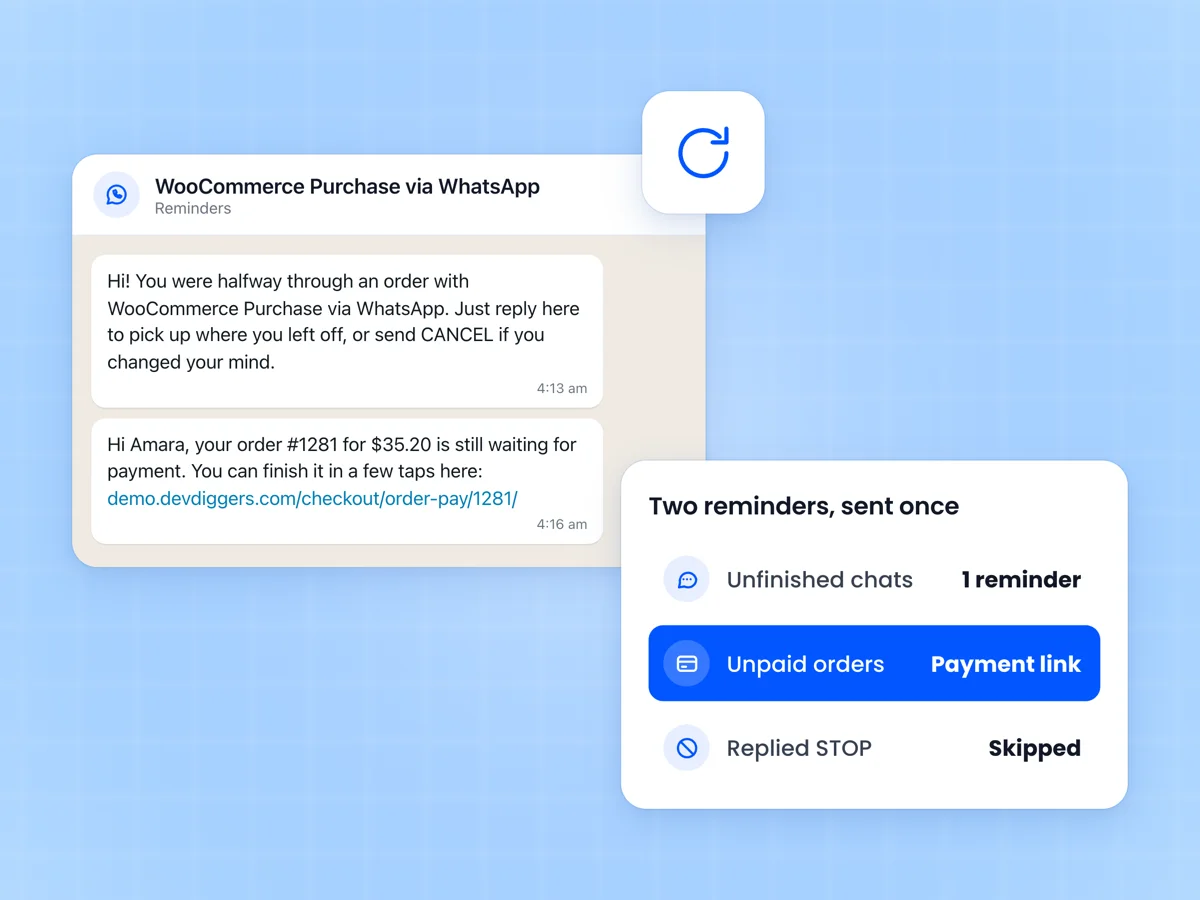
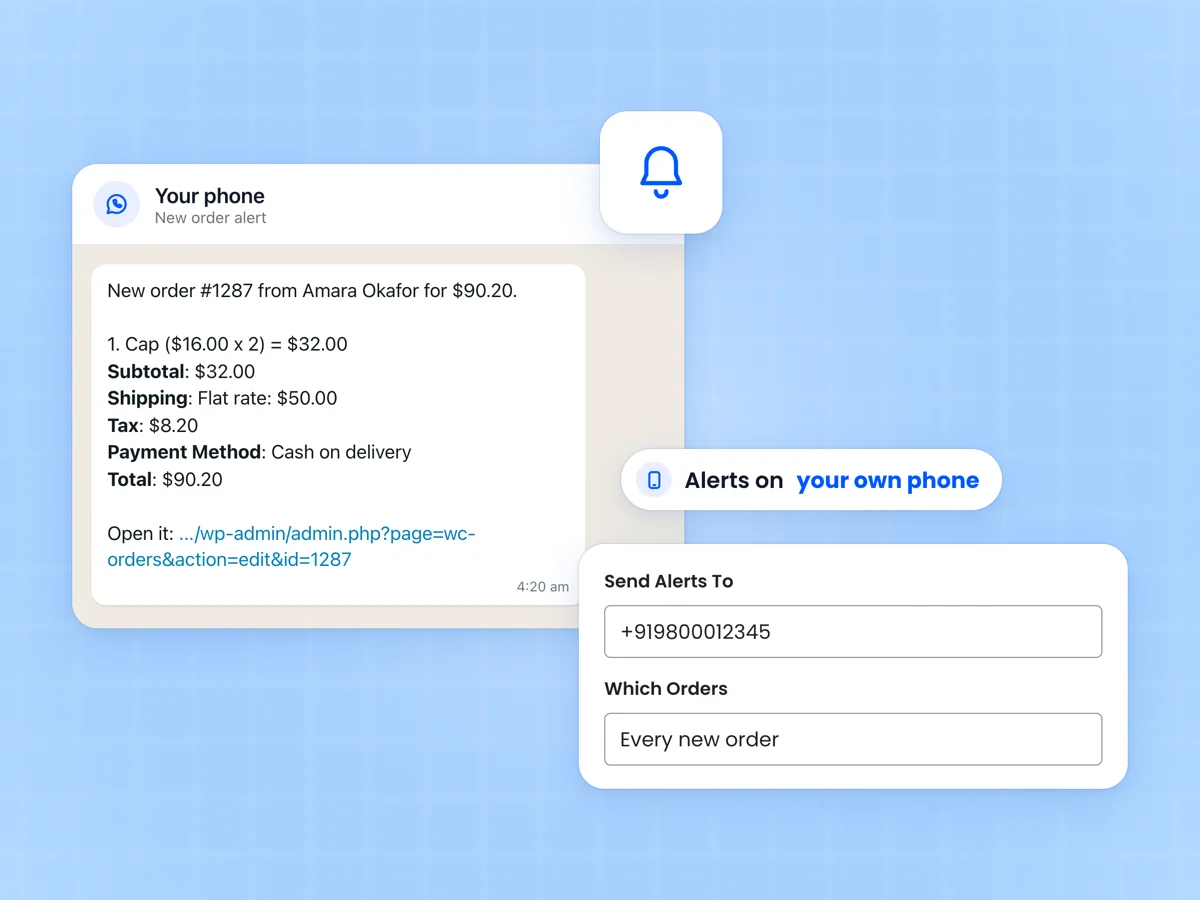
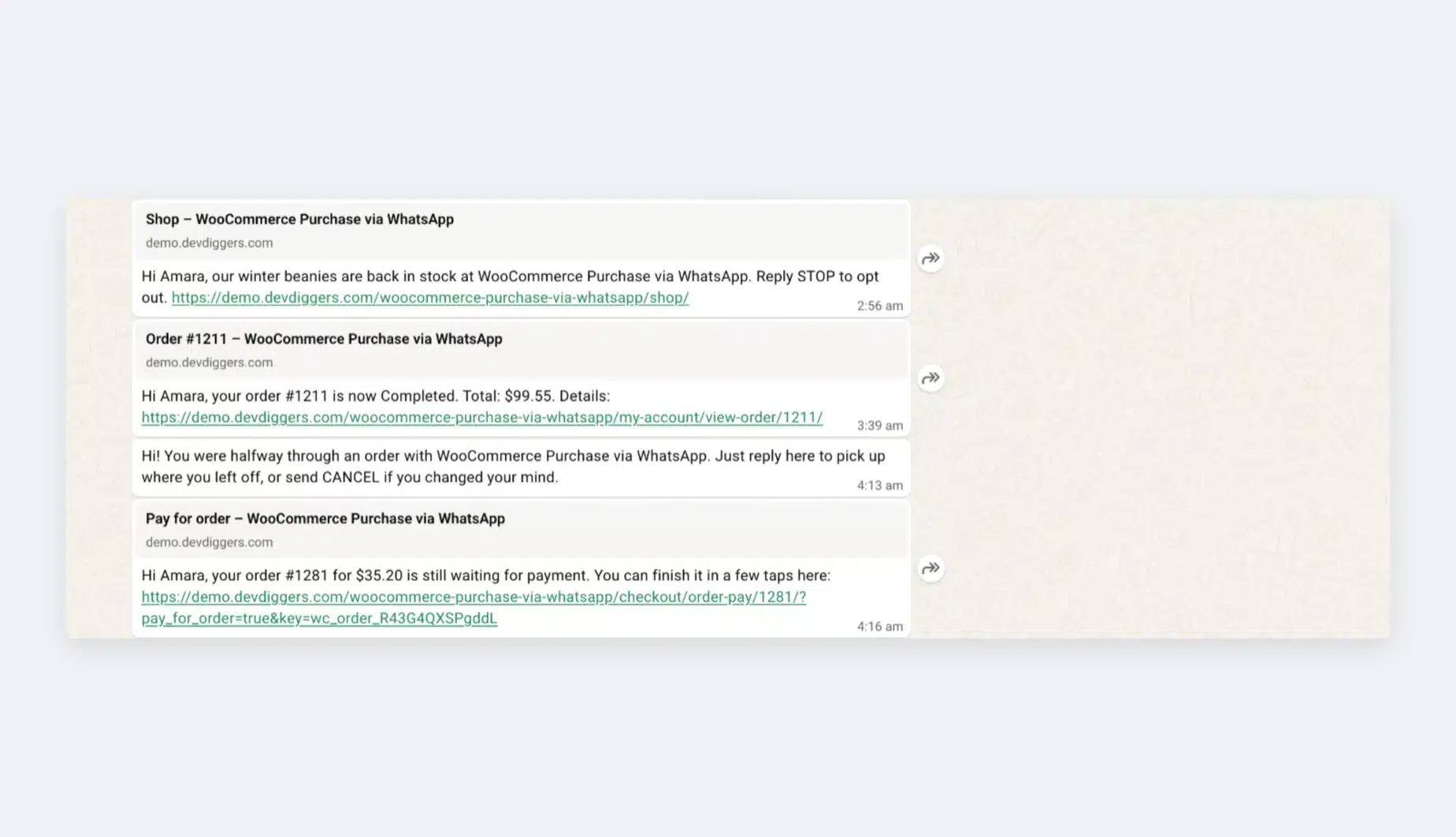
One cool thing it does is send automatic messages about orders. So, when customers buy something, they instantly get notifications about their order status and any updates. This makes things quick and easy for both the customer and the store.

The plugin also helps with automating order processing. This means less manual work for the store owner and faster order fulfillment. Plus, you can customize the messages to match your brand’s style, making the communication more personal and in tune with your business.

The WooCommerce Purchase via WhatsApp plugin is essential for online businesses. It connects your WooCommerce store with WhatsApp, making shopping more convenient for customers and helping store owners manage orders and communication more efficiently.

Note – Customers must add their WhatsApp number in the “Billing phone” field to place orders using WhatsApp.
Admin End of the WooCommerce Purchase via WhatsApp Plugin

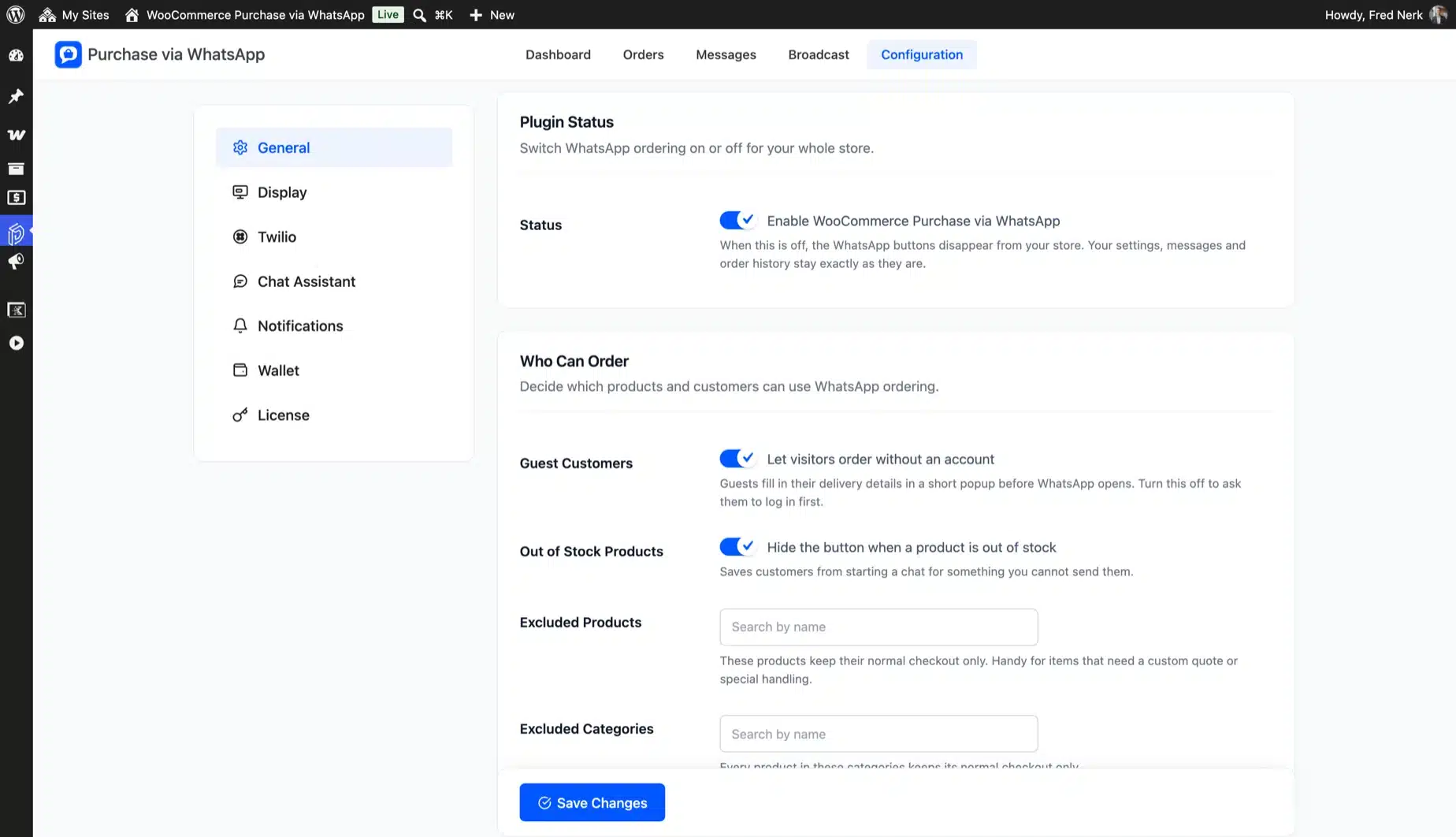
General Configuration

General configuration page

Activate License

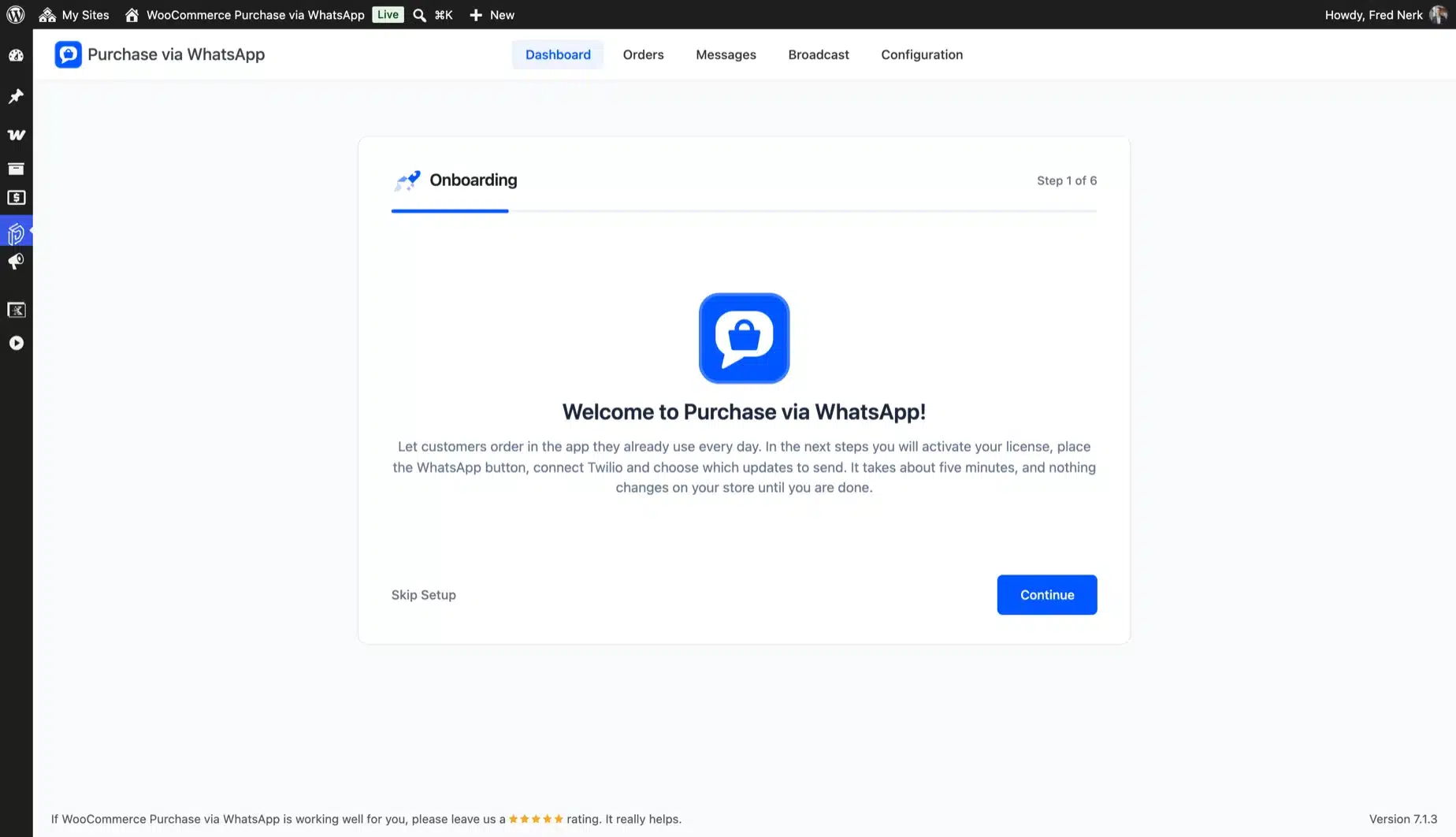
To use this plugin, enter the purchase code and email to activate your license.

Enable/Disable

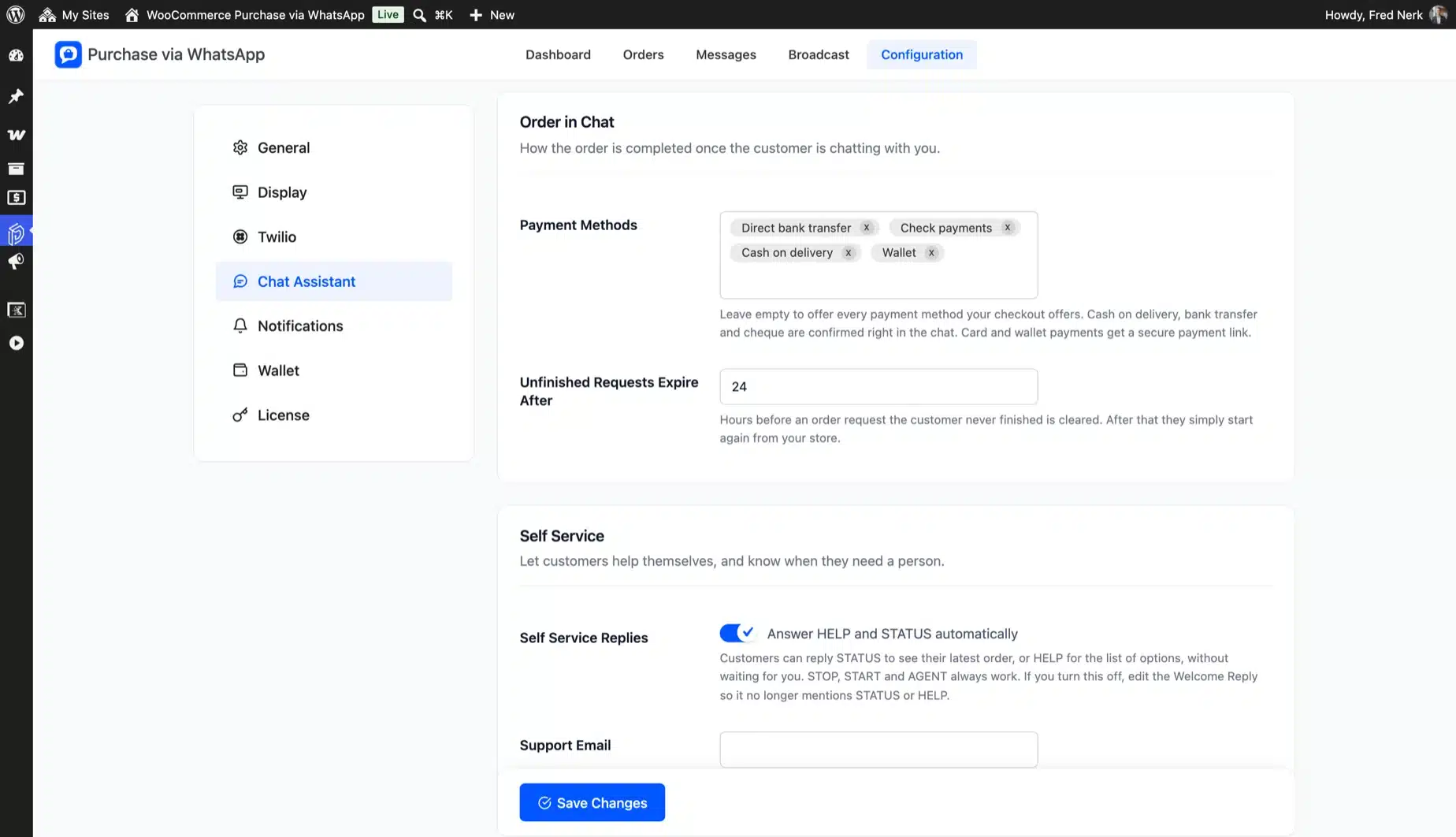
The admin can enable/disable module functionalities for clients.

Excluded Products

The Admin can specify which products cannot be purchased over WhatsApp.

Enabled Payment Gateways for WhatsApp Purchase

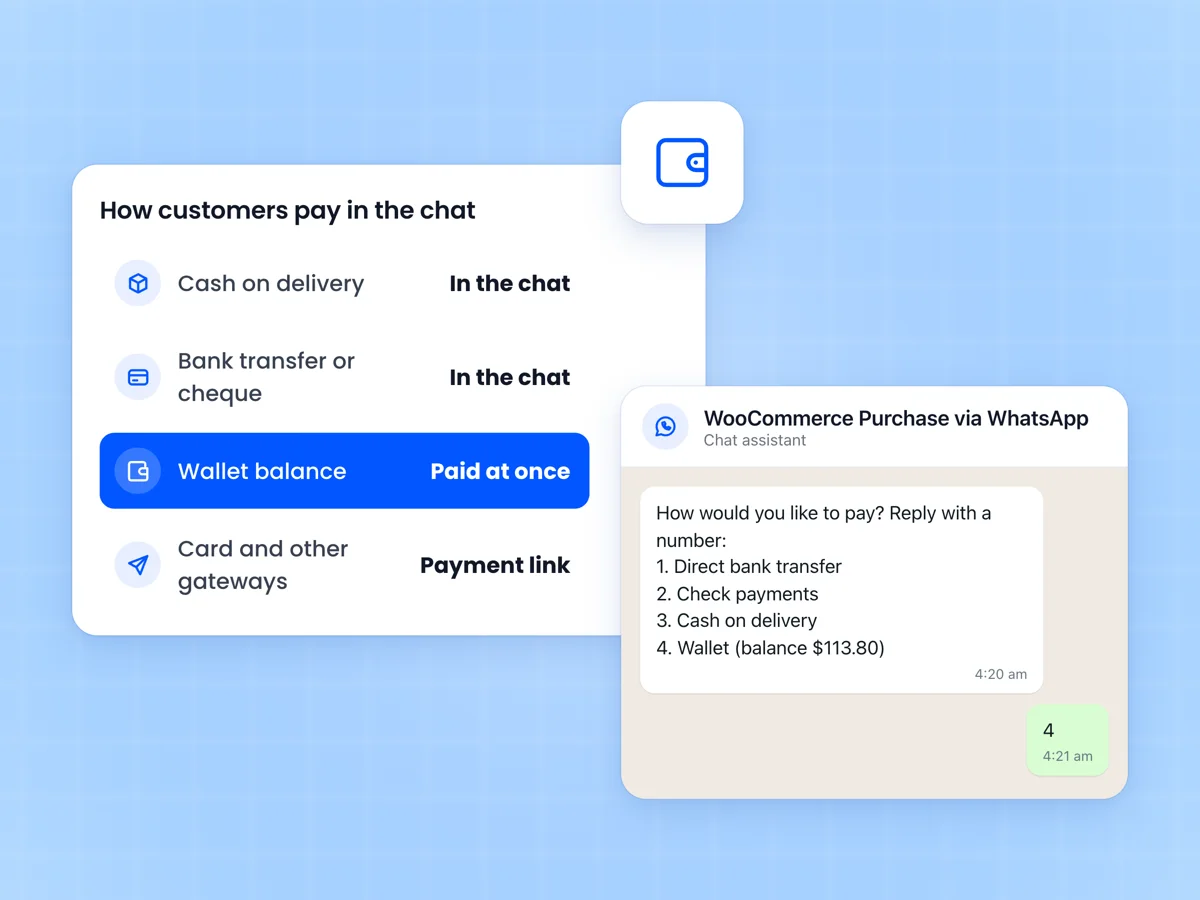
Admin can choose the payment gateway available for purchase over WhatsApp (only offline payment gateways and our WooCommerce Wallet plugin are supported).

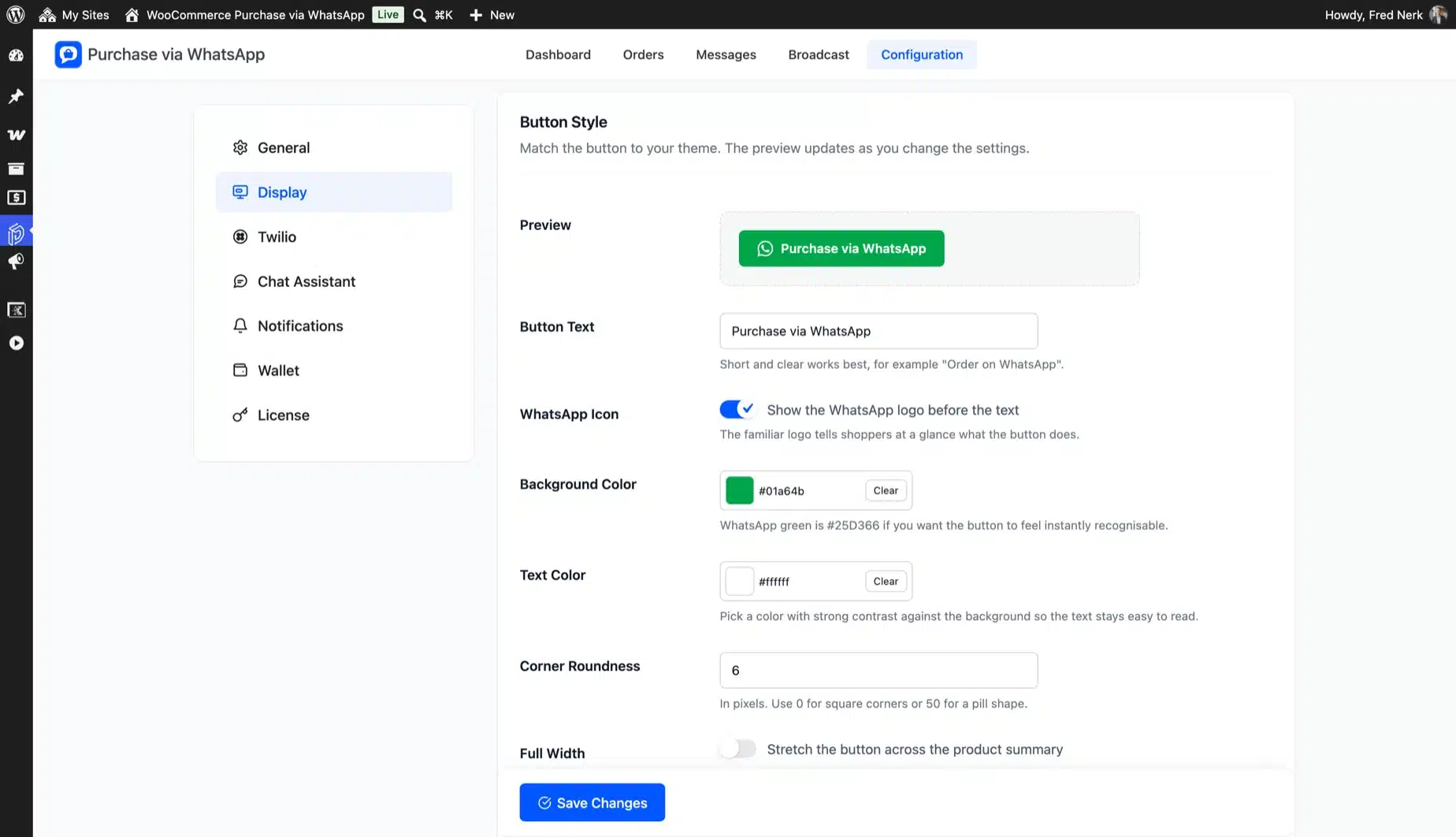
Button Style – Label

The Admin can customize the text/label on the WhatsApp purchase button.

Button Style – Text Color

Admin can customize the color of the text/label on the WhatsApp purchase button.

Button Style – Background Color

The admin can set the WhatsApp purchase button’s background color here.

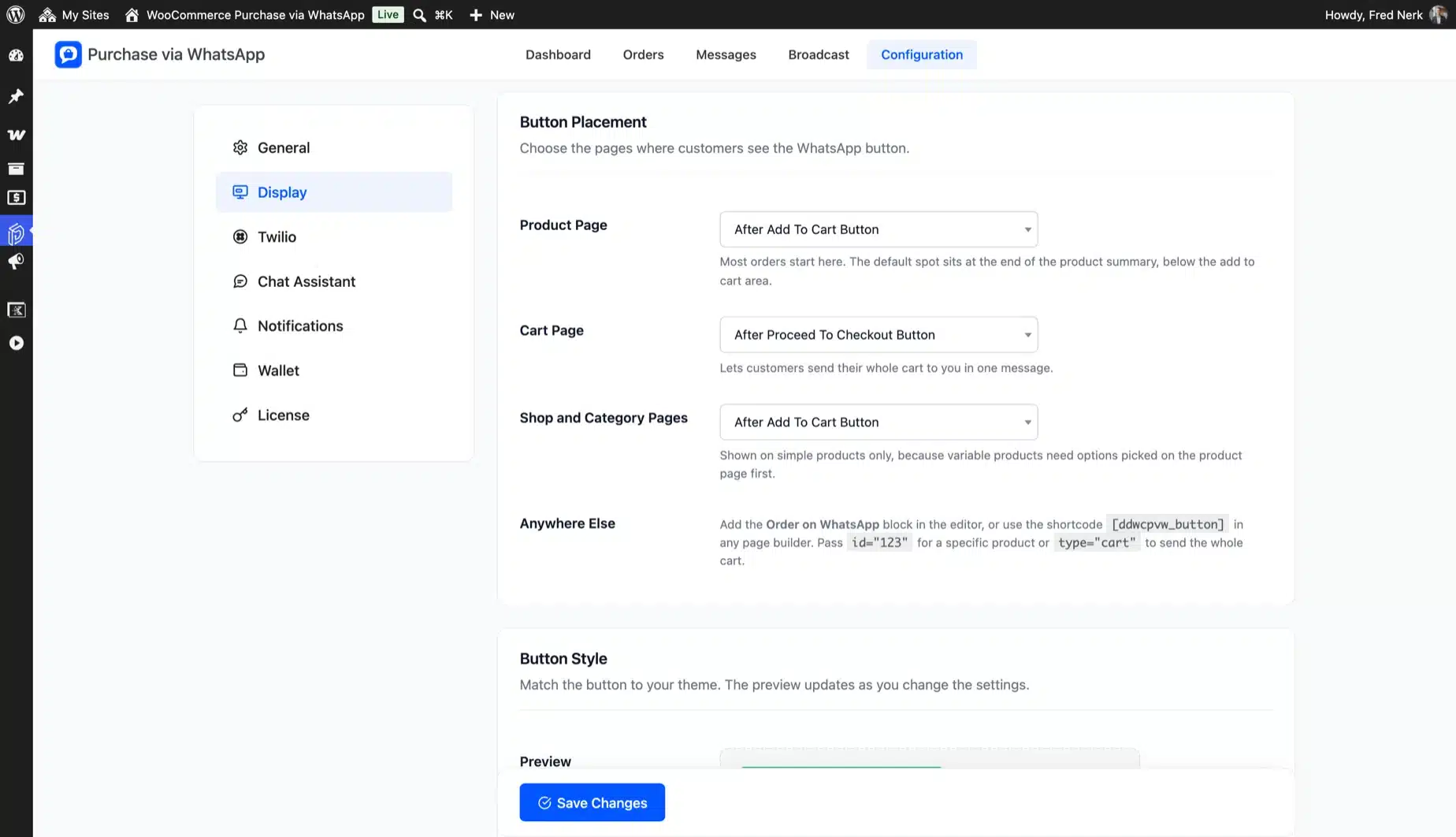
Button Display Positions – Shop/Category Page

Here, the shop owners can disable or change the location of the WhatsApp purchase button on the category pages and shop.

Button Display Positions – Product Page

Admin can disable or alter the position of the WhatsApp purchase button on a single product page.

Button Display Positions – Cart Page

You can disable or adjust the position of the WhatsApp purchase button on the shopping page.

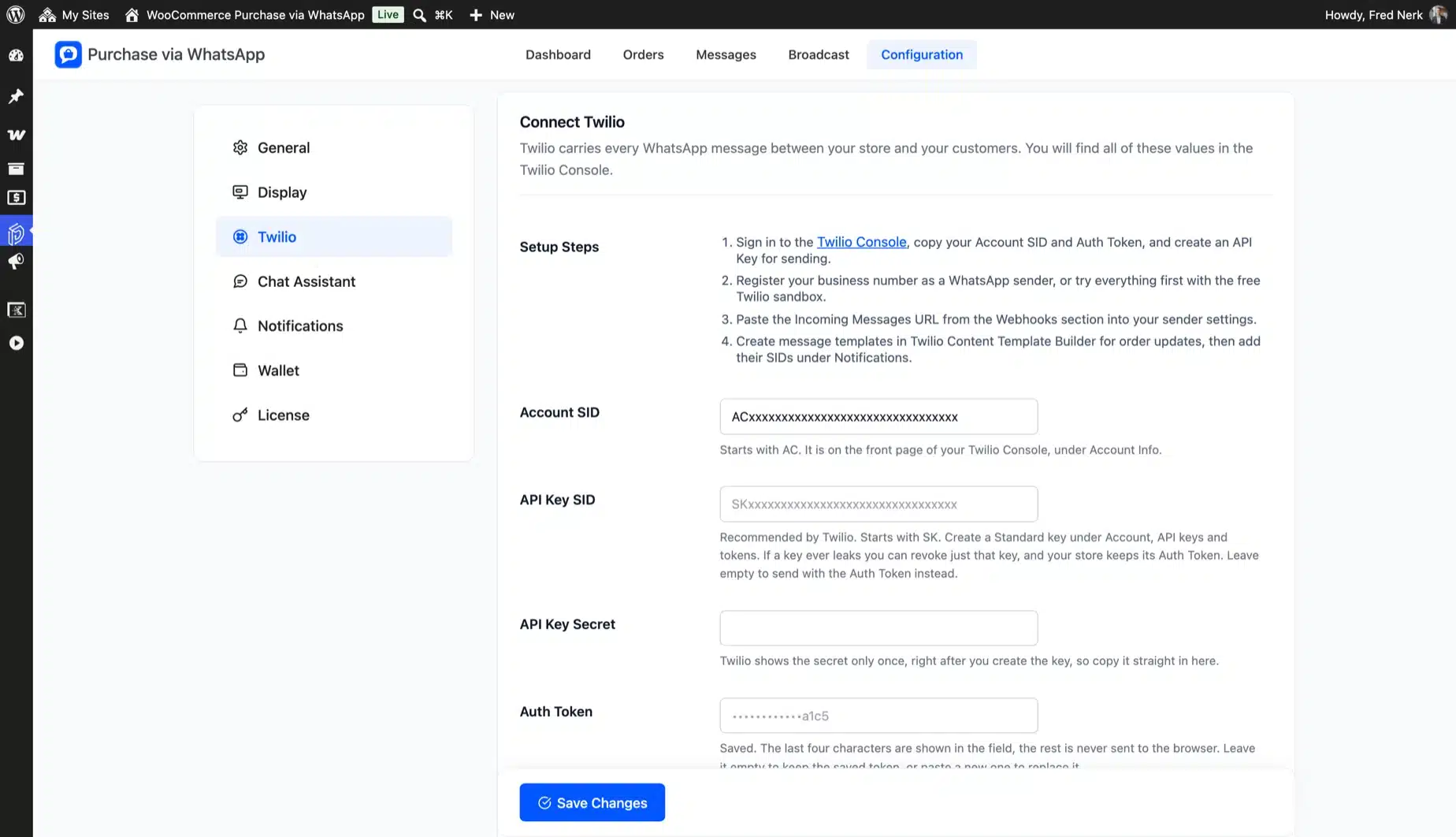
Twilio Configuration

You can access your Twilio credentials via the Twilio Console.

Twilio configuration page

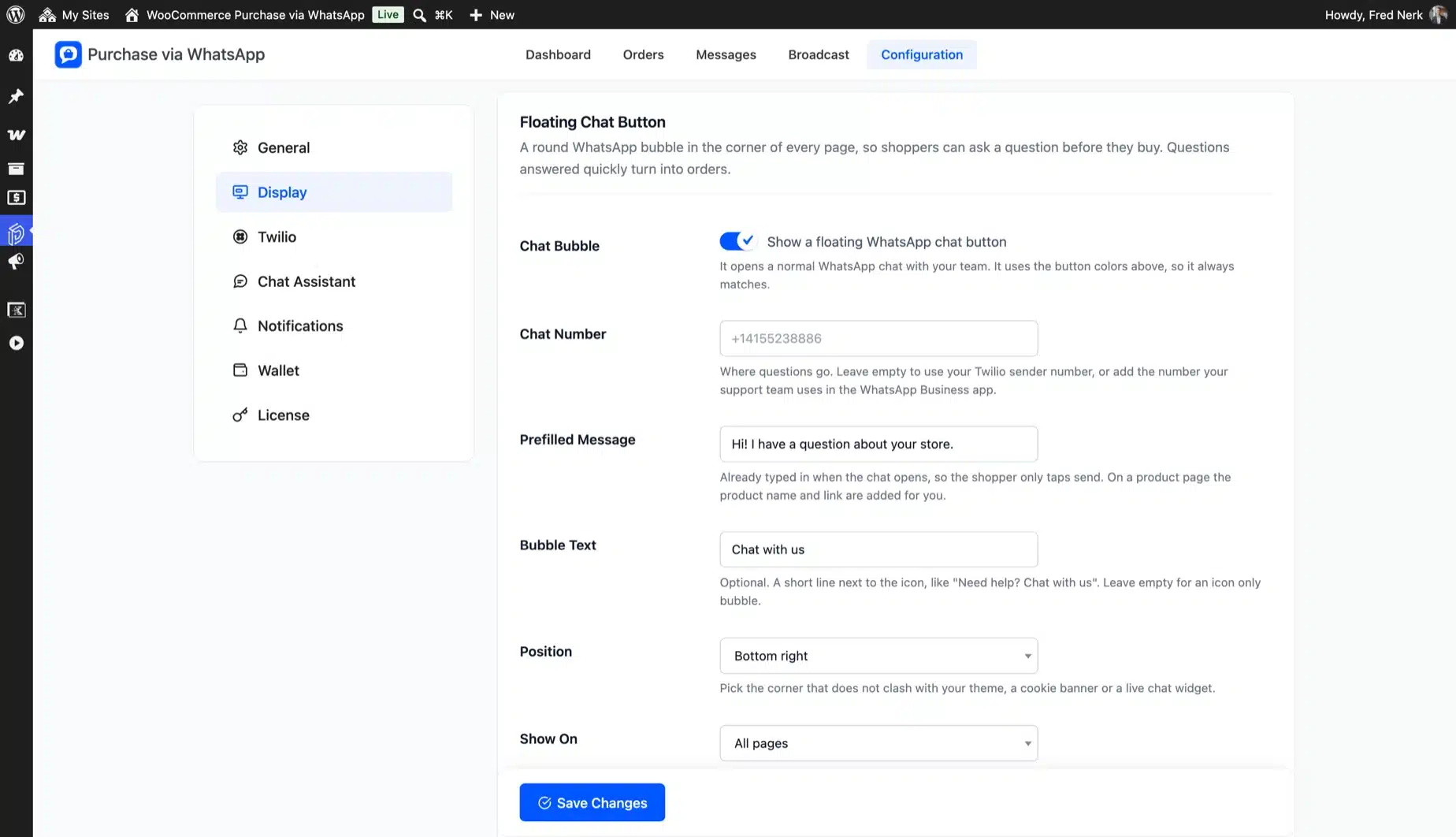
WhatsApp Number

Here, you must provide your Twilio WhatsApp number.

Account SID

It would help if you entered your Twilio Account SID over here.

Auth Token

Here, you must enter your Twilio Auth Token.

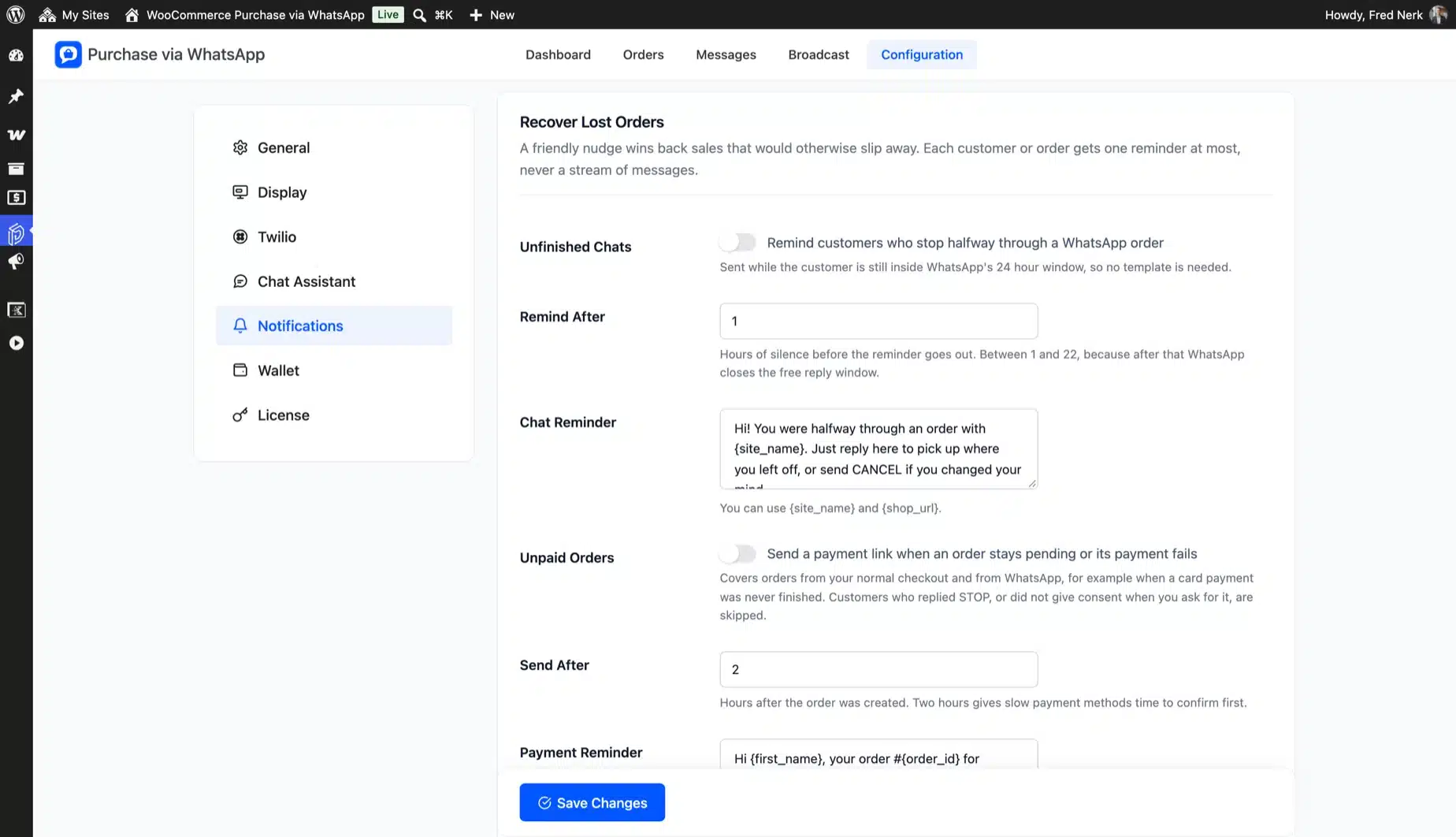
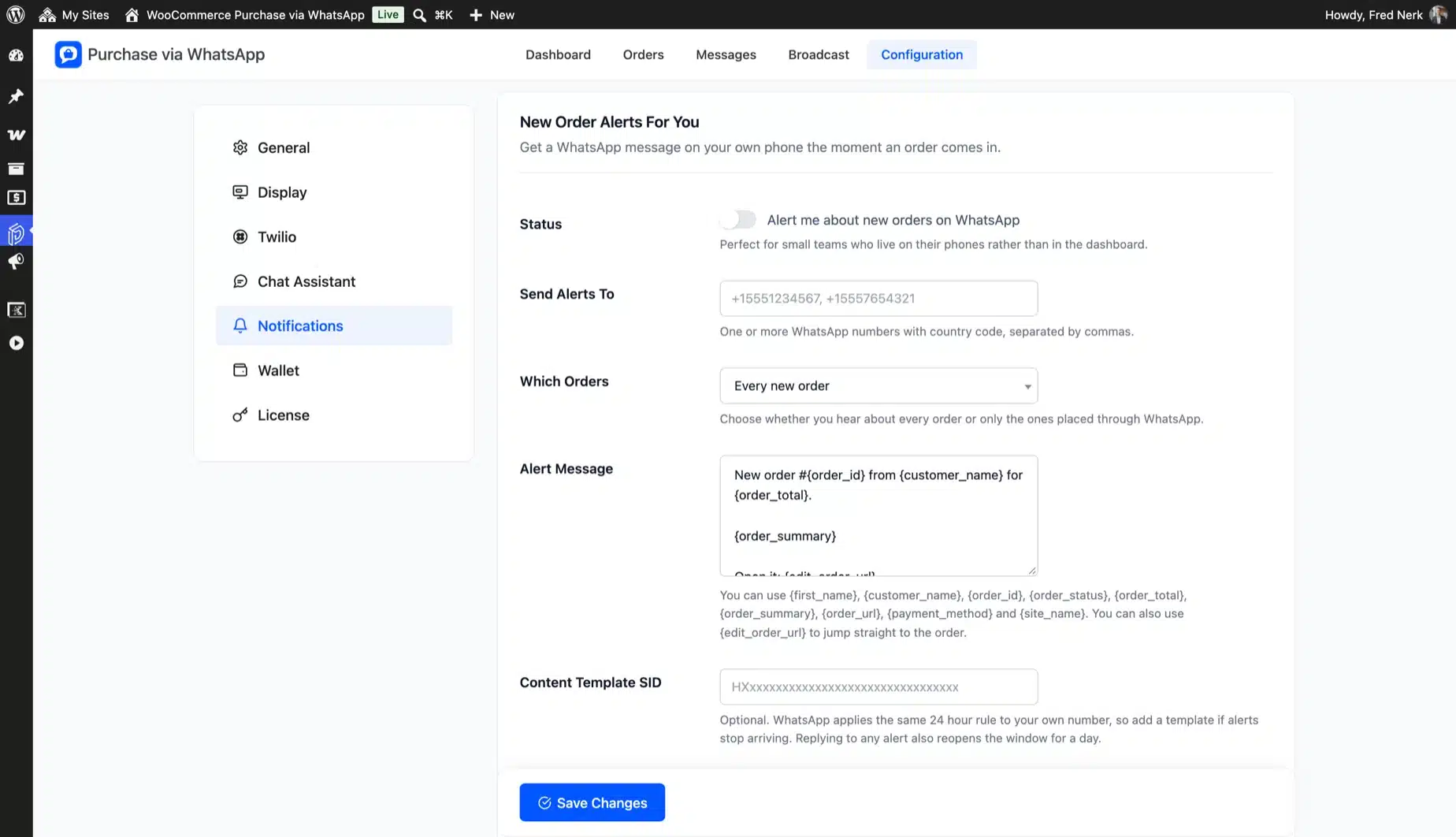
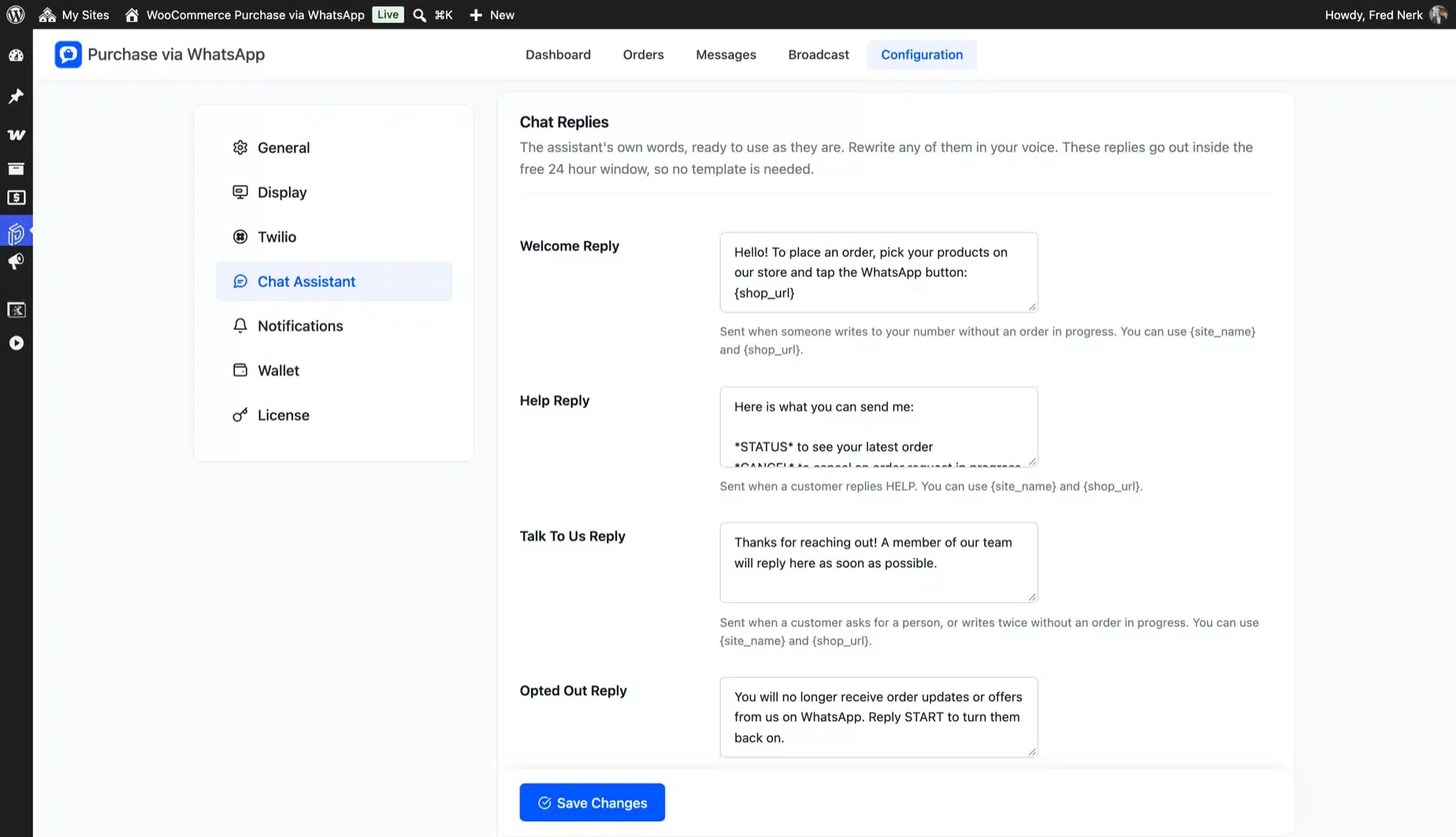
Notifications Configuration

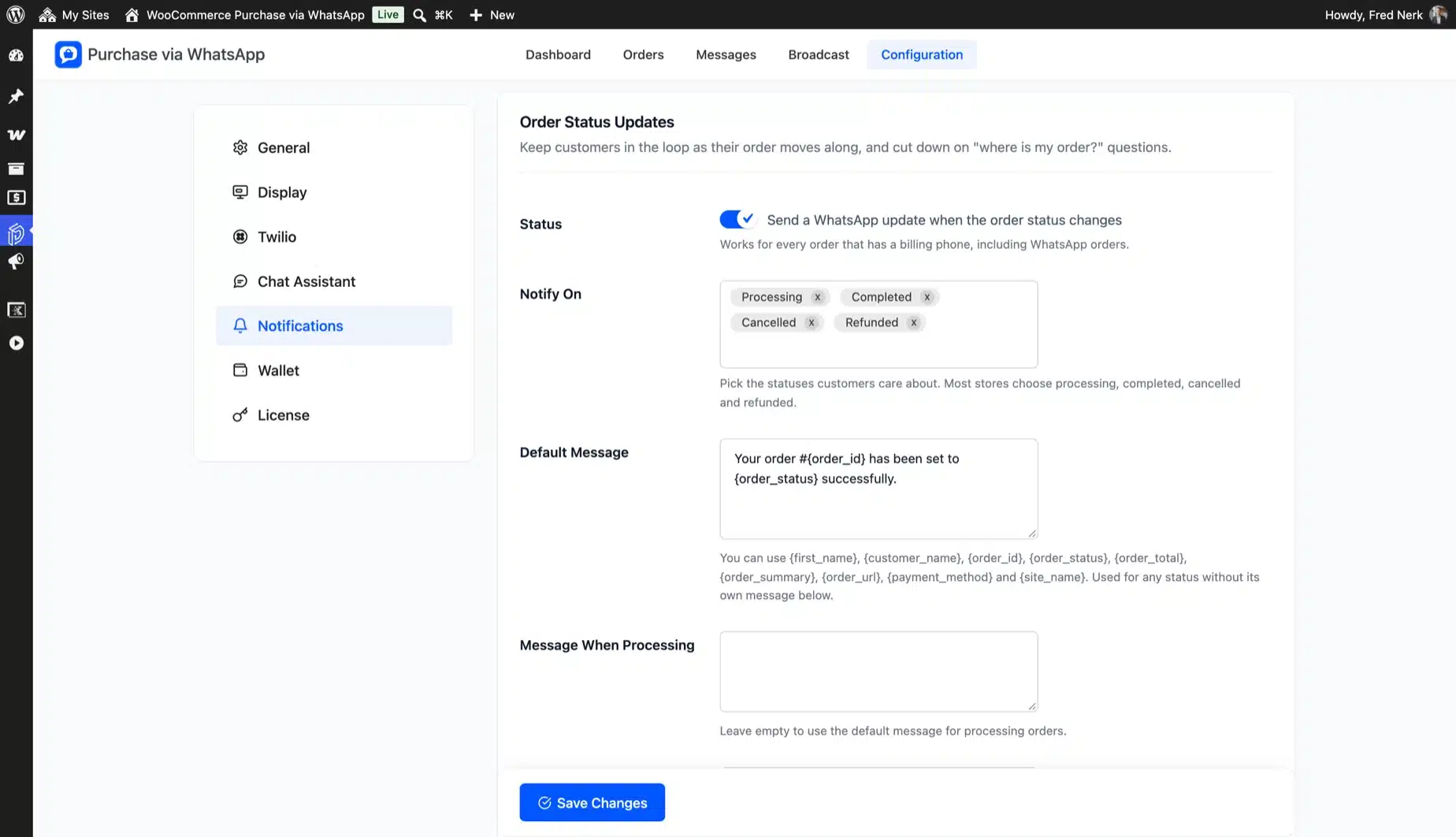
Notifications configuration page

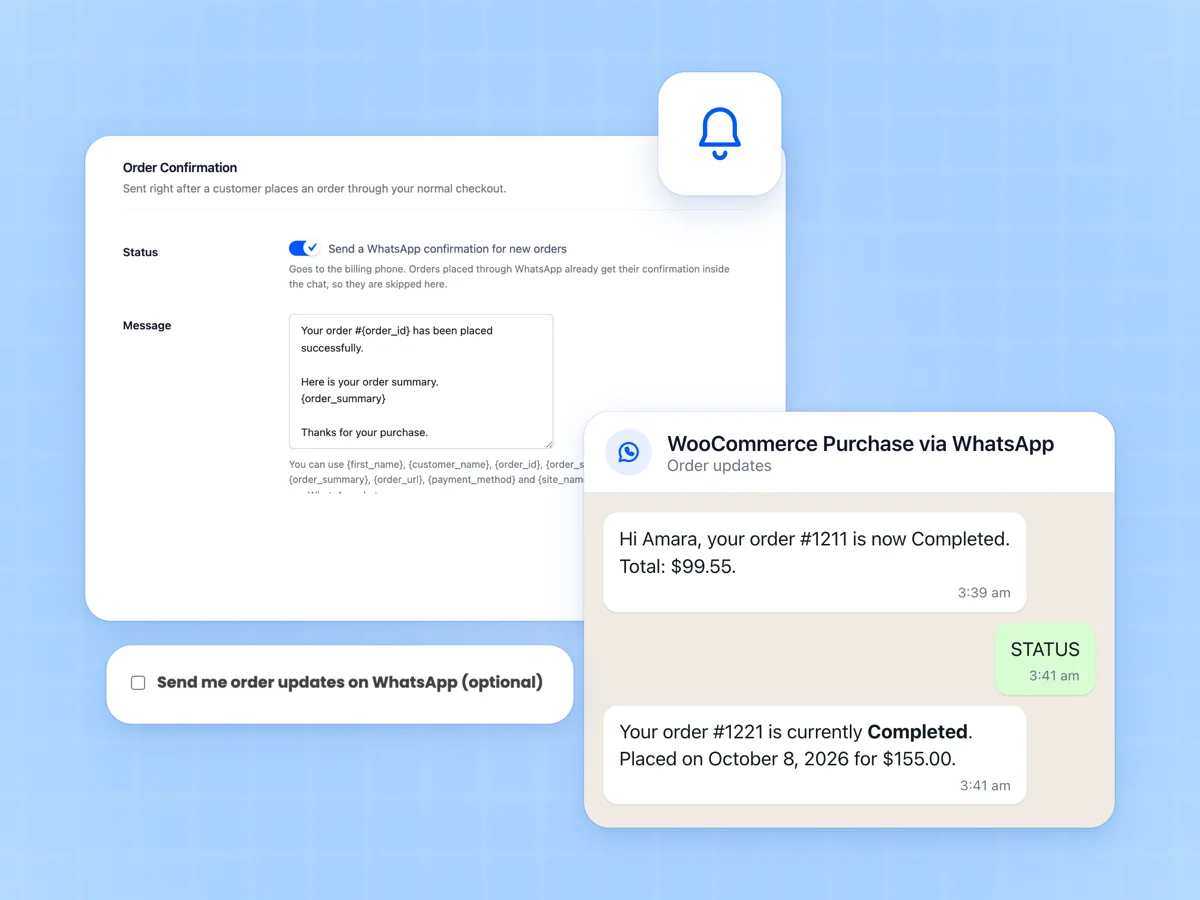
Enable WhatsApp Notification to the Customers on Order Placement

You can enable or disable the WhatsApp notifications sent to customers when they place an order.

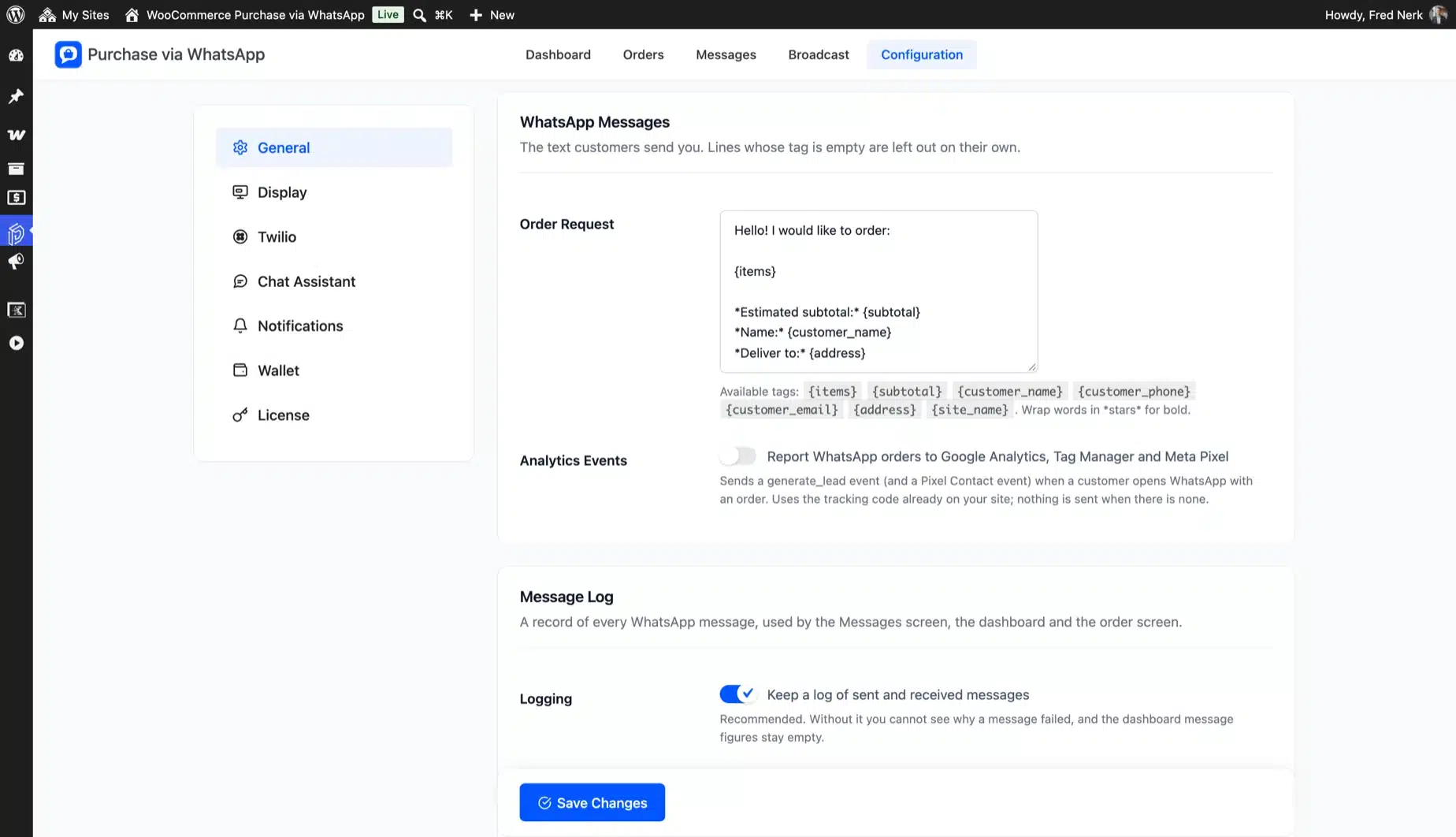
Order Placed Message

You can create a message template to send to customers’ WhatsApp when they order from your store.

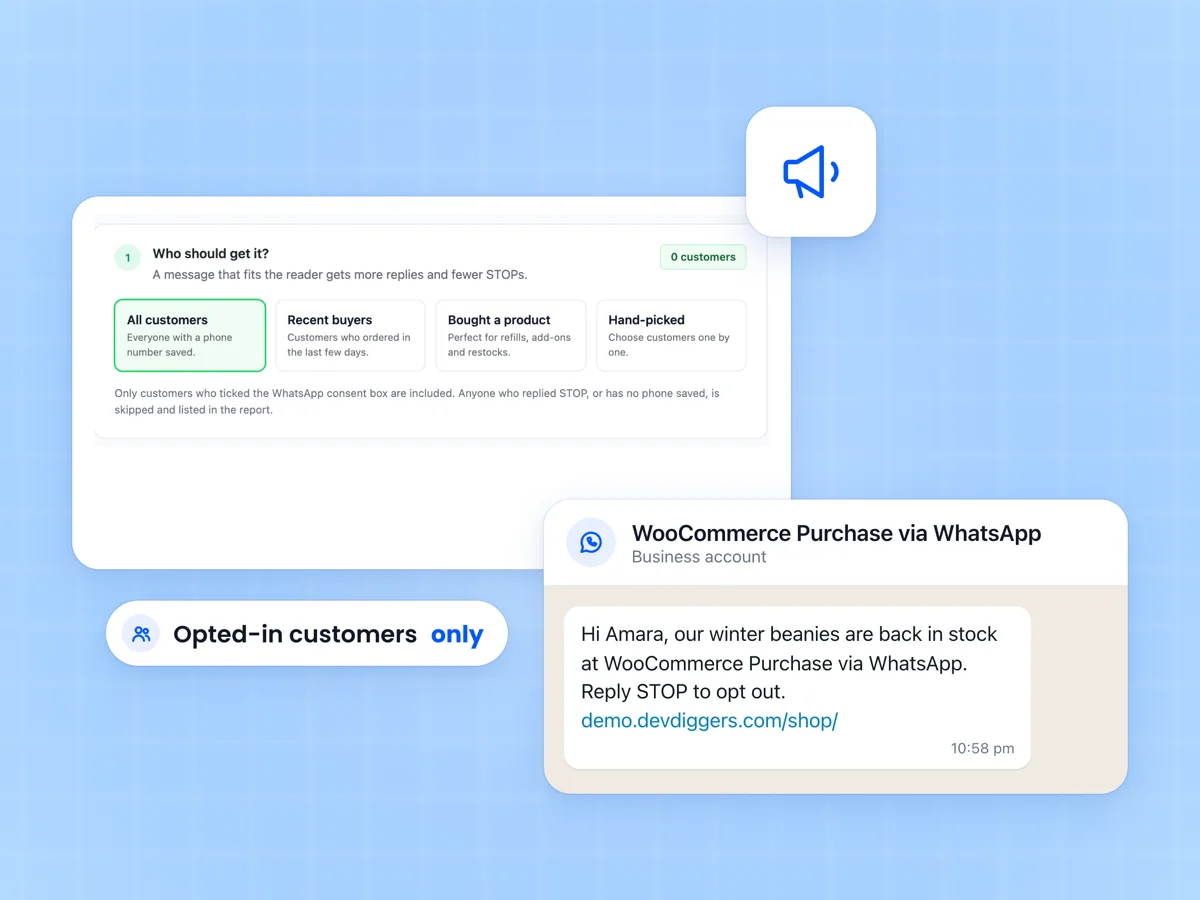
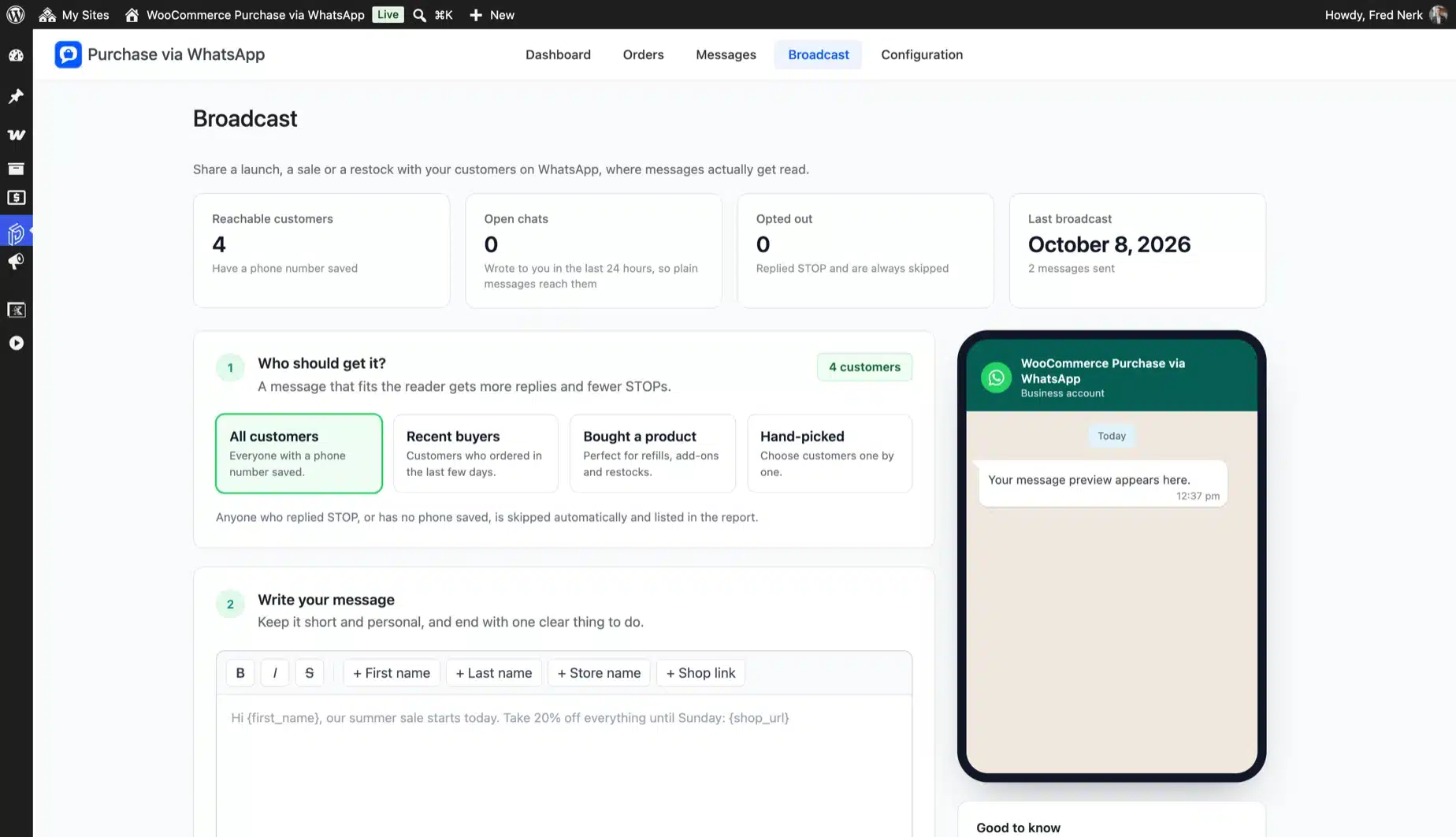
Broadcast Message

This option lets the admin send customized messages to the buyer’s WhatsApp. You can also send personalized images to the customers.

Broadcast message page

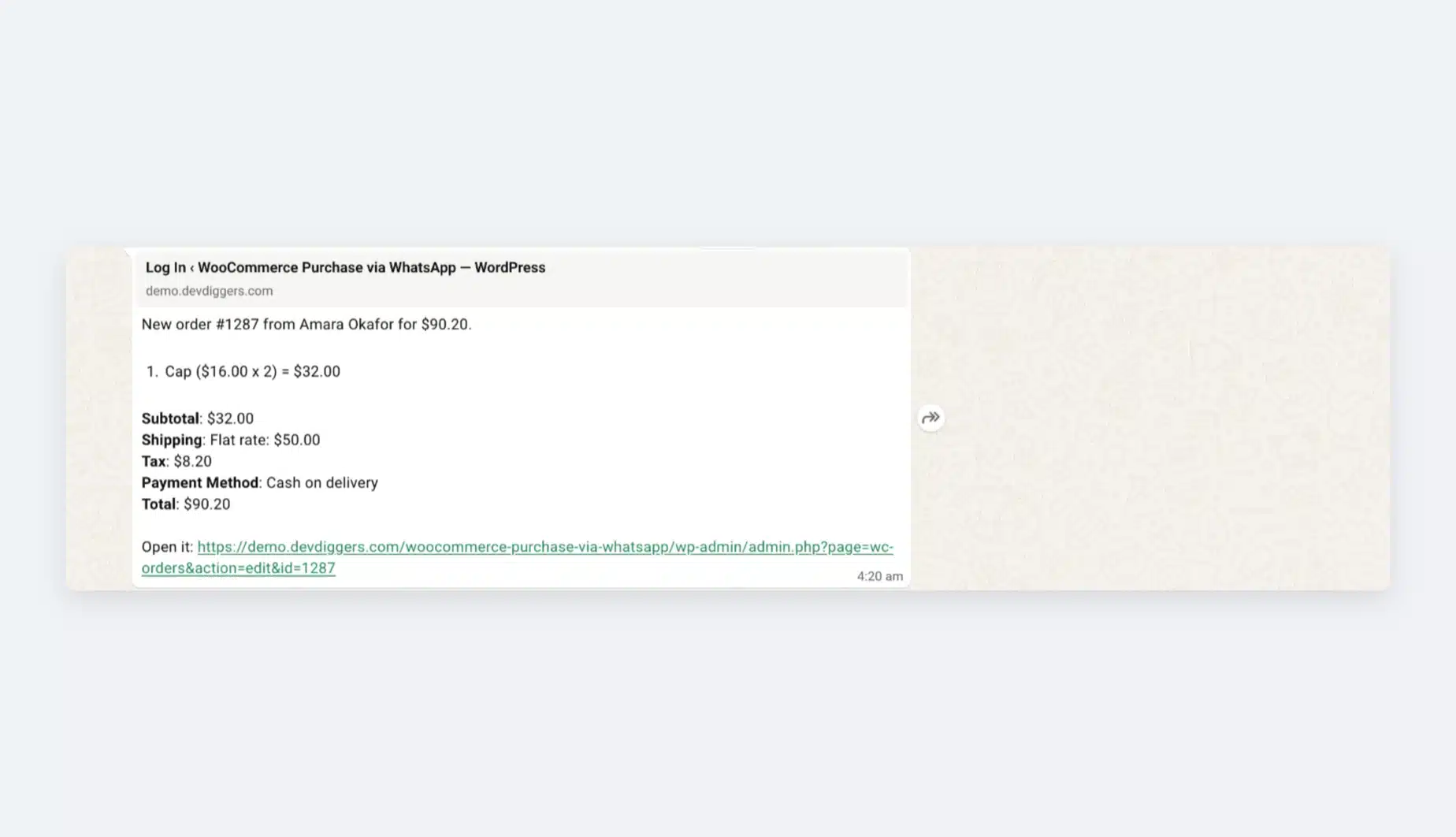
Once the broadcasting is completed, the admin can see the results, as illustrated in the figure below.

Broadcast success message page

Customers will receive the message via WhatsApp, as shown in the image below.

Broadcast message receive on WhatsApp

Orders List

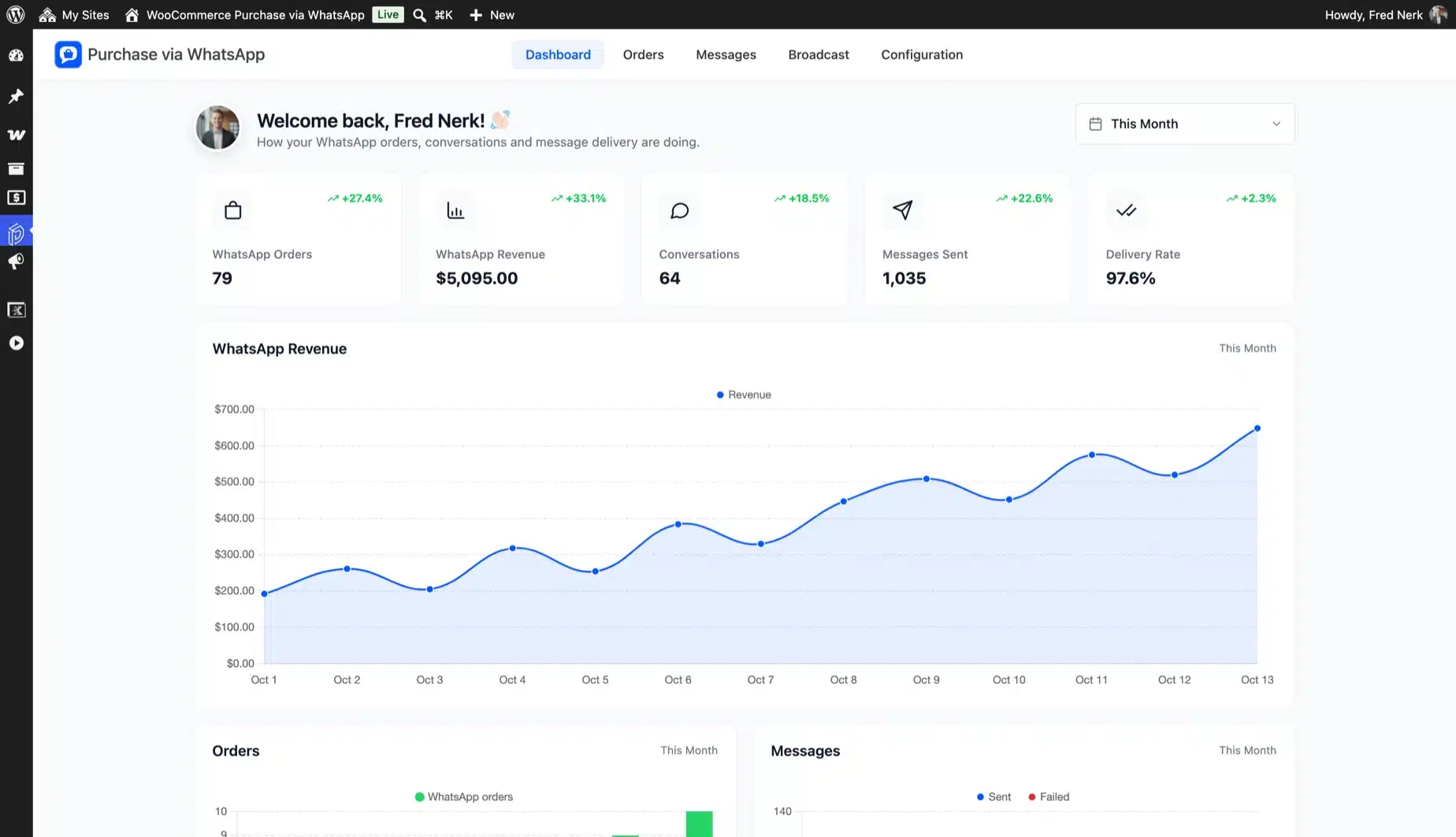
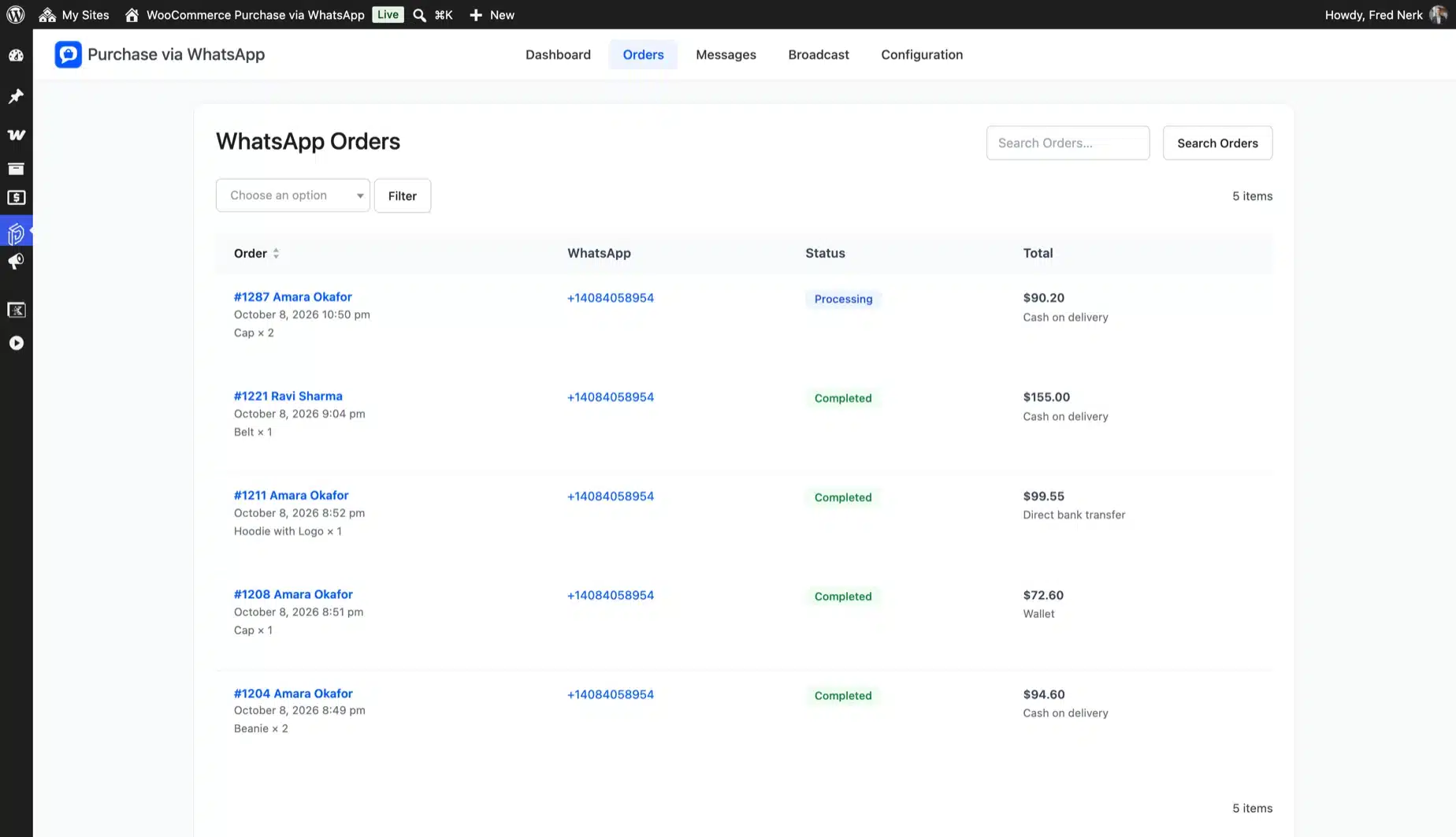
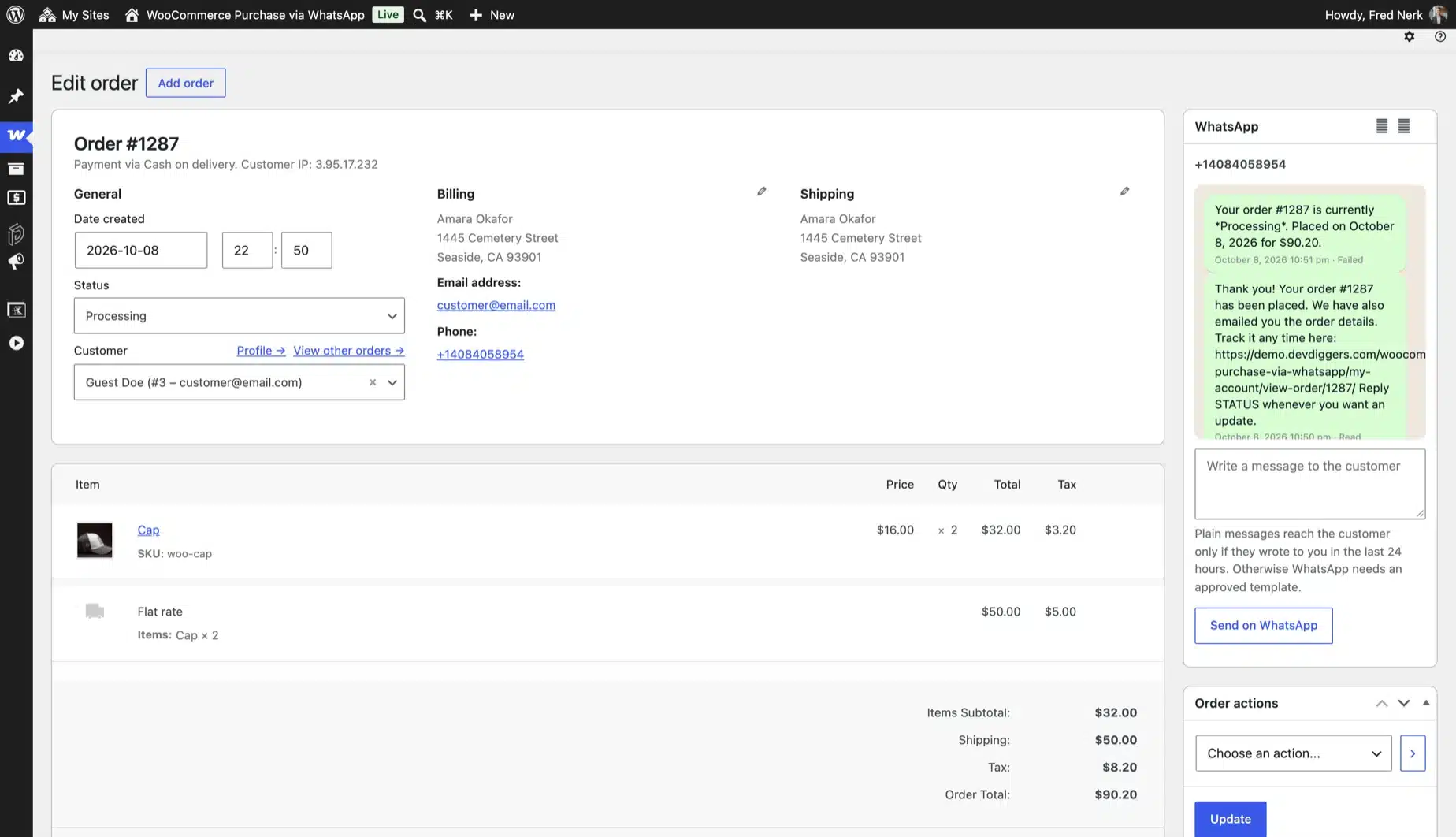
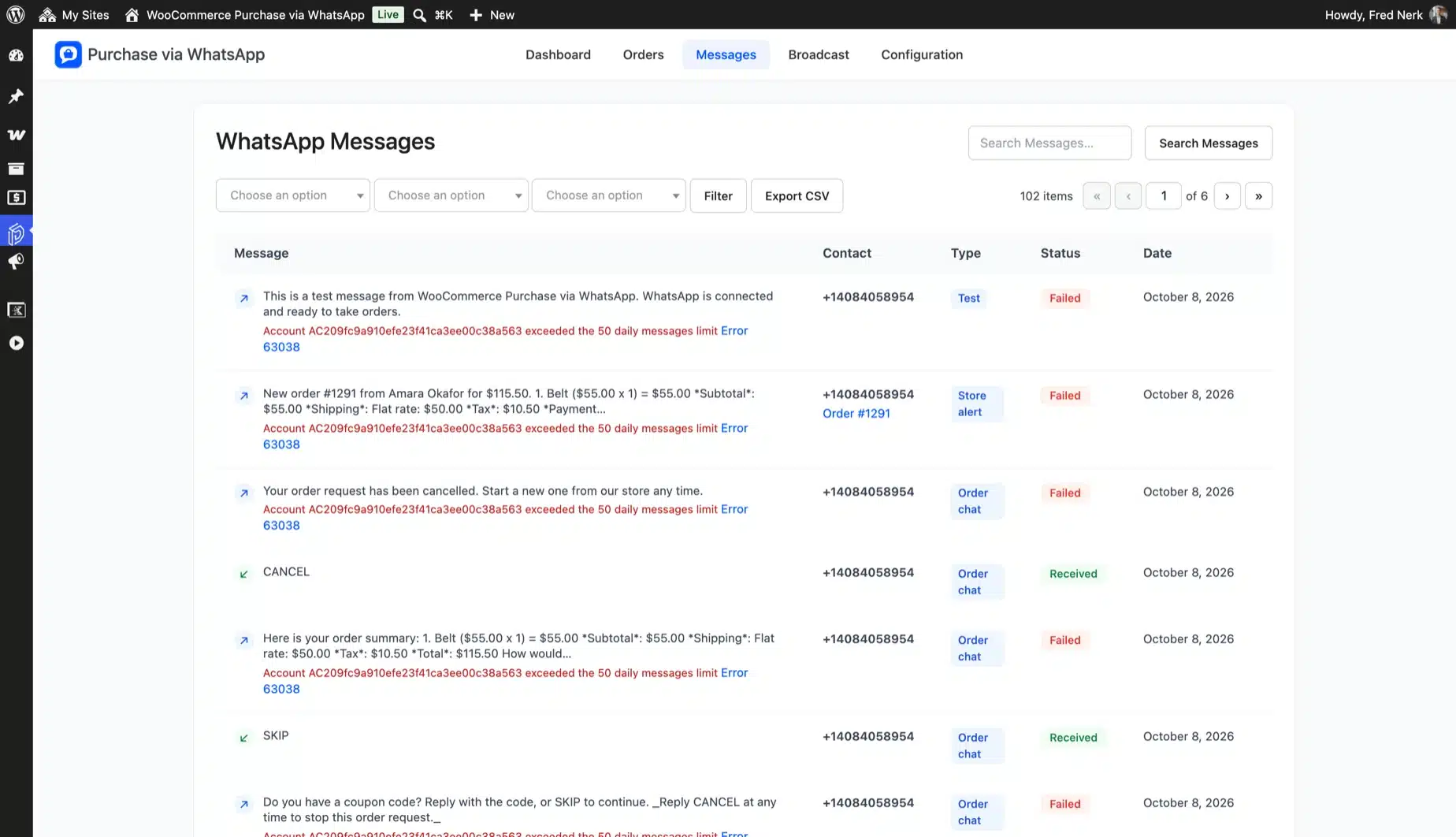
This section lets the admin view all orders through the customer’s WhatsApp. This page displays order numbers, phone numbers, dates, order statuses, and order totals.

Orders list page

Customer End of the WooCommerce Purchase via WhatsApp Plugin

Save WhatsApp Number

Customers must save their WhatsApp number in the billing address phone field and the country code, as illustrated below, to purchase via WhatsApp.
Save WhatsApp number
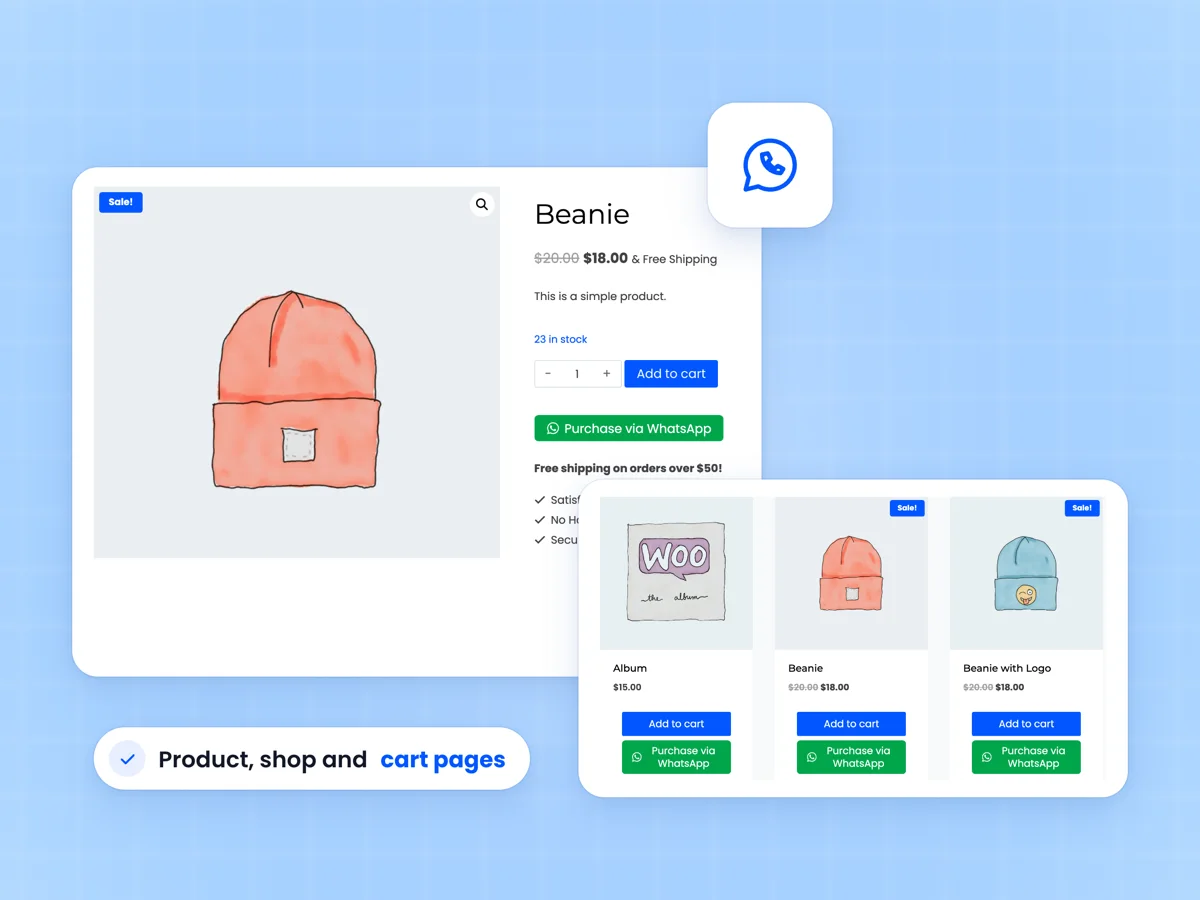
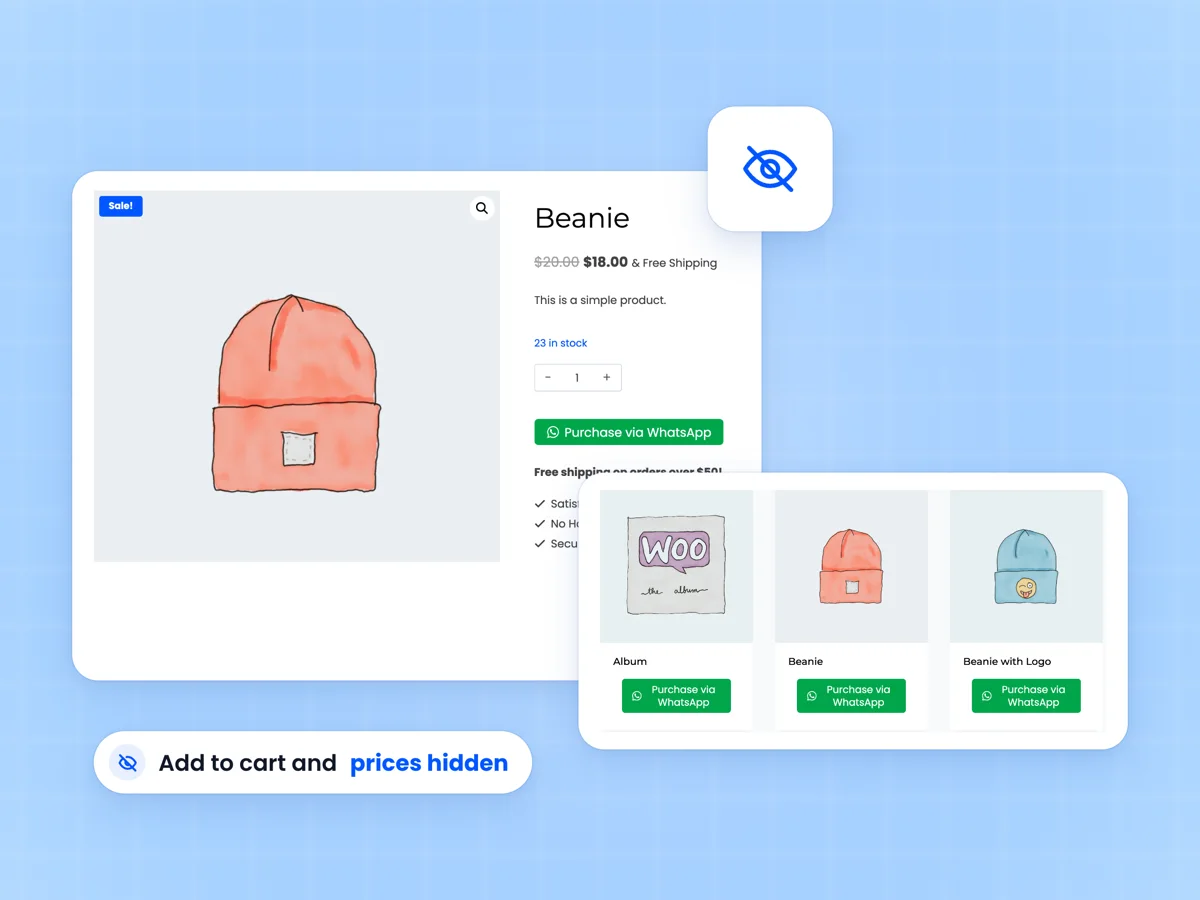
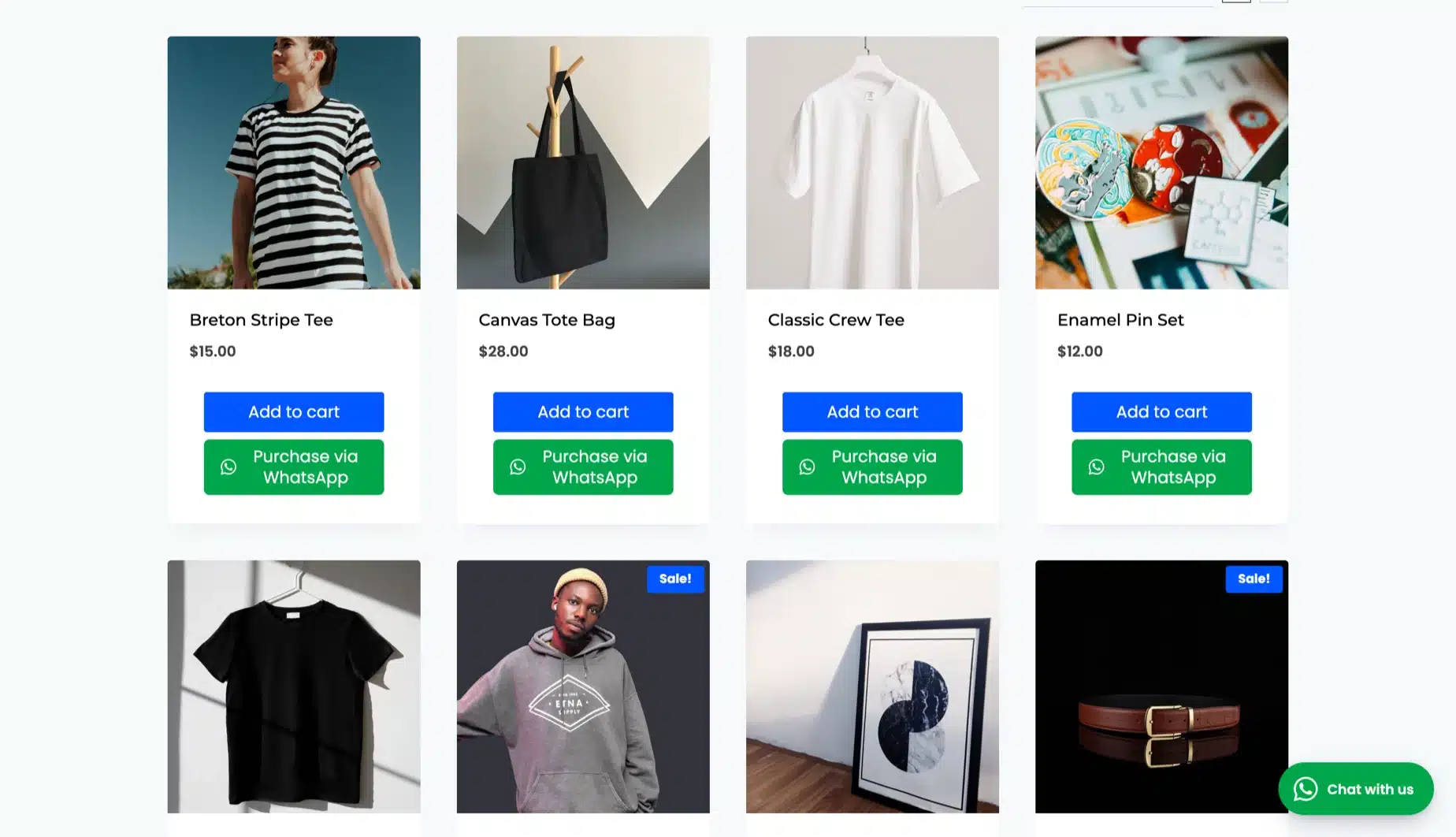
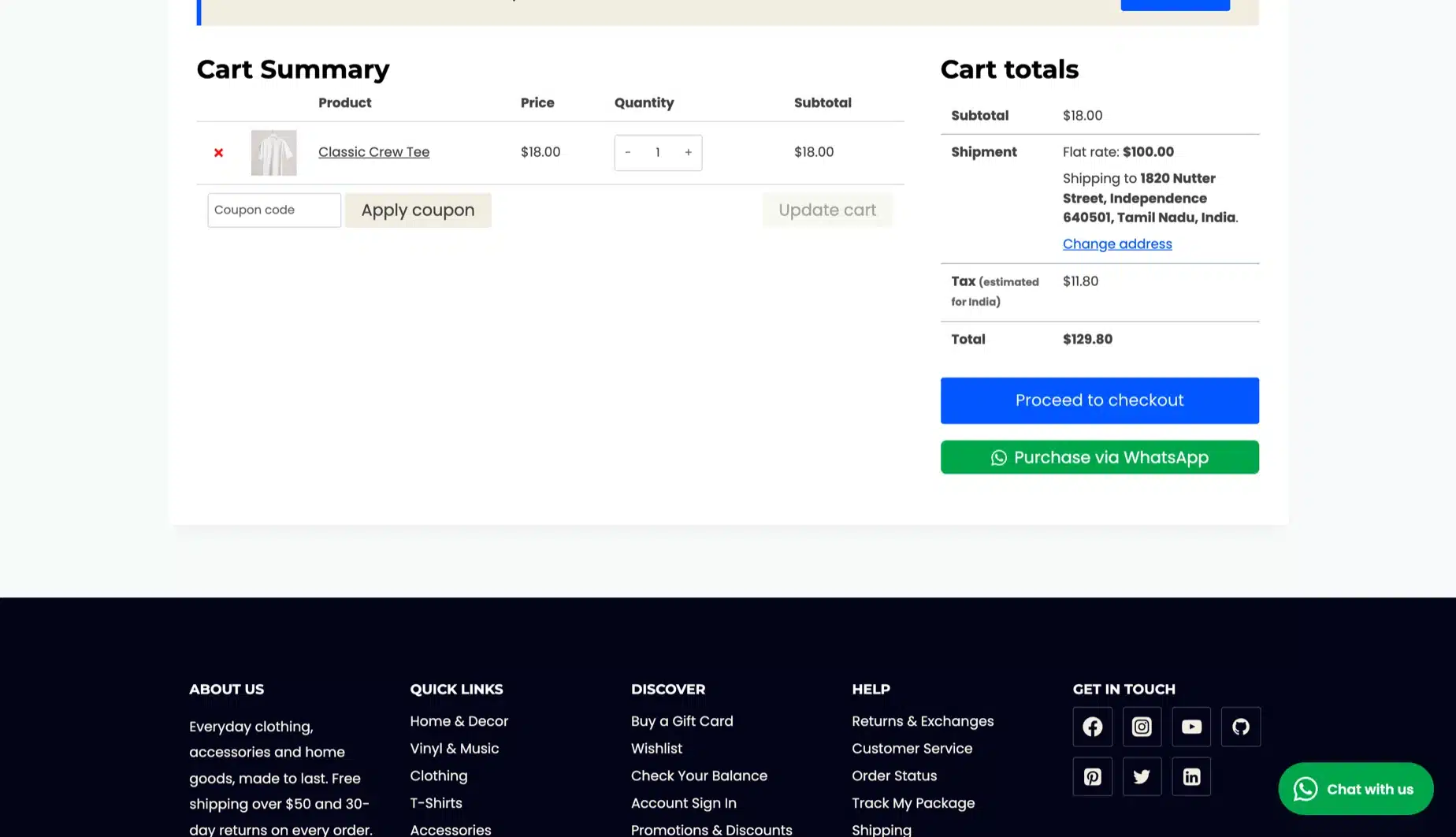
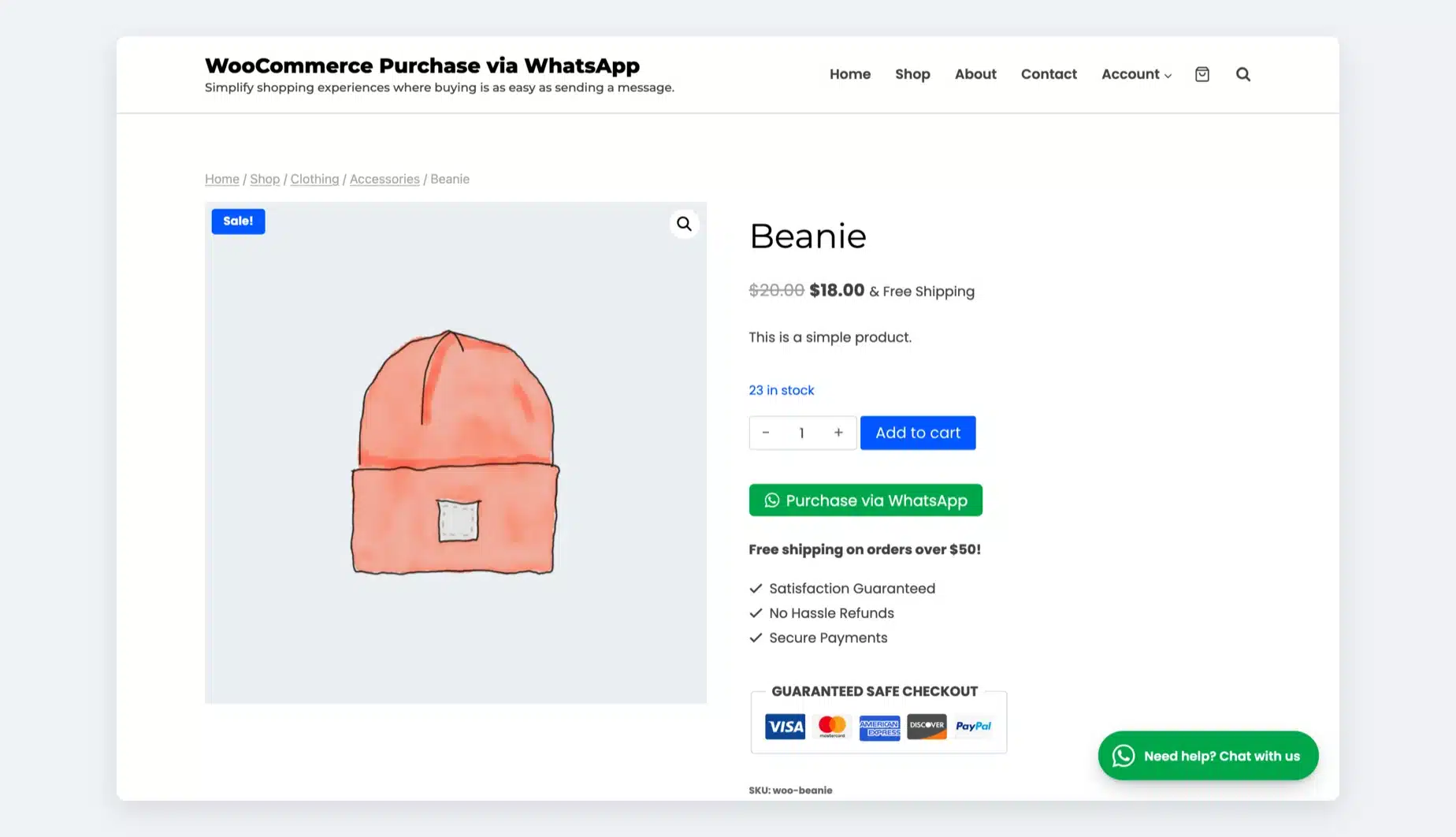
The Purchase via WhatsApp button appears on the shop, category, product, and cart pages, allowing users to purchase things via WhatsApp by clicking on it.

Shop/Category Page

Customers can see the Purchase by WhatsApp button on the shop and category pages in the place specified by the admin.

Shop page

Product Page

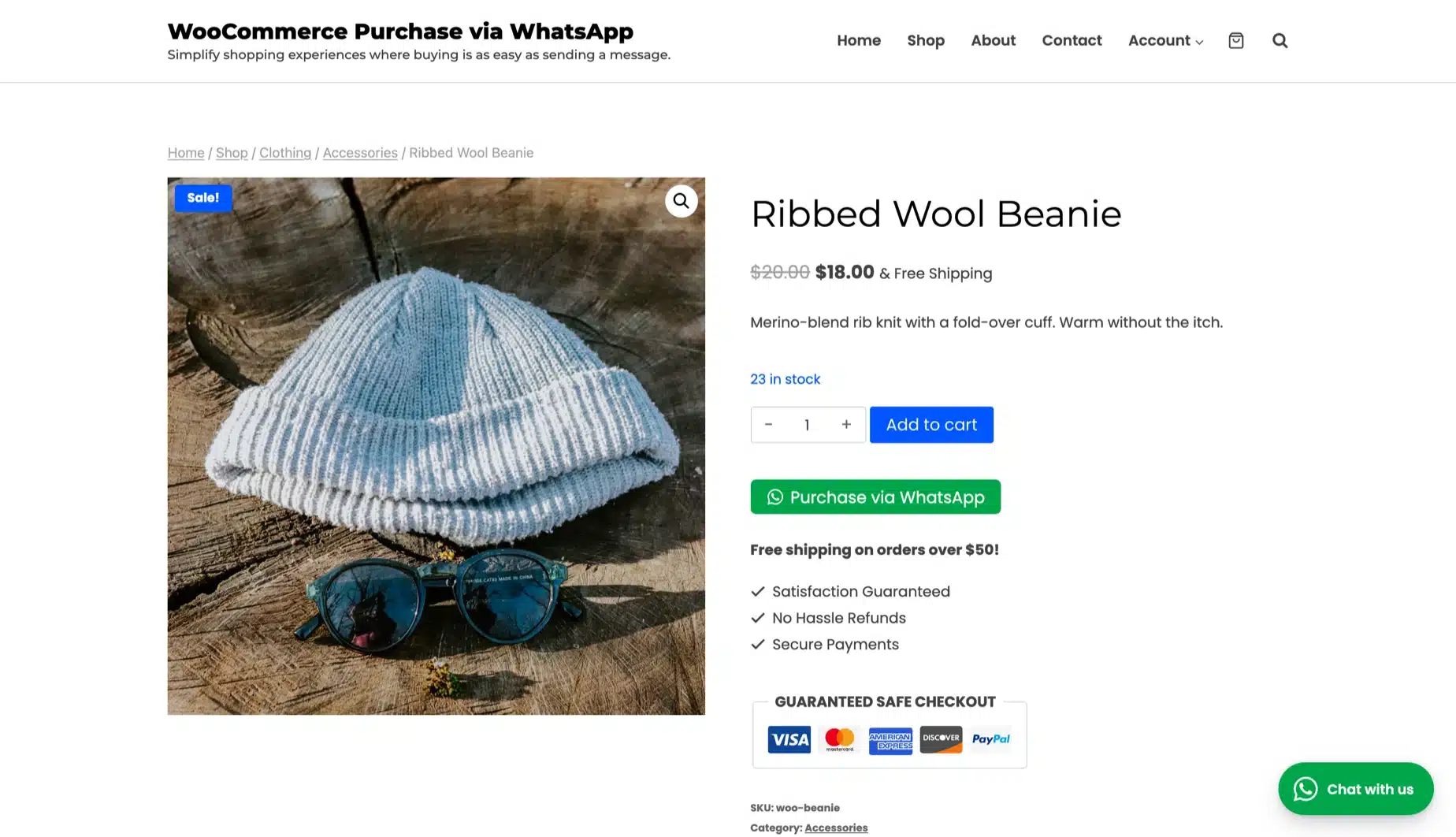
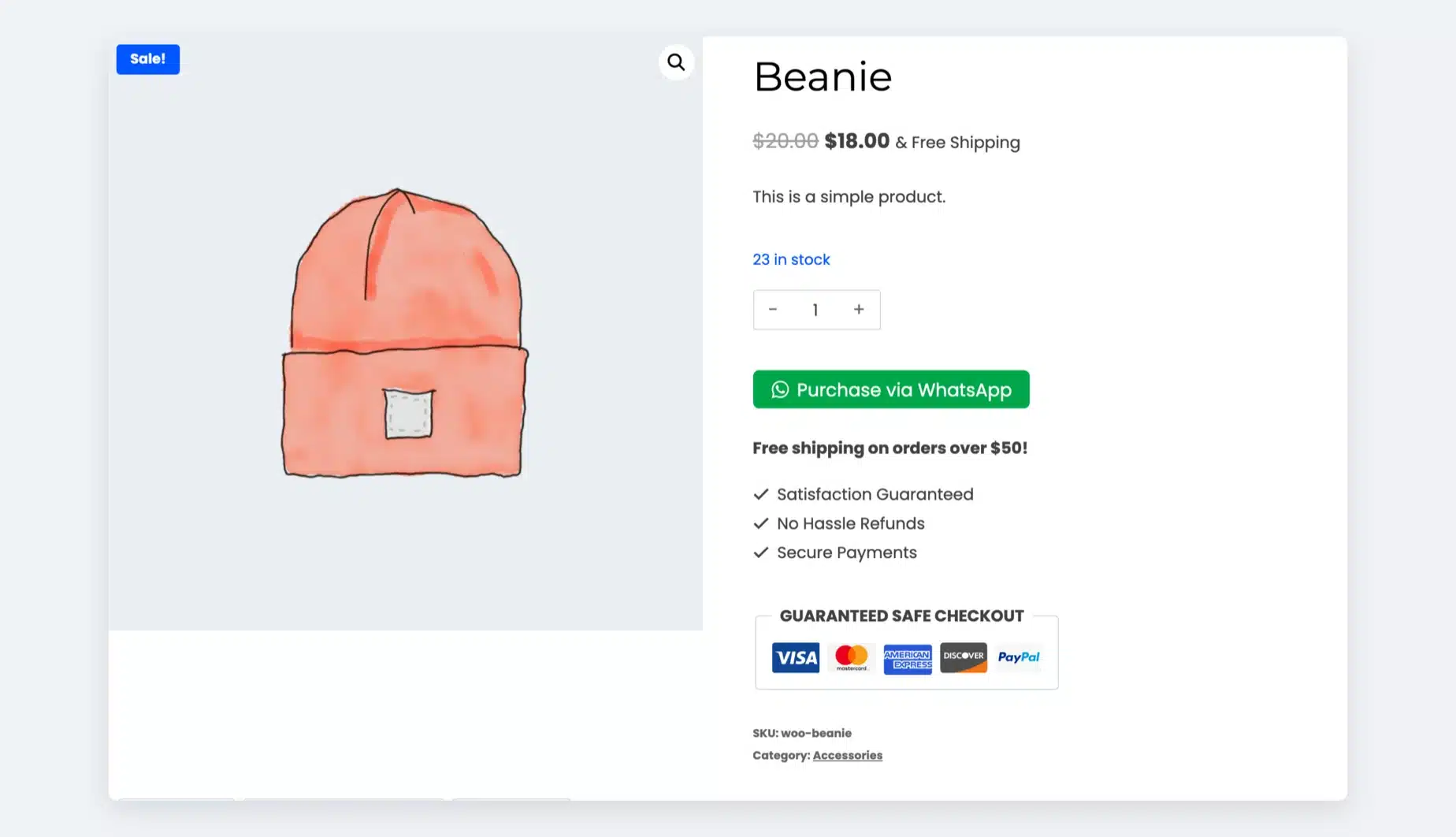
Customers can see the Purchase by WhatsApp button on the single product page at the position specified by the admin.

Product page

Cart Page

Customers can see the Purchase by WhatsApp button on the cart page in the position specified by the admin.

Cart page

WhatsApp Purchase Workflow

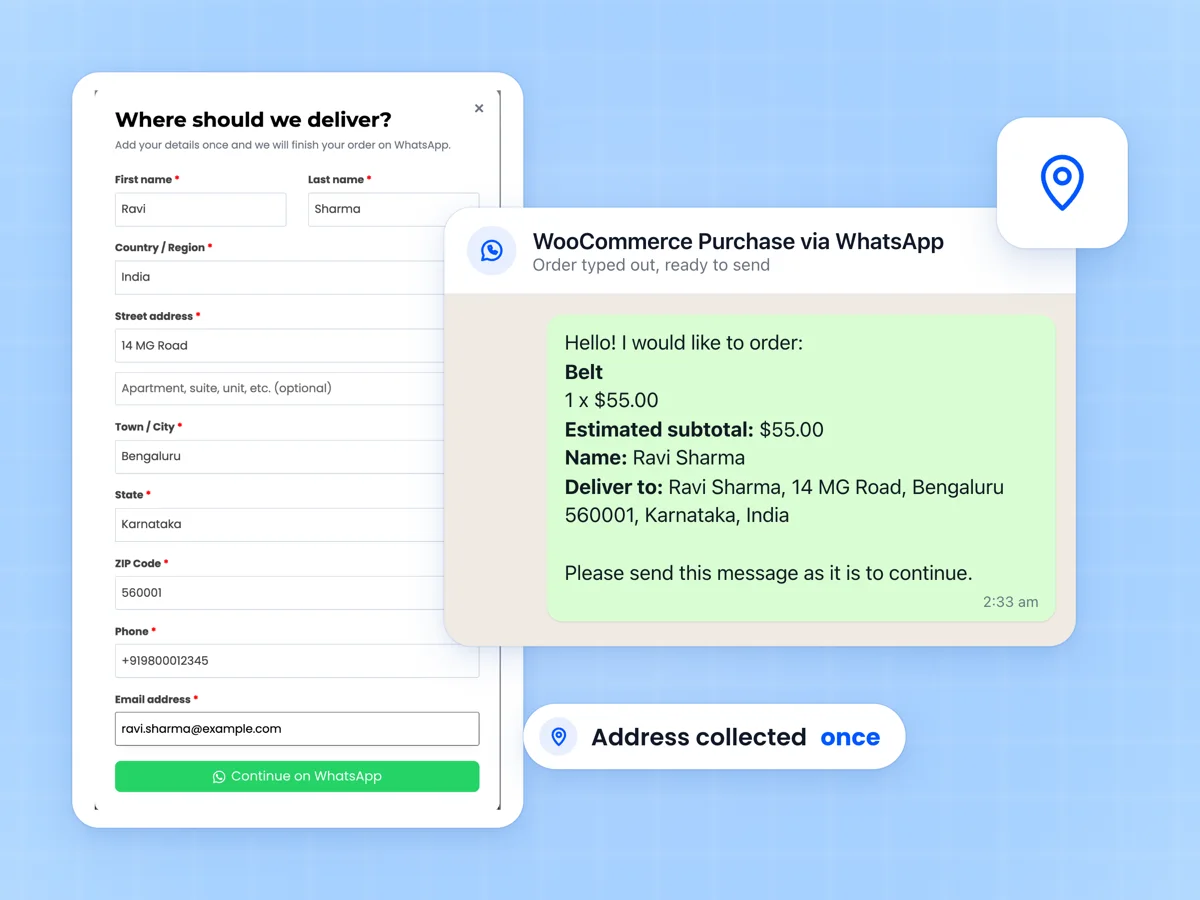
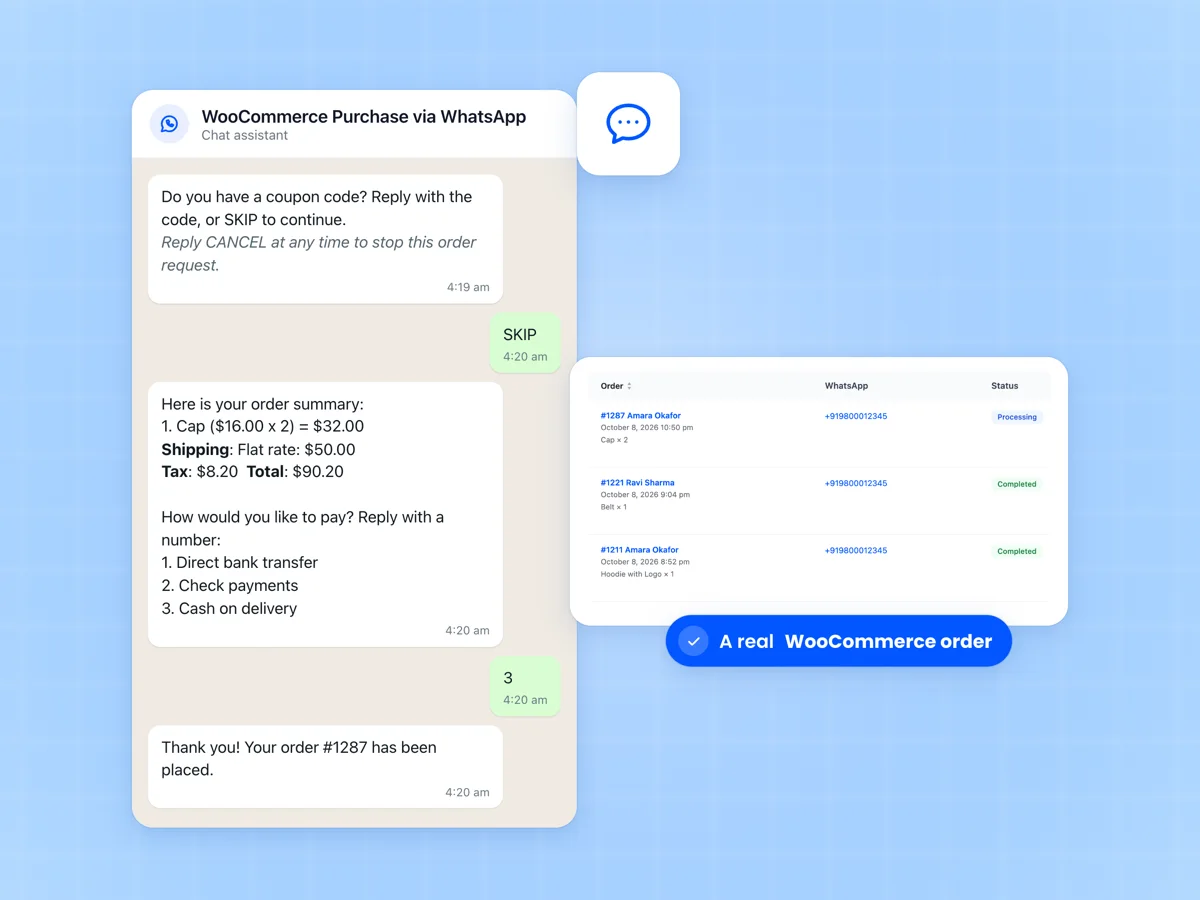
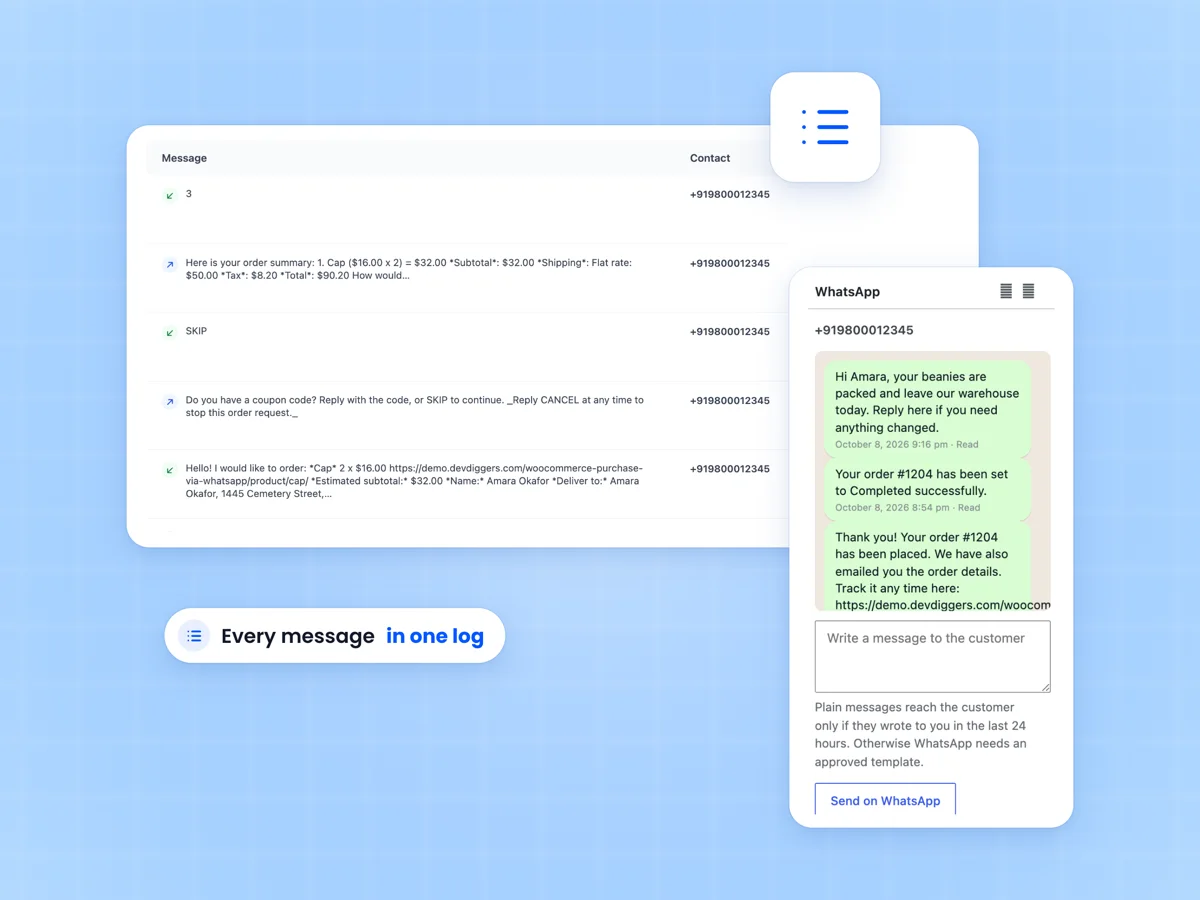
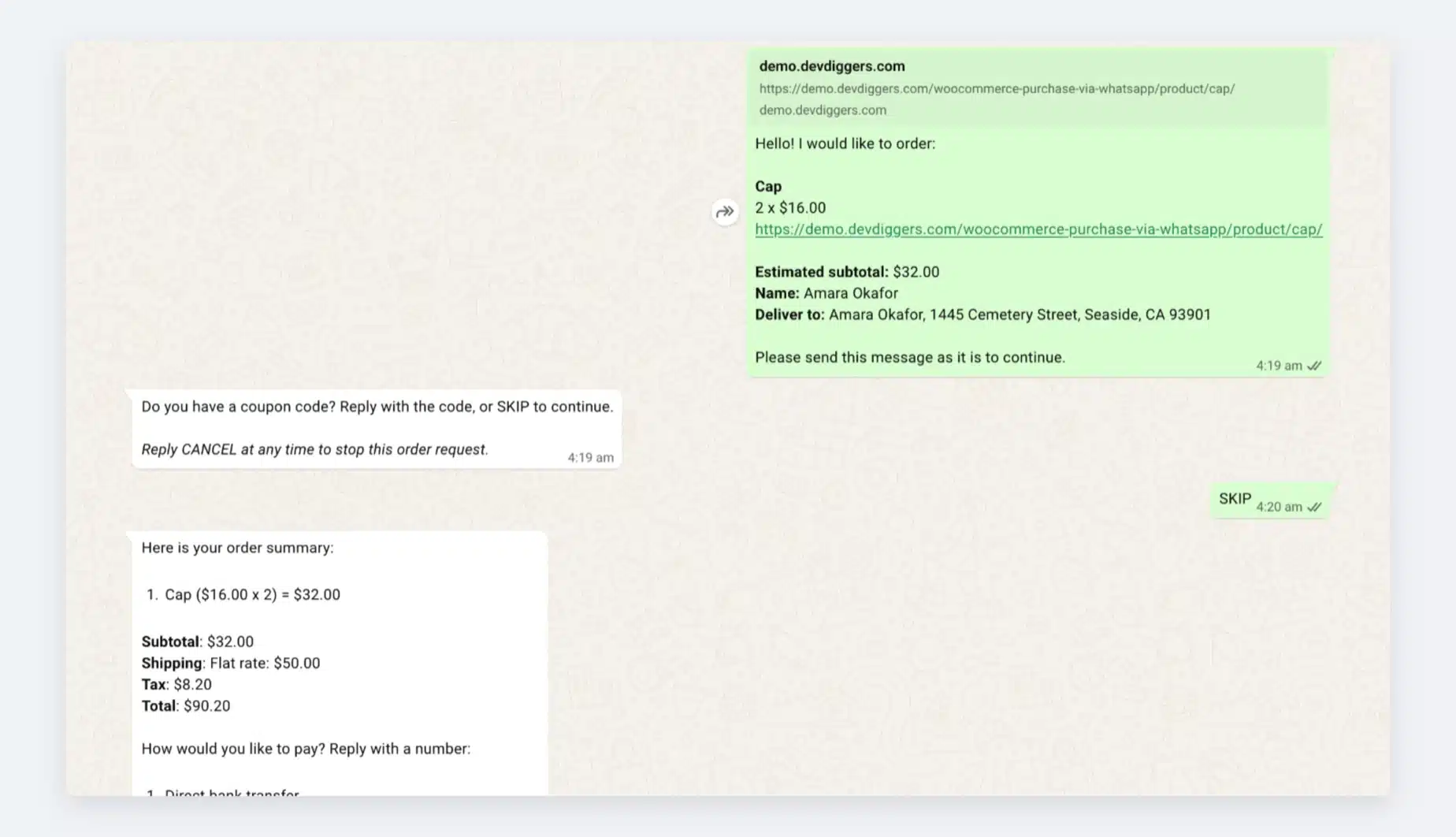
As displayed below, when clients click the Purchase with WhatsApp option, WhatsApp launches with the store’s business number and the message to send. Once they send the auto-generated order request, they will receive a list of potential shipping options, which they must select by responding to their option number.
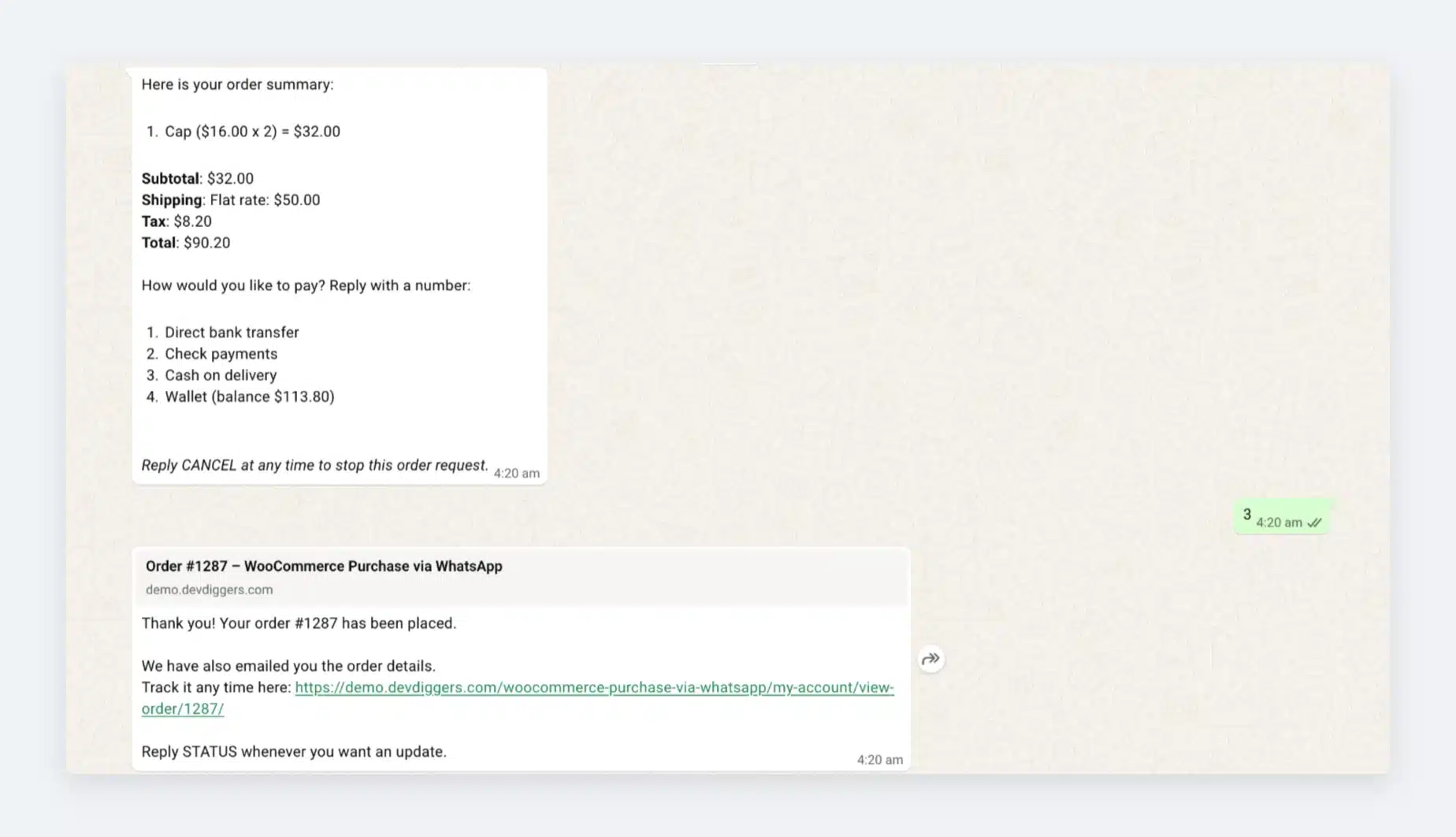
Customers can then apply numerous coupons or skip this step by replying “skip.” Then, they’ll receive an order summary with available payment methods, and when they select one, the order will be generated automatically.

WhatsApp Purchase workflow.

Unknown Messages Sent to the Business Account

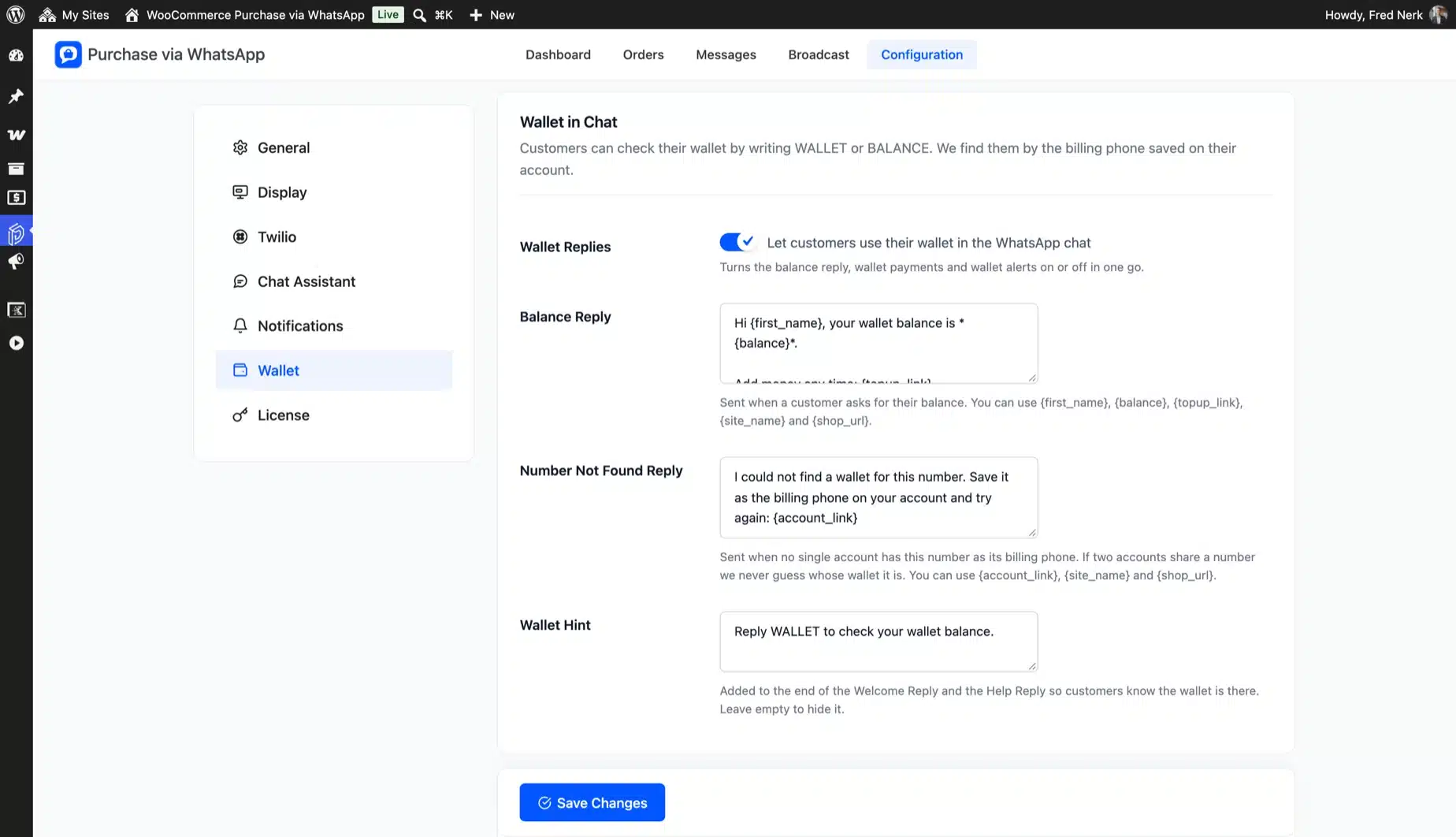
Suppose clients send any other message to the business account. In that case, they will receive the following notification that they need to form an order request via the site, and if our WooCommerce Wallet plugin is enabled, customers can also check their wallet balances, as shown below.

WooCommerce Ultimate WhatsApp Solution check wallet balance workflow.

Guest (Not Registered) Customer in WooCommerce Purchase via WhatsApp Plugin

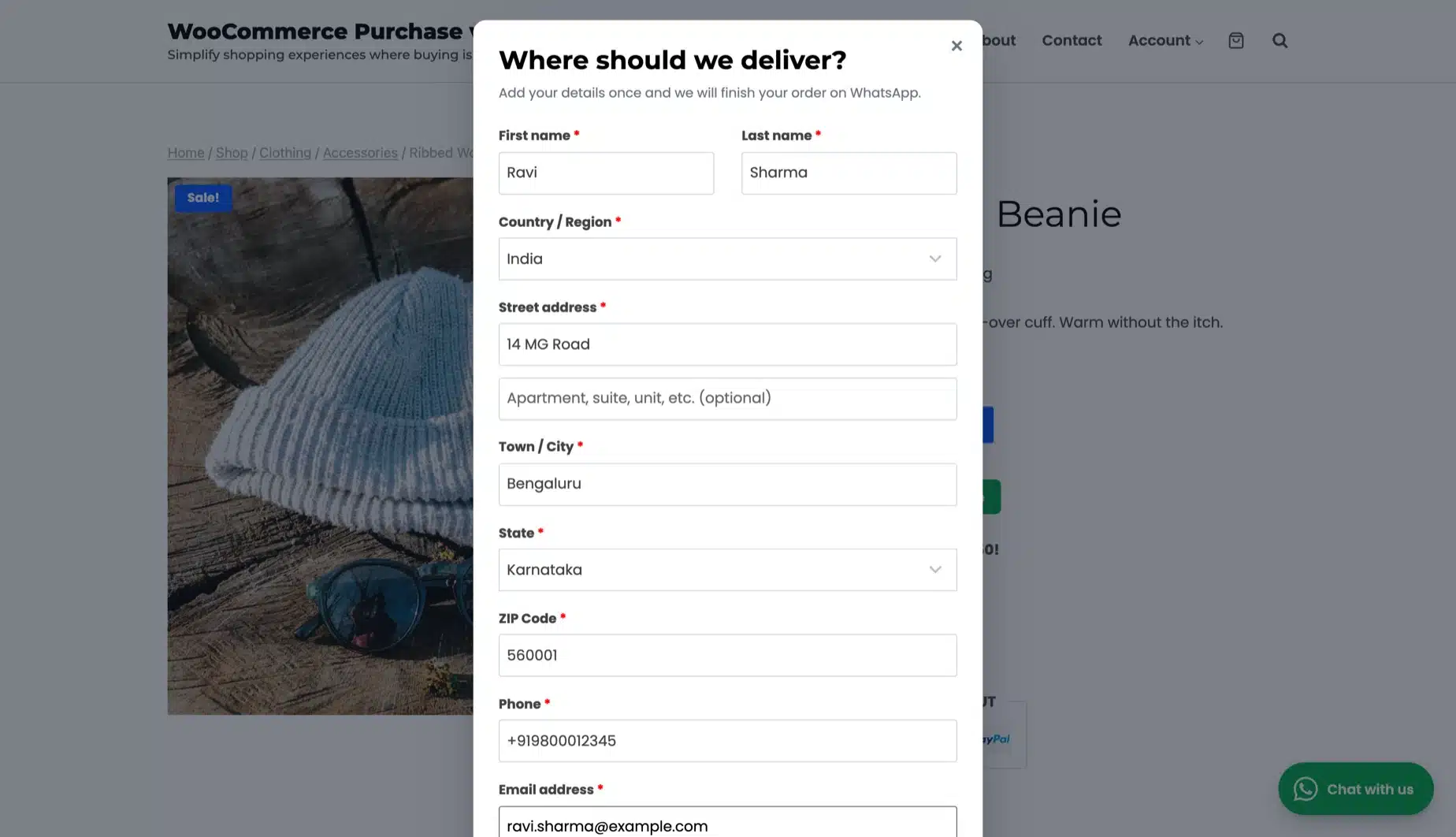
When a guest or non-registered customer wishes to purchase WhatsApp, they must complete this form.

Guest customer purchase.

1 review for WooCommerce Purchase via WhatsApp

  1. Avatar of faraiwillie07

    faraiwillie07 Verified Buyer

    Amazing Plugin with Reliable Support

    I really love how the DevDiggers technical team is always there to help with anything. The plugin works smoothly and fits perfectly with the wallet plugin.

    Overall, a great experience with both the product and the support!

Only logged in customers who have purchased this plugin may leave a review.

Clear
  • Plugin Updates
  • Priority Support
  • 24×7 Customer Support

If you have any questions or queries or need assistance with the extension, kindly reach out to us. We will do our best to answer as quickly as possible.

Contact Us
WordPress: Supported upto 6.x.x WooCommerce: Supported upto 10.x.x WooCommerce HPOS: Supported Translation: Ready Categories: ,

Customer-Friendly Refund Policy

Our refund policy is designed to ensure your satisfaction and peace of mind. Get a full refund if things do not work out well for you.