
Every online store or app depends on visuals to create a first impression. When you show product photos, app interfaces, or assets, the way you manage them shapes how people trust your brand. Strong, organized, and optimized product images for an eCommerce site do more than look nice – they decide how many visitors turn into customers.
This guide explains how to manage eCommerce product images, app screenshots, and marketing visuals through a single system that keeps your eCommerce workflow clear and effective.
Why Product Visuals Define eCommerce Success?
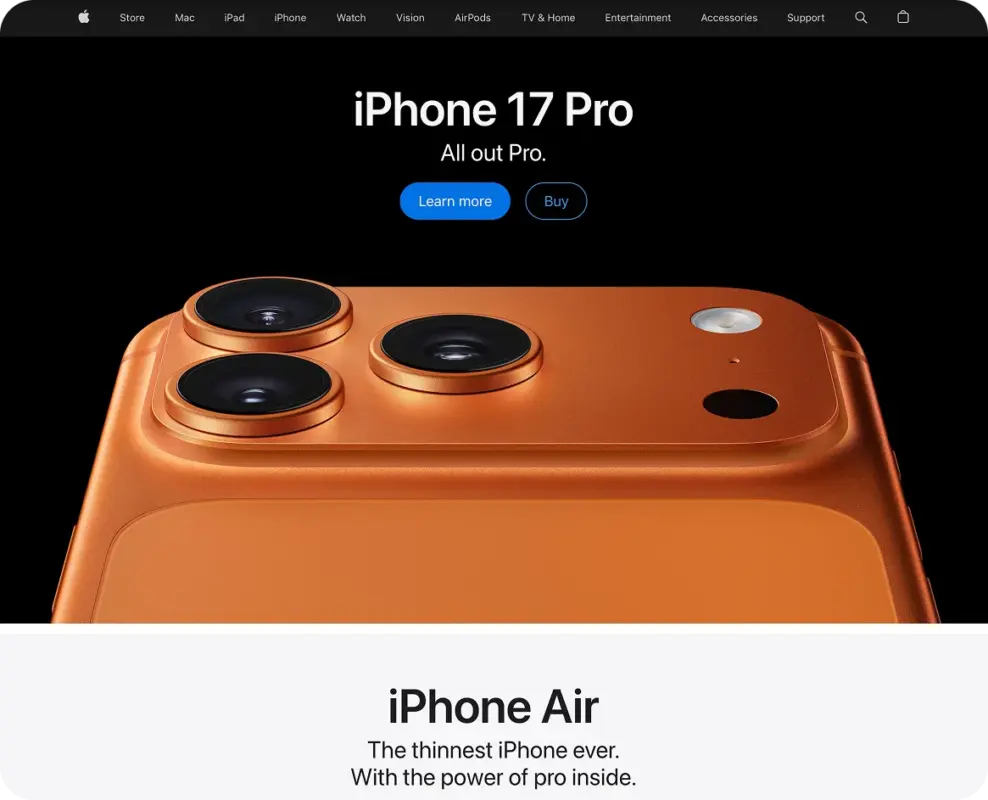
Good visuals decide how fast customers trust your store. An image is worth more than any detailed description, particularly in cases when buyers are not allowed to touch or test the product. Online, visuals are the means of the product’s existence – they exhibit quality, size, and genuine usage. Users decide on a website in milliseconds.
That initial look is what trust gets constructed or shattered from. When photos truly reflect what the product looks like, people feel they can trust the brand. Accurate colors, good light, and steady angles make an item feel real – almost like hearing an honest review.
Accurate visuals also reduce returns. When the photo shows real texture and color, customers know what to expect. That small detail saves brands time, lowers refund costs, and increases repeat sales – all driven by the strength of one image.
Peepers Eyewear changed product photos and descriptions, and as a result of this, their sales increased by 30 percent, according to a Shopify case study. The case demonstrates how empowering visuals can be in winning the trust of customers, not even requiring them to read the first word.
How to Organize and Name eCommerce Product Images
Order and structure decide how fast you manage hundreds of visuals on a growing store. Without a clear system, even the best photos lose value. Each file, name, and folder must follow one rule: easy search and fast access.
Start with short, descriptive names. Skip messy file names full of numbers or random symbols. Give your files simple names that make sense – like “hoodie_black_front_01.jpg” or “sneakers_white_side_02.webp.” It helps your team stay organized, and Google can tell what the image shows right away. A solid structure also keeps your eCommerce product photos consistent and simple to update.
Quick checklist for image organization:
- Keep all visuals in one main “Media” folder.
- Use consistent lowercase names (no spaces).
- Add a date or version number only for updated shots.
- Make one weekly backup on a drive or cloud to protect data.
Each image must include short alt text that states the color, material, or purpose of the product. Correct naming and clear folders help Google index visuals faster and show them higher in search results.
Check your images before you add them to the site. Keep each one small and quick to load – around 300 KB or less – but make sure it still looks sharp. Save the file as .webp; it keeps colors true and makes pages open faster. A tidy image library makes your eCommerce visuals easier to manage and far less likely to break later.
How to Make Your Product Photos Stand Out
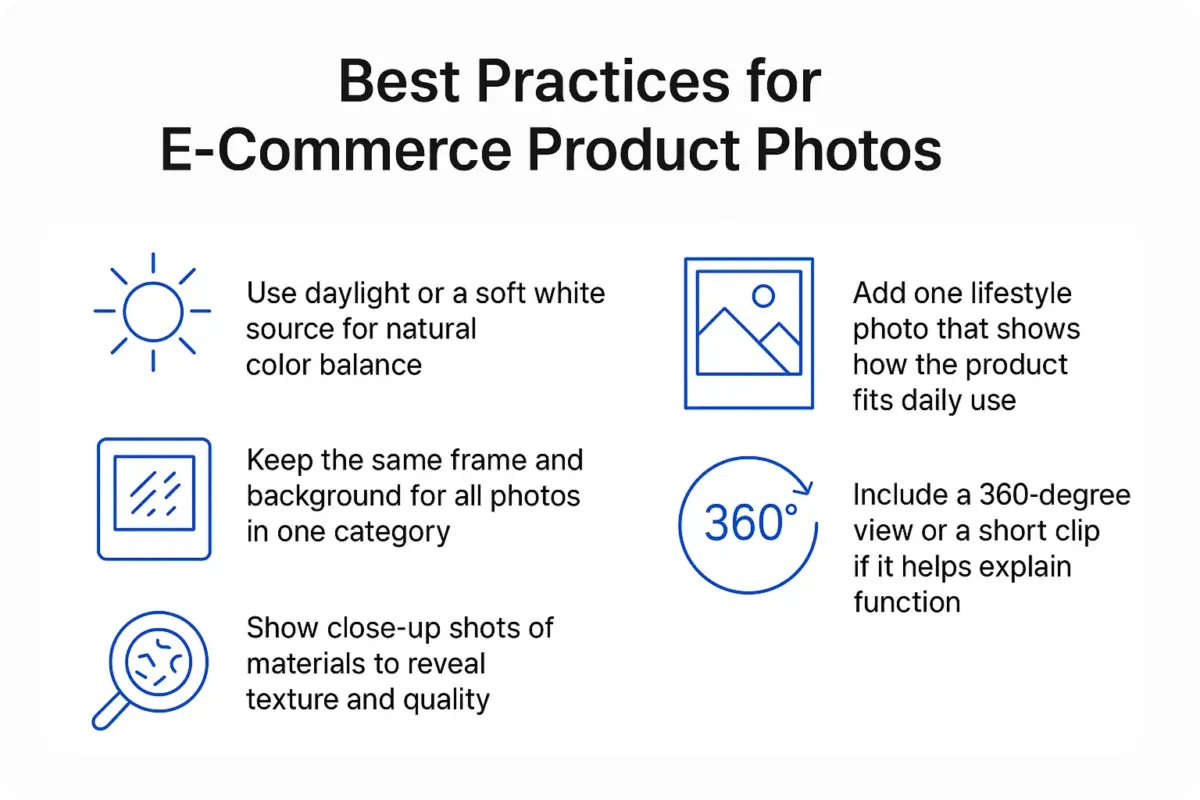
Clear, high-quality visuals turn an ordinary store into one that feels reliable and worth attention. A customer forms an opinion in seconds, and sharp detail often decides whether the cart stays full or empty. The best product images show every angle, color, and texture while the background stays clean and free from distraction.
Follow these key practices:
- Keep every photo in a category consistent – same angle, same background.
- Show a close view of the material so people can feel the texture through the screen.
- Capture one detailed photo that shows the surface and texture.
- Add a simple lifestyle image that feels natural, and use a short clip or 360-view to help people understand how the product works in reality.
Each visual must support the story behind the item. In product image marketing, photos act as the first brand message. A clear, sharp image can create the same trust as a testimonial. Many store owners miss how one frame can define brand tone, build value, and increase repeat visits.
The size of an image together with its aspect ratio are the two main factors that determine the visual appearance of the page. Large, poorly optimized images may slow down a store significantly, whereas pictures with different ratios can result in a broken layout on small screens. It is necessary that you make sure all product photos have the same ratio and that they are fast-loaded on any device.
Photos should not be misrepresented by the use of shadows, harsh contrast, or edits that change the product’s actual look. Each photo must be correct in color and detail. Consistent image formatting is not only a facilitator of design harmony but also a booster of page performance, as the guide on custom visuals has explained.
It is always necessary to check the pictures on a mobile phone. Most customers are browsing and buying from their phones, and that first impression is what determines how long they will stay.
How to Manage App or Product Screenshot
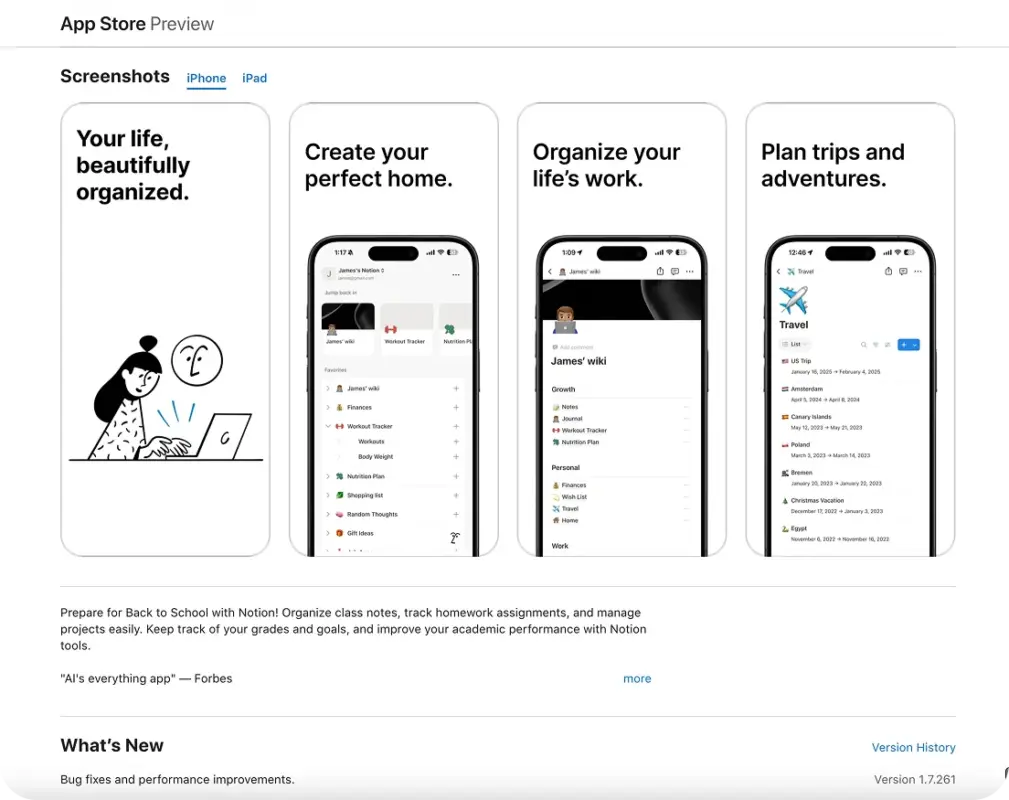
Screenshots serve as the app’s first impression. They let people see function, clarity, and care in one glance. The more real they feel, the faster users connect with the product.
Start with real interface shots. Avoid mockups or fake examples that mislead users. Each screenshot must show the actual layout and real actions inside the app. The best product images for tools explain features without extra text. Keep things simple and clear. Show the main features first and stay true to your brand colors. Those first few screenshots decide whether someone stays or moves on.
Basically, these are the prima donnas of the app stores, and thus, the ones with the most significant influence are those that decide all the things, whether users are simply looking or actually downloading the app. Each one should present a clear benefit or emotional signal that proves the product saves time, reduces effort, or adds comfort.
Add short captions that describe results, not functions. For example, “Finish projects twice as fast” sounds stronger than “Project planner screen.” This approach follows product image marketing, where visuals check on outcomes and trust instead of raw features. Apple and Google have strict image standards.
Maintain every file at the right size, and also try it in the light and dark modes. The visuals that do not match decrease the level of consistency, and, therefore, the credibility is affected. With each update, change the worn-out screenshots so that they represent the latest version of the interface.
The old visuals mislead users, and their trust diminishes. A fresh and accurate set of screenshots demonstrates that you have a keen eye for detail and that you honor your audience.
Ecommerce Product Image Marketing (Turning Visuals Into Sales Tools)
It is a fact that one image from the whole set of pictures can do the selling job for the entire product when it narrates a clear story. Very few images can influence a buyer’s emotional side rather than their logical thinking. Those images, to mention a few, can be of a person feeling comfortable, happy, or confident, which are the real emotions behind the product. This is what product image marketing is all about: pictures being the invisible salespeople that influence consumers’ feelings and buying decisions.
Brand/product pictures should be used wherever your brand has a presence, be it online or offline, with the same voice and structure. Keep the same colors, light, and frame on your website, ads, and emails. When users see a familiar visual style everywhere, recognition grows and the brand feels stable. One consistent theme often builds recall and repeat visits.
Each channel requires a specific image format. A wide photo fits banners, while a square shot works better for social feeds. Make sure to adjust the contrast when working with small screens, and also try to avoid crowded backgrounds. If you want to learn more ways to create better visuals, which will result in higher conversions, you should definitely check out the guide on WooCommerce promotion strategies.
The best product images create emotion before reason. They show outcomes, not only objects – a calm person in a chair or a clean desk with a laptop. These small cues spark desire and turn attention into purchase intent.
A clear image plan builds trust and keeps your brand memorable. Once visuals start to drive sales, the next step is to protect them – a task that leads directly to your media library and its safety.
How to Protect and Restore Your Media Library
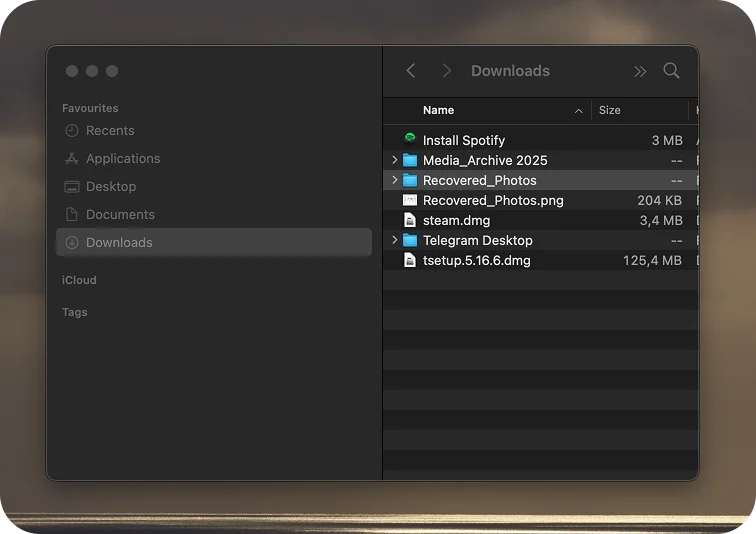
Images stand at the core of every online store. One single failure can erase months of work. Regular backups, an organized folder structure, and the best data recovery software Mac users trust protect media from loss.
Recovery tools can get back the files that are deleted from the vanishing folder in no time. People who want to learn how to recover deleted screenshots on macOS can use tools such as Disk Drill or R-Studio (there are plenty of solid choices available for Mac). These tools scan your drive deeply, track down deleted screenshots, and even recover files that were emptied from the Trash.
Small Oversights That Ruin Big Results
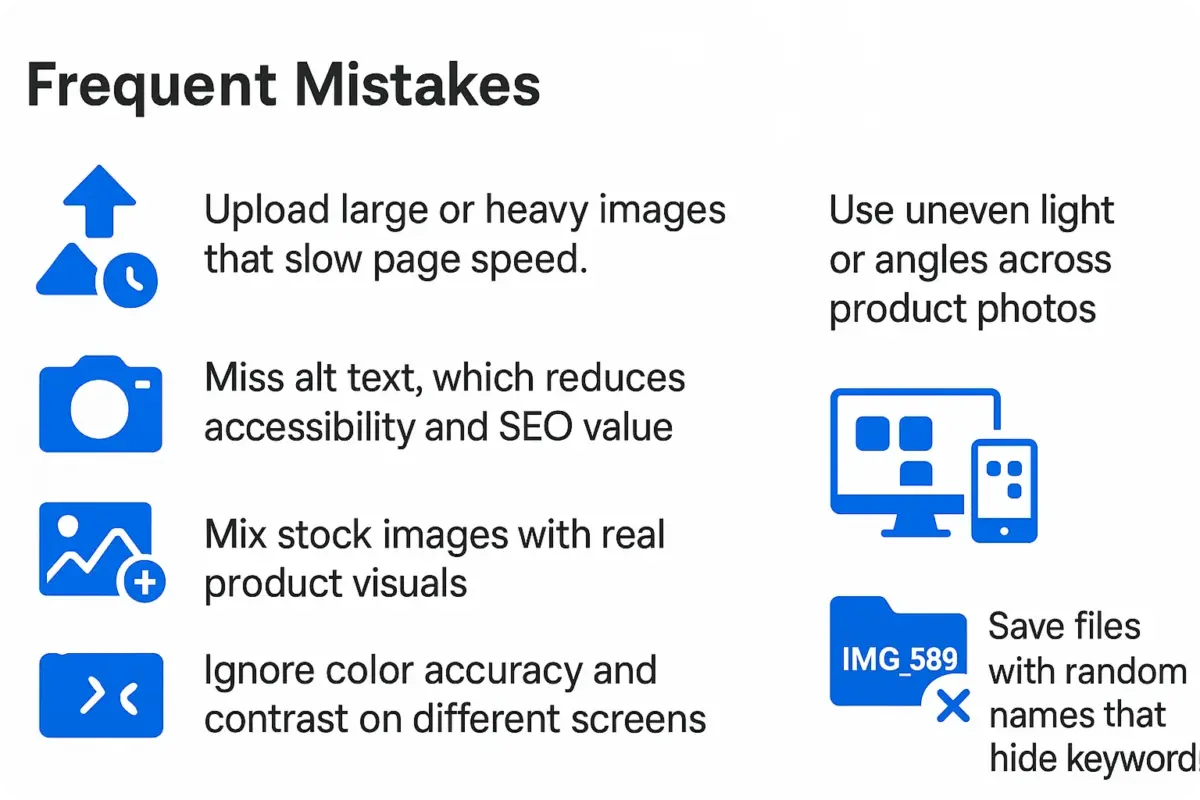
Many stores invest in visuals but lose results because of small errors. These issues lower trust, slow the website, and reduce conversions. Avoid them to keep your media system strong and effective.
Frequent mistakes include:
- Upload large or heavy images that slow page speed.
- Use uneven light or angles across product photos.
- Missed alt attributes lower the accessibility of the page and also have a negative impact on the SEO.
- Mix stock images with real product visuals.
- Don’t worry about colour accuracy and contrast on different screens.
- Save files with randomly generated names that do not give away the keywords.
- Forget backups and lose creative work in a crash.
A store that commits none of these mistakes appears more professional, loads faster, and thus, trust gets stronger with the customers. Each customer who takes a careful step stays longer and completes a purchase with confidence.
Final Thoughts
Visuals are the way a product is perceived before a word is even spoken. A photo is not a decoration – it is a demonstration of quality, trust, and accuracy. In online retail, every image has an impact on the customer’s feelings, and the best product images for an eCommerce site are the ones that decide whether the visitors trust the brand or leave.
A clear structure for photos, screenshots, and media control turns creative assets into a long-term advantage. This media is always safe, simple, and quick with files for use in a campaign or for an update. This order saves time, prevents loss, and helps brands stay consistent on every platform.
Strong visuals reflect a brand that values detail and respects its audience. Each image becomes a source of power when a store does not consider its media library just as a folder, but as a base. These visuals, which are of high standard, clear and well managed, can really be the means of the store’s growth – the factor that makes a brand be noticed among others instead of just being another store that sells.