The best WooCommerce affiliate plugin for most stores is the one that includes tiered commissions and automatic payouts in its base price. Those are the two things you will want by month three.
We build WooCommerce plugins for a living and run our own affiliate program, so we have set these up from both sides. Client stores kept hitting the same wall. The feature that fixed the problem always sat one tier up.
Almost no comparison article prices this category honestly. Two of the best known options sell an introductory first year and renew close to double. The tier carrying fraud checks and tiered rates is never the cheap one.
Below are eleven plugins with what each one really costs and which parts are free. We cover how affiliates get paid, and which plugin we would pick for a store making its first thousand affiliate sales.
What a WooCommerce affiliate plugin does

It does four jobs. It gives each affiliate a tracked link and records the click in a cookie. It then matches any later order back to that affiliate and calculates what you owe. Everything else a plugin advertises sits on top of those four.
How the tracking works, briefly
Someone clicks an affiliate link. The plugin drops a cookie naming the affiliate and starts a countdown, usually 30 or 60 days. If that visitor buys before the cookie expires, the order is credited and a commission is recorded as pending until your refund window closes.
Two settings decide most disputes. The cookie window, and what happens when two affiliates both touch the same sale. Check both before you launch, not after your first argument with an affiliate.
Self-hosted plugin or hosted platform?
This is the real fork in the road, and it is worth getting right:
- Self-hosted plugin: data stays in your own database and you pay a yearly license. No cut of your revenue. Cheaper at volume, but you run the payouts.
- Hosted platform: a monthly fee and sometimes a percentage, in exchange for payouts, tax forms and fraud checks handled for you. Cheaper to start, expensive once it works.
Most WooCommerce stores are better served by a plugin. Move to a platform when paying affiliates by hand starts eating a morning each month.
What to check before you choose
1. What the base price really includes
This is the one we would tell a friend first. Two prices matter, not one. There is what you pay in year one, and there is what the plan you will end up on costs. Several plugins here advertise an introductory year and renew at close to double.
Then check the tier table. If recurring commissions, tiered rates or automatic payouts sit two upgrades away, price the plan you will be on in a year. Not the one on the button. If the renewal price is nowhere on the pricing page, that is the answer.
2. Which features sit behind which tier
Cheap tiers are often crippled in the same way: no recurring commissions, no tiered rates, no fraud checks, one payment gateway. Those are exactly the features you need once the program starts working. Read the tier table, not the feature list.
3. How affiliates really get paid
Some plugins push payouts to PayPal in a batch. Some export a CSV and leave the rest to you. Some pay into store credit, which works well if you already run a WooCommerce wallet plugin and want the money spent back in your store.
Match this to how you already pay people. A manual payout run every month is the thing that quietly kills affiliate programs.
4. Whether it survives your other plugins
Affiliate tracking breaks in two common places. Aggressive page caching can serve a cached page without setting the cookie. Some checkout plugins create the order in a way the tracker never sees. Test a real order end to end on staging before you announce anything.
5. What it does to your store speed
Every affiliate plugin adds a cookie check and some add a database write on each page view. On a small store, you will not notice. On a busy one, measure it. If it moves your numbers, our WooCommerce speed optimization service covers exactly this.
11 best WooCommerce affiliate plugins for 2026
Prices were checked in September 2026. Where a plugin advertises an introductory rate, we say so.
1. WooCommerce Affiliates by DevDiggers
Overview
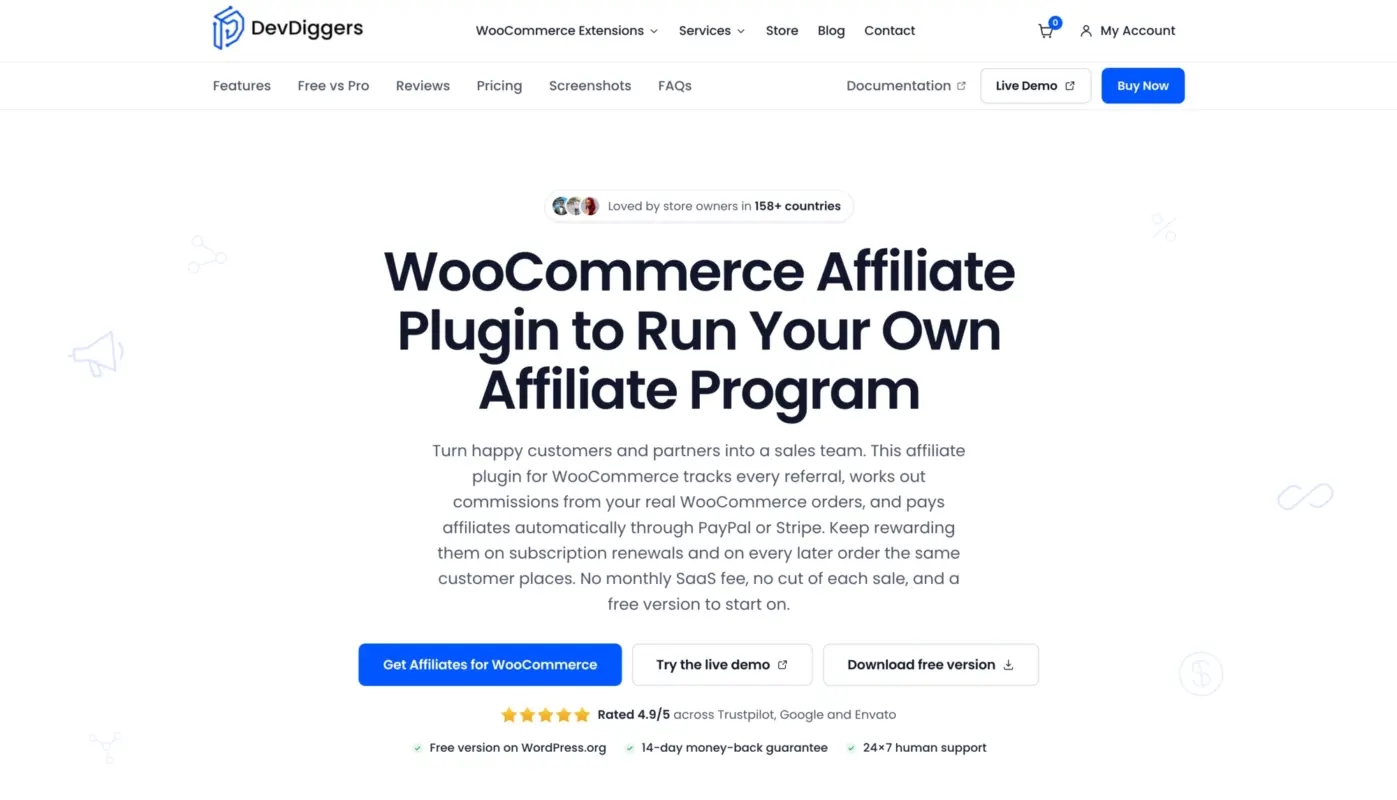
Our own plugin, so read the other ten before you decide anything. We built it after client stores kept running into the same wall. Tiered rates, recurring commissions and automatic payouts were always on a higher plan. There is a real free build on the WordPress.org directory, not a locked trial, and one Pro price that carries everything.
Key Features
- Free version runs a full program: registration, approvals, link and cookie tracking, per-affiliate rates and a dashboard inside My Account.
- Commission rules by product, category or user role, plus multi-tier and MLM-style structures.
- Lifetime commissions on a customer’s later orders, and recurring commissions on subscription renewals.
- Coupon-based referral tracking, for partners who will share a code but never a link.
- Automatic payouts through PayPal and Stripe Connect, with retries and failure alerts. Store credit payouts too, if you run a wallet plugin.
- Fraud checks on email and network address, HPOS ready, and works with both block and classic checkout.
Pricing
- Free on WordPress.org, with no time limit and no feature clock.
- Pro from $99 a year for one site, $399 for five sites, $599 for ten.
- Every Pro feature is in every plan. There are no add-ons to buy later.
Best For
Stores that want tiered rates, recurring commissions and automatic payments without three upgrades to get there. Start free, then move up when the program earns it. See the WooCommerce affiliate plugin.
2. AffiliateWP
Overview
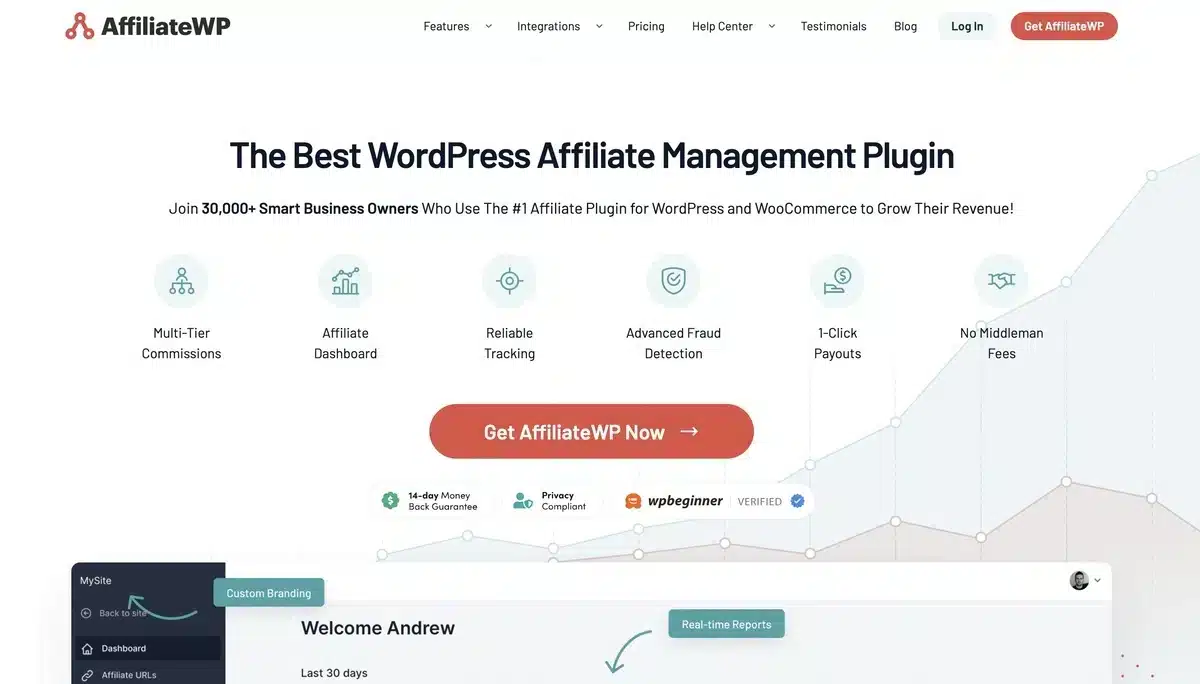
AffiliateWP is the best known plugin in this category, and the most complete. Documentation is excellent, the add-on library is large, and it handles almost anything you ask. It is also where the renewal jump bites hardest. Buy it with open eyes.
Key Features
- Real-time tracking with a clean affiliate area.
- Large official add-on library, including recurring referrals.
- Fraud detection and lifetime commissions on higher tiers.
- Payouts service for automated PayPal batches.
- Integrates with most major WordPress form and membership plugins.
Pricing
- Personal from around $149 for the first year.
- Plus and Pro tiers cost more, and the Pro tier that carries fraud detection and tiered rates renews substantially higher.
Best For
Larger stores that will use the add-ons and can absorb the renewal. Check the second-year price before committing.
3. AffiliatePress
Overview
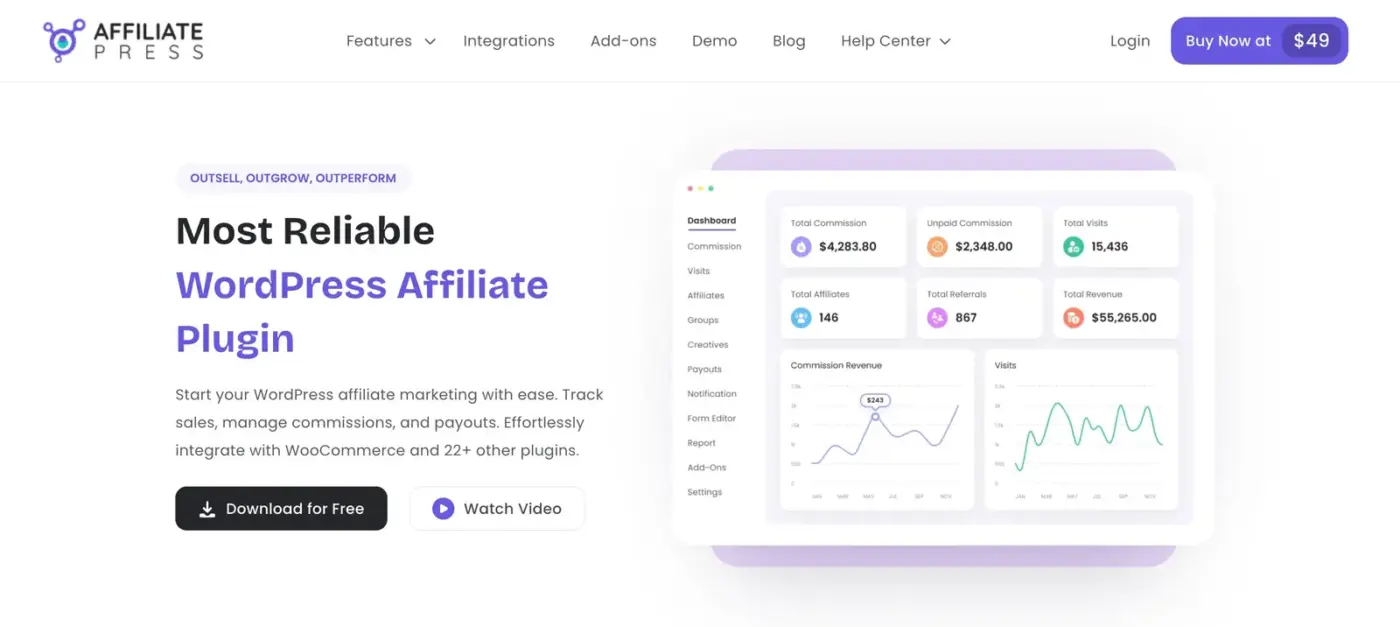
AffiliatePress is a lighter, newer option that covers the core job without the add-on sprawl. If your program is a dozen partners on a flat rate, the extra machinery in bigger plugins is weight you never use.
Key Features
- Simple setup with sensible defaults.
- Flat and percentage commission rates.
- Affiliate registration and dashboard out of the box.
- Manual payout marking with CSV export.
- Light footprint on the front end.
Pricing
- Free version available.
- Paid tiers for advanced commission rules.
Best For
Small stores and blogs running a simple flat-rate program.
4. ReferralCandy
Overview
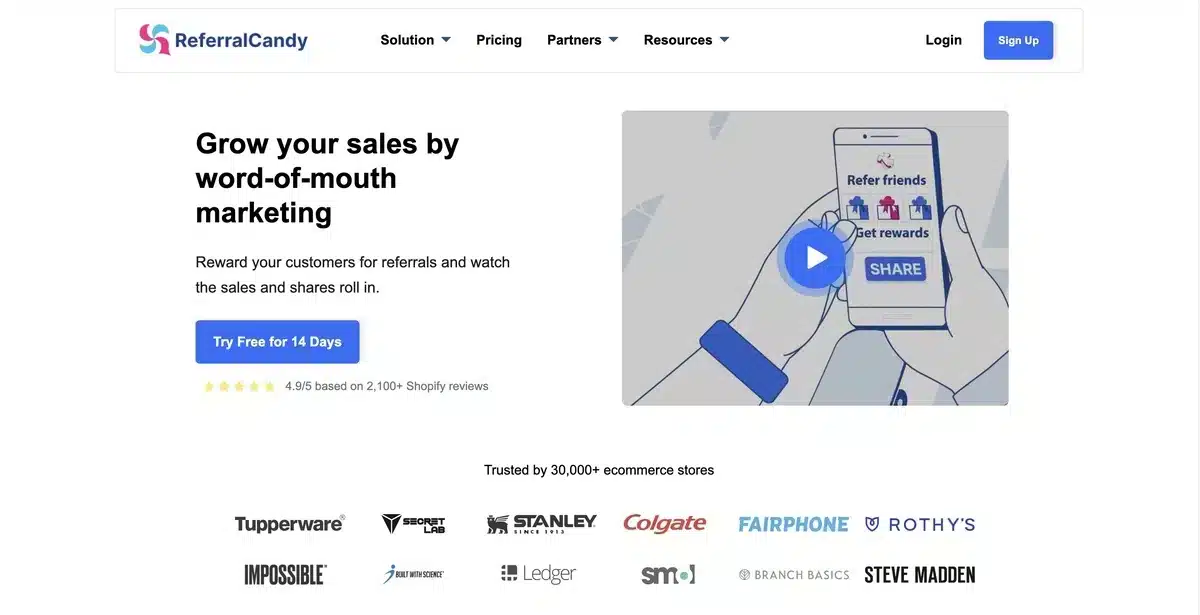
ReferralCandy is a hosted platform, not a plugin, and it aims at customer referrals more than professional affiliates. It handles reward delivery and fraud checks for you, which is the whole reason to pay a monthly fee.
Key Features
- Automated post-purchase referral invitations.
- Reward delivery handled for you, including cash and store credit.
- Built-in fraud and self-referral checks.
- Email and SMS reminder sequences.
- Dashboard aimed at marketers, not developers.
Pricing
- Monthly plans from around $59.
- Commission fees apply on some plans, so model it at your volume.
Best For
Stores that want customer referrals running with no manual payout work and will pay monthly for that.
5. YITH WooCommerce Affiliates
Overview
A sensible choice if you already run other YITH plugins, because it shares their admin patterns and support. On its own, it is capable but unremarkable, and the surrounding plugin family is the reason to pick it.
Key Features
- Commission rates per affiliate, product or category.
- Affiliate dashboard with click and conversion stats.
- PayPal payouts, including batch payments.
- Works closely with other YITH extensions.
- Clean, familiar WooCommerce admin screens.
Pricing
- Free version on WordPress.org
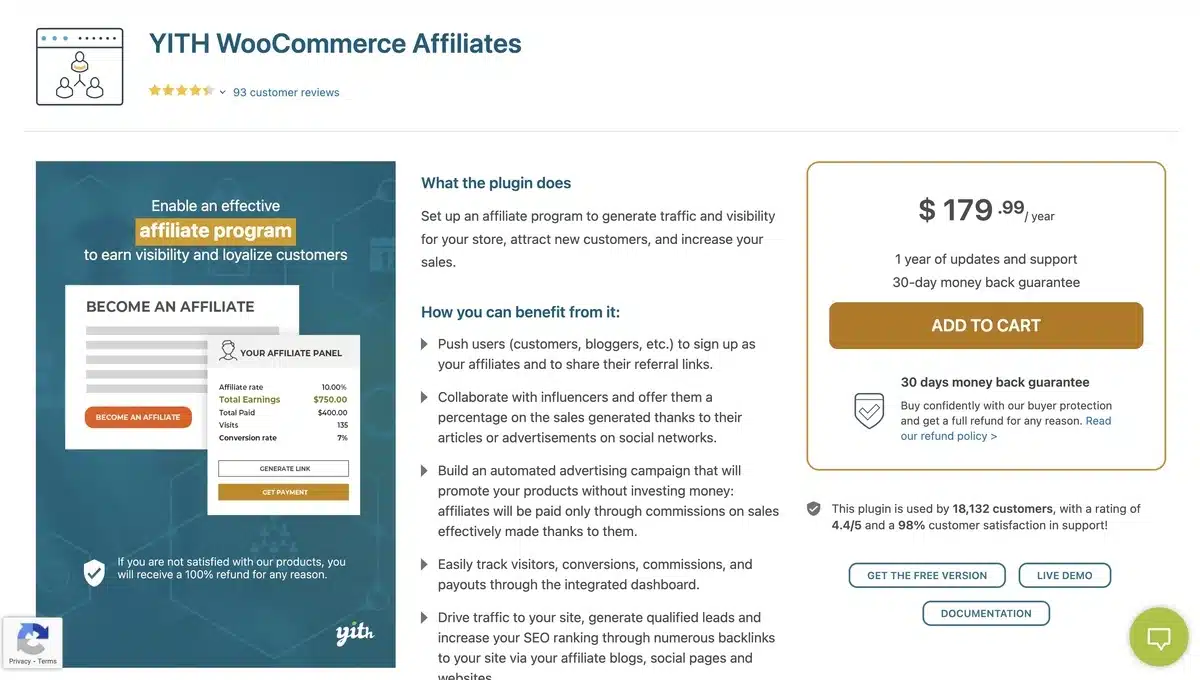
- Around $150 per year for a single site.
Best For
Stores already invested in the YITH plugin family that want one support contact for everything.
6. WP Affiliate Manager
Overview
WP Affiliate Manager is a properly free plugin that covers the basics and does not nag you. Feature depth is limited, but for testing whether affiliates will work for your store at all, free beats a trial.
Key Features
- Free core plugin on the WordPress directory.
- Affiliate registration, links and basic reporting.
- Manual commission approval.
- Paid add-ons for extra payment and reporting features.
- Small and easy to remove if it does not work out.
Pricing
- Free core plugin.
- Add-ons sold separately.
Best For
Testing the idea before spending anything. Move to a paid plugin once the program proves itself.
7. Tapfiliate

Overview
Tapfiliate is a hosted platform built for teams running affiliate marketing as a channel, not as a side feature. Strong reporting and multi-currency support, priced accordingly.
Key Features
- Multi-currency and multi-language affiliate portals.
- Deep reporting, including cohort and campaign views.
- Automated recruitment and onboarding flows.
- REST API for custom integrations.
- Handles both affiliate and referral programs.
Pricing
- Monthly plans from around $89.
- Higher tiers for teams and larger volumes.
Best For
Teams treating affiliates as a real acquisition channel with someone responsible for it.
8. Solid Affiliate
Overview
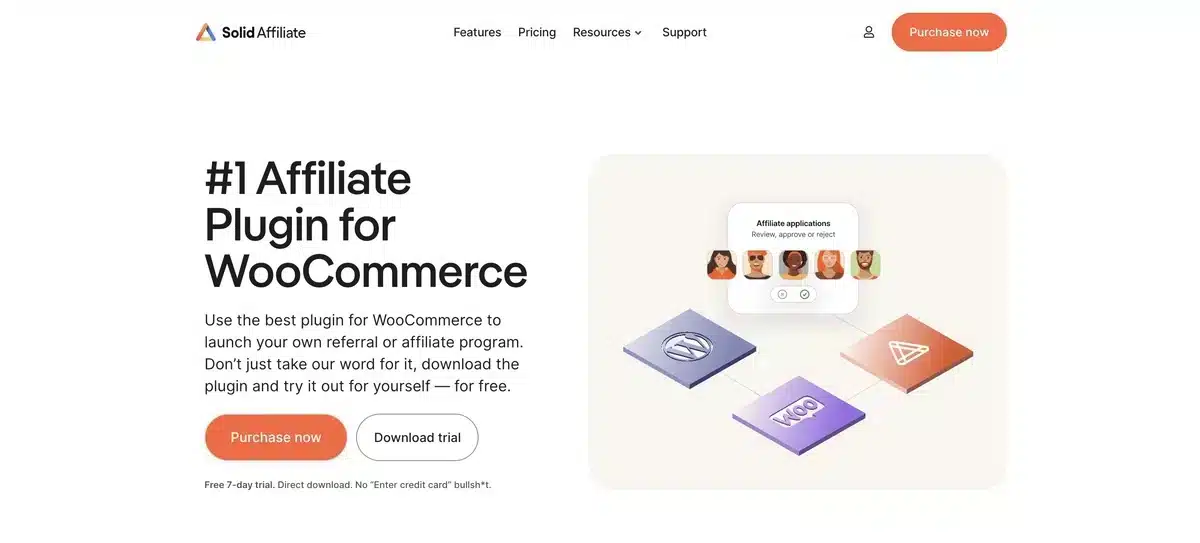
Solid Affiliate has the most honest pricing in this list, and that is why it keeps getting recommended. One flat yearly price with the features other plugins reserve for their top tier included by default.
Key Features
- Flat pricing with no feature-gated upsell tier.
- Multi-tier commissions and lifetime commissions included.
- Built specifically for WooCommerce, not adapted to it.
- Batch PayPal payouts.
- Migration path from AffiliateWP.
Pricing
- Around $179 per year, flat.
- Everything included at that price.
Best For
Mid-sized WooCommerce stores that want tiered and lifetime commissions without a license that reprices in year two.
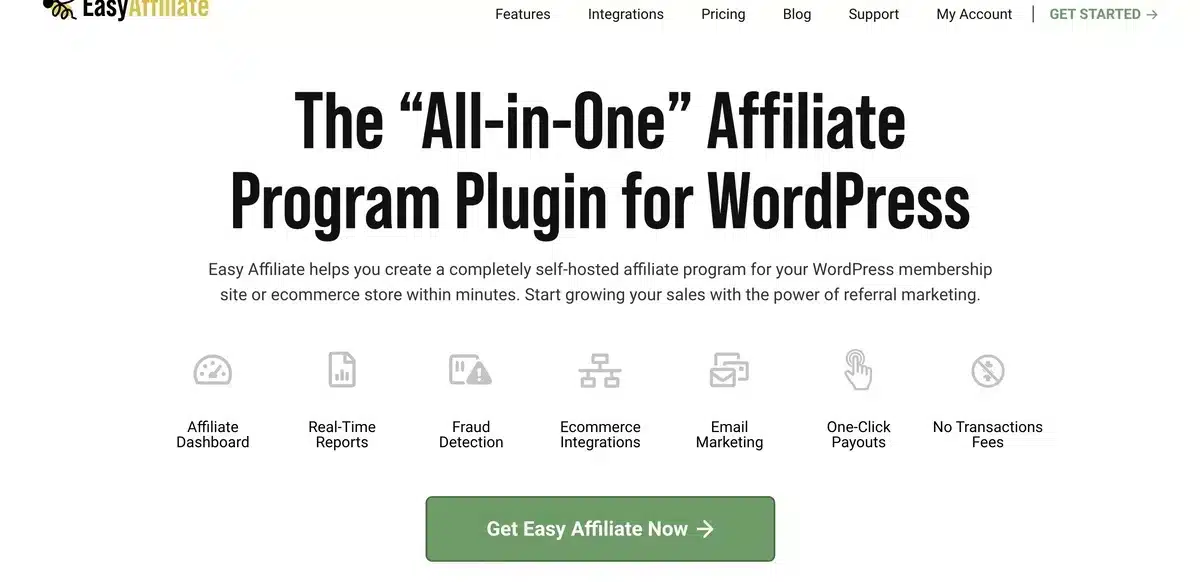
9. Easy Affiliate
Overview
Easy Affiliate comes from the team behind MemberPress, and it shows in how it handles recurring products. Solid and well supported, with the same introductory-pricing pattern as its main rivals.
Key Features
- Affiliate dashboard with one-click link generation.
- Recurring commissions on subscription products.
- Commission rules by product or affiliate.
- One-click PayPal payouts.
- Works neatly alongside MemberPress.
Pricing
- Basic from around $99 for the first year.
- Useful features sit on Plus and Pro, and renewals rise from the intro price.
Best For
Membership sites and subscription stores, especially if you already run MemberPress.
10. Post Affiliate Pro

Overview
Post Affiliate Pro is enterprise affiliate software with a WooCommerce connector, not a WordPress plugin in spirit. It does far more than most stores need, and the setup effort matches that.
Key Features
- Handles very large affiliate networks.
- Multi-level marketing structures supported.
- Deep fraud protection.
- More than 200 integrations.
- Detailed commission rule engine.
Pricing
- Monthly plans from around $129.
- Enterprise tiers priced on request.
Best For
Large operations running affiliates across several sites or brands. Overkill for one store.
11. Affiliate for WooCommerce
Overview
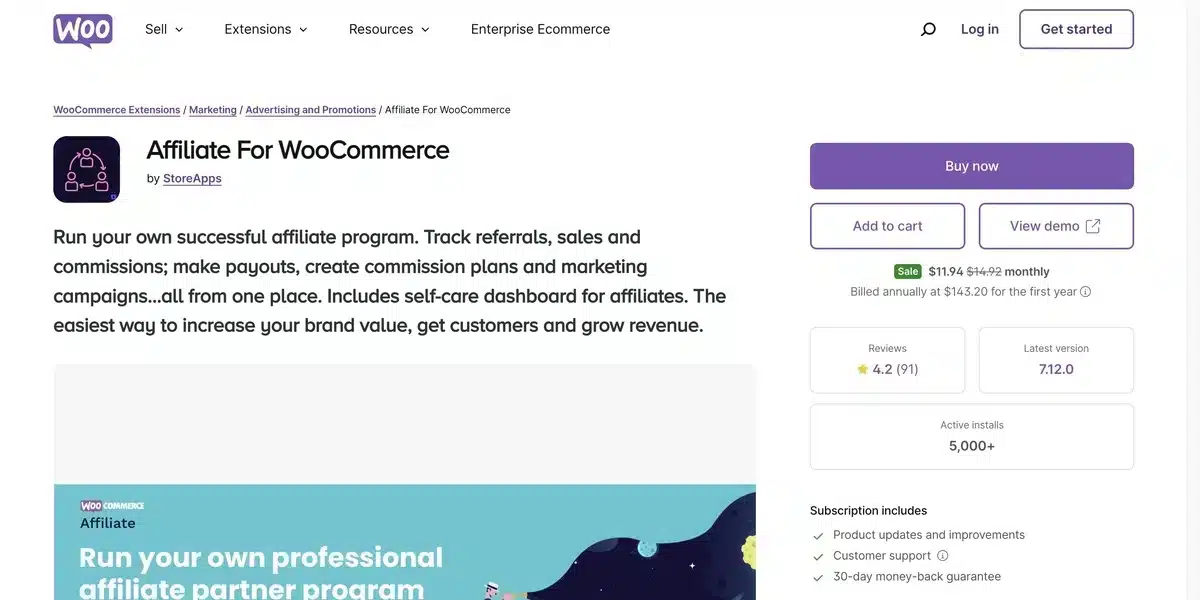
Affiliate for WooCommerce is sold through the official WooCommerce marketplace, which means billing and updates run through your existing WooCommerce.com account. That convenience is the main argument for it.
Key Features
- Installed and updated through WooCommerce.com.
- Single-screen affiliate management.
- Commission by plan, product or tag.
- Built-in campaign and coupon tracking.
- Store-credit payouts as well as PayPal.
Pricing
- Around $149 per year for a single site.
- Billed through WooCommerce.com.
Best For
Stores that prefer everything on one WooCommerce.com invoice with one support route.
Quick comparison of WooCommerce affiliate plugins
| Plugin | Type | Price | Tiered commissions | Best for |
|---|---|---|---|---|
| WooCommerce Affiliates | Plugin | Free / from $99/yr | Yes, multi-tier | Everything in one price |
| AffiliateWP | Plugin | ~$149 intro, renews higher | On Pro | Add-on depth |
| AffiliatePress | Plugin | Free / paid tiers | No | Simple flat-rate programs |
| ReferralCandy | Hosted | From ~$59/mo | n/a | Customer referrals, hands off |
| YITH Affiliates | Plugin | ~$150/yr | Limited | YITH plugin family users |
| WP Affiliate Manager | Plugin | Free core | No | Testing the idea free |
| Tapfiliate | Hosted | From ~$89/mo | Yes | Dedicated affiliate teams |
| Solid Affiliate | Plugin | $179/yr flat | Included | Honest pricing, mid-size stores |
| Easy Affiliate | Plugin | ~$99 intro, renews higher | On higher tiers | Membership and subscription sites |
| Post Affiliate Pro | Hosted | From ~$129/mo | Yes | Multi-brand operations |
| Affiliate for WooCommerce | Plugin | ~$149/yr | Limited | One WooCommerce.com invoice |
Read the price column twice. “Intro” means the first year only, and the tiered-commissions column tells you whether you are already on the plan that has it.
Which one we would choose
Three situations cover most stores:
- You have never run affiliates: install a free plugin and spend nothing. WP Affiliate Manager or our own free build both do the job. If you have not signed up ten affiliates in two months, the plugin was never the problem.
- The program works and you want tiers: Solid Affiliate at a flat $179, or our own plugin from $99 a year. Both include tiered and recurring commissions in the base price instead of selling them as an upgrade.
- You want someone else to handle payouts: ReferralCandy or Tapfiliate. You are paying monthly to never run a payout batch again, which is a fair trade once volume is real.
One thing we see over and over on client stores. The plugin is rarely why an affiliate program fails. It fails because nobody recruited anyone, or the commission was too small to be worth promoting. Decide your rate and your first ten partners before you buy anything. We wrote up the do’s and don’ts of running a WooCommerce affiliate program if you want the longer version.
If your customers are the people doing the recommending, an affiliate plugin is the wrong tool. Our roundup of the best WooCommerce rewards plugins covers that side. Points and referral rewards fit customers better, and a WooCommerce points and rewards plugin pays them in store credit instead of cash.
If your store needs commission logic none of these handle, we build custom WooCommerce extensions for cases like that.
Frequently Asked Questions (FAQs)
Q1. Are WooCommerce affiliate plugins easy to set up for a beginner?
Yes. Most take under an hour: install, set a commission rate, choose a cookie window, and publish a signup page. The part that takes real time is writing the program terms and recruiting affiliates, and no plugin does that for you.
Q2. Will an affiliate plugin slow down my WooCommerce store?
Slightly, because every visit checks for a referral cookie and some plugins write a row on each click. On a small store, it is not measurable. On a busy one, test it. Hosted platforms move the tracking off your server, which helps.
Q3. Do affiliate programs work for small WooCommerce stores?
They work when you have a product people already recommend. Content marketing for affiliates is usually what makes the difference between ten partners and one. If nobody talks about your store now, an affiliate link will not create that. Start by asking your best twenty customers, because they convert far better than recruited strangers.
Q4. Can I run two affiliate plugins at once?
You can install two, but do not. Both will try to set a referral cookie and claim the same order, and you will pay two commissions on one sale. Pick one and migrate properly if you switch.
Q5. How much commission should I offer affiliates?
Most WooCommerce stores land between 10 and 20 percent of order value. Work back from your margin instead of copying a number. If 15 percent leaves you nothing after cost of goods, offer 8 percent and a longer cookie window.
Q6. Why is the renewal price higher than advertised?
Because most of this category sells an introductory first year. The advertised figure is a new-customer rate, and the renewal is often close to double. It is legal and it is disclosed, usually in small print on the pricing page. Look for it before you buy, and check what the tier you will need costs on renewal, not the tier on the button.
Q7. What is a cookie window and what should I set it to?
It is how long after a click an affiliate still gets credit. Thirty days is the common default. Set it longer for expensive products people research first. Set it shorter for impulse buys, where a long window just pays for sales you would have made anyway.