The best WooCommerce payment gateways for India in 2026 are Razorpay, Cashfree, PayU, Paytm, PhonePe, Instamojo, and Stripe, each suited to different store types and transaction needs. Choosing the wrong one doesn’t just cost you in fees. It costs you in failed checkouts, delayed settlements, and customers who abandon their cart because their preferred payment method isn’t there.
Having helped build and configure WooCommerce stores for merchants across India, we’ve seen exactly how much payment gateway choice shapes conversion rates and cash flow.
Most gateway guides don’t tell you that the most popular option isn’t always the right one for your specific store. A subscription business has different needs from a D2C apparel brand. A developer setting up a store for a client has different priorities from a solo seller just starting out.
In this guide, you’ll find a comparison of the top WooCommerce payment gateways for India, a breakdown of real fees, a full comparison table, use case recommendations, and a step-by-step setup walkthrough.
What Makes a Payment Gateway Right for Indian WooCommerce Stores?
India’s checkout expectations are shaped by UPI, wallets, net banking, and EMI options. Customers who can’t find their preferred method at checkout will leave. That’s not a theory. It’s something we see consistently when auditing underperforming WooCommerce stores.
According to the National Payments Corporation of India, UPI processed well over 18 billion transactions in a single month in early 2025.
The IMF has recognised UPI as the world’s largest retail real-time payment system, and Indian shoppers increasingly expect it as the default checkout option rather than a secondary one.
For domestic card payments, MDR (Merchant Discount Rate) runs between 1.75% and 2.5%, depending on the gateway and your transaction volume. For UPI, most gateways currently charge between 0% and 1%. Then there’s 18% GST on top of the MDR. So a 2% MDR on a ₹1,000 transaction is closer to ₹23.60 after GST.
Best WooCommerce Payment Gateways for India — Compared
Here’s a detailed look at each gateway worth considering for your WooCommerce store.
1. Razorpay
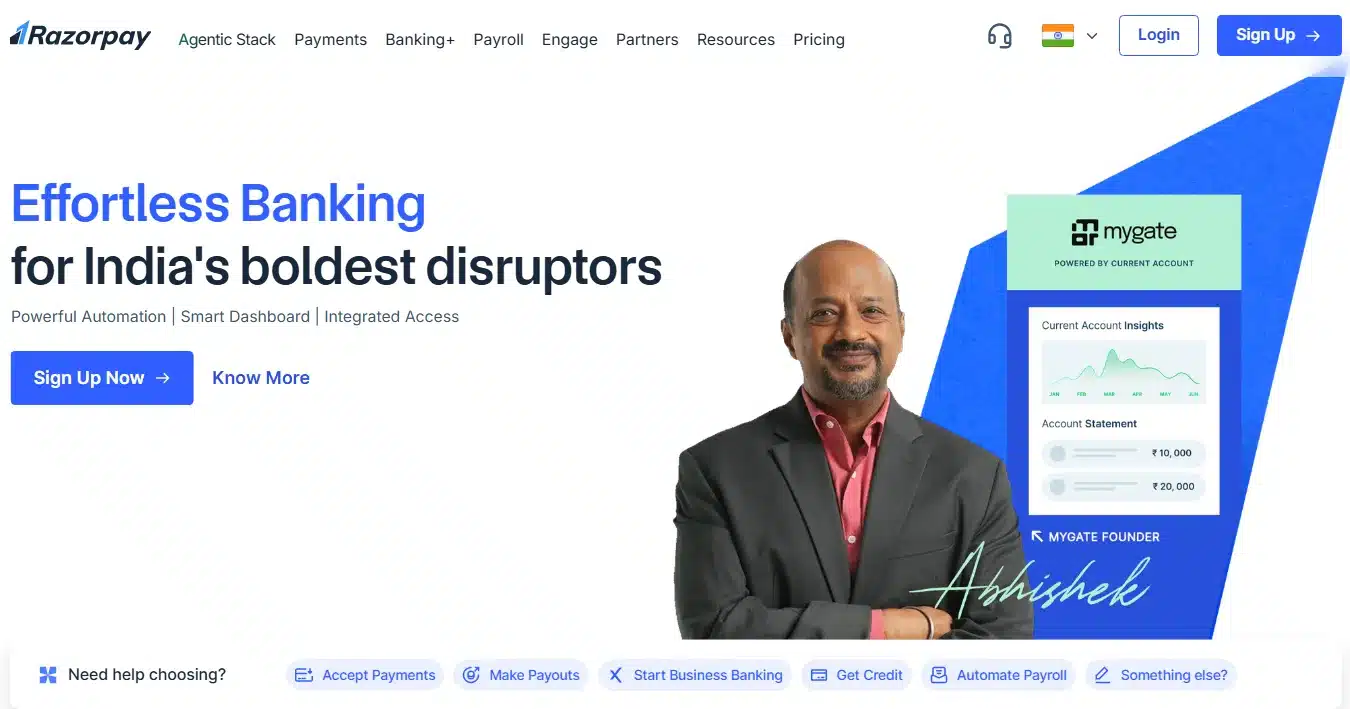
Razorpay is the most widely integrated WooCommerce payment gateway in India, and for good reason. It supports over 100 payment modes, including UPI, credit and debit cards, net banking, wallets, EMI, and pay-later options. The official WooCommerce plugin is available in the WordPress repository, actively maintained, and takes about 30 minutes to get live from scratch.
Best for
- Startups and Digital Businesses
- Mid-sized to Large eCommerce
Transaction fee
- Domestic: 2% + GST on most domestic payments.
- International or premium: 3% + GST on card transactions.
- Annual Fee: Standard accounts have no setup or annual charges
Settlement
- Standard Cycle T+2: Settlement cycle is T+2 working days for domestic payments and T+7 days for international payments.
- Instant Settlement (T+0): Lets you settle your available balance to your bank account 24×7 instantly for a small fee.
WooCommerce plugin
- Razorpay WooCommerce plugin: It has no setup fees, no monthly fees, and no hidden costs.
- PCI DSS Compliant plugin: supports UPI, Cards, Netbanking, Wallets, EMI, and PayLater.
Subscription support
- Full Subscription Support
- Up to 100 Years Duration
limitation
- Customer support can be slow to respond for newly onboarded merchants with smaller transaction volumes.
- Account activation occasionally gets delayed if KYC documents aren’t perfectly matched.
2. Cashfree Payments
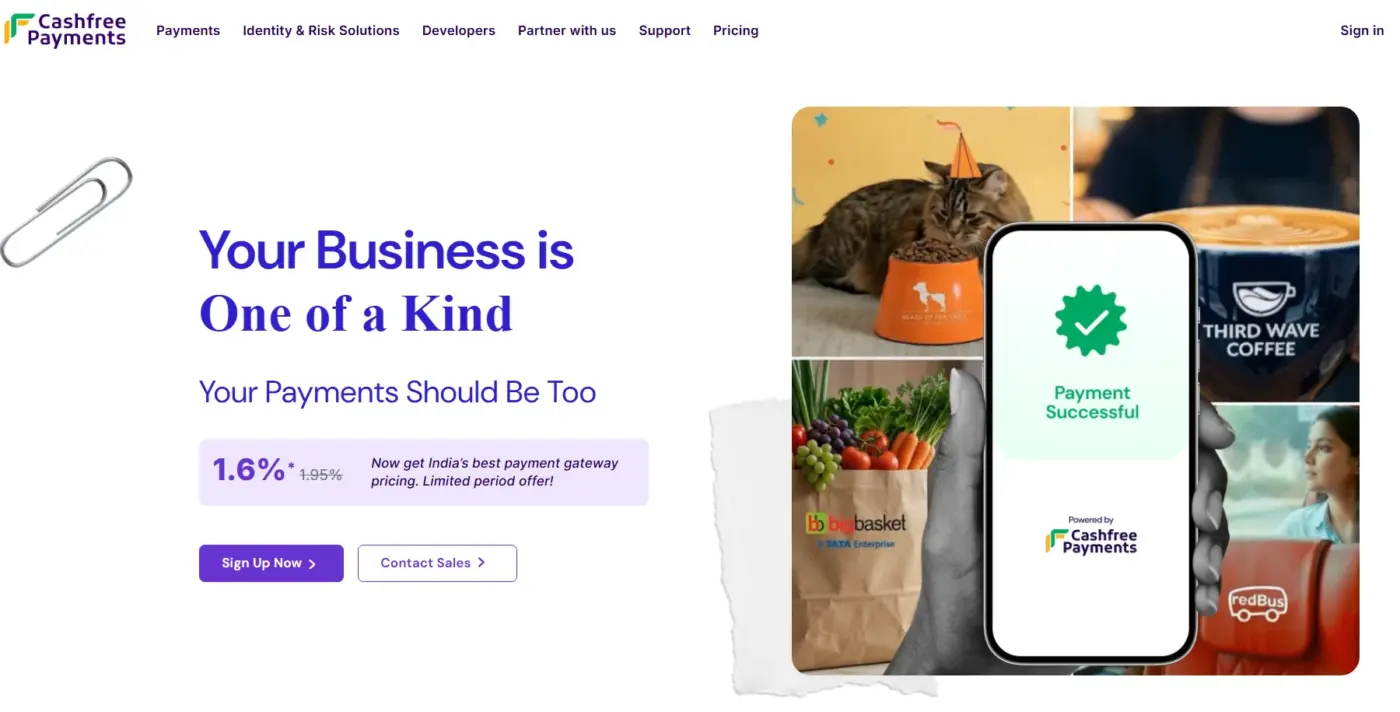
Cashfree has grown fast and is now a serious contender against Razorpay. It’s particularly strong for stores where UPI success rates matter and for merchants who need faster payouts. Cashfree is often cited for same-day settlements, which is a real advantage if you’re managing cash flow tightly.
Best for
- Marketplace and Platform Businesses
- Cost-Conscious Merchants
Transaction fee
- Domestic: 1.95% per transaction for credit or debit cards
- International: 3.5% + ₹7 per transaction for international Visa, Mastercard, and American Express cards.
Settlement
- Standard Cycle T+2: Settlement happens 2 business days after the transaction. Bank holidays are not counted.
- Instant Settlement: Available as an advanced feature directly through the WooCommerce plugin.
WooCommerce plugin
- Cashfree for WooCommerce: This plugin supports instant refunds for online and COD orders, pre-authorisation for card payments, and instant settlements.
Subscription support
- Recurring Payments Supported via APIs and payment links, with UPI AutoPay and e-mandate options available.
Limitation
- International payment activation requires a separate approval process.
- The plugin requires domain whitelisting before going live.
3. PayU India
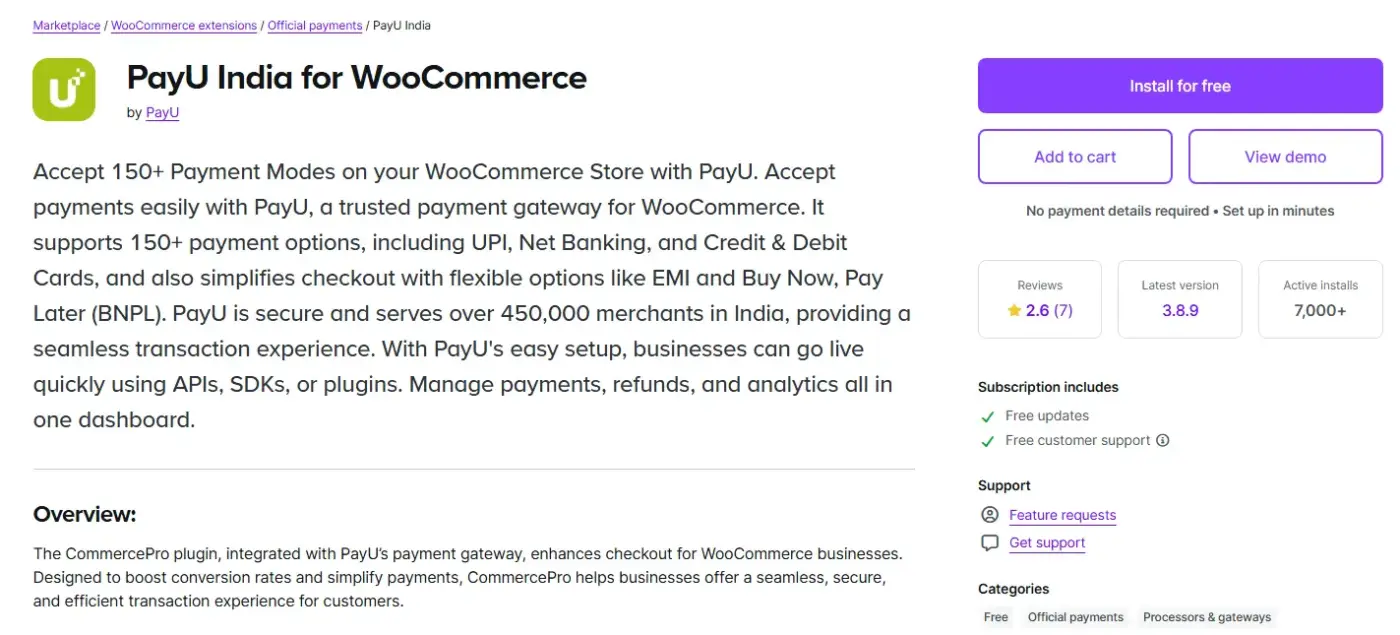
PayU received RBI approval as a Payment Aggregator in 2025, which strengthened its position for Indian merchants who care about regulatory standing. It supports UPI, cards, net banking, BNPL, and EMI, and its fraud prevention tools are notably strong.
Best for
- Enterprise and Large-Scale eCommerce
- AI-Driven Checkout Optimisation
Transaction fee
- Domestic: Credit or debit cards at 1.90% + GST, net banking at 1.75% + GST, UPI at 0.90% + GST, and wallets at 2.00% + GST.
- International/Premium: 3% for Diners, American Express, EMI, and international card transactions.
Settlement
- Standard Cycle (T+2): Money is transferred to your bank account automatically within 2 working days after a successful transaction, excluding Saturdays, Sundays, and bank holidays.
- Priority Settlement: Eligible merchants can receive settlements in as fast as 15 minutes by activating PayU’s Priority Settlements feature, available at an additional charge.
WooCommerce plugin
- PayU CommercePro Plugin: The current official plugin by PayU India for WooCommerce. It includes a two-step checkout flow, conversion optimisation features, and supports all major domestic payment modes.
- WooCommerce PayU India: The older plugin is still available on the WordPress repository. Suitable only if your setup depends on legacy PayUBiz/PayUmoney credentials.
Subscription support
- PayU supports subscription and recurring billing, making it suitable for SaaS and membership-based WooCommerce stores
Limitation
- slow and unclear approval process, particularly for international payment activation.
- International payments are not enabled by default and require separate approval from PayU’s banking partners
4. Paytm Payment Gateway
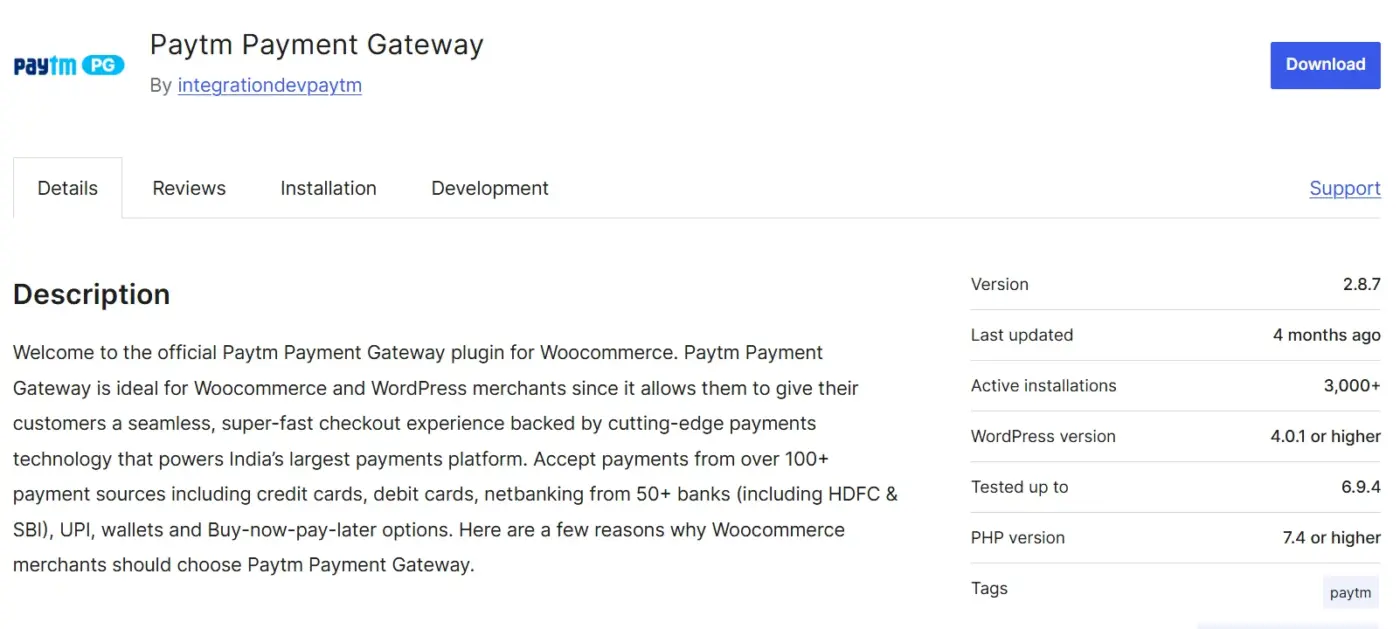
Paytm has one of the largest user bases in India. Customers who use the Paytm wallet prefer paying through it, and having it available at checkout reduces friction for that segment.
Best for
- Consumer-Facing D2C and Retail Stores
- High-Volume Businesses Needing Fast Settlements
Transaction fee
- Domestic (Standard Plan): Flat 1.99% platform fee applicable on all transactions, with 18% GST on top.
- UPI and RuPay: 0% transaction fee, lifetime free for these payment modes.
- International: Available after account verification and document approval. Fee communicated post-approval by Paytm’s merchant helpdesk.
Settlement
- Standard Cycle T+2
- Real-Time and On-Demand Settlement
WooCommerce plugin
- Paytm Payment Gateway: Supports the Checkout Block feature, HPOS, and accepts all major payment modes, including UPI, cards, net banking, wallets, EMI, and BNPL. No SSL certificate or PCI-DSS certification is required on the merchant’s site
Subscription support
- Recurring Payments Supported via UPI Autopay, compatible with all major UPI apps. Subscription payment links are also available for automating collections.
Limitation
- International payments are not enabled by default and require a separate document submission and approval process.
- International card support is limited compared to gateways like Razorpay or Cashfree.
5. PhonePe Payment Gateway
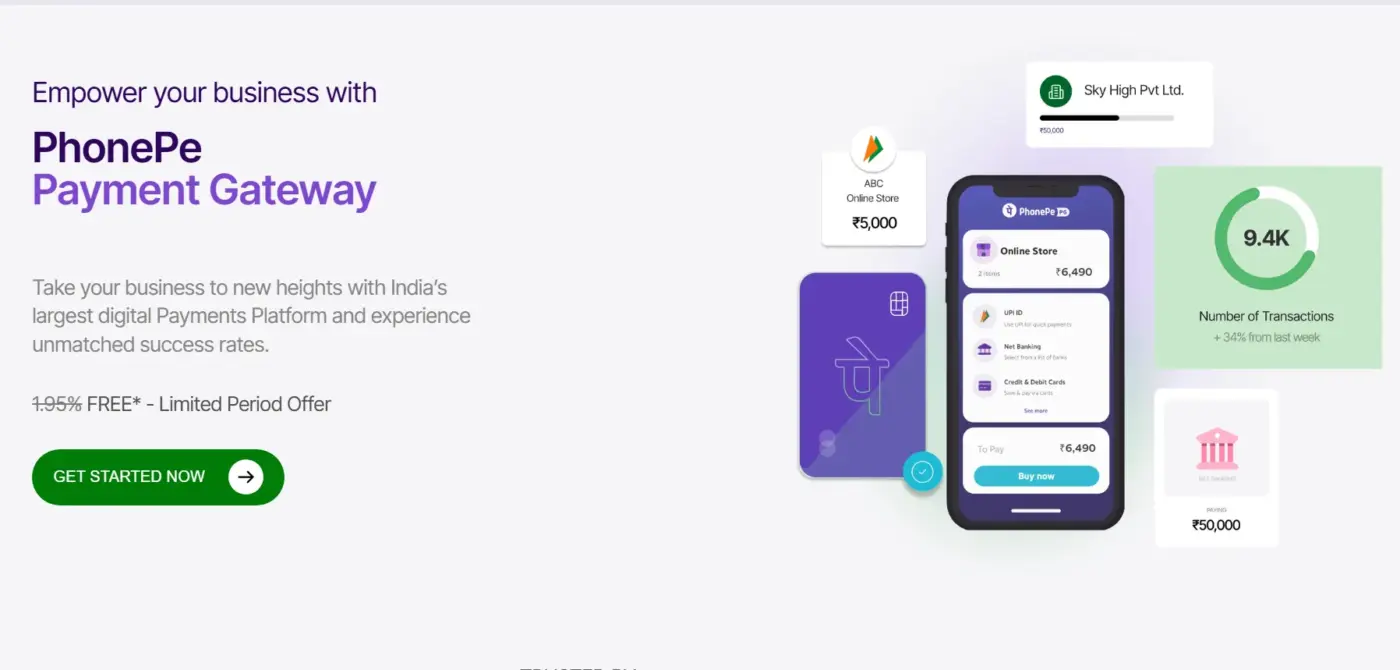
PhonePe is one of India’s top UPI apps, and its payment gateway extends that reach to business settlements. It’s strong on UPI success rates and offers a trusted brand at checkout that Indian shoppers recognise.
Best for
- UPI-First Businesses
- D2C Brands and Mobile-First Stores
Transaction fee
- Bank-to-Bank: Zero MDR, merchants receive 100% of payment amounts on standard UPI transactions.
- Wallet via UPI (PPI): Charges merchants a 1.1% interchange fee on wallet-based UPI transactions above ₹2,000.
- Cards and Other Modes: Charges around 2% for online payment gateway services on non-UPI transactions.
Settlement
- Standard Cycle T+1: Settlements for all transactions are done on a T+1 basis for both online and offline modes, except on bank holidays (2nd and 4th Saturdays, Sundays, and government holidays).
WooCommerce plugin
- PhonePe Payment Solutions: Supports V2 Payment Gateway APIs with payment retries, token-based security, WooCommerce Checkout Block compatibility, and FRA (Fraud Risk Assessment) error messages for merchants.
- Payment Gateway for PhonePe and for WooCommerce: Developed by an official PhonePe Partner. Connects to official PhonePe APIs and supports UPI, wallet, cards, and net banking with a mobile-optimised checkout flow.
Subscription supported
- Recurring Payments Supported via UPI AutoPay, allowing businesses to set up automated periodic deductions for subscriptions, bills, and memberships.
- Card-based eMandates are supported under RBI guidelines, enabling automated recurring billing via Visa, Mastercard, and RuPay cards without manual re-authentication each cycle
Limitation
- Pricing for cards and premium payment modes is not publicly listed
- International payments support is limited
6. Instamojo

Instamojo is the easiest gateway to get started with in India. No developer needed. You can set up a payment link or a basic WooCommerce checkout integration in under an hour, with minimal KYC friction.
Best for
- Solopreneurs, Freelancers and MSMEs(Micro, Small and Medium Enterprises)
- Digital Product Sellers
Transaction fee
- Domestic (Physical Goods): 2% + ₹3 + 18% GST per transaction.
- Domestic (Digital Goods): 5% + ₹3 + 18% GST per transaction.
- International Cards: 1% additional fee over standard domestic rates.
Settlement
- Standard Cycle T+3: Default payout cycle is transaction + 3 business days, settled through Instamojo’s nodal account.
- Faster Payouts: Instant Payout within 20 minutes.
WooCommerce plugin
- Instamojo for WooCommerce: The official plugin by Instamojo, available on the WordPress repository. It supports WooCommerce HPOS compatibility and Block Checkout, and is restricted to INR currency only.
Subscription support
- No Native Subscription Support: Instamojo does not support recurring or subscription payments.
Limitation
- Instamojo only processes payments in INR.
- No subscription support makes it unsuitable for SaaS, membership, or any recurring revenue model on WooCommerce.
7. Stripe
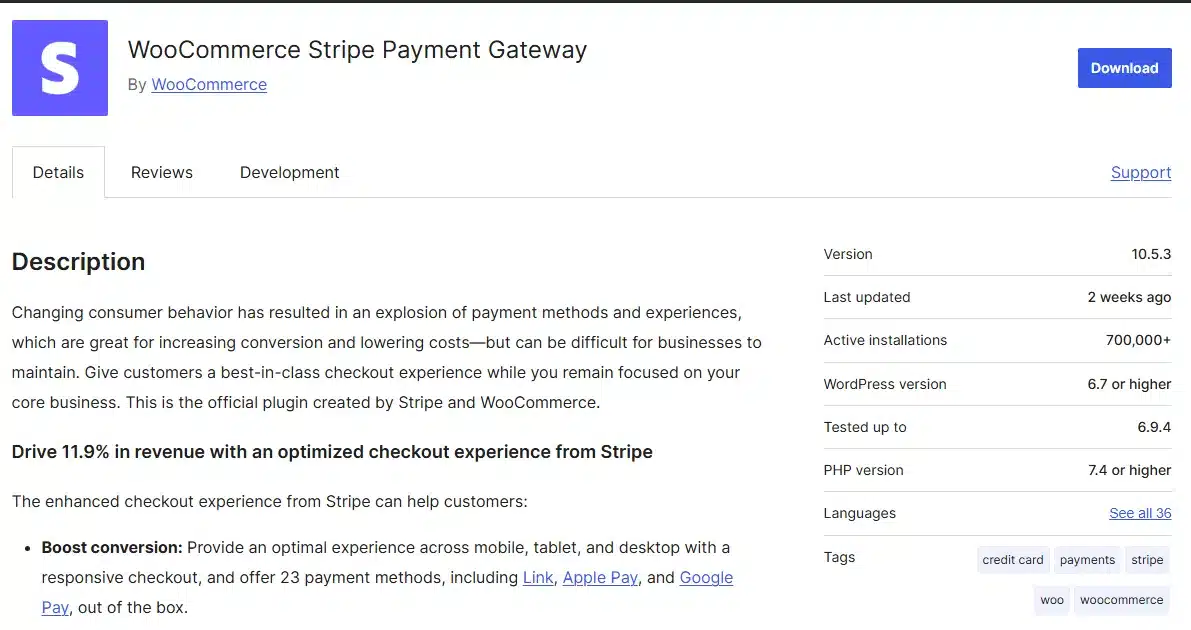
Stripe is the right option when you’re selling to customers outside India. It supports payments in over 135 currencies, has an outstanding checkout experience, and integrates with WooCommerce without much friction.
Best for
- SaaS and Global-Facing Businesses
- Developer-Driven Stores Needing Custom Checkout
Transaction fee
- Domestic Cards: 2% per transaction for Indian-issued cards.
- International Cards: 3% for international Visa/Mastercard, 3.5% for Amex, and 4.3% for international cards billed in USD.
- Currency Conversion: An additional 2% fee applies to each transaction when currency conversion is required.
Settlement
- Standard Cycle: Settlement takes 2–5 business days for Indian merchants, and can be longer during compliance checks or account reviews. No instant settlement option is available for India-based accounts.
WooCommerce plugin
- WooCommerce Stripe Payment Gateway: Supports 23 payment methods, Link accelerated checkout, Apple Pay, Google Pay, BNPL, PCI-DSS compliance via Stripe Elements, and WooCommerce Subscriptions for recurring billing.
- Payment Plugins for Stripe WooCommerce: Official plugin for merchants who need more configuration options, better support, and smoother compatibility with other WooCommerce extensions.
Subscription support
- Supports recurring payments across multiple payment methods, including cards, Apple Pay, and Google Pay.
- Stripe’s Billing APIs support metered, usage-based, and tiered subscription models natively.
Limitation
- Self-serve sign-up is currently unavailable
- It does not support UPI, RuPay cards, or local wallets like Paytm and PhonePe
- It does not automatically generate FIRA or eBRC documentation required by Indian exporters for GST refunds and RBI compliance reporting
Quick Comparison Table
| Gateway | Transaction Fee (Domestic Cards) | Settlement Time | UPI Support | International | WooCommerce Plugin | Best For |
|---|---|---|---|---|---|---|
| Razorpay | ~2% + GST | T+2 (instant optional) | Yes | Yes | Official (WP repo) | Most stores |
| Cashfree | ~1.9% | Same-day option | Yes | Yes (30+ currencies) | Official (WP repo) | High-volume, fast payouts |
| PayU India | ~2% | T+2 (instant optional) | Yes | Yes | Official (WooCommerce) | Subscriptions, fraud-sensitive |
| Paytm | Competitive | ~24 hours | Yes | Limited | Available | Mobile-first, wallet users |
| PhonePe | Competitive | T+2 | Yes (UPI-first) | Limited | Available | UPI-dominant customer base |
| Instamojo | 2% + ₹3 | T+3 | Yes | No | Available | Beginners, digital products |
| Stripe | ~2% | Standard | No | Yes (135+ currencies) | Official (WP repo) | International sellers |
How to Add a Payment Gateway to Your WooCommerce Store
If you haven’t set up a WooCommerce store yet, start with our guide to setting up WooCommerce on WordPress before following these steps.
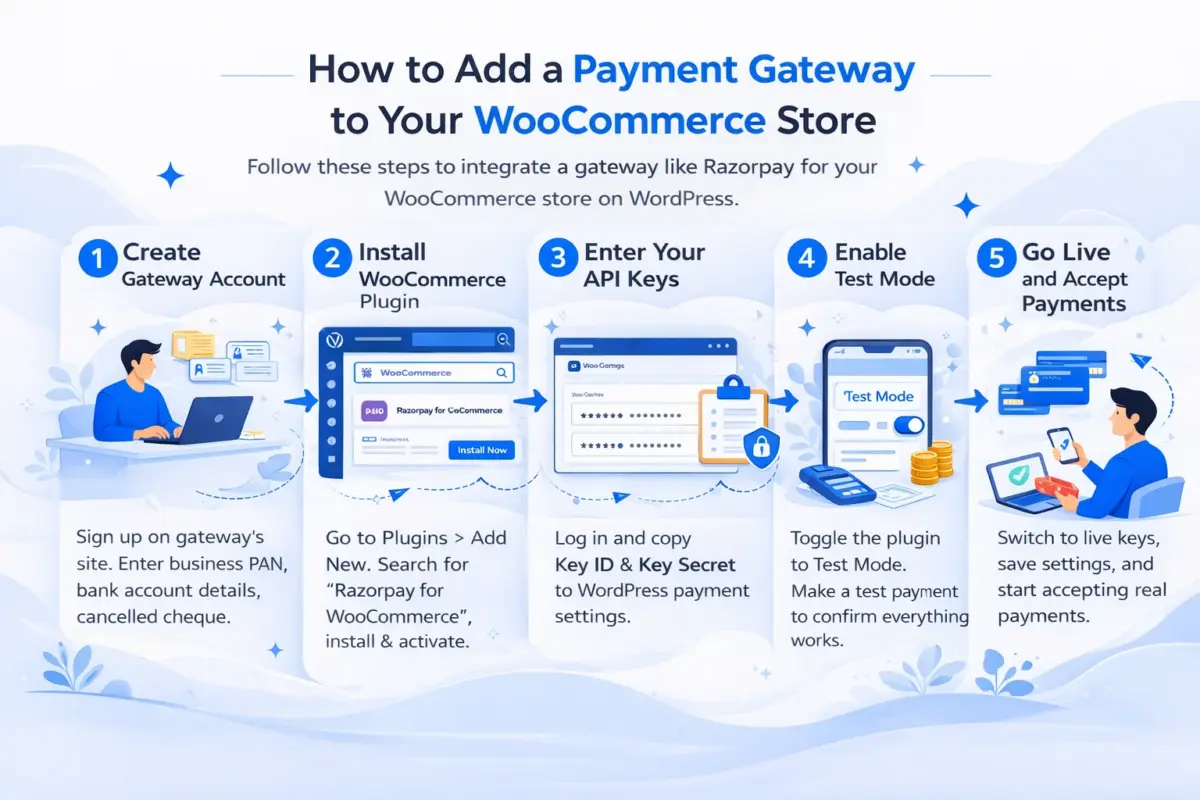
Here’s how to add a gateway like Razorpay (the same process applies to most Indian gateways):
- Step 1: Create your gateway account: Go to the gateway’s website and complete their merchant registration. You’ll need your business PAN, bank account details, and a cancelled cheque or bank statement.
- Step 2: Install the WooCommerce plugin: From your WordPress dashboard, go to Plugins > Add New. Search for the gateway name (for example, “Razorpay for WooCommerce”). Install and activate the official plugin.
- Step 3: Enter your API keys: Once approved, log in to your gateway dashboard and navigate to Settings > API Keys. Generate a Key ID and Key Secret. Copy both. Paste your Key ID and Key Secret into the relevant fields in payment settings.
- Step 4: Enable sandbox/test mode: Before going live, toggle the plugin to Test Mode using your test API keys (available in your gateway dashboard). Place a test order and confirm that the payment processes and the order status updates.
- Step 5: Switch to live mode and go live: Replace the test API keys with your live keys, save the settings, and you’re ready to accept real payments.
Common Problems Indian Merchants Face with Payment Gateways
Most guides stop at the setup steps. But here’s what actually goes wrong once you’re live.
Account Activation Delays and Rejections
The most common reasons are mismatched business names across your KYC documents, a website that isn’t fully built at the time of application, or a business type that needs extra verification (such as healthcare, education, or digital downloads).
Sudden Settlement Holds
A rapid spike in transaction volume, a cluster of refund requests, or unusual transaction patterns can trigger an automatic hold on your settlements. Keep your dispute rate low, respond to chargeback notices quickly, and maintain clean transaction records.
Subscription and Recurring Billing Limitations
Some gateways only support mandate-based UPI subscriptions (eNACH) for lower amounts, while others have caps on recurring transaction values. Always test your subscription flow end-to-end in sandbox mode before going live.
If you need a more controlled recurring payment experience, our Wallet for WooCommerce plugin lets customers preload a wallet balance that can be drawn down automatically at checkout, which sidesteps many of the mandate-related limitations entirely.
Conclusion
Choosing the best WooCommerce payment gateway for India comes down to the payment methods your customers use, the fees your margins can absorb, and the settlement speed your cash flow requires.
For most stores, Razorpay is the right starting point. For high-volume sellers who care about settlement speed, Cashfree is worth the move. Stores with recurring billing should look closely at PayU. And if you’re selling internationally, run Stripe alongside your domestic gateway.
Get the gateway live, test it thoroughly in sandbox mode, and watch your checkout drop-off data in the first few weeks. That data will tell you more than any guide can.
Have questions about setting up a payment gateway for your WooCommerce store? Drop them in the comments below.
Frequently Asked Questions (FAQs)
Q1. Which is the cheapest payment gateway for WooCommerce in India?
Cashfree and Razorpay offer some of the most competitive rates for Indian stores, with Cashfree starting around 1.9% MDR for domestic card payments. For UPI specifically, most gateways now charge 0% to 1%, making UPI the lowest-cost option for domestic transactions regardless of gateway.
Q2. Can I use Stripe for a WooCommerce store in India?
Yes, Stripe is available for Indian merchants and works well for international transactions. However, it does not support UPI or net banking, so it’s not suitable as a standalone gateway for India-first stores. Most store owners use Stripe alongside Razorpay or Cashfree to cover both domestic and international payments.
Q3. How long does it take to get a payment gateway approved in India?
For Razorpay and Cashfree, digital KYC approvals usually complete within one to two business days. PayU and Paytm can take longer depending on the documentation submitted. Make sure your business website is fully live, and your KYC documents show consistent business names to avoid delays.
Q4. Do Indian WooCommerce payment gateways support recurring billing?
Yes, but with caveats. Razorpay supports subscriptions through a dedicated add-on. PayU has strong recurring billing support. Most gateways support mandate-based UPI recurring (eNACH), but there are caps on transaction amounts and not all banks support it. Always test your subscription flow in sandbox mode before going live.
Q5. Is it safe to use Indian payment gateways on WooCommerce?
All major Indian gateways covered in this article are PCI-DSS compliant and operate under RBI regulations. They do not store raw card data on their servers. Your WooCommerce store itself should also run HTTPS and stay updated to avoid vulnerabilities at the plugin or theme level.
Q6. What is MDR in the context of Indian payment gateways?
MDR stands for Merchant Discount Rate. It’s the percentage fee charged by the gateway on each successful transaction. For example, a 2% MDR on a ₹500 order means ₹10 is deducted before the funds reach your bank account. GST at 18% applies on top of the MDR amount, so the effective deduction is slightly higher than the headline percentage suggests.
Q7. Which WooCommerce payment gateway handles high-volume Indian stores best?
Cashfree is often the preferred choice for high-volume merchants because of its same-day settlement option, strong UPI performance, and competitive MDR at scale. Razorpay is also strong at volume and offers dedicated support tiers for larger merchants. If you’re processing a large number of transactions monthly, it’s worth negotiating custom rates directly with either gateway.