The best Chrome bookmark manager in 2026 is Tabisto for anyone who wants a visual workspace on every new tab, and Raindrop.io for anyone who needs cloud sync across multiple devices. Below, you’ll find seven tools ranked by use case, with an honest look at what each one does and where it falls short.
Chrome’s native bookmark system still runs on a folder tree from 2008. You can have 400 saved links and find none of them. Pocket, the tool millions of people used as a workaround, shut down completely in July 2025. So the question of which bookmark manager to use is more open than it has been in years.
This post covers 7 bookmark managers for Chrome, a side-by-side comparison table, and a decision framework for three common workflows. No filler, no tools that stopped working last year.
Why Chrome’s Built-In Bookmark Manager Breaks Down
Chrome’s native bookmarks are fine for ten links. Past that, things get messy fast.
The bookmark bar holds roughly 30 short titles before it turns into a wall of clipped text. The folder structure has no search worth using. There are no tags, no visual previews, no way to resurface something you saved three months ago without remembering exactly what you named it.
Most Chrome users end up with a “bookmark graveyard”: hundreds of saved links, zero recall. Chrome’s display can also throw you off. If you have ever thought why your bookmarks and Chrome look grey, the display issues compound the problem further.
A dedicated Chrome bookmark manager extension fixes this by adding three things the native system never had: fast visual access, smarter search, and some form of organisation that holds up at scale. The right one depends on how you work. That’s what this list is for.
The 7 Best Bookmark Managers for Chrome in 2026
Here are the tools worth your time, ranked by fit for Chrome-first users.
1. Tabisto: Best for Visual Workspaces, Local-First, and a Productive New Tab
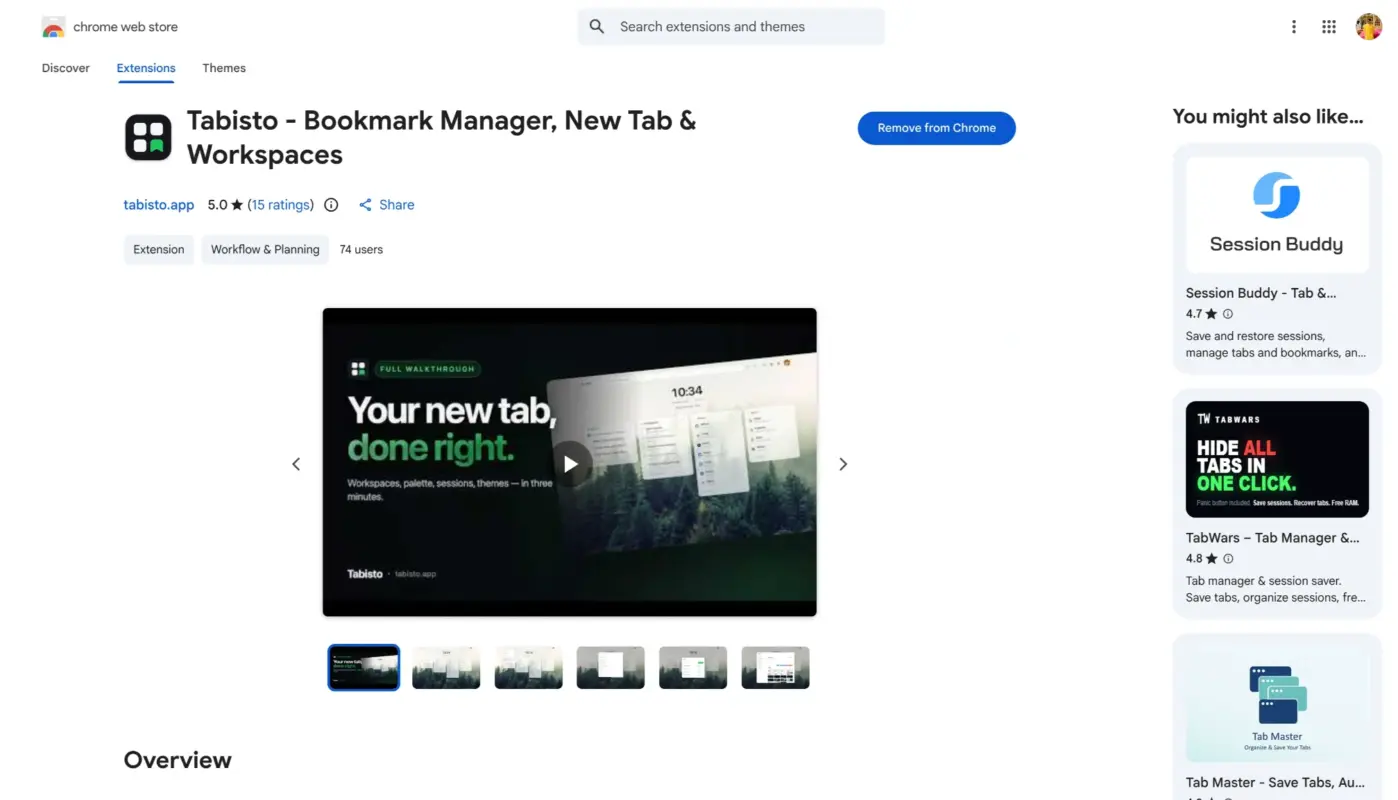
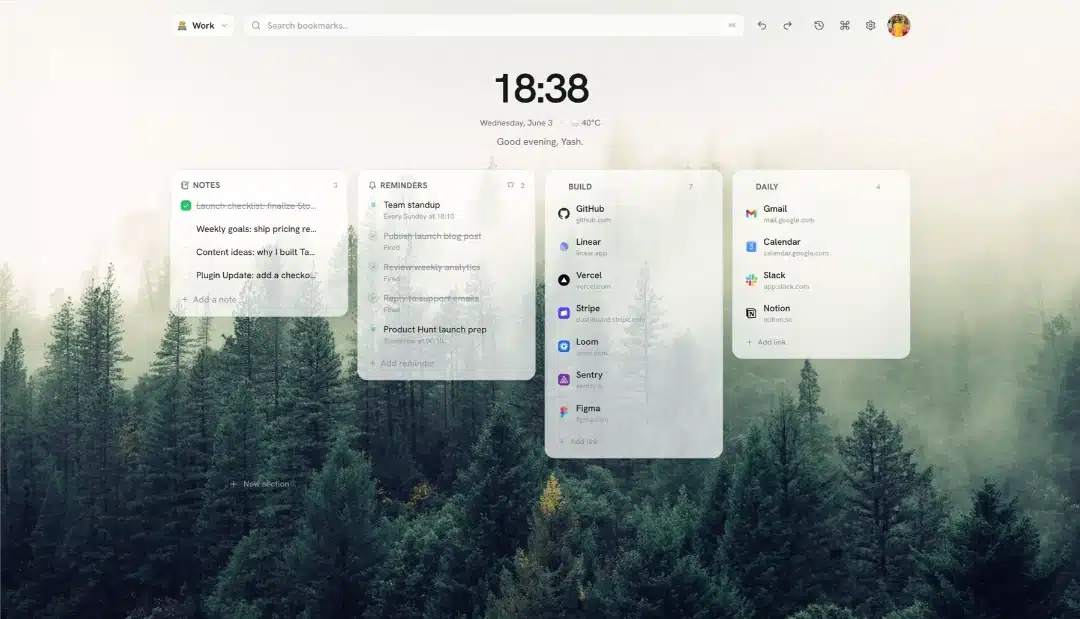
Tabisto is a visual Chrome bookmark manager that replaces Chrome’s default new tab with a quiet, organised dashboard. Every time you open a new tab, your bookmarks are already there, sorted into sections you arrange yourself and grouped by workspace.
This is what makes Tabisto different from every other tool on this list. The others live in a sidebar, a pop-up, or a separate app. Tabisto lives on the page you already open dozens of times a day. No new habit required. No extra click to get to your links.
The workspace system is the standout feature. You get separate spaces for Personal, Work, Research, or anything you name them. Each workspace has its own sections and its own set of saved tab sessions. Switching between them takes one click or a Cmd+K command palette shortcut. Your work tools never sit next to your weekend reading.
A few things worth knowing before you install:
- Local-first storage: Everything runs in IndexedDB inside your browser. The new tab loads before Chrome makes any network call. No account is required to start using it.
- Cloud sync is opt-in: Sign in and your bookmarks, notes, reminders, and themes sync across every browser where you use Tabisto. Works on both Free and Pro.
- The free tier is real: Two workspaces, 25 bookmarks, one saved session, and three reminders. Pro removes every limit and adds custom wallpapers, unlimited sessions, and workspace export.
- No ads, no tracking, no background noise: Favicons load from Chrome’s own cache, not a third-party service. The extension is under 2MB.
One honest limitation: the free tier’s 25-bookmark cap fills up fast for active users. If you’re importing a large existing bookmark library, you’ll hit Pro quickly. The pricing is $3.99/month or $35.88/year, with a 7-day trial.
Add Tabisto to Chrome. No account needed. Works immediately after install.
Best for: Chrome power users who open a lot of new tabs, people who want separate workspaces for work and personal, and anyone who prefers local storage over cloud accounts.
2. Raindrop.io: Best for Cloud Sync and Cross-Device Access
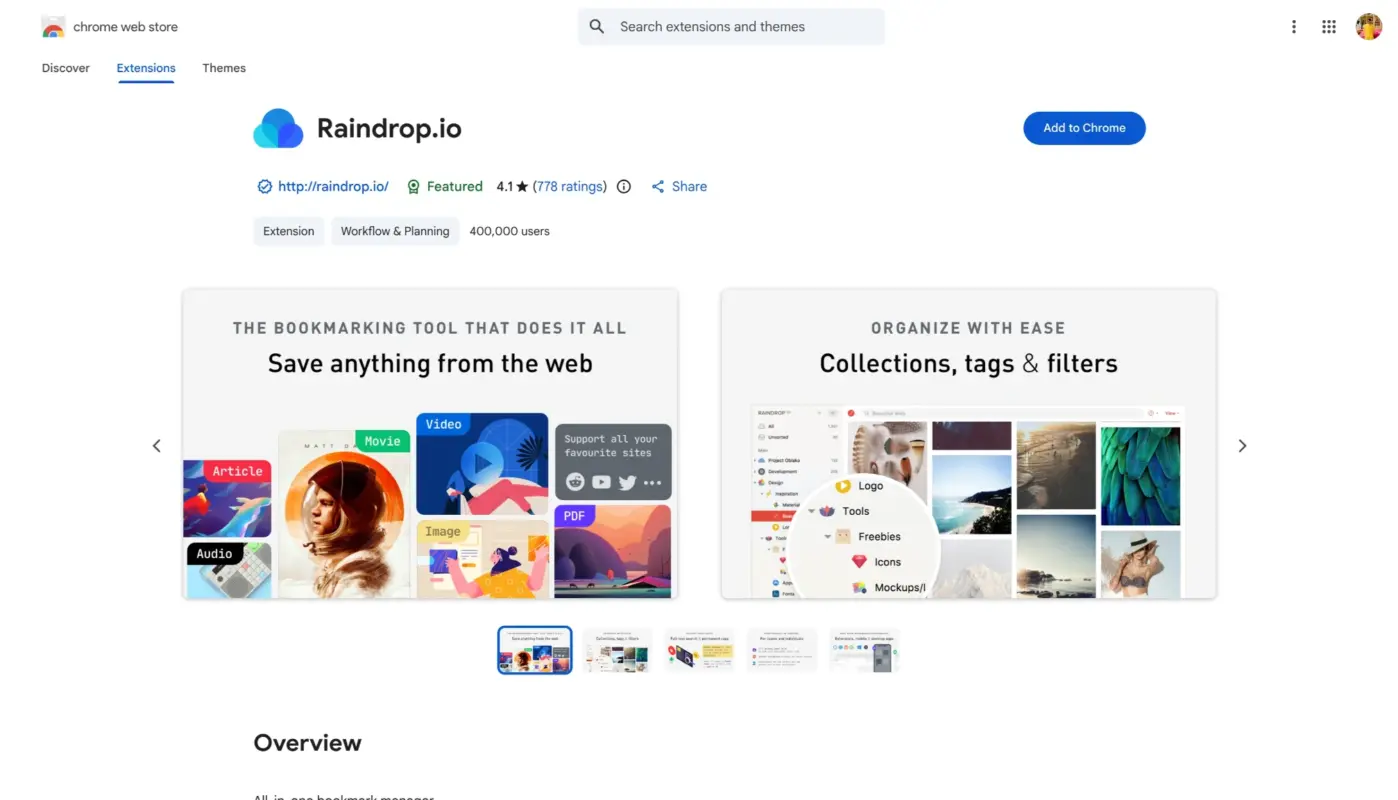
Raindrop.io is the most-recommended cloud bookmark manager among Chrome users on Reddit and Hacker News. It has been around since 2013, and the free tier is surprisingly good: unlimited bookmarks, unlimited collections, unlimited devices.
The Chrome extension saves a link in two clicks. Visual card layouts show thumbnails for each saved page. You can nest collections inside collections, add tags, filter by domain, and annotate individual bookmarks with highlights and notes. Cross-device sync works across Chrome, Firefox, Safari, iOS, and Android, all from one account.
The Pro plan at $38/year adds full-text search inside saved pages and permanent page snapshots. For researchers saving large numbers of reference links, the full-text search alone makes it worth the cost.
One trade-off: Raindrop is a cloud tool. Your bookmarks live on Raindrop’s servers. If you would rather not create another account or prefer your data to stay local, Tabisto is the better fit.
Best for: Multi-device users who want bookmarks accessible on every browser, and researchers managing large link collections.
3. Pinboard: Best for Minimalists and Developers
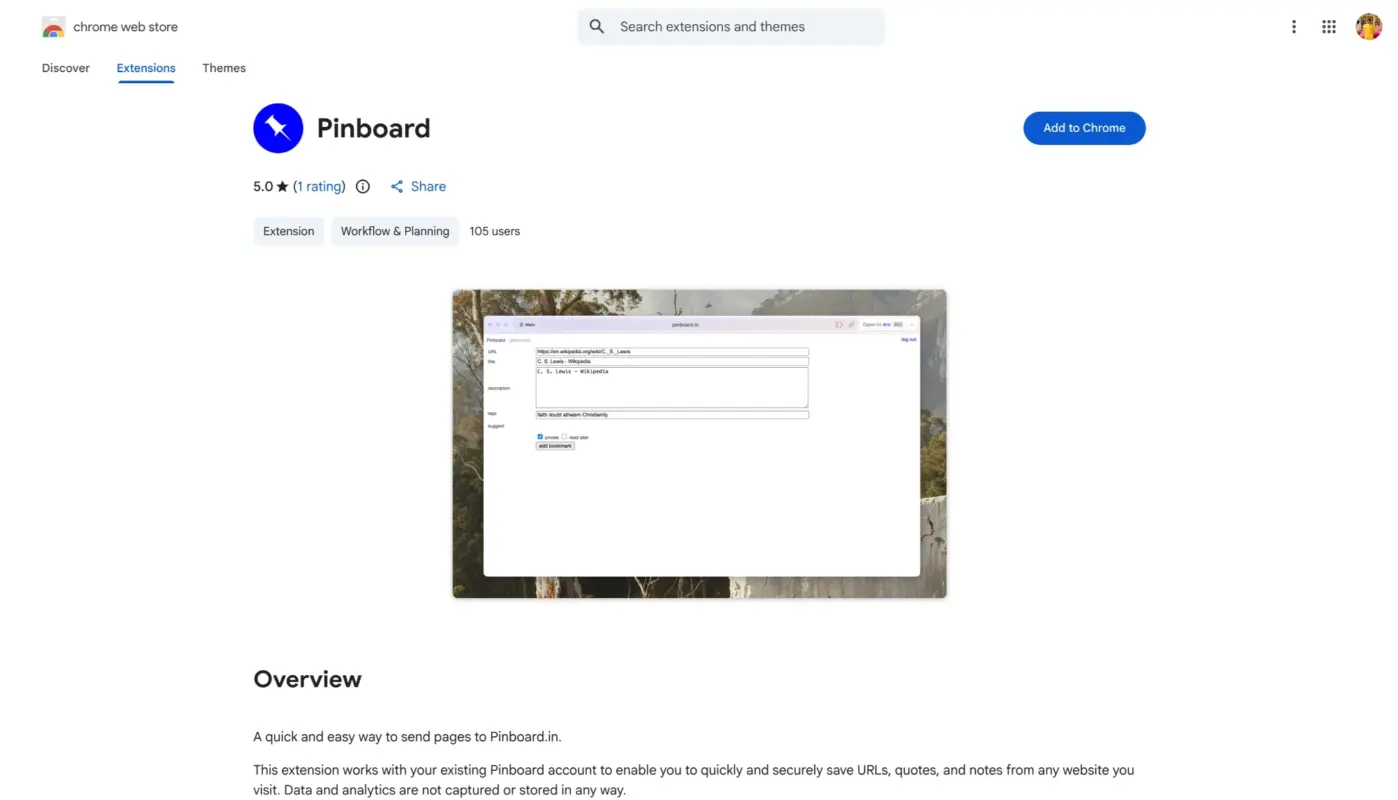
Pinboard is the anti-hype option. No visual frills, no AI features, no social feed. It is a fast, tag-centric bookmarking service built by one developer, and it shows. In a good way. Pages load fast because there is nothing unnecessary on them.
Standard plan: $22/year. Archival plan: $39/year, which saves cached copies of every bookmarked page. The API is well-documented for anyone who wants to build integrations or automate saves.
The Chrome extension is basic but functional. Search is instant, even with thousands of bookmarks. If you know you will never use visual card layouts and just want links saved and searchable, Pinboard delivers without friction.
Best for: Developers, researchers, and anyone who wants fast, tag-based bookmarking without a learning curve.
4. Toby: Best for Tab Hoarders (Not a Full Bookmark Manager)
Worth mentioning because it appears on every comparison list. Worth clarifying what it does.
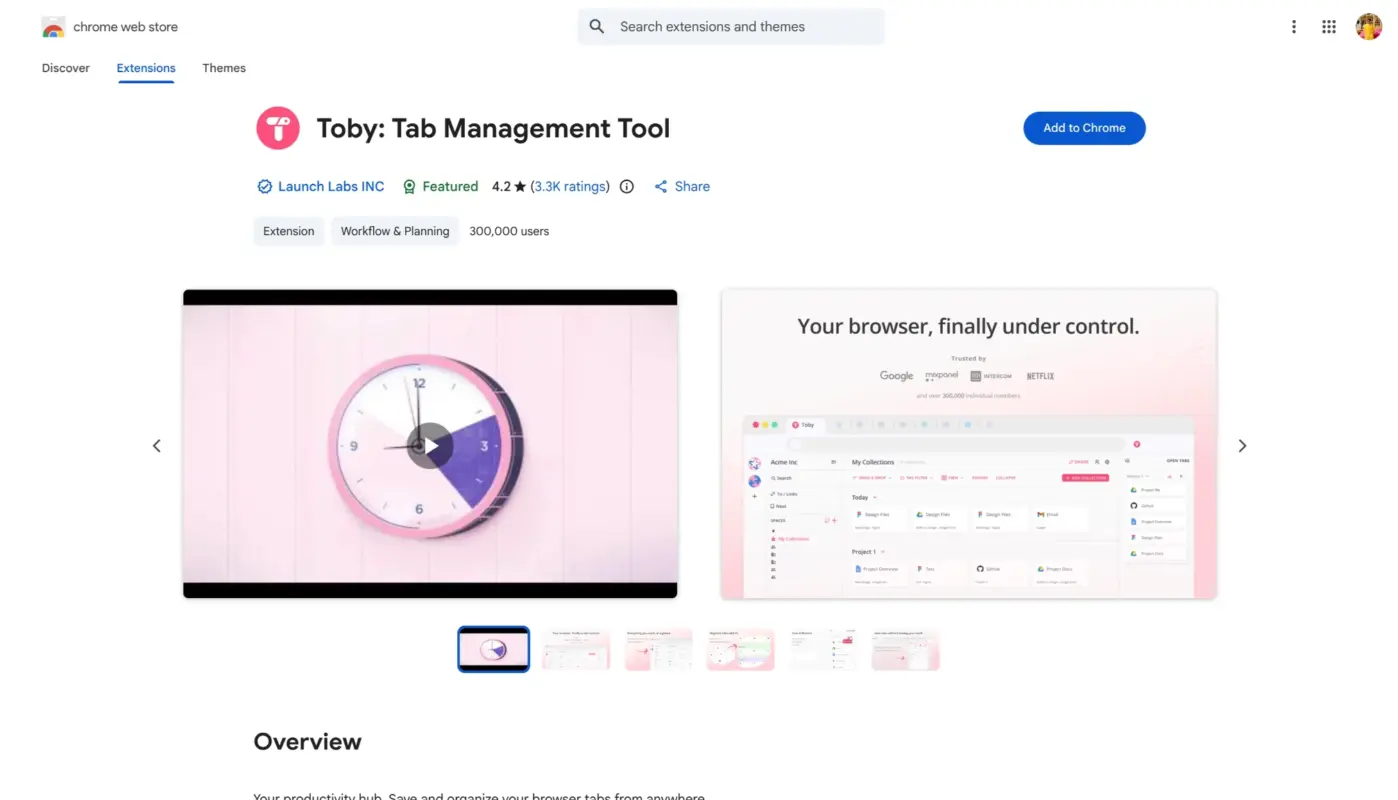
Toby replaces your new tab with a visual grid of saved tab collections. You drag tabs from your browser into named columns. It looks clean and it works for keeping groups of tabs off your browser bar while you’re mid-project.
But Toby is a tab manager, not a bookmark manager. There is no tagging, no full-text search, and no mobile app that works independently of Chrome. Once you close the tab dashboard, your “bookmarks” are a grid of favicons. There is no way to annotate or highlight saved content.
If you specifically want to save groups of open tabs as a project snapshot, Toby is fine. If you want to manage bookmarks long-term and find them later, you will outgrow it fast.
Best for: People who hoard browser tabs and want a visual snapshot, not a long-term reference library.
5. Instapaper: Best for Read-Later Articles
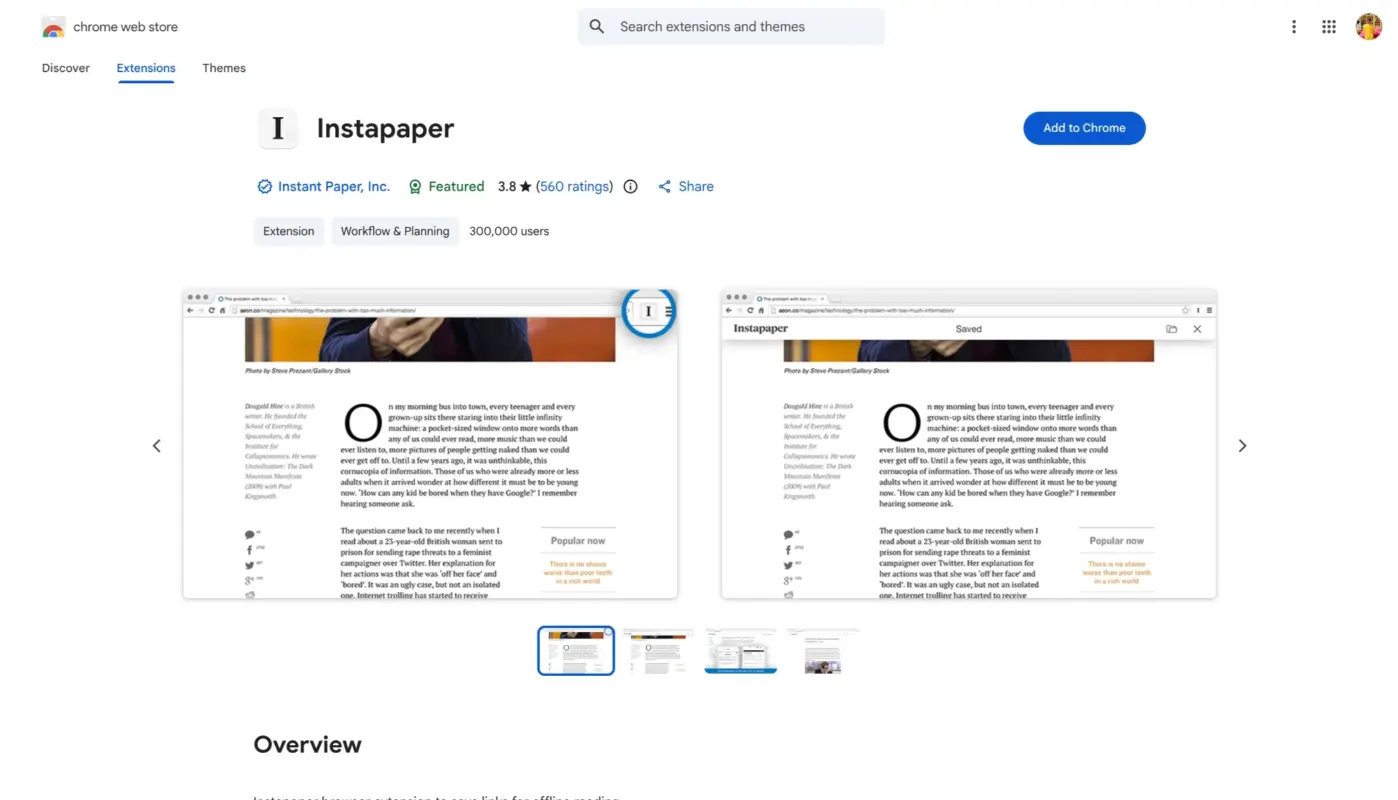
Instapaper is not really a bookmark manager. It is a read-later tool, and it is good at that specific job.
The Chrome extension saves an article, strips the clutter, and presents it in a clean reading layout. The free tier covers most of what casual readers need. Premium at $59.99/year adds full-text search across your saved articles and unlimited highlights.
The limitation is that Instapaper was built for articles. Save a product page, a tool dashboard, or a reference link and it feels wrong. The organisational tools are thin. There are no nested collections and no tagging system worth building around.
If you primarily save long-form articles to read later, Instapaper is a solid pick. If you want a general-purpose bookmark manager, it is not designed for that.
Best for: Avid readers who save articles and want a distraction-free reading experience.
6. Diigo: Best for Research Teams and Annotation
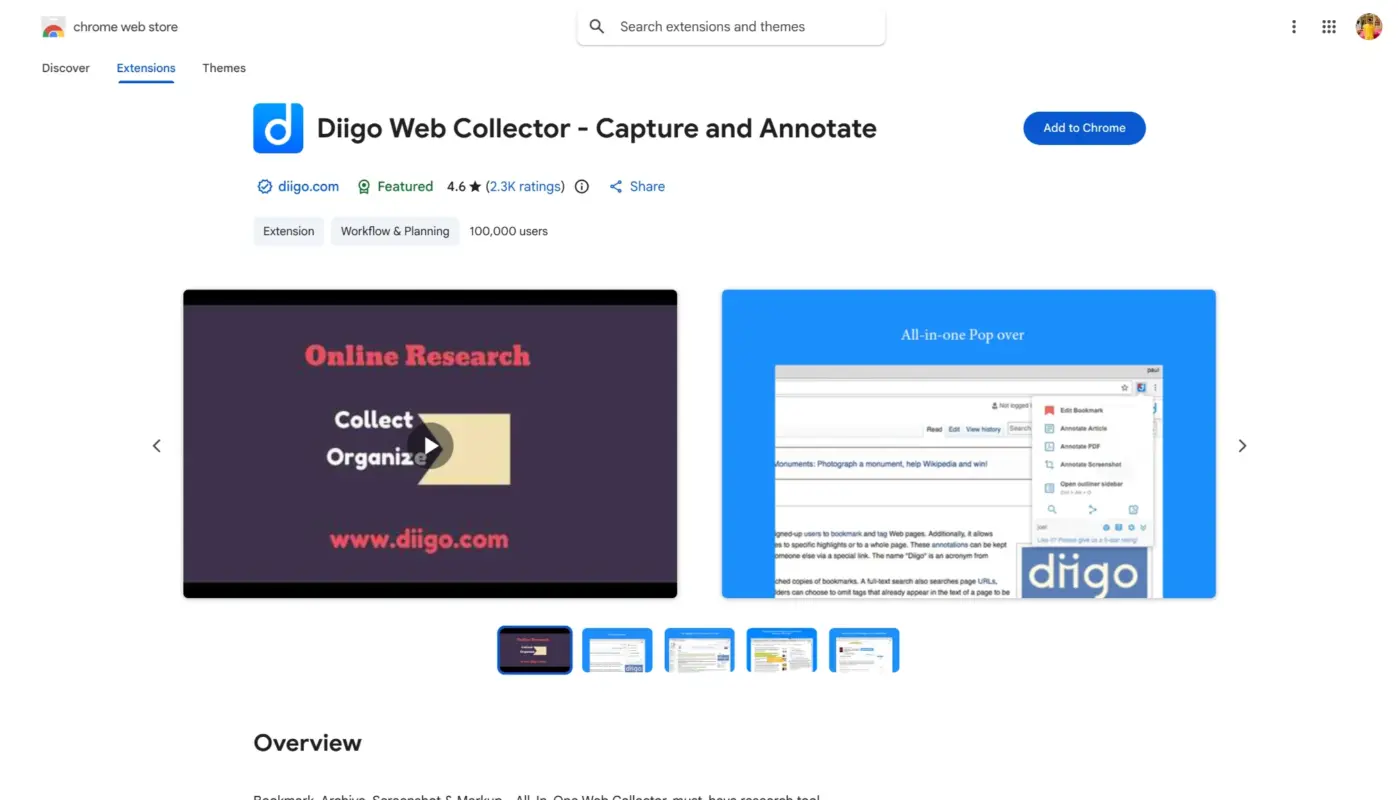
Diigo has been around since 2006 and is built specifically for annotating the web. You highlight text, add sticky notes, and tag pages as you go. Saved content syncs across devices and can be shared with a team. The research community still uses it for collaborative annotation.
The free tier is limited. Paid plans start at $40/year for the standard personal plan. For teams, it gets more expensive.
If you are doing deep research and want to mark up pages the way you would mark up a PDF, Diigo handles it. For everyday Chrome bookmark management, it is more tool than most people need.
Best for: Researchers, educators, and teams doing collaborative web annotation.
7. Chrome’s Built-In Bookmarks: Best for Casual, Light Use Only
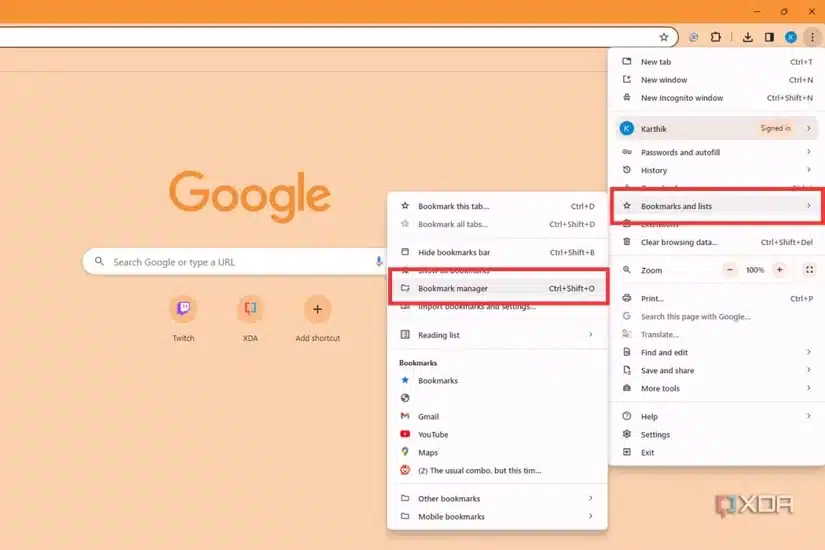
If you save fewer than 50 links and only use Chrome, the native bookmark manager is fine. It syncs across devices via your Google account. No install required. Zero learning curve.
The moment you start saving links regularly, you will feel the limitations. No visual previews. No tags. The search works only if you remember the exact title or URL fragment. Folder organisation breaks down past a certain volume.
Use native Chrome bookmarks for your five most-visited sites on the bookmark bar. Use something else for everything else.
Best for: Casual users with simple needs who only use Chrome and want zero setup.
Comparison Table: Chrome Bookmark Managers Side by Side
| Tool | Free tier | Account required | Storage | Interface | Offline | Mobile |
|---|---|---|---|---|---|---|
| Tabisto | Yes (25 bookmarks) | No | Local-first | New tab | Yes | Via sync |
| Raindrop.io | Yes (unlimited) | Yes | Cloud | Popup + app | No | Yes |
| Pinboard | No | Yes | Cloud | Web + extension | No | Web only |
| Toby | Yes | Optional | Cloud | New tab | No | No |
| Instapaper | Yes | Yes | Cloud | Popup + app | Yes (articles) | Yes |
| Diigo | Limited | Yes | Cloud | Extension + web | No | Yes |
| Chrome native | Yes | Google account | Cloud | Browser UI | Partial | Via Chrome |
How to Pick the Right Chrome Bookmark Manager for Your Workflow
Most comparison lists stop at “here are the features.” The harder question is which tool fits how you work.
You open a lot of new tabs and want links visible without any extra clicks. Tabisto is built for this. The new tab is already the bookmark dashboard. You do not open another app or click a pop-up icon. The links are on the page.
You use multiple browsers and multiple devices and need everything in sync. Raindrop.io is the right call. It has extensions for every major browser, apps for every platform, and its free tier covers unlimited bookmarks.
You save articles to read later and care about the reading experience. Instapaper handles this better than a general-purpose manager. Save it once, read it clean later.
You want your data to stay on your machine and never hit a cloud server. Tabisto in local-only mode (no account) keeps everything in IndexedDB inside Chrome. It works offline forever.
You want to annotate and highlight web pages for research. Diigo or Raindrop.io Pro both handle annotations. Diigo is better for team workflows. Raindrop is easier to set up.
If you are not sure, start with Tabisto. It is free, it requires no account, and it takes 15 seconds to install. If you later find you need cloud sync across non-Chrome browsers, you can add Raindrop.io on top.
Does a Chrome Bookmark Manager Slow Down Your Browser?
This depends entirely on how the extension is built.
Extensions that run background processes on every tab you visit will show up in Chrome’s Task Manager and slow things down. Tabisto runs only on the new tab page. It does not inject scripts into other sites and does not run a background service worker on your browsing sessions. The extension is under 2MB and stores data in IndexedDB, which reads from disk rather than making network calls on load.
Cloud-sync tools like Raindrop.io and Toby need an internet connection to save links and load your library. If you are on a slow connection or offline, saves may queue or fail. Tabisto saves locally first. The connection only matters if you have sync turned on.
The short answer: Lightweight local-first extensions like Tabisto do not slow Chrome down. Heavier cloud tools with large background scripts can be especially problematic on older hardware.
If Chrome is already running slow before you install anything, the issue is likely tab bloat or cached data. There are proven ways to reduce Chrome memory usage that help regardless of which bookmark manager you pick.
Conclusion
Chrome’s native bookmark system was not built for the way people browse in 2026. The pocket is gone. The folder tree does not scale. A good Chrome bookmark manager solves the actual problem: finding what you saved, fast and without context-switching.
For most Chrome users, Tabisto is the right starting point. It works offline, requires no account, and puts your bookmarks on the page you already open most. If you want to understand how it was built and what design decisions shaped it, the full story behind building Tabisto is worth a read. If you need cloud sync across every browser on every device, Raindrop.io is the strongest free option.
Add Tabisto to Chrome and your next new tab is already a calmer, more organised place to work.
Frequently Asked Questions (FAQs)
Q1. What happened to Pocket?
Mozilla shut down Pocket on July 8, 2025, and deleted user data on November 12, 2025. Anyone who exported their bookmarks before that date could import them into Raindrop.io or Instapaper. If you missed the export window, that data is gone. Raindrop.io picked up the most Pocket users because it offers unlimited bookmarks on a free tier.
Q2. Can I use a Chrome bookmark manager without creating an account?
Yes. Tabisto works fully without an account. Your bookmarks, workspaces, notes, and settings all stay in your browser. If you want to sync across devices later, you can sign in. It is optional, not required.
Q3. Is Raindrop.io free?
The free tier is unlimited in practice: unlimited bookmarks, collections, and devices. The Pro plan at $38/year adds full-text search inside saved pages and permanent page snapshots. For most casual users, the free tier covers everything.
Q4. What is the difference between a bookmark manager and a tab manager?
A bookmark manager stores links for the long term: things you want to reference again in days, weeks, or months. A tab manager handles your open tabs right now: things you want to keep visible or restore in the same session. Toby is a tab manager. Tabisto, Raindrop.io, and Pinboard are bookmark managers. Some tools overlap both categories, but they are not the same thing.
Q5. Does Tabisto work on browsers other than Chrome?
Tabisto is built for Chrome and other Chromium browsers (Edge, Brave). A Firefox build is also available. It is not available for Safari.