As a small business in 2026, you’re doing far more than selling: you’re chasing leads, marketing, servicing, and following up on every sale, often with fewer staff and fewer resources.
The trouble is that while sales & sticky notes could do the trick for a while, the time has come for the right system to chase all of those opportunities while delivering the best customer experience. Good customer relationships count on having and getting the best information.
That is where the best CRM tools for small businesses come into play. In the early days, CRMs were little more than digital address books – the type of scalable platforms we see today offer sales automation, AI-based recommendations, and improved integrated experience with email, eCommerce, and marketing.
In a closed study, more than 74% of small businesses using a CRM system say they strengthened customer relationships and the efficiency of sales. With the global CRM market projected to reach $130.7 billion by 2028, picking a system is less about luxury and more about growth necessity.
In this article, we take you through why CRMs are critical for small businesses in 2026, how to choose the right small business CRM system, and a complete breakdown of the top CRM products customized for startups, SMBs, and growing teams.
Why Small Businesses Need a CRM in 2026
In 2026, small businesses are juggling the challenge of signing more deals while wanting their customers to remain loyal, all while operating on tight budgets and with limited personnel.
Without the proper systems in place, owners can have to deal with disorganized spreadsheets, missed deadlines for follow-ups, and opportunities lost. This is why the proper CRM tools for small businesses can help.
Here is how a modern CRM helps a small business:
- Centralized customer data – All information on interactions within one dashboard, including emails, phone calls, and purchases.
- Communication improvements – With automated reminders, there are no missed deadlines to follow up with customers.
- Sales automation & forecasting – Help predict cash flow, knowing where to focus next on the hottest leads.
- Customer service improvements – The ability to answer questions immediately and deliver in a personalized approach builds customer loyalty.
- Integrations with marketing tools – Sync with multiple email campaigns, social media, and sync orders from WooCommerce or Shopify.
And the differences are significant – A Salesforce study noted that 74% of small businesses report that CRM systems enhance customer relationships, while others cited double-digit increases in lead conversions from CRM systems.
This is why many owners, while thinking through opportunities to improve efficiency, are researching Zoho CRM alternatives and comparing companies. With the right system in place, a small business can perform as if it has large business systems in place by using its time to do repetitive tasks and to build lasting relationships with customers.
How to Choose the Right CRM for a Small Business
Even in 2026, with so many options to choose from, identifying the best CRM software for small businesses is not as simple as identifying the most recognizable name; what works best for a SaaS start-up may not work at all for a local retailer or service provider. The best applications all accomplish the same thing, but the best tool for you will be the one that is matched to your team’s objectives, budget, and workflow.
To assist your decision-making, here are the key points to weigh:
- Pricing and scalability – Initial plans will likely be the most affordable, but ensure the CRM can scale as your team grows. Some tools will charge you per user, while others will charge a flat team price.
- Ease of use – The best customer management software will be intuitive; if any member of the team hasn’t adopted it as a tool, then you won’t make full use of it.
- Mobile experience – Sales representatives are often out and about and need a robust mobile app experience and even offline options.
- Industry-specific features – If you are in real estate, you may want a way to track properties, and an eCommerce company may benefit from syncing orders and understanding customer journeys.
- Customer support and training – Look for tools that will offer you onboarding, live chat, and tutorial support.
- Integrations – The best CRM tools will seamlessly connect to Gmail, Outlook, Slack, WooCommerce, Shopify, and other popular applications.
Checklist for making decisions as a small business owner
Before you commit to a CRM, ask yourself:
- What is my budget per user per month?
- Do I only need sales tracking, or do I need full sales software for a small business (automation, forecasting, email marketing)?
- Is the CRM able to integrate with my existing tools (email, eCommerce, accounting)?
- How easy is it for my team to learn and adopt?
- Will it easily scale from 3 users today to 20 + users tomorrow?
When you answer these questions, you will narrow down your options and find the best small business CRM tools that support your workflow, not the other way around.
Top CRM Tools for Small Businesses in 2026
Let’s know the best CRM tools for small companies by features, pricing, and who they are best for in 2026.
1. HubSpot CRM – The Best Free CRM for startups
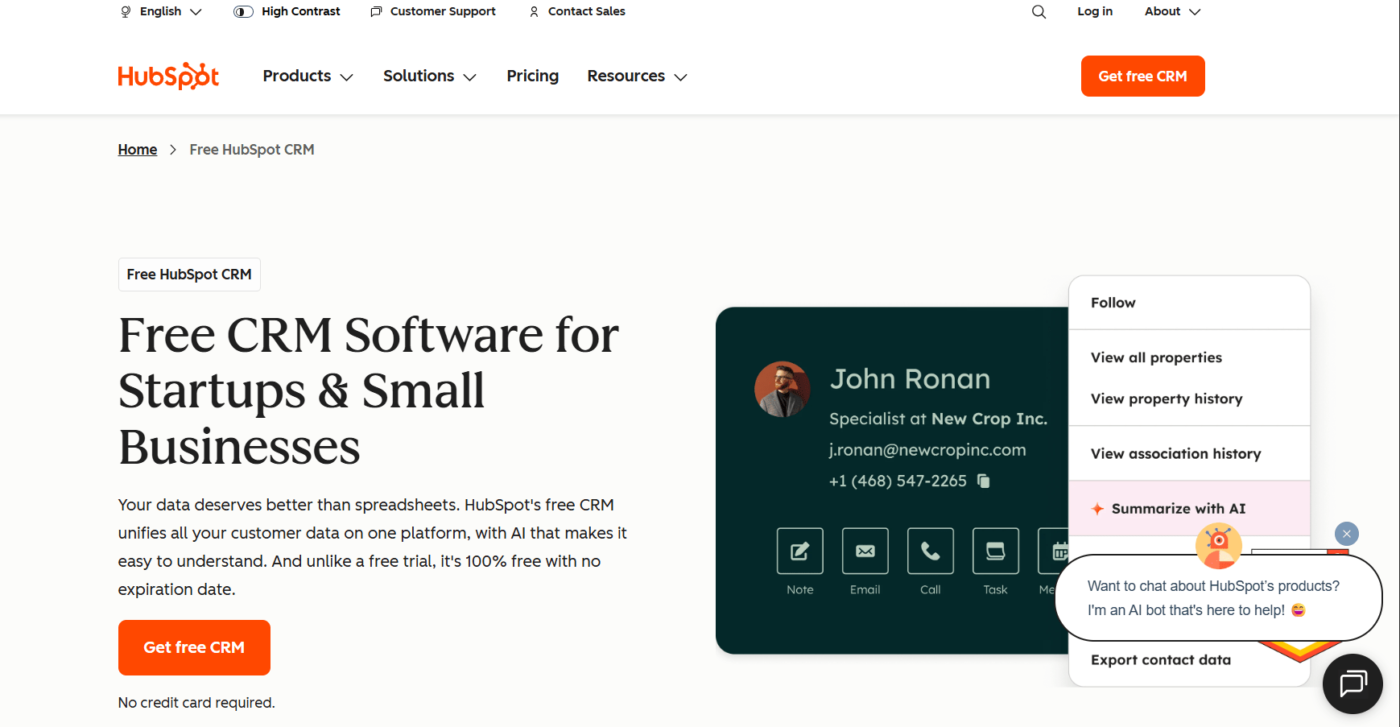
HubSpot CRM has established itself as a go-to tool for small businesses and startups that want professional-grade tools without up-front costs. It’s constantly called the best CRM tool for startups because of the very generous free plan that scales as you do.
Key Features:
- Contact and Pipeline management
- Email templates and tracking
- Reporting dashboard at no cost
- Marketing, automation (paid tier)
Pricing: Free plan available. Premium plan starts at $20/month per user.
Best For: Companies and startups new to or testing CRM.
Pros:
- Strong free version
- Great integrations with Gmail, Outlook, WooCommerce, and Shopify
- Easy-to-use interface
Cons:
- Advanced features are locked on expensive plans.
- Overwhelming for micro-teams
2. Salesforce Essentials – Enterprise Power for SMBs
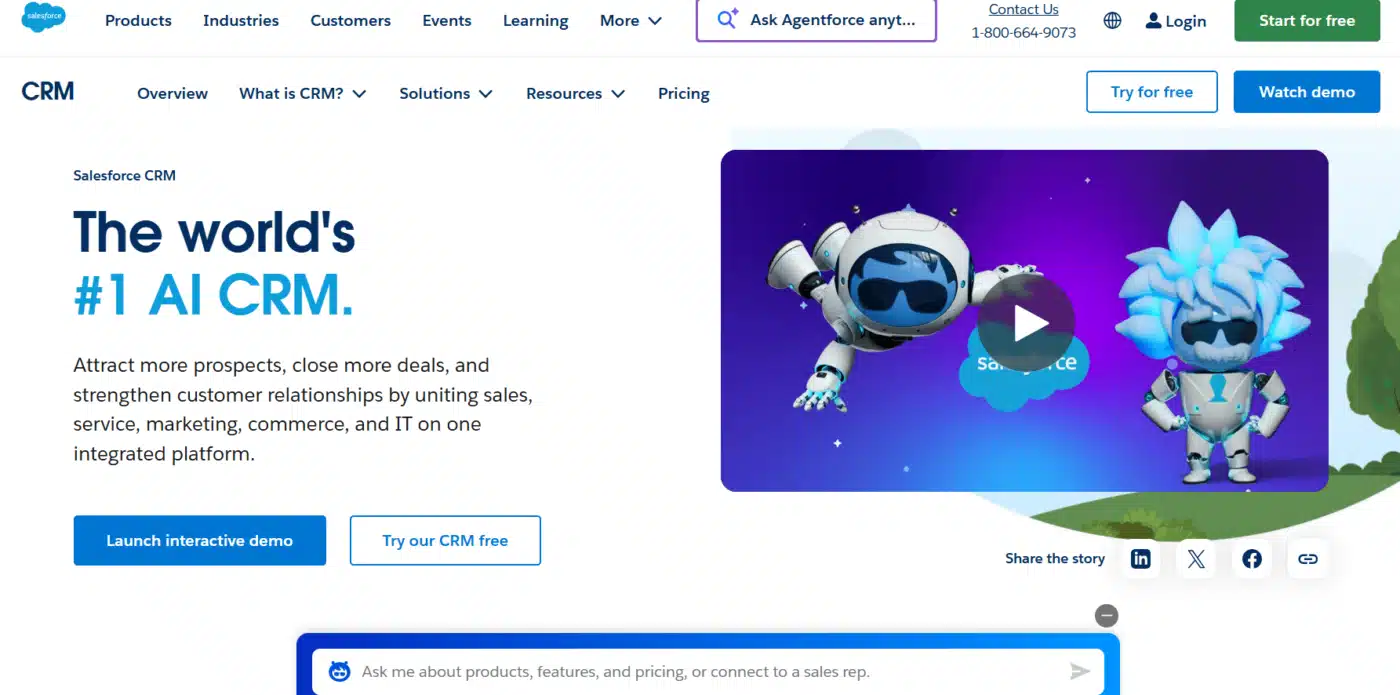
As one of the leading CRMs in the world, Salesforce has been a game-changer for small and medium businesses in regard to implementing enterprise functionality – at the small business level – with its Essentials edition. It’s particularly advantageous for companies wanting sales software for small businesses, but have growth and scalability in mind.
Key Features:
- Sales automation, opportunity tracking
- Customer support tools
- Mobile-friendly CRM app
- Customizable reports and dashboards
Pricing: Starts at $25/month per user.
Best For: Growing SMBs that plan to scale rapidly.
Pros:
- Scalable with your business
- Globally trusted ecosystem
- Advanced reporting
Cons:
- Steeper learning curve for beginners
- Some setup time
3. Freshsales (by Freshworks) – Affordable & Easy to Use
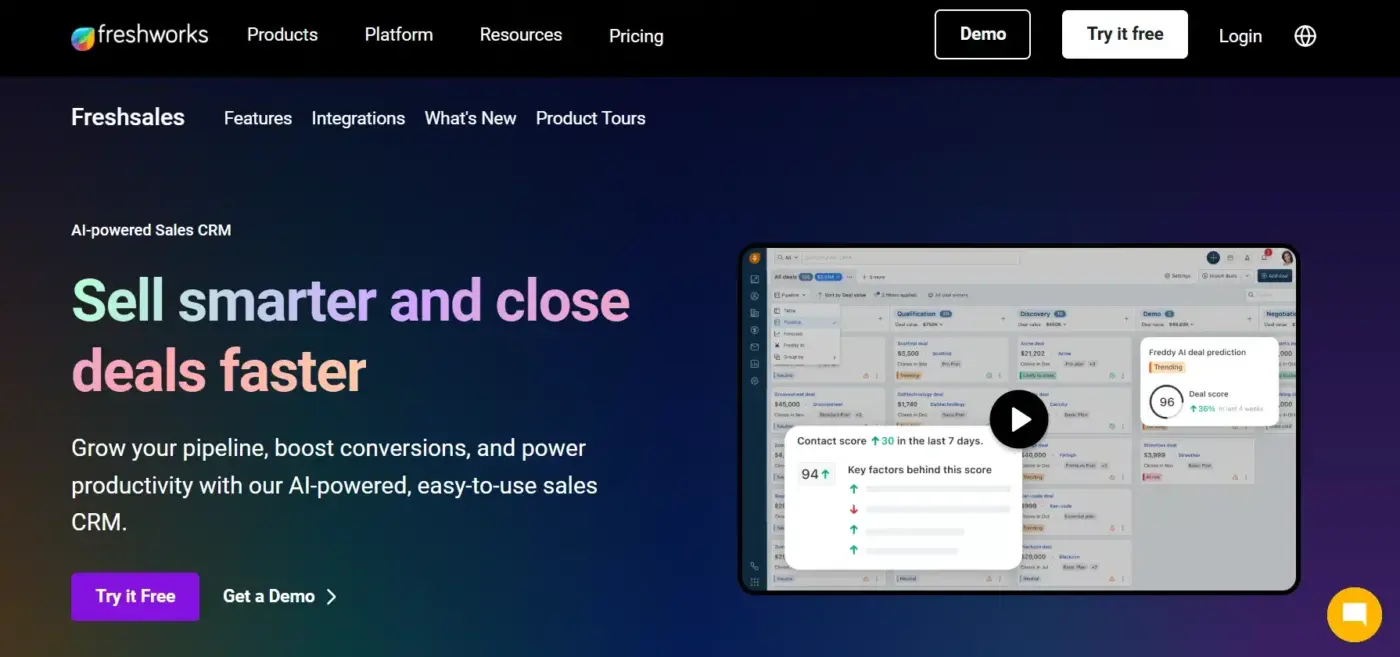
Freshsales is popular among small businesses with its affordable and easy-to-use approach to customer management software. It is lightweight, intuitive, and automates as much as it can.
Key Features:
- AI-powered lead scoring
- Pipeline visualization
- Built-in phone and email communication
- Workflow automation
Pricing: Free tier available; paid plans start at $15/month per user.
Best For: SMBs looking for CRM for small companies with a minimal learning curve.
Pros:
- Low-cost entry point
- Good automation features
- Clean and simple interface
Cons:
- Fewer 3rd party integrations than larger CRMs
- Advanced features are limited in lower tiers
4. Pipedrive – Sales CRM for Visual Learners
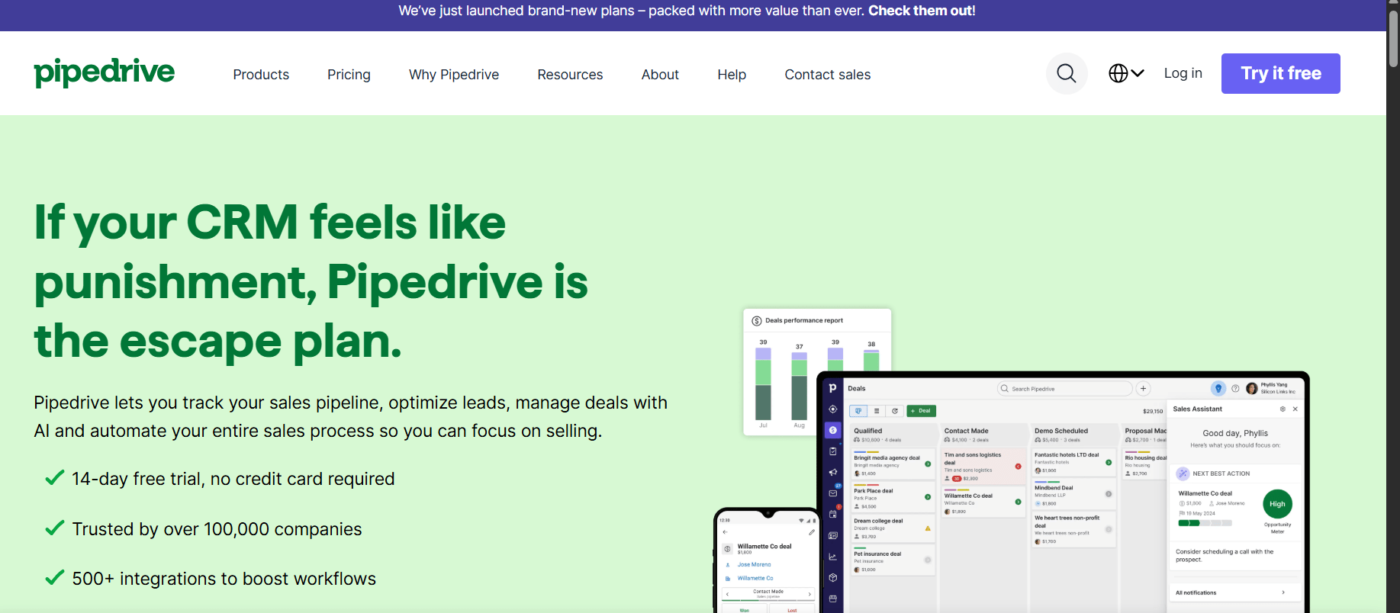
Pipedrive was made by salespeople, for salespeople. The intuitive visual pipeline helps keep track of opportunities in every stage of the sales process, making it a solid choice for sales software for small businesses with a growing team.
Key Features:
- Visual drag-and-drop sales pipeline
- Email sync & tracking
- Custom report builder
- Workflow automation builder
Pricing: Starting at $14.90/month per user.
Best for: Sales-driven small businesses that want simple tracking for opportunities.
Pros:
- Intuitive visual interface
- Affordable entry-level price
- Good automation capabilities
Cons:
- Limited marketing tools
- No project management tools
5. Insightly – CRM + Project Management
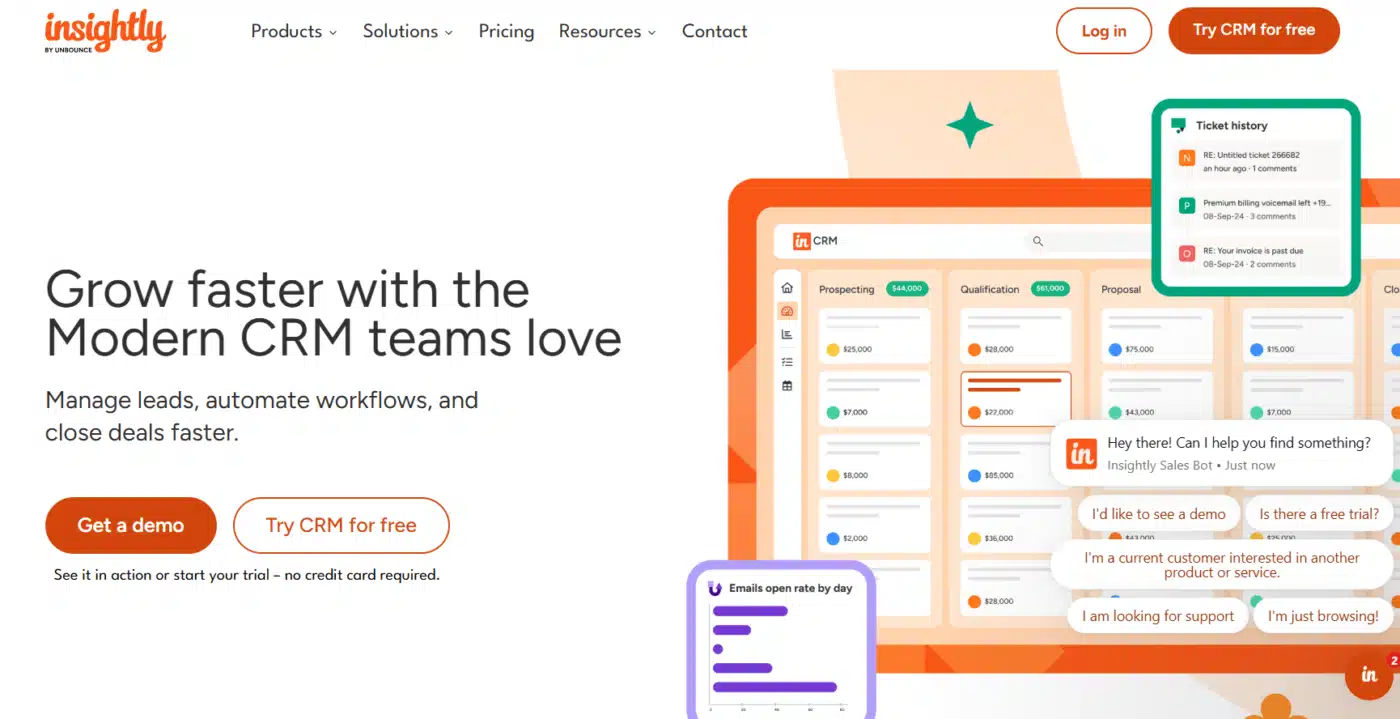
Insightly combines CRM with basic project management, so it is another solid option, considered one of the best customer management software options for small businesses serving clients, making sales, and managing customer projects simultaneously.
Key Features:
- Lead & contact management
- Projects & task management
- Workflow automation
- Integrations for G Suite & Office 365
Pricing: Starting at $29/month per user.
Best for: Agencies or service businesses that manage a customer project alongside sales.
Pros:
- Dual-purpose of CRM + project management
- Good integrations
- Strong workflow automation
Cons:
- It is expensive compared to other servers with basic features.
- It can take time to learn for users who are not technically savvy.
6. Zoho CRM – SMB Favorite with Alternatives
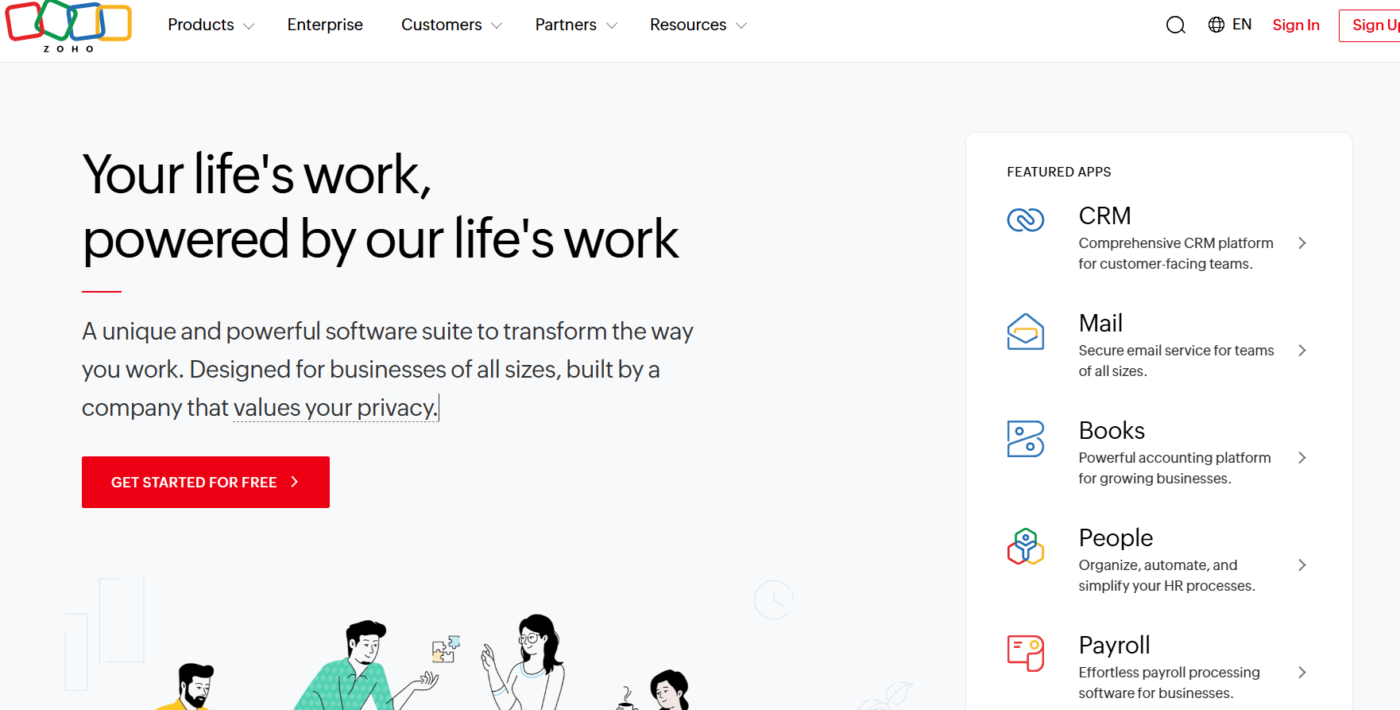
Zoho CRM is a popular small business brand, known for being affordable with lots of features, and it is frequently suggested as a CRM for small companies. However, it has a dated user interface, and you can encounter odd integration issues, thus prompting a lot of businesses to compare Zoho CRM alternatives like HubSpot, Freshsales, or Pipedrive.
Key Features:
- Multi-channel communications (email, phone, social)
- Workflow automation
- AI assistant “Zia” for insights
- Detailed analytics and reports
Pricing: Free for up to 3 users; paid plans starting at $14/month per user.
Best For: Small businesses needing a lot of features for a great price.
Pros:
- Affordable and reasonably priced
- A great number of features for the price
- Very customizable
Cons:
- User interface feels dated
- Awkward integrations here and there
7. Bitrix24 – all-in-one business suite
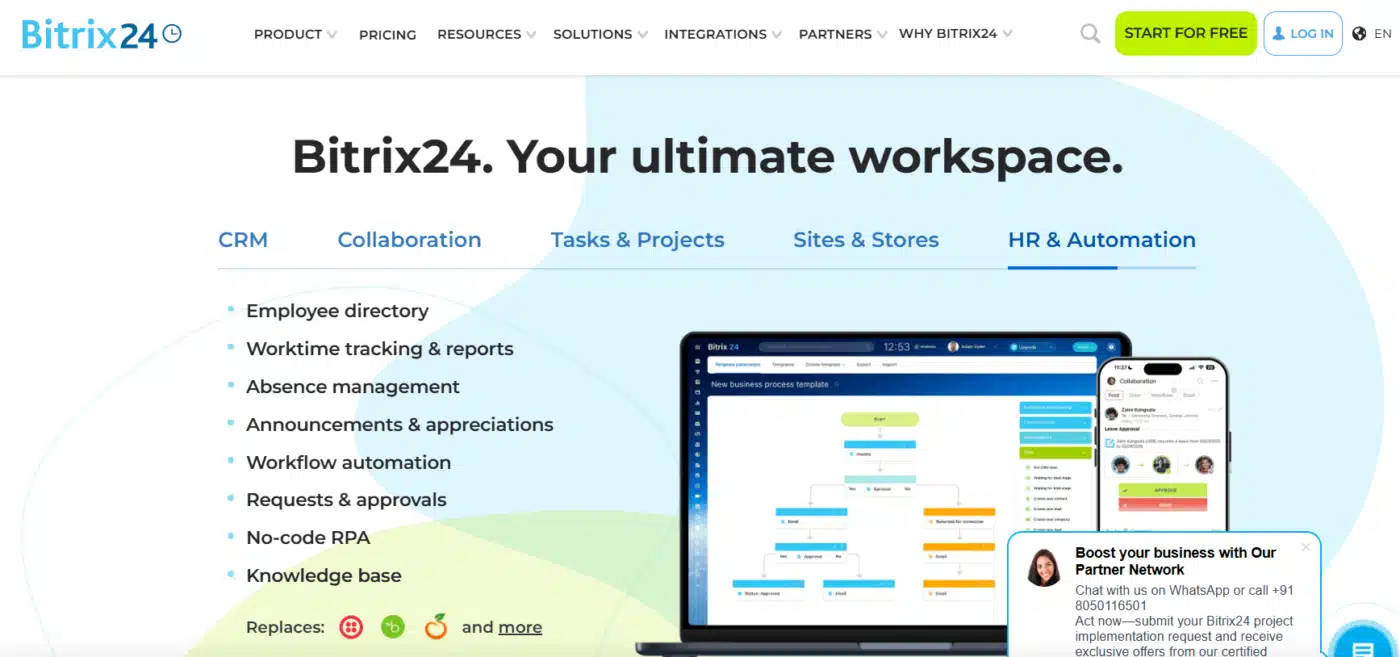
Bitrix24 isn’t just a CRM—it’s an entire productivity suite, including project management, team chat, and HR tools. It is one of the best CRM tools for small businesses in 2026, particularly for those looking for an all-in-one tool.
Key Features:
- Sales automation & pipeline tracking
- Task and project management
- Team chat and video conferencing
- Website builder and contact forms
Pricing: Free plan available; paid plans start at $19/month for 5 users.
Best For: Small businesses searching for a CRM bundled with collaboration and project management.
Pros:
- An all-in-one platform (CRM + PM + comms)
- Strong free plan for smaller teams
- Flexible pricing
Cons:
- It can feel overwhelming with too many tools
- CRM capabilities are not as advanced as those of more specialized competitors
8. Keap (formerly Infusionsoft) – Automation Specialist
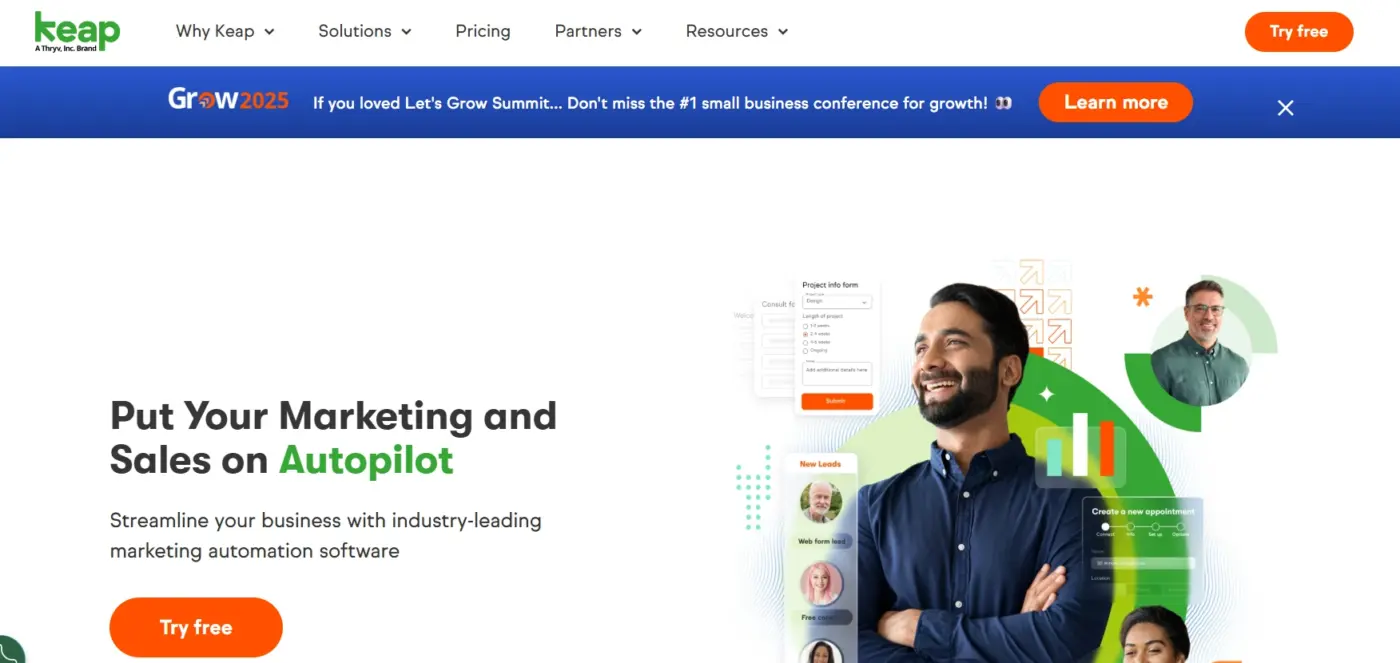
Keap is customized for small businesses that are using automation for emails, SMS, and sales. It also works as a sales software for small businesses and a marketing engine.
Key Features:
- Email and SMS automation
- Invoicing & payments built in
- Sales pipeline tracking
- Appointment scheduling
Best for: Service-based businesses and solopreneurs that want excellent automation.
Pros:
- Great marketing and sales automation
- Good payment features
- Solid integrations
Cons:
- Expensive starting price for small teams
- Learning curve for new users
9. Nimble – Compact & Social Media-Friendly
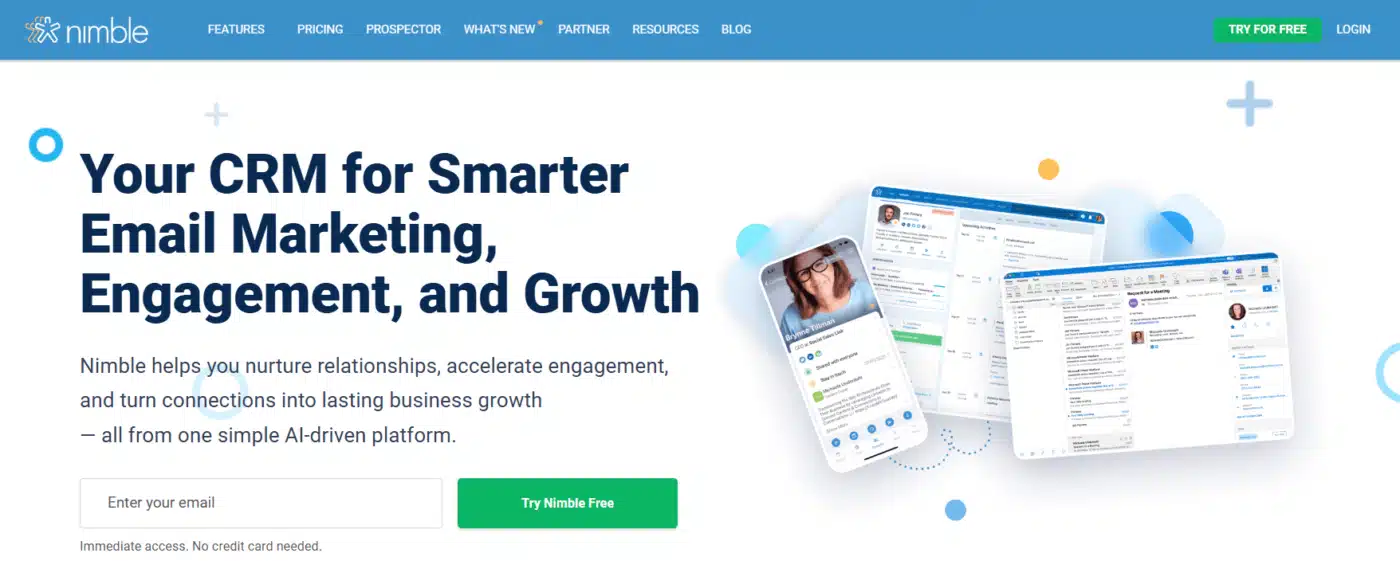
Nimble is a simple, compact CRM with social media connections. It tends to attract younger startups and small businesses that reach out to customers across social media like LinkedIn and Twitter.
Key Features:
- Contact enrichment with social profiles
- A combined inbox to reach out
- Email tracking & templates
- Task management
Pricing: $29.90/month per user.
Best For: Startups and small businesses that want to do networking and relationship building.
Pros:
- The social media integration is a great feature
- Simple to set up and easy to use
- Affordable compared to bigger CRMs
Cons:
- Limited automation potential
- Reporting features are limited
10. Monday Sales CRM – Flexible & Customizable
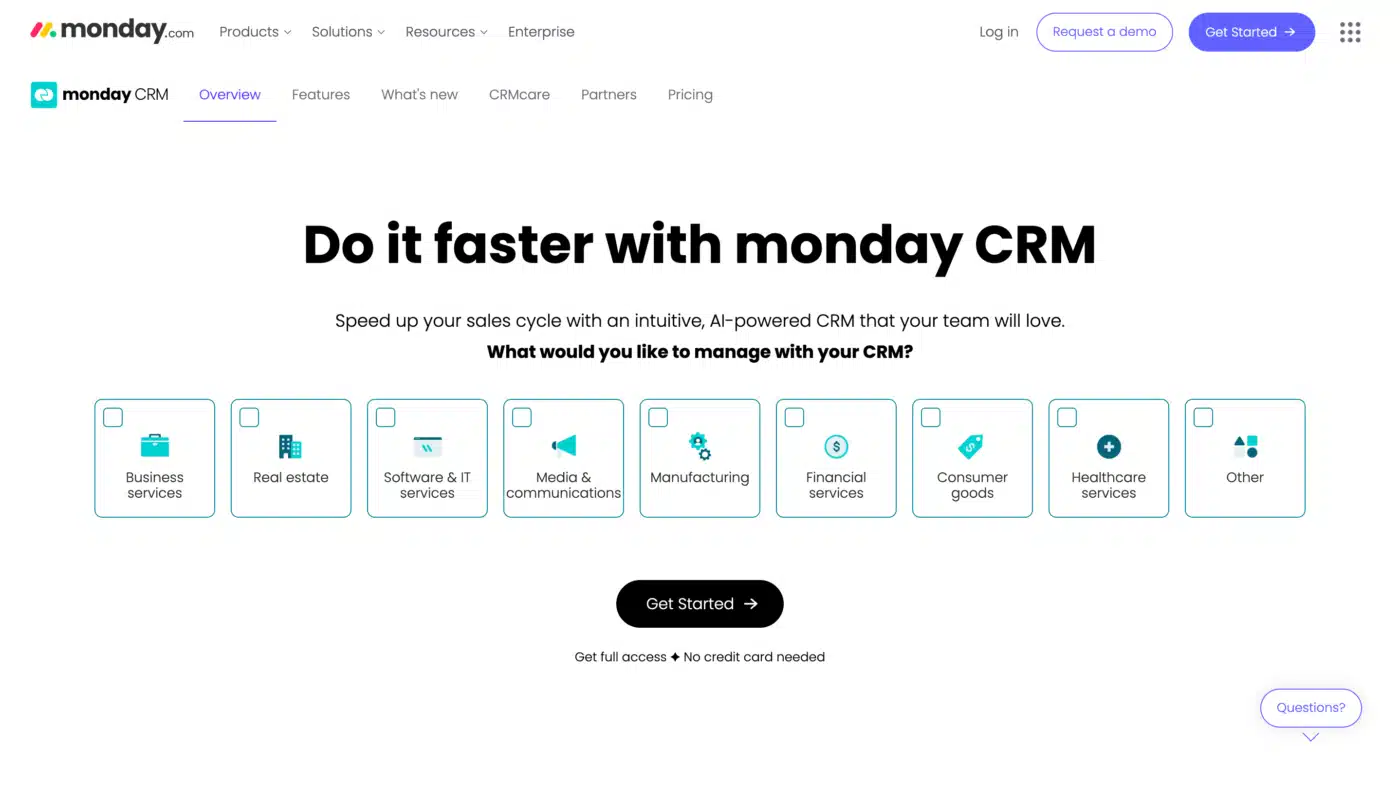
Monday CRM provides a highly customizable workflow feature. It’s quickly becoming one of the best pieces of customer management software for SMBs looking for a flexible platform without technical coding skills.
Key Features:
- Drag-and-drop pipeline customization
- Sales automation
- Deal tracking and contact tracking
- Boards of collaboration for your team
Pricing: A free trial is available, and paid plans start at $12/month per user.
Best For: SMBs interested in flexibility and a visual project brag-style workflow.
Pros:
- Modernized and customizable interface
- Cheap entry price tag
- Great option if your team already uses Monday.com
Cons:
- Every user will have a setup and customization
- Some advanced CRM features are still being built.
Trends in CRM for Small Businesses (2026 & Beyond)
As technological advancement continues, so do consumers’ expectations. The best CRM tools for small businesses in 2026 won’t just store contacts; they will facilitate smarter, faster, and more personalized interactions. Below are the emerging trends driving CRM adoption in the next few years:
- AI & Automation Everywhere – From lead scoring to chatbots, AI is a significant growth area for CRMs. Small businesses can now obtain enterprise-level data insights without the need for a data science team.
- Mobile-First Workflows – With more sales reps and service staff working remotely, mobile apps are no longer “nice to have.” A CRM for small companies needs to offer offline capabilities, mobile notifications, and syncing options.
- CRM + Customer Loyalty Programs – Tools like the WooCommerce Points and Rewards plugin make it easy to integrate customer loyalty systems directly into your CRM, allowing you to track and reward repeat purchases seamlessly. With loyalty points and referral tracking becoming more common, small businesses can now retain customers more effectively than ever.
- Affordable Cloud Solutions – As the demand for subscription-based, affordable CRMs grows, even microbusinesses will have powerful tools available to them without lagging behind on high upfront costs.
- Hyper Personalization – Using behavioral data from consumers, CRMs are using technology to recommend products, personalize campaigns, and personalize every single touchpoint.
The best CRM system for small businesses in the future won’t just be about managing customers; it will be about predicting what they want next, and providing it to them – effortlessly. Small businesses that adopt these forward-looking tools will stay ahead of competitors still relying on manual spreadsheets and outdated processes.
Wrapping It Up
In 2026, picking the correct CRM can mean the difference between holding on to leads while you struggle to manage donor communication or scaling your business seamlessly. The best CRM tools for small businesses aren’t about having the fastest and greatest features. It’s about picking the right system depending on the size of your business, interest level, budget, and goal.
For tellers and startups, free platforms like HubSpot or Zoho are a good option to start with. If you need powerful sales software for a small business rather than CRM, there are systems such as Pipedrive or Salesforce Essentials that provide you with great pipelines and automate the processes involved. There are also solid choices that have components as part of the best customer management software while being marketing-friendly. Tools to explore may include Keap or Freshsales.
One thing is guaranteed: there is no “one size fits all” CRM for small companies. The best approach is to sign up for free trials, compare your Zoho CrM alternatives, and see which software will fit your growth aspirations.
Ready to take the plunge? Try a few platforms out, subscribe to our guide for more in-depth, or start comparing our WooCommerce solutions to connect your CRM system to your store. Your growth journey could start with the CRM you choose today.
FAQs About CRM Tools for Small Businesses in 2026
Q1. What is the difference between CRM and sales software for a small business?
CRM focuses on customers’ relationships, and sales software focuses on pipelines. Many of today’s CRMs combine the two.
Q2. What should I look for when choosing a CRM for my business?
Make sure to look for pricing, ease of use, integrations, and scalability when doing your research. Always take advantage of free trial periods before locking into a payment term.
Q3. What is the best CRM tool for small businesses in 2026?
HubSpot, Pipedrive, and Freshsales are among the most suitable CRM tools for small businesses in 2026, due to their price, usability, and suitability for growth.
Q4. Is there free CRM for small companies?
Yes, there are free CRM plans such as HubSpot CRM, Zoho CRM (3 user limit), and Bitrix24 that can all benefit small teams.
Q5. What CRM is best for startups?
HubSpot CRM is beneficial for startups with its robust free version, combined with integrations.