With online shopping on the rise, users are always looking for tools that can save them money while placing an order in a matter of seconds – that’s where price comparison websites come into play. Whether it be electronics, flights, insurance, or software, consumers want to have the ability to compare prices, pricing features, and reviews all in one spot.
If you’re looking for how to create a price comparison website that actually works, ranks on Google, and creates affiliate revenue… then you’re in the right place.
Best of all, you don’t have to be a developer or tech guru to do it. In this guide, we will walk you through the process, step by step, from selecting your niche and setting up your affiliate data feeds to designing your comparison tables and turning that traffic in 2026 and beyond into income.
If you’re ready to create a site that can provide true value to users while generating consistent revenue, let’s get started.
How Does a Price Comparison Table Work?

It’s important to know about the main engine behind price comparison websites as you learn how to create a price comparison website. This is where the action is. This is the part that allows users to evaluate products or services side by side in a minimum amount of time to make educated purchases.
How it works:
- Data Aggregation: Your website aggregates content from several sources, whether that’s from affiliate networks, product APIs, or CSV feeds. In the beginning, you may enter some information manually, but as you scale, you will only aggregate data.
- Sort & Filter Logic: After the aggregate data is complete, users will be able to sort by any data field you collected – price, brand, ratings, shipping speed, etc. This allows the user to be in control of what is most important to them.
- Call-to-Action Buttons: When a user clicks on an item to “Buy Now” or “See Deal”, you will send them to the vendor’s website through your affiliate link.
- Commission Tracking: If a user buys after they click on the affiliate link, you will earn a commission – it is as simple and scalable as that!
There are many comparison websites out there, such as Google Shopping, Skyscanner, and Trivago, and they make their money through this model. Generally speaking, they provide a simple design, accurate data, and immediate value to their users, and your price comparison website should do the same – easy, informative, and fast!
Essential Elements for Comparison Tables
- Product/service name with a product image
- Merchant name, logo, and trust symbols
- Price from each merchant (preferably updated automatically)
- “Buy Now” or “Compare Deal” buttons
- Filters for brand, features, shipping, etc.
- User reviews or star ratings
- Option to filter the lowest/highest price
When you think about usability and conversion in your comparison table, you will elevate it from a chart to the most valuable part of your website.
What Are the Advantages of Comparison Shopping?
If you’re researching how to create a price comparison website, you should understand what makes their users happy and why these platforms can be a smart business decision.
Let’s talk about the users and the platform creators.
Why Shoppers Love Comparison Sites
- Time-saving convenience: Shoppers can stop jumping back and forth between tabs to check prices. Instead of having to look for prices on multiple sites, they can look in one place for all options.
- Smarter choices: The ability to compare features, specifications, and reviews side-by-side on one page allows buyers to feel more confident in their choices.
- Immediate money saved: Shoppers can find the best price quickly and avoid listings that are overpriced at a glance.
- Trust & transparency: Being able to see multiple vendors on one page instills trustworthiness and helps the user avoid dubious sellers.
In fact, Statista claims more than 60% of online shoppers utilize comparison sites before making a purchase. That ratio is bound to increase in 2025.
Why You (and Other Website Owners) Should Get Involved
Creating a price comparison website is not only valuable – it can be a great way to create passive income and build long-term SEO authority.
What’s in it for you?
- Low Overhead, High ROI: No inventory, no customer service. Simply direct them to deals, and earn affiliate commissions.
- SEO Magnet: Content that focuses on “the best wireless earbuds under $50” and “comparison of travel insurance plans” helps capture long-tail traffic.
- Scalable: As your traffic increases, you can horizontally add categories or verticals.
- Set-It-and-Forget-It: Utilize feeds or API automation to ensure your listings remain fresh without constant manual manipulation.
- Multiple Revenue Streams: Affiliate links, ads, email monetization, and sponsored listings.
If you have been thinking about how to create a price comparison website, now is the time to do it – shoppers are shopping, competitors are more niche, and affiliate programs are ubiquitous.
How to Create a Price Comparison Website: 5 Key Steps
If you’re ready to learn how to create a price comparison website that ranks, converts, and grows, this is your roadmap. Below, we’re going to break the entire process down into five simple steps.
Each of the five stages will help you build a site that provides genuine value to users, satisfies search intent, and stands out in Google’s eyes.
Let’s get started.
Step 1: Select the Right Niche (and Understand User Intent)
Before you purchase your first domain and install WordPress, your first – and most important – step is selecting your niche.
Why is this so important?
A niche defines who you are serving, how competitive it is, and how much profit you can make. If you go way too broad, you will get lost in the noise. If you go way too niche, your growth will be limited by your traffic.
Ask yourself
- Who are the people searching for comparisons?
- What type of products do they often buy and compare online?
- Are there existing affiliate programs operating in this niche?
- Can I share some information or data that other sites are not sharing?
Some Profitable Niches
- Tech (e.g., compare laptops, smartphones, earbuds)
- Travel (e.g., flight, hotel, or insurance comparisons)
- Finance (e.g., credit cards, loan platforms, insurance policies)
- Digital Tools (e.g, SaaS comparisons – a solid place to earn recurring affiliate income)
- Subscription Services (e.g., food boxes, pet supplies, gym memberships)
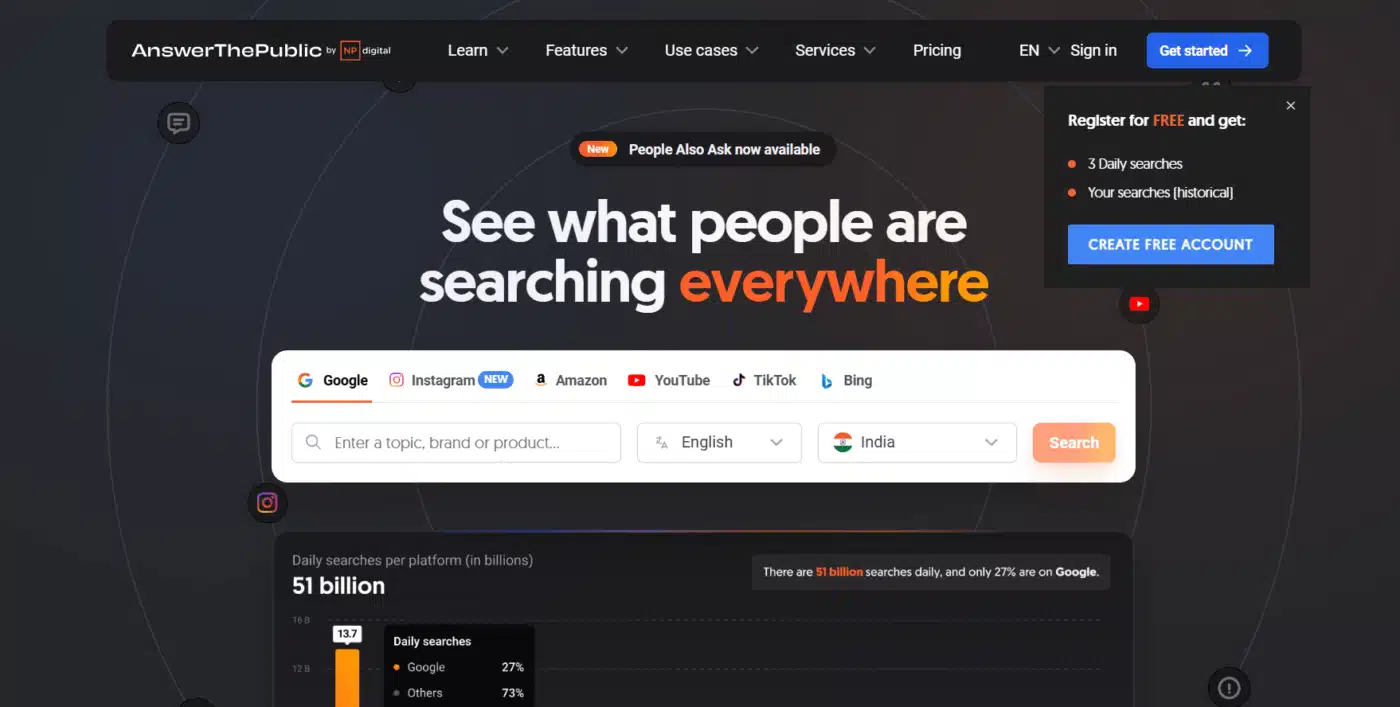
Tools like Google Trends, Ahrefs, and AnswerThePublic can help you validate demand, and be sure to look for high-intent search queries, like:
- “Best [Product] under $100”
- “Compare [Brand A] vs. [Brand B]”
- “Best [Product Type] for [Use Case]”
Pro Tip: Make sure the niche has evergreen potential and recurring search volume. This helps your site grow over time.
Step 2: Select Your Platform and Start Formulating the Framework

You’ve chosen a niche, now it’s time to lay the groundwork. No need to be a developer; just have the right tools to support it all.
Recommended Platform – WordPress
Why WordPress? Because it’s open source, scalable, search engine optimized, and hundreds of thousands of plugins are available to enhance your site’s functionality, which is perfect for developing a price comparison site.
Tools You Will Need
- Hosting: Go with speed + uptime. Test different options like SiteGround, Rocket.net, Hostinger, or Cloudways.
- Theme: Pick a fast and customizable theme like GeneratePress, Astra, or Kadence.
- Page Builder (optional): Elementor or Gutenberg, only if you need layout control.
- Comparison Table Plugins:
- TablePress
- Ninja Tables Pro
- WP Table Builder
- Affiliate Link Management: Set up a perfect affiliate system to cloak and track clicks using the WooCommerce Affiliates plugin.
- WooCommerce (Optional): If you want to build direct product pages that you can add to the cart.
Pro Tip: Build your site around a collection of comparison-based keywords, such as:
/compare/best-budget-smartphones/
/compare/travel-insurance/
/compare/website-builders/
Get your site structure SEO friendly from day one. This will help you with internal linking, crawlability, and user experience.
Step 3: Bring Data Sources to Life (API, Feeds, and Manual)
The real strength of a site such as a price comparison site is its data, and a lot of it. Don’t worry, though, you won’t collect it manually for long.
There are three main ways to get product and pricing data onto your site:
1. Affiliate Data Feeds
Affiliate networks like Awin, CJ, Impact, and ShareASale will generally offer product feeds. These feeds will contain:
- Product name
- Price
- Images
- Links
- Vendor name
- SKU
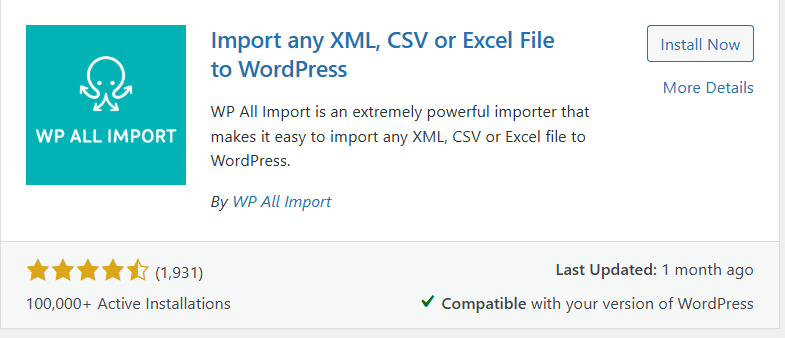
Use a plugin like WP All Import to upload and update the feed automatically.
2. Public APIs

Some platforms provide APIs that allow you to pull live product data, inventory, and pricing (such as Amazon, Skyscanner, or HotelsCombined). This is likely the most scalable option.
Example APIs include:
- Amazon PA API
- eBay Partner Network
- Booking.com API
- BestBuy API
Note: You will generally need to have affiliate approval to use these APIs.
3. Manual Entry (for Small Sites)
You can enter a handful of listings manually if you are just starting. This can speed up getting to market fast. This is also particularly helpful for more niche verticals with less affiliate product support.
If you use ACF (Advanced Custom Fields) + Table plugins, you can enter custom product attributes and build dynamic tables.
Pro Tip: Automated as much as you can, but always check for price accuracy — out-of-date information will harm your credibility and rank.
Step 4: Design & Showcase Dynamic Comparison Tables

This is the part where your content becomes a lead converting machine – the actual design and UX of your comparison tables can make or break the site – no kidding.
Table Design Best Practices
- Ensure it’s mobile responsive.
- Include a logo for each vendor (adds trust).
- Highlight the lowest price or “Best Deal” row.
- Color code the price differences.
- Include filters for brand, specs, etc.
- If available, includes user reviews or star ratings.
Use plugins such as:
- Ninja Tables for fast, sortable, and filterable tables.
- TablePress + Custom CSS for complete control.
Bonus: Provide Unique Value
In order to rank on Google, your table alone probably will not be enough. Provide:
- Brief reviews, or notes from the editors, are below each product.
- A pros & cons section.
- “When we picked it,” insights.
- Affiliate disclaimers (to comply with FTC + Google Ads policies).
Pro Tip: Add schema markup (use plugins like Rank Math or Schema Pro) to make your tables eligible for rich results such as featured snippets or FAQs.
Step 5: Optimize for Traffic & Monetize.
You have built your site, completed your tables, and have populated your data — let’s ensure people can actually find it (and it generates income)!
1. Getting Traffic through SEO
Target long-tail keywords that contain buyer intent:
- “Best laptops under $700”
- “WordPress hosting provider comparison”
- “Best pet insurance in California”
Build content clusters around each niche:
- Main comparison page
- Supportive blog posts (e.g., review posts, “vs” posts, how-tos)
- FAQ style posts (matching People Also Ask)
You may use tools that include:
- Ahrefs / Ubersuggest for keyword research.
- Yoast SEO or RankMath for optimizing content and on-page SEO.
2. Monetizing

Primary income source: Affiliate Marketing
- Join programs such as Amazon, Awin, Impact, or independent programs.
- Cloak/track affiliate links using the WooCommerce affiliate plugin for WooCommerce sites.
Secondary income sources:
- Display Ads: Add Google AdSense, Ezoic, or Mediavine (after you’ve built some traffic)
- Email Marketing: Build a list and then send deals, etc.
- Sponsored Listings: Offer businesses premium placement
Pro Tip: Avoid bombarding users with ads — we want to keep the table as the main focus.
Final Thoughts
When establishing a price comparison website, it can feel like a daunting task initially, but after breaking it down into five sections — niche, platform, data, design, and monetize — it can become not only manageable but also quite rewarding.
We live in a generation where consumers desire instant value. People don’t want to waste time searching five different websites to ultimately decide where to buy a product. If you’ve been following this guide on how to create a price comparison website, you already have the means to create something to solve this problem and have passive income while doing it.
The best part is that this type of website doesn’t involve inventories, shipping, or customer service. With some compliant affiliate partnerships and price comparison logic in place, you can serve your audience and turn your attention to the value of content, conversion, and growth.
When establishing a price comparison website, your success will not stem from perfection upon launch. You can start simple. Maybe even one product category. One great, SEO-optimized price comparison page. And then build another. Over time, you’ll have a destination of helpful content that Google and your users trust.
Your audience is already searching! You have the opportunity to build the solution.
FAQs on How to Create a Price Comparison Website
Q1. What is a price comparison website?
A price comparison website allows users to compare prices, features, and vendors for a product or service, enabling them to make an informed purchase.
Q2. Do I need technical skills to create a price comparison website?
No. You could use WordPress and plugins like TablePress or WP All Import to build one without writing code.
Q3. How do price comparison sites make money?
Price comparison sites primarily make money through affiliate commissions when users click through and make a purchase. You may also have display ads or sponsored listings.
Q4. Can I use Amazon data on my comparison site?
Yes, you can use Amazon data on your comparison site using the official Amazon Product Advertising API, once you have fulfilled the requirements for their affiliate program.
Q5. How do I get traffic to my comparison site?
Concentrate on SEO. Target long-tail keywords, publish in-depth comparisons, and also optimise your content using schema and internal links.