
You have the blog. You’re blogging regularly. You’ve pressed “publish” more times than you can remember—but the traffic? It’s flat.
Frustrating, right?
Learning how to increase your blog traffic can feel like a moving target. Algorithms change, trends shift, and things that were working last year may not work today. But there’s good news: there are tried and true, repeatable tactics that still work—and you don’t have to be an SEO guru to use them.
We’re going to clear up what blog traffic is, why it’s so important for your growth, and give you 25 actionable ways to increase your blog traffic—whether you’re just getting started or you’re looking to expand. Ready to turn your blog into a traffic machine?
Let’s dive in.
What Is Blog Traffic and Why Should You Care?
Before we jump into the strategies, let’s make sure we are on the same page about what blog traffic means.
Blog traffic simply means the total number of visitors landing on your blog from all sources; these sources could be through Google search, social media, referral links, or as part of your e-mail newsletter. The visitors could be seeing your blog for the first time, or they could be coming back for more.
Blog traffic matters because it isn’t just a fancy number you see on your dashboard; it is an indicator. It shows you ways in which your content is being discovered, read, and valued — and it has a direct role in growth.
Here is why blog traffic is important:
- Visibility: The more people who visit your blog, the more exposure your brand, message, or business gets.
- Money Made: Traffic drives profit, whether it be through ads, affiliate links, sponsorships, or products.
- Audience Growth: Consistent traffic will result in consistency of a community that has the potential to be loyal, engaged, share, and return.
- SEO Feedback Loop: More traffic often ends up meaning more engagement metrics by ways of things like time on page and backlinks, and that is going to positively influence your rankings, which helps you increase your blog traffic without you having to ‘work for it’ in the future.
Understanding the value of blog traffic is key. Once you know how important it is, you’ll be far more motivated to learn how to increase your blog traffic strategically, not just randomly publish and hope for the best.
How to Increase Your Blog Traffic: 25 Proven Ways
If you’re wondering how to increase your blog traffic, it all starts with understanding how to use the right strategies, with consistency. Let’s look into 25 proven strategies, so you can build real, sustainable traffic.
1. Niche Down with Long-Tail Keywords for Easier Wins

Long-tailed keywords are longer and more specific search phrases, like “how to increase blog traffic” vs. “blog traffic.”
Why do they matter? Because they are not as competitive, and they are highly aligned with user intent. Long-tail keywords will bring in readers looking for precisely what you have.
How do you find them?
- Utilize available tools, such as Ubersuggest, AnswerThePublic, or Google autocomplete.
- Check your competitors’ blogs — what are they ranking for?
- Look at Quora and Reddit for real user language.
Example: Instead of going for “SEO,” think about going for “SEO tips for food bloggers” — you are competing with fewer and attracting a nice, highly relevant audience.
Pro Tip: Use long-tail keywords as your primary focus while starting out. Once you are established on a domain, you can target the broader terms.
2. Write an In-Depth, High-Quality Content That Solves Problems

Google rewards content that is actually useful and thoroughly answers people’s questions. Instead of the shallow posts you usually write, create in-depth guides that go deep on a topic.
Why? Because blog posts with 2,000+ words are often rewarded by search engines and keep your audience on your page longer.
What this looks like:
- Answer many related questions, all in one post.
- Include examples, steps, visuals, and some video, when appropriate.
- Break up the content with subheadings, bullet points, and visuals. Improvement in readability!
Example: A post titled “How to increase your blog traffic in 25 steps” will outperform a post titled “How to get more visitors.”
Pro Tip: Think of your posts as mini-courses. The more useful your posts are, the more they will be shared and linked to.
3. Repurpose Content Across Channels

Don’t just forget about your content because you hit “publish.” Repurpose it to introduce new audiences and channels.
Here’s how:
- Turn your blog post into Instagram carousels and LinkedIn posts.
- Record a YouTube video recapping your blog.
- Create an infographic for Pinterest if you have a step-by-step post.
- Take a post and break it into short Twitter/X threads.
Example:
A blog on “25 ways to increase blog traffic” can become:
- Five mini TikTok videos
- A downloadable checklist
- Three different email newsletters
Pro Tip: Include a link back to your blog post on all repurposed content. This will help funnel traffic from channels you do not own to your site, which you do.
4. Use Internal Linking To Improve SEO & Engagement

Internal linking is a tactic used for SEO, but it’s also a UX play. Internal linking between related posts or pages keeps readers reading your content longer and allows you to communicate to Google the importance of the pages on your site.
The benefits:
- Distributes link equity through your site
- Allows Google to crawl and index additional pages
- Decreases bounce rates and increases the average time spent on the site
When using internal linking, make sure you:
- Link within the content organically and not artificially
- Use descriptive anchor text (e.g., “check out these SEO blog post tips” and not “click here”)
- Do routine audits on your internal linking, particularly after publishing a post
Example: In this post, we could link to another internal blog titled “Best SEO Plugins for WordPress Bloggers” to help deepen the coverage of the topic.
5. Edit and Reoptimize Old Blog Posts

If you have been blogging for more than a few months, you have a treasure trove of existing content. Instead of always creating new content, simply update your old blog posts to keep them fresh and ranking.
Here’s how:
- Add new stats, screenshots, and updated info
- Swap out broken links or outdated pieces of information
- Enhance your headline or meta description
- Add new keywords (long-tail mostly)
Tools:
- Google Search Console: See what posts are killing it.
- Surfer SEO or Rank Math: Get keyword optimization recommendations.
Pro Tip: Make it a routine to update your top 10 posts every 3-6 months. Google loves “fresh” content, and so do your readers.
6. Share your Blog On Social (the best way)

One share on Twitter is not enough. If you want to get the most out of social, you need a consistent content distribution strategy that is specific to each platform.
How to do that:
- Twitter/X – Share a little insight or quote from your blog and share the link to your blog post.
- Instagram – Use Stories or carousels to give people a preview of your blog content.
- LinkedIn – Great for B2B blogs. Write a mini summary and link back to your blog.
- Pinterest – Perfect for visual blogs like food, fashion, or DIY. Use Canva to make your custom pins.
Pro Tip: Use a scheduler (Buffer, Later, Publer, etc.) to post consistently! Share your best blog posts multiple times for several weeks, not just once.
Example: You can take one blog post and strip it down to 4-5 engaging tweets, create a quote graphic on Instagram, write a long-form post for LinkedIn, and create a Pinterest pin, all linking back to your website.
7. Create Attention-Grabbing Headlines

Even the most amazing blog post technique won’t lead to traffic if the only thing impressive about it is its title. Your title is what gets them to stop scrolling and ultimately, to click, so make it count.
What Works:
- Numbers + Power Words: “10 Proven Ways to Boost Your Blog Traffic”
- Questions: “Why Isn’t Anyone Reading Your Blog?”
- Curiosity Gaps: “Most Bloggers Overlook This Traffic Hack- Do You?”
Tools that can help:
- Headline Analyzer From CoSchedule
- Sharethrough Headline Analyzer
- Conduct A/B tests on titles with email subject lines or social media polls.
Pro Tip: Don’t settle on your headline until your post is completed. Sometimes the best angle appears at the end.
8. Write Guest Blogs on Blogs in your Niche

Guest blogging is still alive, but it needs to be done in a way that works. Guest blogging allows you to gain access to a pre-built audience that a blog has built over time, and a relevant backlink is a bonus.
How to do it:
- First, search for blogs that accept guest posts (Google: “[your niche] write for us”).
- Read the guest post guidelines, and pitch a new, relevant idea.
- Key points to include in the bio (if provided): your blog, and a link back to it (if allowed).
Pro Tip: Offer to promote the blog article you have written on your social media channels. This gives value to the host site, and it also gives you a better chance to guest post there again in the future.
Example: If you are writing on a tech blog, writing for a site like Hackernoon or SitePoint gets you traffic and authority.
9. Build an Email and Use It

Email is not dead – it is one of the highest converting traffic sources. An email list provides you with a way to bring your readers back regularly and in a personal and direct way.
How to grow it:
- Lead magnets – eBooks, checklists, and mini-courses.
- Use tools like ConvertKit, Mailerlite, or Flodesk.
- Add opt-ins to your blog posts, sidebars, and pop-ups.
What to send:
- Weekly updates of your latest content
- Exclusive & unique tips not found on your blog
- Content from other sources that your audience loves
Pro Tip: Use a “PS” linking to a blog page post that is older, to help revive the traffic flow from an older post.
10. Optimize for Featured Snippets and “People Also Ask”

Ever seen those answer boxes at the top of Google? That’s a featured snippet, and if you can get one of those, you’re in a prime spot (and a ton of traffic).
How to optimize:
- Use a question as an H2 or H3 heading
- Provide an answer in 40–60 words in a concise manner
- Provide bulleted or numbered lists for step-by-step questions
Example: If your post has the question “How can I increase blog traffic fast?” then answer it directly below with a bolded summary in 2–3 sentences.
Pro Tip: Answer 3–5 related questions in any one post to maximize your chance of appearing in featured snippets and the People Also Ask box.
11. Produce Content Upgrades That Increase Engagement and Email Sign-ups

A content upgrade is an additional, bonus resource directly associated with the blog post – a checklist/template / downloadable PDF.
It provides additional value to readers as well as gives you the ability to collect an email address, build your list, and also drive traffic back to your blog.
Here’s how to get started:
- Create a bold CTA in your blog post: “Do you want this checklist as a printable PDF? Download it here.”
- Use an opt-in form like ConvertBox or Thrive Leads to embed your opt-in forms.
- Try to closely correlate the upgrade to your blog content so that you get maximum conversions.
Example: In a blog about how to increase your blog traffic, offer a free downloadable on-page SEO checklist that summarizes all the tips.
Pro Tip: You will have the ultimate upgrades behind an opt-in. This way, you are converting blog visitors into your loyal email database — a double win.
12. Partner With Other Bloggers and Brands

Two audiences are better than one. Working with other bloggers and brands allows you to cross-pollinate your audience and build a sustained relationship with others in your niche.
Collaboration Examples:
- Co-author a blog post or an ultimate guide
- Swap newsletter features
- Run an experience, joint giveaway or webinar
- Swap backlinks in related articles
Example: If you write a personal finance blog, you might partner with a budgeting app or a productivity blog. If their readers also like your post, you could expect that they would appreciate your post, and vice versa.
Pro Tip: Look for value alignment rather than size of audience. A smaller, raging niche blog could lead to a more qualified audience than a big one, there isn’t much overlap.
13. Leave Comments on Industry Blogs (With Value, Not Spam)

Writing relevant, helpful, and quality comments on well-known blogs in your industry can help you gain credibility and create targeted traffic, if done correctly.
Best Practices:
- Read the entire article before commenting.
- Provide value by providing your experience or extending a point.
- Use your first and last name and provide a link from your comment to a relevant page.
Caution: Do not comment “Great post! Thanks!” – there is no value in your comment and it may be reported as spam.
Example: If someone writes about SEO for beginners, leave a comment adding your tip on internal linking strategies and link to your blog post that talks about it in-depth.
Pro Tip: Aim for 3-5 blogs to comment on each week. Over time you will build credibility and passively increase referral traffic.
14. Submit Your Blog to Niche Communities and Aggregators

There are heaps of curated platforms where users are explicitly looking for niche-specific, high-quality content. Getting featured on those sites can generate thousands of views in a day.
Where to submit:
- GrowthHackers – for marketing and startup blogs
- Zest.is for B2B
- Indie Hackers – for solopreneurs, devs, and bootstrappers
- Flipboard – turn your content into a visual magazine
- Medium – republish with canonical links for SEO
Pro Tip: As a rule, don’t just drop a link. Become part of the community by commenting on other posts, and always provide context when sharing your own.
15. Host a Giveaway or a Contest with Entry Points to Your Blog

Giveaways generate buzz, promote sharing, and bring traffic quickly! The trick is to create a contest that brings people to your blog. You can also list it on contest promotion sites to expand your reach and attract more participants.
How to get traffic through a giveaway:
- Have one of the entry requirements be: “Read this blog post and answer a question.”
- Use a tool such as Rafflecopter, KingSumo, or Gleam.
- Provide a prize that applies to your niche to attract the right audience.
Example: If you’re a travel blogger, give away a free travel gear pack, with the option to go to your blog post on “Top Travel Essentials”.
Pro Tip: Share the giveaway in as many markets as you can; email, social, Facebook Groups, etc. The broader the outreach, the better!
16. Enhance your blog’s page speed

A slow website is a death knell for traffic. Users bounce, Google notices, and rankings drop. Speed is an SEO ranking signal, but just as importantly, it’s a user experience factor.
How to check your speed:
- Use tools such as Google PageSpeed Insights, GTmetrix, or WebPageTest.
- Shoot for a load time beneath 2.5 seconds for both mobile and desktop.
Ways to speed it up:
- Compress images using TinyPNG or ShortPixel.
- Use a lightweight theme (i.e., Astra or GeneratePress).
- Enable browser caching and lazy loading.
- Install a performance plugin (i.e., WP Rocket, W3 Total Cache).
Pro Tip: Don’t forget about your hosting. Fast hosts like Cloudways or SiteGround can help you have a fast site.
17. Make Your Blog Mobile-Friendly

Website traffic usually has a large percentage of mobile users. With mobile traffic accounting for over 60% of any web traffic, having a responsive design isn’t optional — it’s required.
What does mobile-friendly mean?
- Your text is easy to read without zooming.
- Links and buttons are easy to tap.
- The layout changes to fit the screen size without cutting off any content.
How to Test:
- Use Google’s Mobile-Friendly Test
- Preview your site on multiple devices or use something like BrowserStack
Why it Matters:
- Mobile-friendliness is a part of your Core Web Vitals, which relates directly to your ranking on Google.
- If Mobile UX is not as good as the desktop, this leads to a high bounce rate and low traffic.
Pro Tip: When designing your pages, think of mobile first. Treat mobile as if it’s your default view, not an afterthought.
18. Use an SEO Plugin. Follow On-Page Best Practices.
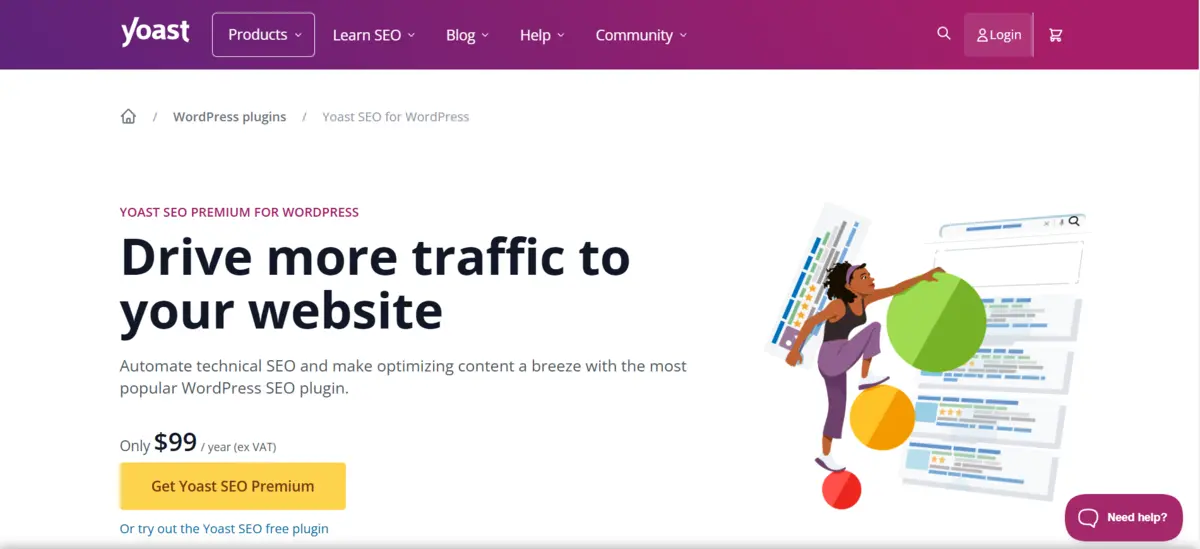
An SEO plugin makes the process of optimizing your blog content easier, from meta tags to schema markup.
The Best Tools are:
- Yoast SEO (the best one, with great tutorials)
- Rank Math (lightweight, yet powerful)
- All in One SEO Pack
On-Page Best Practices:
- Include your target keyword in the page title, the URL, the first 100 words of your content, and at least 1 H2.
- Write an engaging meta description and include a call to action.
- Image alt tags should describe the content of the image (It helps you get Google Image search traffic).
Pro Tip: Use the page analysis tool that the plugin provides. It shows you real-time suggestions on how to make your page better.
19. Repair Broken Links and Optimize Site Structure

Broken links are not only annoying, but they can hurt your SEO and credibility as well. It’s also helpful to have a clean internal linking structure to keep users engaged and to show Google your internal site structure.
Tools that can help you:
- Broken Link Checker plugin.
- Ahrefs or Screaming Frog for a complete audit.
Site Structure:
- Use proper categories and tags.
- Link back to older posts from newer articles (and vice versa).
- Keep URL slugs short and have targeted keywords (e.g. /increase-blog-traffic/).
Pro Tip: Perform a site audit every 3-4 months to identify and repair broken links, 404s, and redirect chains.
20. Leverage Heatmaps & Analytics for Your Benefit
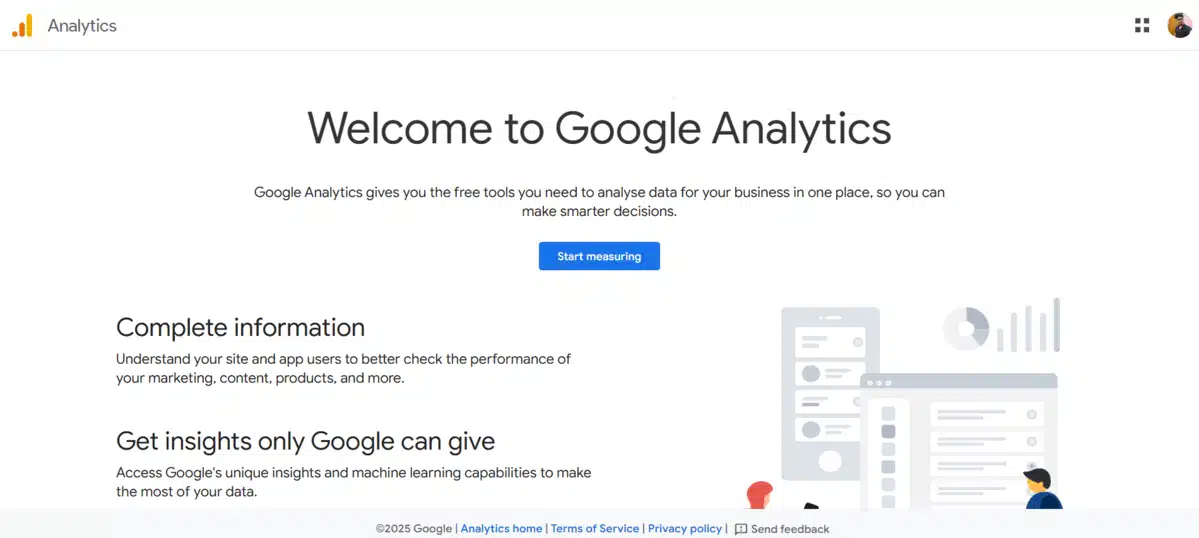
It’s one thing to publish content, but before you publish, make sure you understand how it is being consumed. This is where heatmaps and analytics will enable you to understand what is working and what is not.
Tools to Use:
- Google Analytics 4 (GA4): so you have clarity on traffic sources, bounce rates, and see which pages are performing the best
- Hotjar or Microsoft Clarity: visual heatmaps that show you scroll depth, clicks, and rage-clicks
How it Helps:
- See where people are leaving content and “bouncing” off pages
- Understand what CTAs and buttons people are using the most
- Make updates or redesign your blog based on the data and insights used above
Pro Tip: Use some of the scroll-depth data you collected to place opt-ins or CTA buttons in some of the more engaging areas in your post.
21. Build High-Quality Backlinks (The Right Way)

Backlinks remain one of Google’s top-ranking factors. The more authoritative sites that link to your blog, the more likely you are to rank higher and earn trust, equaling more traffic.
Ways to Earn Backlinks:
- Guest testimonials (discussed earlier).
- Broken link building: find an old link on a blog, and allow them to use your post as a replacement.
- Skyscraper technique: you find something that is ranking and create a better version, then contact all the people who are linked to the original.
- Expert roundups: You put together quotes from industry voices, they are likely to link to it, and share via their platforms.
Tools You Could Use:
- Ahrefs to analyze backlinks and track broken links
- BuzzSumo to find shareable content and influencers
Pro Tip: Don’t forget importance of relevance and authority. A backlink from one high authority site in your niche, is worth more than 10 that are completely random.
22. Create a YouTube Channel and Embed Videos Inside Posts

Video content is at an all-time high. Just remember, YouTube is the second biggest search engine on the planet.
Starting a channel and embedding your videos can:
- Increase time on page
- Reduce bounce rate
- Bring traffic from YouTube
- Rank better for posts because of rich media
Example: If your blog post is on “How to Increase Blog Traffic,” create a video walkthrough that summarizes the 10 best strategies and embed it in your post.
Pro Tip: Put links to your posts in your video descriptions and use end screens & cards to backlink to your site.
23. Use Push Notifications to Bring Back Readers

Push notifications are clickable messages sent right to a user’s browser or mobile device – and they’re a great way to re-engage your audience!
Tools to Use:
- OneSignal (free and insanely powerful)
- PushEngage
- Subscribers.com
Benefits:
- Instant traffic spikes when you publish new content
- Higher return visitor rate
- Promotes longer visitor times & deeper engagement while on the blog
Pro Tip: Segment your audience (e.g., SEO readers, travel readers) and send specific notifications to increase your CTR.
24. Create a Private Community or Forum for Your Blog
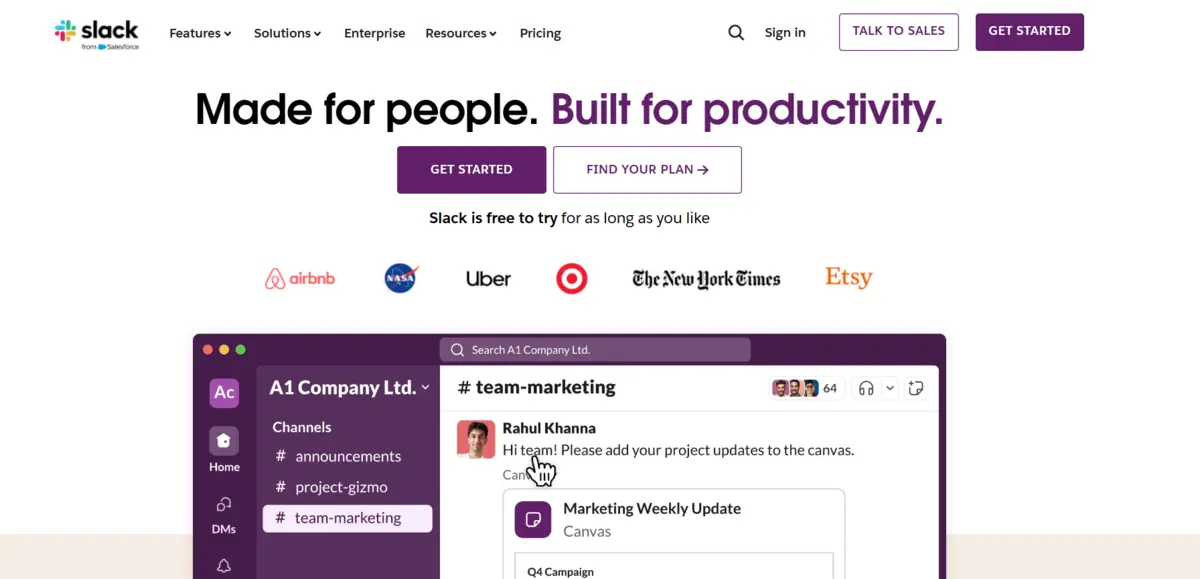
One of the most effective ways to drive blog traffic sustainably is to create a community that will regularly bring people back to your blog.
Examples of Platforms:
- Facebook Groups
- Slack or Discord servers
- Circle, so or Tribe for standalone communities
Why is this Beneficial?
- Develops brand loyalty
- Creates an environment that promotes peer passing of your content
- Curve for collecting ideas for new content
Pro Tip: Start small. If you take care of it, a group of 50-100 active people can generate hundreds of habitual visits back to your blog each month!
25. Automate Content Promotion with Smart Tools

You shouldn’t have to share every blog post out 10 different ways manually. Automation will help you maintain a consistent level of promotion without burning out.
Tools to Try:
- Missinglettr: Automatically creates and schedules social posts from blog content.
- Zapier: Automate workflows (e.g., post new blogs to Twitter, Facebook, LinkedIn automatically).
- IFTTT: Set up triggers like “If I publish a post, then share on Pinterest.”.
Why This Works:
- Saves time
- Keeps a consistent level of promotion up
- Continues to bring life to old posts through cyclical sharing
Pro Tip: Every 4 months setup a recirculation campaign that shares the top blog posts you wrote in the last year – especially the ones that were evergreen.
Final Thoughts: Turning Traffic Tricks into Traffic Truth
Let’s be real — growing your blog traffic is not about finding a “hack” or hunting for overnight success. It’s about understanding the right strategies, knowing your audience, and repeatedly publishing content that genuinely helps people.
You’ve seen 25 proven ways that help you to learn how to increase your blog traffic from SEO, social media, and collaboration to content upgrades and analytics, all in one actionable playbook.
Here’s your quick start road map:
- If you’re a new blogger, start with long-tail keywords, high-quality content, and social sharing.
- If you’re an intermediate blogger, add guest posting, email marketing, and old content refreshes.
- If you’re an advanced blogger, your focus is on link building, community creation, and automation systems.
No matter what stage you’re in — pick 3–5 strategies today and commit to doing them for the next 30 days. Then optimize, measure, and scale what works.
Because at the end of the day, that’s what it is about. The traffic is not the goal; the impact is. When you are consistently providing value, solving real problems, and gaining trust, the visitors will come.
So get out there, implement, experiment, and give your content the audience it deserves.
FAQ: How to Increase Your Blog Traffic
Q1. How long do I need to get more traffic to my blog?
Generally, it can take anywhere from 3–6 months of dedicated work to see noticeable increases in traffic to your blog, but this approach will be more effective if you develop your content with SEO best practices in place, continue to produce consistent and helpful content, and have some strategy to promote your blog posts.
Q2. Do I need to post daily to increase traffic to my blog?
No, the key is consistency, not frequency. One well-promoted, useful post every week is better than 7 daily, mostly thin posts. Focus on long-form, useful content that addresses specific issues your audience is looking to solve.
Q3. Is SEO still important for blogs in 2026?
Yes, more than ever! With Google’s AI-focused updates, the focus has become even more toward quality and relevance. If you are optimising your blogs for search intent using structured data, speed, mobile UX, and natural keyword placements, you can build a sustainable and long-lasting traffic flow.
Q4. Do I need to focus on one traffic strategy or try everything at the same time?
Start small. Select 3 – 5 strategies that suit your time, skill set, and target audience. Track what works over 30 – 60 days, and then commit to it. Comprehensive approaches often lead to burnout, and it’s easier to double down once you know what works.
Q5. Is it possible to grow blog traffic for free?
Of course. If you’re consistent with content, strategic in your SEO, and promote organically, there is the potential to generate a lot of traffic for free.