The best WooCommerce WhatsApp order plugins let customers place orders, get status updates, and message your store directly on WhatsApp instead of waiting on email or a contact form.
Most stores still bury WhatsApp behind a floating icon that opens a chat window and does nothing else. That’s a missed opportunity. Customers already have WhatsApp open on their phone. Give them a reason to use it beyond saying hello.
We looked at 8 plugins that move the needle here, from simple click-to-chat buttons to full Cloud API setups that fire order confirmations without you touching a thing. Some are free. Some cost real money and earn it back in fewer support tickets. A couple work best for a small boutique. Others were built for stores shipping hundreds of orders a week.
This list covers WooCommerce WhatsApp order plugins for every one of those stores: what each one does, where it falls short, and which type fits how you sell.
What Is a WooCommerce WhatsApp Order Plugin and Why You Need It?
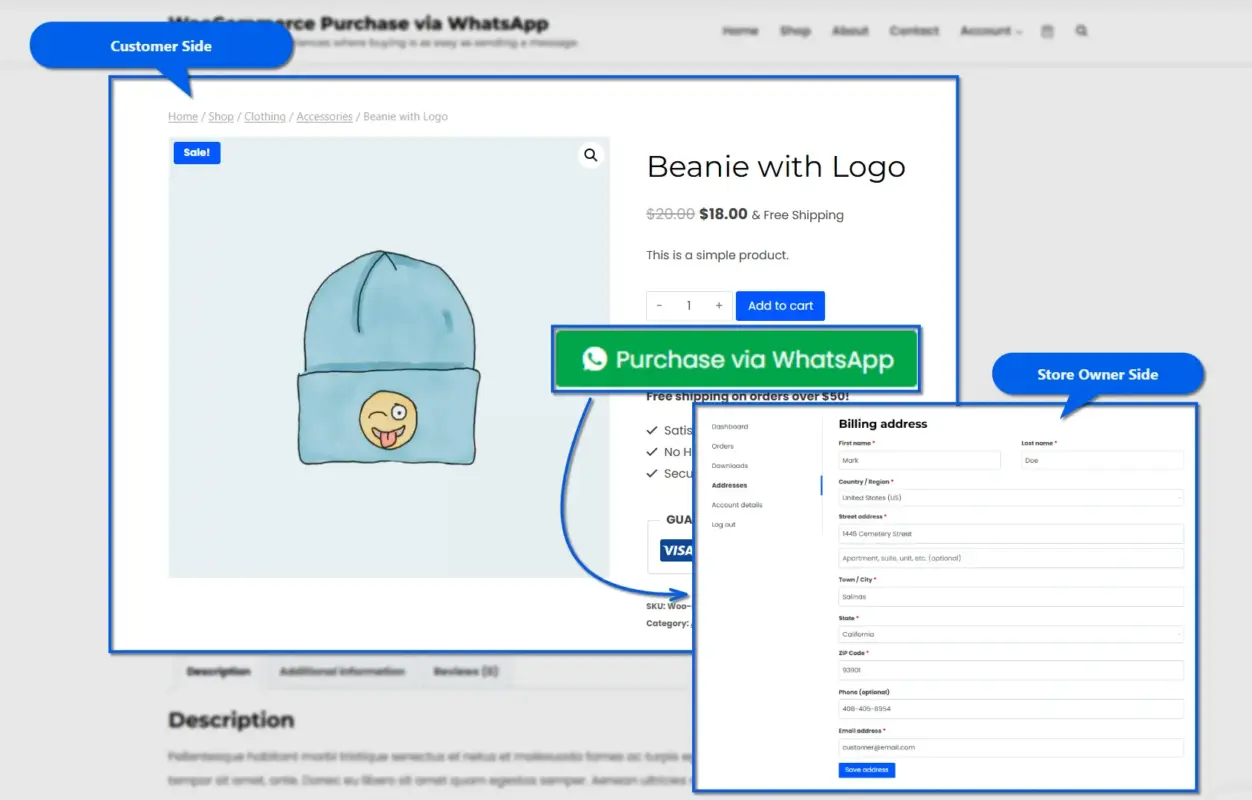
A WooCommerce WhatsApp order plugin connects your store to WhatsApp so customers can send cart details, confirm an order, or ask a question without leaving the chat app. Some plugins just open a chat link. Others push live order data through the WhatsApp Cloud API, Meta’s official messaging system for businesses.
Email response times run into hours, not minutes. WhatsApp changes that math, since it’s already installed on their phone.
There’s a real gap between a plugin that opens a bare chat window and one that reads WooCommerce order data. The first gets a conversation. The second gets fewer abandoned carts and automatic order confirmations.
A 5-product boutique might do fine with a basic click-to-chat button. A store shipping 200 orders a week needs the Cloud API tier.
How We Evaluated WooCommerce WhatsApp Plugin Options
Not all of these plugins do the same job, so we didn’t grade them on one scale. Here’s what we checked:
- WooCommerce fit: Does it read order data, or just open a chat link?
- Automation depth: click-to-chat only, or real Cloud API triggers?
- Setup effort: Can a non-technical owner configure it in under 20 minutes?
- HPOS compatibility: Does it support WooCommerce’s High-Performance Order Storage?
- Pricing clarity: Is the real cost obvious, or buried behind a “contact sales” form?
We matched each plugin to the problem it solves, not one universal winner.
The 8 Best WooCommerce WhatsApp Order Plugins: Ranked for 2026
Here are the eight worth your time this year, starting with the option built specifically for WooCommerce stores that want order automation without wiring up the Cloud API themselves.
1. WooCommerce Purchase via WhatsApp
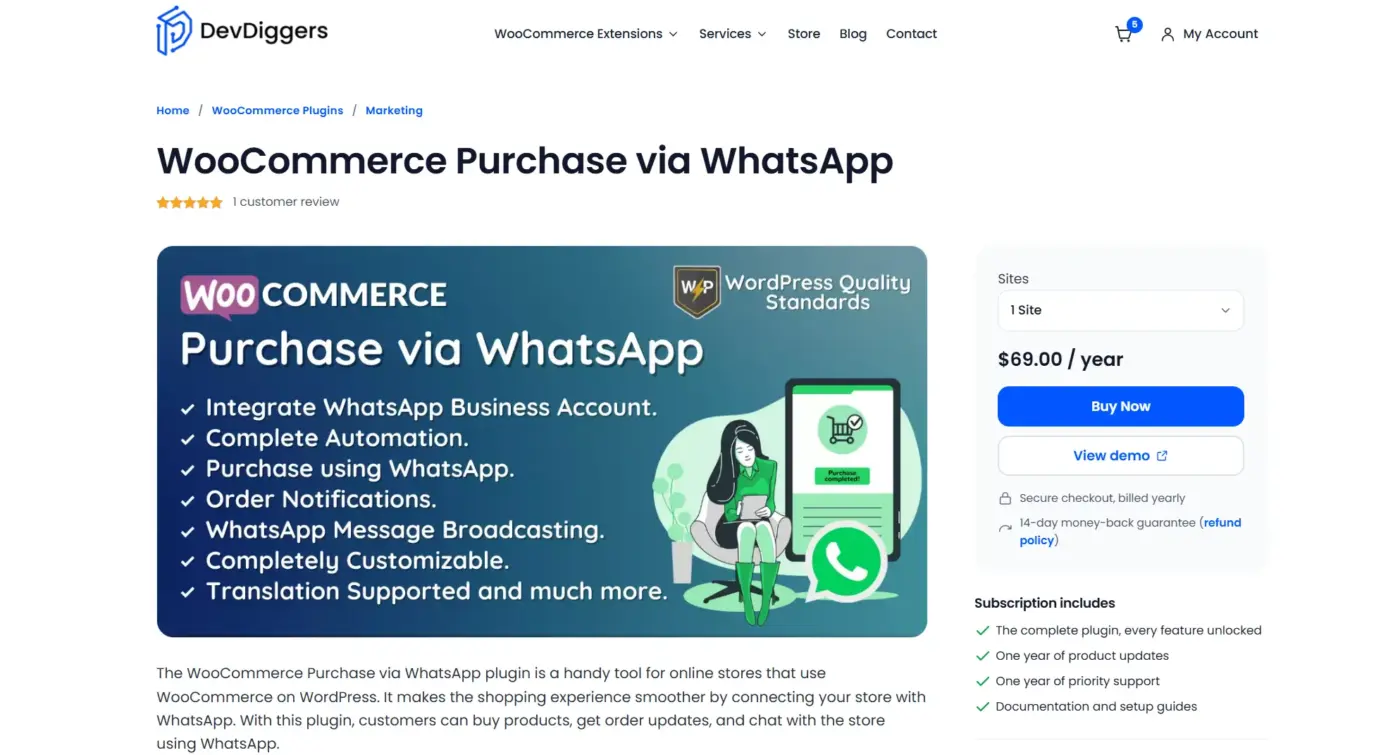
WooCommerce Purchase via WhatsApp plugin connects your store to WhatsApp so customers can buy products, get order status updates, and message you directly, all inside the checkout flow they already know.
Customers add their WhatsApp number in the billing phone field, and the plugin takes it from there. Orders, coupons, and shipping selection all happen inside the chat thread itself, guided by an automated message flow that walks the customer through each step.
Once WooCommerce Purchase via WhatsApp is active, admins can pick which payment gateways are available for WhatsApp purchases and customise every message template that goes out to customers. Guest shoppers can complete a purchase too, not just registered accounts, and the plugin logs every WhatsApp order in the regular WooCommerce order list for easy tracking.
Best For
Stores that want a real WooCommerce WhatsApp order plugin without setting up their own Cloud API credentials.
Key Features
- Customers purchase directly through WhatsApp using existing billing details
- Automatic order status messages sent as orders move through your workflow
- Admin picks which payment gateways are available for WhatsApp purchases
- Fully customizable button text and message templates
Price
- Regular License: $199 (includes 6 months of support, extendable to 12 months for $72.75)
- Extended License: $1,499 (for use in products your clients charge their own end users for)
Benefits
- No manual order re-entry, since WhatsApp orders land straight in WooCommerce
- Support and sales stay in one thread instead of splitting across email and chat
Limitations
- Currently supports offline payment gateways and the DevDiggers WooCommerce Wallet plugin for in-chat payment, not every third-party gateway
WhatsApp Logic
- Order placed on-site triggers an automatic WhatsApp confirmation, no manual copy-paste
- Status changes (processing, shipped, completed) push a follow-up message on their own
- Admin can restrict which products are eligible for WhatsApp purchase, useful for made-to-order items
Test Note: Setup mainly involves entering your WhatsApp number and choosing which payment gateways to allow. Stores running a mix of online and offline payments should double-check gateway settings before launch, since only “offline” methods and the Wallet plugin work inside the WhatsApp flow right now.
2. Notiqoo
Notiqoo runs on the official WhatsApp Cloud API rather than a simple chat link, which shifts the workload from the customer’s phone to your server.
It ties directly into WooCommerce events and centralises customer conversations in one dashboard, so nothing gets lost when a staff member switches phones. Order confirmations, payment updates, and abandoned cart reminders all go out automatically once the connection is set up.
Notiqoo started life as WC Messaging before rebranding, and it now runs on more than 700 active installs. The free version covers basic order notifications, while the Pro tier adds two-way chat, broadcasting, and catalogue sharing for stores that want a fuller WhatsApp presence.
Best For
Stores that want automated notifications plus a searchable chat history, without building their own Meta integration from scratch.
Key Features
- Automated WhatsApp alerts for new orders, payment completion, and abandoned carts
- Two-way chat inbox that keeps conversation history in one place
- Built specifically for WooCommerce, including bookings and product-level events
Price
- Notiqoo Pro: $99/year
- Automator add-on: $59/year (requires Pro)
- Teams add-on: $59/year (requires Pro)
Benefits
- Messages don’t rely on a personal WhatsApp app staying open on someone’s phone
- Two-way chat inbox keeps every conversation searchable in one place
Limitations
- Initial Meta Business setup takes longer than a click-to-chat plugin
- Two-way messaging and broadcasting sit behind the Pro tier
WhatsApp Logic
- Order and cart events fire structured Cloud API messages instead of opening a chat window
- Customer replies land in Notiqoo’s dashboard, not scattered across individual WhatsApp threads
- Abandoned cart triggers can be delayed by a set number of minutes before sending
Test Note: The Meta Business verification step is the part most store owners underestimate. Budget an extra day for it, and make sure your WordPress site URL matches exactly what’s registered in the Meta Developer Console, or webhook verification tends to fail.
3. Order on WhatsApp for WooCommerce
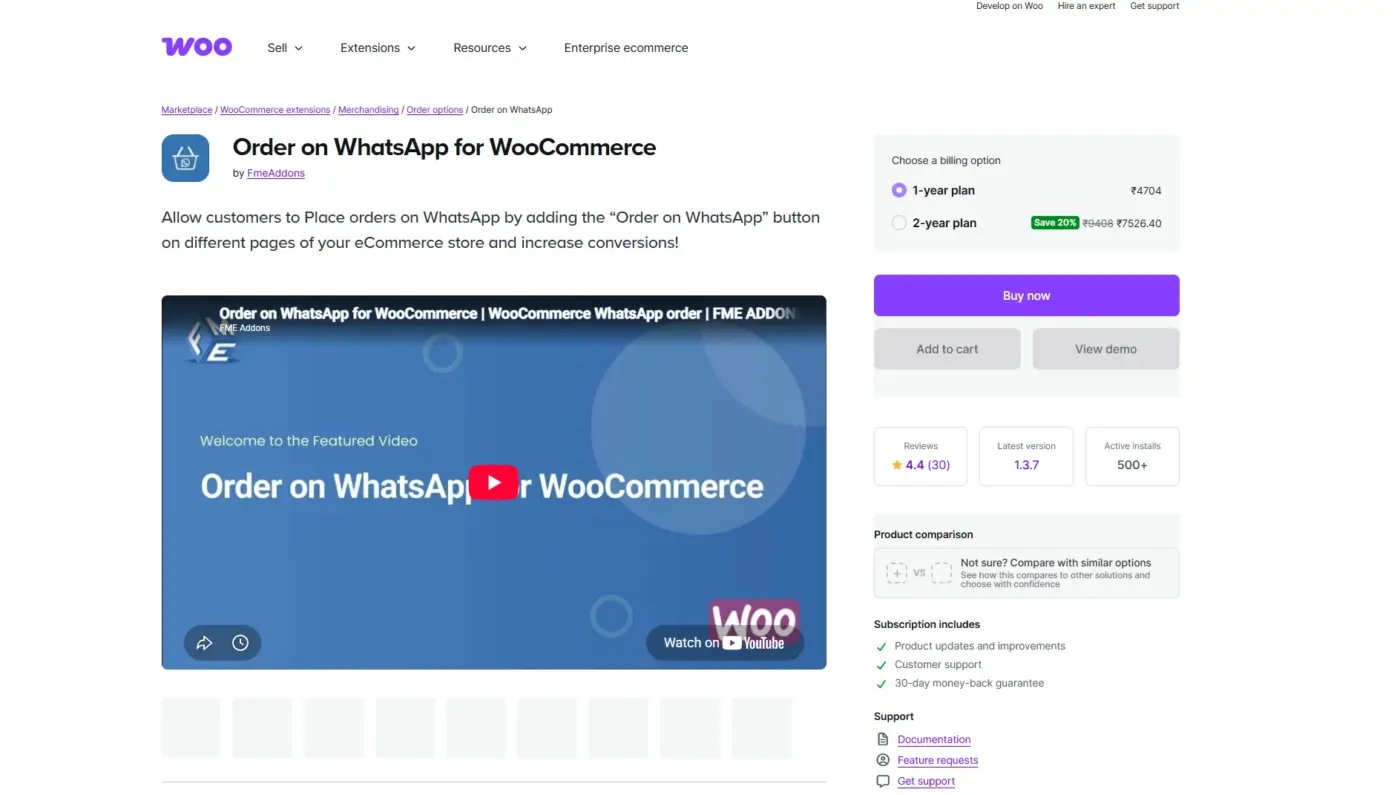
Order on WhatsApp for WooCommerce lets customers forward their cart straight to WhatsApp instead of finishing checkout on-site.
Product details, price, and quantity go along with the message automatically, and the plugin works with both simple and variable products. A checkout form pops up on the shop, product, or cart page, so customers fill in their details before the message goes out.
The plugin is built by FmeAddons and runs on more than 500 active installs, with full HPOS and block-based checkout compatibility. Store owners can also send a “Pay Now” link on WhatsApp for orders left with pending payment, which helps close out sales that stall at checkout.
Best For
Stores in regions where customers prefer to confirm orders and payment details over chat rather than a card form.
Key Features
- “Order on WhatsApp” button available on shop, product, cart, and checkout pages
- Cart contents forwarded as a formatted WhatsApp message
- HPOS and block-based checkout compatible
Price
- 1-year plan: $49/year
- 2-year plan: $98 one-time
Benefits
- Customers unsure about entering card details can still complete a purchase through a channel they trust
- Works out of the box with no API key or Meta setup required
Limitations
- Orders aren’t created automatically in WooCommerce every time; someone often has to confirm and enter the order after the WhatsApp exchange
WhatsApp Logic
- Cart forwarding happens client-side, so no server setup or API key is required
- Customers can edit their message before sending, which occasionally causes mismatched order details
- Checkout page includes an “Order on WhatsApp” option alongside standard payment methods, not instead of them
Test Note: This plugin works well as a secondary checkout path, not a replacement for one. Stores that rely on it as their only order-capture method tend to lose track of orders that get confirmed in chat but never entered into WooCommerce.
4. WANotifier
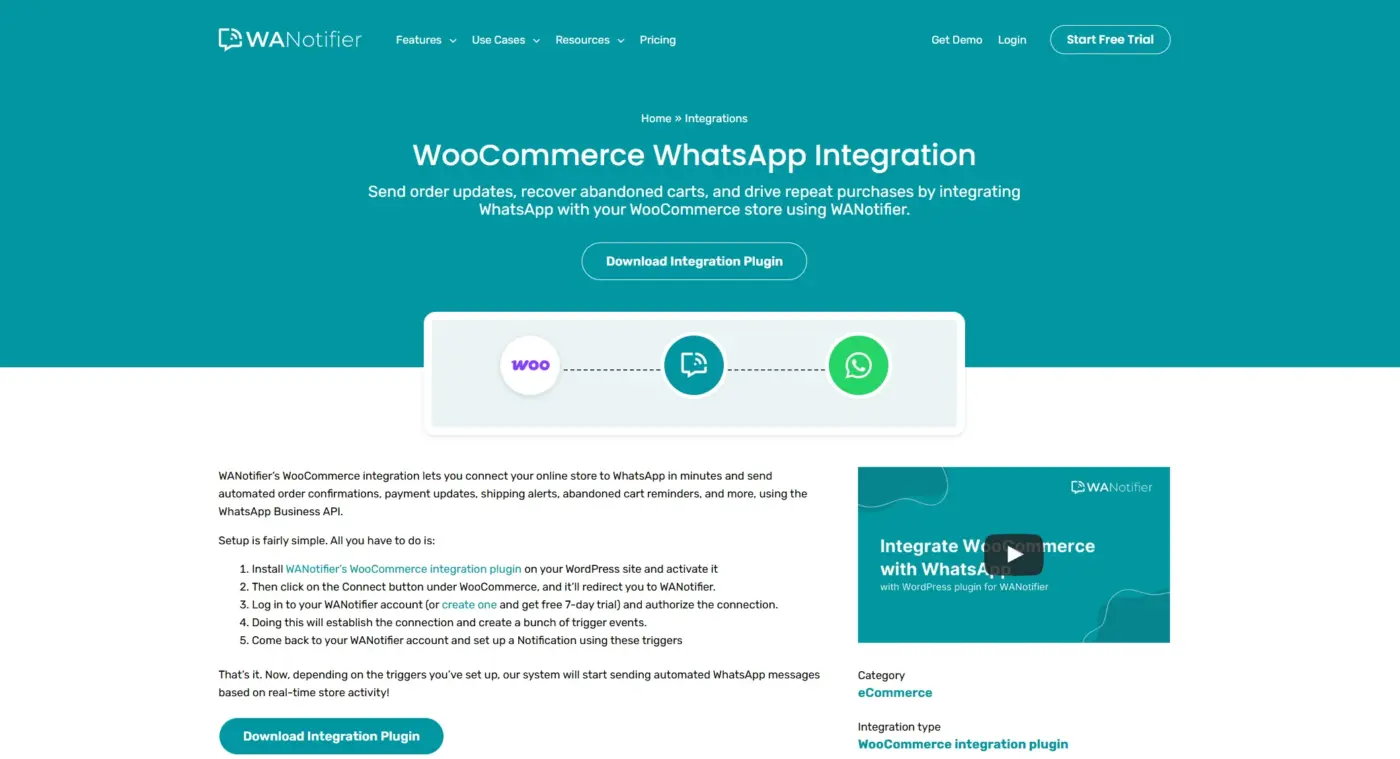
WANotifier focuses on transactional messaging: new order alerts, payment updates, shipping notices, and abandoned cart reminders, all sent through the official WhatsApp Business API.
If you want notifications from other parts of your site too. Every message runs through Meta’s official API, so there’s no unofficial workaround or browser extension involved.
WANotifier passes through Meta’s per-message charges without adding its own markup, which keeps costs predictable as message volume grows. A 7-day free trial lets you test the full setup, from connecting your WooCommerce store to mapping your first order trigger, before committing to a paid plan.
Best For
Stores that mainly want reliable order-lifecycle notifications rather than a front-end support chat button.
Key Features
- Automated triggers for order confirmation, status change, and abandoned cart events
- Bulk and segmented WhatsApp marketing campaigns
- Works alongside form plugins, not just WooCommerce
Price
- Essentials: $49/month
- Advanced: $79/month
- Premium: $199/month
- Meta’s official WhatsApp API charges are billed separately
Benefits
- Higher abandoned cart recovery rates than email alone, thanks to WhatsApp’s higher open rates
- No markup on top of Meta’s own messaging fees
Limitations
- Not built as a front-end live chat tool; pair it with something else for a floating support button
WhatsApp Logic
- WooCommerce order and cart events create trigger definitions inside your WANotifier account
- Message templates need Meta approval before they can send, standard for any Cloud API tool
- A connected chatbot can answer basic pre-sale questions before handing off to a human
Test Note: The account-linking step (installing the plugin, then authorising the connection back to WANotifier) is quick, usually under ten minutes. Where stores stumble is template approval delays through Meta, which can take a day or two the first time around.
5. Product Inquiry, Chat & WhatsApp Order for WooCommerce
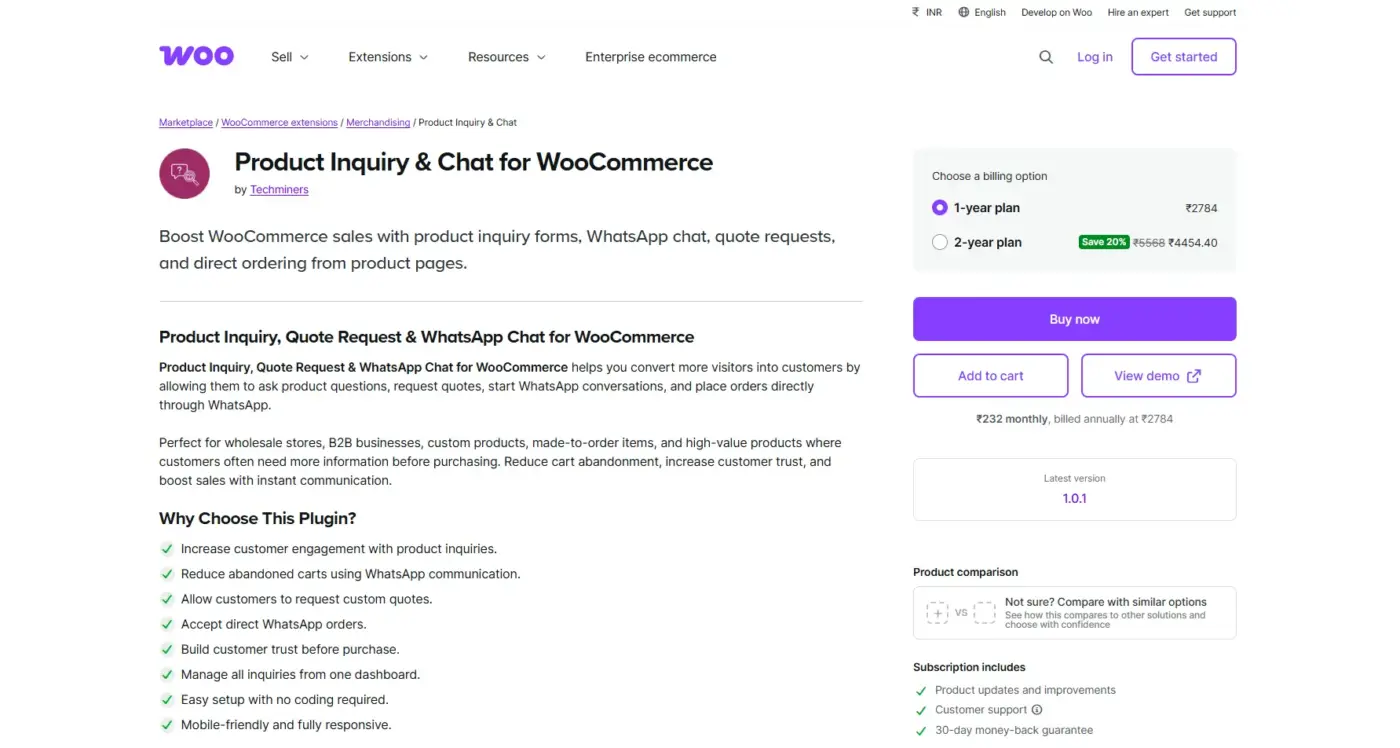
Product Inquiry, Chat & WhatsApp Order for WooCommerce combines a pre-sale inquiry form with a WhatsApp order button on the same product page.
It’s aimed at stores selling items customers want to ask about before buying, like custom, high-value, or made-to-order products. The inquiry button and the order button work independently, so a customer can ask a question without accidentally triggering an order request.
Built by Techminers, the plugin includes phone number validation across more than 200 countries and an admin dashboard for tracking inquiry status, from pending to replied to resolved. It’s also compatible with block themes, so the buttons render correctly regardless of which page builder the store uses.
Best For
Stores selling customizable, high-value, or made-to-order items where shoppers usually have a question before checkout.
Key Features
- “Ask a Question” popup modal separate from the WhatsApp order button
- Built-in phone number validation with a country code selector
- Storewide or per-product and per-category inquiry buttons
Price
- 1-year plan: $29/year
- 2-year plan: $58
Benefits
- Separating “I have a question” from “I want to order” reduces vague WhatsApp messages
- Conversion analytics show which button, inquiry, or order drives more sales
Limitations
- More configuration than a basic click-to-chat plugin, since you’re setting up two separate flows
WhatsApp Logic
- Inquiry form submissions route to email or WhatsApp depending on your settings, not just one channel
- WhatsApp order button pre-fills the message with product name, so agents don’t start from zero
- Buttons can be scoped to specific products, useful for hiding the inquiry option on simple items
Test Note: Worth testing on mobile before launch. With both an inquiry button and an order button on the same product page, screen space gets tight on smaller phones, and one option can crowd out the other on a narrow theme layout.
6. WATI
WATI is a full WhatsApp Business API platform with a WooCommerce plugin layered on top, built more for teams running sales and support through WhatsApp at scale.
The plugin adds a chat button to your storefront and connects your store’s WhatsApp order and cart events to Wati’s automation engine, where message templates and chatbot flows live. This makes it less of a single-purpose plugin and more of a front door into a full messaging platform.
WATI is a WhatsApp Official API Partner, built by Clare.AI, and it’s used across small businesses through mid-market support teams. Because the heavier automation logic lives in the Wati dashboard rather than WordPress, most of the setup work happens outside your site once the initial connection is made.
Best For
Growing stores with a support team that wants shared inboxes, chatbot flows, and broadcast messaging, not just order alerts.
Key Features
- WhatsApp chat button with customizable branding on the storefront
- Automated messages for abandoned carts, order confirmation, fulfilment, and returns
- Team inbox with a no-code chatbot builder for common questions
Price
- Growth: $59/month
- Pro: $119/month
- Business: $349/month
- Per-conversation charges are billed by Meta on top of the plan
Benefits
- Scales cleanly as a store adds support staff, since it’s a full platform, not a single-purpose plugin
- Shared team inbox keeps every agent working from the same conversation history
Limitations
- Overkill and unnecessarily expensive for a small store that just wants order confirmations sent automatically
WhatsApp Logic
- Plugin API key connects your WordPress site to the Wati dashboard, where automation rules live
- Order events map to specific message templates you choose per scenario
- Chat button settings, colors, and button text are configured entirely inside WordPress after connecting
Test Note: Getting the API key from the Wati dashboard and pasting it into WordPress takes a few minutes, but the real setup work happens afterwards, mapping each order event to the right message template. Budget more time for that step than the installation itself.
7. WP Social Ninja

WP Social Ninja is a broader social and chat toolkit that includes a WhatsApp widget alongside review displays and social feed embeds.
It suits stores that want WhatsApp as one piece of a bigger trust-building setup rather than a standalone order tool. The same dashboard that controls your WhatsApp chat button also manages review widgets pulled from Google, Facebook, and other platforms.
Built by WPManageNinja, the plugin has a free version on WordPress.org for basic feed and review functionality, with the Pro tiers unlocking every chat and review platform along with multi-agent scheduling. It’s a reasonable fit if you’d otherwise be running three separate plugins for chat, reviews, and social feeds.
Best For
Stores that want a stylish WhatsApp chat box plus customer reviews and social proof in one plugin, instead of stitching several tools together.
Key Features
- Fully customizable WhatsApp chat box design
- Multiple agent support with availability scheduling
- Reviews and social feed widgets alongside the WhatsApp button
Price
- Single Site License: $79/year
- Agency License: $249/year
- Unlimited License: $399/year
Benefits
- Showing reviews near the WhatsApp button gives hesitant shoppers a reason to trust the chat before they click it
- One dashboard covers chat, reviews, and social feeds instead of three separate plugins
Limitations
It’s a chat and social-proof tool first; there’s no Cloud API order notification layer built in
WhatsApp Logic
- Chat button opens a standard WhatsApp link with a pre-filled greeting, not a Cloud API session
- Multiple agents can be assigned so different WhatsApp numbers show depending on availability
- Design settings (colours, position, icon style) live entirely in the plugin dashboard
Test Note: If order automation is the main goal, pair this with a dedicated notification plugin. WP Social Ninja handles the front-end chat experience well, but it won’t send order confirmations or abandoned cart messages on its own.
8. PushEngage
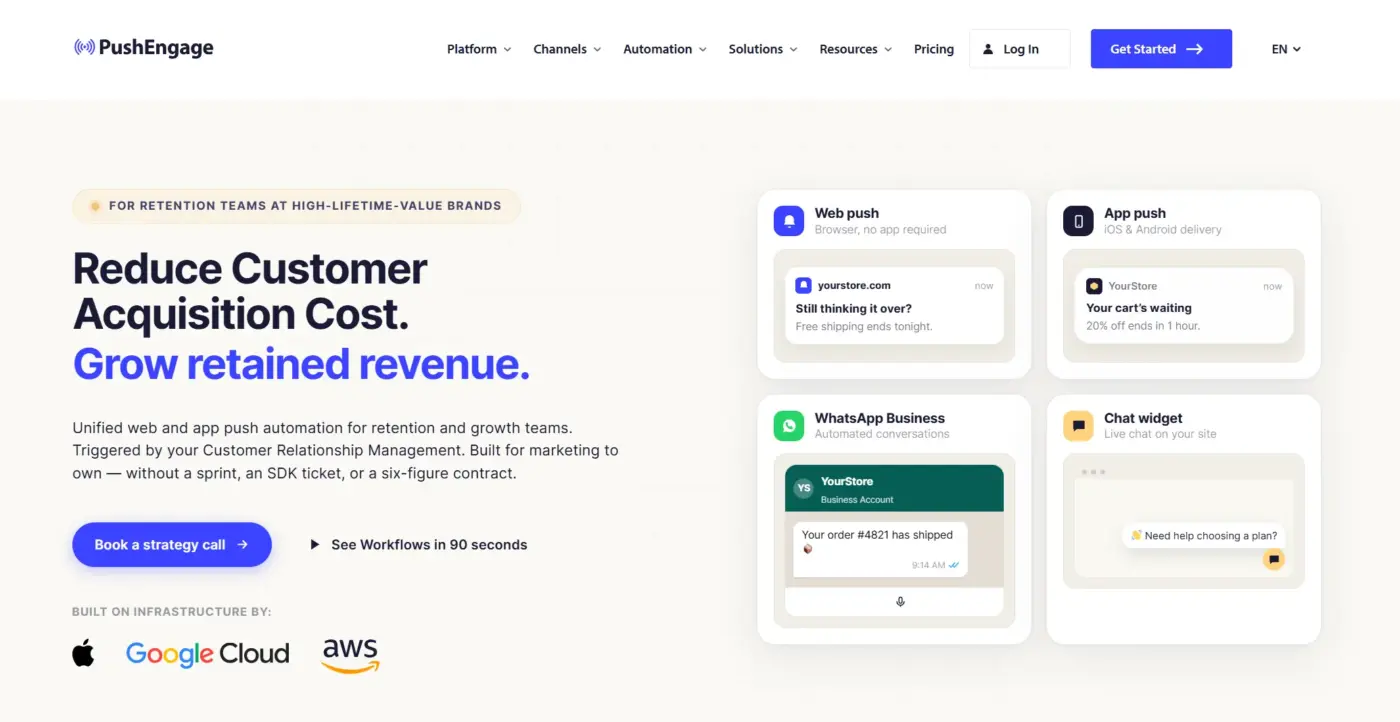
PushEngage treats WhatsApp as one notification channel among several, alongside web push and mobile push, aimed at cart recovery and win-back campaigns.
Rather than building a dedicated WooCommerce chat experience, it folds WhatsApp order and cart alerts into the same automation dashboard already used for browser and mobile push notifications. Order and cart events that already trigger a push notification can trigger a WhatsApp message too, using the same customer data.
PushEngage serves more than 25,000 businesses across web and app push, and WhatsApp messaging is included on any paid plan at no extra per-message cost. That makes it a low-friction add-on for stores that already rely on PushEngage for push notifications and want one more channel without a second subscription.
Best For
High-traffic stores that already use push notifications and want WhatsApp folded into the same automation without a separate tool.
Key Features
- Automated WhatsApp messages for cart abandonment, order confirmation, and win-back flows
- Works alongside existing web and mobile push notification campaigns
- Segmentation based on browsing and purchase behaviour
Price
- Business: from $9/month (billed annually)
- Premium: from $29/month (billed annually)
- Enterprise: custom pricing
Benefits
- Stores already running push campaigns can add WhatsApp without learning a second dashboard
- Unlimited WhatsApp messaging is included on any paid plan, with no separate per-message fee from PushEngage
Limitations
- It’s not a live chat or support tool; customers can’t message back and forth the way they can with a Cloud API chat plugin
WhatsApp Logic
- Abandoned cart triggers can fire on a delay, timed after checkout rather than instantly
- Order and shipping events pull the same customer data already used for push notifications
- Messages are one-directional by design, built for reminders and updates, not conversations
Test Note: The cart recovery trigger is powerful but easy to overtune. Sending the WhatsApp reminder instantly, while the customer might still be mid-checkout, tends to cause more confusion than conversions. A short delay works better in practice.
Best WooCommerce WhatsApp Plugin by Use Case: Match Your Store to Fit
Pricing already lives inside each plugin’s section above, so here’s the faster way to match a plugin to your actual situation.
| Store situation | Best fit |
|---|---|
| Want order automation without building your own Cloud API setup | WooCommerce Purchase via WhatsApp (DevDiggers) |
| Need automated notifications plus a searchable chat inbox | Notiqoo |
| Customers prefer confirming orders over chat instead of card checkout | Order on WhatsApp for WooCommerce |
| Mainly want reliable order and cart notifications, not live chat | WANotifier |
| Sell high-touch or custom items shoppers ask about first | Product Inquiry, Chat & WhatsApp Order |
| Running a support team that needs shared inboxes and chatbots | WATI |
| Want WhatsApp chat plus reviews and social proof together | WP Social Ninja |
| Already run push notification campaigns, want WhatsApp folded in | PushEngage |
Click-to-Chat vs Order Automation vs Cloud API: The Real Difference
Store owners often treat every WhatsApp plugin as the same tool wearing a different logo. They’re not.
| Click-to-Chat | Order Automation | Cloud API | |
|---|---|---|---|
| What it does | Opens a WhatsApp link | Forwards cart or order data into the message | Sends and receives messages through Meta’s official API |
| Setup effort | Minutes, no account needed | Minutes, no API setup | Hours, requires Meta Business verification |
| Order data | Not tracked | Passed into the message, often entered manually after | Tied directly to WooCommerce order status |
| Best fit | Basic contact link | Growing stores adding structure | Stores scaling WhatsApp as a core channel |
If WhatsApp is core to how you sell, the Cloud API tier is the safer long-term pick. Click-to-chat tools are fine for contact links. They offer no real structure once WhatsApp becomes your main conversion channel instead of a nice-to-have.
Conclusion
The right WooCommerce WhatsApp order plugin depends less on features and more on what you’re trying to fix. A small store just needs customers to reach them faster. A growing one needs order confirmations to send themselves. A store with a support team needs shared inboxes and chatbots that don’t drop conversations.
Match the plugin to that problem instead of picking whatever ranks first on a features list. Start with WooCommerce Purchase via WhatsApp if you want order automation built specifically for WooCommerce without wiring up your own Cloud API credentials, and expand from there as your WhatsApp volume grows.
Frequently Asked Questions (FAQs)
Q1. Do I need the WhatsApp Cloud API to use a WooCommerce WhatsApp order plugin?
No. Click-to-chat and cart-forwarding plugins work without it. You only need the Cloud API for automated order notifications, chatbots, or messaging at real scale.
Q2. Can customers complete payment through WhatsApp?
Some plugins send a “Pay Now” link inside the WhatsApp message that redirects back to your site’s checkout. Others rely on offline payment methods confirmed in chat. Very few process payment inside WhatsApp itself.
Q3. Will a WhatsApp order plugin slow down my WooCommerce store?
Click-to-chat plugins are lightweight and rarely affect load time. Cloud API tools run background processes, but well-maintained ones keep the impact minimal since messaging happens asynchronously.
Q4. Is a WooCommerce WhatsApp order plugin compliant with data privacy rules?
It depends on how customer data is handled, not the plugin category itself. Cloud API tools that store conversation history need the same privacy disclosures as any other customer data system.
Q5. What’s the difference between WhatsApp order notifications and WhatsApp marketing messages?
Notifications are transactional, tied to an order or cart event, and generally don’t need separate opt-in beyond the purchase itself. Marketing messages require explicit customer consent and use different message templates under WhatsApp’s rules.
Q6. Do these plugins work with WooCommerce’s High-Performance Order Storage (HPOS)?
Most current plugins on this list support HPOS. Older or unmaintained WhatsApp plugins sometimes still assume the legacy post-based order tables, so check the plugin’s changelog before installing if HPOS is already active on your store.