
The best WooCommerce wallet plugins let customers top up a balance, pay at checkout without re-entering card details, earn cashback, and get instant refunds. All of this runs inside your WordPress dashboard.
Most store owners open five browser tabs, quickly read five feature lists, and pick whichever plugin has the most green checkmarks. That approach works fine until it doesn’t. The plugin that handles subscription billing well is often a poor fit for a B2B wholesale store. The one built for cashback loyalty programs may have no concept of partial refunds. Feature parity on paper means nothing if the core workflow doesn’t match how your store actually runs.
Here, you’ll find five honest assessments of the most widely used WooCommerce wallet plugins, each one evaluated on real store use cases, not just what the sales page promises. There’s a quick-comparison table for scanning, a clear verdict on who each plugin actually suits, and a plain-language guide at the end to help you make the call without doubting yourself.
If you know your store type, you’ll have your answer inside ten minutes.
What Is a WooCommerce Wallet Plugin?
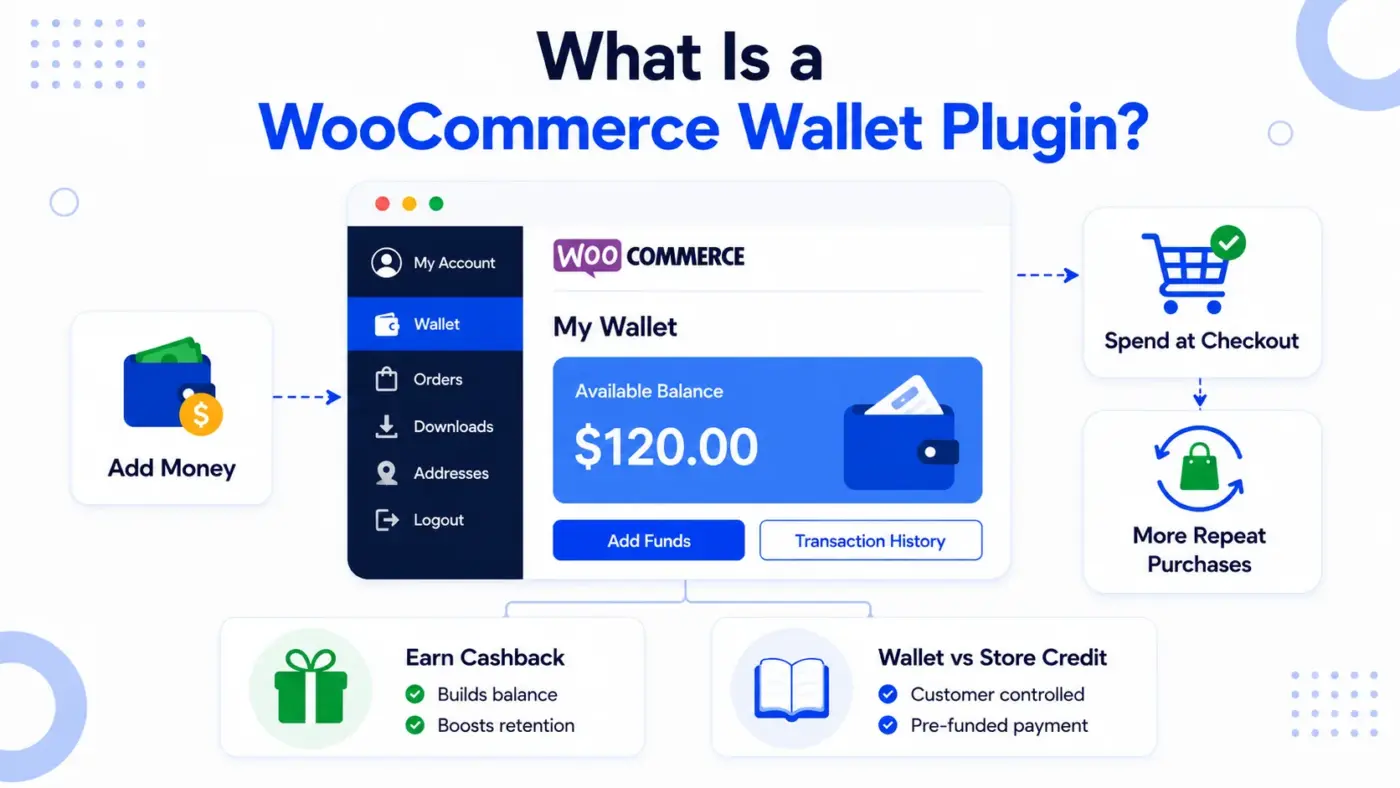
A WooCommerce digital wallet is a stored-balance payment method tied to each customer account. Customers fund it using their existing payment gateways (Stripe, PayPal, credit card, bank transfer) and then spend that balance at checkout without re-entering details. Think of it as a store-specific prepaid card that lives inside their My Account page.
When a customer has a wallet balance, they have a reason to come back before the balance expires or until they spend it down. That pre-commitment is exactly what reduces cart abandonment and boosts repeat purchase rates.
It is worth knowing the difference between a wallet and store credit before you choose a plugin. Store credit is a coupon-based discount that the store issues. A wallet is a pre-funded payment method that the customer controls. They behave differently at checkout, and they affect customer psychology differently.
Building customer retention with wallet cashback is one of the clearest use cases. Customers who earn cashback on each order have a growing balance that pulls them back. That is a retention mechanism most discount codes cannot match.
5 Best WooCommerce Wallet Plugins Reviewed
1. WooCommerce Wallet Management by DevDiggers (Best All-in-One)
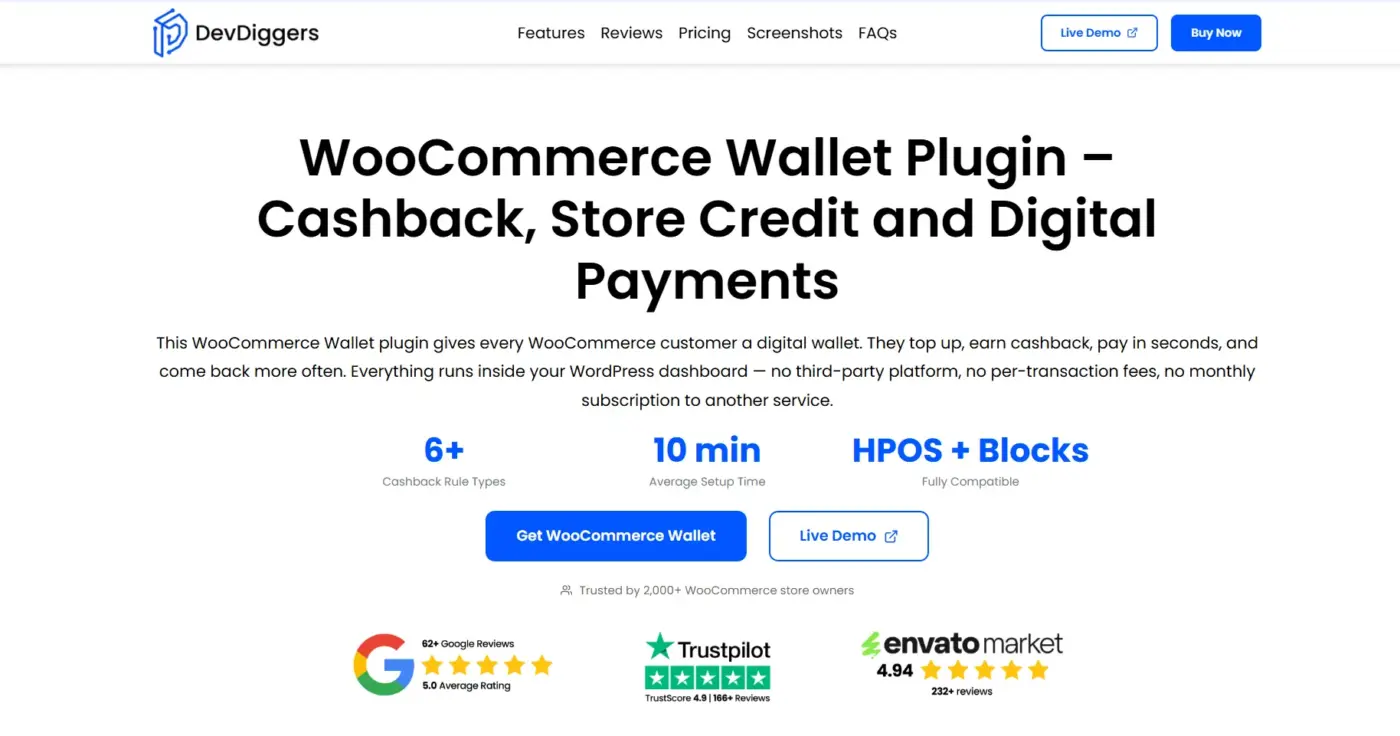
Our WooCommerce wallet plugin is a full wallet system built for stores that need cashback rules, customer withdrawals, peer transfers, and refund management in one place. No combining of multiple add-ons is required.
Setup takes about 10 minutes. The plugin adds a wallet section to the customer’s My Account page automatically. Customers see their balance, transaction history, and all wallet operations from a single responsive screen.
Best For
- Stores wanting a complete wallet system without buying separate add-ons for each feature
- Stores needing more granular cashback targeting (6+ rule types) than free plugins offer
- Stores that want withdrawal and peer-transfer features bundled in, not sold separately
Key features
- Customer wallet dashboard with real-time balance and transaction history
- Top-up via any WooCommerce payment gateway already active on the store
- Six-plus cashback rule types: cart-based, product-based, category-based, top-up bonuses, and referral rewards
- Partial payment support at checkout (wallet covers part, another gateway covers the rest)
- Withdrawal requests that customers submit and admins approve or reject
- Customer-to-Customer wallet transfers between registered customers
- Manual credit and debit controls for admins, including bulk operations
- Refund-to-wallet processing instead of reversing to the payment gateway
- HPOS and block checkout are compatible
Pricing
- Free version available with a live demo to explore every functionality.
- Single site: $89/year
- Multi-site licenses: $699/year
limitations
- Set cashback trigger to “Completed,” not “Processing,” to avoid reversing cashback on refunds
2. TeraWallet: Wallet for WooCommerce
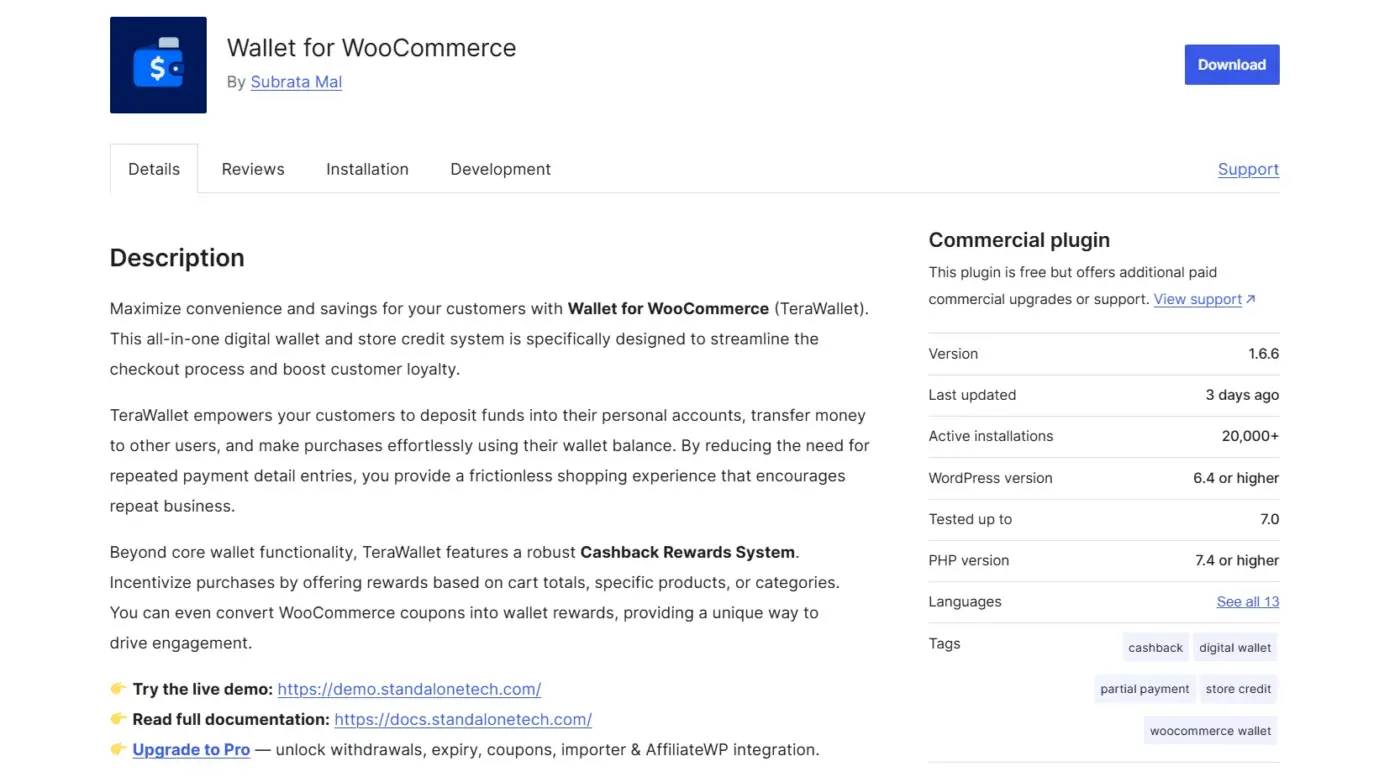
TeraWallet (also listed as Wallet for WooCommerce on WordPress.org) is the most widely adopted free wallet plugin in the ecosystem. It has over 20,000 active installs and a 4.7-star rating built over years of real-store use. That install base matters because it means edge cases get reported and fixed faster than with smaller plugins.
The free core covers the main wallet flows without forcing you into a paid upgrade right away. That includes wallet funding, partial payments, cashback rewards (cart-based, product-based, category-based), refunds to the wallet, user-to-user fund transfers, and exportable transaction logs.
Best for
- Stores wanting a proven free core, adding paid add-ons only as needed
- Dokan-based multivendor stores
Key features
- Fund deposit via any supported WooCommerce gateway
- Full and partial payment at checkout
- Cashback rules: cart-wise, product-wise, and category-wise
- Refund to wallet instead of gateway reversal
- User-to-user wallet transfers
Paid add-ons
Wallet Withdrawal, Wallet Expiry, Wallet Coupons, AffiliateWP integration, Wallet Importer.
Pricing
Single bundled license: $79/year
Limitations
- Had a stored XSS vulnerability in versions up to 1.5.0, exploitable by shop manager roles, patched in current releases, but older installs should update immediately and not ignore changelog notices
- The UI can feel dense for non-technical store owners; there are a lot of settings, and while most have sensible defaults, handing setup to a client or junior team member needs a budgeted step-by-step guide and time
- Core wallet features are solid, but anything beyond basics (withdrawal, expiry, coupons) means stacking paid add-ons rather than getting it in one package
3. Wallet System for WooCommerce by WP Swings
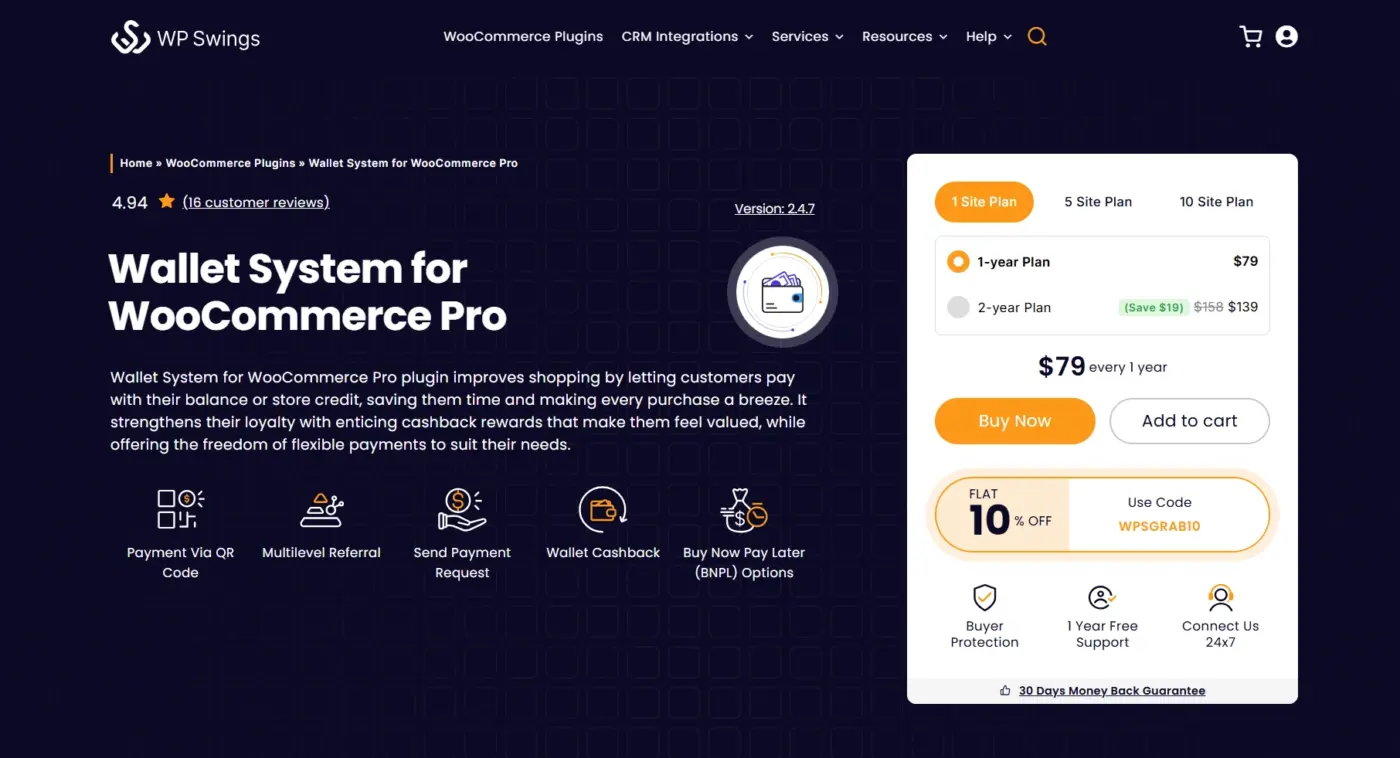
WP Swings (formerly MakeWebBetter) built this plugin to cover the full lifecycle of wallet engagement: top-ups, cashback, referral programs, buy now, pay later, QR code payments, and subscription-based automatic top-ups. The free version on WordPress.org covers the basics. The Pro version is where the unique features live.
It supports BNPL built in, which is unusual for a wallet plugin. Customers can place orders even with an insufficient wallet balance, and the system carries a negative balance that clears on the next top-up. For stores with repeat buyers who have predictable purchase patterns, this removes the friction of having to top up before placing an order.
Best for
- Stores running active loyalty or referral campaigns
- BNPL-style payment flexibility for repeat buyers
- Gaming or digital goods stores with high-frequency, small transactions
Key features
- Wallet funding, checkout payment, cashback, partial payments
- Buy Now Pay Later (negative balance support, configurable limits)
- Multilevel referral program with wallet rewards
- QR code payments for wallet-to-wallet transfers
- KYC verification with feature restriction (Pro)
- Subscription-based auto top-up when balance drops below threshold
- Bulk wallet credit/debit via CSV
- Role-based cashback rules, daily login rewards
- WPML support for multiple-language stores
Pricing
- 1 site: $79/year
- 5 sites: $169/year
- 10 sites: $329/year
Limitations
- The Pro feature set is wide, which also means more settings to manage. Stores needing only basic wallet + cashback will find the interface heavier than necessary
- TeraWallet’s core is leaner for simple use cases; WP Swings earns its place specifically for referral or BNPL needs
- Some of the more advanced features (full partial payment flexibility, advanced cashback rules) sit behind the Pro license, so the free version alone won’t cover loyalty-heavy use cases
4. YITH WooCommerce Account Funds
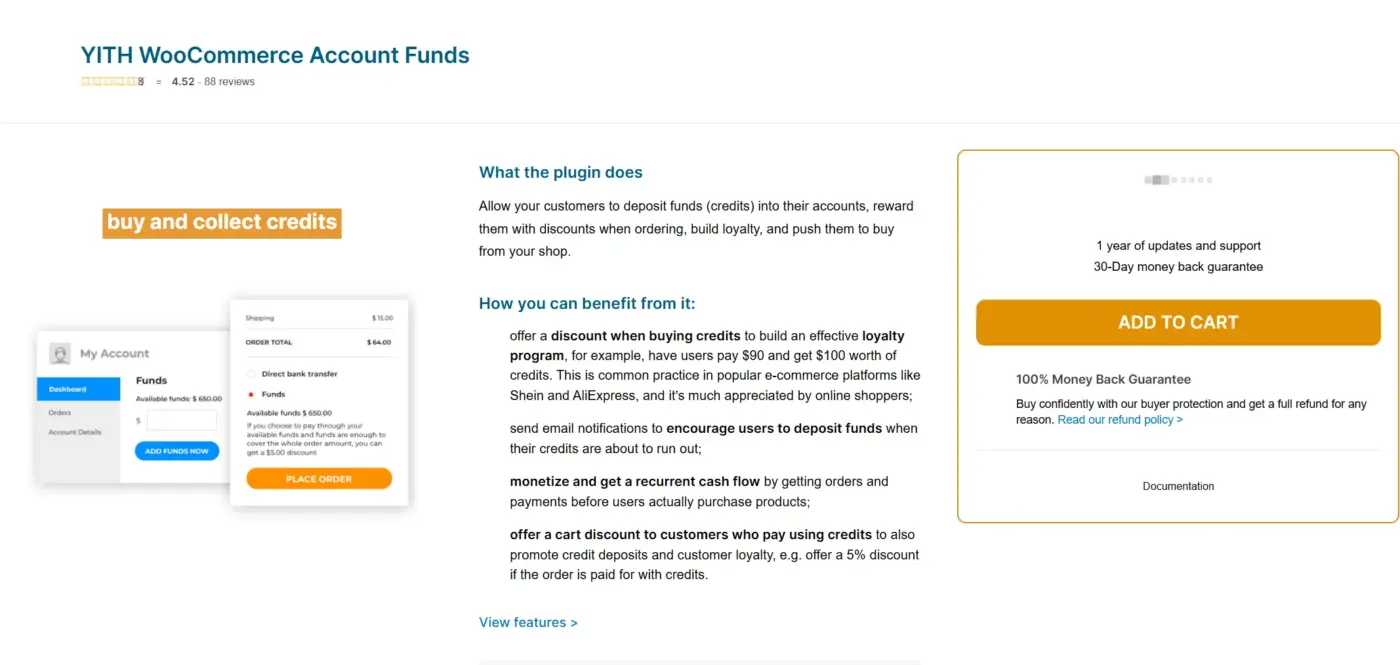
YITH Account Funds gives customers a deposit balance that they fund and spend on purchases. The plugin is straightforward in scope: fund deposit, partial or full checkout payment, admin-managed balances, and a discount reward for customers who pay with funds rather than a card.
That last feature is the key unique feature. You can configure a percentage discount (for example, 5% off) that applies automatically when a customer pays using their account funds. It is a direct reward to top up and use the balance, which improves wallet adoption in stores where customers need a reason to switch from their default card payment.
Best for
- Subscription, Multi-Vendor, Membership, or Booking-based stores already in the YITH ecosystem
- Stores wanting a direct “pay with funds, get a discount” loyalty tool
Key features:
- Customer fund deposit from the My Account page
- Full or partial checkout payment using account funds
- Configurable discount for paying with funds (percentage or fixed)
- Admin balance management and reporting table
- Email notifications for deposits and low-balance alerts
- Compatible with YITH Multi Vendor, Subscriptions, and other YITH plugins
- Min/max deposit limits and configurable increment values
Pricing
- Single site: $79.99/year (varies by promotion)
- 1 year of updates and support included
Limitations
- No cashback, no peer transfers, no withdrawal requests
- Only designed for simple fund deposit and checkout use.
If you are running a WooCommerce Points and Rewards plugin alongside YITH Account Funds, the combination gives you two loyalty levers: points for engagement (reviews, referrals, social shares) and account funds for pre-committed spend. They serve different purposes and work well together.
5. WooCommerce Account Funds by Kestrel
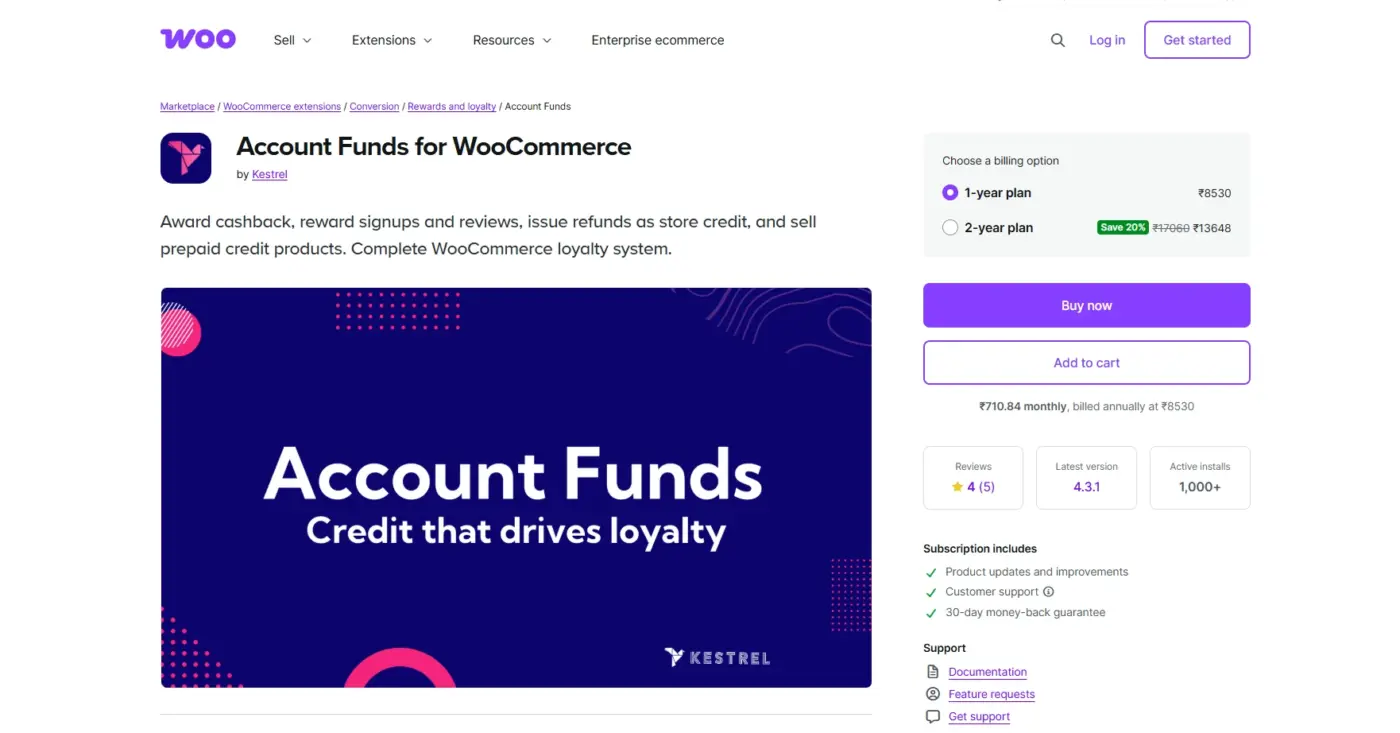
This is the wallet plugin from WooCommerce.com, built and maintained by Kestrel. It is the safest choice if your primary concern is compatibility with WooCommerce core and other official extensions. Updates ship in sync with WooCommerce releases. Conflicts with WooCommerce Subscriptions, Bookings, and Memberships are less likely because the same team maintains all of them.
The feature scope is intentionally narrow. Customers deposit funds, see their balance on the My Account page, and pay at checkout using those funds, fully or partially. Refunds go back to the fund balance. The admin can view reports on deposits and usage.
There are no cashback rules, no peer transfers, no withdrawal requests, and no referral features. That is a deliberate trade-off. The plugin does one thing and does it cleanly.
Best for
- Merchants running a stack of official WooCommerce extensions who can’t risk compatibility issues
- Stores that want a simple, stable fund balance without managing cashback or transfer features
Key features
- Customer fund deposit via the My Account page
- Full or partial payment using account funds at checkout
- Refunds processed back to the account funds
- Merchant discount reward for fund payments
- Reporting dashboard for admin
- Native WooCommerce integration with official extension compatibility
Pricing
Single-site license: $89/year
Limitations
- No cashback rules, no peer transfers, no withdrawal requests, no referral features; this is a deliberate trade-off for simplicity
- At $89/year, you’re paying mainly for official compatibility and support, not for feature depth. TeraWallet’s free core covers more functional ground
- Best suited only if you specifically need zero-conflict compatibility with other official WooCommerce extensions; otherwise, the price-to-feature ratio is weak compared to alternatives
Quick Comparison: 5 Best WooCommerce Wallet Plugins at a Glance
Before the full reviews, here is the table most roundups bury or skip entirely. Partial payment support is the single most important feature to check. If a customer’s wallet balance does not cover the full order, they need to pay the difference with another gateway. Plugins that do not support partial payments cleanly kill conversions.
| Plugin | Free Version | Cashback | Partial Payments | HPOS Compatible | Starting Price |
|---|---|---|---|---|---|
| WooCommerce Wallet Management (DevDiggers) | No | Yes (6+ rule types) | Yes | Yes | $89/year |
| TeraWallet (Woo Wallet) | Yes | Yes | Yes | Yes | Free / add-ons extra |
| Wallet System for WooCommerce (WP Swings) | Yes | Yes | Yes | Yes | Free / Pro from ~$99/year |
| YITH WooCommerce Account Funds | No | No | Yes | Yes | $79.99/year |
| WooCommerce Account Funds (Kestrel) | No | No | Yes | Yes | $89/year |
HPOS (High Performance Order Storage) is WooCommerce’s newer order management architecture. All five plugins in this list support it. If you are running a plugin that does not, it will create conflicts as WooCommerce continues to make HPOS the default.
How to Choose the Right WooCommerce Wallet Plugin for Your Store?
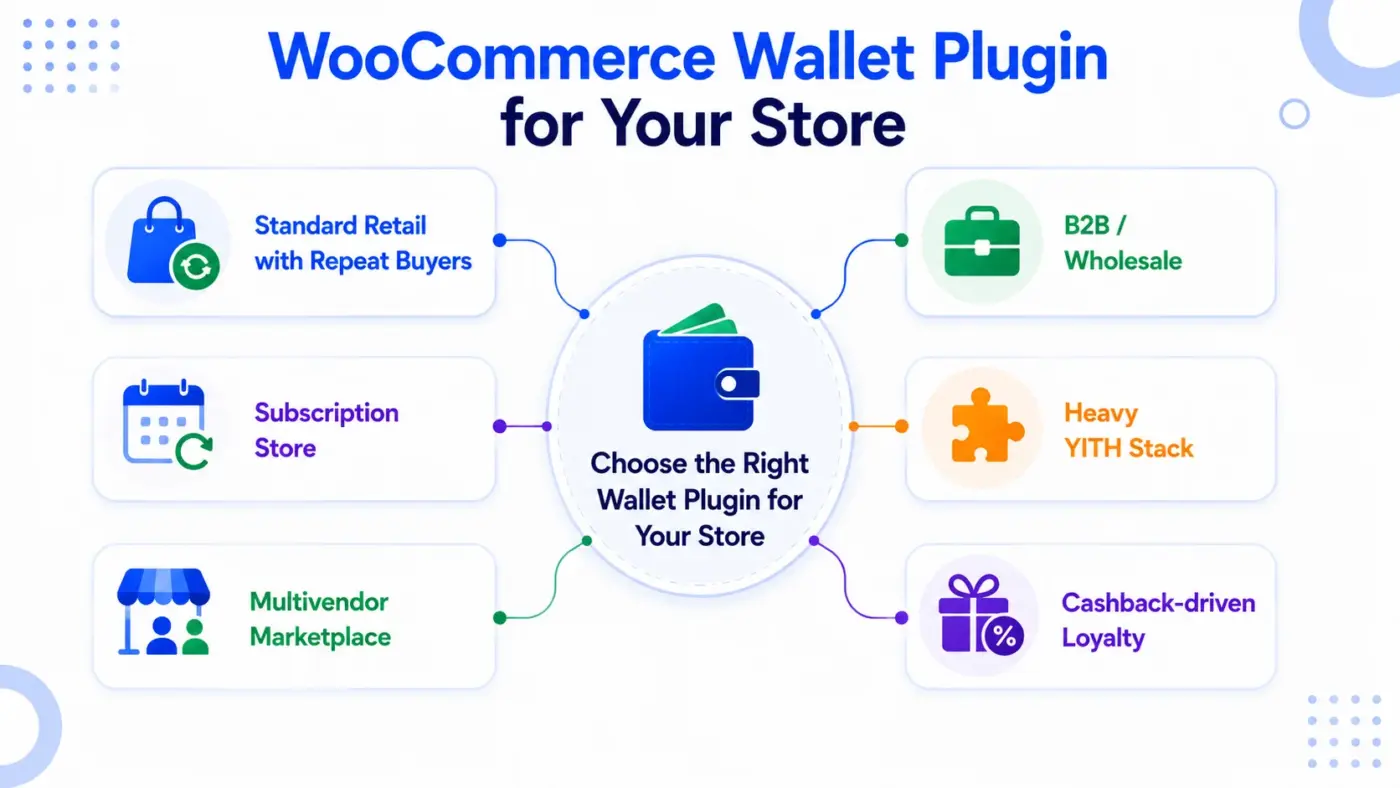
Most plugin comparison guides tell you to “pick based on your needs.” That is not helpful. Here is how to match your store type to the right option.
- Standard retail with repeat buyers: Start with TeraWallet’s free core (funding, cashback, partial payments, refunds). Want everything in one purchase without managing add-ons? DevDiggers Wallet Management handles it all out of the box.
- Subscription store: WP Swings if you need auto top-up below a threshold. TeraWallet works for basic wallet-based renewals. Both support partial payments for renewal shortfalls.
- Multivendor marketplace: TeraWallet native Dokan compatibility, no custom dev needed. WP Swings also works with WC Marketplace.
- B2B/wholesale: YITH Account Funds or Kestrel pre-funded accounts beat repeated card entry. YITH’s discount-on-deposit feature encourages bulk pre-loads.
- Heavy YITH stack: YITH Account Funds, for zero compatibility friction.
- Cashback-driven loyalty: DevDiggers Wallet Management or WP Swings both offer rule-based targeting by product, category, cart total, and role. TeraWallet’s free cashback is solid but less granular.
Before deciding, check how your chosen plugin handles wallet payments vs. other gateways in your checkout setup. Block checkout and HPOS are where older plugins tend to break. All five support both as of now, but test on staging first.
Store credit is a related but separate tool better suited for refunds/compensation than for a pre-funded payment method. You can run both together, but keep one mechanism per reward type to avoid confusing customers.
Conclusion
If you want one wallet system that handles cashback, withdrawals, transfers, and refunds without stitching together add-ons, WooCommerce Wallet Management by DevDiggers is built exactly for that. Setup takes minutes, every core feature ships in the base price, and you’re not stuck adding paid extensions later just to unlock withdrawal requests or deeper cashback rules.
The other four plugins covered here solve more specific problems: TeraWallet if you want to start for free, WP Swings if BNPL or referrals matter, YITH if you’re already in that ecosystem, and Kestrel if official WooCommerce compatibility is your only concern. Worth knowing about, but each comes with a trade-off that DevDiggers doesn’t ask you to make.
The feature that matters most in 2026 is partial payment support, and DevDiggers handles it cleanly alongside everything else, which is why it’s the strongest starting point for most stores, not just a checkbox comparison.
Frequently Asked Questions (FAQs)
Q1. What is the difference between a WooCommerce wallet plugin and store credit?
A wallet is a pre-funded account balance that the customer loads themselves using a real payment method. Store credit is a coupon-based balance that the store issues, usually as a refund or reward. Customers treat them differently: a wallet balance feels like their money, which makes them more likely to return and spend it. Store credit feels like a discount, which creates less urgency. Most wallet plugins can also issue store credit as a reward, but they are not the same mechanism.
Q2. Do WooCommerce wallet plugins work with WooCommerce Subscriptions?
All five plugins reviewed here are compatible with WooCommerce Subscriptions. The specific behaviour varies. Some plugins allow the wallet balance to cover renewal payments automatically. Others require customers to have enough balance at the time of renewal. Test this on a staging site with a subscription product before going live, especially if automatic renewal is critical to your business model.
Q3. Is it safe to store customer funds in a WooCommerce wallet?
Wallet plugins do not store payment card data. They track a numerical balance in the WordPress database. The security concern is around that balance being manipulated. Well-maintained plugins like the ones reviewed here use SQL-level locking to prevent race conditions and double-credits. Keep plugins updated, use strong admin passwords, and limit shop manager access to trusted users. For stores handling high wallet balances, review your plugin’s changelog for security patches before each update.
Q4. Can customers withdraw money from a WooCommerce wallet?
Some plugins support withdrawal requests; others do not. DevDiggers Wallet Management and TeraWallet (with the Withdrawal add-on) both support customer-initiated withdrawal requests that admins approve and pay out manually. YITH Account Funds and the Kestrel plugin do not support withdrawals. If withdrawal is a requirement (for example, on a marketplace where vendors receive wallet payouts) confirm this feature before you install.
Q5. What happens to a customer’s wallet balance if they cancel their account?
This depends on your store’s refund policy and the plugin configuration. Most plugins do not automatically refund wallet balances on account deletion. The admin must manually review balances and process refunds before deleting an account. Set a clear policy on this before you launch the wallet feature and communicate it in your terms and conditions.
Q6. Will a wallet plugin slow down my WooCommerce checkout?
Well-coded plugins add minimal load to checkout. TeraWallet and the DevDiggers plugin both integrate as native WooCommerce payment gateways, so the wallet option loads alongside your existing gateways without extra page requests. WP Swings Pro adds more features and so adds slightly more processing overhead, though this is rarely noticeable on standard hosting. If you are on shared hosting with a slow server, test checkout speed on a staging site before going live.