The best WooCommerce CAPTCHA plugins stop bots at login, registration and checkout without asking real shoppers to solve puzzles. The right pick depends on which forms it covers, which provider it uses and whether it works with your checkout. We compared eight plugins that fit that job.
One disclosure first. DevDiggers builds two of the plugins on this list, WooCommerce Advanced CAPTCHA and WooCommerce Google Authenticator, so read those entries with that in mind. Every plugin gets the same four lines: what it is best for, its key features, its pricing and its limits.
We did not install all eight plugins for this guide. Each fact below comes from the vendor’s own page, its WordPress.org listing or its documentation, checked on 30 September 2026. Versions and prices change, so confirm them before you buy.
What Does a WooCommerce CAPTCHA Plugin Do?
A WooCommerce CAPTCHA plugin adds a bot check to forms such as login, registration, checkout and password reset. The check runs a challenge or scores the visitor in the background. Real shoppers pass, and simple automated bots do not get through.
CAPTCHA is one security layer, and it does not replace the others. Two of the plugins below add a second layer, one for fraud screening and one for two-factor login.
What to Look For in a CAPTCHA Plugin
Five checks decide whether a CAPTCHA plugin fits your store and its forms. Look at them on each plugin’s listing before you compare prices. A plugin that misses one of them can leave a form open or slow down your checkout.
- Forms covered: Confirm login, registration, password reset and checkout are all included.
- Provider choice: Decide between a WooCommerce reCAPTCHA setup, a WooCommerce Cloudflare Turnstile setup, hCaptcha or a honeypot.
- Checkout support: Check that the plugin lists support for your checkout type, including Block Checkout.
- Payment methods: Look for a way to skip payment methods that run their own checks.
- Cost model: See what is free and what needs a paid tier.
The 8 Best WooCommerce CAPTCHA Plugins
These are the best WooCommerce CAPTCHA plugins for stores today, covering providers, a honeypot and two companion tools. Prices are the ones each vendor listed on 30 September 2026. Free and paid tiers are kept apart, so you can see what costs extra.
1. WooCommerce Advanced CAPTCHA by DevDiggers
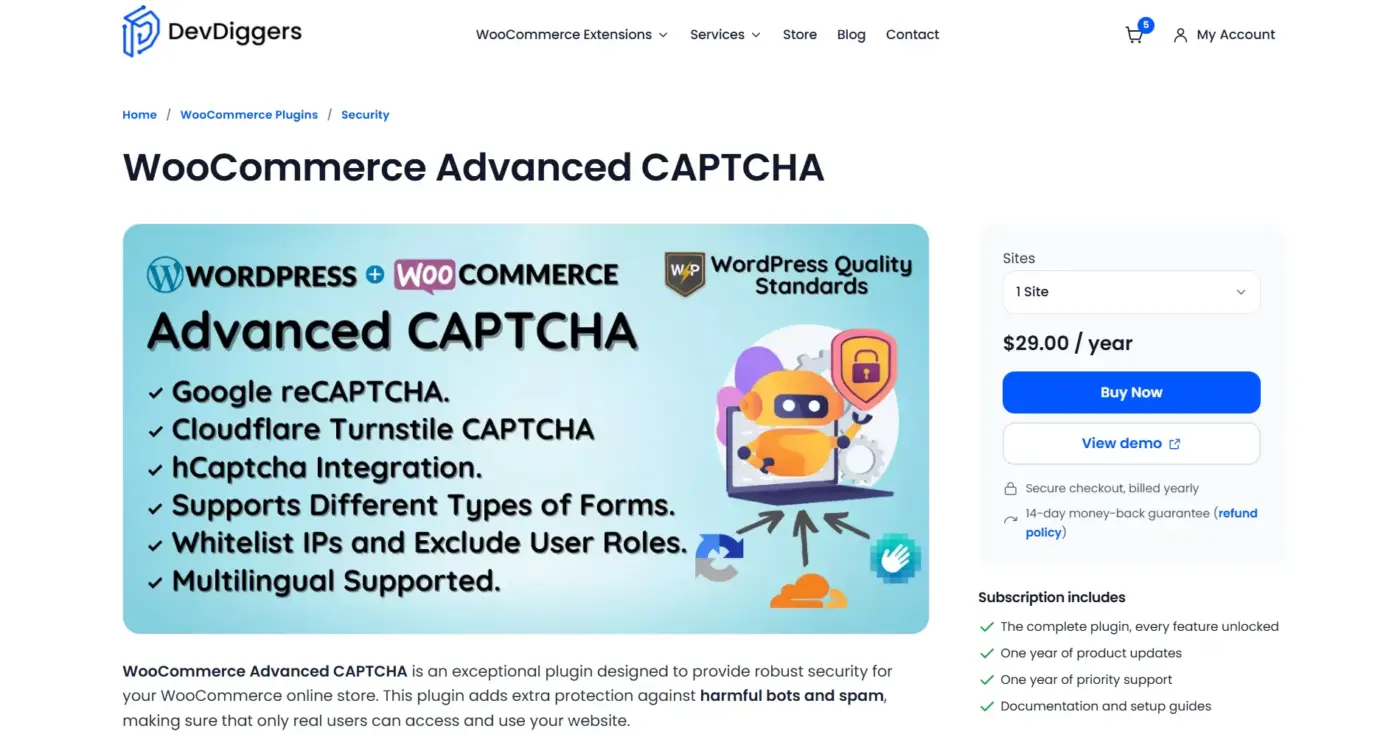
WooCommerce Advanced CAPTCHA adds a bot check to WordPress and WooCommerce forms without code. It supports Google reCAPTCHA, Cloudflare Turnstile and hCaptcha from one settings screen. You choose the provider once, and switching later needs no other change.
Best for: Stores that want one place to manage CAPTCHA across many forms.
Key features:
- Forms: Login, registration, lost password, checkout, account details, billing and shipping addresses, product reviews and comments.
- Extra coverage: Any Contact Form 7 form through a shortcode, plus DevDiggers affiliate and MultiPOS login screens.
- Controls: A list of whitelisted IP addresses and excluded user roles.
- reCAPTCHA modes: The v2 checkbox, v2 invisible and v3 with a minimum score.
Pricing: $29 a year for one site, $129 for five sites and $199 for ten sites. It is billed yearly with a 14-day money-back guarantee.
Limits: It is paid only. The product page lists HPOS as compatible but does not mention Block Checkout, so test your checkout before you go live.
2. Simple CAPTCHA with Cloudflare Turnstile
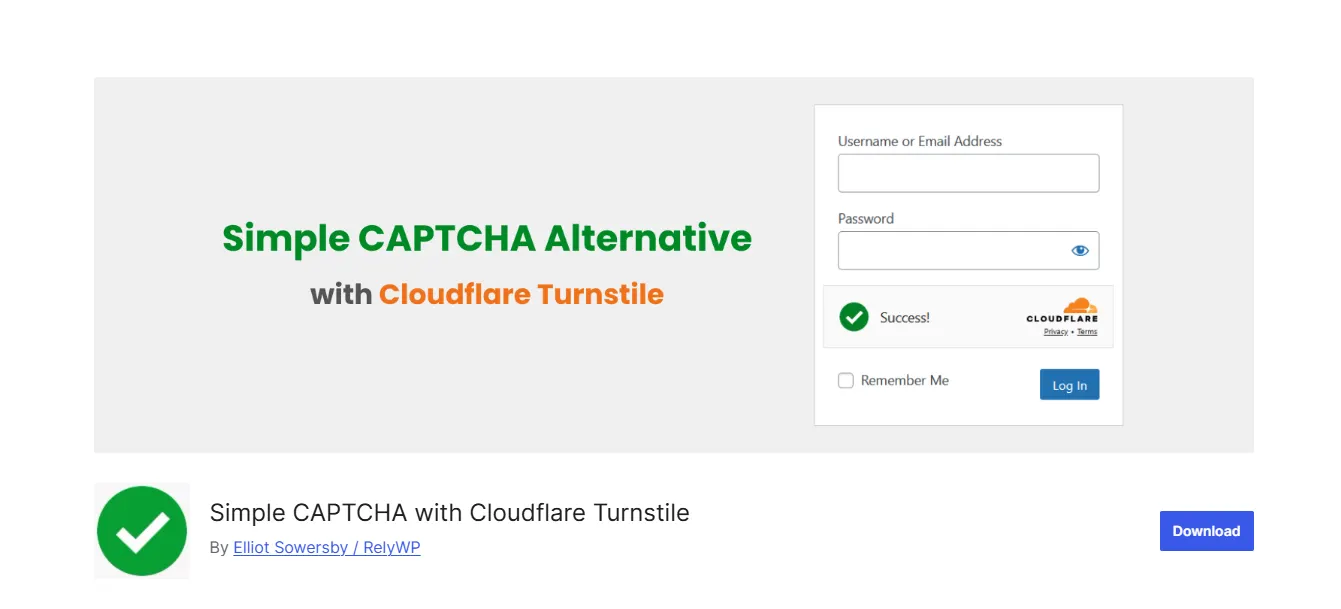
Simple CAPTCHA with Cloudflare Turnstile is a free plugin by Elliot Sowersby of RelyWP. Its WordPress.org page lists version 1.44.0, more than 200,000 active installs and a 4.6 star rating from 259 reviews.
Best for: Stores that want a free, low-friction check from Cloudflare.
Key features:
- WooCommerce forms: Login, registration, checkout, password reset, account details and the Pay for Order page.
- Block Checkout: Support was added in version 1.28.0.
- Payment exclusions: You can skip specific payment methods.
- Integrations: Contact Form 7, WPForms, Gravity Forms, Elementor Pro and more.
Pricing: The plugin is free and has no paid version.
Limits: It works with Cloudflare Turnstile only, as described in Cloudflare’s Turnstile documentation. If you want to switch between providers, you need a different plugin.
3. Advanced Google reCAPTCHA
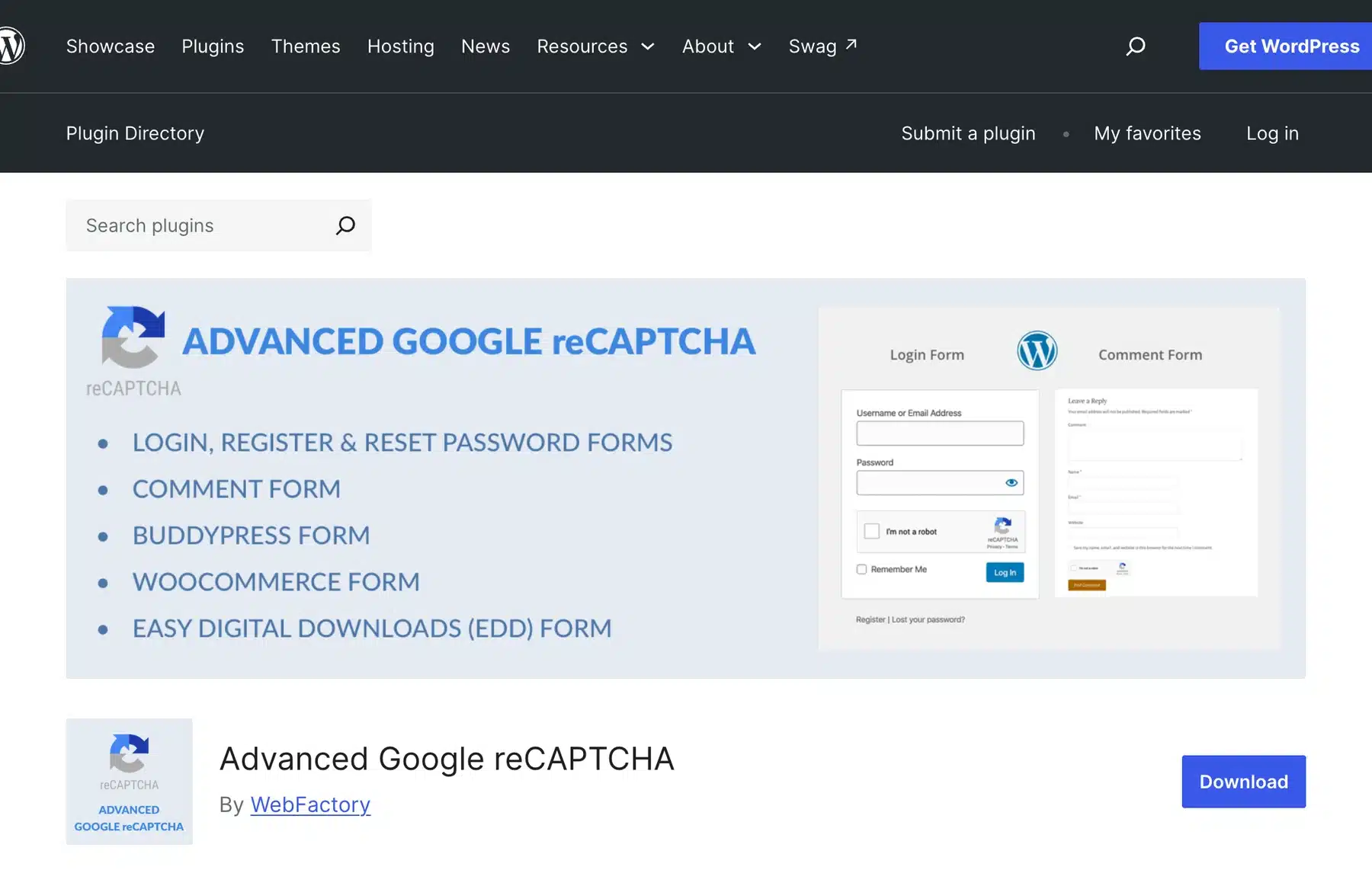
Advanced Google reCAPTCHA by WebFactory adds Google reCAPTCHA to login, registration, password reset, comments and other forms. The WordPress.org listing says the protection extends to WooCommerce login, registration and checkout forms.
Best for: Stores that already use Google services and want reCAPTCHA on their forms.
Key features:
- Popularity: More than 200,000 active installs and a 4.8 star rating from 430 reviews.
- Forms: WooCommerce login, registration and checkout, plus comments and other WordPress forms.
- Version: 5.40, last updated 18 July 2026.
Pricing: The core plugin is free, and a PRO version exists. The WordPress.org page does not state the PRO price.
Limits: It uses Google reCAPTCHA only, and the check depends on Google’s service described in the reCAPTCHA documentation.
4. hCaptcha for WP
hCaptcha for WP is the official plugin from hCaptcha. Its WordPress.org page lists version 5.3.0 and more than 80,000 active installs. It says hCaptcha is designed to protect user privacy.
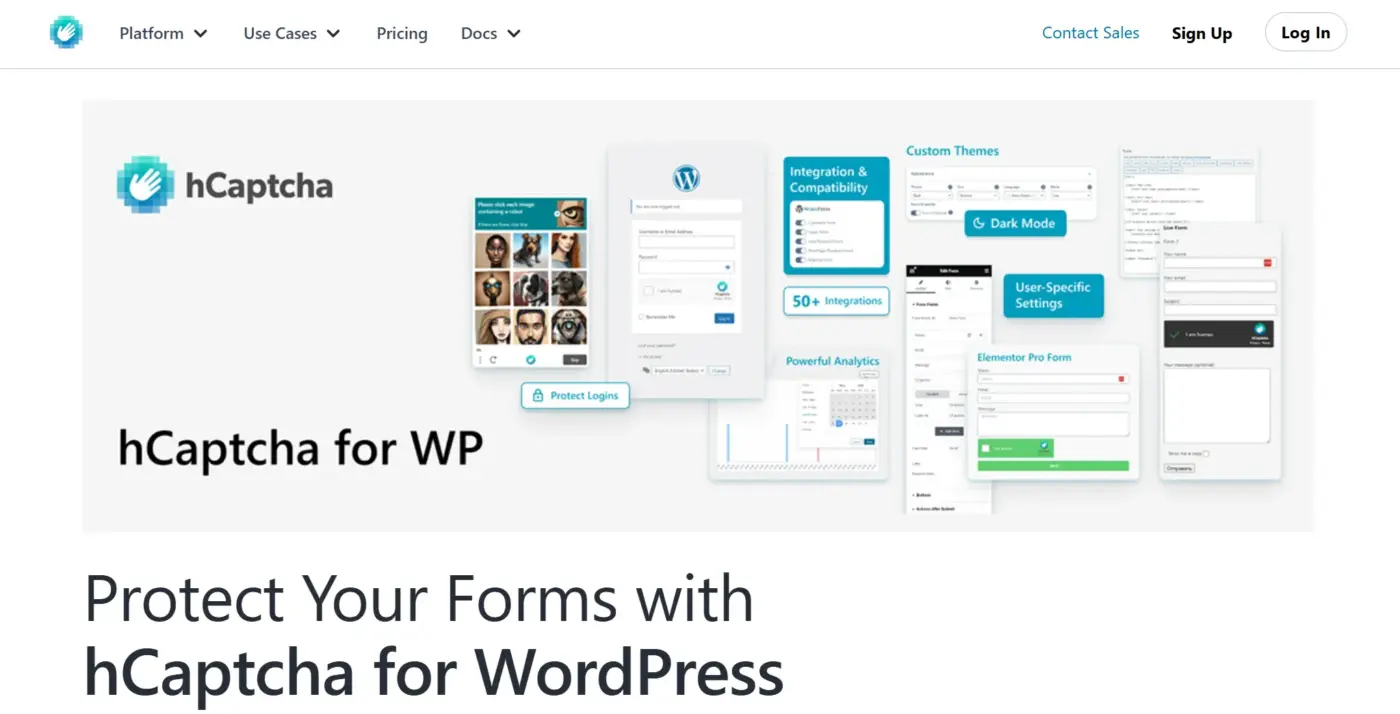
Best for: Stores that want a privacy-focused alternative to Google reCAPTCHA.
Key features:
- WooCommerce forms: Login, registration, checkout and order tracking.
- Migration wizard: A built-in tool moves you from Google reCAPTCHA or Cloudflare Turnstile.
- Tiers: Free, Pro and Enterprise, with passive modes in the paid tiers.
Pricing: A free plugin, with paid Pro and Enterprise tiers from hCaptcha. The listing does not give their prices.
Limits: The plugin says user IP addresses and browser data may be sent to hCaptcha for analysis once it is active. Passive modes sit in the paid tiers, according to the listing.
5. WP Armour Honeypot Anti Spam
WP Armour hides a field that real visitors never see and bots often fill in. It needs no external service and no visible challenge. The WordPress.org listing shows version 2.4.02, more than 400,000 active installs and a 5 star rating from 1,452 reviews.

Best for: Stores that want spam protection without a third-party CAPTCHA provider.
Key features:
- No setup: Protection starts when you activate the plugin.
- Privacy: The page describes it as GDPR compliant, with no tracking, cookie storage or external server calls.
- Free coverage: Comments, registration and popular form plugins.
Pricing: The free plugin does not protect WooCommerce checkout. WooCommerce support sits in the paid WP Armour Extended version, on a yearly license, and the listing gives no price.
Limits: A honeypot is invisible to shoppers but cannot stop every bot. Treat it as a light first layer.
6. FraudLabs Pro for WooCommerce
FraudLabs Pro for WooCommerce screens each order for fraud instead of checking a form. It looks at geolocation, proxy use, email validity, shipping address and credit card data against a merchant blacklist. Its WordPress.org page lists version 2.25.4.
Best for: Stores that see fake orders or card testing and need more than a form check.
Key features:
- Order screening: Real-time checks across several data points.
- HPOS: Support was added in version 2.20.0.
- API key: A free key from FraudLabs Pro is required.
Pricing: A free plan covers 500 order validations a month, or stores with under $25,000 in monthly sales. The listing does not give paid prices.
Limits: The listing shows about 1,000 active installs and a 4.2 star rating. It complements a CAPTCHA and does not replace one.
7. OneCaptcha
OneCaptcha is a paid multi-provider plugin. Its vendor says it distributes checks across Cloudflare Turnstile, Google reCAPTCHA and hCaptcha, and it switches providers automatically if one fails. It also lists support for WooCommerce, Contact Form 7, WPForms and Elementor.
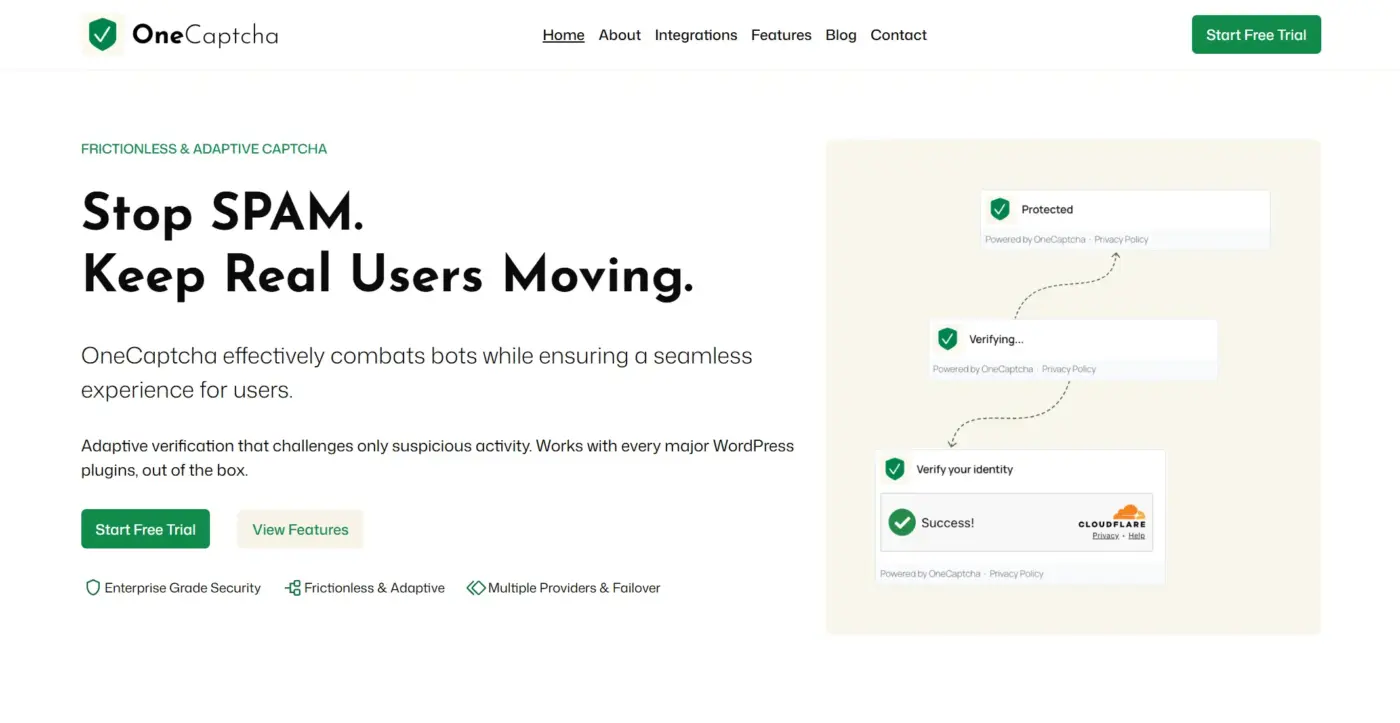
Best for: Agencies and stores that want automatic failover between CAPTCHA providers.
Key features:
- Smart Routing: Rotates providers across forms.
- Failover: Switches to another provider if one is unavailable.
- Behavior checks: Lets genuine visitors pass and challenges suspicious activity.
Pricing: Starter is $19.99 a year for one site, Developer is $79.99 for five sites and Agency is $199.99 for 20 sites. The vendor offers a 14-day free trial and a 30-day money-back guarantee.
Limits: The vendor page lists WooCommerce as a protected form but does not detail Block Checkout. Ask before you rely on it there.
8. WooCommerce Google Authenticator by DevDiggers
WooCommerce Google Authenticator is a companion tool that does not replace a CAPTCHA. It adds two-factor authentication to customer accounts. A CAPTCHA blocks bots, and two-factor login blocks someone who already has a stolen password.
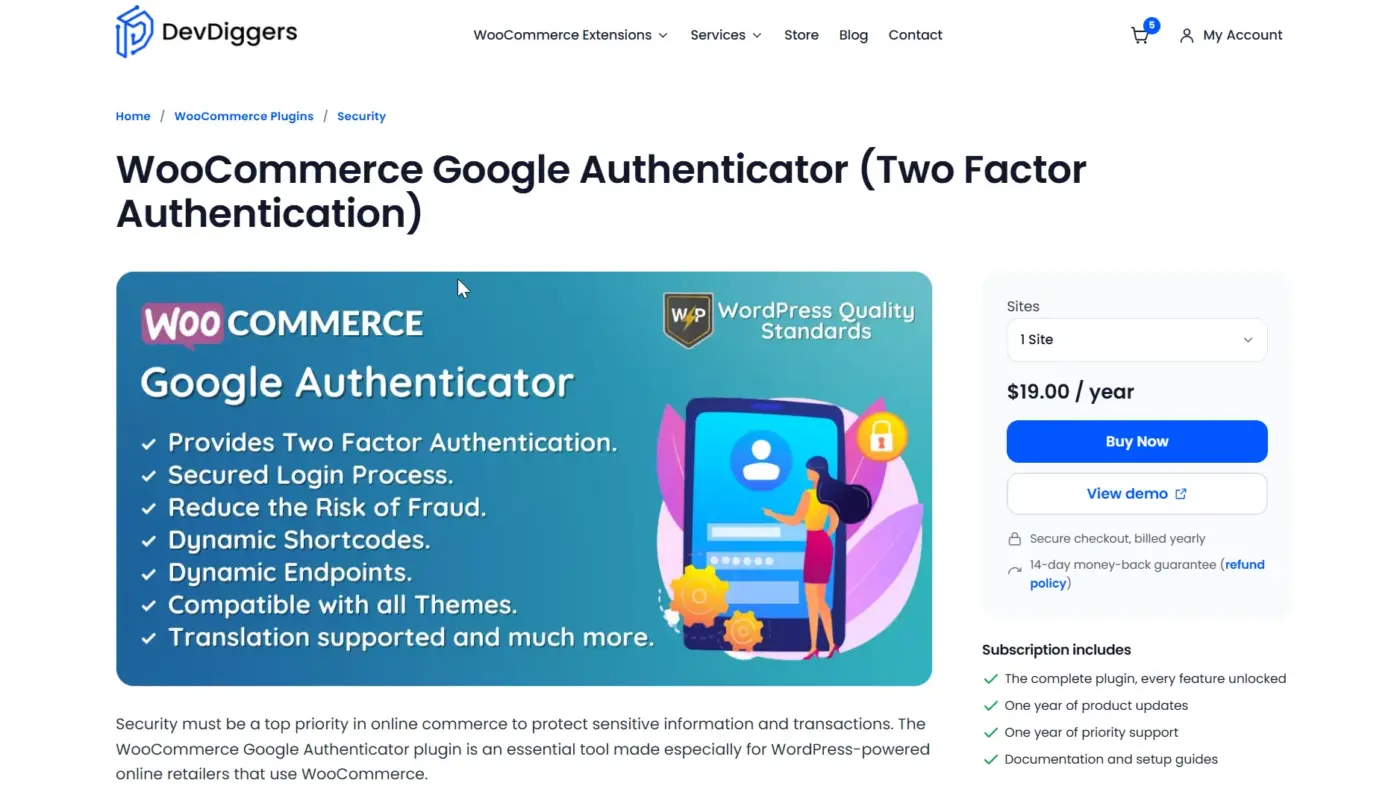
Best for: Stores that hold store credit, wallet balances or subscription billing behind customer accounts.
Key features:
- Enrolment: Customers scan a QR code from their My Account page and enter a six-digit code at each login.
- Controls: Turn 2FA on for the whole store, exclude specific users and place the enrolment form with a shortcode.
- User list: See who has 2FA active and when they last changed it.
Pricing: $19 a year for one site, $79 for five sites and $129 for ten sites, with a 14-day money-back guarantee.
Limits: It adds a login step, and it is paid only. It requires WordPress 6.5 and WooCommerce 9.0 or newer and lists HPOS as compatible.
Quick Comparison of the 8 Plugins
The table sets the eight plugins side by side for a quick comparison. Prices are the entry prices listed on 30 September 2026, before any tax. Use it to shortlist two or three plugins, then read their full sections for the limits.
| Plugin | Entry price | Check type | Best for |
|---|---|---|---|
| WooCommerce Advanced CAPTCHA | $29 a year | Three providers | Many forms, one screen |
| Simple CAPTCHA with Cloudflare Turnstile | Free | Turnstile | Free, low friction |
| Advanced Google reCAPTCHA | Free, PRO extra | reCAPTCHA | Google-based stores |
| hCaptcha for WP | Free, paid tiers | hCaptcha | Privacy focus |
| WP Armour | Free, Extended for WooCommerce | Honeypot | Light spam control |
| FraudLabs Pro for WooCommerce | Free tier, then paid | Order screening | Card testing and fake orders |
| OneCaptcha | $19.99 a year | Multi-provider | Failover for agencies |
| WooCommerce Google Authenticator | $19 a year | Two-factor login | Account takeover |
How to Choose the Right CAPTCHA Plugin
Match the plugin to your store’s forms and risks, and ignore the length of the feature list. Start with the forms you must protect, then choose a provider. Add a second layer only if your store has a real fraud or account risk.
- One small store: A free plugin such as Simple CAPTCHA with Cloudflare Turnstile covers login, registration and checkout.
- Google users: Advanced Google reCAPTCHA keeps everything on one Google account.
- Privacy focus: The hCaptcha for WP plugin describes itself as privacy-focused.
- Many forms or providers: WooCommerce Advanced CAPTCHA manages three providers from one screen.
- Agencies: OneCaptcha lists automatic failover between providers.
- Fake orders: Add FraudLabs Pro for WooCommerce on top of a form check.
- Account takeover: Add two-factor login with WooCommerce Google Authenticator.
Our WooCommerce security checklist covers the rest of a hardening plan, and our roundup of two-factor authentication plugins compares the second layer in more depth.
Mistakes to Avoid With WooCommerce CAPTCHA
Most CAPTCHA problems come from how the plugin is set up. Avoid these six habits before you go live, because each one either leaves a form open or blocks real customers. Test every fix on a staging copy of your store before it reaches live shoppers.
- Every form: Protect login, registration, checkout and password reset first, and skip pages that need no check.
- Untested checkout: Test your exact checkout type on staging, because plugins list different levels of support.
- Payment methods: Use a skip option, where a plugin offers one, for methods that run their own checks.
- No second layer: A CAPTCHA does not stop stolen passwords or fraudulent orders on its own.
- No review: Look at blocked attempts, or you will not know if the setup works.
- No notes: Write down which forms are protected so the next developer does not switch them off.
Conclusion
The best WooCommerce CAPTCHA plugins match your forms, your checkout and your privacy needs. A free plugin covers many small stores, and a multi-provider plugin helps when you manage many forms or sites.
Add fraud screening or two-factor login if your store holds valuable accounts or sees fake orders. Test any pick on staging first. If you want help with a secure store setup, our WooCommerce development services team can build and audit it.
Frequently Asked Questions (FAQs)
Q1. Will CAPTCHA break WooCommerce Block Checkout?
It can, depending on the plugin. Simple CAPTCHA with Cloudflare Turnstile says it supports Block Checkout from version 1.28.0 on its WordPress.org page. For other plugins, look for a stated Block Checkout claim and test on staging.
Q2. What is the difference between reCAPTCHA v2 and v3?
The v2 checkbox shows a visible tick box, and v2 invisible or v3 score traffic in the background. According to the WooCommerce Advanced CAPTCHA product page, v3 lets you set the minimum score a submission must beat.
Q3. Which CAPTCHA plugin is free for WooCommerce?
Simple CAPTCHA with Cloudflare Turnstile is free and covers WooCommerce login, registration, checkout and password reset. Advanced Google reCAPTCHA and hCaptcha for WP have free plugins with paid tiers. FraudLabs Pro has a free plan with order limits.
Q4. Can I use more than one CAPTCHA provider?
Some plugins let you choose between providers. WooCommerce Advanced CAPTCHA supports three, and OneCaptcha lists automatic failover between them. Running two separate CAPTCHA plugins on the same form is not recommended.
Q5. Do I still need CAPTCHA if I use Cloudflare?
CAPTCHA works at the form level, and network filtering works before traffic reaches your server. They are different layers. A form check adds protection on the forms bots target most.
Q6. Is CAPTCHA enough to stop fraud?
No. A CAPTCHA blocks bots at a form, while FraudLabs Pro screens orders and two-factor login protects accounts. The FraudLabs Pro for WooCommerce listing describes order screening across several data points.