Securing a WooCommerce login used to mean one thing: a strong password, maybe a CAPTCHA if you were feeling cautious. Most stores hoped nobody reused their Netflix password on the account page. That strategy worked for years, right up until credential-stuffing lists started circulating with billions of leaked email and password combinations attached.
The best WooCommerce two-factor authentication plugins change the math. Even if a password leaks somewhere else on the internet, an attacker still needs one more thing. A live code from the account owner’s phone or inbox, generated in the moment, not reused from an old breach.
Not every plugin promoted for “WordPress 2FA” handles this well on the WooCommerce side specifically, though. Several stop at the wp-admin login and never touch the account page, which is exactly where a shopper’s saved address and order history live.
What Is a WooCommerce Two-Factor Authentication Plugin?
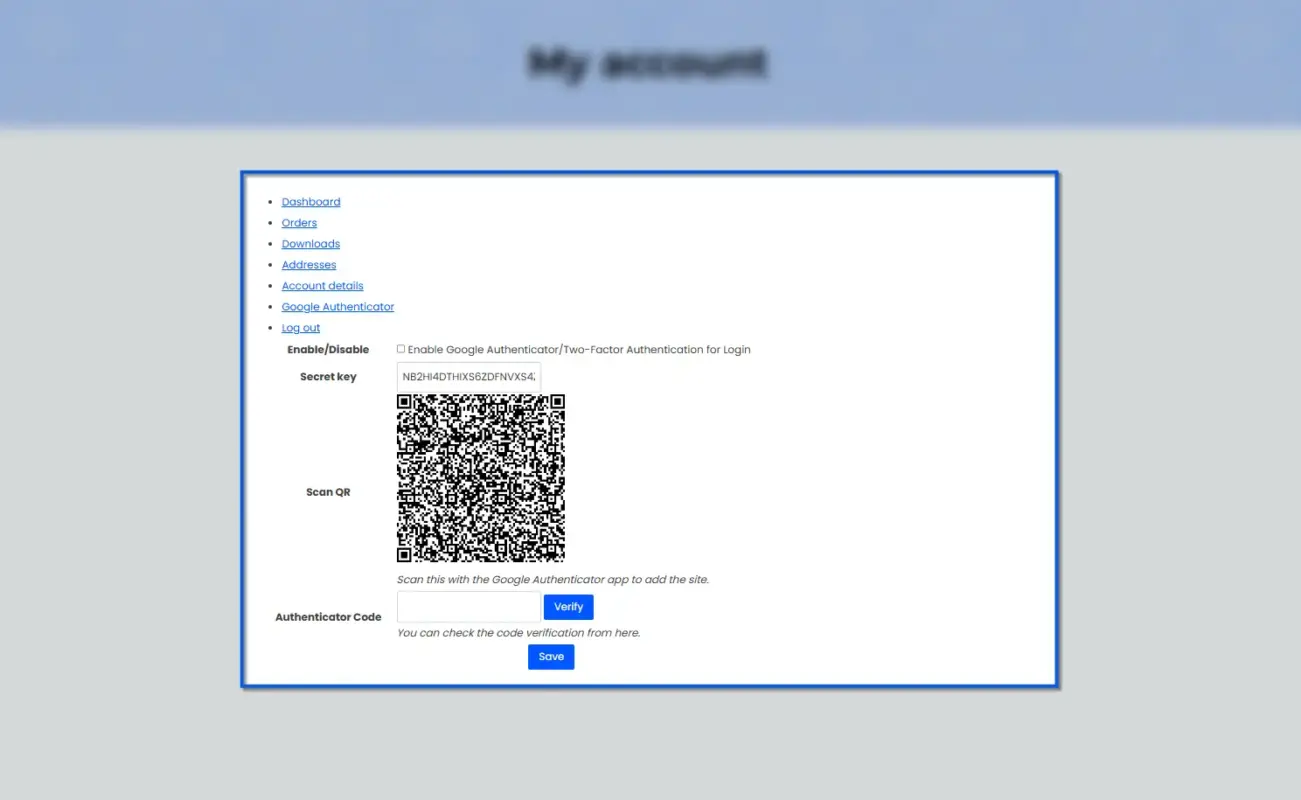
A WooCommerce two-factor authentication plugin adds a second verification step to the login process, on top of the username and password WordPress already asks for. After entering a password correctly, the user also has to supply a one-time code. That code usually comes from an authenticator app, an email, or a text message to a phone.
This sits inside a bigger picture of store security. WooCommerce runs on top of WordPress, and WordPress security in general covers a lot more ground than login codes alone. File permissions, plugin updates, and backups all matter too. Two-factor authentication is one layer in that stack, not the whole stack. A WordPress care plan covers those jobs every month.
Is WooCommerce safe out of the box? Our tests answer that and list nine security tips.
The scale here is worth noting. WordPress-powered WooCommerce runs roughly a third of all online stores worldwide. That scale means the login forms these plugins protect are some of the most frequently targeted on the internet.
The 10 Best WooCommerce Two-Factor Authentication Plugins
1. WooCommerce Google Authenticator
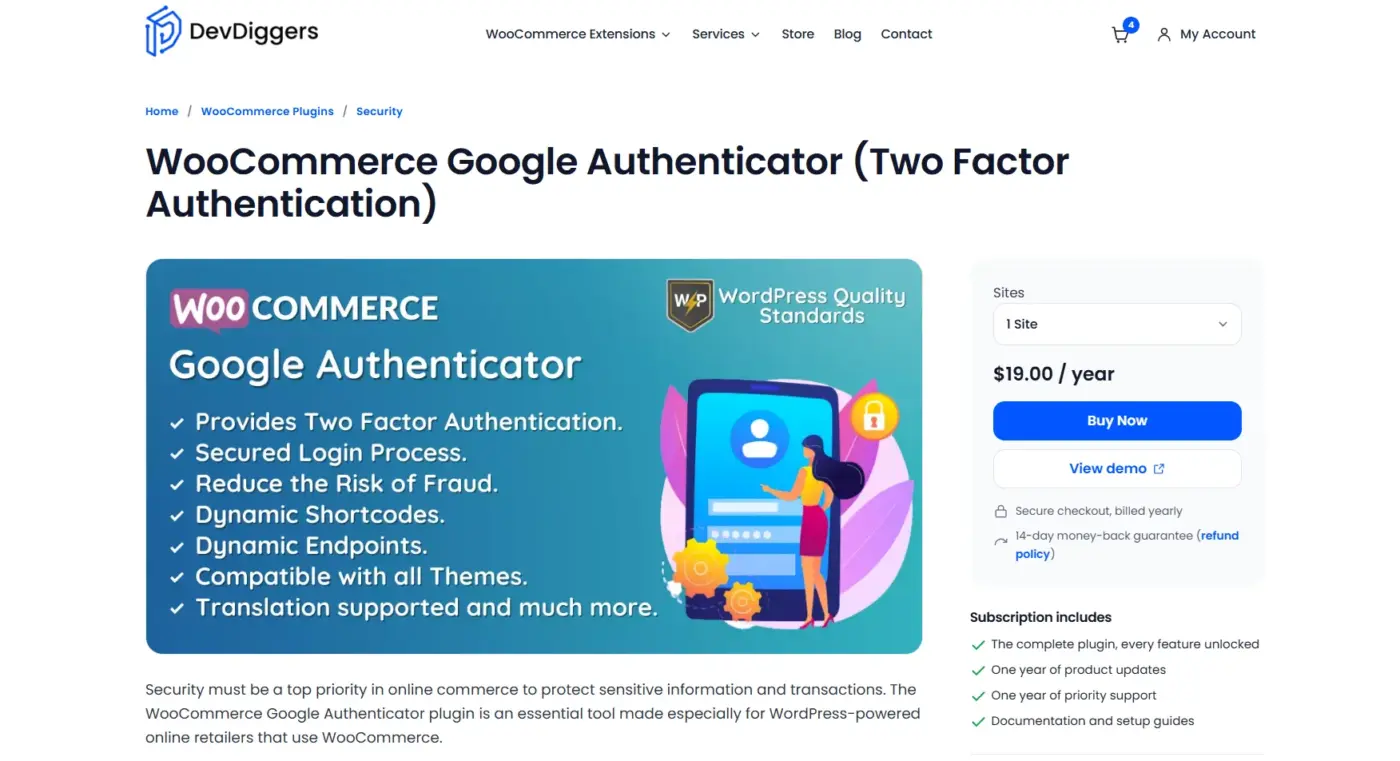
The WooCommerce Google Authenticator plugin is built to sit inside the WooCommerce login flow itself, rather than get added onto a general WordPress 2FA plugin. Both admins and shoppers verify with a time-based code from an app like Google Authenticator, Authy, or Microsoft Authenticator.
It’s a good fit for store owners who want one plugin covering both sides of the login problem. Setup lives directly on the customer account page, so shoppers aren’t redirected to a separate settings screen to find it. Admins can also restrict which roles are required to enrol.
Best For
- Stores that want 2FA built specifically for WooCommerce, not adapted from a general WordPress plugin.
- WooCommerce stores wanting simple 2FA login security without a full security suite
- Store admins who want per-user control over enabling/disabling 2FA
- Agencies managing multiple client stores (1/5/10-site license options)
Pricing
- 1 Site plan: $19/year
- 5 Sites plan: $79/year
- 10 Sites plan: $129.00/year
Pros
- Quick Live demo is available
- 14-day refund policy for any small or big purchase
- Covers both admin and customer account logins
- Setup lives on the WooCommerce account page directly
- Role-based enrollment control
Cons
Dedicated 2FA plugin, so it won’t replace a full security suite
2. WP 2FA by Melapress
WP 2FA solves the part of a 2FA setup process that causes the most headaches. Getting an entire team enrolled without flooding your inbox with support requests. It’s built around policy, not just a single on-off toggle.
Shop managers, support staff, and contractors all need slightly different requirement rules. WP 2FA handles that with role-based policies and extra setup time before 2FA becomes mandatory. It also detects WooCommerce and custom login pages, so staff logging in somewhere other than wp-login.php aren’t left uncovered.
Best For
Multi-user stores that need to enforce 2FA across a team without personally walking each person through setup.
Pricing
- Premium plan (1-site license): $79.00/year
- Enterprise plan (1-site license): $89.00/year
Pros
- Role-based enforcement and extra setup time
- Detects custom and WooCommerce login pages
Cons
- Some WooCommerce conveniences sit behind the paid tier
- Email codes, while convenient, are weaker than app-based codes for admin accounts
3. miniOrange 2FA
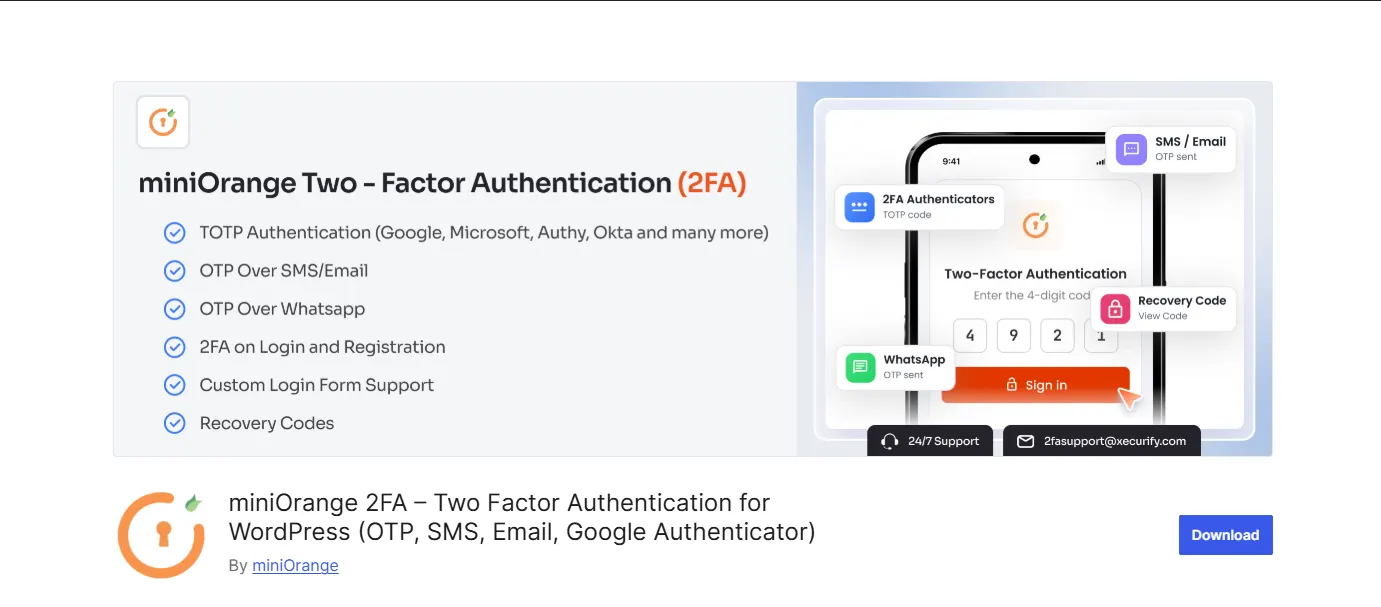
miniOrange throws nearly every verification method at the problem: authenticator apps, SMS, email, WhatsApp, Telegram, security questions, and backup codes. That variety is either exactly what a complex store needs, or more than a small one will ever touch.
If your customer base skews less technical, the SMS and WhatsApp options help. They give shoppers a familiar fallback instead of asking them to install an unfamiliar app. Reporting features also show enrollment status across users, which agencies managing several client stores tend to appreciate.
Best For
Stores with a broad, less technical customer base that needs several ways to receive a verification code.
Pricing
- Starter plan: $69/year (1-site license)
- Enterprise plan: $99/year (1-site license)
- All Inclusive plan: $149/year (1-site license)
Pros
- Widest range of verification methods on this list
- Role-based policies and login reports
- Works well for non-technical customer bases
Cons
- Free plan’s 3-user cap disappears fast for any real team
- Larger settings surface means more to configure and test
4. WooCommerce Two Factor Authentication by Vanquish
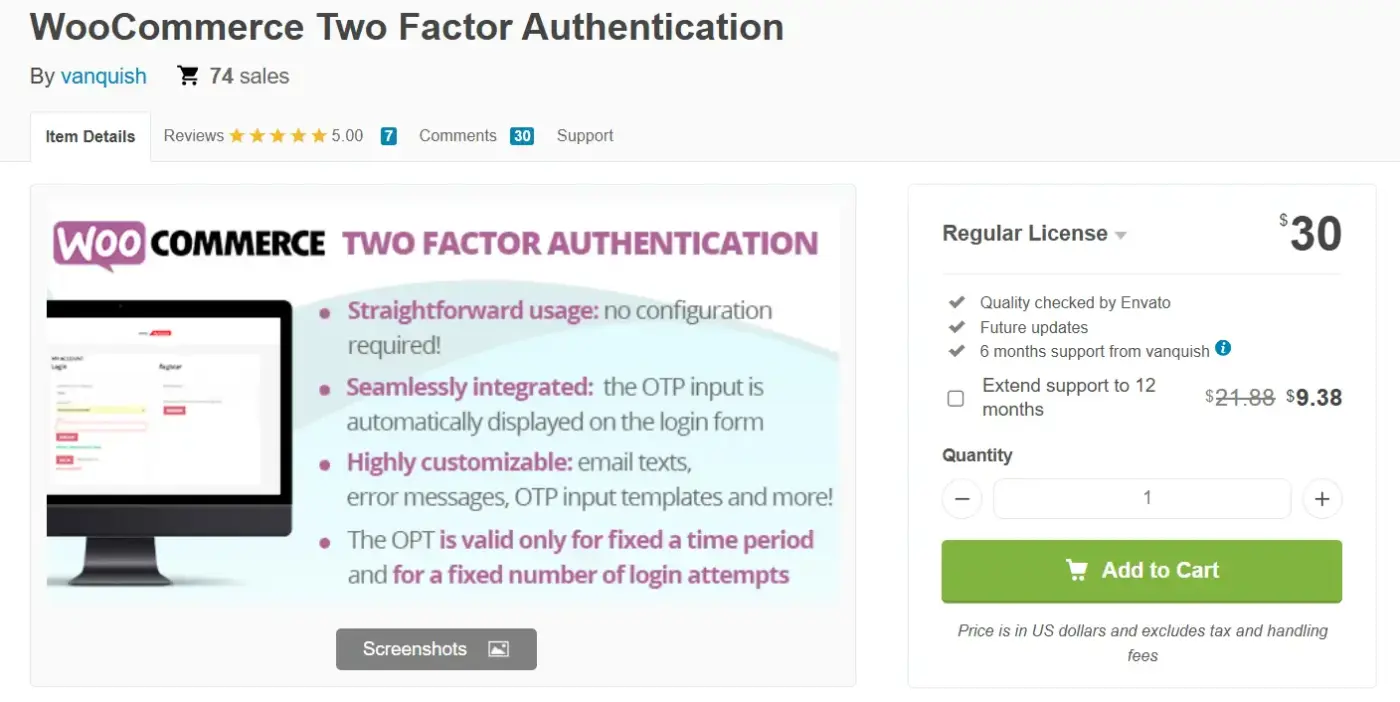
This WooCommerce Two Factor Authentication by Vanquish keeps things simple: an OTP field gets added to the WooCommerce login form. The customer receives their code by email instead of through an authenticator app.
No app installation is required on the customer’s end, which lowers the extra effort for shoppers who just want to check an order status. The OTP length, expiry window, and failed-attempt limit are all configurable, and the email templates can be adjusted to match your store’s branding.
Best For
Stores that want frictionless 2FA at checkout without asking customers to download anything.
Pricing
- Regular license: $30
Pros
- No app download needed for customers
- Configurable OTP length and expiry
- Customizable email templates
Cons
- Email-only verification is weaker than app-based codes
- Not built to cover the wp-admin login separately
5. OTP Login and Register with Phone Number
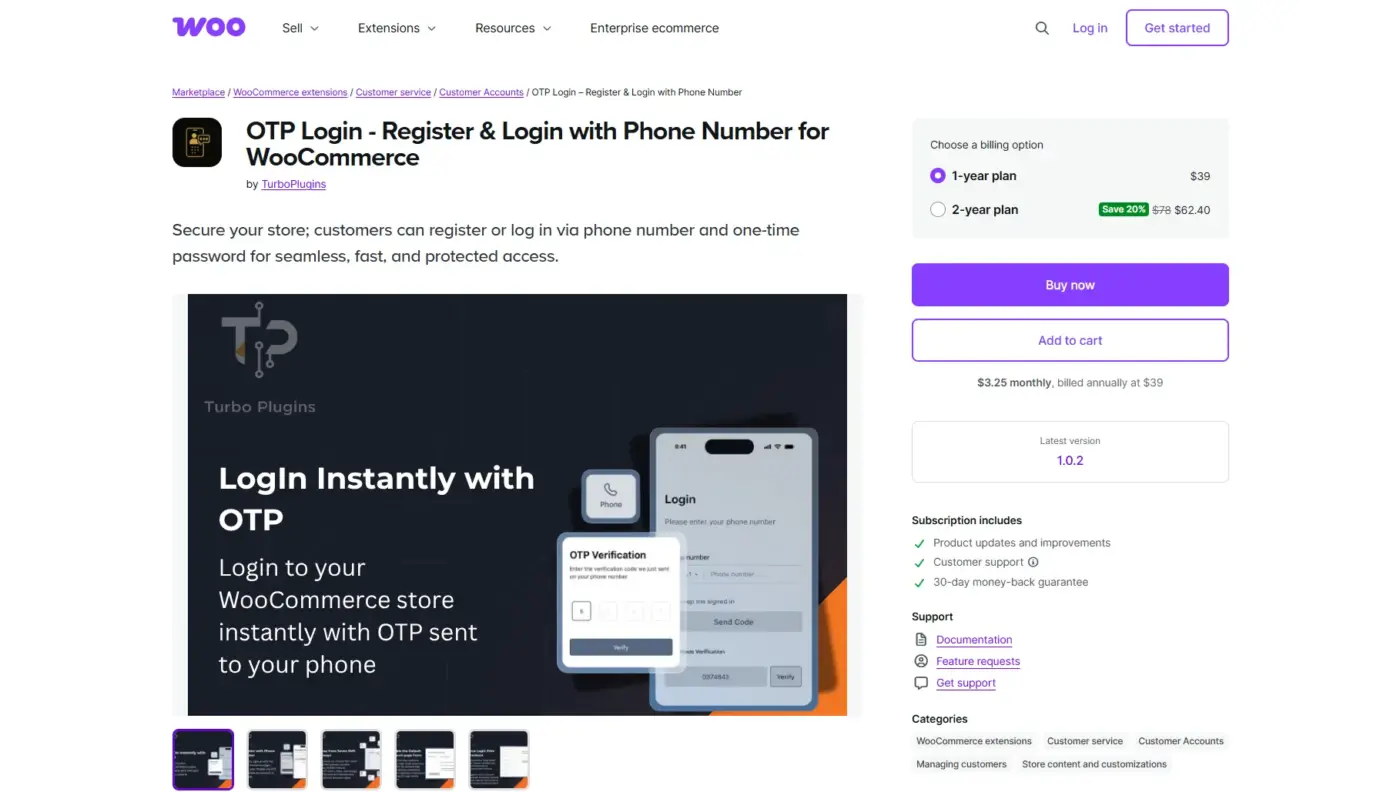
Rather than adding a second step after the password, the OTP Login plugin flips the model entirely. Customers register and log in using just a phone number and an SMS code, which makes the phone number the identity itself.
For stores fighting fake account signups, verified phone numbers cut down on the problem fast. It also removes password fatigue for customers who opt into phone-based login, since there’s nothing to remember or reset.
Best For
Stores in regions where phone-based identity is more trusted than email, or stores dealing with a fake-account problem.
Pricing
- 1-year plan: $39
- 2-year plan: $78
Pros
- Removes password entirely for opted-in customers
- Cuts down on fake account signups
- Familiar experience for phone-first markets
Cons
- SMS delivery can lag or fail in some regions
- Depends on your SMS gateway provider’s reliability and cost
6. Two Factor by WordPress
Two Factor by WordPress is maintained by contributors close to WordPress core, and the lack of upsells shows. No setup wizard nagging toward a paid tier, no dashboard banners.
It supports email codes, TOTP, FIDO Universal 2nd Factor security keys, and backup codes, all for free. That’s a real advantage for a technical store owner who wants clean, easy-to-review code without a commercial layer on top.
Best For
Developers and technical store owners who want a free, no-frills plugin they can audit line by line.
Pricing
- Free, no paid tier
Pros
- Supports security keys, not just app codes
- No premium upsells or feature gates
- Actively maintained by core-adjacent contributors
Cons
- Enrollment happens per-user, not through a central policy screen
- Needs a snippet or policy layer on top for team-wide enforcement
7. Two-Factor Authentication (Lightweight TOTP/HOTP)
This Two-Factor Authentication by Updraft sticks to one job: TOTP and HOTP codes through an authenticator app. QR code setup and support for WooCommerce and custom login forms round it out.
It stays lean on purpose. There’s no large settings menu here, just authenticator app setup and a shortcode for placing the 2FA prompt wherever your custom login page needs it.
Best For
Small stores that want basic authenticator app protection without extra features they’ll never use.
Pricing
- Single site license: $24/year
- Up to 5 sites: $37/year
- Up to 25 sites: $75/year
Pros
- Lightweight, with a small settings surface
- WooCommerce and custom login form support
- QR code setup is quick for non-technical admins
Cons
- Mandatory enforcement is a paid feature
- Emergency backup codes also require the premium tier
8. Wordfence Login Security
Wordfence spun its login-hardening tools into a standalone plugin, separate from the full Wordfence security suite. You get 2FA plus CAPTCHA and XML-RPC protection in one lighter package.
That combination matters because not every login problem is the same. Two-factor authentication stops an attacker who already has a valid password. CAPTCHA and XML-RPC controls reduce automated login abuse before it becomes a daily irritation on its own.
Best For
Stores that want free 2FA bundled with basic bot and brute-force protection.
Pricing
Wordfence Premium: $149/year (per site)
Pros
- Combines 2FA with CAPTCHA and XML-RPC controls
- Explicit WooCommerce integration setting
- No cost for the core feature set
Cons
- Fewer verification methods than miniOrange
- Custom login forms outside WordPress and WooCommerce may need testing
9. Solid Security
Formerly known as iThemes Security, Solid Security wraps 2FA into a much wider hardening toolkit. That toolkit also covers file change detection, database backups, and brute-force protection.
If you’re already planning to harden the whole site, not just the login form, this fits well. It bundles 2FA in as one feature among several, instead of a separate purchase. Developers can also extend the plugin’s API to add custom 2FA providers.
Best For
Store owners who want one plugin covering both 2FA and general site hardening.
Pricing
- Solid Security Pro: $99/year
- Solid Suite (all 3 tools): $199/year
Pros
- 2FA bundled with broader site hardening
- Developer API for custom 2FA providers
- One plugin instead of stacking several
Cons
- Email is the primary method in some configurations, which is weaker for admin accounts
- More modules mean more settings to review before launch
10. MalCare
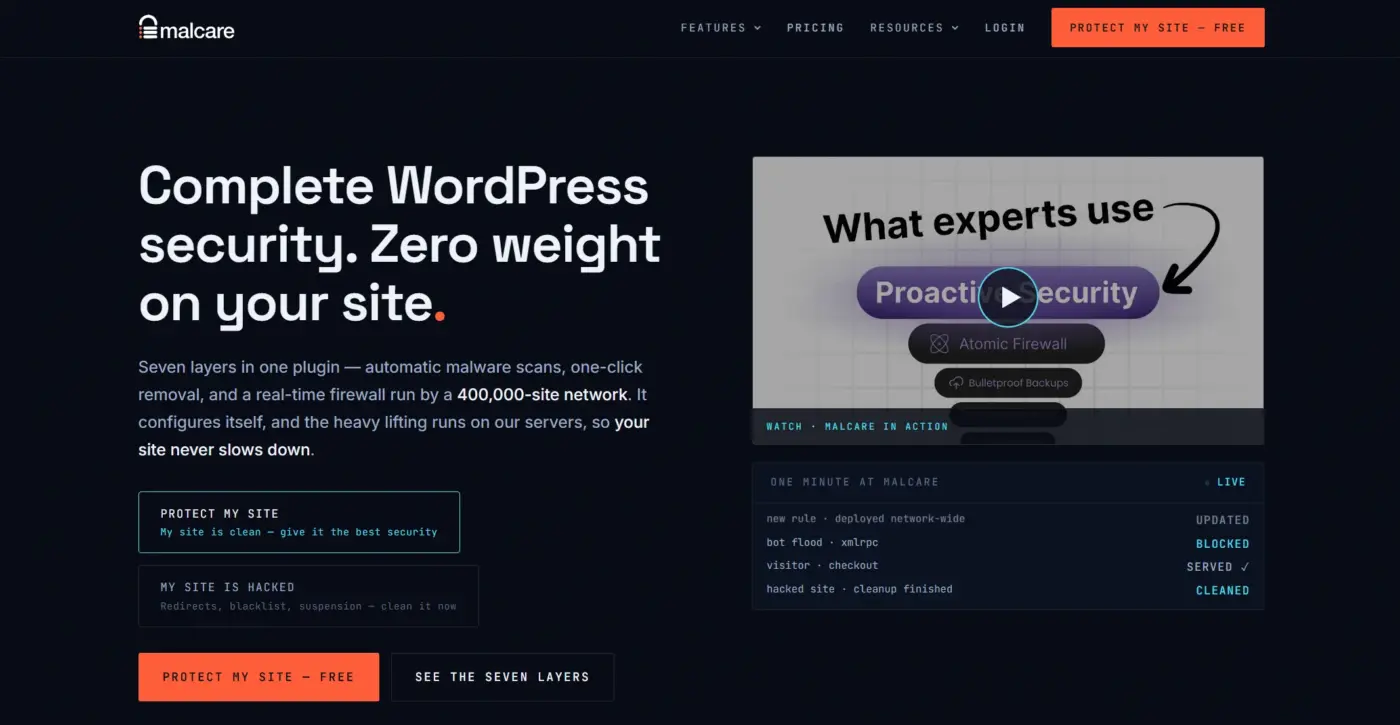
MalCare isn’t a standalone 2FA plugin, and it shouldn’t be judged like one. It’s a full security platform: malware scanning, cleanup, firewall, and vulnerability monitoring, with 2FA as one layer inside that stack.
If your actual worry runs deeper than “someone might guess a password,” this closes that gap. A 2FA-only plugin won’t tell you whether an attacker already planted a backdoor last month. MalCare’s scanning and activity log will.
Best For
WooCommerce stores that suspect a wider compromise, or agencies managing many client sites.
Pricing
- Protect plan: $99/year (single site)
- Pro plan: $299/year
- Higher tiers up to $499–$500/year
Pros
- 2FA folded into malware scanning, firewall, and monitoring
- Useful if the site may already be compromised
- Built for agencies managing multiple sites
Cons
- More plugin than the job requires if all you need is a 2FA prompt
- Not a standalone or free 2FA option
Which WooCommerce Two-Factor Authentication Plugin Should You Use?
| Your Situation | Best Pick | Why |
|---|---|---|
| Solo store, want both admin and customer 2FA | WooCommerce Google Authenticator | Built for WooCommerce login flows on both sides |
| Team of shop managers and staff | WP 2FA | Role-based policies and extra setup time for launch |
| Non-technical or global customer base | miniOrange 2FA | SMS and WhatsApp fallback beyond authenticator apps |
| Budget-conscious, want free and simple | Two Factor (WordPress.org) | Free, clean, no premium upsells |
| Fighting fake account signups | OTP Login and Register with Phone | Verified phone number replaces the password entirely |
| Suspect a broader site compromise | MalCare | 2FA is one layer inside a full security workflow |
What WooCommerce Two-Factor Authentication Plugins Can’t Do
- Don’t remove malware already on your site: A 2FA prompt guards the login door. It has no effect on a backdoor that’s already inside.
- Don’t fix a weak password policy on their own: Two-factor authentication is a second lock, not a replacement for a strong, unique password.
- Can’t guarantee every custom login page is covered: Page builders and custom theme login screens sometimes bypass the standard WordPress or WooCommerce login hook entirely, so testing matters before you enforce anything store-wide.
- Won’t stop a compromised email account from being a weak point: Email-based codes are only as safe as the inbox they’re sent to, which is why authenticator apps are the stronger default for admin accounts. A WooCommerce biometric plugin sidesteps this weak point entirely for returning customers, since there’s no code to capture.
- Don’t replace a recovery plan: Every plugin above needs a documented answer for what happens when someone loses their phone. Backup codes and an admin-side reset are not optional extras.
Can WooCommerce Two-Factor Authentication Handle PCI Compliance?
Two-factor authentication is one piece of a bigger compliance picture, not the whole answer by itself. If your store handles card data in any form, PCI DSS expects strong authentication controls on accounts with access to that data. Two-factor authentication is one of the more direct ways to meet that expectation.
That said, adding a 2FA plugin does not automatically make a store PCI compliant. Compliance also touches how card data is transmitted, stored, and processed. That usually means routing payments through a PCI-compliant gateway rather than storing card details on your own server. We cover the fuller picture in our WooCommerce PCI compliance guide, including what falls on your store versus your payment processor.
For the login side specifically, prioritise 2FA on any account with admin or shop manager access first. Those are the accounts closest to order data, refunds, and customer records. That makes them the higher-value target for anyone trying to meet compliance requirements through login security alone.
How Much Do WooCommerce Two-Factor Authentication Plugins Actually Cost?
The plugin fee is the easy part to compare. It’s rarely the real cost.
Free plugins like WP 2FA, Two Factor, and Wordfence Login Security cover the core use case at no charge. That makes them the obvious starting point for a tight budget. But “free” here means the plugin license, not the setup work. That includes configuring role policies, testing custom login pages, or writing down a recovery process before launch. That setup time is real, even if no invoice shows up for it.
Paid plugins shift some of that cost into the product itself. A dedicated WooCommerce-focused plugin with built-in customer account support saves real hours. You’d otherwise spend that time configuring a general WordPress plugin to detect the storefront login form correctly. Whether that trade is worth it depends on how much your own time costs against the plugin’s price tag.
The other cost that rarely shows up in a pricing table is support volume. A messy launch without extra setup time or backup codes turns into locked-out staff and confused customers. Both cost more in support time than any plugin fee. Budget for the launch process, not just the license.
Conclusion
For most WooCommerce stores, start with the WooCommerce Google Authenticator plugin if you want one plugin covering admin and customer logins together. Choose WP 2FA if you’re managing a team and need enforcement without helping everyone manually with every enrollment. And if the real concern has moved past login security into “is my site already compromised,” MalCare covers that broader question.
Whichever plugin you pick, the goal stays the same. Make a stolen password useless on its own, without turning login into a chore for the people who are supposed to be there.
Frequently Asked Questions (FAQs)
Q1. What is the best WooCommerce two-factor authentication plugin?
WooCommerce Google Authenticator is the strongest overall pick. It covers both the admin dashboard and the customer account page with authenticator app codes, without requiring a full security collection of tools.
Q2. Is two-factor authentication required for WooCommerce stores?
It isn’t legally mandated in most regions by itself. But PCI DSS expects strong authentication controls if your store handles card data, which makes 2FA a practical requirement in most cases.
Q3. Does adding 2FA slow down checkout for customers?
A properly configured plugin only prompts for a code at login, not during checkout itself. It shouldn’t add friction for an already logged-in shopper or a guest checkout customer.
Q4. Can I use a free plugin, or do I need a paid one?
Free plugins like WP 2FA, Two Factor, and Wordfence Login Security cover the core use case well. Paid options tend to add smoother WooCommerce-specific integration and more verification methods.
Q5. What happens if a customer loses access to their authenticator app?
This depends on the plugin’s recovery options. Look for backup codes or an admin-side reset before enforcing 2FA, so a lost phone doesn’t turn into a locked account and a support ticket.