

WooCommerce Biometric Login Plugin
Customers sign in with a fingerprint or face scan, faster and safer than a password.
From: $49.00 / year
View
This product has multiple variants. The options may be chosen on the product page
WooCommerce Cart Variation Switcher lets customers change a product variation directly in the cart. Wrong size or wrong colour no longer means removing the line, finding the product again, and adding it back.
Without it, a shopper who picked the wrong option has to delete the item, return to the shop, reopen the product page, and re-select. Every one of those steps is a chance to abandon the cart. With the plugin, the shopper switches in place and stays on the cart page.
Prices and stock availability can be shown as each option is selected. Customers see the cost and whether the size is in stock before committing. If you run a variation swatches plugin, your swatches appear on the cart page too.
WooCommerce Cart Variation Switcher is a WordPress plugin that lets shoppers change a product variation, such as size or colour, from the cart page. No need to remove the item, return to the product page, and add it again.
Standard WooCommerce gives no way to edit a variation once an item is in the cart. A shopper who wants a large instead of a medium has to work through four steps.
Every step is an exit point, and it happens at the stage of the journey where the customer has already decided to buy. The switcher replaces all four steps with one dropdown on the cart page.
Fashion and footwear stores, where size changes are constant. Any catalogue with colour, capacity, or material options. If your analytics show shoppers looping between the cart and product pages before checkout, this is the friction they are hitting.
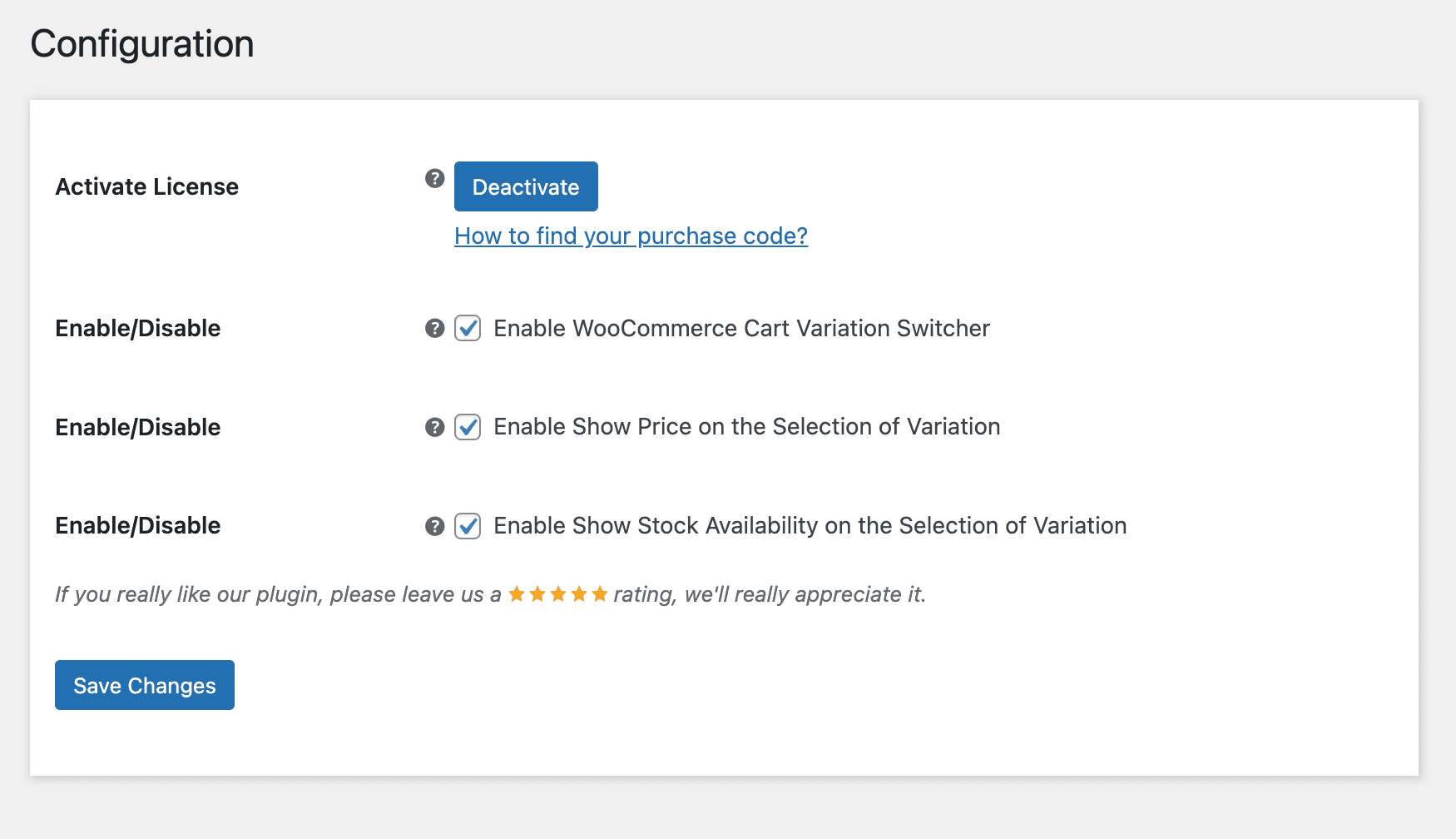
Enter your purchase code and email to activate the license before use.
Turn the cart page switcher on or off for customers.
Show the price of each variation as the customer selects it, so any change in cost is visible before the switch is applied.
Show stock availability for each variation on the cart page, so customers do not switch to a size or colour that cannot ship.
Standard WooCommerce gives no way to edit a variation once it is in the cart. Changing a size means four steps.
Each step is a chance to abandon, and it happens after the customer has already decided to buy.
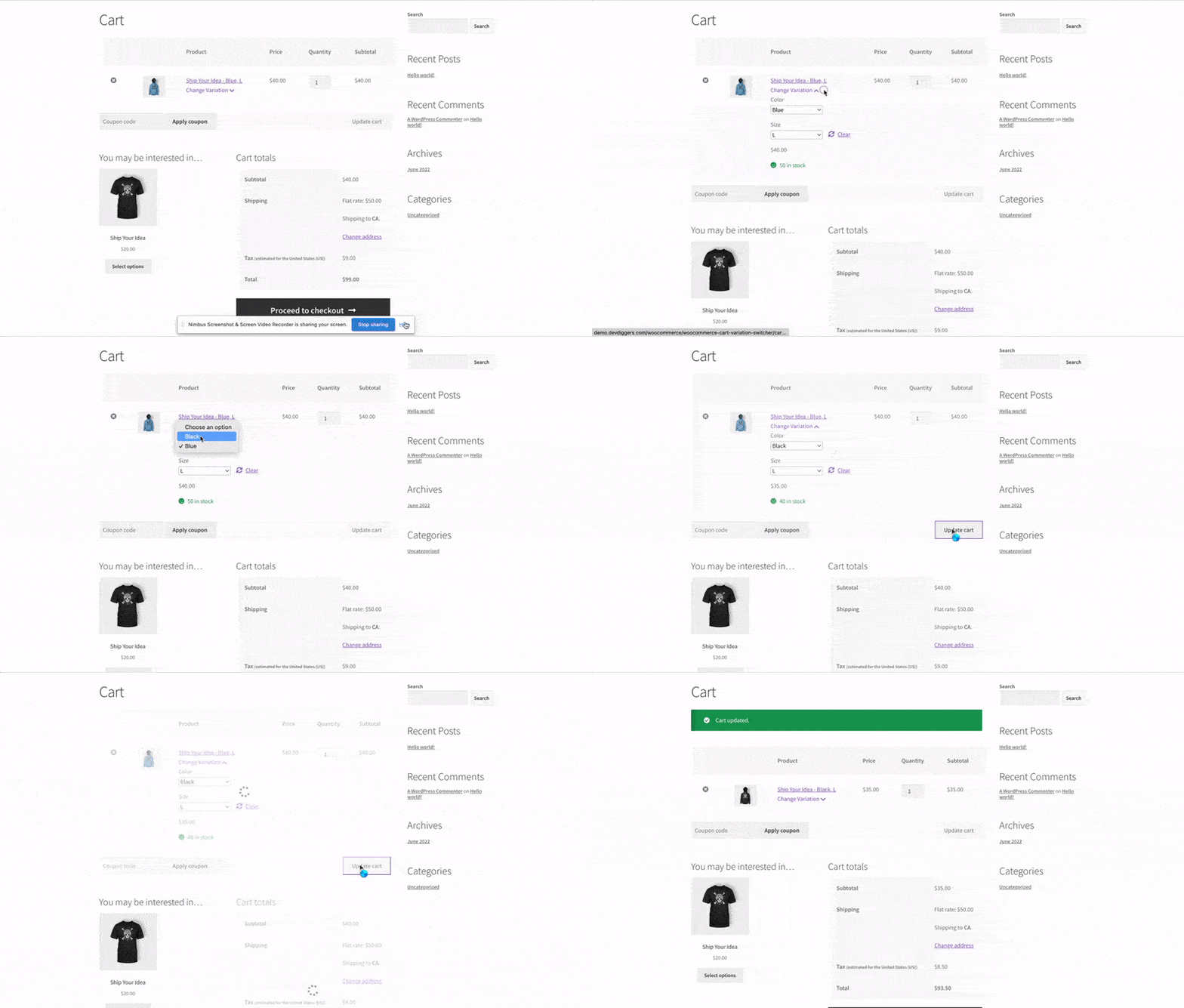
The customer changes the variation in place on the cart page. One selection, no navigation, no re-adding.
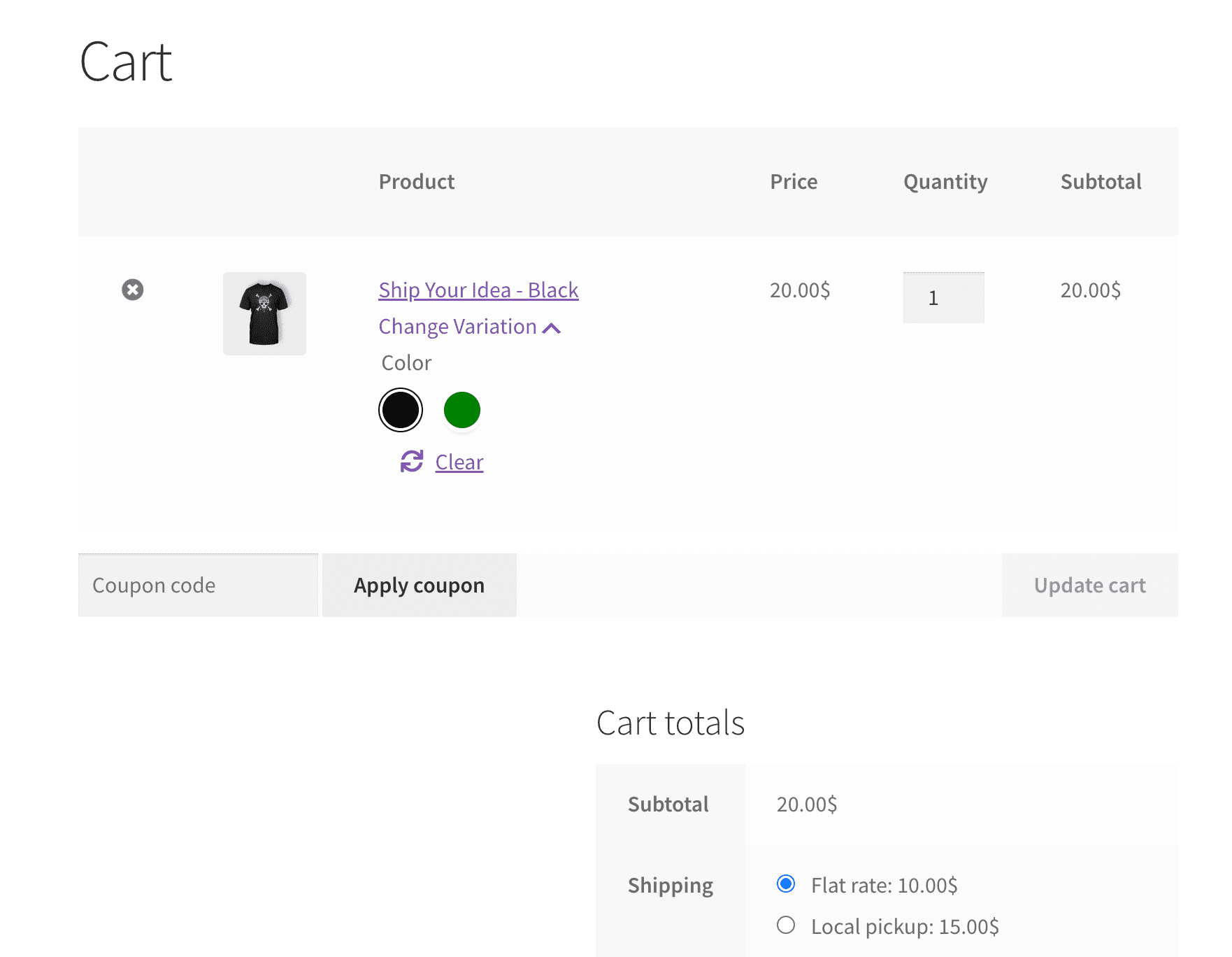
If you run a variation swatches plugin, your swatches render on the cart page too. Customers pick colours and sizes the same way they do on the product page.
Yes. Each variable product line in the cart gets a variation selector. The change applies in place, with no need to remove and re-add the product.
Yes. If you use a variation swatches plugin, the same swatches appear on the cart page instead of plain dropdowns.
Yes, when price display is enabled. The price for the selected variation is shown as the shopper makes the selection.
Yes, when stock display is enabled. Availability appears alongside the variation, so shoppers do not switch to something that cannot ship.
It attaches to the standard WooCommerce cart page, so it works with themes that use the normal cart template.
Only logged in customers who have purchased this product may leave a review.
Customers sign in with a fingerprint or face scan, faster and safer than a password.
Chat with customers on the order itself to answer questions and share updates in one place.

Raise funds for products and projects right from your store, with goals, backers, and live progress.
There are no reviews yet.