Have you noticed that mobile customers who have funded their wallets have abandoned your WooCommerce store?
If your answer is yes and even if you are unsure, you have likely lost out on many mobile purchases because of a poor mobile wallet experience. Consumers today want quick, easy, and seamless checkout processes, especially when using their smartphones.
If your wallet system is slow or difficult to navigate on a smartphone, users quickly become frustrated and do not stick around to continue navigating through the system. Instead, they will just leave.
To make things even worse, Google will penalize businesses for usability issues related to the mobile experience, which can negatively impact your search visibility. This creates a double problem for many store owners who do not know what is happening to their online store.
That’s why it is very important to optimize WooCommerce Wallet for Mobile Commerce. This guide provides you with helpful information to create a fast, efficient, and friendly wallet experience specifically designed for mobile users.
By following the steps outlined within the guide, you will also learn how to improve both the performance and navigation of your mobile wallet through responsive design, mobile wallet integration, and touch accessible navigation to convert more of your mobile visitors into loyal and repeat customers.
What Is Mobile Commerce?
M-commerce or Mobile commerce is the activity of purchasing and selling products or services through mobile devices, such as Tablets and Smartphones. The purpose of mobile commerce is more than just viewing a website on a smaller screen, it emphasizes speed, ease of use, and convenience. Consumers can shop from any location and at any time with the touch of a few buttons.
Mobile commerce includes:
- The ability for consumers to browse products in a mobile commerce-optimized online store.
- The ability for consumers to add items to their shopping carts through touch-based navigation.
- The ability for consumers to pay for their purchases through mobile wallets like Apple Pay or Google Pay.
- The ability for consumers to use their mobile wallets’ stored balances, credits, or refunds.
- The ability for consumers to track their orders and receive notifications via mobile device.
Mobile Commerce’s unique attribute is the shopping behavior of consumers. Mobile buyers tend to act quickly, expect immediate results from their shopping experience, and will abandon slow or confusing experiences without thinking twice. Therefore, it is even more essential that all features of stores, particularly those involving mobile wallets, function perfectly on mobile devices.
If you’re a WooCommerce store owner looking to optimize WooCommerce Wallet for Mobile Commerce, it’s crucial to make sure the wallet works smoothly on mobile devices. If it’s great on desktops but clunky or buggy on mobile, it can instantly drive away customers and hurt your conversions.
Importance of Mobile Commerce
Today, mobile commerce is an integral component of online shopping in that an increasing number of consumers rely on their smartphones or tablets to shop.
Therefore, the ever-growing user base of mobile devices expects an enjoyable and satisfying shopping experience, with the expectation of seamless interactions and security. If your Store Owned by WooCommerce does not meet customer expectations, your customers will simply go elsewhere.
According to recent data, well over 60% of all global eCommerce traffic comes from mobile devices, and mobile purchases continue to rise at an annualized rate.
Mobile users experience a higher-than-average occurrence of friction in the purchasing process, such as a slow-loading page, an unclear wallet balance, or a complex/complicated checkout, all of which result in an immediate loss of conversion opportunities.
Here is why Mobile Commerce is an important driver of success for WooCommerce:
- Increased conversion potential
- Decreased cart abandonment
- Improved search engine optimization (SEO) performance
- Increased customer loyalty
- Competitive advantage over non-optimizing stores
If your store accepts digital credit, electronic refunds, or has prepaid credit balances, you must optimize WooCommerce Wallet for Mobile Commerce. A mobile-friendly wallet allows customers to easily access their balances and apply credits when paying, making the purchasing experience less painful, which is what today’s shoppers expect.
How to Optimize WooCommerce Wallet for Mobile Commerce
To optimize a wallet system for the mobile user, it requires more than simple theme changes, and you must put an emphasis on usability, speed, payments, and checkout flow.
This is due to the very fact that mobile users act differently from their desktop counterparts. The following are the critical methods to effectively optimize WooCommerce Wallet for mobile commerce.
1. Responsive Design

For a successful mobile commerce experience, responsive design is critical. If your WooCommerce wallet does not adapt correctly to each different size screen, your customers will experience an unpleasant time trying to view their wallet balance, add and redeem credits, and finally check out and pay.
On the other hand, if your wallet has a properly responsive design, the balance, transaction history, buttons, and forms will all automatically adjust properly for viewing on either a smartphone or a tablet.
Best practices for responsive wallet design:
- Use a WooCommerce theme that is mobile responsive and works with the WooCommerce wallet plugin.
- Make sure the wallet balances and credit options are appropriately scaled down for mobile devices.
- Avoid creating double overlapping and/or horizontal scrolling elements.
- Make sure the actions associated with your wallet (add funds, add credits) are easy for your customers to see.
- Make sure you test your wallet pages on multiple types of mobile devices and different screen resolutions.
When customers can look at their wallet balance immediately without zooming in and out or becoming confused, their level of trust in your business will increase, and your chances of getting conversions will also increase. Responsive design is an essential step when optimising your WooCommerce Wallet for Mobile Commerce.
2. Streamlining the Checkout Process for Mobile Users
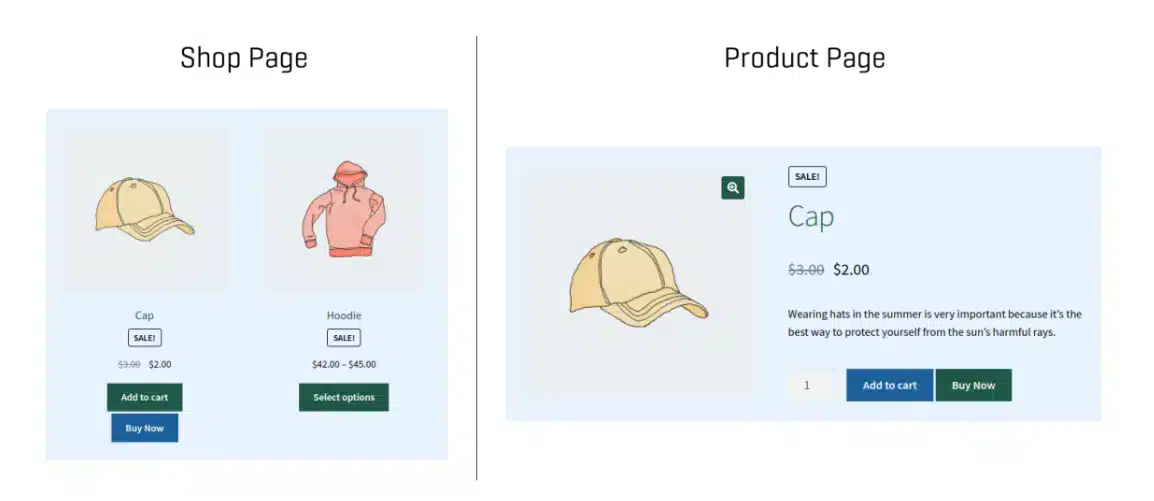
Identifying what causes users to abandon their shopping carts is critical for a successful mobile strategy for any eCommerce store. If customers experience long forms, excessive or irrelevant fields, or confusion about which wallet they are using will create a high rate of cart abandonment in seconds.
Streamlining your cart checkout will allow your customers to use their wallets easily without any issues or confusion.
How to simplify mobile wallet checkout:
- Minimize checkout steps to the absolute essential steps required
- Show the total amount of available wallet funds at checkout
- Allow users to apply funds with one easy tap
- Offer guest checkout to avoid forcing your customers to create an account before checking out
- Use autofill features for billing/shipping information
Speed is important for mobile users. If your customers can easily access their wallet credits, apply them instantly, and complete their purchase in just a few seconds, they are much more likely to convert into paying customers. Providing a checkout experience with no friction will be one of the most effective methods to optimize WooCommerce Wallet for Mobile Commerce while lowering the rate of shopping cart abandonment.
3. Mobile Wallet Integration (Apple Pay, Google Pay, PayPal)
Today’s mobile shoppers have become comfortable with brands offering familiar forms of payment. By integrating popular mobile wallets with WooCommerce Wallet, you will dramatically increase your customers’ confidence in making purchases and speed up their checkouts.
Mobile wallet integration allows customers the ability to combine stored credit and other quick, secure payment methods when checking out.
Benefits of integrating mobile wallets into WooCommerce Wallet:
- Customers will have a faster checkout experience using fewer manual inputs
- Customers will have enhanced security at the point of sale by using biometric authentication
- Customers are more likely to successfully convert their carts into sales when using trusted payment platforms (such as Apple Pay, Google Pay, or PayPal)
- Overall improved experience for mobile users
Suggestions for implementation:
- Apple Pay and Google Pay will be available to customers using mobile devices
- WooCommerce Wallet credits can be used towards mobile wallets
- Allow customers to split their payment into two forms (using a WooCommerce Wallet balance in conjunction with a mobile wallet)
- Use recognizable icons for supported mobile payment platforms
Once customers see well-known icons on their phones for mobile payment systems, they will become less hesitant to check out. The combination of security, speed, and familiarity is essential for successfully optimizing your WooCommerce Wallet for Mobile Commerce.
4. Optimized Performance and Loading Speed

In today’s fast-paced environment, speed is a critical factor in Mobile Commerce. The loss of a single second could result in the loss of any chances of generating revenue from customers who may have been interested but didn’t have the patience to wait for their wallet to load during checkout or when using Wallet Integrations.
Users want to complete transactions as soon as possible, which is why pages related to the wallet should load as quickly as possible. If they take longer than one second, users are more likely to leave without completing the transaction.
Performance Optimization Techniques:
- Use well-coded and lightweight WooCommerce wallet plugins
- Enabling Caching and Optimization on the server side
- Compress images and use modern image formats (WebP)
- Minimizing JavaScript & CSS files
- Optimize scripts related to wallets specifically
Fast loading Wallet pages provide better User Experience (trust and usability) and also assist in improving a site’s SEO due to Google’s mobile-first index. Improving performance is a direct and measurable way to optimize WooCommerce Wallet for Mobile Commerce while boosting both rankings and conversions.
5. Touch-Friendly Navigation for Wallet Actions
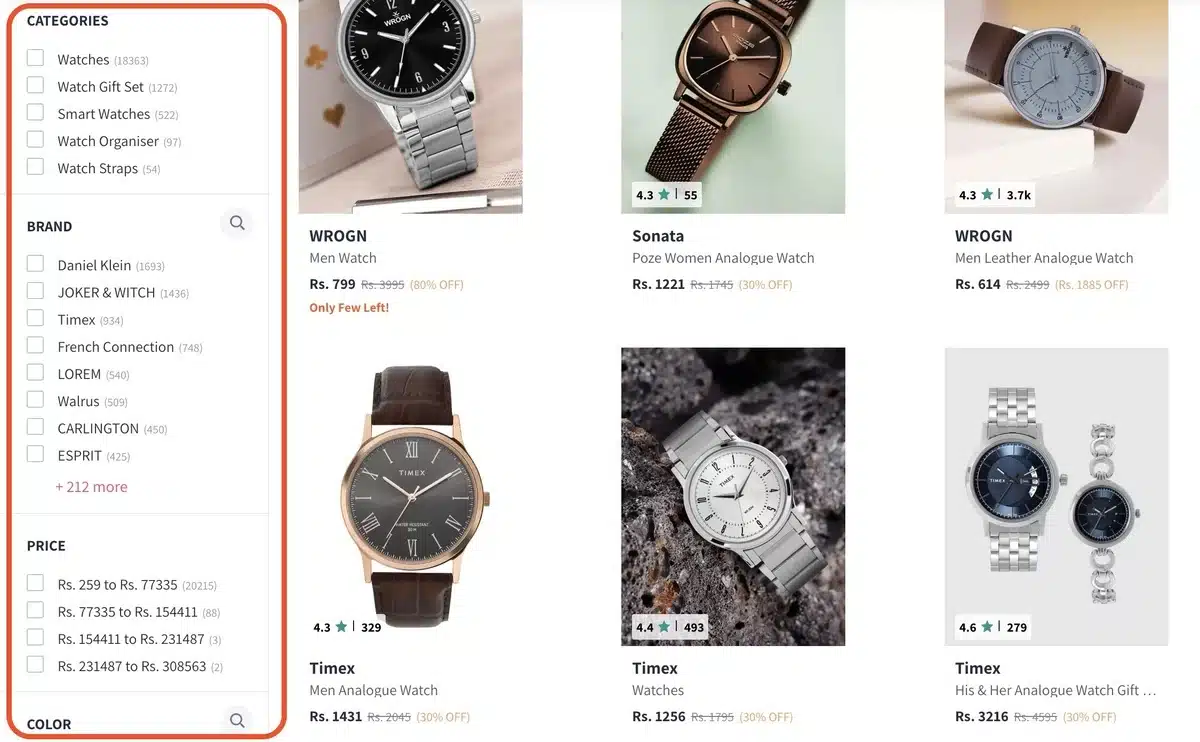
Mobile users navigate using touch only. If the button for the wallet is small, located too close to other buttons, and is difficult for the user to press accurately, users will make mistakes and may very well choose not to continue using the app at all.
To optimize WooCommerce Wallet for Mobile Commerce, the flow of touch navigation through the wallet interface must occur in a completely seamless manner when one hand is used.
Best practices for touch-friendly wallet navigation:
- Large buttons for performing wallet functions with clear labeling
- Adequate spacing between interactive elements
- Critical wallet functionality, such as balance and credit application located in thumb access zones
- Avoid using small checkboxes and hypertext links located adjacent to checkout icons
- Use sticky action icons when beneficial
Providing an optimized user interface for the wallet reduces user friction and builds user confidence.
When users can easily receive and apply credit or check their account balance with no chance for misclicks, they have a significantly higher likelihood of completing their purchases.
6. Mobile Specific Features that Improve Wallet Engagement
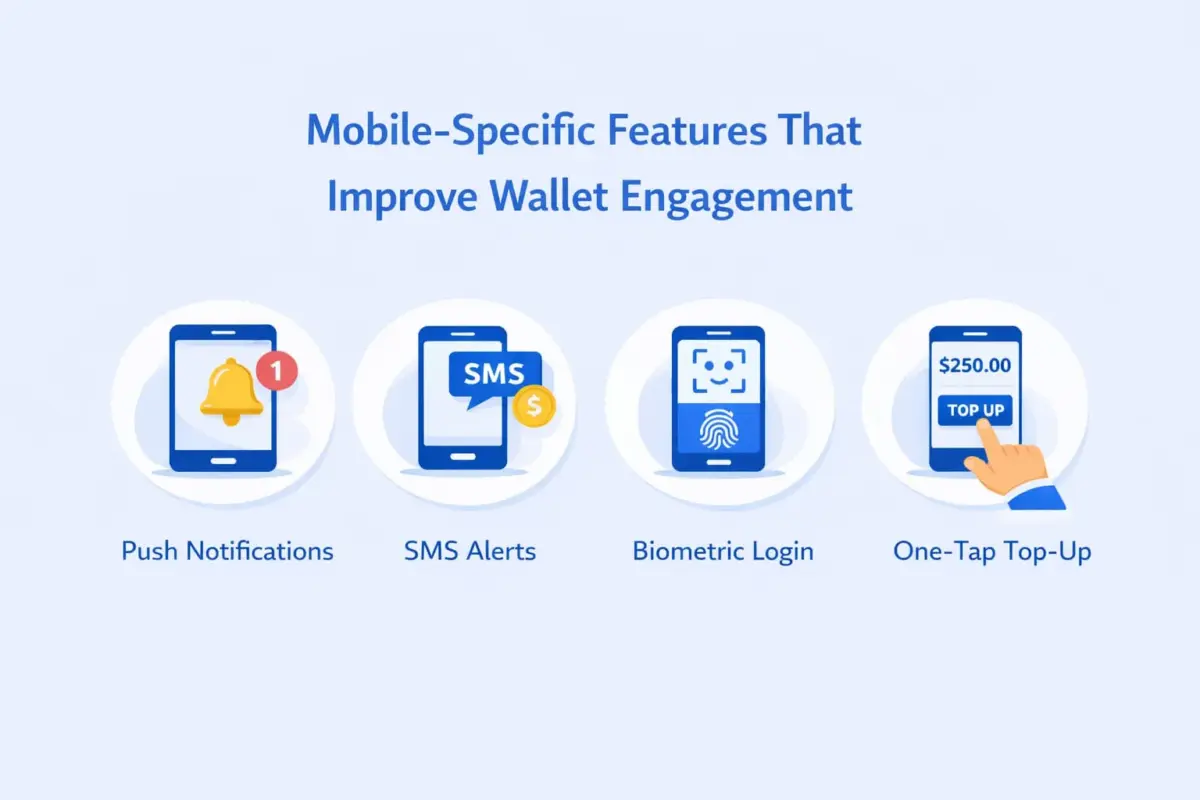
The fact that mobile phones are capable of doing things that desktop computers are not allows mobile phones to have new capabilities that can dramatically increase the ease of use of the wallet for your customers and allow for retention.
When implementing specific functionality on your WooCommerce Wallet, your wallet will be more modern, intuitive, and easier to use.
High-impact mobile features to consider:
- Push notifications to update your customers on wallet balance changes
- SMS alerts regarding refunds, cashback, or credits issued to them
- The ability to access their wallet through WooCommerce biometric login (fingerprint or Face ID)
- One tap ability to top up your wallet using a saved payment method
These features create an immediate connection with the customer and provide an immediate sense of security. Customers want instant updates regarding their wallet activity, as well as secure access to their wallet, and as a result, increase customer loyalty and trust.
Using these features to create engagement with your customers and keep them coming back for additional purchases (through WooCommerce) is an incredible strategy.
7. Optimized Product Display for Mobile Wallet Usage
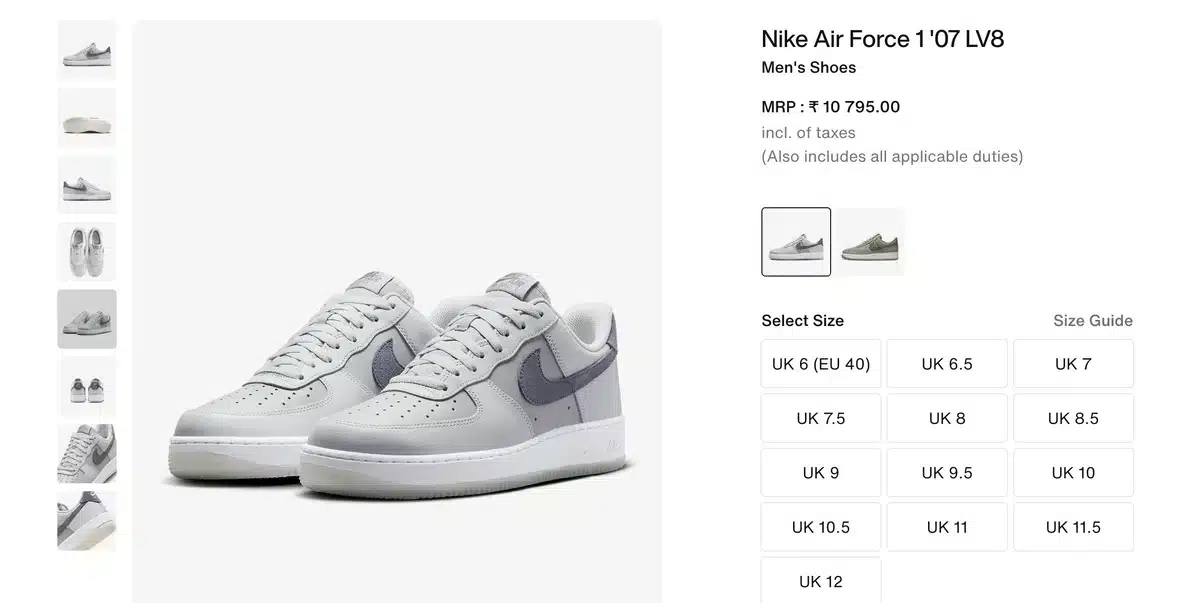
For most store owners, the importance of how they present products on mobile is underestimated. A potential customer without a clear understanding of how their wallet credits can be applied to products may choose not to purchase.
Optimizing product displays provides clarity and encourages conversions.
How to improve product display for mobile users:
- Show wallet discounts or credits as part of the price
- Use the “Pay With Wallet” or “Wallet Eligible” labels prominently
- Use compressed images with high quality to enable quick loading times
- Keep product titles brief and easy to scan
- Avoid complex layouts that force wallet information to appear below the fold
Once customers clearly understand the value of using their wallet balance, the time it will take for them to make a purchase decision will decrease significantly. Therefore, clear product/wallet visibility will assist to successful optimize WooCommerce Wallet for Mobile Commerce.
8. Continuous Testing and Optimization
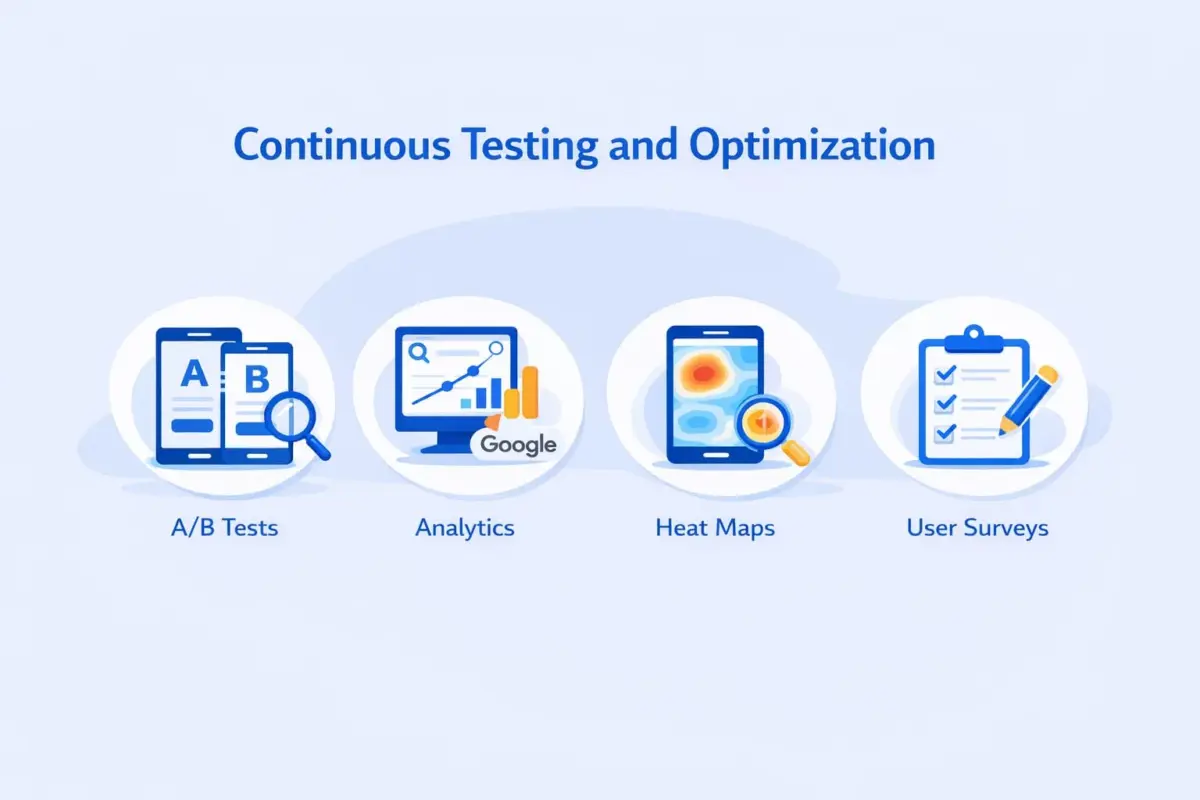
The mobile shopping industry is changing rapidly, and items that are successful today may not be tomorrow’s best sellers. Continuous testing of your current wallet is therefore essential in keeping it optimised for users.
By continually testing and implementing improvements based on user statistics, you can remain at the forefront of mobile shopping.
Ongoing optimization strategies:
- Conduct A/B tests with different configurations of wallet location or how transactions are processed from checkout
- Track how many times your customers use their wallets via Google Analytics 4
- Use heat maps to highlight any areas of user concern when using your tool
- Track the number of abandoned carts from users on mobile devices
- Collect input from users of your wallet through surveys
Regularly updating, testing, and making adjustments to the wallet to match the ever-changing behaviours of users, device upgrades, and the expectations of the wallets will lead to the most sustainable method to optimize WooCommerce Wallet for Mobile Commerce effectively.
Final Thoughts: Making WooCommerce Wallet Mobile-Ready
Mobile commerce is changing how customers purchase products, as well as their expectations of online shops. As mobile wallets become more powerful, customers expect that their shopping experiences will include speed, ease-of-use, and the ability to manage their finances when they are ready to pay for items.
Customers who experience slow or complex app functionality when purchasing items with a WooCommerce wallet on their mobile devices will leave the site without looking back.
Using the strategies outlined here will give you the confidence to optimize WooCommerce Wallet for Mobile Commerce and satisfy today’s consumer needs. Using responsive design and improved user experience via performance improvements, mobile wallet integrations, and touch-friendly navigation will work together to increase conversions while reducing customer friction.
In addition to meeting today’s mobile shoppers’ expectations for speed, ease of use, and transaction completion, optimizing your WooCommerce wallet is not just a project or task to do once. Ongoing testing, monitoring user feedback, and analyzing performance results will help you keep the wallet viable for future evolution in technology and user behavior trends.
If a large percentage of your traffic comes from mobile shopper traffic, you can no longer ignore optimizing your WooCommerce website to meet their expectations. Optimizing your WooCommerce wallet represents a direct investment that enhances user experience, improves search engine optimization (SEO), and generates revenue.
Frequently Asked Questions
Q1. How do you combine security and ease of use with a mobile wallet?
To combine security and ease of use in a mobile wallet, you must offer encryption, biometrics, and as little friction as possible. However, the right balance for each user depends on their own preferences.
Q2. Can mobile wallet integration negatively affect conversion rates even if you have optimised your mobile wallet?
Yes. A poorly integrated mobile wallet that is not aligned with your customers’ expectations will decrease conversion rates and hurt your overall conversion rate.
Q3. How do we foresee future trends for mobile wallets?
Predicting future trends for mobile wallets is challenging due to many factors, including the rate of market adoption, advancements in technology, and changes to regulations.
Q4. What impact will having a poor mobile wallet design have on your search engine optimisation?
A poor mobile wallet design will impact your search engine optimisation by raising your bounce rate and lowering your engagement, both of which affect the design for mobile index Google is currently implementing.
Q5. When you process a refund for a wallet transaction, how will you do it in a way that is seamless and does not create friction?
A seamless, transparent refund process is the biggest challenge with wallet refunds. Providing a seamless and transparent refund experience across multiple payment methods and maintaining security will remain a challenge.