
WooCommerce Pre-Order
Take pre-orders and pre-bookings before launch day, so you lock in sales and see demand early.
From: $79.00 / year
View
This product has multiple variants. The options may be chosen on the product page

WooCommerce Biometric Login lets customers sign in with a fingerprint or face scan instead of a password. It uses the authentication already built into the customer’s device, so there is no app to install and no code to type.
Customers enrol from a menu on their My Account page. They tap Add Biometric Detail, confirm with whatever their device uses, and the device is added to their list. From then on, the login page offers a biometric option that signs them in without an email address or password.
It works on desktop and mobile, using each operating system’s own prompt. Customers can remove a registered device whenever they want, and a live log screen shows authentication activity for troubleshooting.
WooCommerce Biometric Login is a WordPress plugin that lets customers log in to a WooCommerce store with a fingerprint or face scan. It uses the device’s own biometric authentication, so no password or emailed code is needed at sign-in and nothing extra is installed.
Forgotten passwords are one of the largest causes of abandoned returns to a store. The customer wants to buy, cannot remember the password, starts a reset, waits for the email, and often never comes back to finish.
A biometric login removes that failure entirely. The credential is stored on the customer’s own device and confirmed with a touch or a glance. There is nothing to forget, and nothing worth stealing from your database.
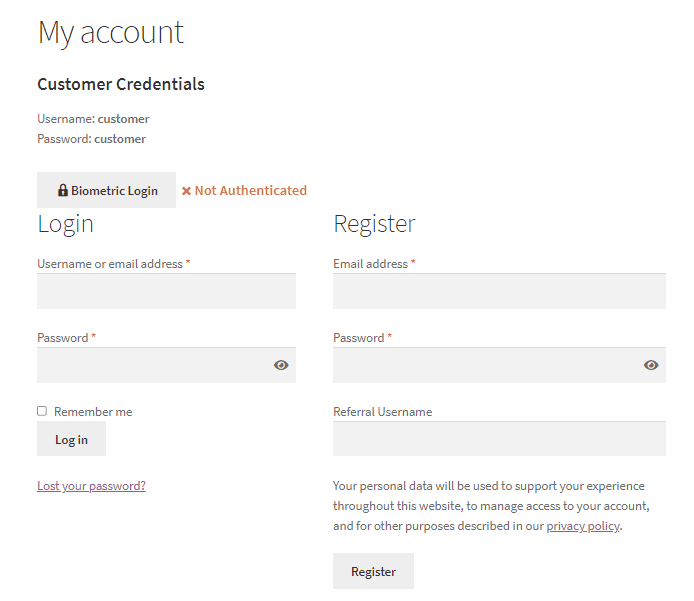
If verification fails the response is Not Authenticated and the customer is not signed in, so the normal password route stays available.
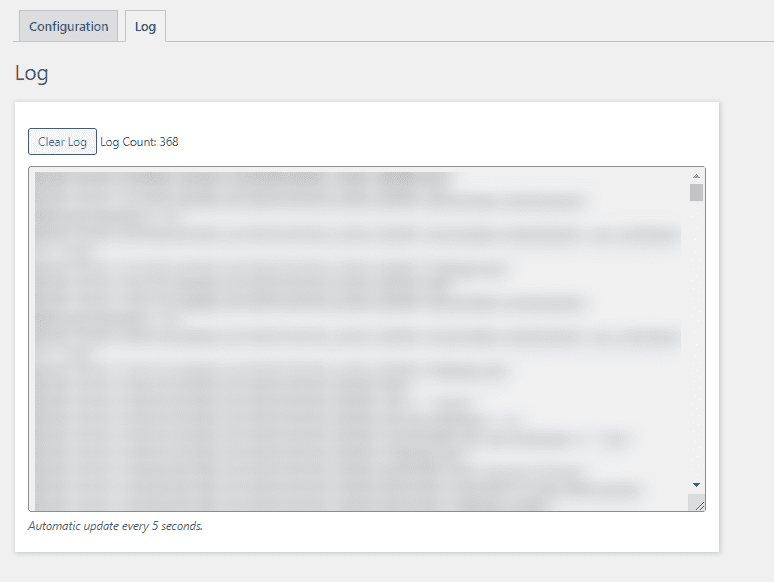
The logs screen refreshes every five seconds without a page reload, and logs can be cleared when you are done.
Mobile-heavy stores where typing a password on a phone is the main obstacle to a repeat purchase. Subscription and membership stores where customers sign in often. Any store whose support load is dominated by password resets.
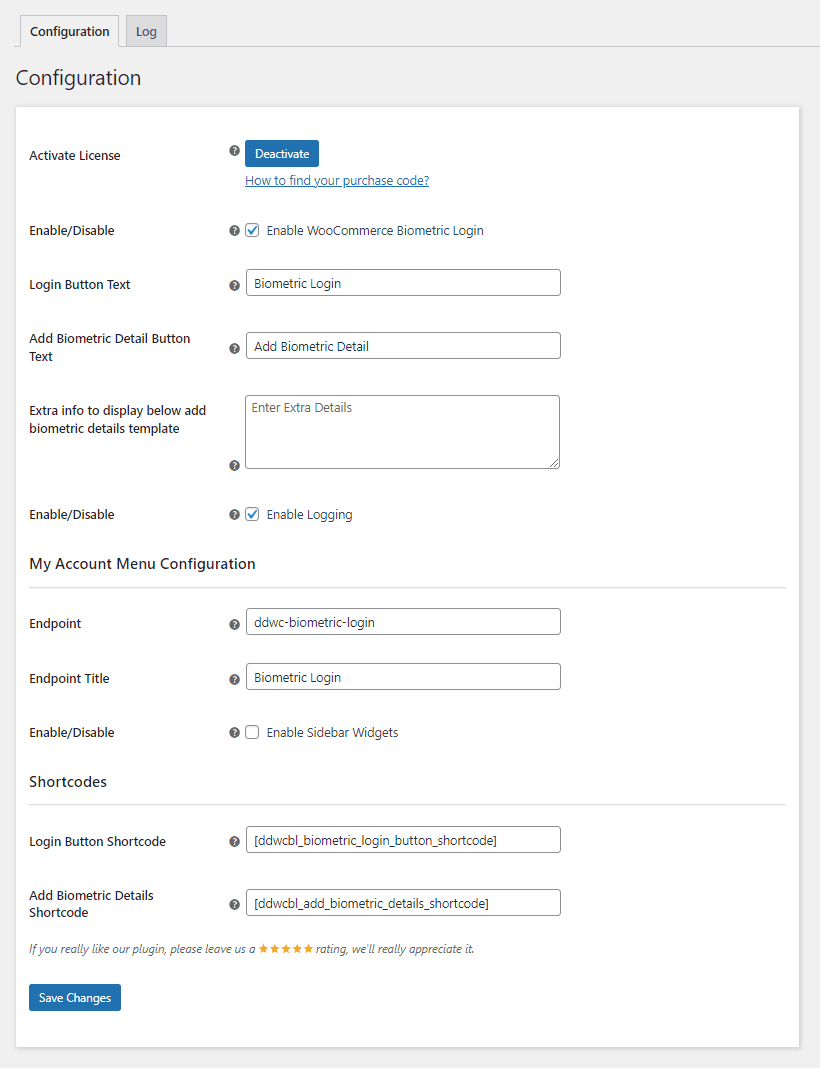
Enter your purchase code and email to activate the license before use.
Turn fingerprint and face login on or off for customers.
Set the wording on the biometric login button.
Set the wording on the enrolment button.
Add help text under the enrolment form. Use it to reassure customers that biometric data stays on their own device.
Turn logging on while debugging, off in normal operation.
Set the endpoint slug for the biometric menu on the My Account page.
Set the title shown on that menu.
Show or hide the sidebar widgets on that menu.
Place the biometric login button anywhere in the store.
Place the enrolment template anywhere in the store.
Logs refresh every five seconds without reloading the page, so you can watch an authentication attempt as it happens. Clear them when you are done.
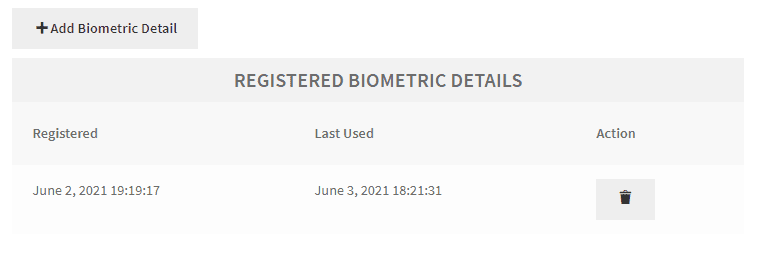
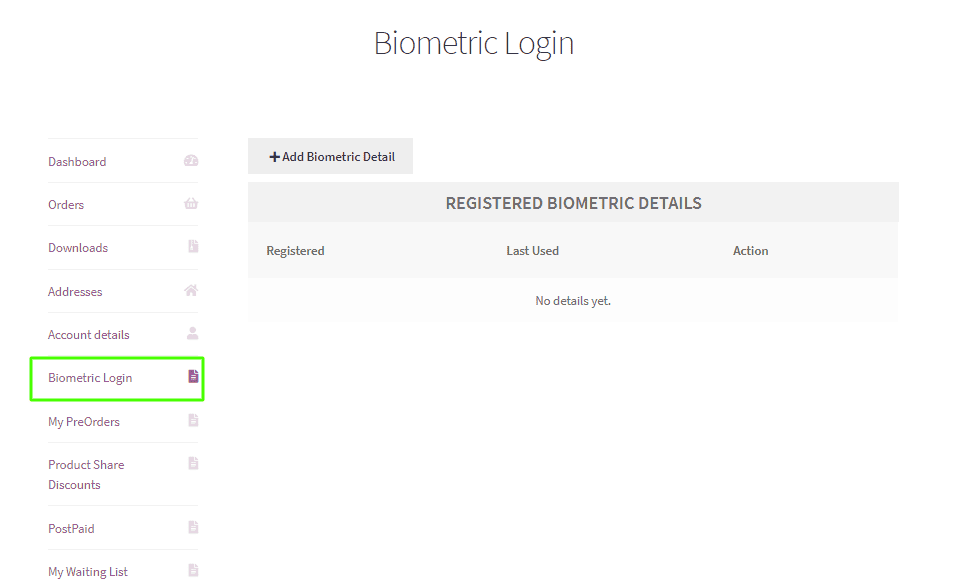
Customers open the biometric login menu on their My Account page to register a device.
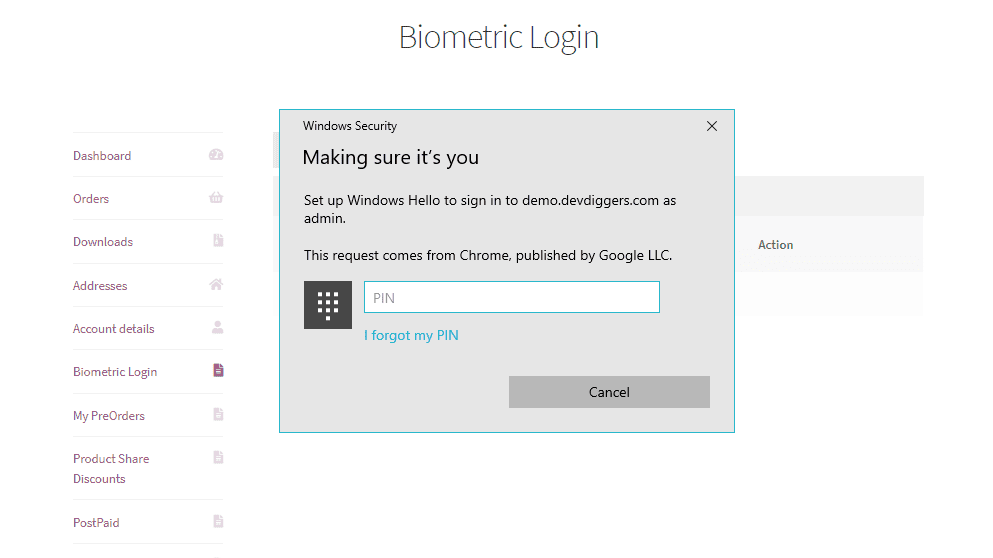
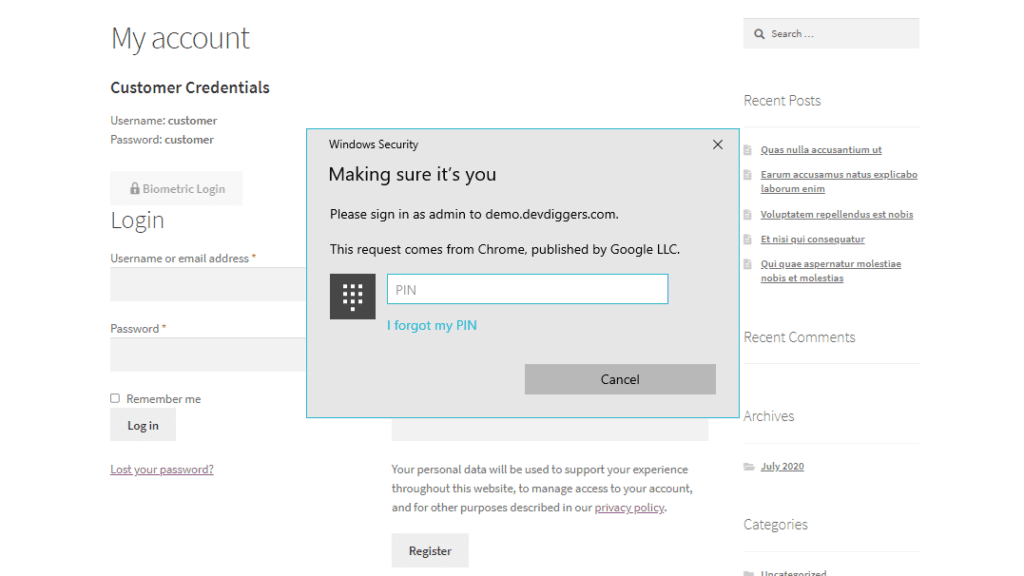
Pressing Add Biometric Detail triggers the operating system’s own authentication prompt.
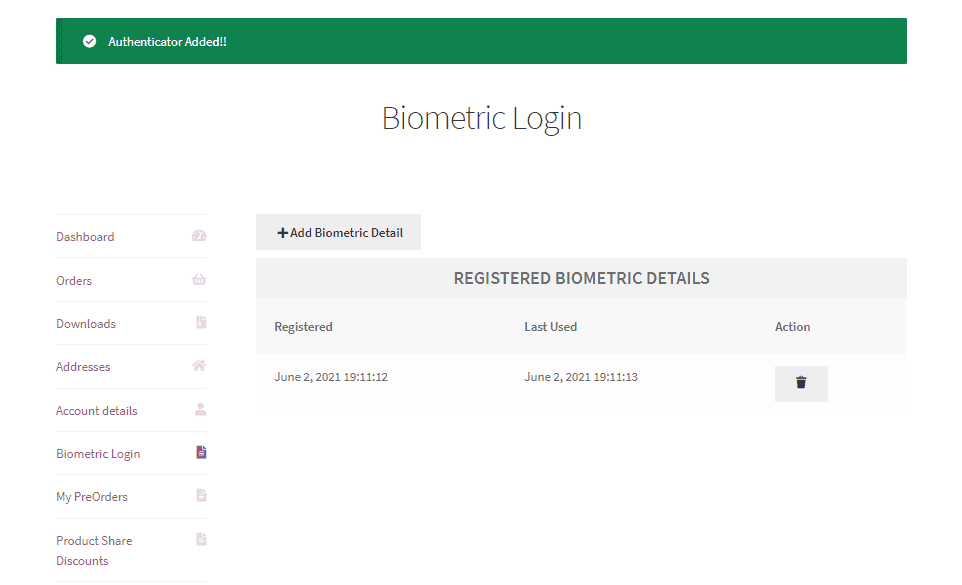
Once confirmed, the device is added to their list. They can remove it at any time.
The login page now offers a biometric option. Customers who have enrolled sign in without typing an email address or password.
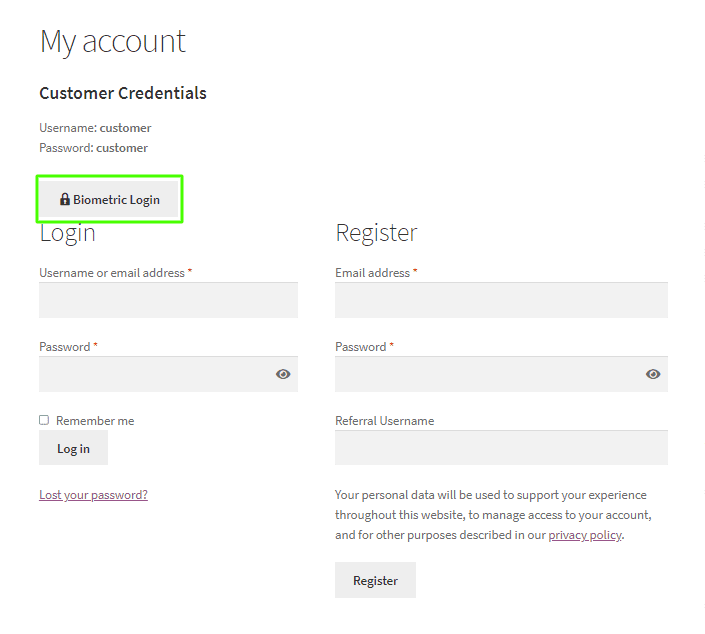
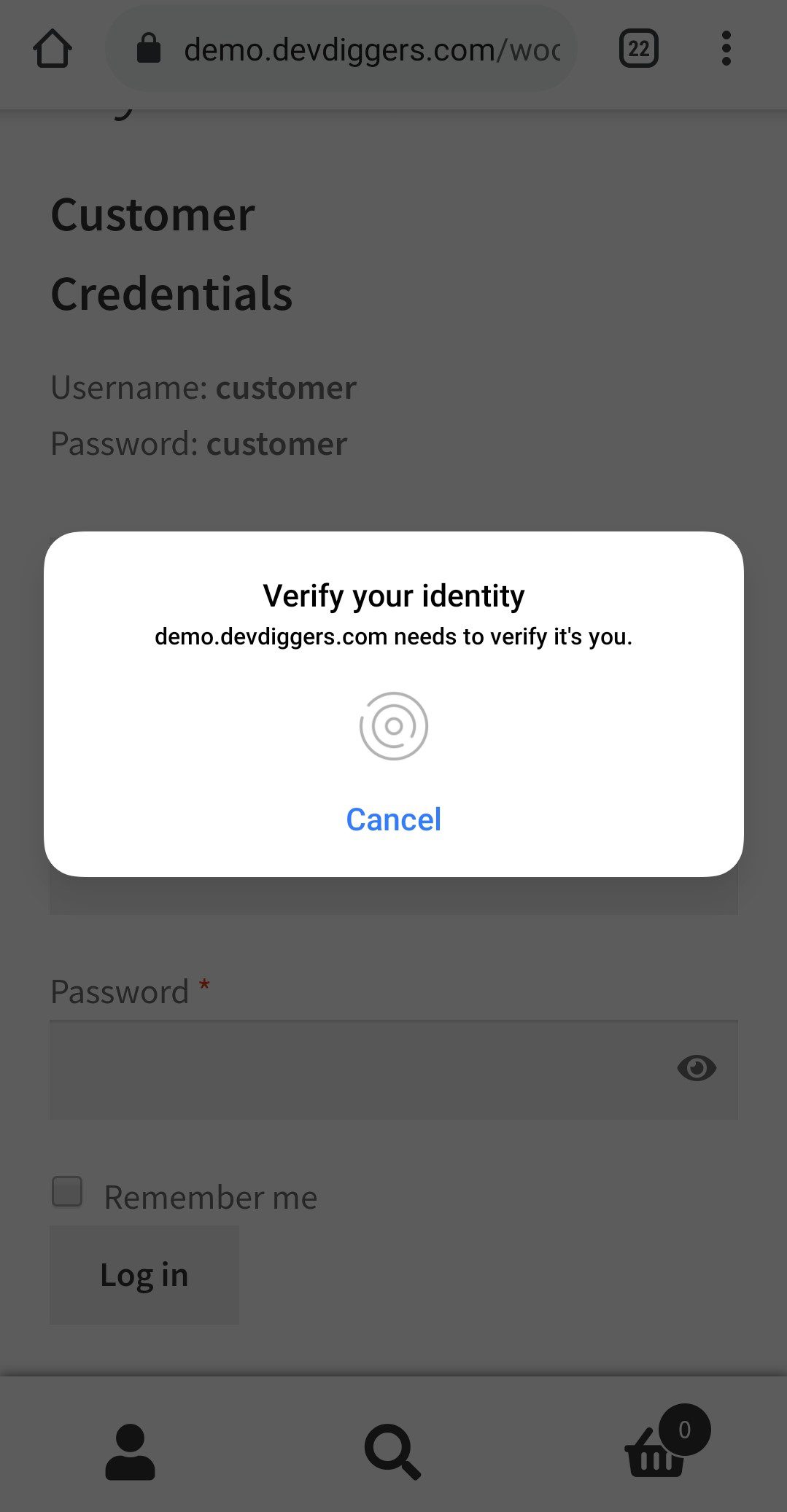
Pressing it shows the same system prompt for confirmation.
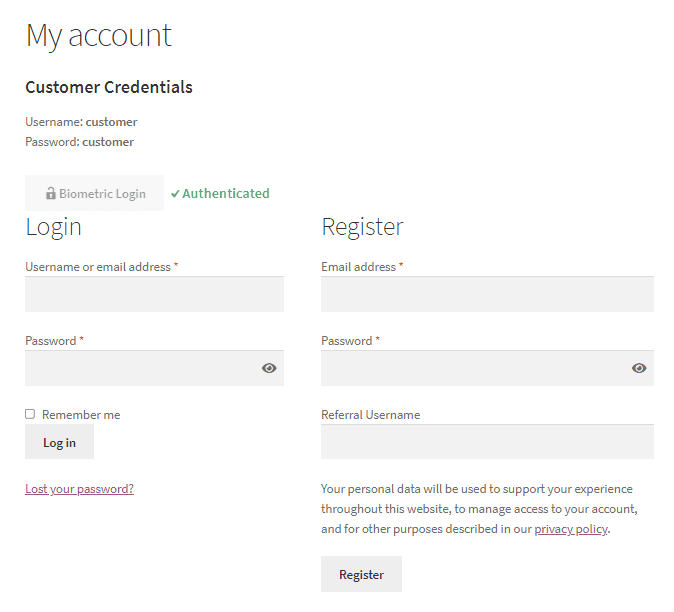
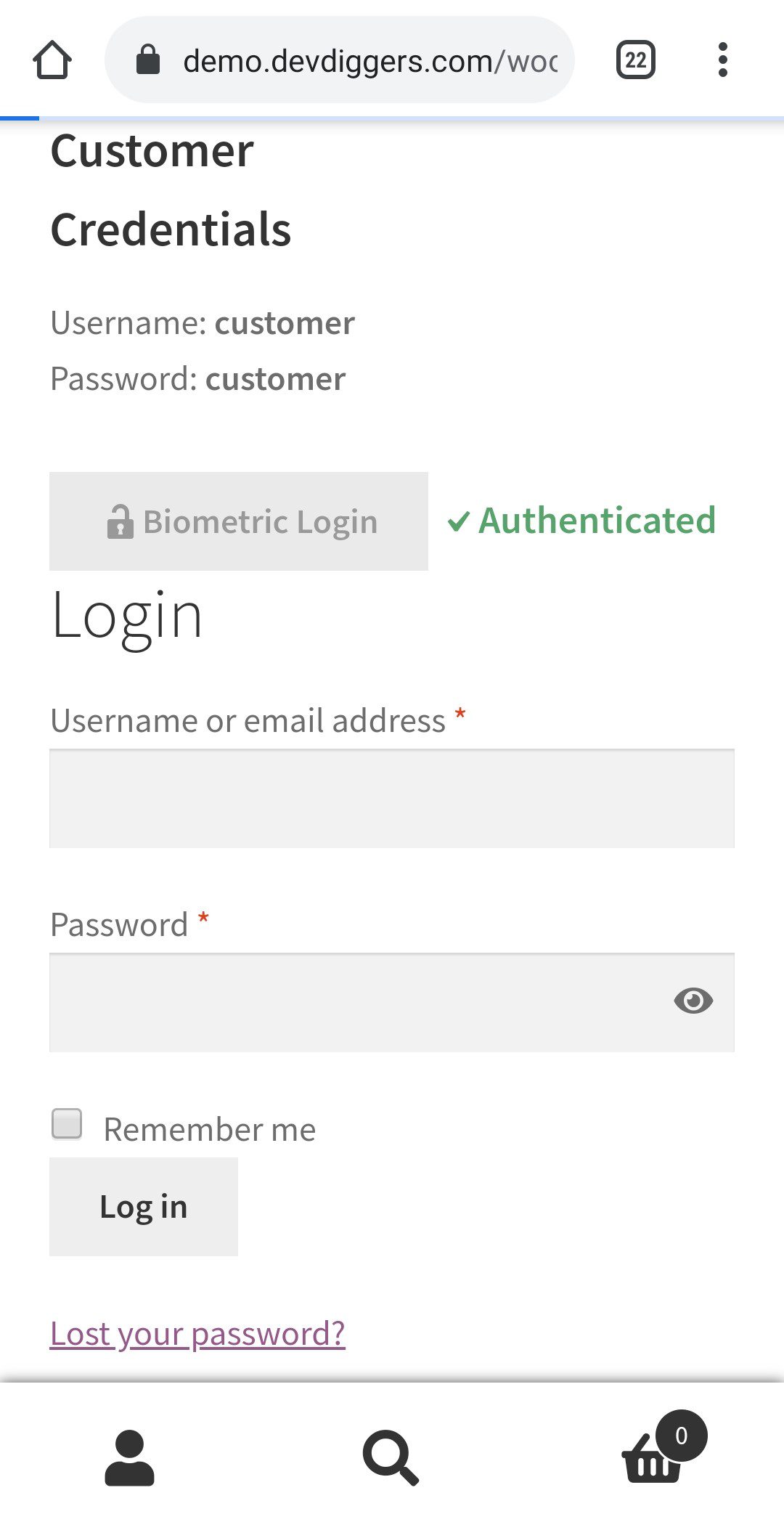
A successful check returns Authenticated and signs the customer in immediately.
A failed check returns Not Authenticated and no login happens. The password route stays available, so nobody is locked out.
Mobile is where this earns its keep. Typing a password on a phone is the single largest obstacle to a repeat purchase, and a fingerprint removes it.
Customers open the biometric login menu on the My Account page.
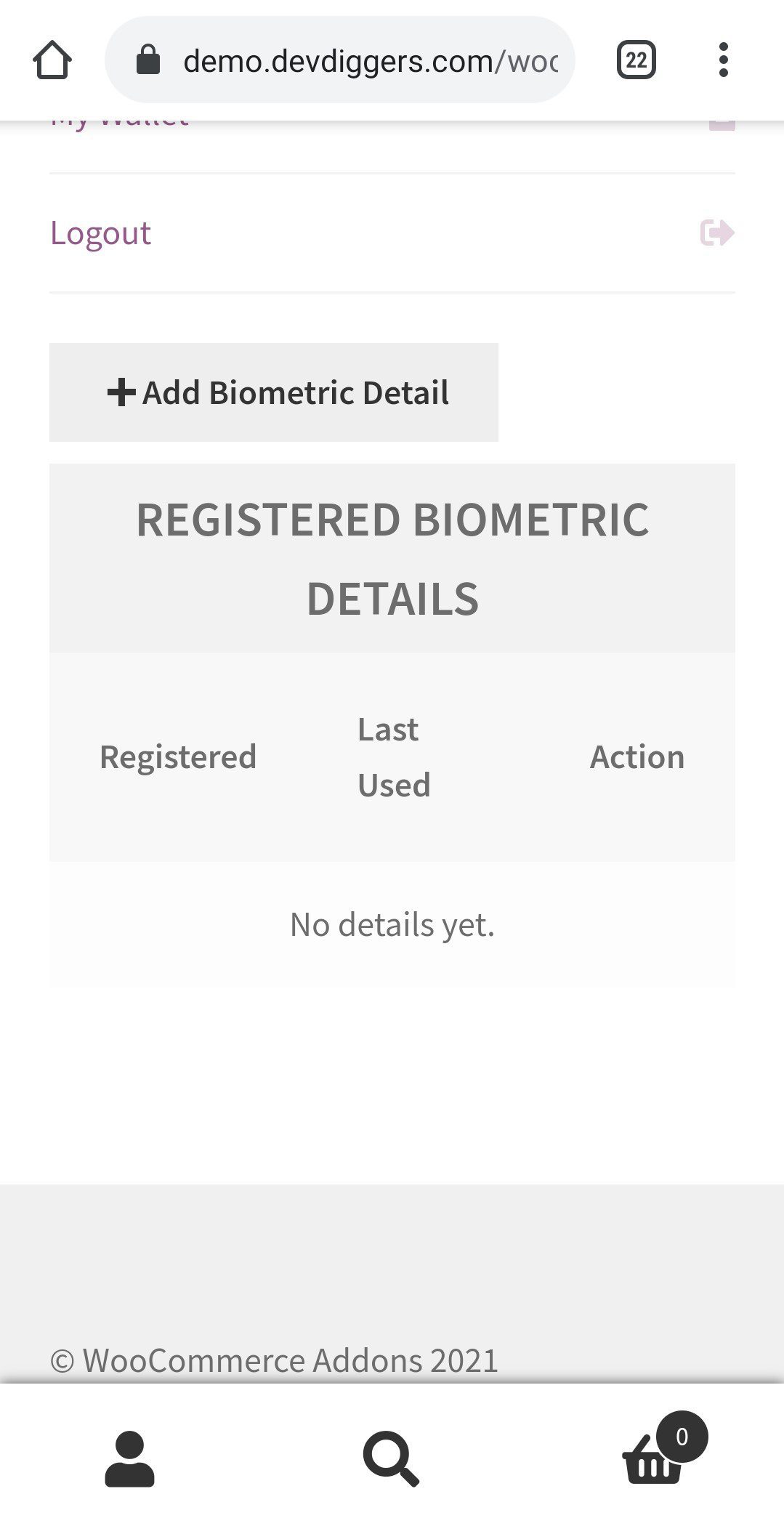
Pressing Add Biometric Detail brings up the authentication method for their operating system.

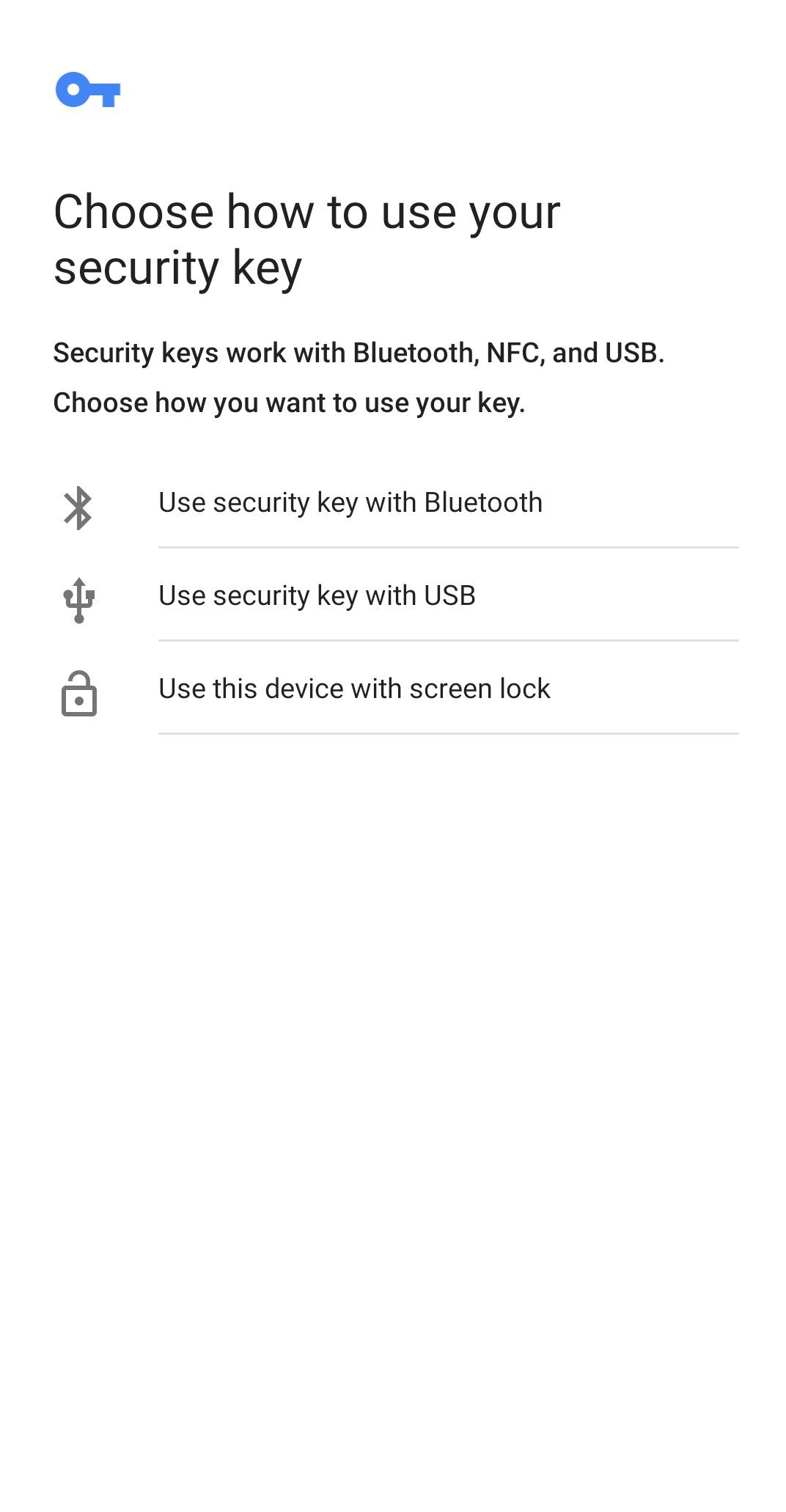
After Get Started, they choose the third option to use their screen lock, such as a fingerprint.
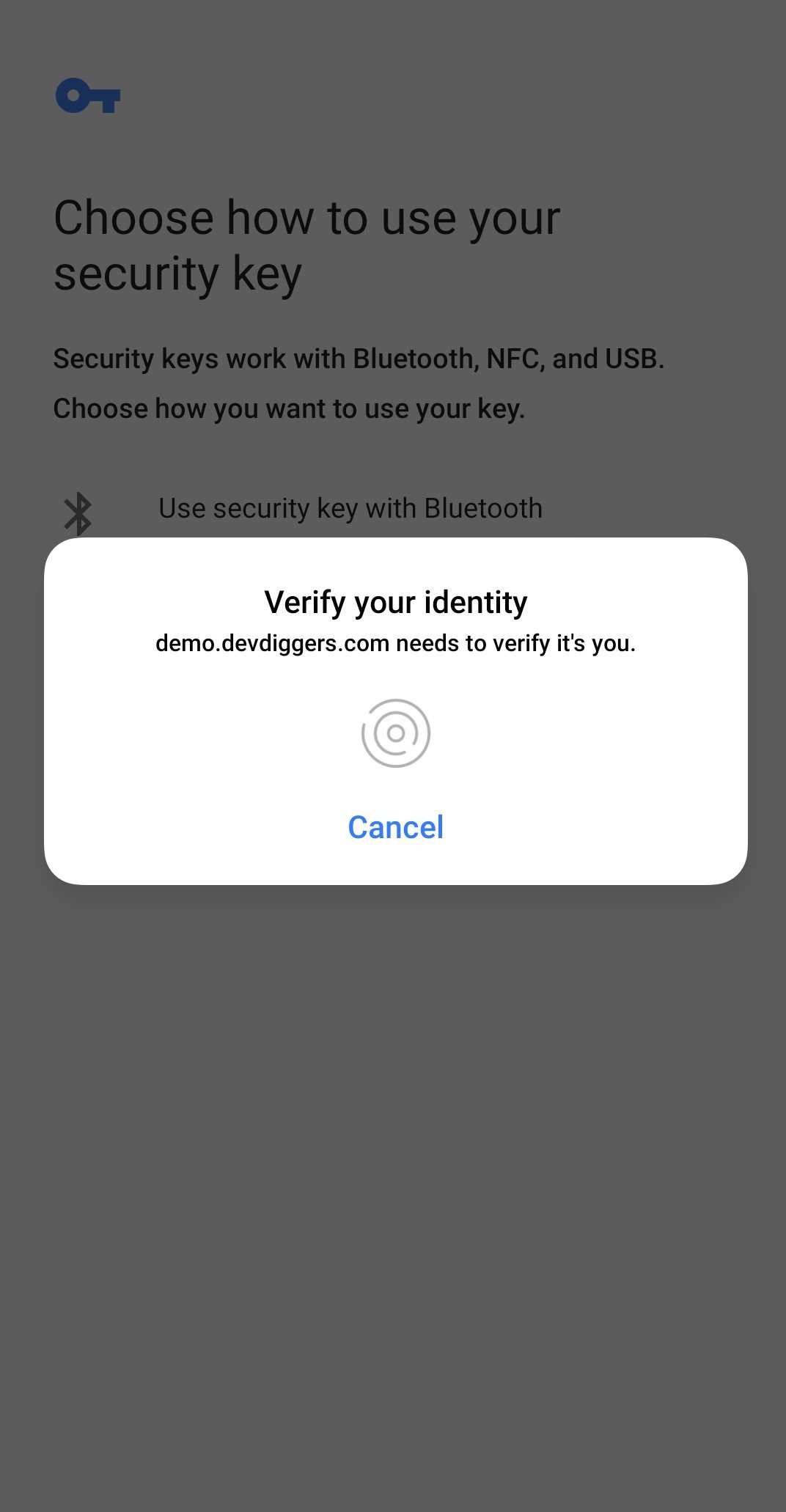
A prompt asks for the fingerprint.
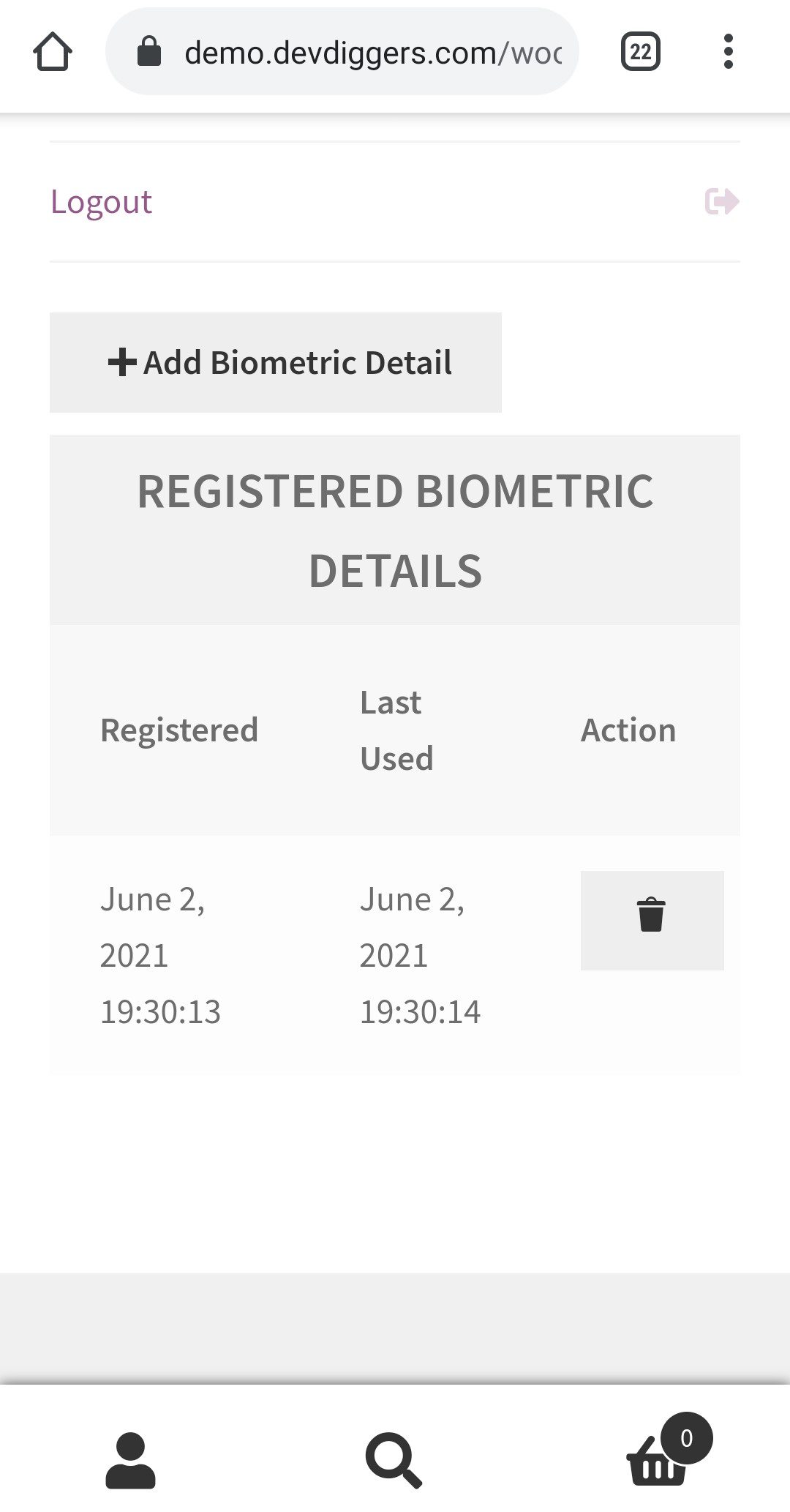
Once confirmed, the device joins their list and can be removed whenever they want.
At the login page they see the biometric option and sign in without an email address or password.
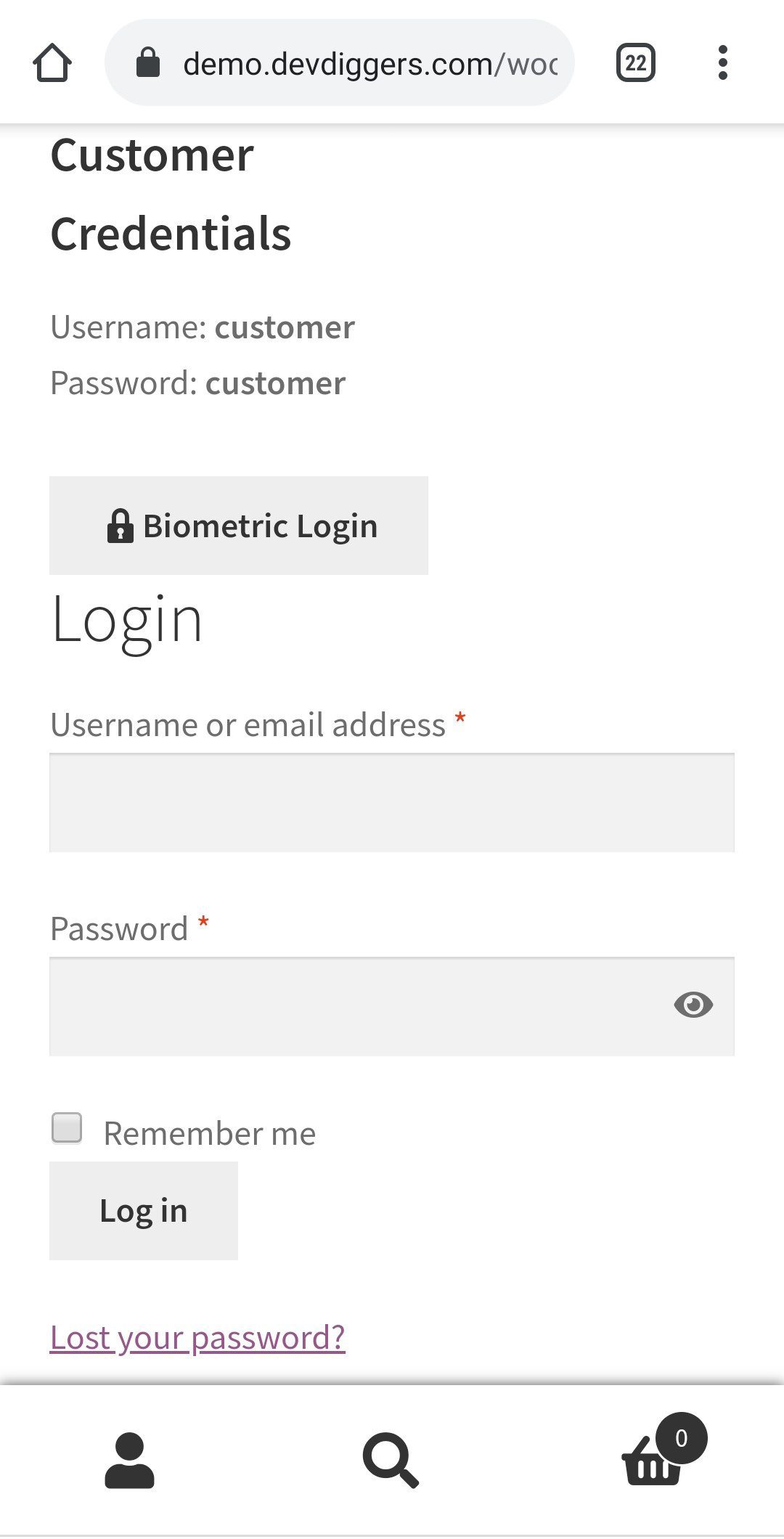
Pressing it shows the same prompt to verify.
On success they are Authenticated and logged in.
No. The plugin uses the biometric authentication already built into the customer’s phone or computer, so nothing extra is installed.
Yes. Both are supported, and each shows the authentication prompt belonging to that operating system.
Yes. Biometric login is an additional option on the login form. Customers who have not enrolled, or who prefer a password, sign in as before.
Yes. Registered devices are listed on the My Account menu, and the customer can remove any of them at any time.
The response is Not Authenticated and the customer is not logged in. They can try again or use their password.
Yes. Shortcodes are provided for both the login button and the add biometric details template, so either can be placed anywhere in the store.
Yes. Turn on logging and open the logs screen, which updates every five seconds without a page reload. Logs can be deleted when no longer needed.
Only logged in customers who have purchased this product may leave a review.
Take pre-orders and pre-bookings before launch day, so you lock in sales and see demand early.

Add two-factor login so only verified users reach customer accounts and your store dashboard.
See what each visitor views, how long they stay, and what sells, in real time on your dashboard.
Swyx –
Perfect Support That Exceeded Expectations
Perfect support! The team went beyond my expectations with their quick and helpful response. Really impressed with the experience.
ghunter805 –
Finally a WebAuthn Plugin That Actually Works
This is the only WebAuthn plugin for WordPress I found that actually works. I tried many others, but they were either broken, too complicated, or too expensive.
This one had a few minor issues at first, but the support team responded quickly and fixed them. After a bit of setup, everything works great now. It’s also very easy for users to set up and log in.
Overall, I’m really happy with it. Highly recommended!
Claudivam –
Excellent Quality with Professional Support
I was looking for German-ready resources, and I’m very satisfied with this plugin. The product quality, pricing, and features are all excellent.
What stands out most is the service. Transparent, trustworthy, and highly professional. The support team is quick, dedicated, and very helpful. Many thanks for the great experience!
mrbernny –
Excellent Biometric Plugin
Excellent script with great support! The team keeps improving and pushing new ideas. Really impressed with their innovation and dedication.
ventsi84 –
Well-Built WooCommerce Biometric Plugin
Great plugin! It’s very well coded and works smoothly. The support is also amazingly fast and helpful.
ABDELMOATY –
Excellent Support
The customer support is excellent. They are always available to help and resolve issues quickly. A very smooth and reliable experience!
frames69 –
Best WooCommerce Biometric Login Plugin!!
I usually write reviews when things don’t work as expected but not this time. This plugin is well-designed, polished, and works perfectly right from the start.
It’s a great addition to any website, and I highly recommend it. Definitely worth it!
kraze2007 –
Exactly What I Needed
I’ve been searching for a solution like this for a long time. The plugin works great and does exactly what I needed. I do wish it had WebAuthN support, but overall it’s a great plugin. Thanks for building it!
rrkg –
Promising Plugin with Outstanding Support
The plugin works perfectly and delivers exactly what it promises. The support team is incredibly helpful and quick to respond. It’s a great combination of quality and service. Couldn’t ask for more!
juanctr2 –
Highly Recommended Plugin
It works amazingly well and delivers great results. 100% recommended!