
The best WooCommerce customer analytics plugins show what shoppers do before they buy. Most store owners can see last month’s sales. They cannot see which product a shopper opened twice or where that shopper left.
These tools sit inside your WordPress dashboard and quietly record what logged-in shoppers do: pages viewed, products browsed, searches run, carts abandoned. Instead of guessing why conversions dipped, you get an actual trail of behavior to study.
We rechecked every plugin’s features and prices on its vendor page in October 2026 and read the code of our own plugin. This guide starts with what WooCommerce Analytics shows for free. Then it compares eight plugins on price, features and the store each one suits.
What is a Customer Analytics Plugin?
A customer analytics plugin is software that tracks how shoppers interact with your WooCommerce store, beyond what they buy.
It logs behavior like page visits, product views, and search terms. It then displays that data inside your WordPress admin.
Store owners use it to spot patterns in what customers look at before they decide. Decisions then rest on evidence instead of guesswork.
What WooCommerce Analytics Shows Without a Plugin
WooCommerce Analytics is the free reporting screen built into every WooCommerce store. It reports revenue, orders, products, coupons, taxes, stock and customers from completed orders. It does not show which products a shopper viewed, what they searched for or how they moved through the store.
The WooCommerce Analytics docs list eleven reports as of October 2026. They include Revenue, Orders, Products, Variations, Categories, Coupons, Taxes, Downloads, Stock, Customers and Order attribution. You find them under Analytics in the WordPress admin menu.
The Customers report is the closest thing to customer analytics in core. These columns show by default:
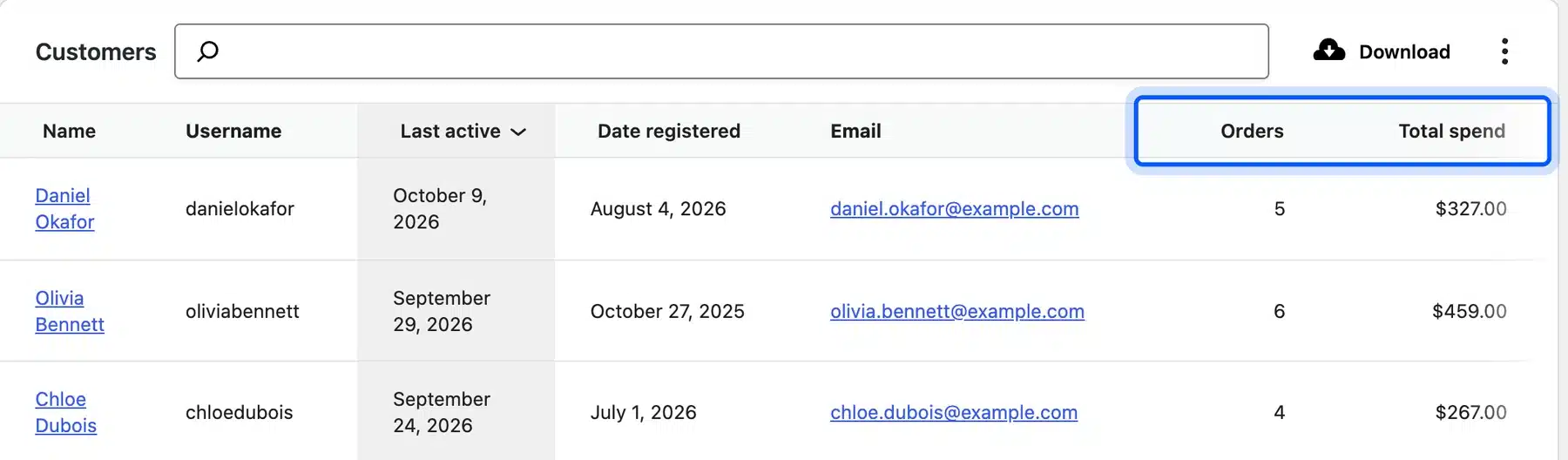
- Customer details: Name, email, country or region and user role.
- Activity dates: Last active and date registered.
- Spend: Number of orders, total spend and average order value.
The order attribution docs add one more layer. Each order stores its referring source, UTM tags, device type and the number of page views in that session.
That covers who bought and where they came from. It leaves out shoppers who browsed and left, the products they viewed and the words they searched. The plugins below fill that gap.
How WooCommerce Customer Analytics Improves Store Growth
WooCommerce customer analytics helps a store grow when it changes what the store does next. Browsing data shows who was close to buying and what stopped them. That data then drives win-back emails, better product pages and offers aimed at the right group of shoppers.
A plugin that flags a browsed-not-bought product can trigger a recovery email. That email can turn into a completed order.
Repeat purchases from re-engaged shoppers raise average customer value over time. Search and view data can also point to slow sellers or pricing problems before they show up in a monthly sales report.
8 Best WooCommerce Customer Analytics Plugins for 2026: Detailed Overview
1. WooCommerce Customer Tracking: Real-Time Tracking
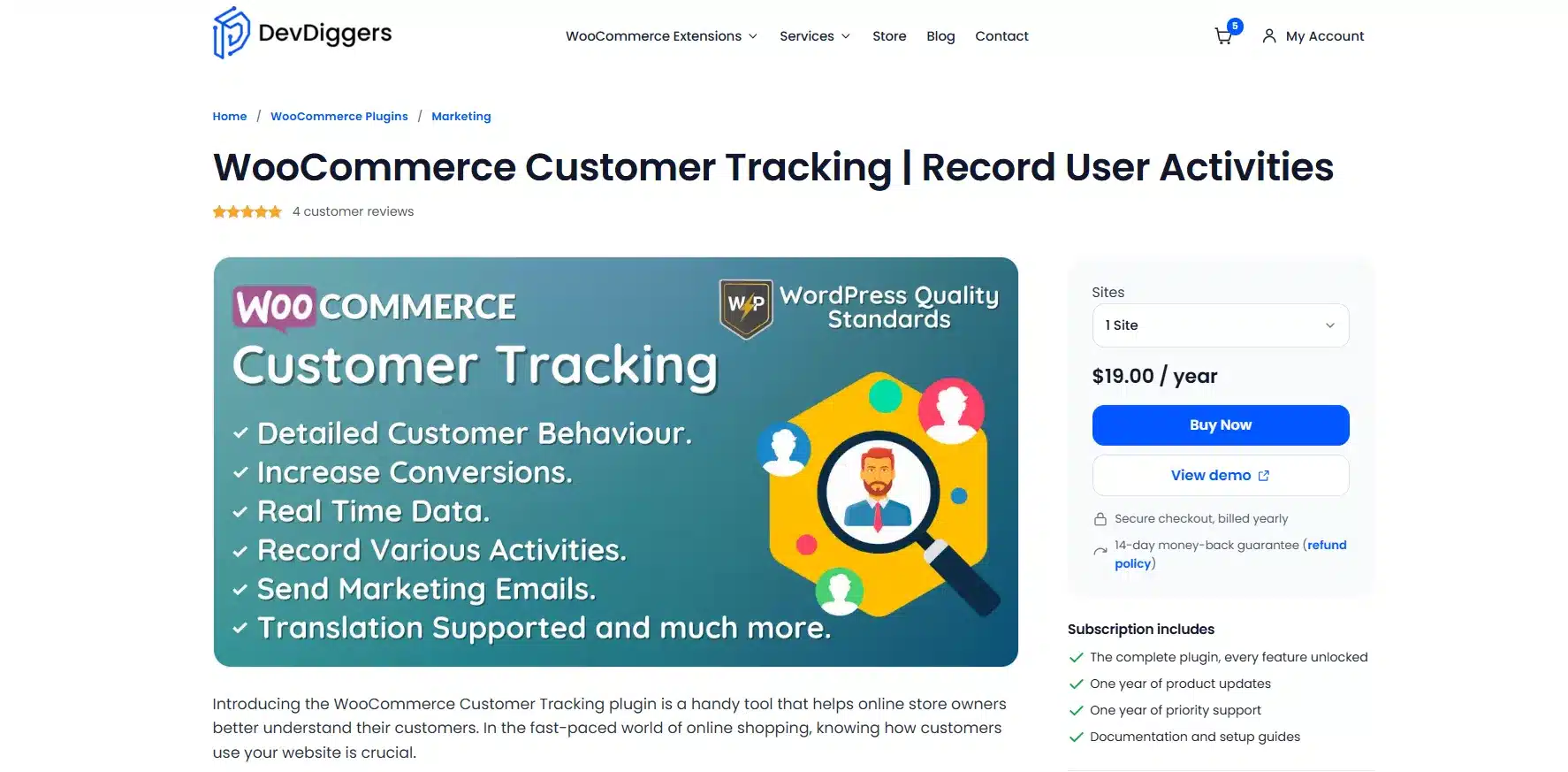
WooCommerce customer tracking plugin by DevDiggers records what shoppers do on your store in real time, like pages loaded, products viewed, searches run and coupons applied. Version 1.3.0 logs guest page loads too, with IP address and country. Everything shows up inside your WordPress admin, with no separate dashboard to check. Admins can exclude specific activities, user roles, or individual users from tracking, and old records can auto-delete on a schedule to keep the database light.
Best For
Store owners who want real-time activity logs inside the dashboard without connecting an external analytics account.
Key Features
- Real-Time Activity Feed: View page loads, product views and searches as they happen
- Exclude Rules: Remove specific users, roles or activities from tracking
- Marketing Email Trigger: Send a re-engagement email straight from a customer’s activity log
Pricing
- 1 Site: $19/year
- 5 Sites: $79/year
- 10 Sites: $129/year
Benefits
- No Extra Dashboard: everything lives inside wp-admin and there’s nothing new to learn
- Detailed Control: Exclude roles or users from tracking for privacy or less noise
Limitations
- Guest visits have no email attached. Win-back emails reach account holders only.
- No built-in data export or visual charts
It’s the only plugin here that pairs real-time tracking with a direct send-a-marketing-email action from inside the same activity log, turning insight into outreach without switching tools.
2. MonsterInsights: GA4 Integration
MonsterInsights connects WooCommerce to Google Analytics 4 without writing code. Its eCommerce addon tracks product views, add-to-cart actions, and checkout steps, while the Customer Journey addon shows what a shopper did before buying. Reports surface directly inside the WordPress dashboard. There’s no need to log into a separate Analytics account for daily checks.
Best For
Stores that already rely on Google Analytics and want WooCommerce data inside the same reports. The prices below are the MonsterInsights pricing sale prices as of October 2026.
Key Features
- eCommerce Addon: tracks product views, cart activity, and checkout completion
- Customer Journey Addon: maps a shopper’s path before purchase
- Dashboard Reports: view GA4 data without leaving WordPress
Pricing
- Plus: $99.50/year (1 site and no eCommerce tracking)
- Pro: $199.50/year (5 sites, adds eCommerce tracking and User Journeys)
Benefits
- Familiar Reporting: builds on Google Analytics and teams already using GA4 skip the learning curve
- Beginner Setup: guided wizard connects GA4 without manual code
Limitations
- eCommerce tracking requires the Pro tier and the entry plan does not include it
- Tracking runs in the browser only and ad blockers can undercount events
3. Metorik: Deep Reporting & Automation
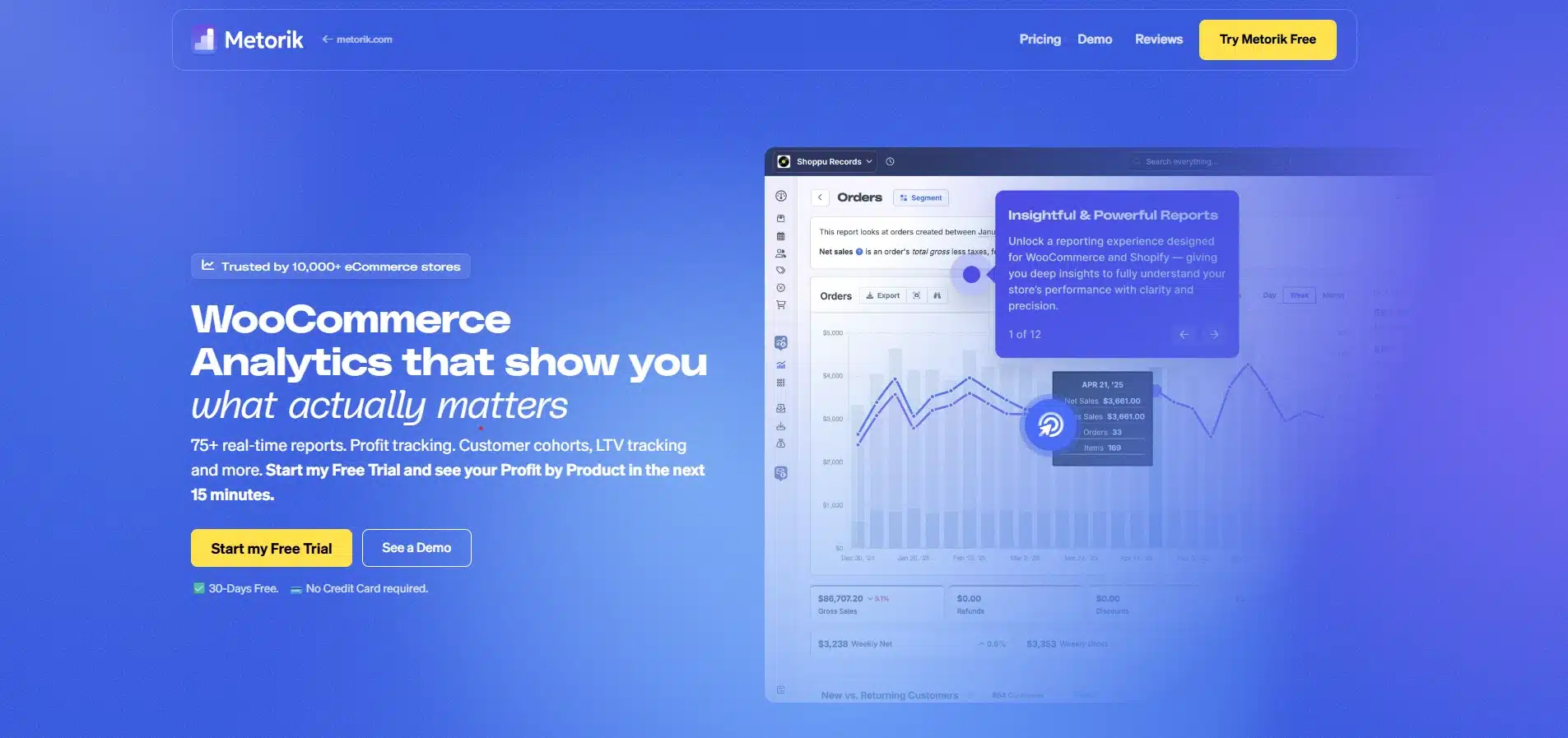
Metorik turns raw WooCommerce order data into a real-time dashboard covering customers, products, and revenue. It builds customer groups, tracks repeat purchase rate, and flags abandoned carts automatically. Setup takes under 15 minutes: install the Metorik Helper plugin, connect the account, and it imports full order history automatically.
Best For
Growing stores that want cohort analysis and automation beyond raw activity logs.
Key Features
- 75+ Reports: covers sales, customers, products, subscriptions, and profit
- Cohort Tracking: measures retention and lifetime value by signup group
- Abandoned Cart Alerts: flags incomplete checkouts automatically
Pricing
- Starter Plan: $25/month (all features included, price scales with monthly order volume)
Benefits
- Offloaded Processing: reports run on Metorik’s servers and your store’s performance isn’t affected
- Unified View: customers, products, and revenue sit in one dashboard
Limitations
- No free plan, only a 30-day trial
- Pricing rises as monthly order volume grows
4. WP Activity Log: Compliance & Audit Trails
WP Activity Log by Melapress tracks user and system activity across your entire WordPress site, with a dedicated WooCommerce category covering orders, coupon use, and customer account changes. It’s built for auditing and compliance first, customer marketing second, which makes it a stronger fit for stores that need a defensible record of who did what.
Best For
Agencies and stores that need a compliance-grade record of every WooCommerce and site event.
Key Features
- WooCommerce Event Category: logs orders, coupons, and account edits alongside site changes
- Session Management: terminate suspicious sessions or force logouts
- Email and SMS Alerts: get notified of specific events in real time
Pricing
- Premium: $139/year for 1 site (adds search filters, notifications and reports)
Benefits
- Full Site Coverage: tracks WooCommerce alongside plugin, theme, and user activity
- Compliance Ready: supports GDPR, PCI-DSS, and similar audit needs
Limitations
- Built for auditing and has no built-in win-back email trigger
- Generates large log volumes that need regular cleanup on smaller sites
5. Simple History: Lightweight Activity Logging
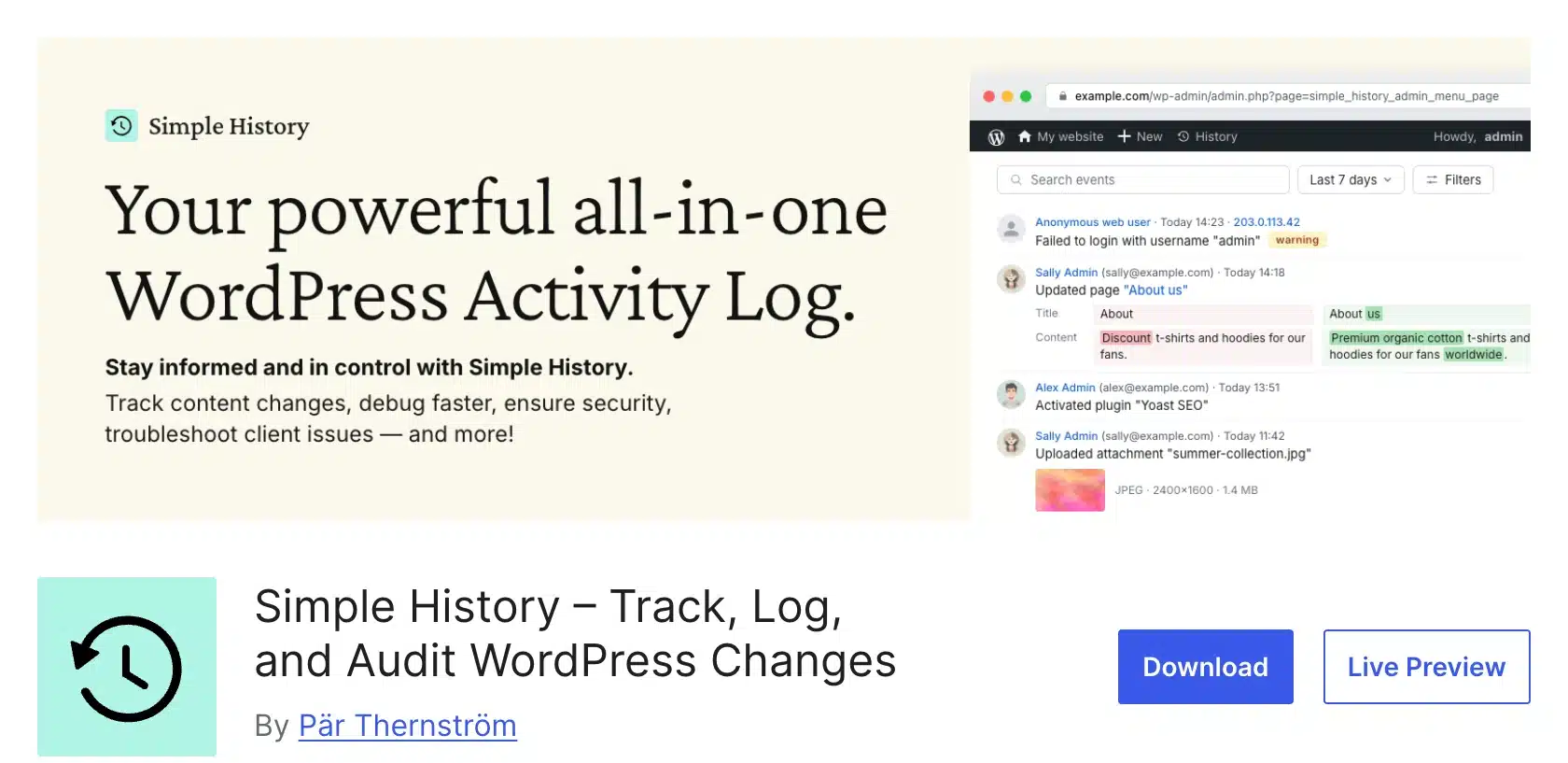
Simple History is a free activity log that starts recording the moment it is activated. It logs post, plugin and user changes in a time-based timeline inside wp-admin. WooCommerce events need the paid WooCommerce Logger add-on, which logs order, product and coupon edits.
Best For
Small stores or agencies wanting a free activity log that needs no configuration.
Key Features
- WooCommerce Logger: A paid add-on that logs order, product and coupon changes
- Weekly Email Reports: summarizes activity without logging in
- Chronological Timeline: click any event for full detail
Pricing
- Free core logging that keeps 30 days of history by default
- Premium: $79/year for longer retention and exports. WooCommerce Logger: $59/year.
Benefits
- Instant Setup: starts logging immediately after activation without any configuration
- Lightweight Footprint: minimal performance impact even on busy stores
Limitations
- Free plan keeps 30 days of history (60 days on installs older than version 5.25.0)
- Not built specifically for customer behavior marketing use
6. PureDevs Customer History for WooCommerce: Search and View Tracking
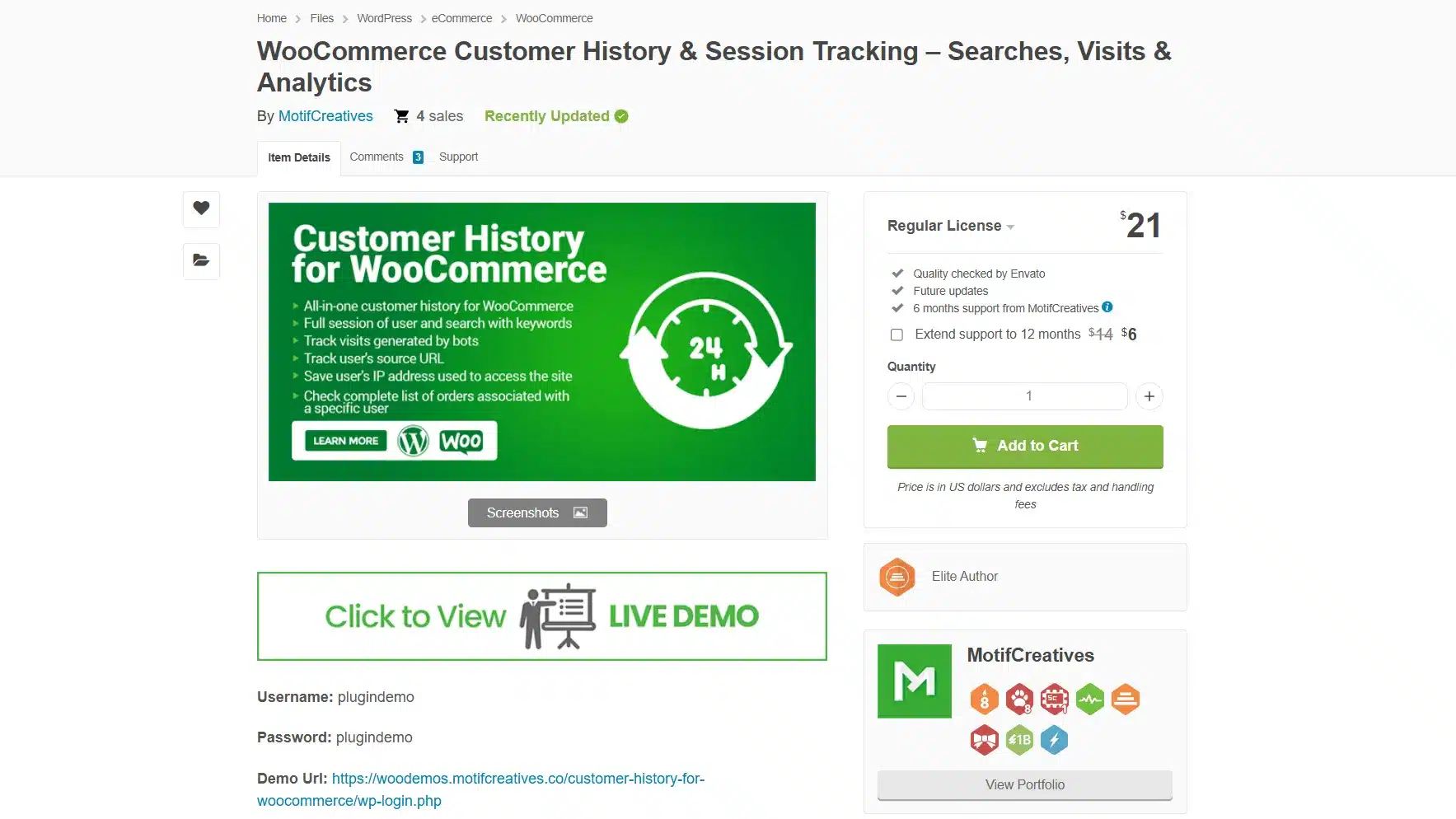
PureDevs Customer History for WooCommerce tracks which products and categories shoppers view and what they search for. It keeps the data in your own WordPress database and builds a profile per customer with order history. The older Customer History extension is no longer sold on WooCommerce.com. This is the maintained option to look at in 2026.
Best For
Stores that want search and product view data per customer without an outside analytics account.
Key Features
- Search Analytics: Top searches and searches that returned no products
- View Tracking: Product and category views for each customer
- Customer Segments: Saved segments with live counts and CSV export
Pricing
- Free version with the last 90 days of analytics and one saved segment.
- Pro: $79/year per site as listed on the PureDevs pricing page in October 2026.
Benefits
- Search Insight: Shows what customers look for but may not find
- Private Data: Customer data never leaves your WordPress database
Limitations
- A young plugin with 20+ active installs on WordPress.org as of October 2026
- Full history and advanced segments need the Pro version
7. REPORTiT: Customer Segmentation Reports
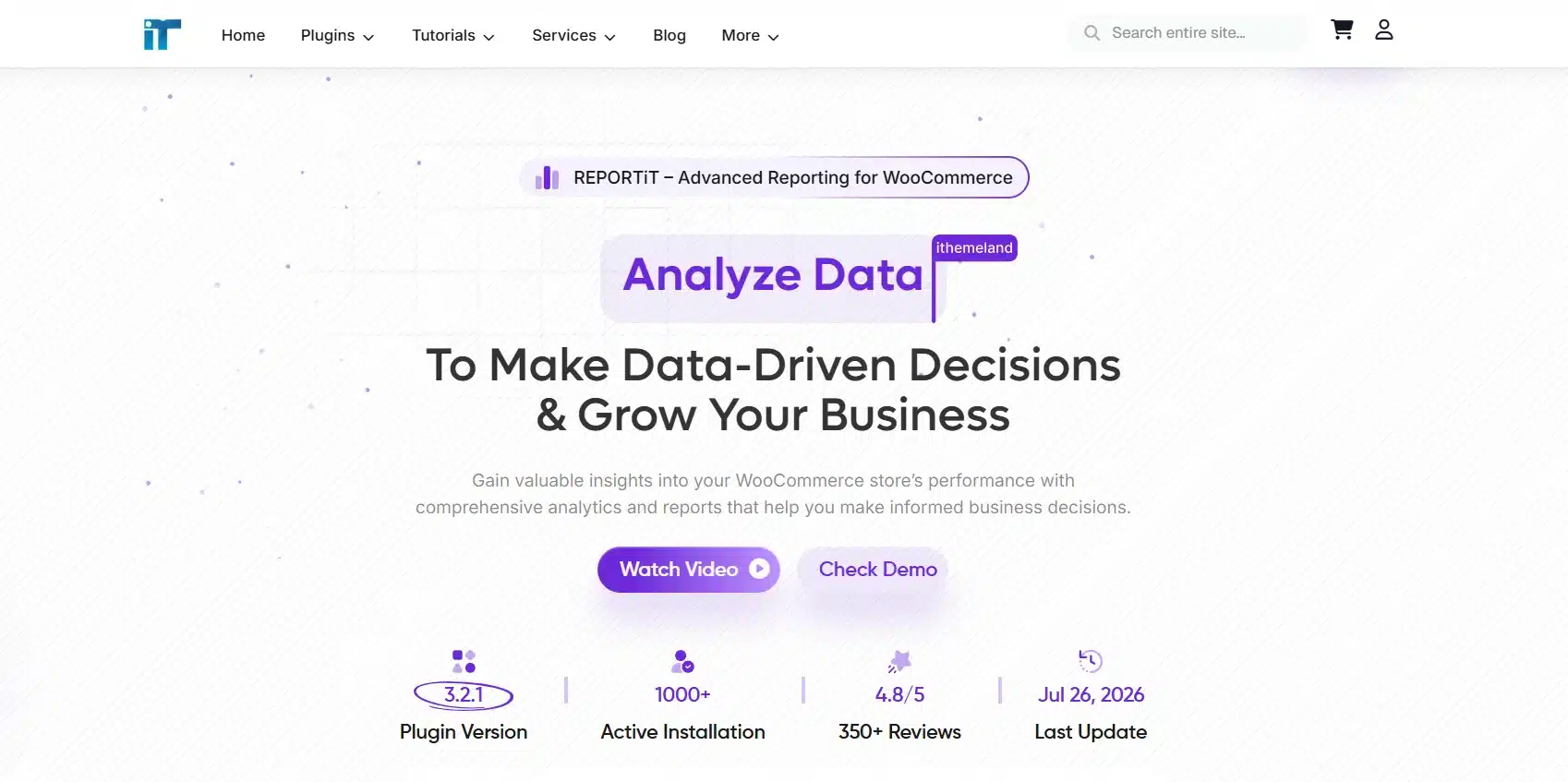
REPORTiT by iThemeland goes beyond WooCommerce’s native reports with customer purchase history, repeat-customer counts, and non-purchase reports for re-engagement targeting. Filters let admins segment by date range, product, category, or customer group. They can then export the results as CSV, PDF, or Excel for sharing with a team. A free version on WordPress.org covers the basics before upgrading.
Best For
Stores that want exportable customer reports with segments for marketing planning.
Key Features
- Customer Segmentation: groups shoppers by purchase frequency or spend
- Non-Purchase Report: lists customers who registered but never bought
- Export Options: download reports as CSV, PDF, or Excel
Pricing
- Premium: $99/year, unlocks advanced filters and segmentation
Benefits
- Actionable Segments: built for targeting customer groups as well as viewing them
- Flexible Export: shares easily with non-admin team members
Limitations
- Focused on order-based reports and has no real-time browsing activity
- Free version limits advanced filtering and export formats
8. Google Analytics for WooCommerce: Free GA4 Ecommerce Data

Google Analytics for WooCommerce is WooCommerce’s own official integration with GA4, tracking product impressions, add-to-cart actions, and checkout steps at no cost. It’s the most basic option on this list, a straight pipe from your store into Google Analytics, without any custom dashboard or reporting layer of its own. Setup takes a few minutes: enter a GA4 measurement ID and standard ecommerce events start flowing automatically.
Best For
Budget-conscious stores that only need standard GA4 ecommerce event tracking.
Key Features
- Standard Ecommerce Events: tracks impressions, cart actions, and purchases
- Official Integration: maintained by WooCommerce itself
- GA4-Native: data appears directly in your existing Analytics property
Pricing
- Free; no paid tier exists
Benefits
- Zero Cost: full GA4 ecommerce tracking without a subscription
- Official Support: maintained alongside WooCommerce core updates
Limitations
- No dashboard inside WordPress, all reporting happens in Google Analytics
- Lacks the segmentation or session-detail features paid tools offer
How Stores Use Customer Analytics Data
Stores use customer analytics data in three main ways. It triggers win-back emails to shoppers who browsed but did not buy. It splits customers into groups for campaigns, and its search and view data shows which products need a better price or description.
- Win-back emails are the most direct use: a plugin flags a browsing-not-buying customer, and a targeted email goes out before the product’s forgotten, often with a small nudge like a discount or a stock alert attached.
- Segmentation follows purchase and browsing history, splitting customers into repeat buyers, high spenders, and one-time visitors. Campaigns then speak to each group differently instead of one generic blast.
- Product decisions come from search and view data: what customers search for reveals catalog gaps, and what they view but skip signals a pricing or description problem worth fixing before the next sale.
Quick Comparison: 8 Best WooCommerce Customer Activity Tracking Plugins
The eight plugins differ most on whether they track guests and where they keep the data. The table compares starting price, guest tracking and data retention side by side. Prices are the vendors’ own figures as of October 2026.
| Plugin | Best For | Starting Price | Tracks Guest Visitors | Data Retention |
|---|---|---|---|---|
| WooCommerce Customer Tracking | Real-time activity tracking | $19/year | Yes, with IP and country | Admin-controlled with an auto-delete option |
| MonsterInsights | GA4 integration | Free with paid plans from $99.50/year | Yes | Controlled by Google Analytics |
| Metorik | Deep reporting and automation | $25/month | No, order and account data | Unlimited and stored in Metorik |
| WP Activity Log | Compliance and audit trails | Free with paid plans from $139/year | Logs user and site events | Unlimited by default |
| Simple History | Lightweight activity logging | Free with WooCommerce Logger at $59/year | No shopper browsing | 30 days on free plan |
| PureDevs Customer History | Search and view tracking | Free with Pro from $79/year | Yes | 90 days on free plan |
| REPORTiT | Customer segmentation reports | Free with paid plans from $99/year | No, order-based data | Stored indefinitely in admin |
| Google Analytics for WooCommerce | Free GA4 ecommerce data | Free | Yes | Controlled by Google Analytics |
Guest tracking and data ownership vary the most. Pick guest-capable tools for full-funnel visibility, logged-in-only trackers for repeat-buyer focus, and self-hosted retention if you want to control the data yourself.
Is Customer Analytics GDPR Compliant?
Tracking plugins aren’t automatically GDPR compliant; compliance depends on how you configure and disclose them. It does not depend on the plugin’s marketing copy.
Most reputable plugins let admins exclude specific users or roles, set data retention limits, and delete records on request, which helps with the right to erasure and data minimization rules in the GDPR.
Pair any tracking plugin with a clear privacy policy and cookie consent where required. The plugin alone won’t cover your legal responsibilities. If your store sells to EU customers, it’s worth a quick read of your plugin’s data-handling docs before launch. Waiting for a complaint is too late.
Conclusion
Start with WooCommerce Analytics for sales and customer totals. Add a plugin when you need to see what shoppers do before they buy.
Want everything inside your existing dashboard? Choose a lightweight, real-time tracker. Already reporting through Google Analytics? A GA4-based plugin saves a second system to maintain. Running a high-volume store? A dedicated reporting platform earns its subscription.
For activity logs and win-back emails inside wp-admin, our WooCommerce customer analytics plugin is built by DevDiggers and starts at $19 a year.
If guest tracking matters most, compare the guest column in the table above before you install anything.
Frequently Asked Questions (FAQs)
Q1. Do WooCommerce customer analytics plugins track guest visitors?
It depends on the plugin. WooCommerce Customer Tracking 1.3.0 logs guest page loads with IP address and country, and PureDevs Customer History records guest views and searches. GA4-based tools like MonsterInsights and Google Analytics for WooCommerce track anonymous visitors through the browser.
Q2. Can I use more than one customer analytics plugin at once?
You can, but it’s rarely worth it. Running two trackers usually means duplicate database entries or conflicting scripts, and neither report becomes more accurate for the overlap. Pick the plugin that matches your primary use case and add a second only if it covers something genuinely different, like pairing a real-time tracker with a compliance-focused audit log.
Q3. Does customer tracking slow down my WooCommerce store?
A well-built plugin adds a negligible load. Most log activity in the background and don’t hold up page rendering. Cloud-based or externally hosted tools like Metorik avoid the issue entirely since processing happens off your server. If you notice slowdowns, check whether the plugin is storing years of not cleaned-up data in your database.
Q4. What’s the difference between customer analytics and activity log plugins?
Customer analytics plugins focus on shopping behavior, product views, searches, and purchase patterns, aimed at marketing and sales decisions. Activity log plugins like WP Activity Log record a broader range of site events for security and compliance, with WooCommerce activity as just one category among many.
Q5. Do I need coding skills to set up a customer analytics plugin?
No. Every plugin covered here installs like a standard WordPress plugin and activates through a simple settings screen or license key. GA4-based tools may ask for a measurement ID. That is a copy-paste step and needs no coding.