The best WooCommerce social share discount plugins reward a customer the moment someone buys through their shared link, without you touching a single coupon code by hand.
After going through 6 plugins built around this exact loop, one gap shows up fast. A plugin that just drops a share button on the page behaves very differently from one that tracks the full transaction.
This guide compares 6 WooCommerce social share discount plugins on pricing and guest checkout handling. It also covers HPOS support and how well each one stops customers from gaming the reward. Prices and versions were checked on each vendor page in October 2026.
What Is a WooCommerce Social Share Discount Plugin?
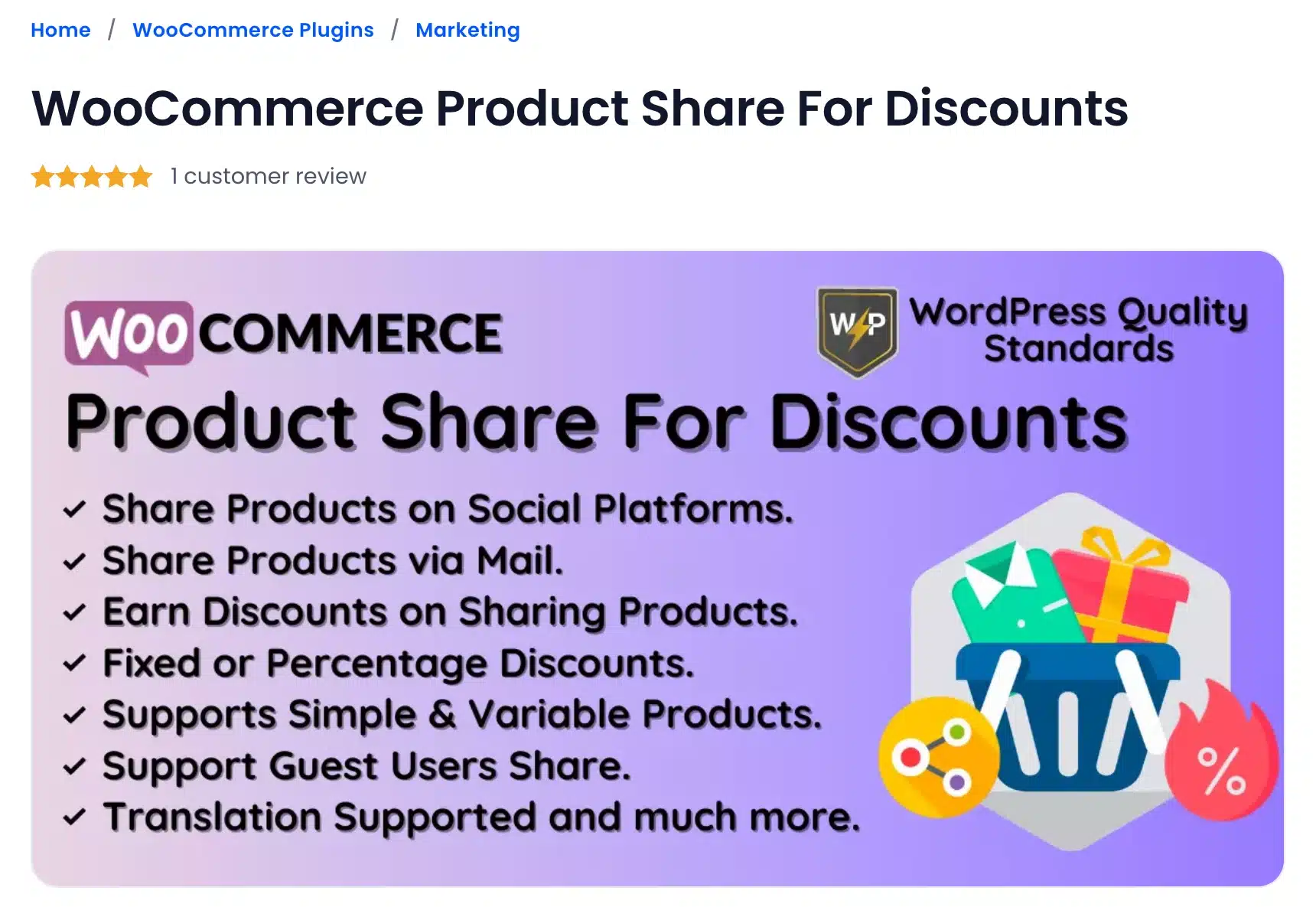
A WooCommerce social share discount plugin adds a share button to your product pages. It gives the customer a coupon or price cut once they post the product on Facebook, Instagram, WhatsApp, or another network.
Some plugins reward the person for sharing. Others also reward whoever clicks the shared link and buys, turning the feature into a small referral engine.
When influencers or bloggers promote your products for you, an affiliate plugin lets you pay partners a commission per sale through tracked referral links.
Store owners lean on this tactic because word of mouth still moves buyers. McKinsey research ties word of mouth to 20-50% of purchasing decisions worldwide. That is why agencies keep adding this feature to client stores instead of treating it as a gimmick.
6 WooCommerce Social Share Discount Plugins: Detailed Overview
1. WooCommerce Product Share For Discounts
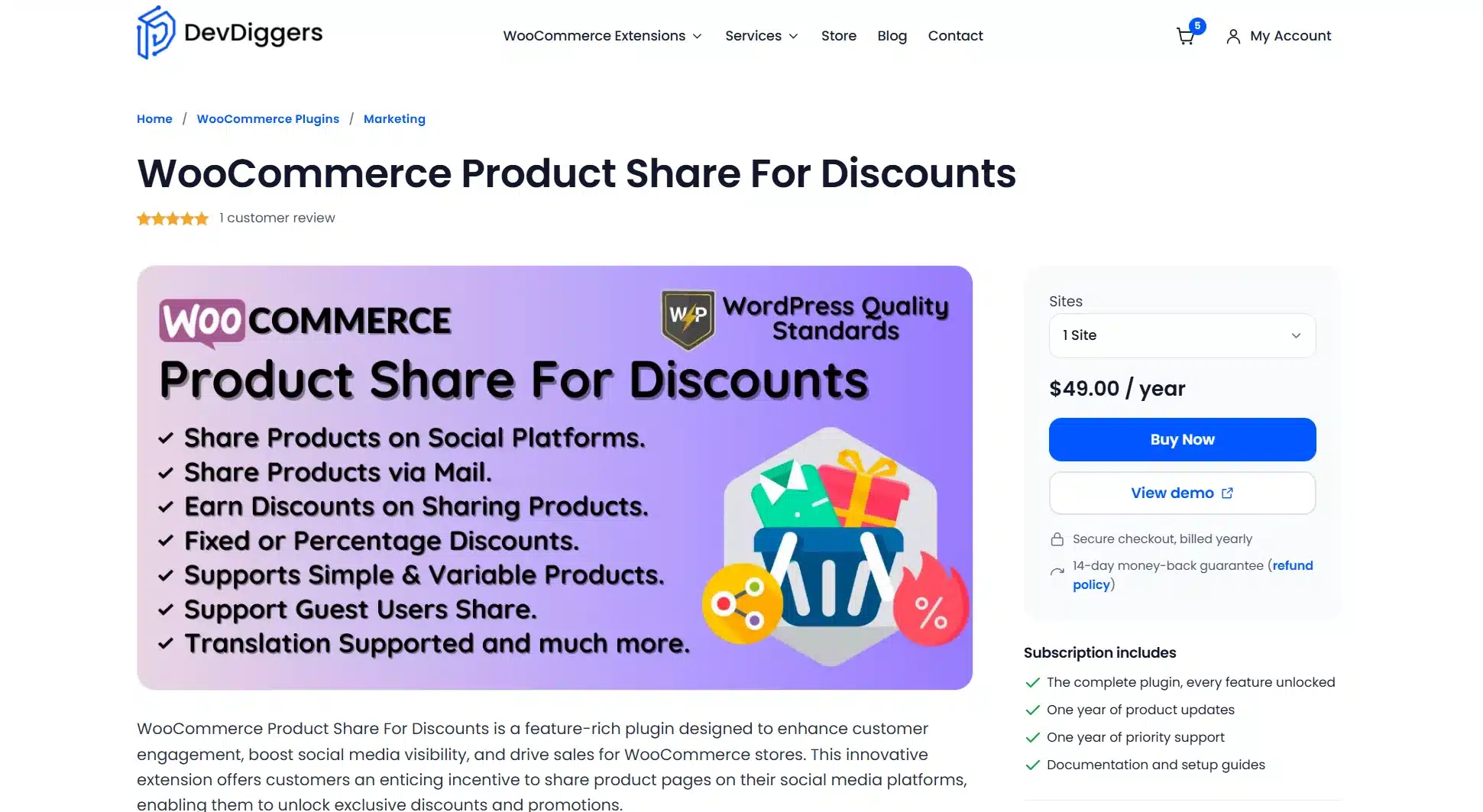
WooCommerce Product Share For Discounts plugin is a DevDiggers plugin built specifically around the share-and-buy loop. It tracks the referral through the cart, checkout, and thank you page, and shows guest shoppers their discount before they log in.
Admins also get a notifications screen that lists every discount earned, filterable by date or referral user.
It is the only plugin in this list built for one job. It shows exactly who shared, who bought, and what discount applied at every stage of the order
Best For
Stores that want a dedicated tool for share-triggered discounts rather than a bundled loyalty suite.
Key Features
- Separate “share to discount” and “share by discount” rules with fixed or percentage amounts
- Referral data visible on the cart, checkout, thank you page, and admin order screen
- “Share via Email” option alongside social platforms
- Configurable per-product exclusions and endpoint text
Pricing
- 1 Site: $49/year
- 5 Sites: $199/year
- 10 Sites: $299/year
Benefits
- Full visibility: Admins see every referral tied to an order and not just a coupon count.
- Guest-friendly: Guests can earn the buyer-side discount without creating an account first.
- HPOS ready: Built for WooCommerce’s High-Performance Order Storage from the ground up.
Limitations
- Focused on share-to-discount only. Stores wanting points or tiers need a separate plugin.
- Requires WordPress 6.5 and WooCommerce 9.0 or newer. Older stores may need to update first.
Working
Customers share a product link, and the plugin applies a fixed or percentage discount automatically once someone completes a purchase through that shared URL.
2. Social Sharing Discounts by FMEAddons: Budget Setup
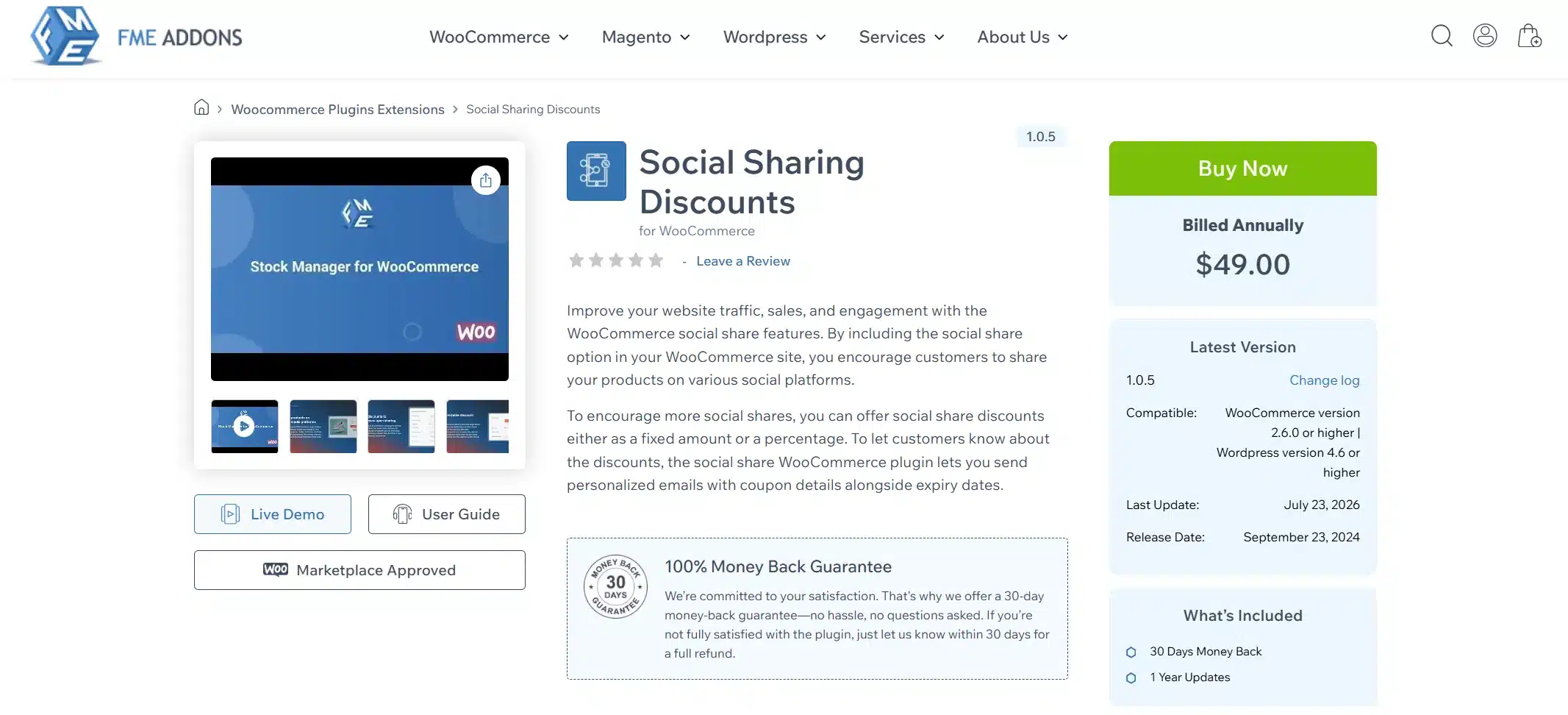
Social Sharing Discounts by FMEAddons keeps the feature set tight: share, discount, done. It is also listed on the official WooCommerce.com marketplace under the same name. That gives buyers a second place to check reviews and version history before they commit to the purchase.
For stores that want the core mechanic without extra dashboards to learn, this stays close to the original idea behind a share-for-discount plugin.
Best For
Small stores that want a low-cost single-purpose social share discount without extra loyalty features.
Key Features
- Sharing across Facebook, X, WhatsApp, Instagram, Pinterest and LinkedIn with editable button text
- “Fixed” or “percentage” discount types
- Coupon delivery by email with expiry notes
- Editable share message shown to the customer before they post
Pricing
- 1 Site: $49/year
Benefits
- Simple setup: Fewer settings screens mean a faster launch for non-technical owners.
- Email delivery: Customers get their coupon by email and not just on-screen.
- Money-back guarantee: A 30-day refund window lowers the risk of trying it.
Limitations
- No referral tracking through checkout or the thank-you page.
- Customers must apply the coupon manually. There is a small chance they forget before checkout.
Working
The customer shares a product on a supported network, and the plugin issues a fixed or percentage-off coupon by email once the share completes. They then copy that code and apply it manually at checkout. That adds a small extra step compared to an automatic discount.
3. URL Coupons – Create & Share Discount Links for WooCommerce: Zero Cost
URL Coupons lets you create shareable WooCommerce coupon links that automatically apply a discount the moment someone clicks them, no manual code entry needed. As of October 2026, version 1.2.0 is tested up to WordPress 7.0.7 and lists compatibility with WooCommerce 10.9.4.
Best For
Stores testing the “share for a discount” idea before committing budget to a paid plugin, without worrying about an abandoned codebase.
Key Features
- Add coupon links anywhere: buttons, emails, ads, images, popups, or pages
- Automatically applies the discount when the link is clicked and needs no manual coupon entry
- Supports guest users. Shoppers don’t need an account to redeem
- Create links scoped to specific products or categories for targeted campaigns
- Track campaign performance using UTM parameters in Google Analytics
Pricing
Free; no paid tier exists
Benefits
- Active development: confirmed compatible with current WordPress and WooCommerce versions, unlike plugins that haven’t been touched in years
- No manual step: the discount applies automatically on click instead of requiring a copied code
- Analytics built in: UTM tracking shows which shared links are actually converting
Limitations
- Coupon delivery is link-based and not tied to a live social share action. It’s closer to a trackable coupon-link generator than a “share and earn” mechanic
- No admin-side referral dashboard the way DevDiggers’ plugin has
- Best suited to campaigns you set up in advance and not automatic in-the-moment sharing at checkout
Working
An admin creates a coupon and generates a shareable link tied to it. Customers click that link wherever it’s posted, whether that’s a social post, email, or ad, and the discount applies automatically once they land on the site, no code to copy.
4. WPLoyalty Points and Rewards: Full Loyalty Programs
WPLoyalty treats social sharing as one action inside a bigger points system, alongside purchases, reviews, referrals and birthdays. Store owners who want a single dashboard covering the whole loyalty picture and not just shares tend to land here instead of a single-purpose plugin.
One campaign builder handles every reward type at once. If you want to see how it stacks up against other options, our roundup of the best WooCommerce points and rewards plugins covers it in more depth.
Best For
Stores that want social share rewards folded into a complete points and referral program.
Key Features
- “Points for social share” campaigns alongside purchase and review campaigns
- Coupon rewards as a percentage, fixed amount, free shipping, or a free product
- Multi-currency and multilingual support built in
- VIP tiers that give stronger rewards as spend increases
Pricing
- Free: Points for purchases and basic redemption
- Starter (1 site): $73/year as of October 2026 (regular price $105)
Benefits
- Multiple actions: Reward shares, reviews, and referrals from one dashboard.
- VIP tiers: Higher-spending customers get access to better rewards automatically.
Limitations
- More setup screens than a single-purpose share plugin.
- Social share is one feature among many and not the plugin’s main focus.
- The free tier covers only purchase points. Social share rewards need the Pro plan.
Working
Customers earn points for sharing a product and then redeem those points for a coupon, free shipping or a free product at checkout. Because points sit alongside points from purchases and reviews, the reward for sharing does not have to be redeemed right away.
5. Advanced Coupons for WooCommerce: Broader Discount Rules Beyond Just Social Share
Advanced Coupons for WooCommerce is a free plugin that runs buy-one-get-one deals and URL coupons, organizes discounts with coupon categories, restricts coupons by user role, and protects against accidental discount usage with Cart Conditions. Its last WordPress.org update was in September 2026.
Best For
Store owners who want share-style coupon links inside a bigger coupon system.
Key Features
- URL coupons alongside standard coupon codes
- Buy-one-get-one and other automated discount rules
- Coupon categories and user-role restrictions
- Cart Conditions to prevent accidental or exploited discount usage
- Coupons visible directly on the quick order preview box
Pricing
- Free core plugin
- Premium (1 site): $99.50/year introductory price as of October 2026 ($199 at renewal)
Benefits
- Maintained and updated on WordPress.org in September 2026
- Broader discount toolkit than a single-purpose share plugin, useful if you want more than one promotion type
- Cart Conditions reduce the coupon-stacking abuse that older share plugins were prone to
Limitations
- Premium features required for the more advanced rule types
- Not purpose-built around tracking a social share specifically. It’s a broader coupon tool and not a direct share-for-discount replacement
- Store owners wanting dedicated share analytics will still need to pair it with a share-tracking plugin
Working
Customers apply a coupon that matches the discount rules you create, whether through a URL, a standard coupon code, or an automatic promotion like BOGO. Cart Conditions verify eligibility before the discount is applied, while user-role restrictions and coupon categories ensure each offer reaches the intended customers.
6. SUMO Reward Points: One-Time Payment
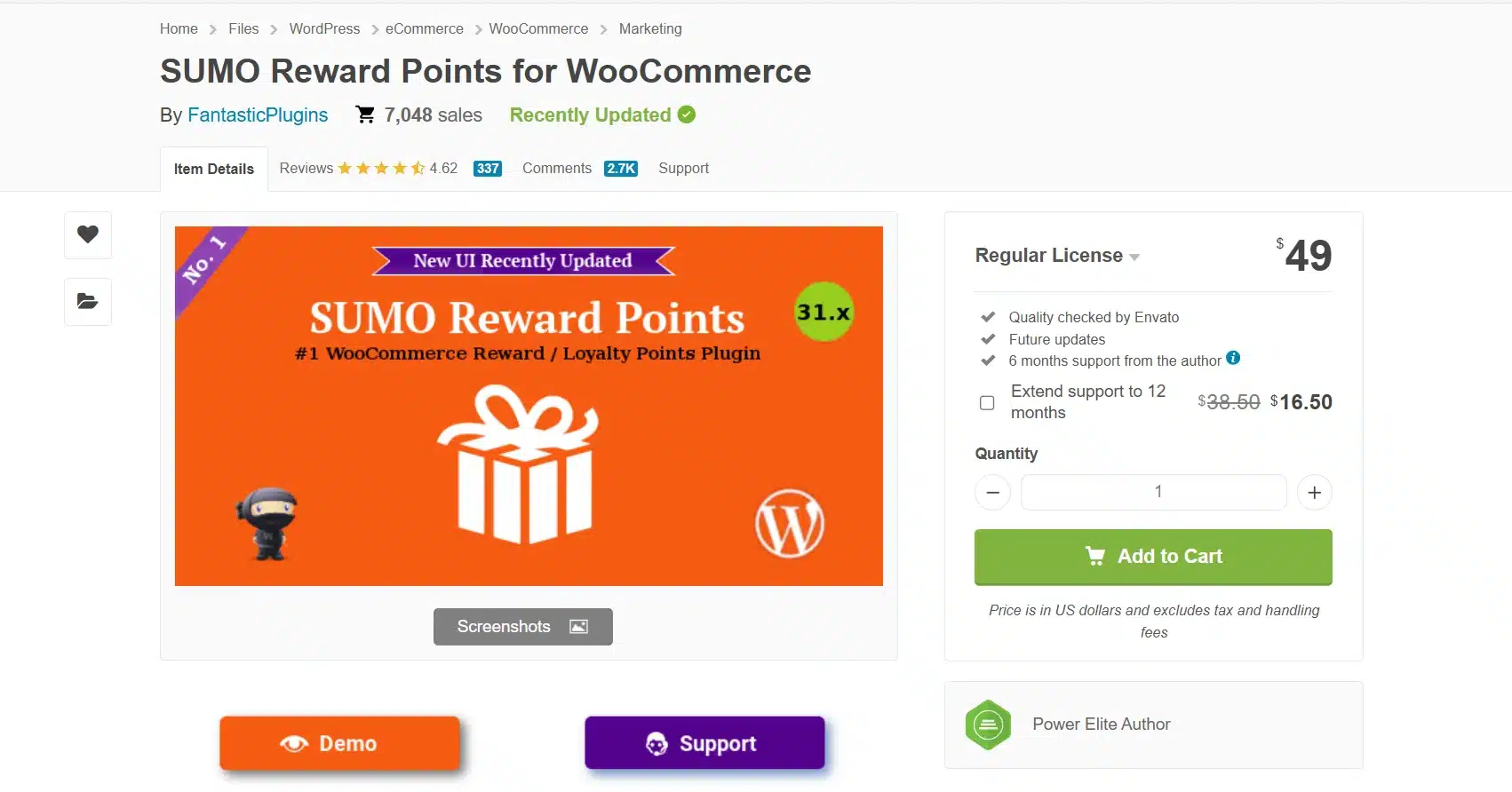
SUMO Reward Points by FantasticPlugins is a CodeCanyon plugin that rewards points for purchases, reviews, sign-ups, referrals, and social shares in one system. It sells through a marketplace license rather than a subscription. That appeals to store owners who would rather budget once than track a renewal date every year.
Best For
Stores that prefer a single upfront payment over a recurring annual license.
Key Features
- Points for “Facebook like,” “Facebook share,” and other social actions
- Points redeemable for future purchase discounts
- Product, category, and global-level point rules
- Compatible with SUMO Subscriptions, Memberships, and Dynamic Pricing add-ons
Pricing
- Regular License: $49 one-time
Benefits
- No renewal fee: One payment covers the plugin itself long-term.
- Broad compatibility: Works alongside other SUMO plugins like Subscriptions and Memberships.
- Flexible rules: Set point values at the product, category, or store-wide level.
Limitations
- Support renewal after six months costs extra.
- Interface feels dated next to newer purpose-built share plugins.
- Setup takes longer than a single-purpose share plugin because of the extra point-system configuration.
Working
Customers earn reward points for a tracked social share and then redeem accumulated points for a discount on a later order. Points can stack with points from other actions. A share is rarely the only way a shopper builds toward a reward.
Ready to add this to your own store? WooCommerce Social Share Discount plugin covers the core share-and-buy loop without the extra setup a full loyalty suite requires. It ships HPOS ready out of the box.
How to Choose the Right Plugin for Your Store
Match the plugin to how your store runs and not to whichever list ranks first.
- Define the goal: Reward the sharer only, or both the sharer and the buyer.
- Check the budget model: Yearly license for updates, or one-time payment to skip renewals.
- Confirm guest support: Rule out account-only plugins if most traffic checks out as a guest.
- Test HPOS compatibility: Install on staging and confirm order data displays correctly.
- Review the reporting: Confirm you can see who shared, who bought, and which discount applied.
- Set a fraud check: Decide how you will catch fake shares before launch.
How to Stop Discount Abuse and Fake Shares
A share-for-discount system only works if the reward matches a real share. The usual abuse pattern is one account sharing from several browser tabs with no real post behind it.
- Cap redemptions per account: One active discount per customer at a time.
- Require a completed order: Reward the buyer-side discount only after purchase.
- Watch for repeat IPs: Flag shares and buys from the same device.
- Set coupon expiry dates: Unused coupons cannot be resold later.
- Review the referral log monthly: Scan for one account across many orders.
- Pair it with your basics: A WooCommerce security checklist covers what a single plugin cannot.
Quick Comparison: Best WooCommerce Social Share Discount Plugins at a Glance
Here is how the six options compare side by side.
| Plugin | Best For | Starting Price | Free Version | HPOS Compatible |
|---|---|---|---|---|
| WooCommerce Product Share For Discounts | Guest share tracking | $49/year | No | Yes |
| Social Sharing Discounts (FMEAddons) | Budget single-purpose setup | $49/year | No | Yes |
| URL Coupons (StoreApps) | Zero-cost starting point | Free | Yes | Not stated |
| WPLoyalty Points and Rewards | Full loyalty programs | $73/year | Yes | Yes |
| Advanced Coupons for WooCommerce | Broader coupon rules | Free (Premium $99.50/year) | Yes | Not stated |
| SUMO Reward Points | One-time payment | $49 one-time | No | Yes |
Pricing and compatibility change often. Check each vendor’s page before you buy.
HPOS and Block Checkout Compatibility: What to Check First
WooCommerce’s High-Performance Order Storage changed where order data lives, and a plugin built before that shift can miss referral data on the order screen entirely.
Before you buy, confirm the plugin lists HPOS-compatible on its own listing page and not only in an old blog post about it.
Also check the plugin against the block-based checkout. Older plugins built for the classic shortcode checkout sometimes fail to show the discount banner inside the new block layout. This happens because they still read order data through legacy post-meta calls instead of the newer order data store.
If you are building or reviewing a plugin yourself, our guide on making a HPOS-compatible WooCommerce plugin walks through the exact checks to run.
Conclusion
Picking the best WooCommerce social share discount plugin comes down to three things. That means how well it tracks referrals, whether it works with HPOS, and whether the pricing model fits your store’s size.
WooCommerce Product Share For Discounts covers the core loop end to end for stores that want a dedicated tool. WPLoyalty fits better if you already run a broader loyalty program and want social shares folded in.
Whichever you pick, run it against the comparison table above before you commit. A quick side-by-side check now saves a plugin swap later.
Frequently Asked Questions (FAQs)
Q1. Do social share discount plugins work with guest checkout?
Most do, but not all reward guests the same way logged-in customers get rewarded. Some plugins require an account before the buyer-side discount applies. Check this before launch if a large share of your traffic checks out as a guest.
Q2. Can customers stack multiple social share discounts?
That depends on the plugin’s settings and not the platform itself. Most tools let you cap one active discount per customer, and setting that cap is one of the simplest ways to prevent abuse.
Q3. Does a social share discount plugin slow down my store?
A well-built one should not add noticeable load time, since the share buttons and discount logic run on the product and cart pages only. Test on a staging site first if your store already runs several other plugins.
Q4. Do I need a separate referral plugin alongside a social share discount plugin?
Not usually. Most social share discount plugins already track the buyer who completes a purchase through a shared link. That covers the basic function of a WooCommerce referral program without adding a second tool.
Q5. Is a social share discount plugin the same as a loyalty program?
No. A social share discount plugin rewards one specific action: sharing a product. A full WooCommerce loyalty program rewards multiple actions like purchases, reviews, and sign-ups, and some plugins on this list, like WPLoyalty, do both.
Q6. Which social platforms do these plugins usually support?
Facebook and X show up on almost every plugin in this category, with Instagram and WhatsApp close behind. A few tools, like WPLoyalty, add Pinterest and LinkedIn as well. Check the supported list before you commit if a specific platform matters to your audience.
Q7. What happens to my discount data if I switch plugins later?
Referral and coupon data usually stays in your WooCommerce order and coupon tables and not the plugin’s own database. Switching tools rarely means losing historical records. Always export a backup before deactivating any plugin.