When Would You Not Recommend WordPress to a Client? When the project needs strict compliance, deep custom features, extreme performance at scale, or ongoing support WordPress can’t give without heavy investment. That’s the short version.
Here’s the longer one, because “it depends” isn’t useful on a discovery call.
Most developers default to WordPress. It’s fast to spin up, the plugin library covers most of what clients ask for, and clients already know the name. That default is right most of the time. It’s also the reason so many WordPress builds turn into maintenance nightmares two years later. Nobody stopped to question the platform choice at the start.
This post walks through the scenarios where WordPress is the wrong call and gives you a checklist to run through on a client call. It also covers something most guides skip: how to say no to a client without losing the project.
When Would You Not Recommend WordPress to a Client: The Checklist
Here’s the short version you can use on a call. If a client’s project hits two or more of these, stop and think before you default to WordPress.
- Regulated data: health records, financial data, government contracts
- Custom data structure: doesn’t map to posts, pages, or products
- Sub-second load times at high concurrent traffic, without a big infrastructure budget
- Zero maintenance appetite and no budget to pay someone else for it
- One-page site with no future content plans
- Real-time features: live chat, live inventory sync, in-app style interactions
None of these rule out WordPress by itself. Stack two or three together, and the math starts to change. Let’s go through each scenario in detail, because the checklist only works if you understand why each item is on it.
1. High-Security and Compliance-Heavy Projects
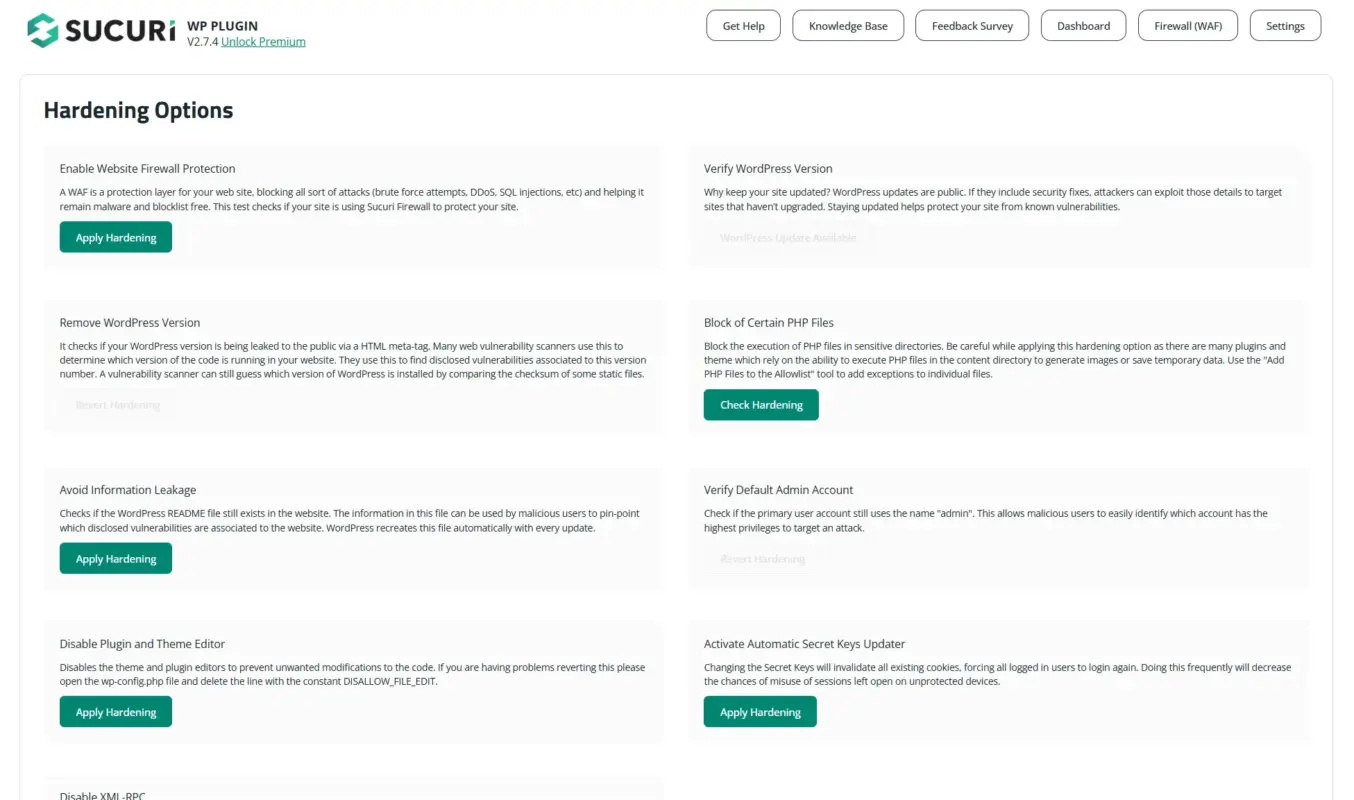
Quick take: Regulated data plus no security budget means look elsewhere.
Healthcare portals, fintech dashboards, government contractor sites. If your client operates in one of these spaces, security isn’t a feature request. It’s a legal requirement with real penalties attached.
WordPress core is reasonably secure when kept updated. That’s not the issue. The issue is everything layered on top of it. A typical WordPress build pulls in a theme, a page builder, a form plugin, an SEO plugin, and a caching plugin. Each is maintained by a different team on a different release schedule. One outdated plugin is often all it takes for a data leak.
Can you harden a WordPress install to meet HIPAA or SOC 2? Yes, with enough time and the right hosting partner. Should you, when the client is a healthcare startup with a six-week timeline and no in-house security team? Probably not. A platform built with compliance baked in from the start saves everyone the audit headache later.
When to avoid WordPress:
- Highly regulated industries (finance, healthcare, government)
- Strict compliance requirements and no dedicated security budget
- No team to own ongoing security hardening
When WordPress still works:
- A healthcare company’s marketing site, kept separate from the patient portal
- No PHI or regulated data ever touching the WordPress install
Plenty of hospital systems run their public-facing blog on WordPress while keeping patient data on a completely separate, compliant system.
Screenshot 10 (Discovery call notes): A photo or mockup of a notepad, notes app, or a simple call-notes template with headings like “Client goal,” “Constraints,” “Platform fit.” This one can be styled instead of being a literal screenshot. It sets up the “how to talk to a client” section visually without needing any software open.
2. Complex, Highly Custom Applications
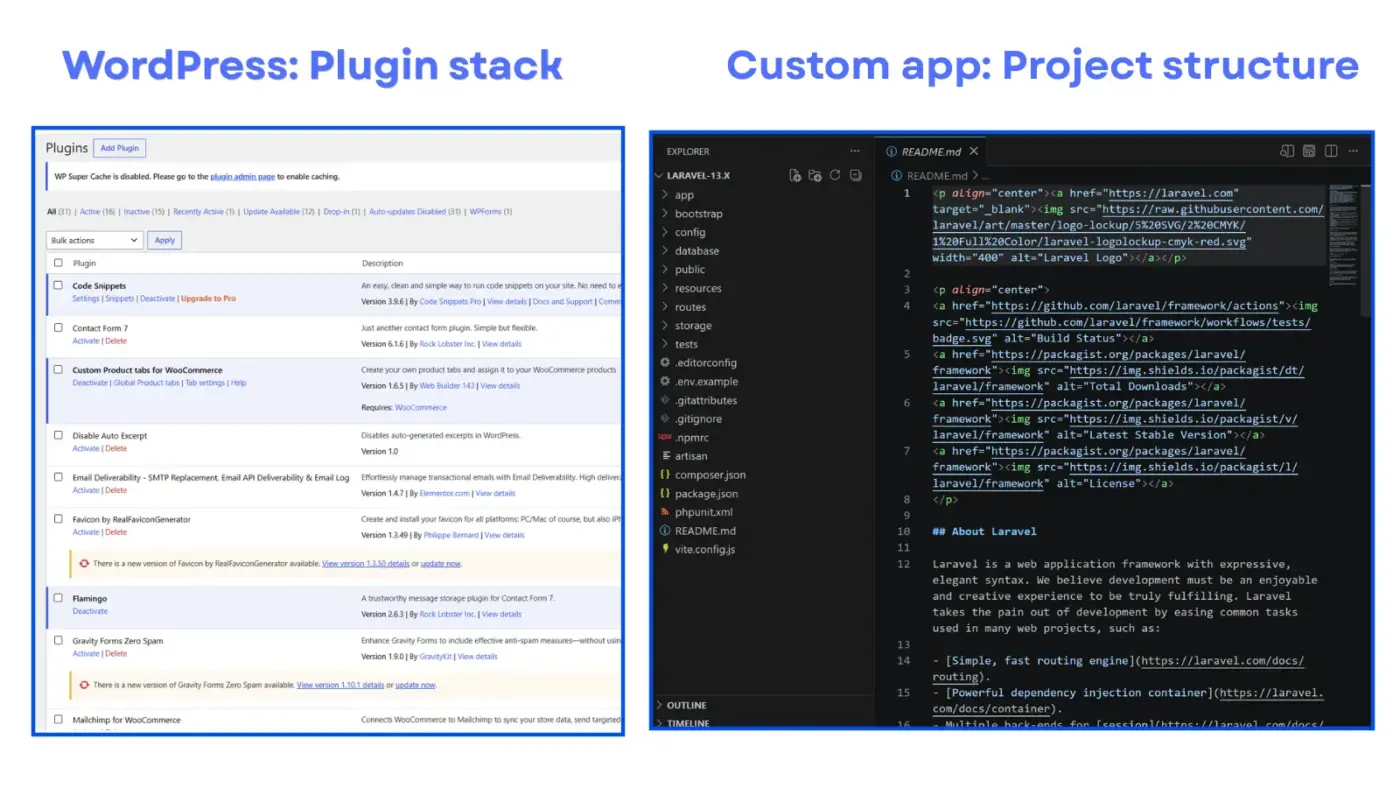
Quick take: If it’s software, not a website, WordPress isn’t the tool.
WordPress was built to publish content. It’s gotten remarkably far from that starting point, running everything from directories to marketplaces to learning platforms. But there’s a ceiling, and custom applications hit it fast.
Say the client needs a booking system with real-time availability across multiple locations. Or a CRM with custom pipeline logic. Or a SaaS product with per-user permissions and billing. At that point, you’re not building a website. You’re building software. WordPress can be forced into that shape with enough custom plugin development. But you’ll spend most of your time fighting the platform’s assumptions about what a post is, instead of building the actual feature.
Here’s the honest tradeoff: forcing a complex app into WordPress usually costs more in custom development. Building it properly on a tool made for applications is cheaper in the long run. It just doesn’t look that way at the estimate stage, because “WordPress plugin” sounds cheaper than “custom Laravel app.”
When to avoid WordPress:
- Workflows, permissions, or data structures that don’t map to posts and pages
- Real-time, multi-user application logic
- Custom billing or per-user permission systems
A tool like Laravel, Django, or Rails gives you a clean slate instead of a content management system wearing an app costume. Our breakdown of WordPress out of the box versus a custom solution goes deeper into this tradeoff if you’re weighing it for a specific client.
When WordPress still works:
- A directory site, job board, or booking calendar with standard availability logic
These map reasonably well onto WordPress’s content model, and mature plugins already solve most of the hard parts.
3. Performance-Intensive Websites
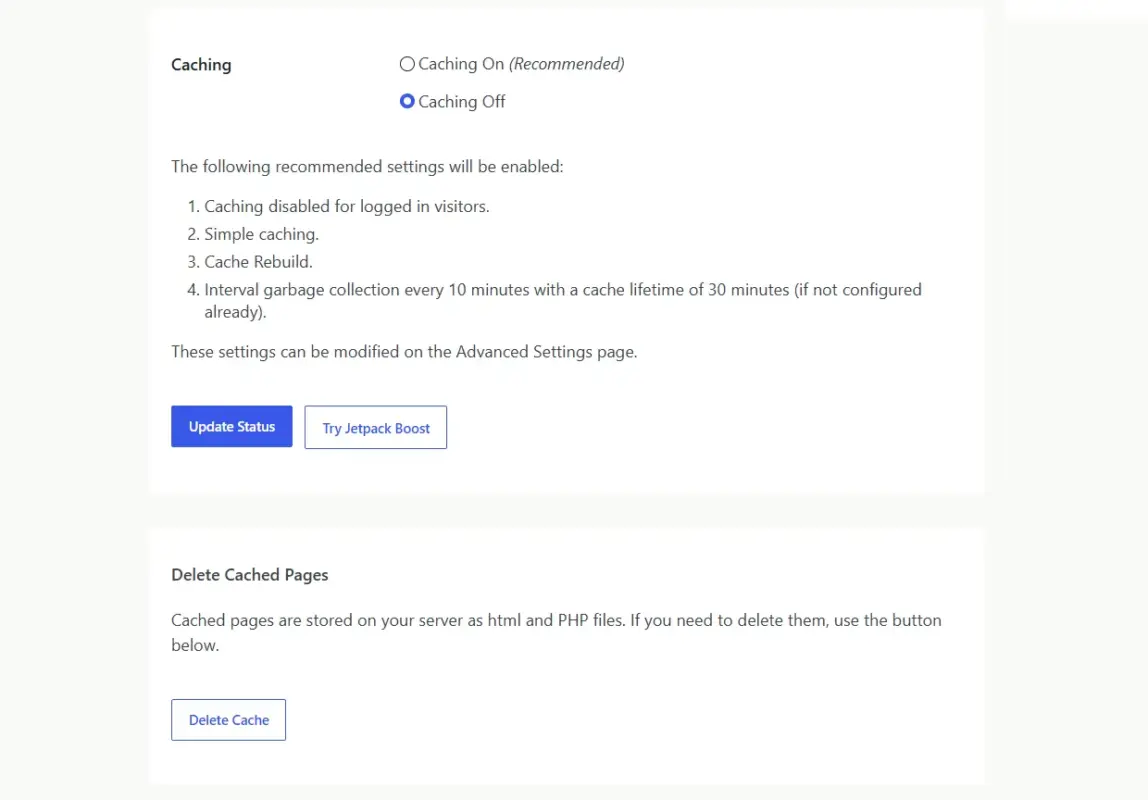
Quick take: Massive scale from day one needs infrastructure, not a plugin.
Media sites with millions of monthly visitors. Real-time inventory across thousands of SKUs. News outlets publishing dozens of articles a day during a breaking event. These push WordPress past what a typical managed hosting plan can absorb.
WordPress can handle serious traffic. NASA and TechCrunch run on it. But those sites also run on infrastructure most agencies never touch: custom caching layers, dedicated database clusters, CDN configurations tuned by a full-time performance team. That’s a different budget conversation than “add a caching plugin.”
Honestly, most performance problems people blame on WordPress are plugin bloat and bad hosting. A lean WordPress install on solid hosting handles more traffic than people expect. Your client’s growth model might depend on flash-sale traffic spikes or millions of concurrent sessions from day one. If so, don’t bet the launch on a caching plugin. It won’t fix that on its own.
When to avoid WordPress:
- Extreme, sustained high-traffic requirements
- A tight launch budget with no room for a dedicated performance engineer
A headless setup, a static site generator, or a platform purpose-built for scale removes a lot of that risk.
When WordPress still works:
- Most eCommerce and content sites, including ones with real traffic
A well-optimized WooCommerce store on decent hosting handles far more volume than most clients ever need. We cover the real ceiling in how many products WooCommerce can handle before it slows down, and it’s higher than most people assume.
4. Minimalistic, simple information website
Quick take: Five static pages don’t need a full CMS behind them.
Not every client needs a content management system. Some just need five pages, a phone number, and directions. Give them WordPress, and you’ve handed them a car when they asked for a bicycle.
A one-page portfolio or a static “coming soon” landing page doesn’t need a database, a plugin library, or ongoing updates. It needs to load fast and never break. WordPress can absolutely do this. But now you’re maintaining core updates, plugin updates, and a hosting account, all for a site that will never publish another post.
When to avoid WordPress:
- Simple, low-maintenance sites the client will never touch again
- No plans for a blog, resource section, or future content
A static site builder or a lightweight tool like Carrd gets them live in an afternoon with nothing to maintain. If you’re weighing a builder against a coded site more broadly, our website builder versus coding comparison lays out the full tradeoff.
When WordPress still works:
- A “simple” five-page site that’s really the first phase of a bigger content plan
If the client mentions blogging, a resource library, or hiring a marketing person down the line, build the foundation right the first time. Migrating later costs more.
5. Clients With No Time or Appetite for Maintenance
Quick take: No technical staff, no interest in learning, no retainer budget? Rethink the platform.
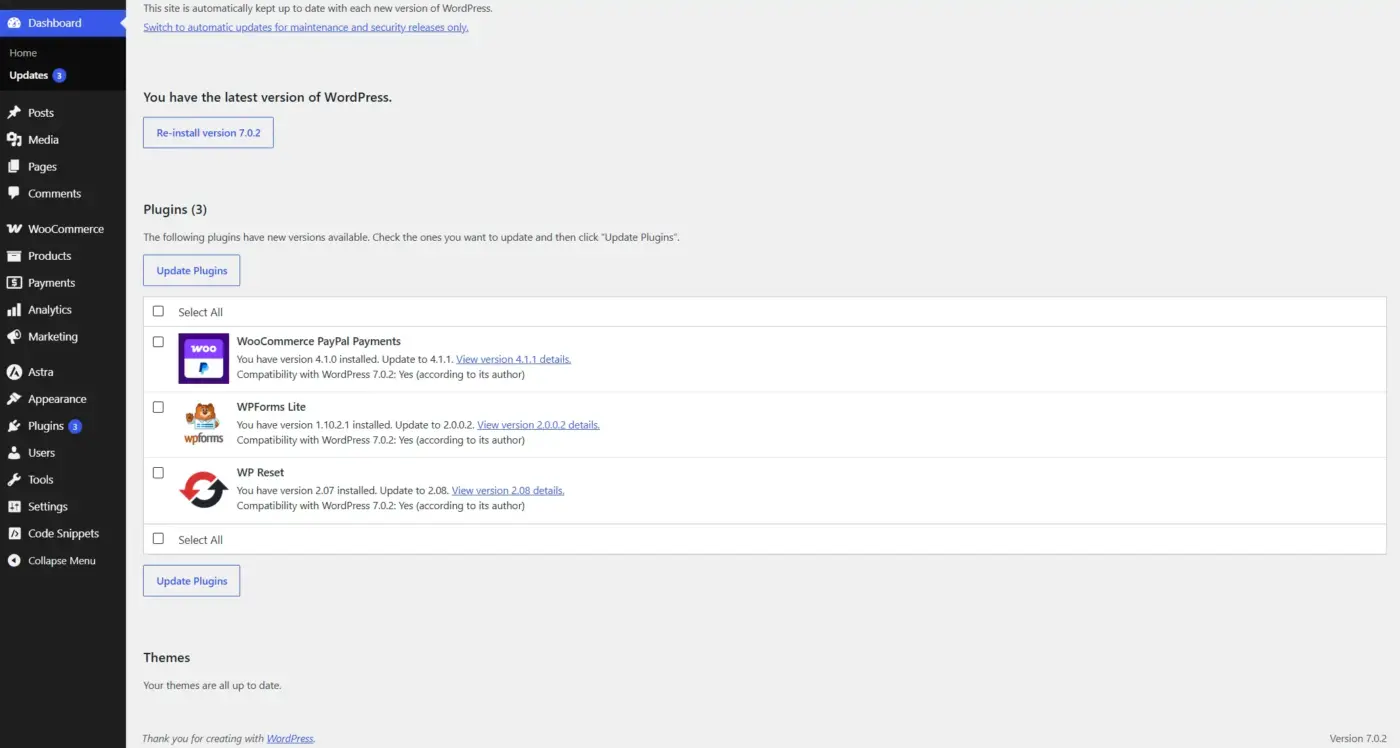
WordPress markets itself as easy. It is, right up until an update breaks a plugin, or a theme conflict takes the site down at 2 a.m. before a launch. Someone has to own that.
Some clients truly want that ownership. They’ll learn the dashboard, handle their own updates, and call you only when something breaks. Other clients want a website the way they want electricity: it should just work, and they never want to think about the wiring. For that second group, handing over a self-managed WordPress site without a maintenance plan is setting them up to fail.
This isn’t really a technology problem. It’s a fit problem between the platform’s maintenance model and what the client is willing to do.
When to avoid WordPress:
- No technical staff and no interest in gaining any
- No budget for an ongoing maintenance retainer
A fully managed, closed platform where the vendor handles security and uptime removes that burden entirely.
When WordPress still works:
- The exact same client, if you’re offering an ongoing care plan
A lot of “WordPress is too hard for clients” problems disappear the moment someone else owns the updates. If that’s part of your offering, WordPress stops being something that creates risk and becomes recurring revenue.
6. Tight Budgets With No Room for Hosting or Dev Costs
Quick take: “Free” software isn’t the same as a free project.
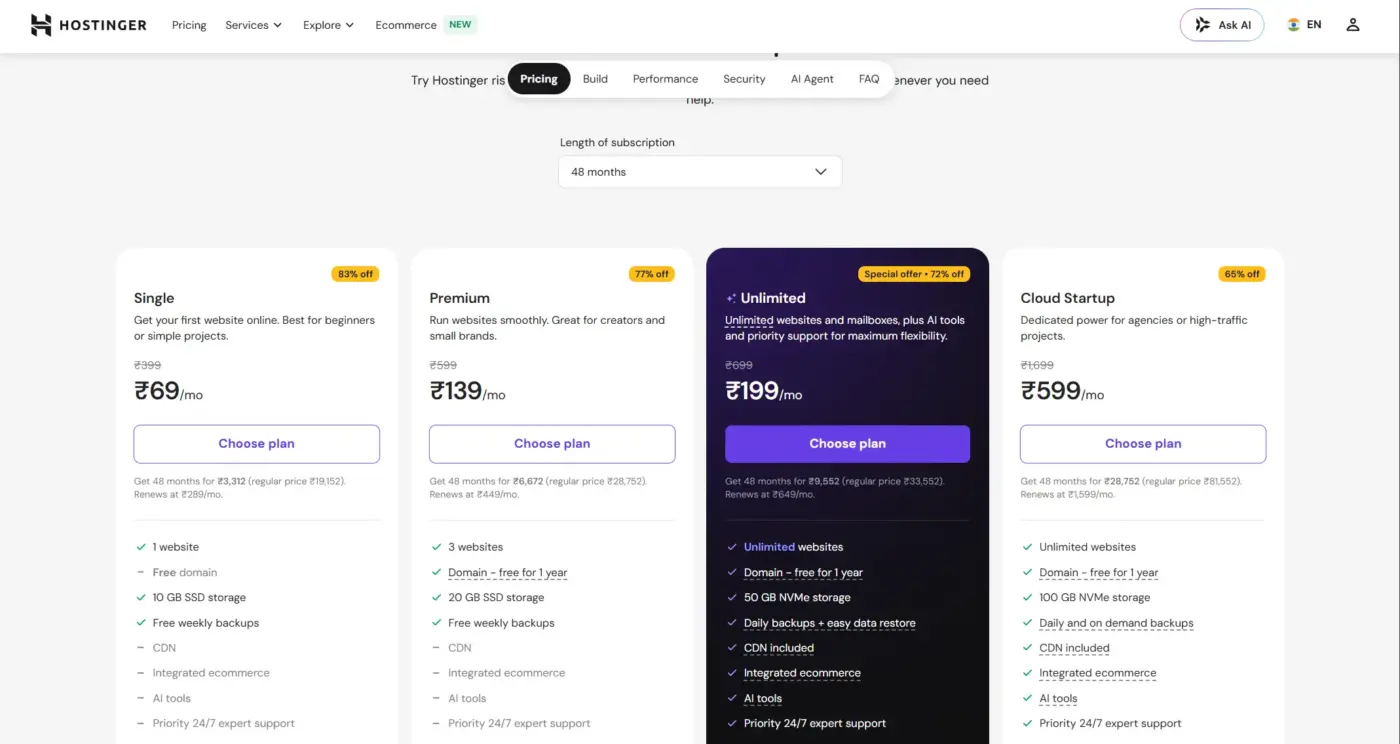
WordPress itself costs nothing. Everything around it doesn’t. Decent hosting, a handful of premium plugins, a theme worth using, and your time to set it all up. That adds up fast, and for a client with a truly small budget, it can add up to more than an all-in-one platform’s monthly fee.
Here’s the part people skip. An all-in-one builder’s $30/month plan often beats a “free” WordPress install once you count hosting, premium plugin licenses, and setup hours.
When to avoid WordPress:
- A hard budget ceiling with no room for premium plugins or proper hosting
A predictable monthly fee on an all-in-one platform is easier to plan around than a pile of one-off costs.
When WordPress still works:
- Almost everywhere else
Most WordPress builds don’t need premium everything. A solid free theme, two or three well-chosen plugins, and reasonable shared hosting cover more ground than people assume. That’s especially true for a first version of a site.
7. Stores That Have Truly Outgrown WooCommerce
Quick take: This is the scenario every generic WordPress article skips.
This one’s specific to eCommerce, and it’s a case most generic “should I use WordPress” articles skip. They treat WordPress and WooCommerce as the same conversation. They aren’t.
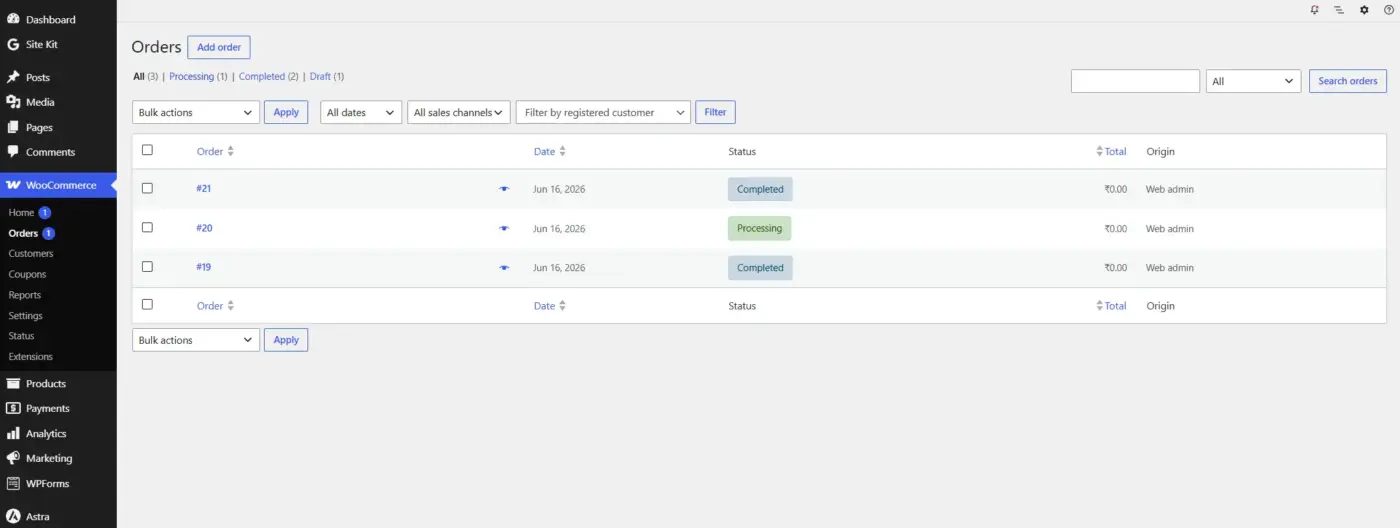
WooCommerce handles the vast majority of online stores well. Where it starts to strain is high-SKU catalogs with complex variant logic and real-time multi-warehouse inventory sync. Or checkout flows that handle tax logic across dozens of different legal regions at once. At that point you’re not fighting WordPress. You’re fighting WooCommerce’s data model directly.
A store doing $500K/year with 200 products rarely hits this ceiling. A marketplace doing multi-vendor fulfillment across three countries with live inventory sync might. The difference is in the operational complexity, not the revenue number.
When to avoid WordPress and WooCommerce:
- Enterprise-scale catalogs with real-time multi-location inventory
- Checkout logic too complex for WooCommerce’s extension library
A platform like Shopify Plus or a headless commerce setup built for that scale is worth the higher price tag.
When WordPress and WooCommerce still work:
- Nearly every other store
For a deeper look at this specific question, our breakdown of when WordPress is a good fit for eCommerce covers the pros, cons, and verdict in more depth than this section has room for.
How to Tell a Client WordPress Isn’t the Right Fit
This is the part nobody writes about, and it’s the part that matters most if you’re having this conversation for real. Telling a client “no” to their assumed platform without losing the project takes a specific approach.
- Don’t lead with the platform. Lead with their goal: “You mentioned needing real-time inventory across three warehouses. Let’s talk about what gets you there fastest” lands very differently than “WordPress can’t do that.” One is a strategy conversation. The other sounds like you’re making excuses.
- Bring the tradeoff, not just the alternative: Clients trust recommendations that include the downside. “Shopify will cost more monthly but save you the custom development cost of forcing WooCommerce to handle multi-location sync” is honest and specific. It also makes you look like you’re protecting their budget, not steering them toward whatever’s easiest for you to build.
- Show them the failure mode, briefly: Not a scare tactic, just a real example. “I’ve seen stores try to force this into WooCommerce, and it works until the third warehouse gets added, then the sync starts breaking.” One line like that does more than a page of technical justification.
And if the client insists on WordPress anyway, after you’ve laid out the tradeoffs honestly? That’s their call to make. Document the limitations you flagged, quote the extra development time it’ll take, and build it. You did your job the moment you gave them the real picture.
Conclusion
WordPress remains the right default for most client projects. Blogs, portfolios, small-to-medium business sites, and the majority of eCommerce stores all fit comfortably inside what WordPress and WooCommerce were built to do.
The scenarios in this post aren’t common. They’re specific: heavy compliance, truly custom applications, extreme scale, zero maintenance appetite, minimal budgets, ultra-simple sites, and stores that have outgrown WooCommerce’s data model. Knowing when you would not recommend WordPress to a client isn’t about avoiding the platform. It’s about recognizing the handful of cases where a different tool serves the client better. Have the conversation to figure out which case you’re in before you start building.
Get that call right once, and you save yourself a painful migration conversation two years down the line. Get it wrong, and you’re the developer explaining why the “quick WordPress site” needs a full rebuild.
Frequently Asked Questions (FAQs)
Q1. When should you not recommend WordPress to a client?
When the project needs strict regulatory compliance, deep custom application logic, extreme performance at launch, or ongoing maintenance the client has no budget or appetite for. Two or more of these together is a strong signal to look at alternatives.
Q2. Is WordPress good enough for a large eCommerce store?
For most stores, yes. WooCommerce starts to strain at high-SKU catalogs with real-time multi-location inventory or checkout logic too complex for its extension library. Revenue alone isn’t the deciding factor. Operational complexity is.
Q3. What should you recommend instead of WordPress for a simple landing page?
A static site builder or a tool like Carrd. A one-page site with no future content plans doesn’t need a full content management system to maintain.
Q4. How do you tell a client WordPress isn’t right for their project without losing the deal?
Lead with their business goal instead of the platform. Show the tradeoff honestly, including cost differences, and give one concrete example of where the mismatch tends to break down. Let them make the final call once they have the full picture.
Q5. Can a client outgrow WordPress after launch?
Yes, and it’s common with eCommerce stores that scale into multi-location inventory or complex checkout logic. Building on a platform like WooCommerce doesn’t lock a store in permanently, but a mid-life migration costs more than getting the initial platform choice right.
Q6. Is WordPress a security risk for regulated industries?
WordPress core itself is reasonably secure, but the plugin library adds risk if not maintained carefully. For healthcare, finance, or government projects with strict compliance needs, the safer move is often a platform with compliance built into its architecture from day one, not added later. Our WooCommerce security checklist covers what proper hardening involves if you do move forward with WordPress.