
WooCommerce Crowdfunding
Raise funds for products and projects right from your store, with goals, backers, and live progress.
From: $49.00 / year
View
This product has multiple variants. The options may be chosen on the product page
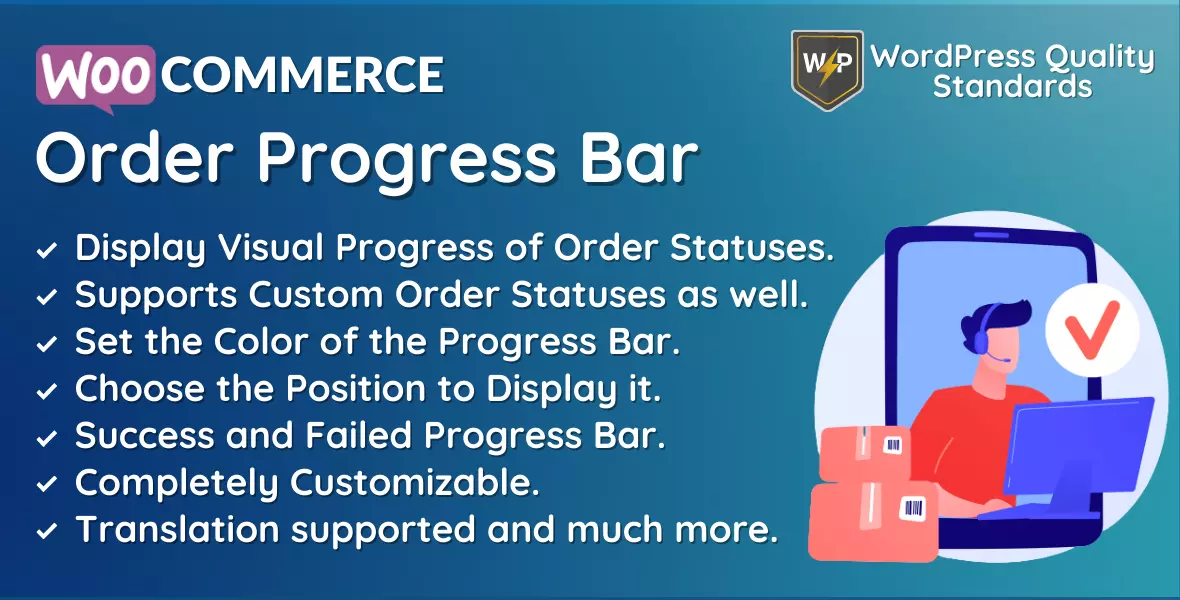
Entering the online retail world means aiming for a smooth shopping journey, and a crucial part of that is making sure customers can easily track their orders. That’s where the WooCommerce Order Tracker plugin steps in, making the customer experience top-notch within WooCommerce-based stores and ensuring everyone knows what’s happening with their orders.
This handy plugin works seamlessly with WooCommerce, a big name in online selling. Its main job? Giving sellers and buyers a clear picture of their orders in real-time. No more guesswork – this plugin lets users easily track their orders, bringing transparency and building trust.
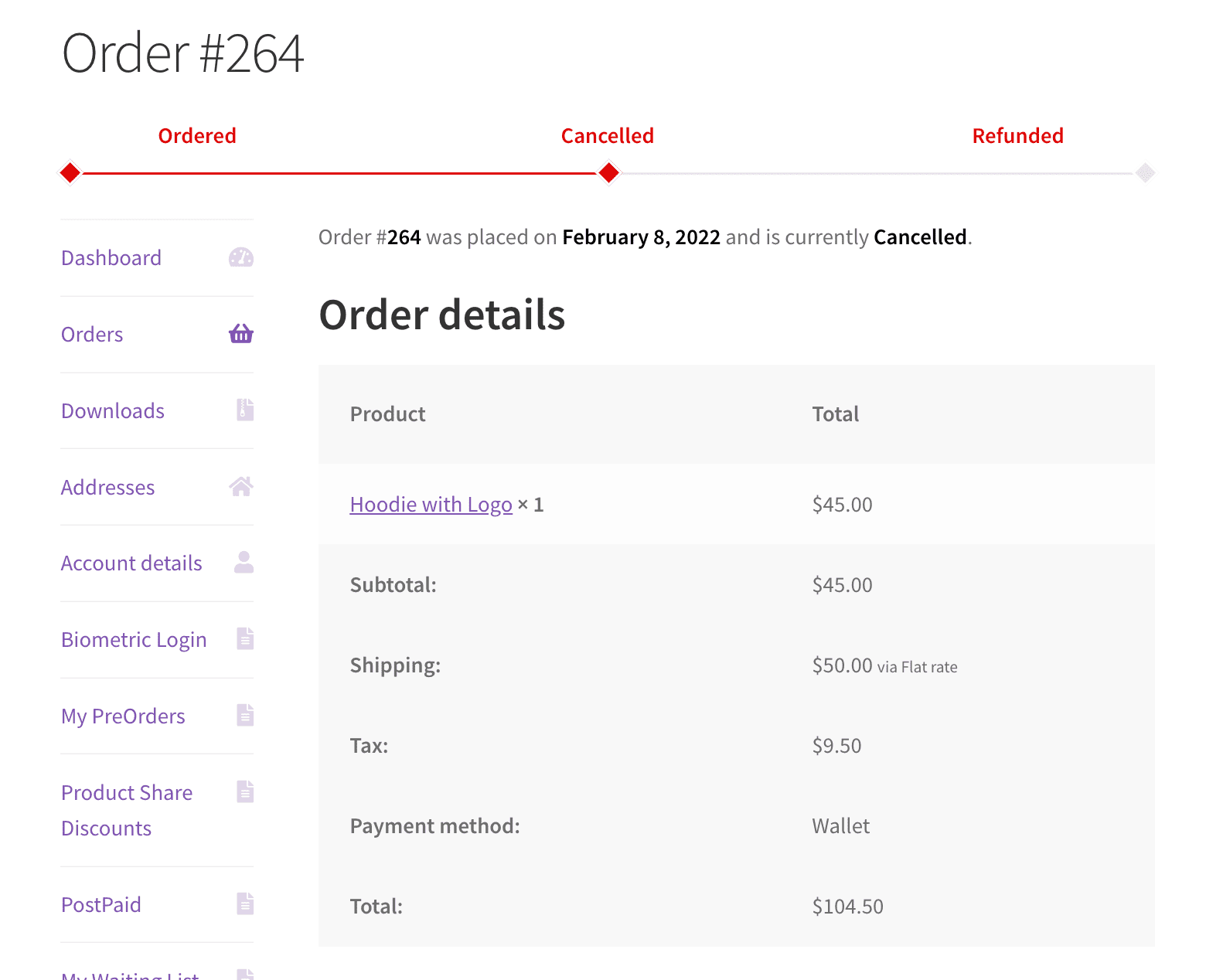
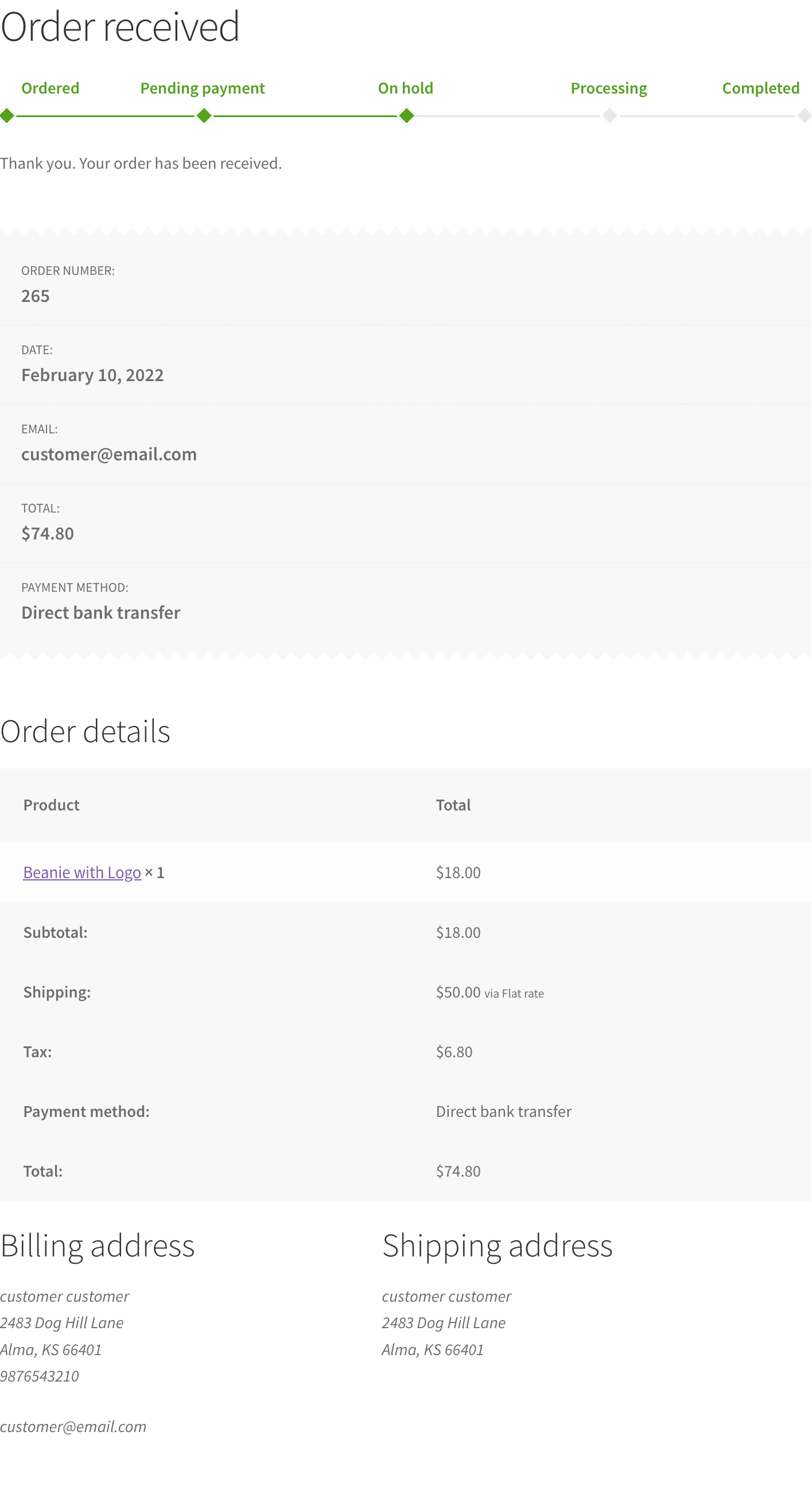
But here’s the cool part: the WooCommerce Order Tracker continues beyond tracking. It adds a visual touch with a progress bar. This simple tool acts like a virtual guide, walking customers through each order step, from confirming it and checking payment to the final shipping and delivery steps. It’s like a map for your package’s journey.
And the cherry on top, you can make the progress bar match your store’s style. Choose colours that accompany your brand, keeping everything looking sharp and on-brand.
The WooCommerce Order Progress Bar plugin has become a must-have for online stores in a world where happy customers come from smooth online shopping. Dive in with us as we explore the features, perks, and how this plugin can turn your online shop into a customer-friendly paradise. Say goodbye to confusion and hello to an easy-to-use order tracking system that lets your customers take control of their shopping adventure.
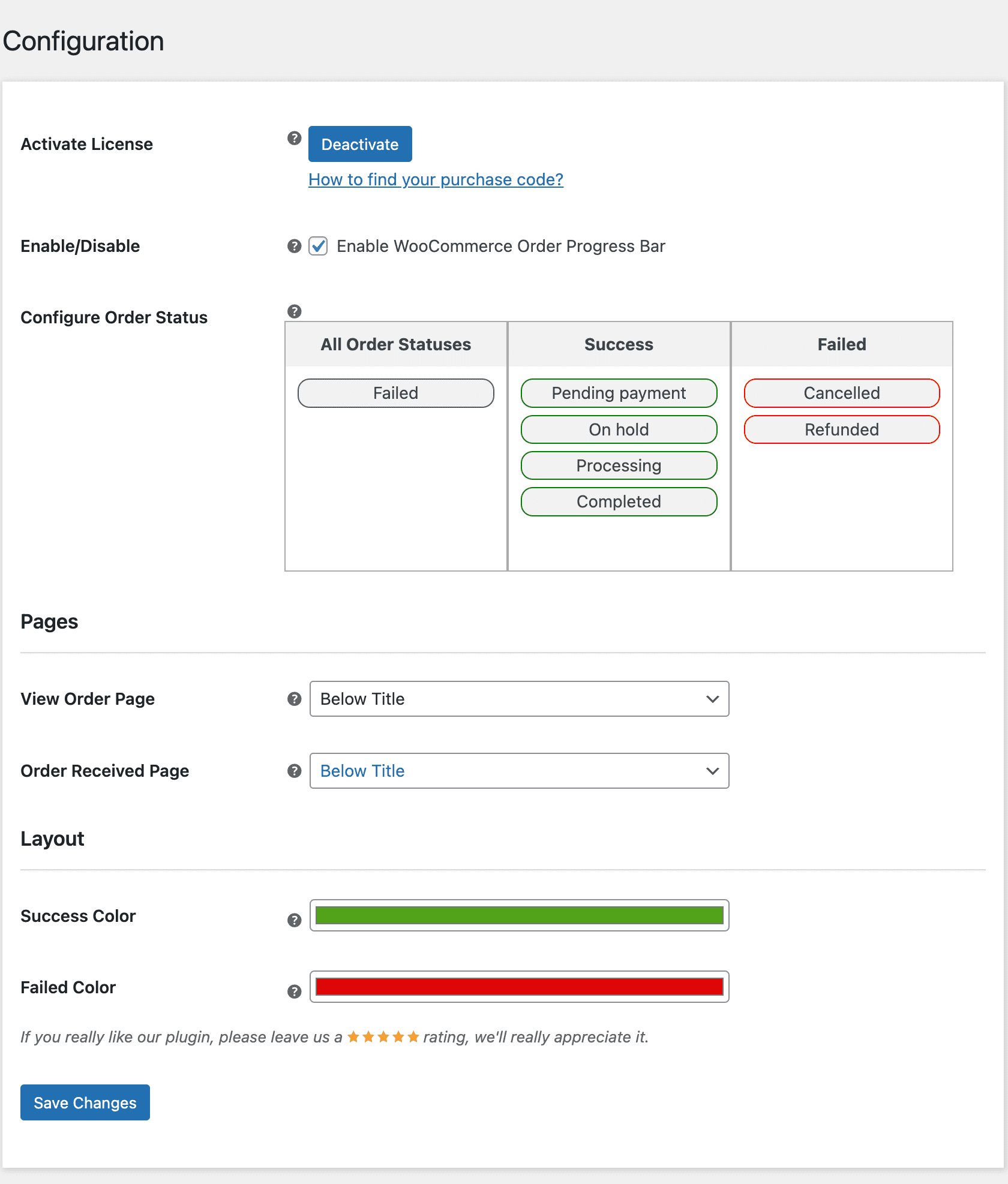
To use this plugin, enter the purchase code and email to activate your license.
The store owner can enable/disable module functionalities for clients.
Admin can set the success and fail statuses for orders. Admin can choose between default and custom order statuses here. The top order status will appear first in the progress bar.
Admin can choose the position where the order status progress bar will appear on the view order page.
Admin can define the position where the order status progress bar will appear on the order received page.
Admin can change the color of the progress bar based on successful order statuses.
Here, the admin can change the color of the progress bar with failed order statuses.
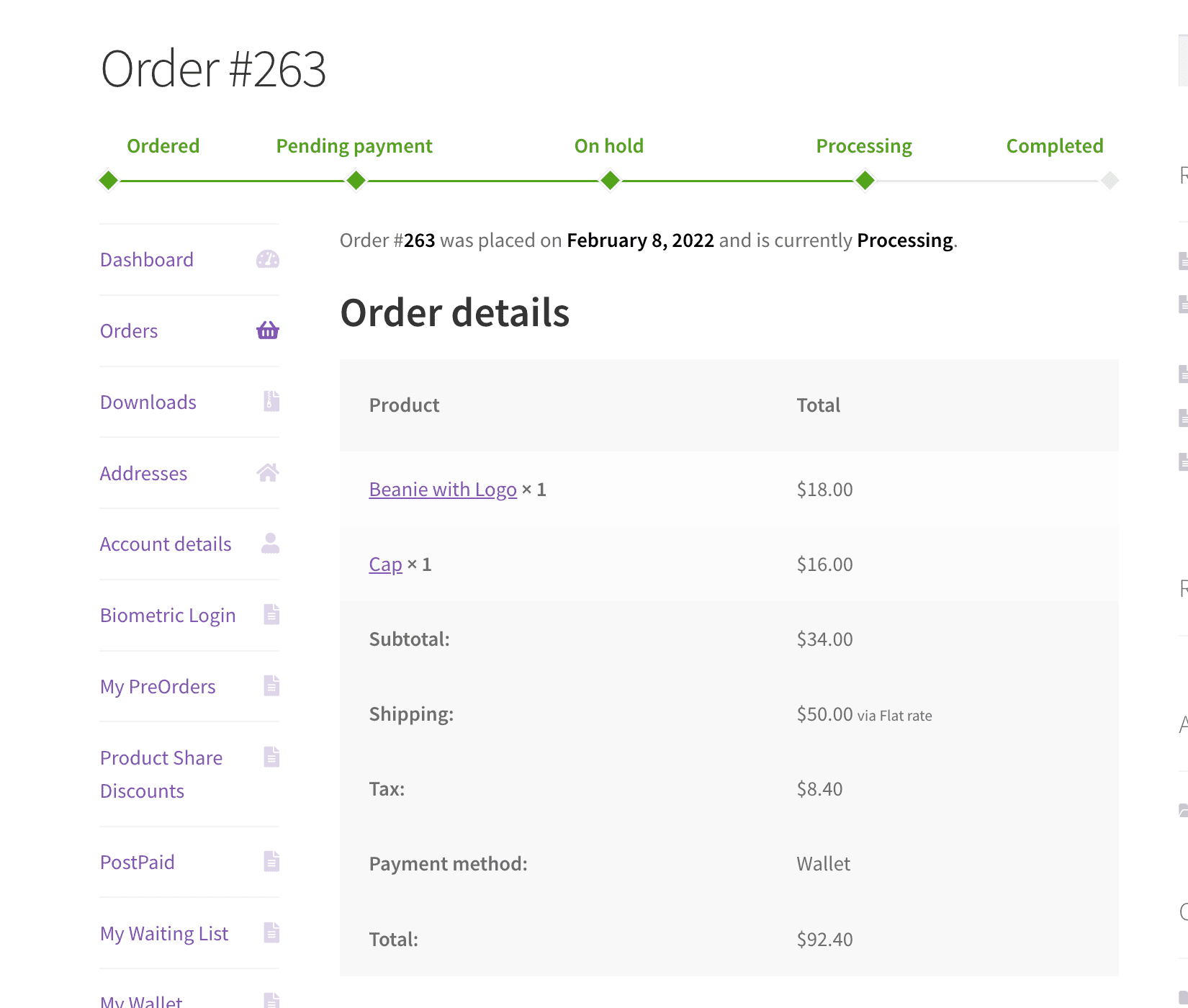
An order progress bar will be provided on the view order and order received pages to keep the consumer updated on their order status.
Only logged in customers who have purchased this product may leave a review.
Raise funds for products and projects right from your store, with goals, backers, and live progress.
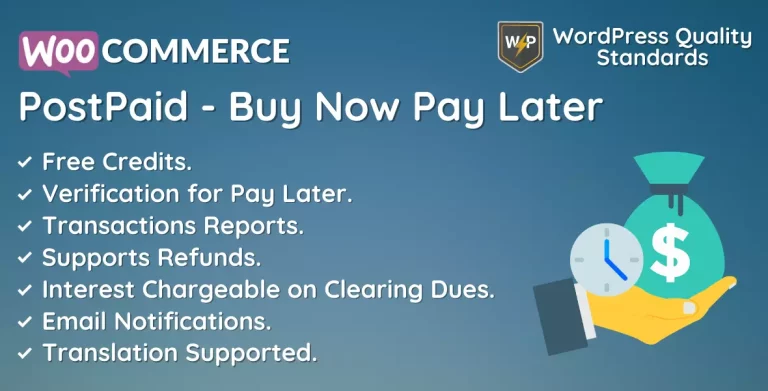
Let customers buy now and pay later on terms you set, lifting conversions and average order value.

Give shoppers a discount for sharing your products on social media, and grow your reach for free.
nxz89 –
Great Plugin and Support!
One of the fastest support experiences I’ve ever had. The plugin works very well, and with a few small improvements, it would be perfect. Great job, keep it up!
marwygafentw –
Well-Designed Plugin!
A delightful and well-designed plugin! The support was quick and helpful. Looking forward to even more useful and refined features in future updates.
MEDIUMM2012 –
Quick Fix!
I had a compatibility issue with the Uncode theme, but the support team fixed it within minutes. Everything is working perfectly now. Thanks a lot!
erbuc –
Quick Help Anytime
The team is quick and helpful, even outside regular hours. Great support and a reliable team!
polboonlapo –
Excellent Customization Skills
The support team is excellent at resolving issues and customizing the plugin to fit your site perfectly. Really impressed with their help!