
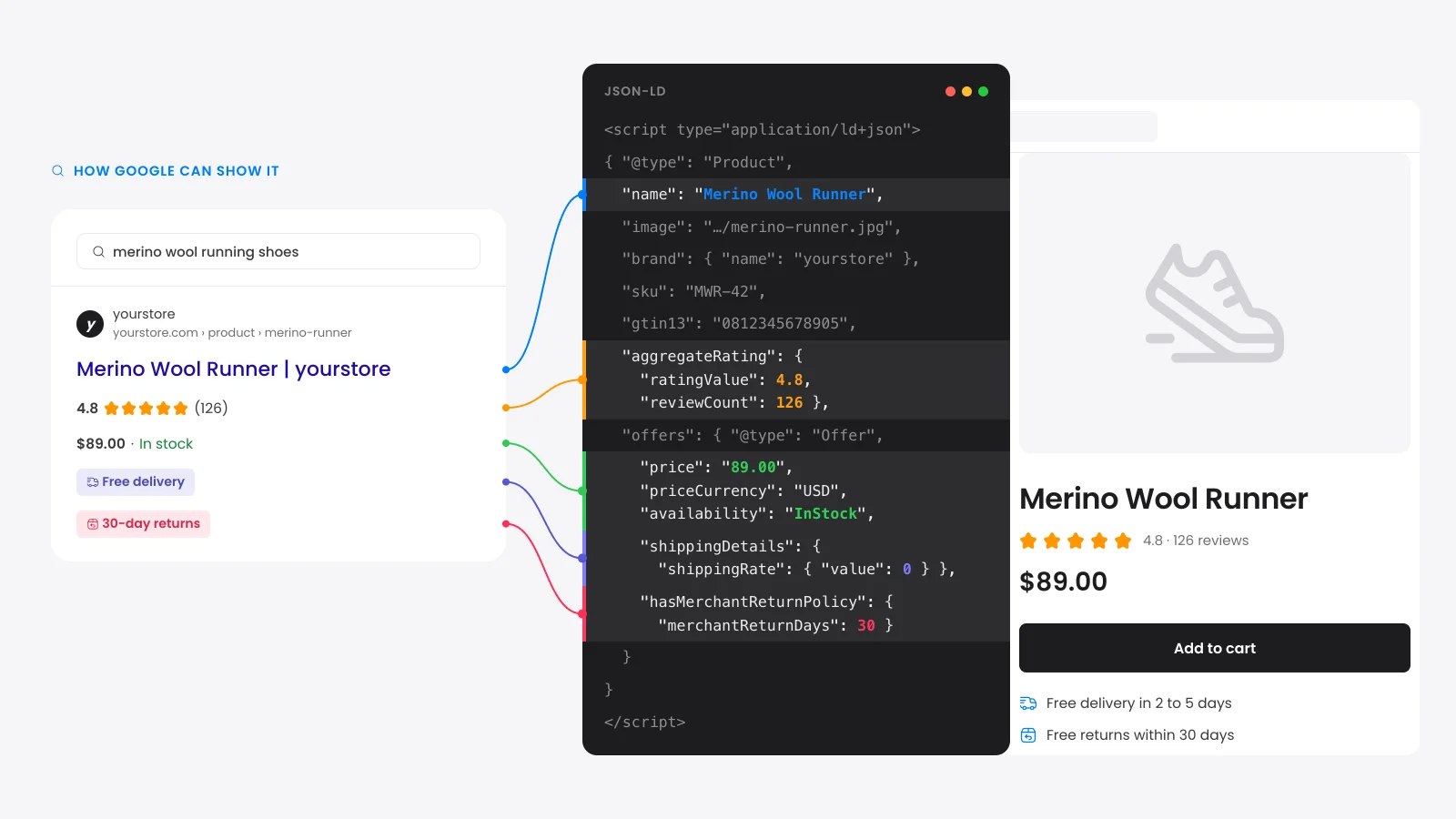
What does a product schema generator do?
A product schema generator writes the Product structured data that tells Google a page sells something. It puts the name, price, stock, brand and rating into JSON-LD, a block of code Google reads. Google uses it to show stars and price under your search result.
This tool is also a validator. It reads a live page or pasted code and lists every problem. It then writes a corrected block from your own values.
The builder tab covers new products. Fill in a short form and it writes the full block, shipping and returns included.
What does Google require for product rich results?
Google runs two separate checks on Product markup. The product snippet needs a name plus an offer, a review or a rating. The merchant listing needs a name, an image and an Offer with a currency and a price above zero.
| Property | Product snippet | Merchant listing |
|---|---|---|
name | Required | Required |
image | Optional | Required |
offers | Offer or AggregateOffer | Required as an Offer |
offers.price | Required with offers | Required and above 0 |
offers.priceCurrency | Recommended | Required |
aggregateRating or review | One of offers, review or rating | Optional |
brand and gtin | Optional | Recommended |
shippingDetails | Not used | Recommended |
hasMerchantReturnPolicy | Not used | Recommended |
Pass the first check to get stars and price in search. Pass both to appear in Shopping results.
Two format rules apply to every price. It must be a plain number with a dot for decimals: "1299.00" passes and "$1,299.00" fails. The currency must be a three-letter code in capitals such as USD (the ISO 4217 standard).
What product schema does WooCommerce add by default?
WooCommerce adds Product schema to every product page with no extra plugin. As of WooCommerce 11.2, it prints the name, URL, description, one image, SKU, offer, stock and up to five reviews. It never prints the shipping details, return policy or item condition that merchant listings recommend.
We read the WooCommerce source file that writes this markup. It leaves these gaps on every store that relies on the core output:
- No shipping or return data: Your shipping settings never reach the markup. WooCommerce prints no shippingDetails or hasMerchantReturnPolicy property.
- A placeholder price end date: With no sale end date set, WooCommerce fills priceValidUntil with 31 December of next year.
- No item condition: Merchant listings recommend an itemCondition (new, used or refurbished) on every offer. WooCommerce prints none.
- Product ID as the SKU: A product with no SKU gets its database number as the SKU.
- No offer without a price: A product with an empty price prints no offer. Google has no price to show, and the product drops out of merchant listings.
Brand comes only from the built-in Brands feature, added to core in WooCommerce 9.6. Stores that never filled in brands print no brand at all.
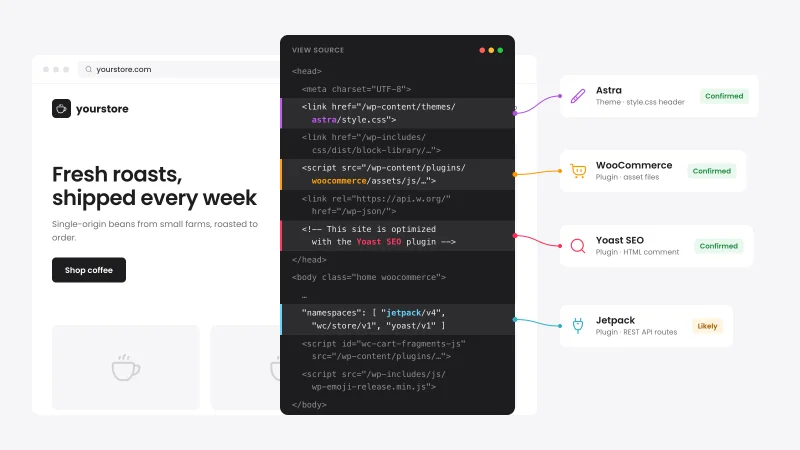
One more trap sits outside WooCommerce. Rank Math, Yoast and other SEO plugins can print a second Product block next to the core one. The validator flags the duplicate and names the SEO plugin it finds on the page.
Should variable products use AggregateOffer or ProductGroup?
Use a ProductGroup for variable products. It is a parent entry that lists each variant with its own Offer. Google's product snippet guide says not to describe a set of variants with an AggregateOffer, the type WooCommerce prints for them.
The WooCommerce AggregateOffer carries only a low price, a high price and an offer count. Google cannot see which size or color costs what. Merchant listings do not accept it at all.
In a ProductGroup, each variant sits under hasVariant with its own price, SKU and stock. The variesBy property says what changes between them, such as size or color.
WooCommerce core has no setting for this. Your SEO plugin or a code filter has to print it. If Shopping traffic matters, variable products are the first thing to fix.
How do you fix product schema in WooCommerce?
Fix product schema in WooCommerce in three steps from least to most work. Fill in the product data WooCommerce already prints and use your SEO plugin for store-wide fields. A code filter then covers whatever is left, such as shipping details on every offer.
- Fill in the data: Add brands, GTINs and sale end dates in the product editor. WooCommerce prints them once they exist.
- Use your SEO plugin: Rank Math and Yoast can add store-level fields. If your SEO plugin and WooCommerce both print a Product block, switch one off.
- Filter the core output: The
woocommerce_structured_data_productandwoocommerce_structured_data_product_offerfilters let a developer add any field to every product at once.
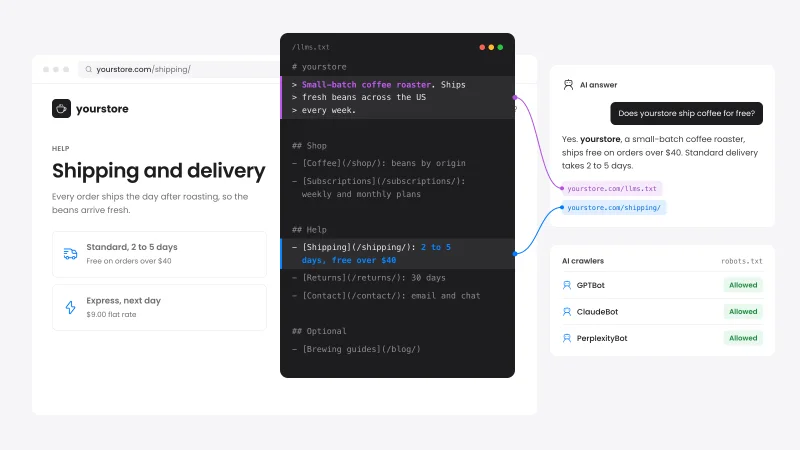
Shipping and returns do not have to repeat on every product. Google reads the sources in a fixed order.
Settings in Merchant Center or Search Console come first. Product markup comes second and a store-wide policy on your Organization markup comes last.
If you already send a product feed, those settings may cover you. Our guide on how to set up a Google Shopping feed for WooCommerce walks through it.
Why do product rich results not show in Google?
Product rich results stay hidden when the markup breaks a rule or when the page covers more than one product. Valid markup only makes a page eligible for them. Google still decides whether to show stars and price on each search.
- Markup on a category page: Google supports product rich results on pages about a single product.
- Prices that differ: A currency plugin can change the price on screen and leave the old one in the code.
- A past priceValidUntil: Google may stop showing the price when that date has passed.
- Incomplete ratings: Google drops a rating with no review count and a review with no author name.
Schema is one part of product SEO. Our WooCommerce SEO guide covers the titles, speed and links that decide where the page ranks.
How is this different from Google's Rich Results Test?
Google's Rich Results Test says whether a page qualifies but suggests no fixes. The Schema.org validator checks vocabulary only and ignores Google's rules. This product schema validator names the WooCommerce cause of each problem and its fix, with corrected JSON-LD to copy.
Use this tool to find and fix the problems. Run the Rich Results Test once as the final check.
After launch, the Product snippets and Merchant listings reports in Search Console show how Google reads every product in your store.
Sources
- Google Search Central: Product snippet structured data
- Google Search Central: Merchant listing structured data
- Google Search Central: Product variant structured data
- Google Search Central: Merchant return policy structured data
- WooCommerce source: class-wc-structured-data.php
- Schema.org: Product type


 from 500+ reviews


