WooCommerce POS Plugin for Retail, Cafes, and Restaurants
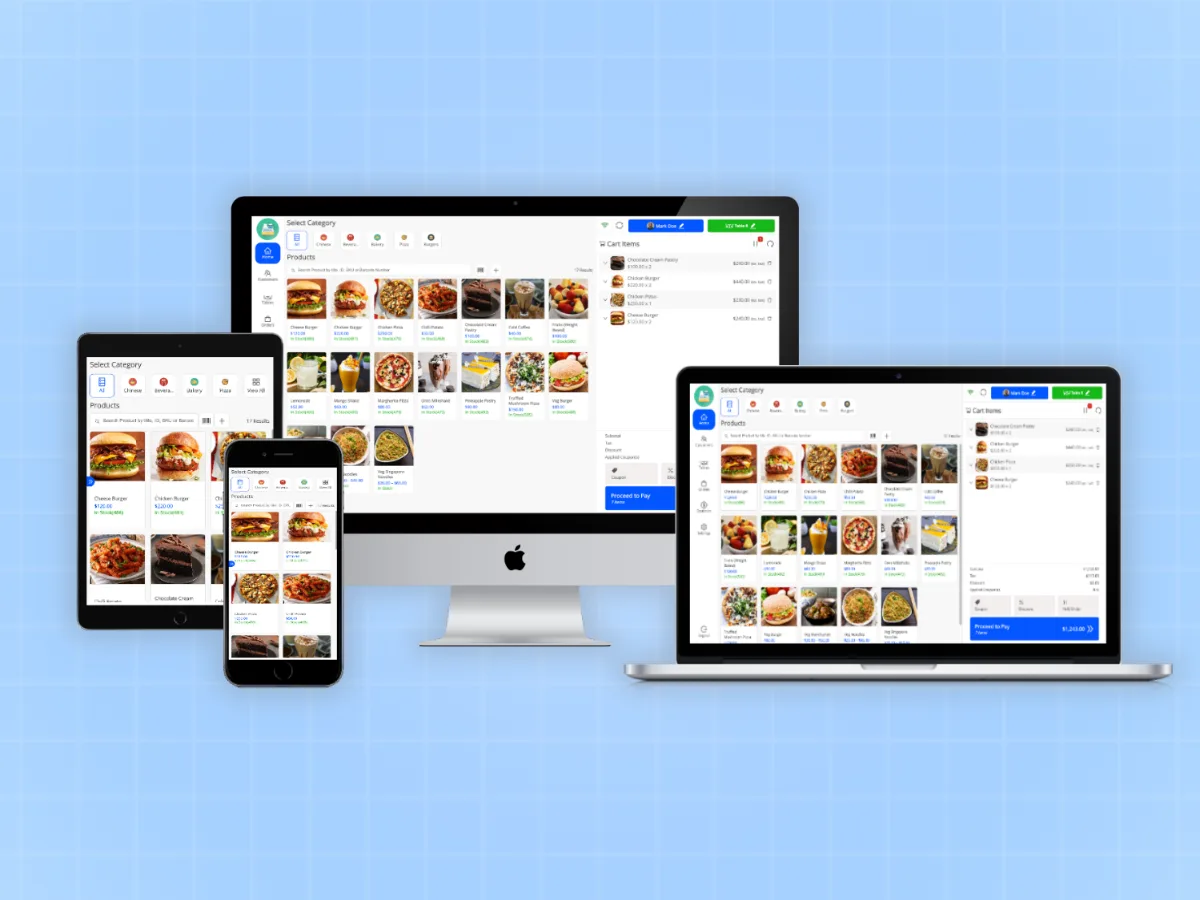
Sell in person, sync stock live, and keep selling when the internet drops.MultiPOS is a WooCommerce POS plugin that turns your store into a full point of sale for WooCommerce. Built for retail shops, cafes, and restaurants that need one system for both in-store and online sales.

Built and Tested With:


Running Two Systems Is Costing You More Than You Think
A WooCommerce POS plugin connects your physical store and your online shop through a single shared database. Every sale, whether in person or online, updates the same stock record at the same time. MultiPOS is that plugin. It runs on WooCommerce directly, so there is nothing extra to reconcile.
Here is what happens without it.
A customer buys the last unit in your shop. Your online store still shows it as in stock. Someone orders it online an hour later. Now you have one product, two buyers, and no good way out of that conversation.
That’s not a rare edge case. It happens every time your physical till and your WooCommerce store are running on separate databases. Stock counts drift. Manual corrections pile up at the end of every shift. And if you are currently running a standalone POS system alongside WooCommerce, the gap widens every single day until you correct it by hand.
The fix is not another integration layer. It is putting one system in charge. When you sync inventory with WooCommerce at the source, every sale hits the same record whether the cashier scanned it or a customer checked out online. There is nothing left to reconcile.
That is what MultiPOS does. One WooCommerce POS plugin. Every outlet. Zero manual stock fixes.
See how it works in the live demo. No account needed.
Everything You Need in a WooCommerce POS Plugin
Every feature listed below ships with every plan. No add-ons. No upsells. This is the complete WooCommerce point of sale, ready to run the day you install it.
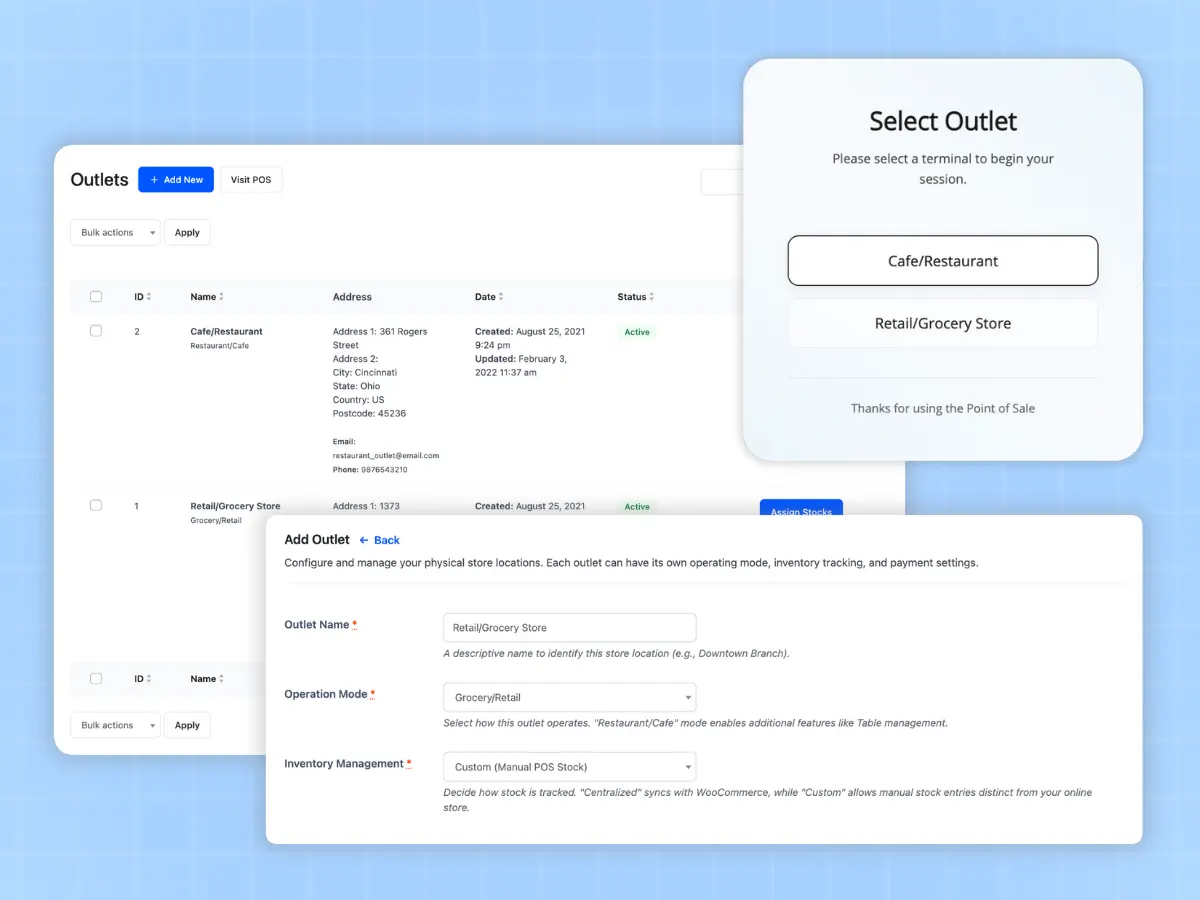
Multi-Location POS for WooCommerce with No Outlet Limits
Whether you run one shop or twenty, you pay the same price. MultiPOS does not charge per register, per location, or per cashier. Add outlets as your business grows and manage all of them from a single WooCommerce dashboard.


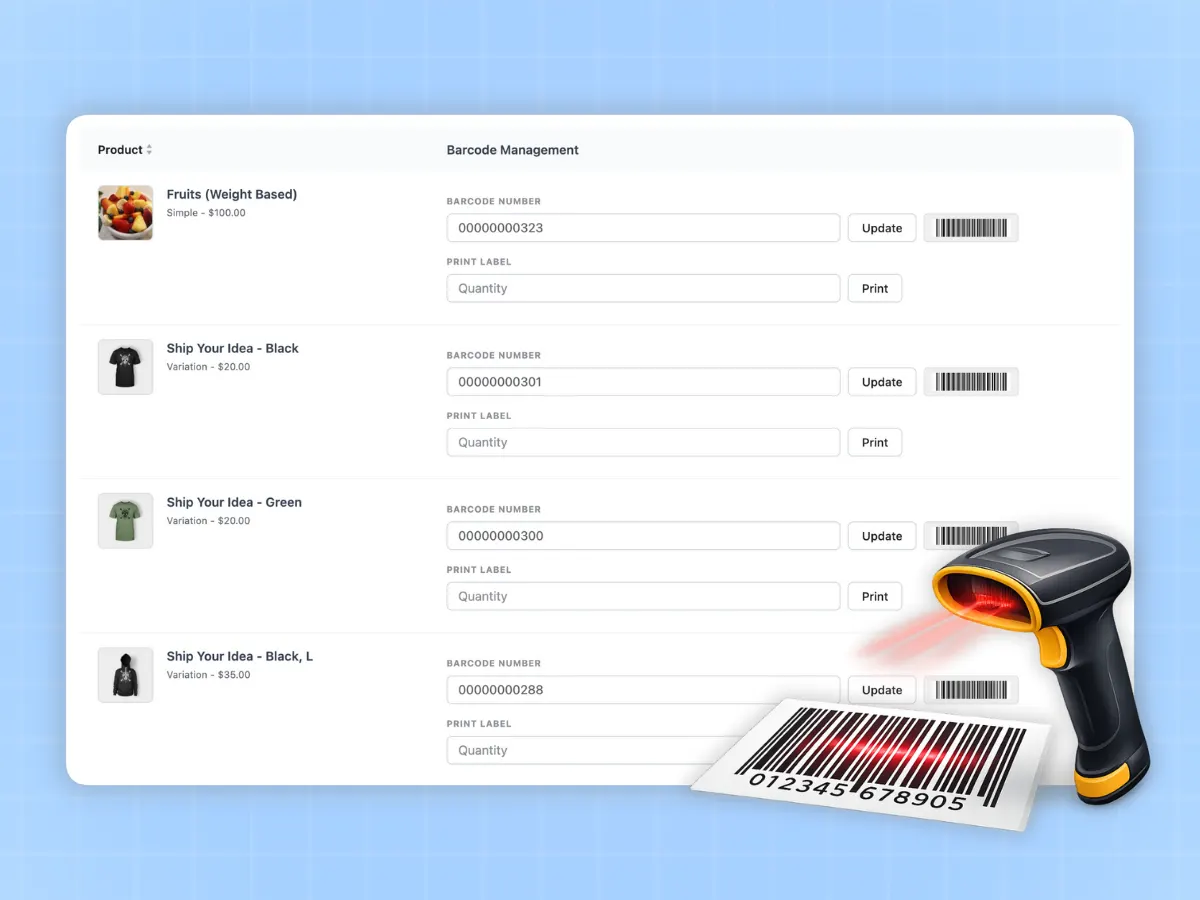
WooCommerce POS with Barcode Scanner Support
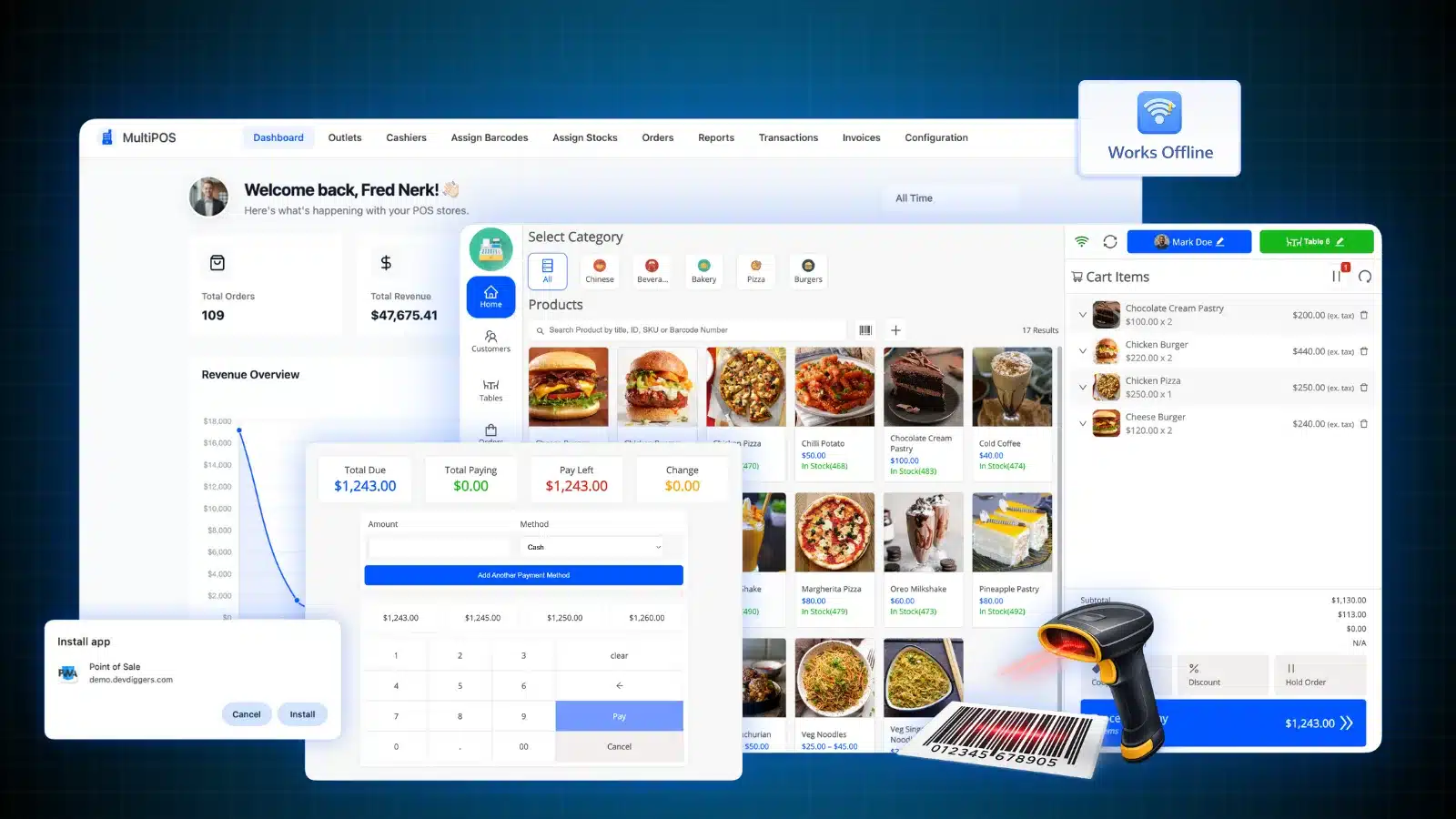
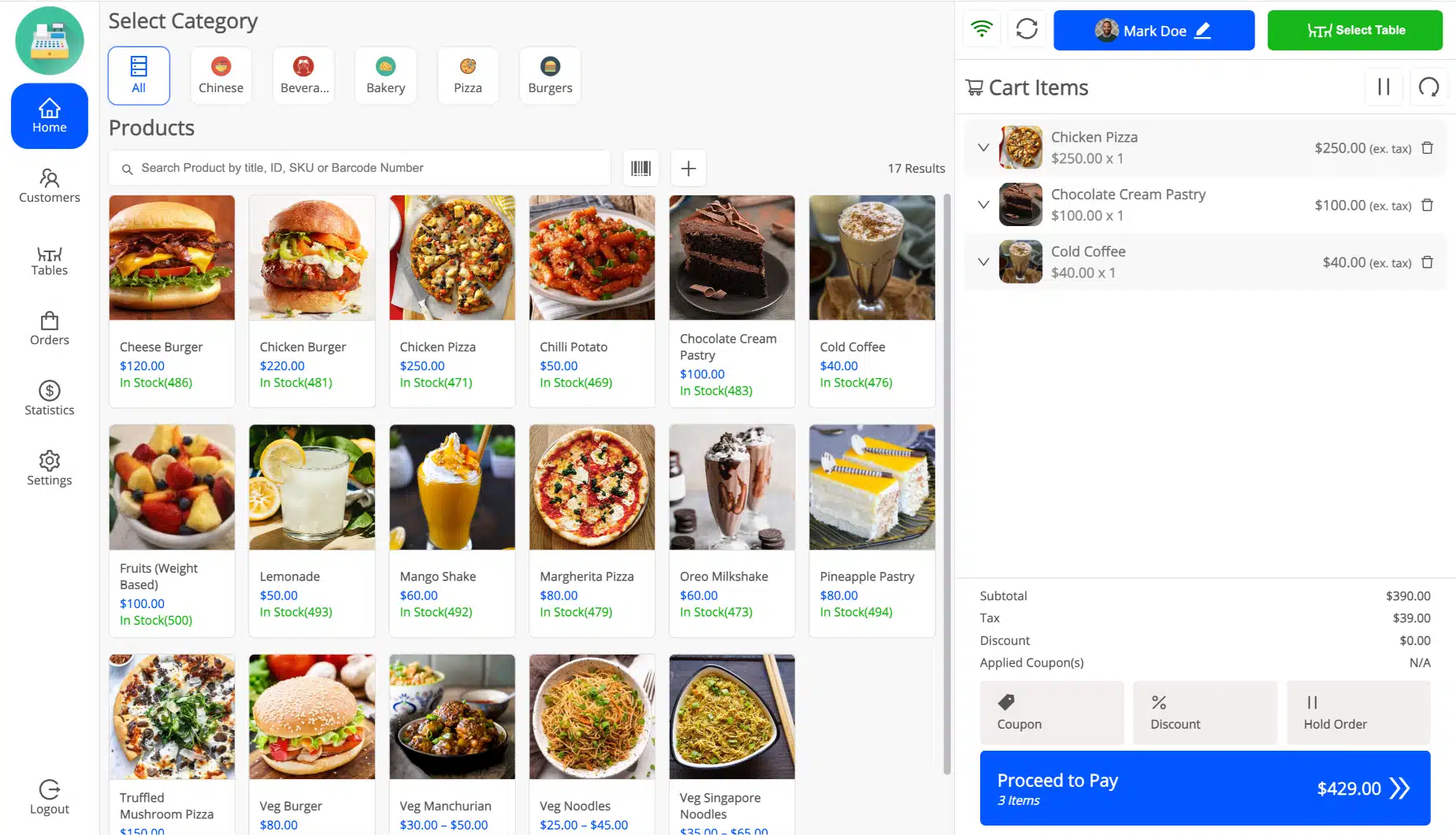
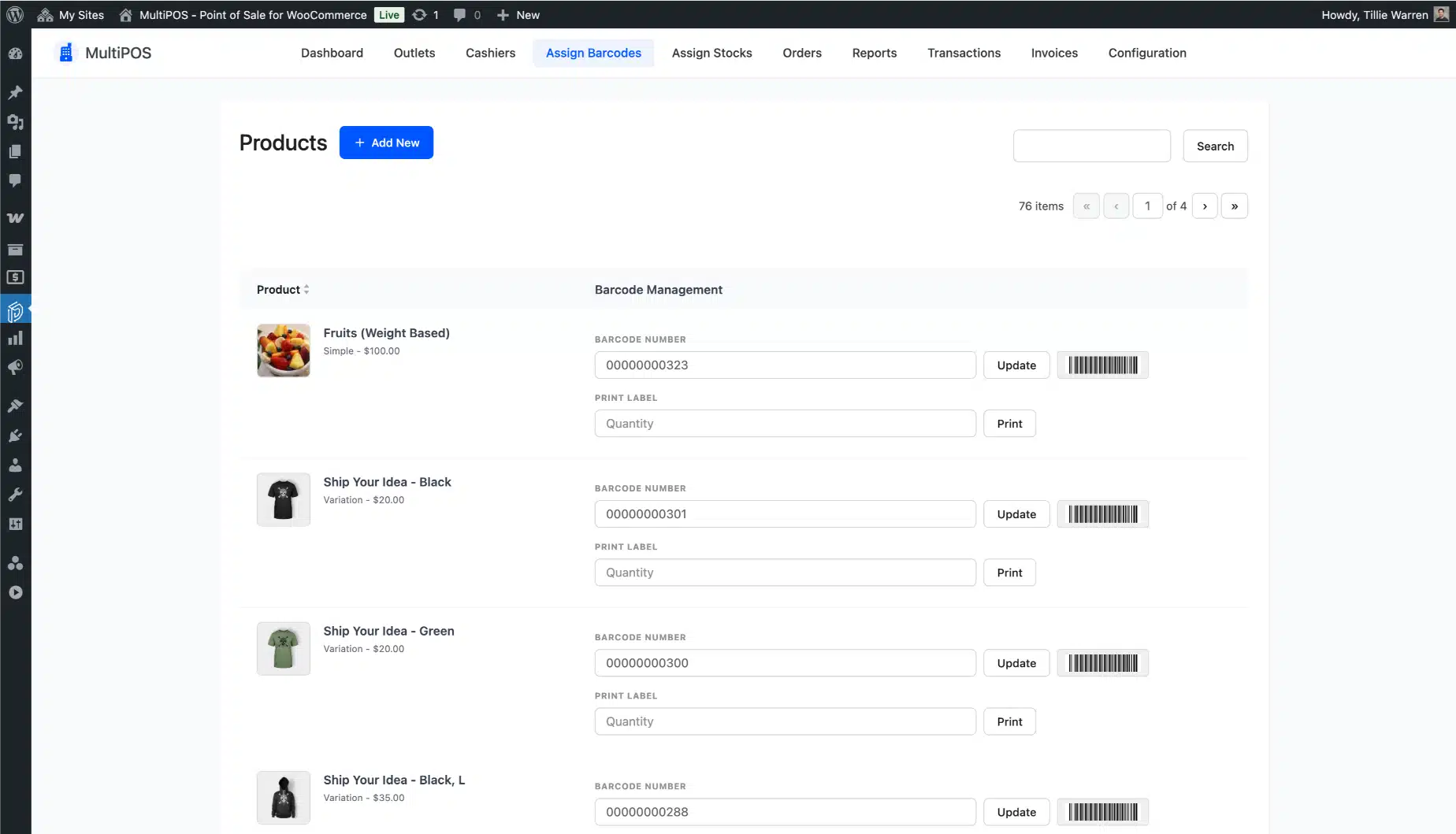
Checkout in 5 seconds starts with a scan. Point the scanner at a product and it lands in the cart instantly. No searching, no typing, and no fumbling. For stores with large catalogs, this alone cuts average checkout time from 30 seconds to under 5.
Offline POS for WooCommerce: Keep Selling Through Any Outage
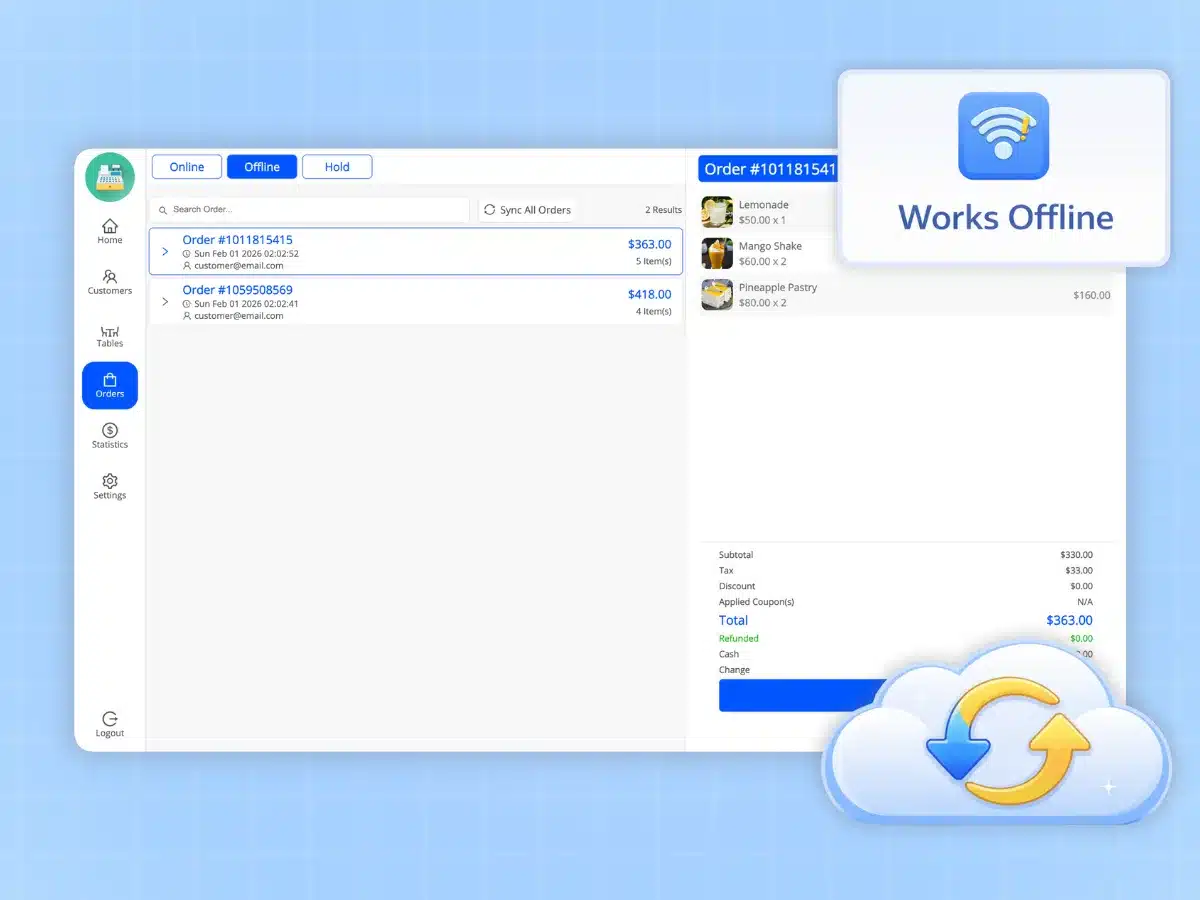
The connection drops on a busy Saturday afternoon. Your cashier doesn’t notice. MultiPOS switches to local storage on its own and keeps running — taking orders, processing payments, and queuing everything for sync.
When the internet comes back, every queued order and every stock change syncs to WooCommerce without any manual action. No gaps. No lost sales. No awkward moments at the counter.
One thing worth knowing: if the browser tab is closed while in offline mode, queued orders are held in local storage on that device. They sync the next time that device reconnects and the POS tab is opened. We see this question in support often enough that it is worth stating plainly here.


Restaurant POS for WooCommerce: Tables, Kitchen Display, and Full Order Flow
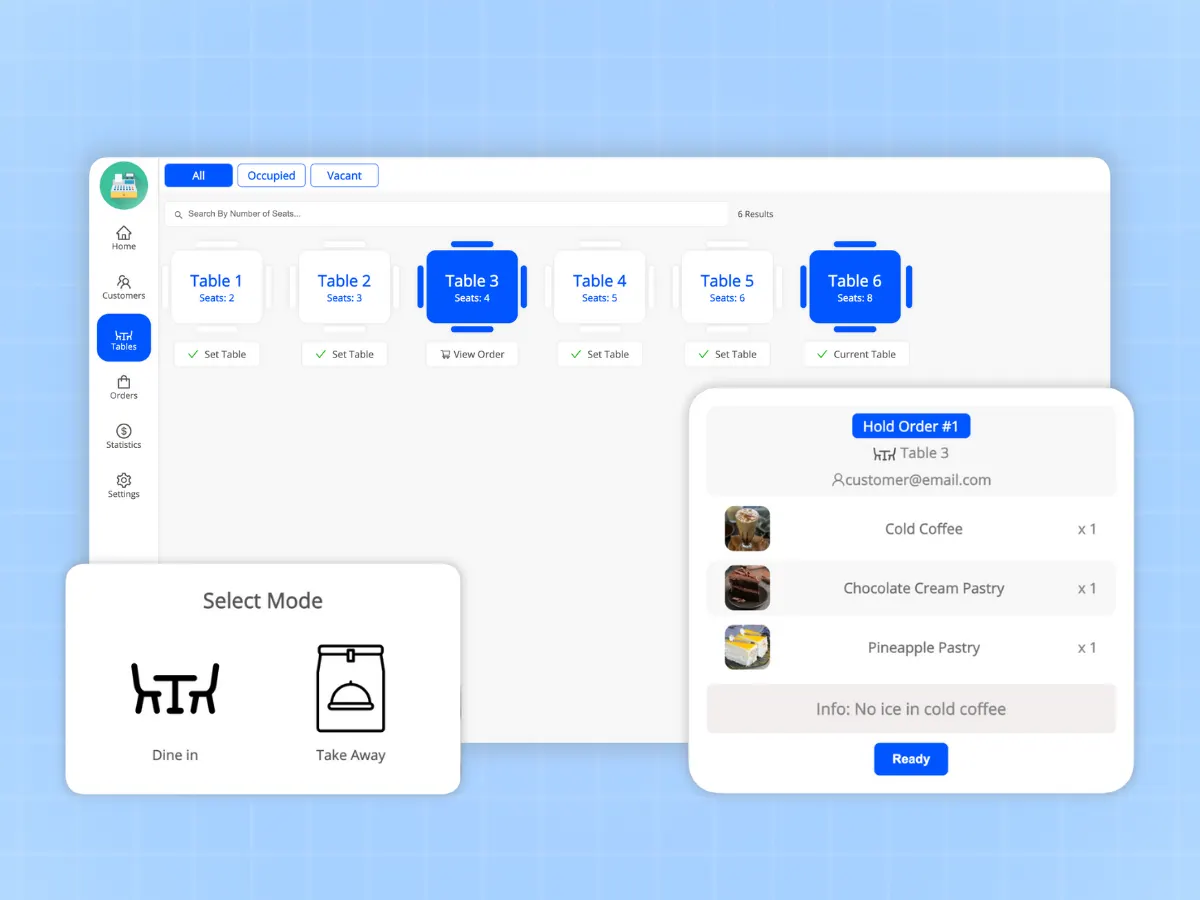
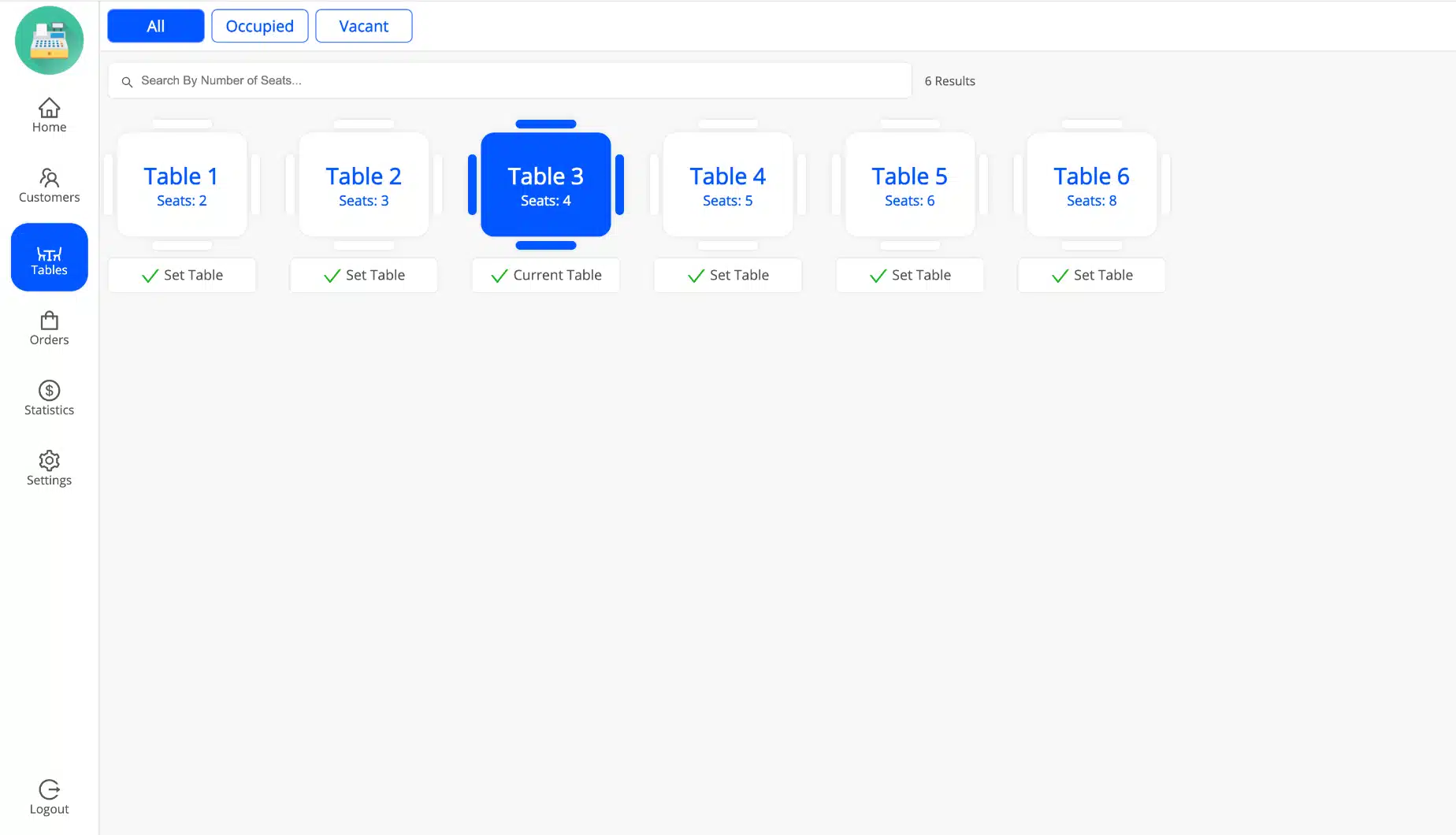
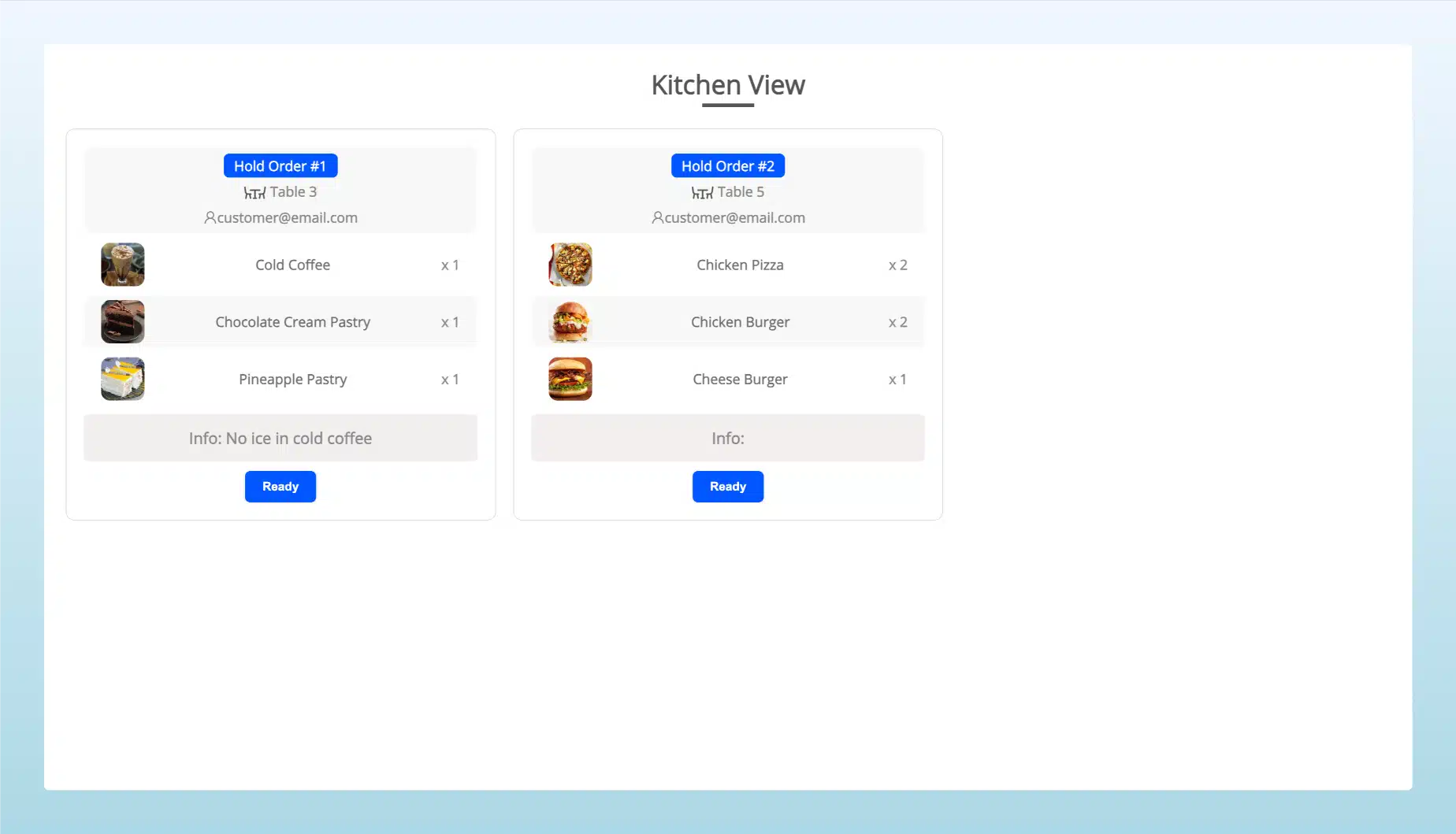
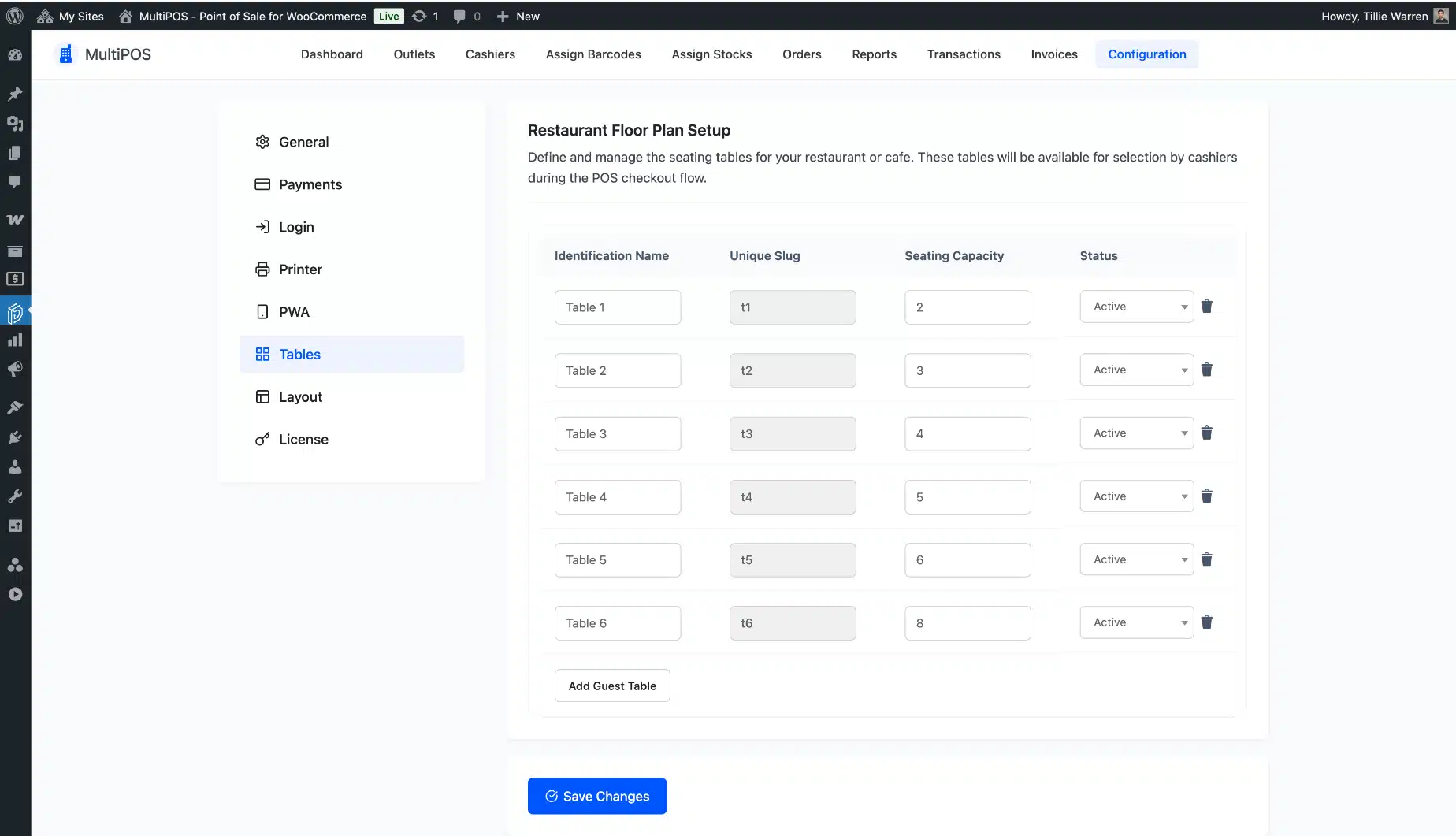
Running a cafe or restaurant on WooCommerce? MultiPOS is a restaurant POS for WooCommerce that gives you a visual table layout, a live kitchen display, and order tracking from the moment a customer sits down to the moment they pay. Orders reach the kitchen screen the second they are confirmed.
No paper tickets. No shouting across the pass. And unlike other WooCommerce POS tools that sell restaurant features as a paid add-on, MultiPOS includes all of this in every plan from day one.
Sales Reports and Per-Outlet Analytics
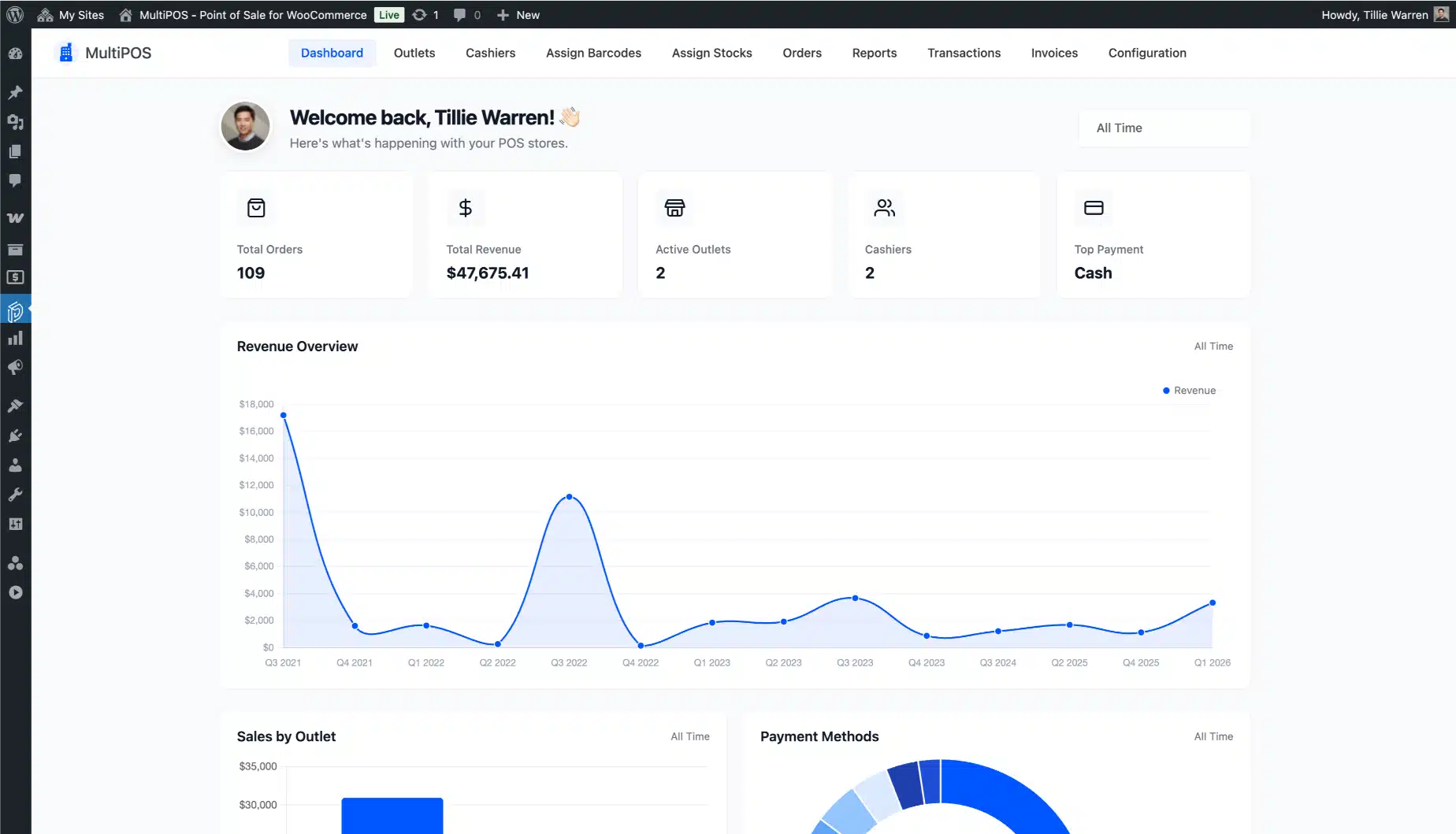
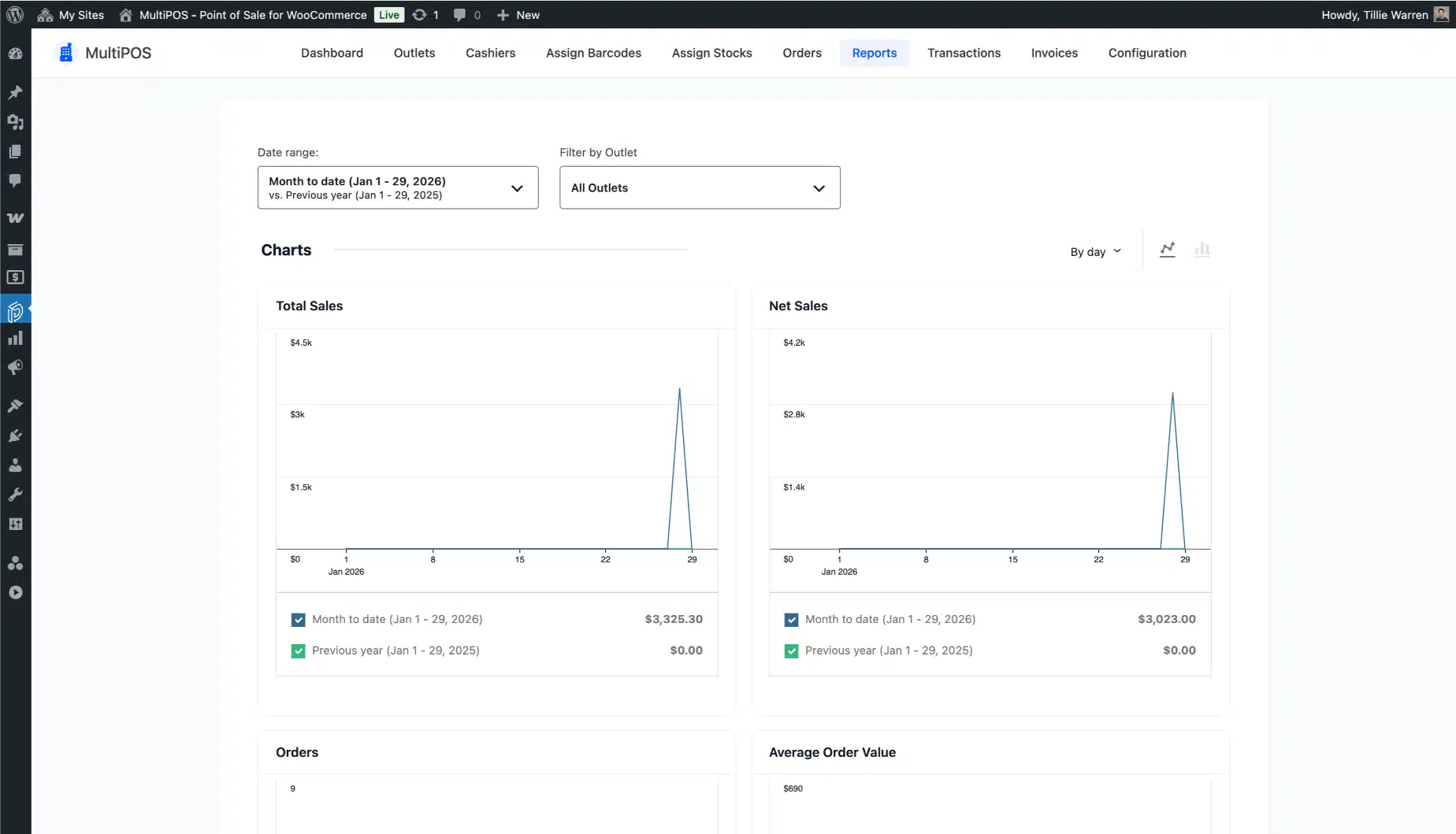
Know exactly which location is performing, which cashier is leading, and which products are moving before you look at next week’s numbers. MultiPOS shows you a real-time sales dashboard inside WooCommerce, broken down by outlet, cashier, product, and time period.
No exporting. No spreadsheets. Just the numbers you need to make a call.


Refund Processing Without Leaving the POS Counter
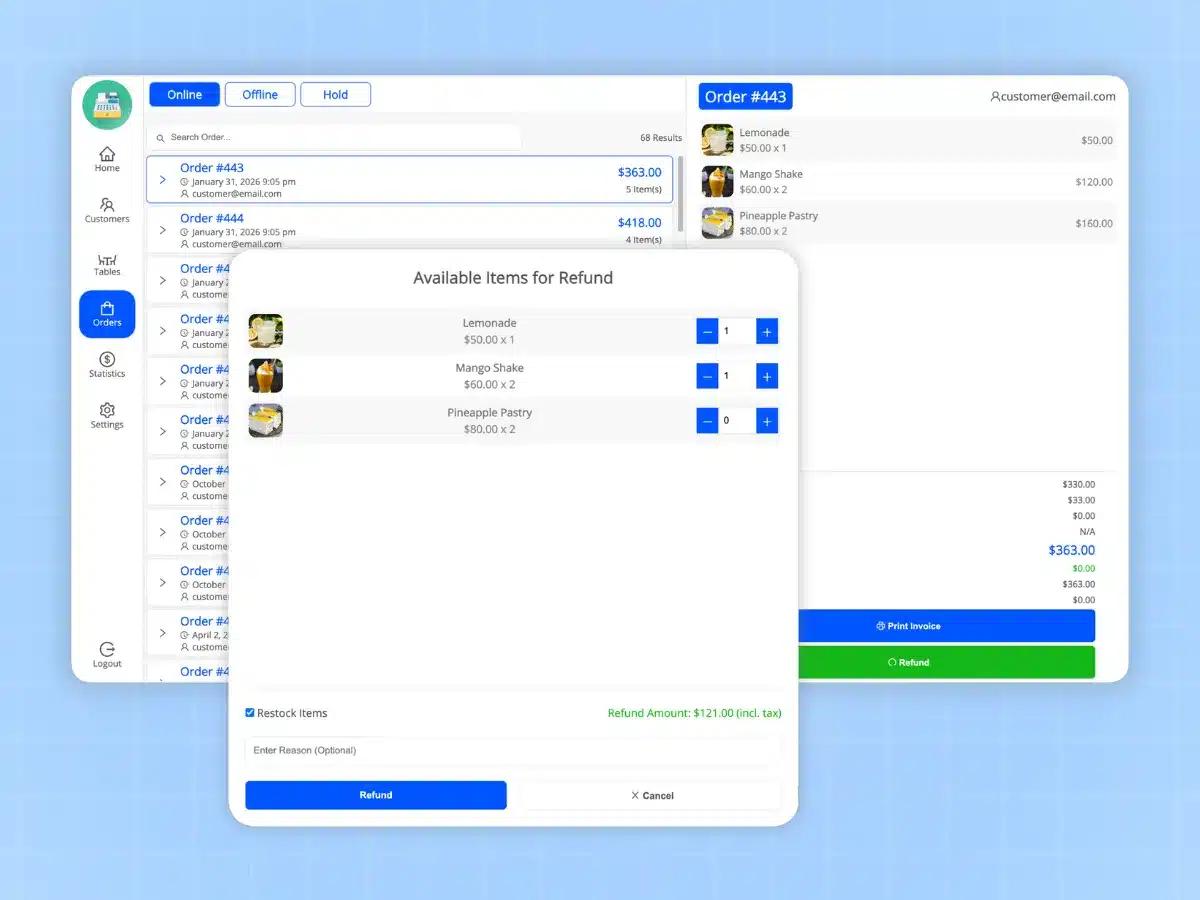
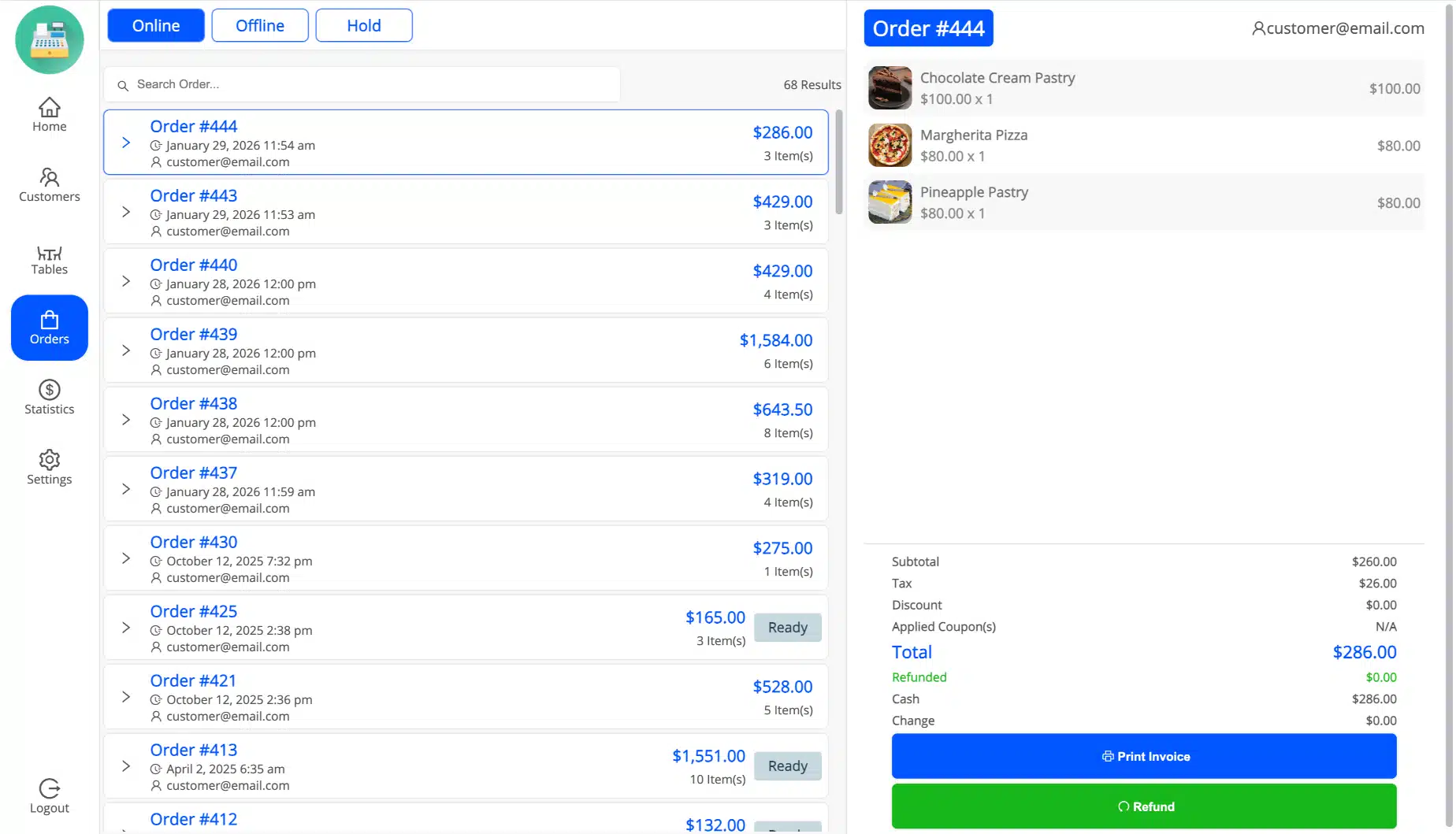
A customer needs a return. Your cashier handles it right from the terminal (full or partial), in a few taps, without touching the WooCommerce admin. Stock updates on the spot and the transaction logs are automatically.
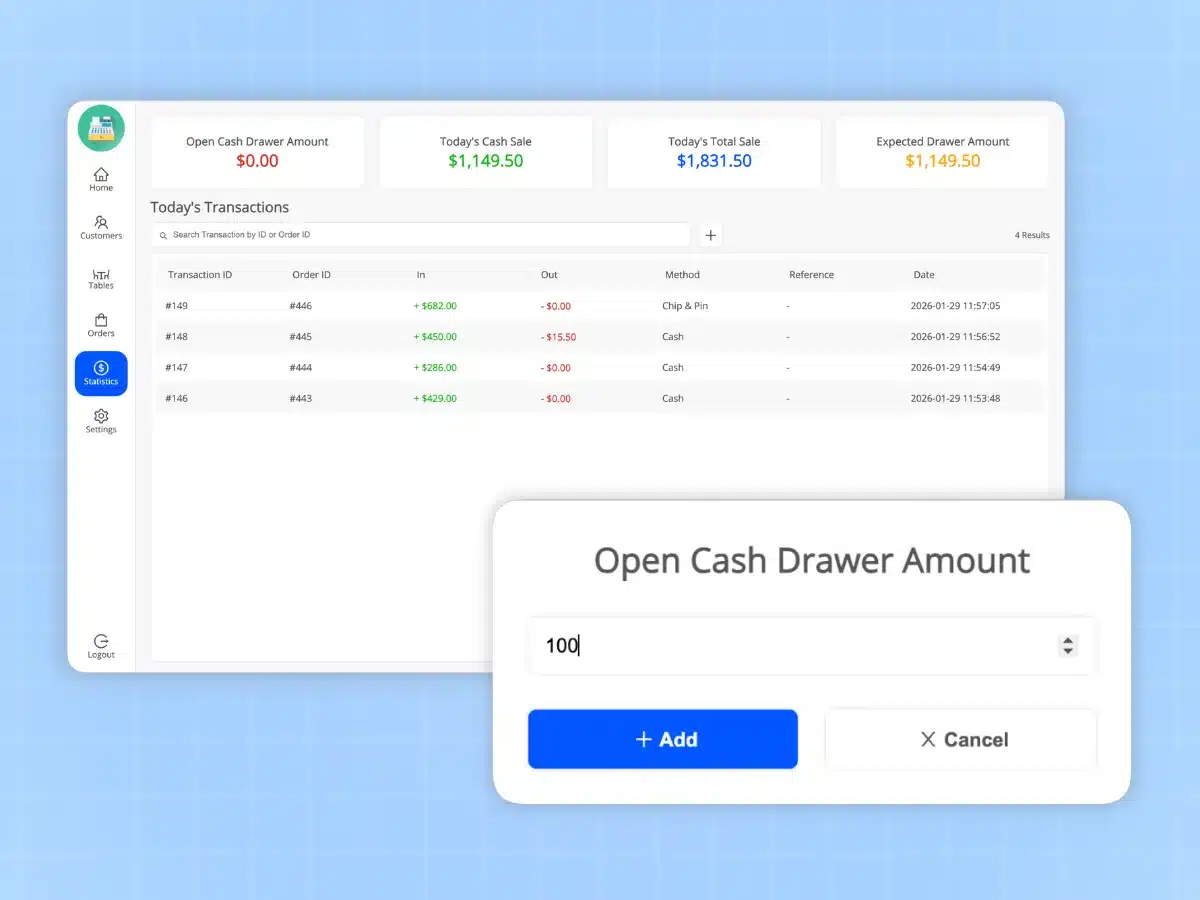
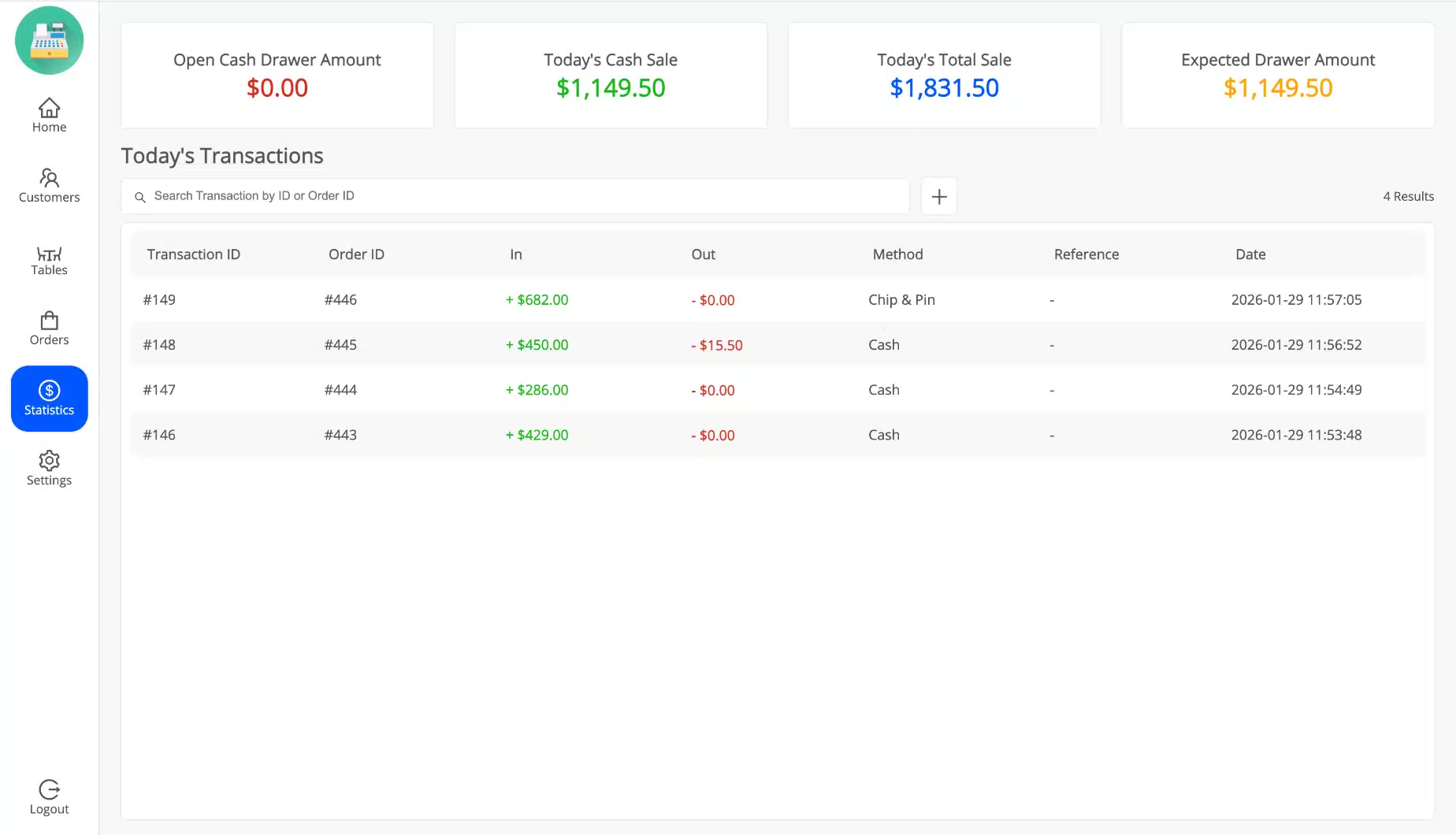
Cash Drawer Tracking and End-of-Day Reconciliation
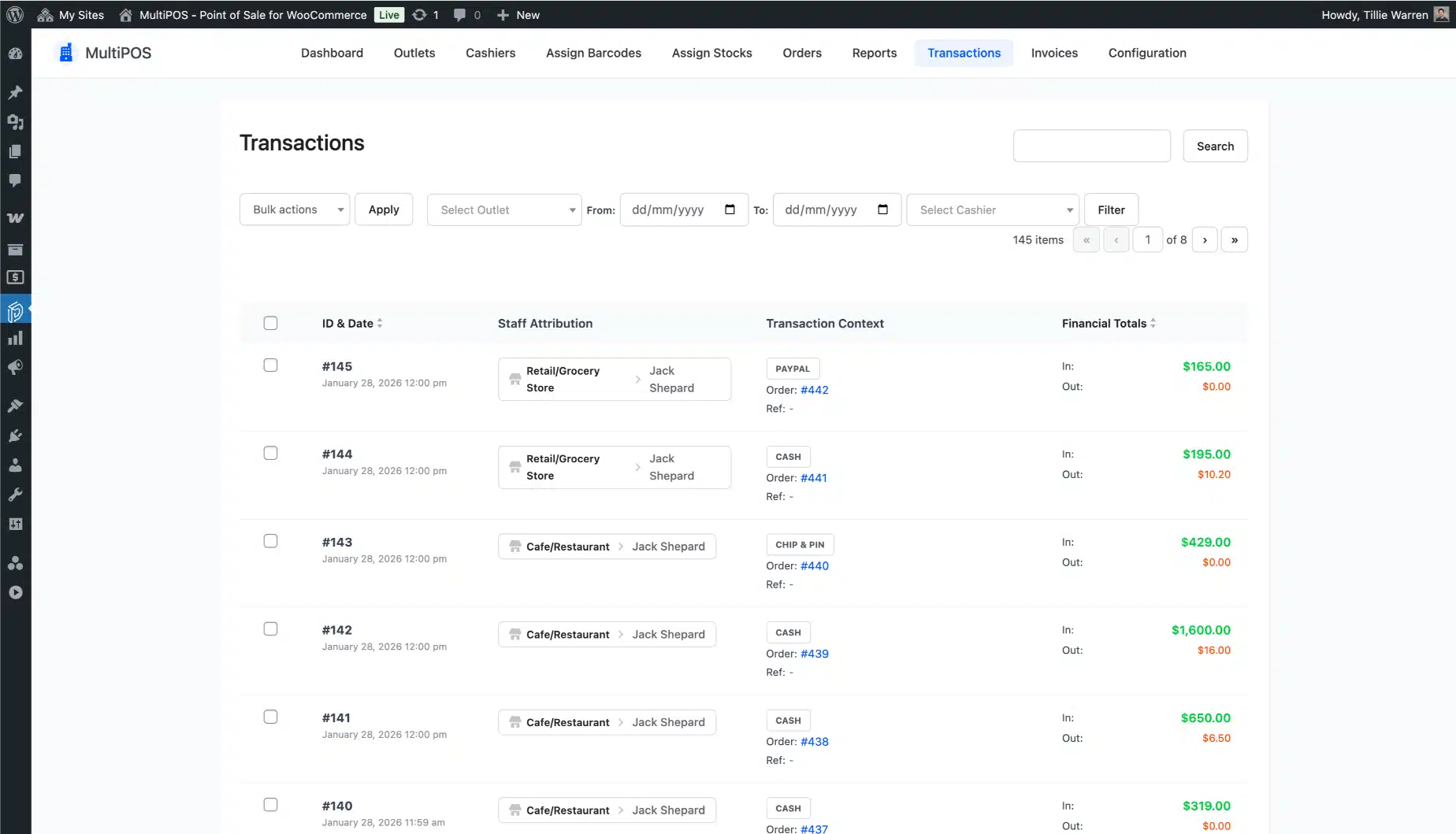
Spot cash discrepancies at the close of business, not weeks later. MultiPOS tracks opening balances, petty cash in and out, and expected versus actual drawer totals (per cashier, per outlet, and per shift).


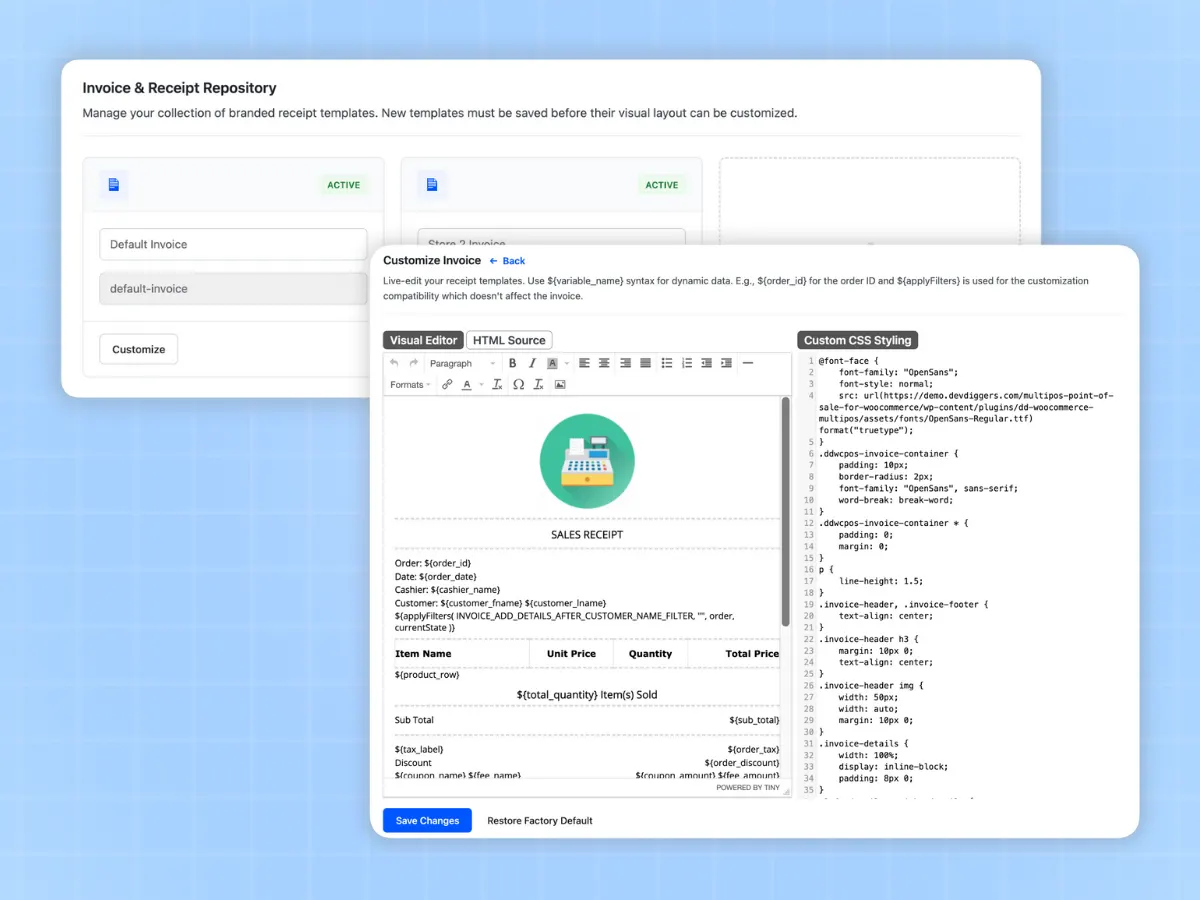
Custom Invoice and Receipt Designer
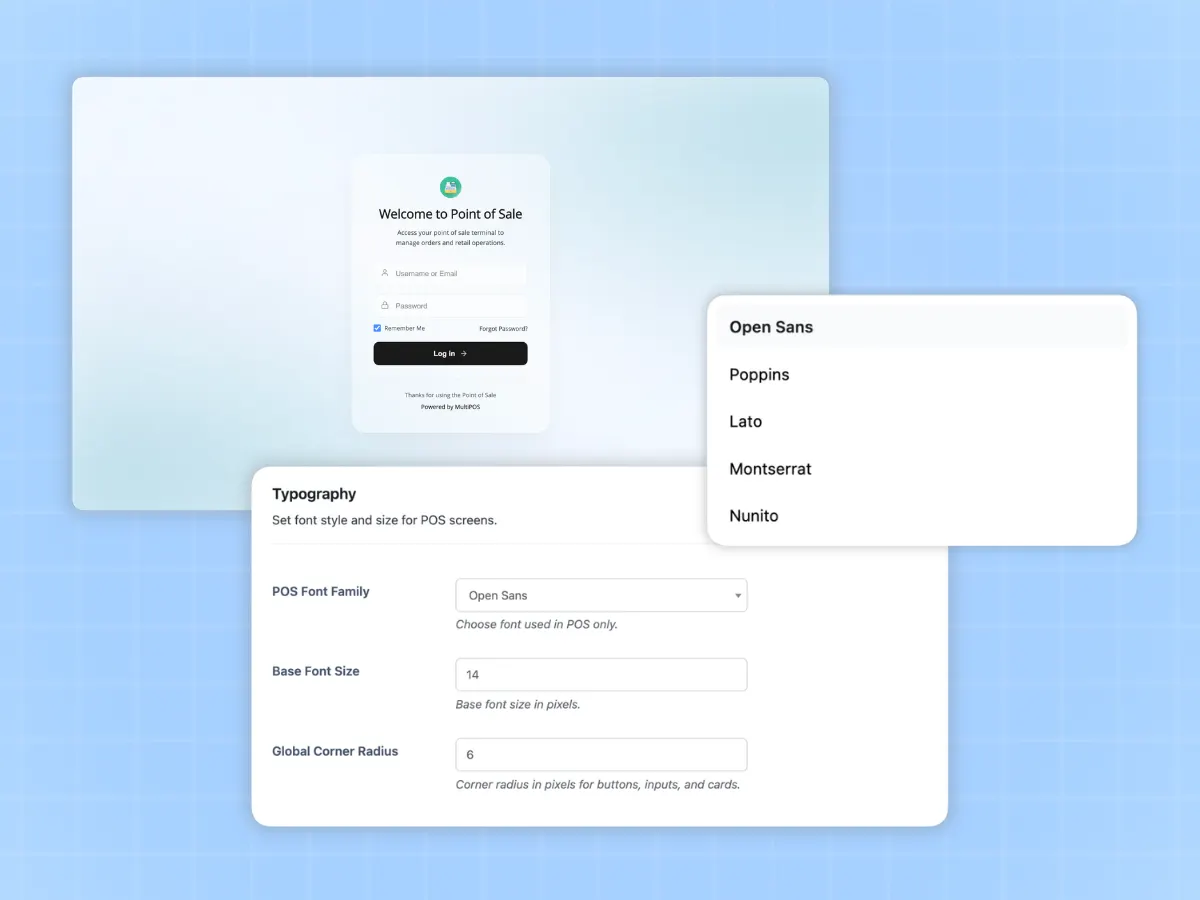
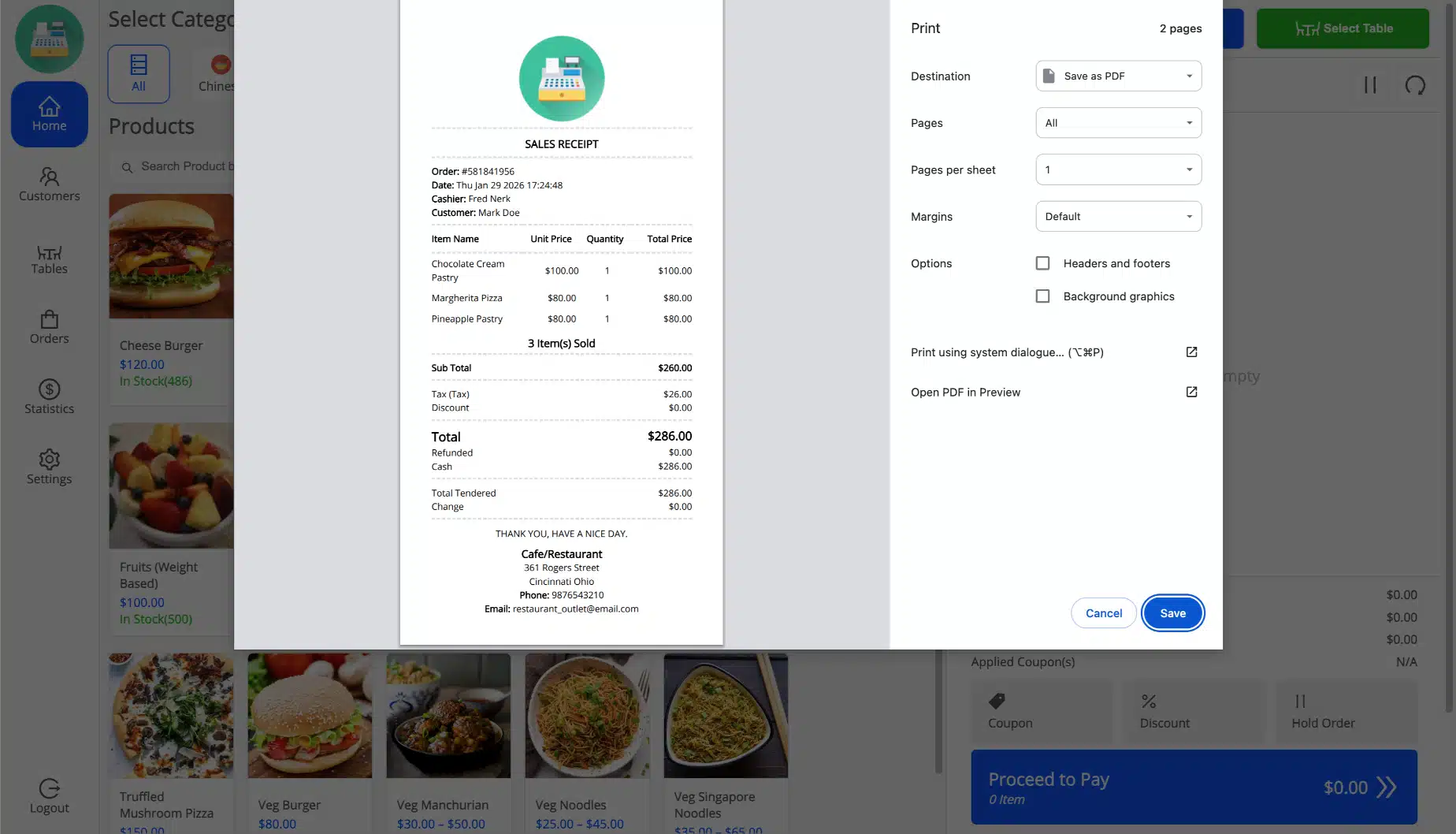
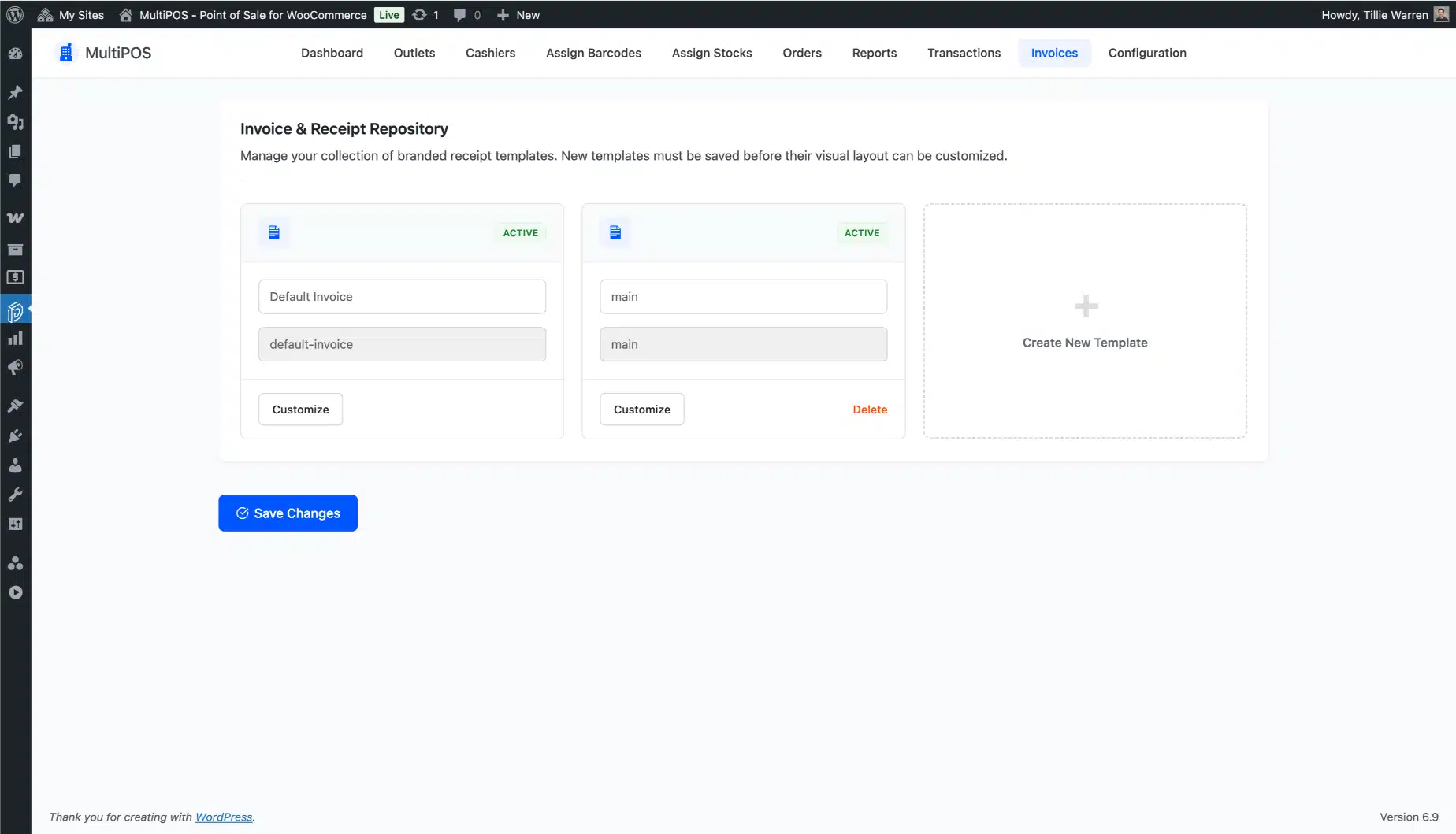
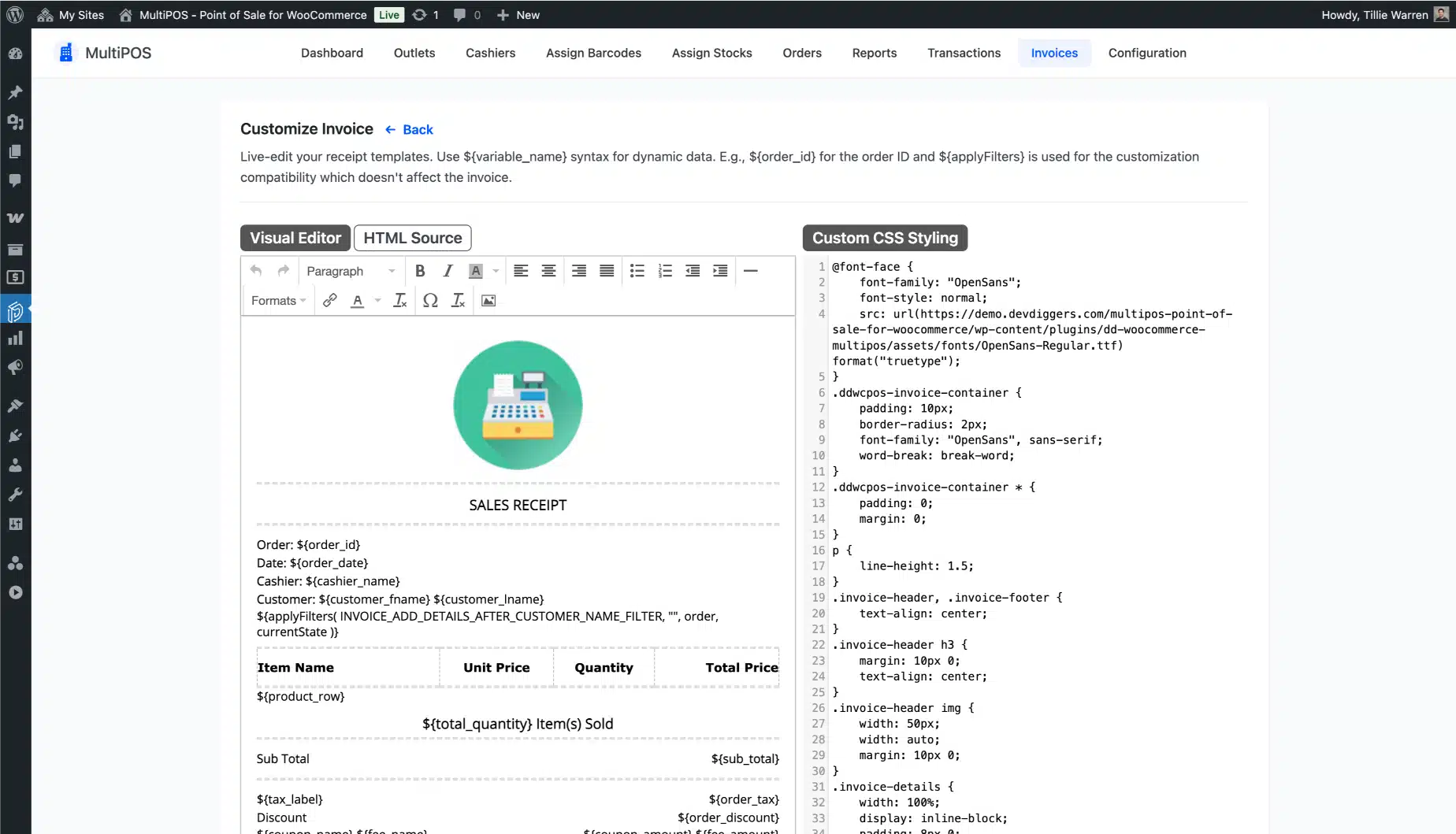
Your receipt is part of your brand. MultiPOS includes a visual invoice editor with a live preview so you can design exactly what prints at every terminal, down to the logo, header, footer, and paper size.
Different outlet, different brand? Assign a separate template to each location.
Customer Management at the Counter
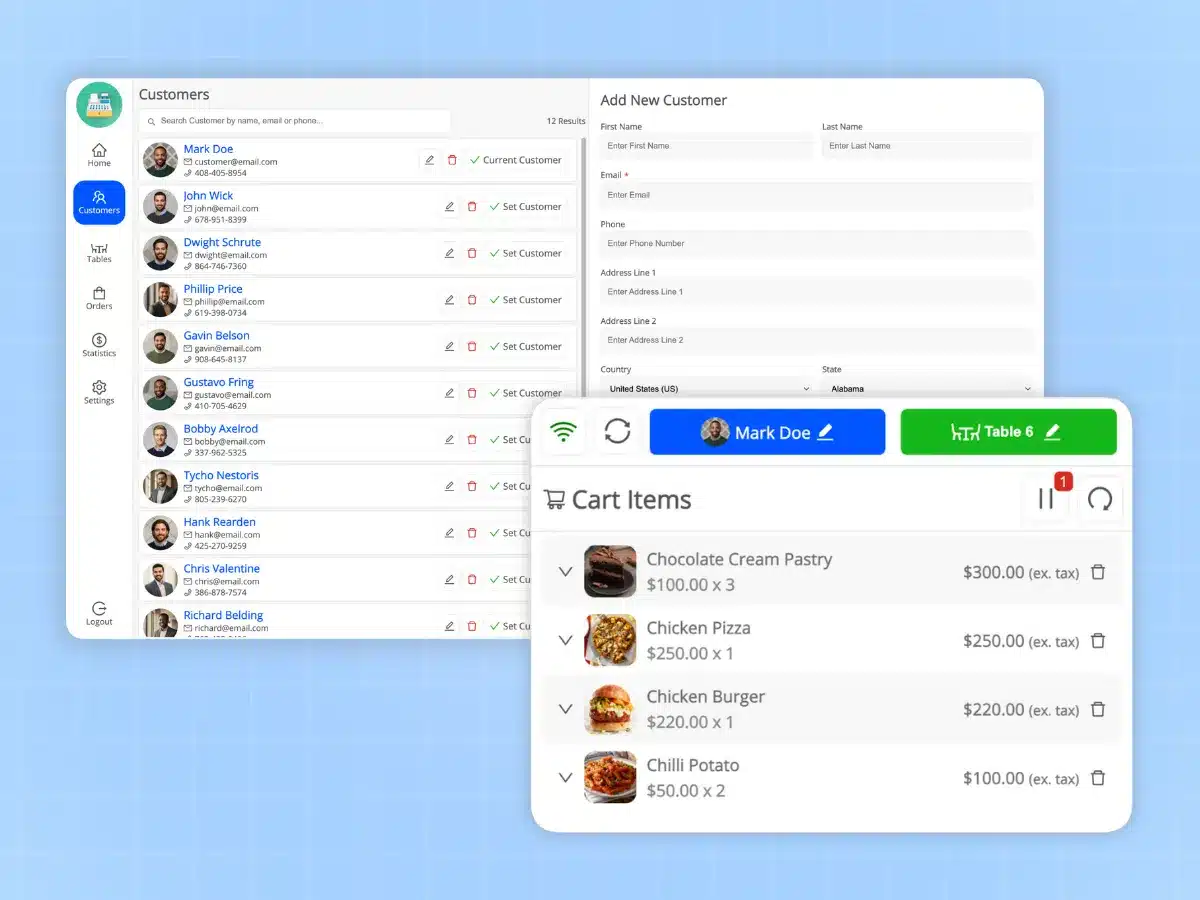
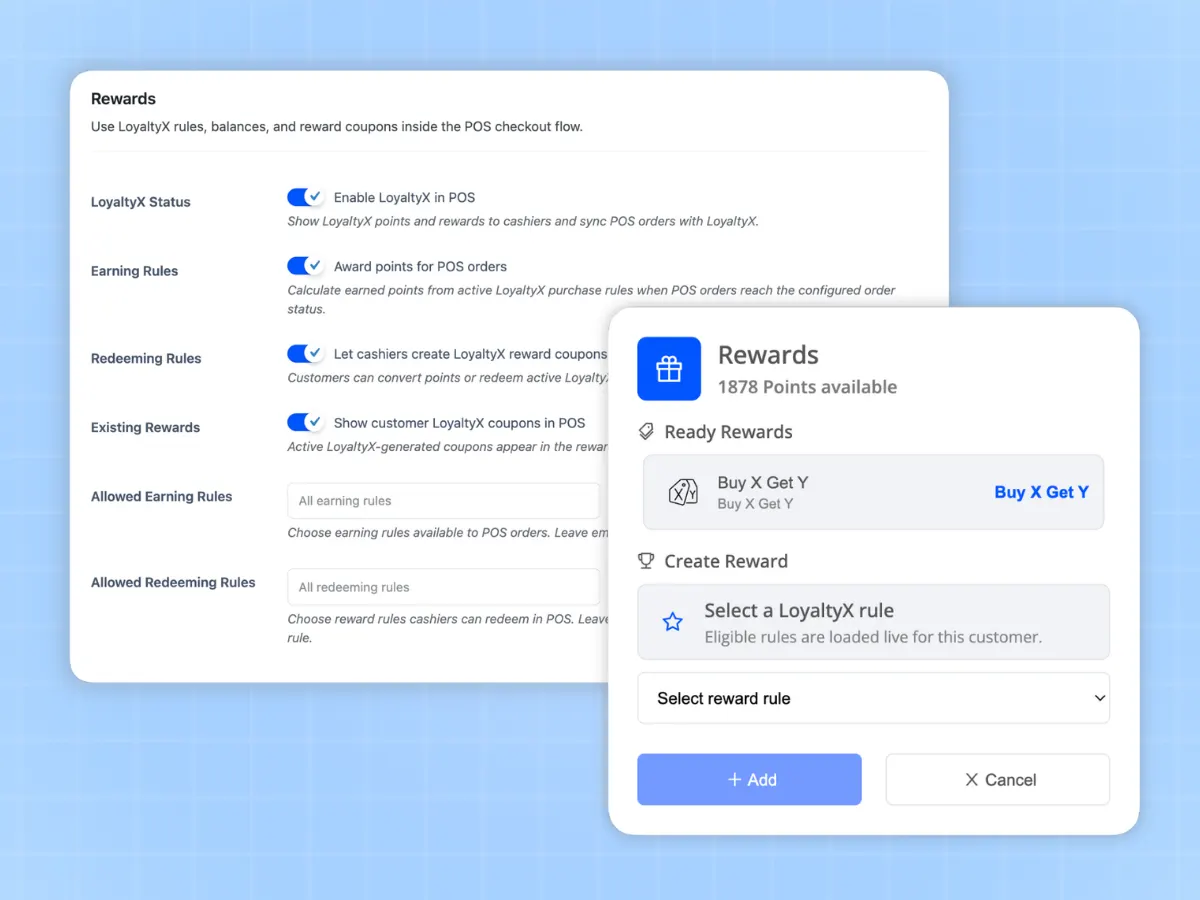
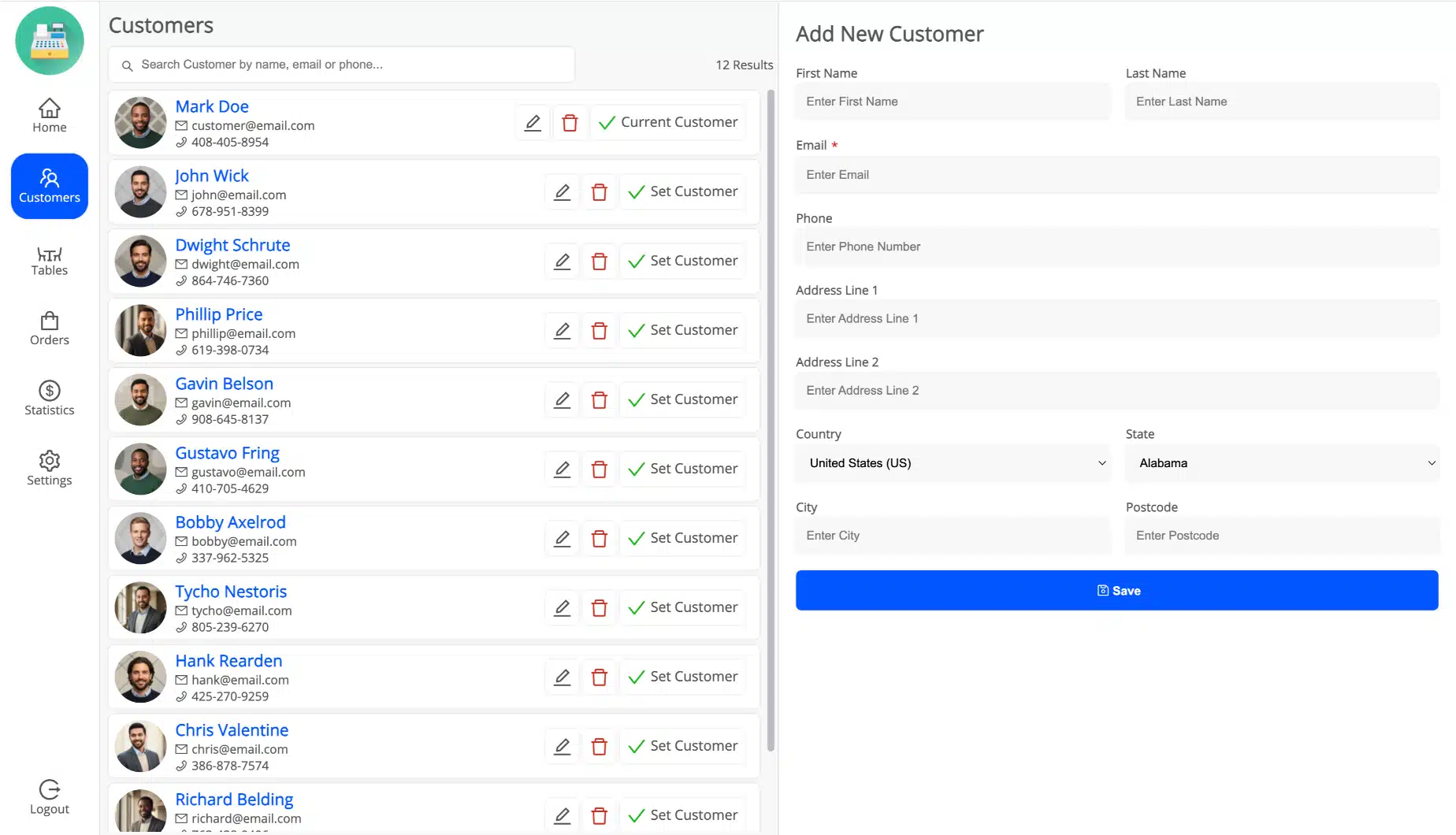
Your entire WooCommerce customer database is available from the POS terminal without any extra steps. Search by name, email, or phone. Pull up order history. Create a new account on the spot. Or run a guest checkout for a walk-in in under 10 seconds.


Discounts and Coupons That Move the Queue Forward
Price disputes and discount approvals slow down the line. MultiPOS lets cashiers apply fixed or percentage discounts at the cart level, accept WooCommerce coupon codes, and get manager approval for larger discounts, all without the queue backing up.
Custom Products for One-Off Sales and Services
Not every sale is in your catalog. Create and price a custom product right from the POS terminal. Useful for services, repairs, deposits, or anything that does not need a full product listing in WooCommerce.


Install on Any Device as a PWA (No App Store Needed)
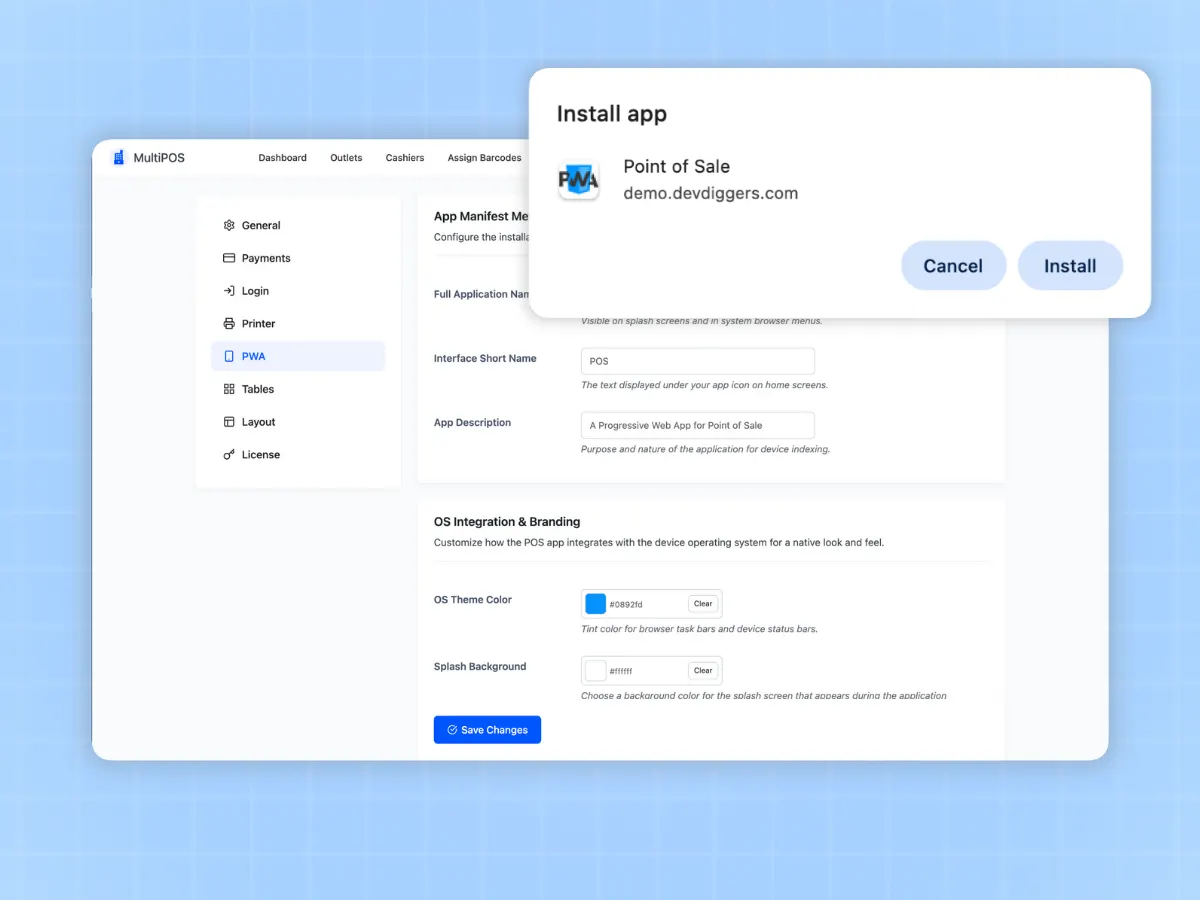
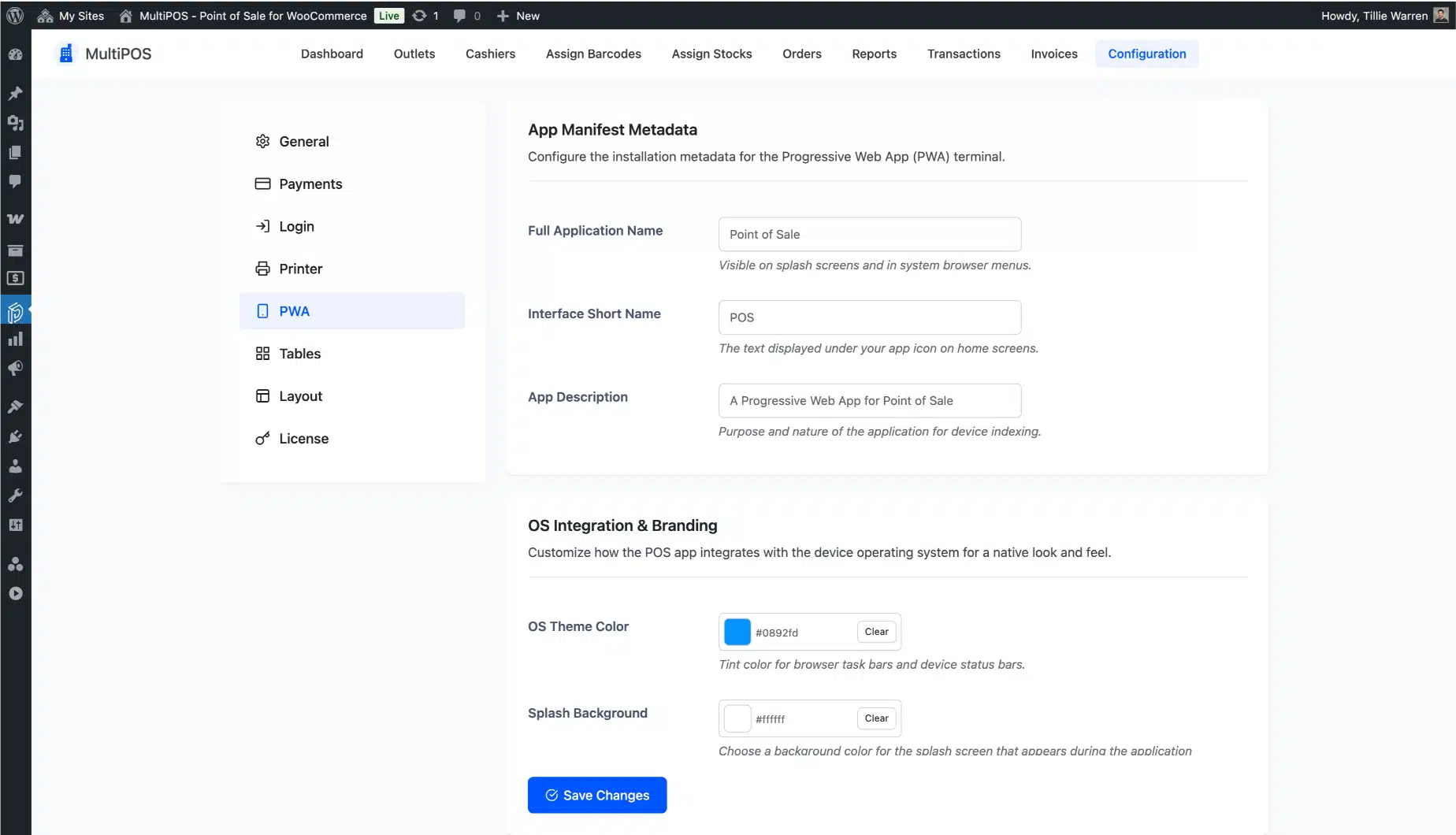
MultiPOS installs as a Progressive Web App on any device. It opens like a native app from your home screen without going through the App Store or Play Store. Your existing iPad, Android tablet, or Windows laptop becomes the terminal.
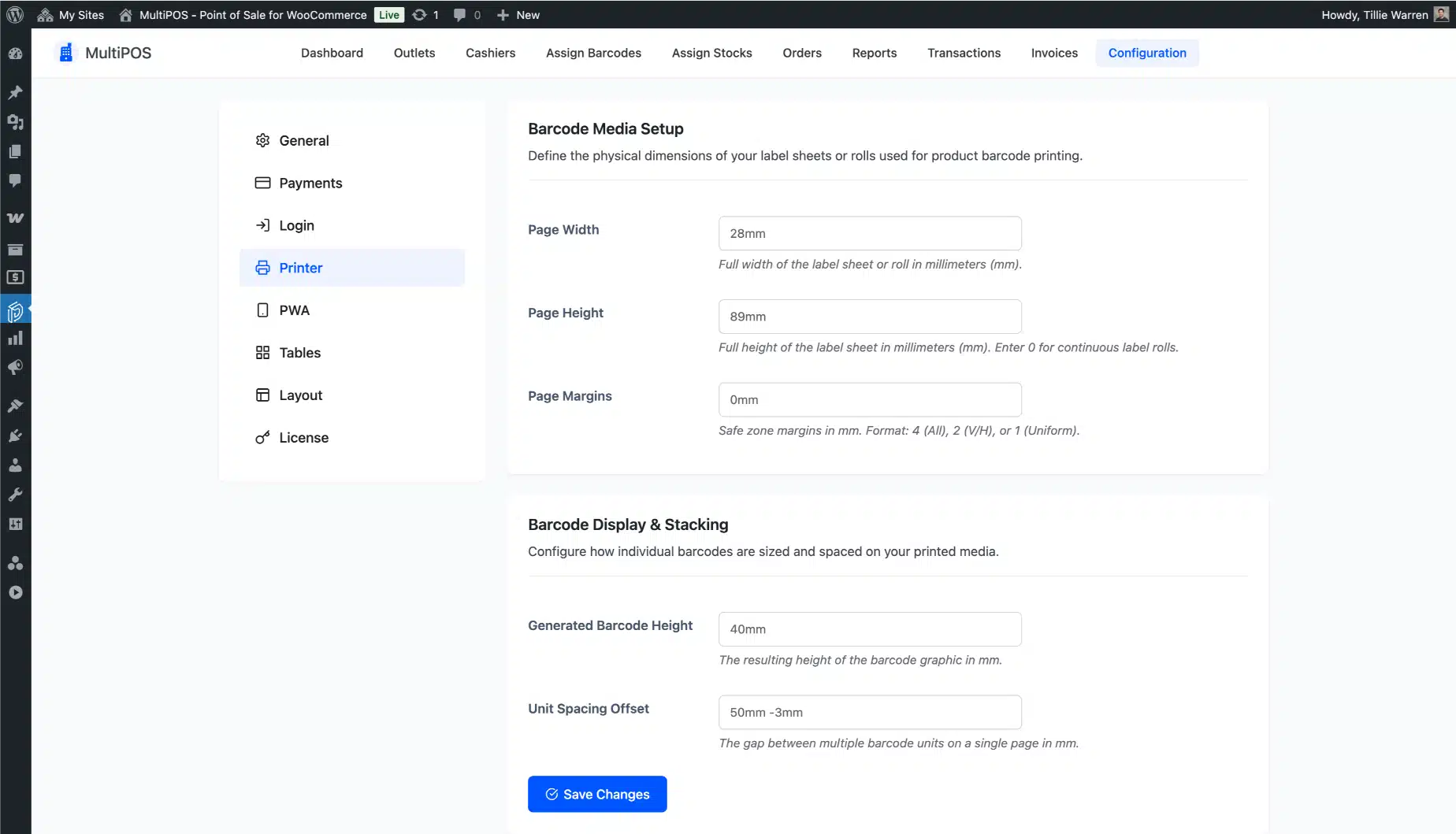
It connects to your thermal printer, barcode scanner, and cash drawer through standard protocols. No proprietary hardware. No locked-in hardware contracts.
Still running two separate systems? MultiPOS fixes that from day one.
The live demo is fully working and free to try. No account. No credit card.
Set Up Your WooCommerce POS System in 15 Minutes
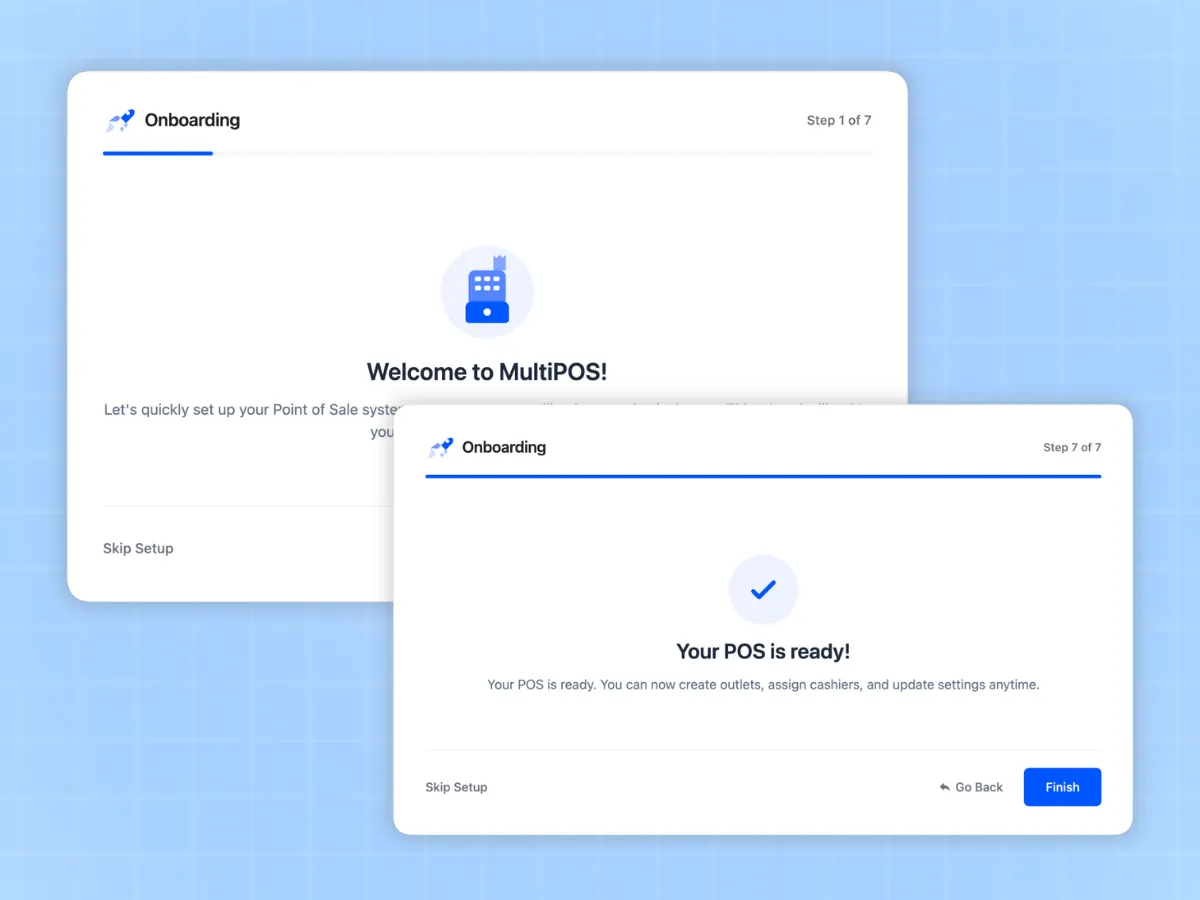
Most store owners have MultiPOS running on their first outlet in under 15 minutes. Here is the full process.
Create Your Outlets
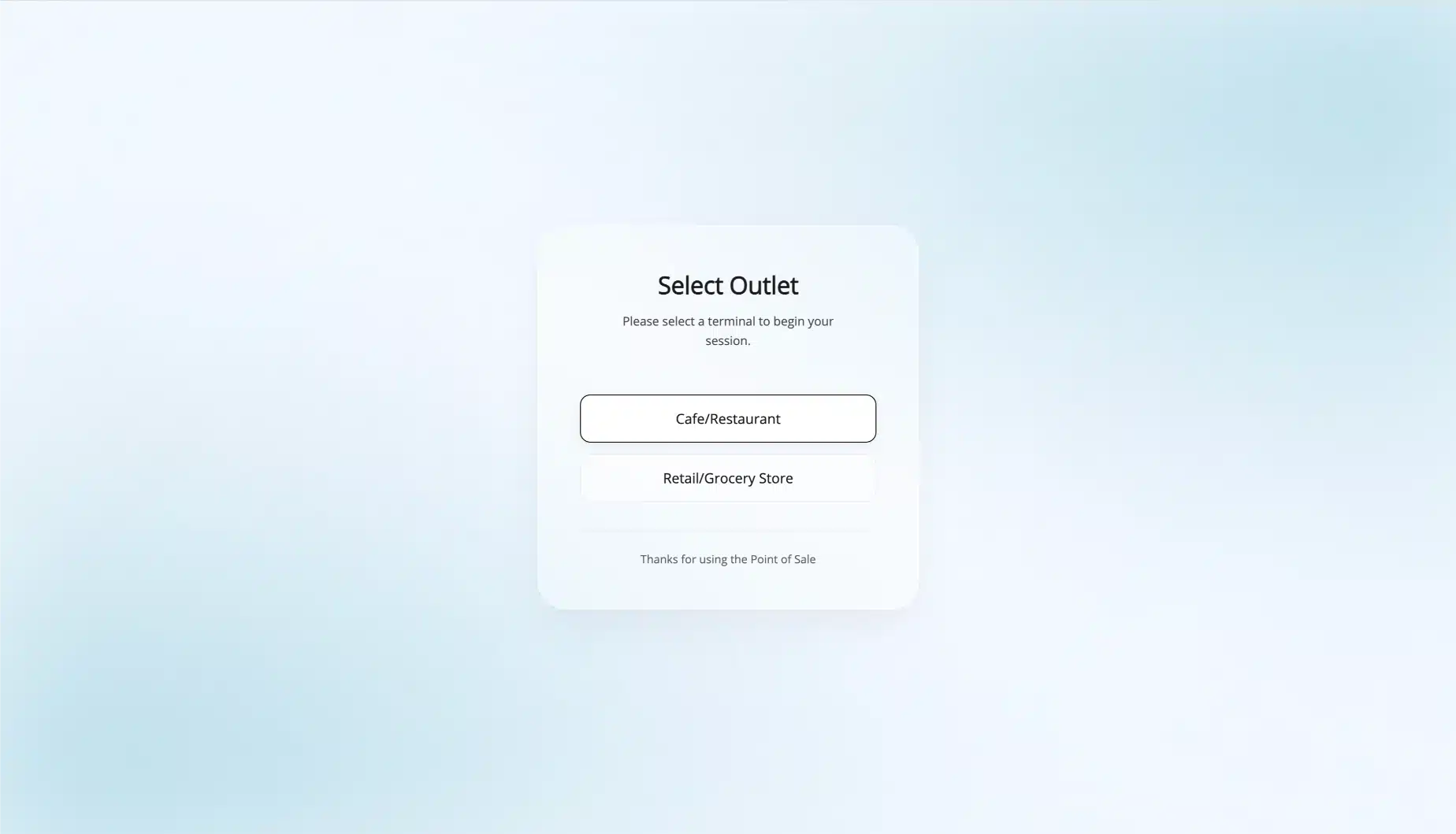
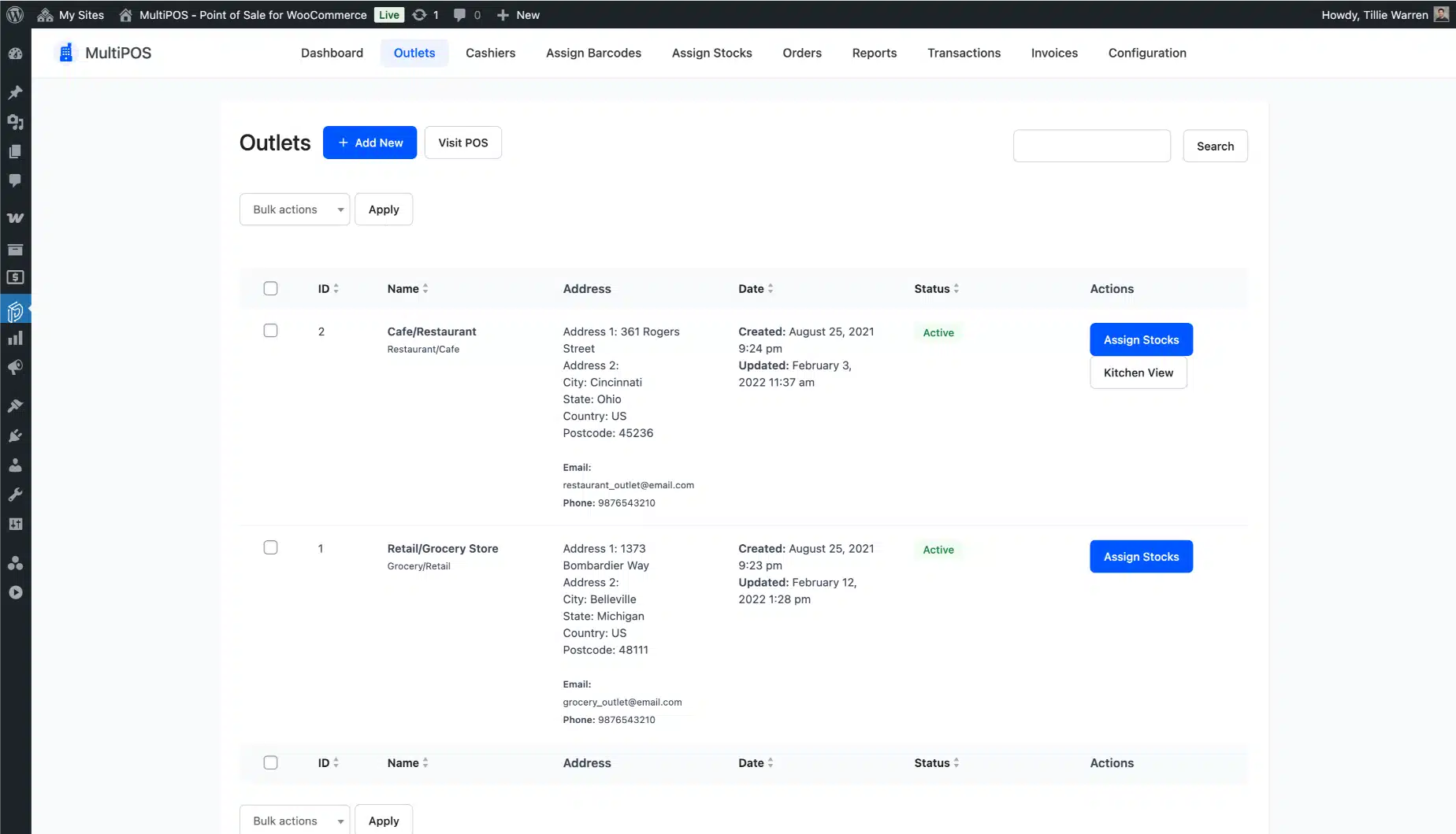
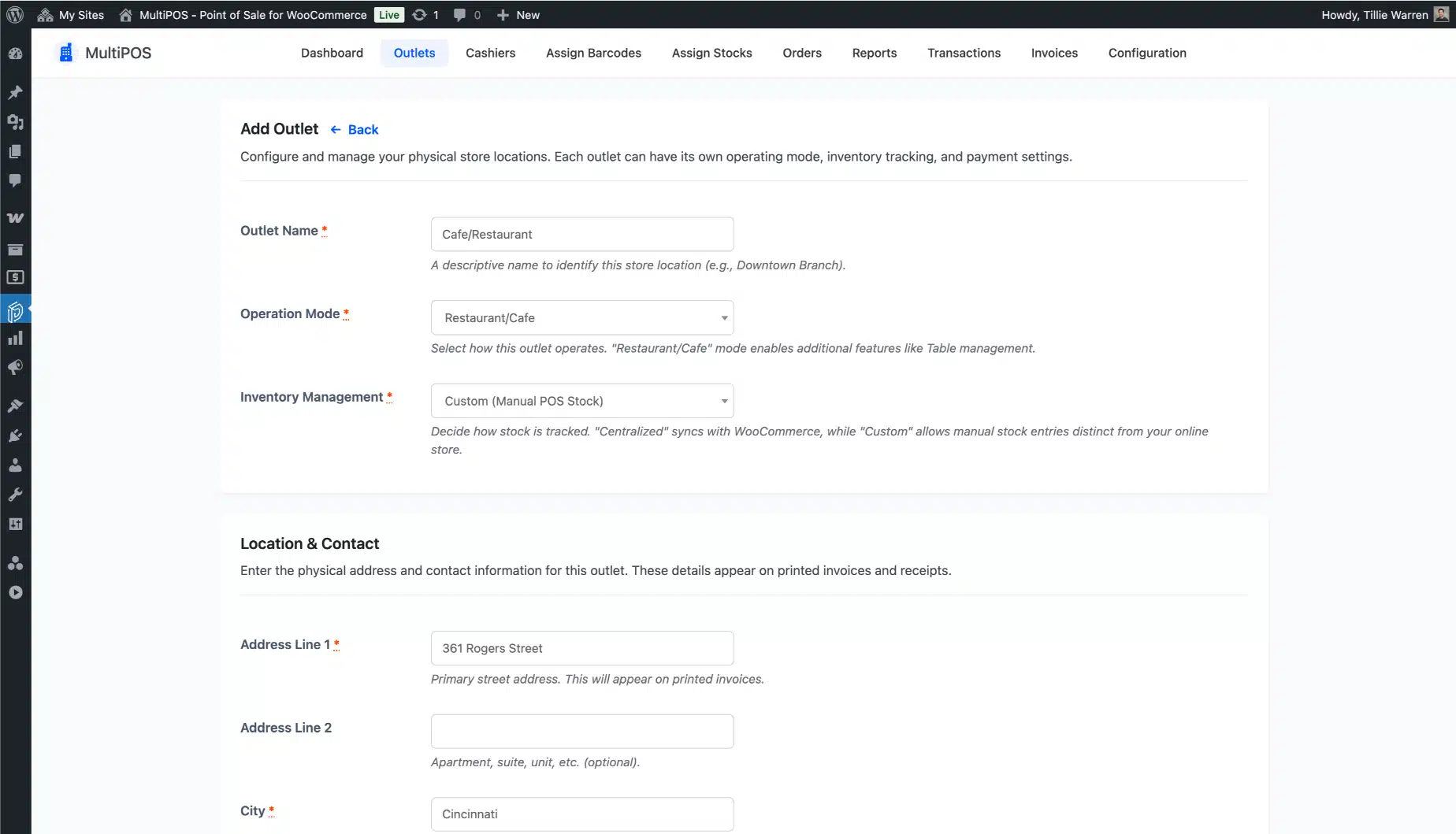
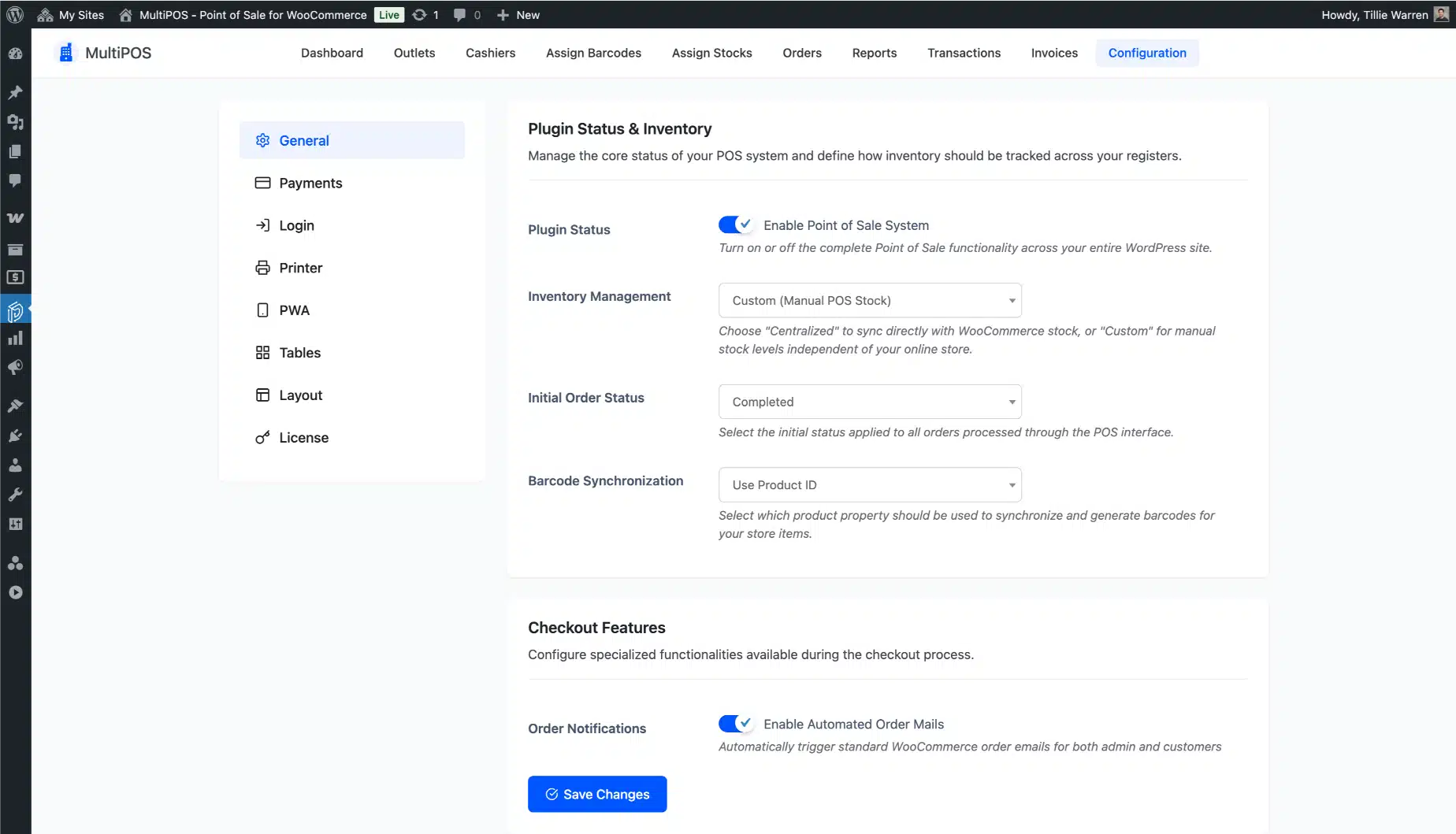
Go to the MultiPOS outlets page in your WordPress dashboard and add your physical locations. Name each outlet, choose retail or restaurant mode, and decide whether it will use centralized WooCommerce stock or its own custom stock levels. Takes about 3 minutes per outlet.
Set Up Your Cashiers
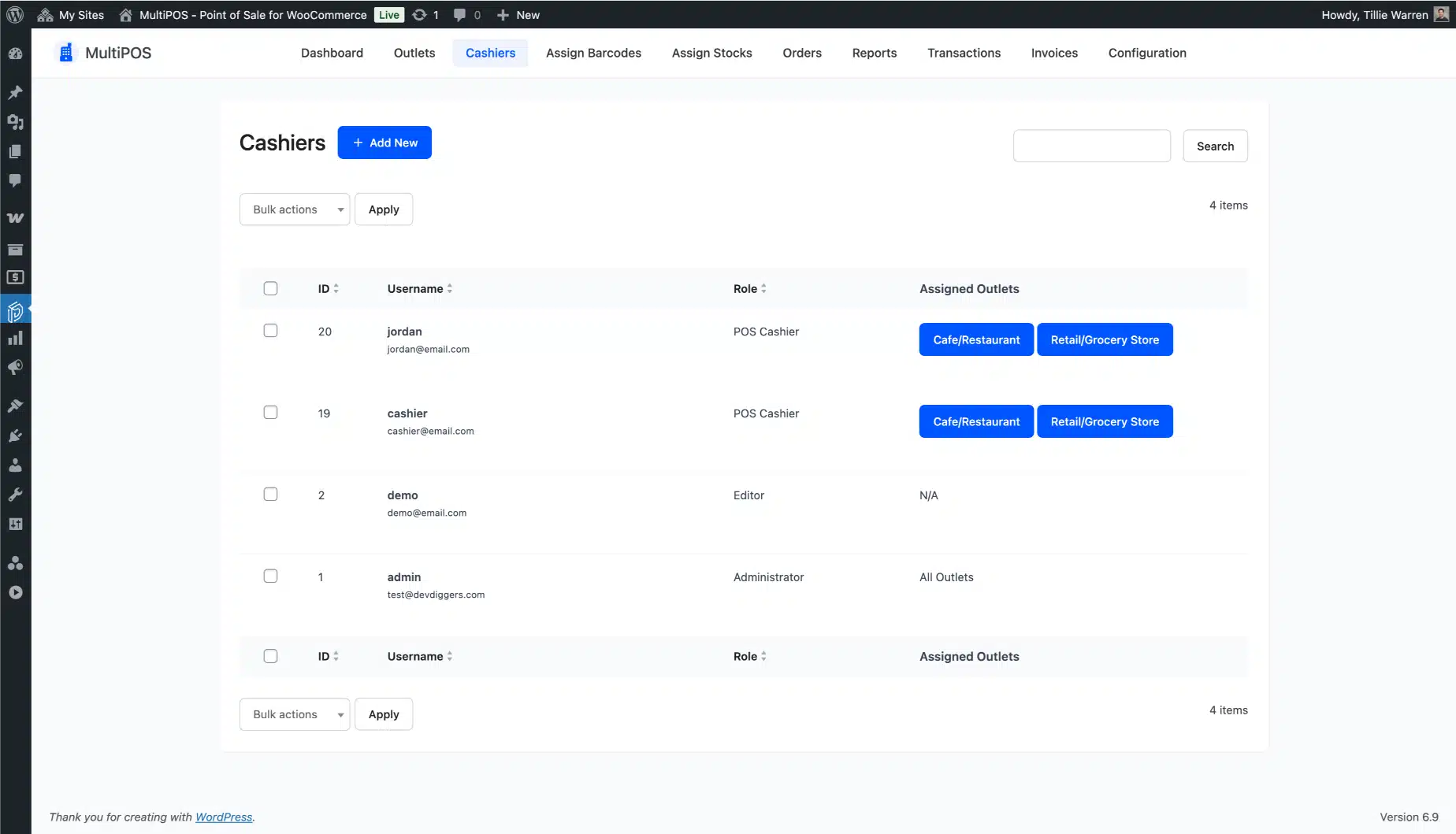
Create cashier accounts and assign each one to their outlet. Role-based access means each cashier only sees what they need to do their job. No admin access, no confusion.
Connect Your Hardware
Plug in your barcode scanner and connect your thermal printer. MultiPOS auto-detects most USB and Bluetooth devices. If you are installing the PWA on a tablet, add it to the home screen in one tap from the browser menu.
Open the POS and Start Selling
Log in from any browser on any device. Select your outlet. Start ringing up sales. Every transaction updates inventory in WooCommerce in real time from that first sale onward.
What a True Point of Sale for WooCommerce Does for Your Store Every Day
One WooCommerce Point of Sale for Every Channel
Online orders and in-person sales hit the same WooCommerce stock record at the same time. No double entry. No end-of-day corrections. Your WooCommerce POS system and your online store are the same system, not two systems pretending to talk to each other.
Checkout in 5 Seconds. Every Time.
Scan a barcode or search by name. Product lands in the cart. Hit pay. Done. Bringing checkout down to 5 seconds or less is not a marketing claim. It is what happens when you remove the typing, the searching, and the slow screen loads from every transaction. In a busy lunch service or a retail rush, that difference is real revenue.
Sales Don’t Stop When the Internet Does
Power cuts, router failures, venue Wi-Fi dropping at the worst moment, none of these shut down your POS. MultiPOS keeps selling offline and syncs everything the moment the connection returns. You never lose a sale to a connectivity issue.
Sync Inventory with WooCommerce Across Every Location
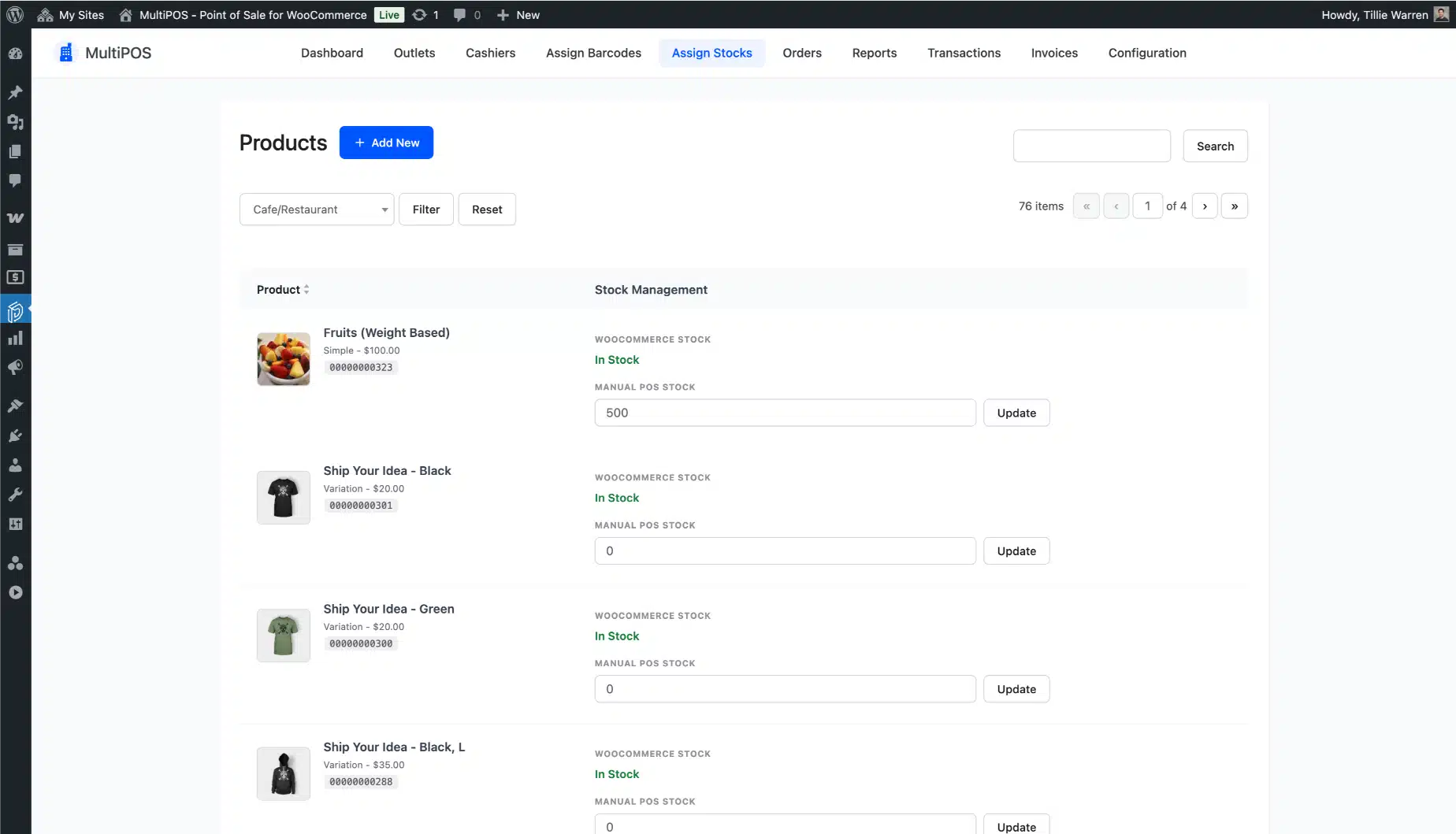
When a product sells at any outlet, stock drops in WooCommerce immediately. Every location, every cashier, every channel hits the same number. You sync inventory with WooCommerce once and it stays accurate without any manual work. That’s what it means to run one system instead of two.
Know Your Cash Position Before You Lock Up
Per-cashier drawer tracking and end-of-day reconciliation means you always know what cash is in each terminal and whether it matches what it should be. Discrepancies get caught at close of business. Not weeks later when the numbers no longer reconcile.
What You Save by Not Buying Dedicated Hardware
A traditional dedicated POS terminal runs $400 to $1,000 upfront, plus $40 to $60 per month in software fees. That is $500 to $1,700 per station per year, before you add a second location. MultiPOS covers every station you have for $139 to $799 per year total. For a two-location store, the math is not close.
One Thing to Check Before You Buy
MultiPOS runs through the browser. That is a big advantage for device flexibility, but it does mean each terminal needs a modern browser. Very old hardware running browser versions from before 2020 (particularly Windows tablets) may need a browser update before the POS runs at full speed. We see this occasionally in support. Worth a quick browser version check on any older device before go-live.
Use the Hardware You Already Own
Here is what most WooCommerce POS pages don’t say: you don’t need new hardware. Most store owners already have everything MultiPOS needs. A tablet or laptop. A USB thermal printer. A barcode scanner. That’s the full kit.
You are not locked into a proprietary terminal. You are not paying $1,000 upfront for hardware that only works with one software vendor. Your existing devices work from day one.
Thermal Receipt Printers
MultiPOS works with 80mm and 58mm thermal printers running the ESC/POS protocol. Common printer brands like Epson, Star, and Bixolon work without special drivers. Plug in and print.
Barcode Scanners
Any USB or Bluetooth HID barcode scanner works. MultiPOS reads 1D barcodes, 2D barcodes, and QR codes. Plug the scanner in, scan a product, and done.
Cash Drawers
Cash drawers connect through the receipt printer. If your printer is connected, your cash drawer opens. No separate configuration required.
Tablets, Laptops, and Touchscreens
MultiPOS runs on any modern browser. iPad, Android tablet, Windows laptop, desktop monitor with a touchscreen — all work. The PWA installation gives it a native-app feel without the App Store or Play Store.
A note on WooCommerce HPOS: MultiPOS is fully compatible with WooCommerce High-Performance Order Storage (HPOS), introduced in WooCommerce 8.2 and now the default in WooCommerce 9.0+. If you are running WooCommerce 9.0 or above with HPOS enabled, MultiPOS works without any configuration changes. Stores still on the legacy order storage system are also fully supported. Check the changelog for version-specific details.
What Store Owners Say After Running MultiPOS
Real reviews from verified buyers of our WooCommerce POS plugin.
66 reviews for MultiPOS – Point of Sale for WooCommerce (POS System)
Only logged in customers who have purchased this plugin may leave a review.
Why WooCommerce Store Owners Choose DevDiggers
We’re more than plugin creators. We’re WooCommerce experts who build plugins that deliver results. Browse our full library of WooCommerce extensions to see what else we’ve built.
8 Years of WooCommerce-Only Work
We don’t build general WordPress plugins. WooCommerce is all we do. When something breaks in a WooCommerce update, we’ve usually already seen it and already have a fix ready before most stores notice anything is wrong.
You Talk to the Developers, Not a Support Script
When you submit a ticket, the person who replies helped build the plugin. They know exactly where to look. Average first-response time is under 24 hours. Complex issues get a real fix, not a workaround and a “let us know if this helps.”
Regular Updates Tied to WooCommerce Releases
WooCommerce updates constantly. MultiPOS keeps pace. Every major WooCommerce release gets a compatibility check, and an update ships if one is needed. You’re not left running a plugin that broke six months ago with no fix on the way.
Envato Elite Author (Sold $75,000+ on Envato Market)
Elite Author status on Envato Market is earned, not purchased. It means consistent quality, responsive support, and a track record across thousands of sales. MultiPOS has been listed and actively maintained on Envato since its first release.
Documentation That Covers the Hard Parts
Set up guides, video walkthroughs, and real-world examples. The knowledge base covers offline mode behavior, hardware configuration, HPOS compatibility, and common troubleshooting scenarios. You won’t hit a wall and find an empty help article.
Built on WordPress and WooCommerce Best Practices
The code follows WordPress coding standards. No bloat, no insecure shortcuts. Regular security reviews. Compatible with WordPress 6.5+ and WooCommerce 9.0+. It plays well with the rest of your stack. See the WooCommerce development approach we apply to everything we build.
A Configuration Issue Worth Knowing About
Something we see often in support: stores that run into offline sync trouble when their hosting has aggressive object caching configured. That’s not a MultiPOS bug. It’s a known configuration conflict and we walk every affected store through the fix. You won’t find that in a generic plugin FAQ. You find it because we’ve worked directly with hundreds of WooCommerce stores running this exact setup. Browse our full library of WooCommerce extensions to see what we build and maintain.
Earned Envato Badges
Elite Author
Sold more than $75,000 on Envato Market
Community Health
Has participated in research initiatives
Featured Author
Made it to the Authors’ Hall of Fame
WP Compliant
Maintains items to current standards for WordPress
Copyright Ninja
Helped protect against copyright violations
Feedback Guru
Participated in a group to improve the experience
Trendsetter
Had an item that was trending
Featured Item
Had an item featured on Envato Market
Exclusive Author
Sells items exclusively on Envato Market
Start Your WooCommerce POS System from $139/Year
No per-transaction fees. No outlet limits on any plan. All features included from day one.
Renews annually until canceled. Cancel anytime from your account dashboard. All plans works as long as your subscription remains active.
1 Site License
5 Sites License
10 Sites License
If our plugin is not working as promised, you have the backup of our 14-day refund policy to ask for your money back.
See MultiPOS in Action
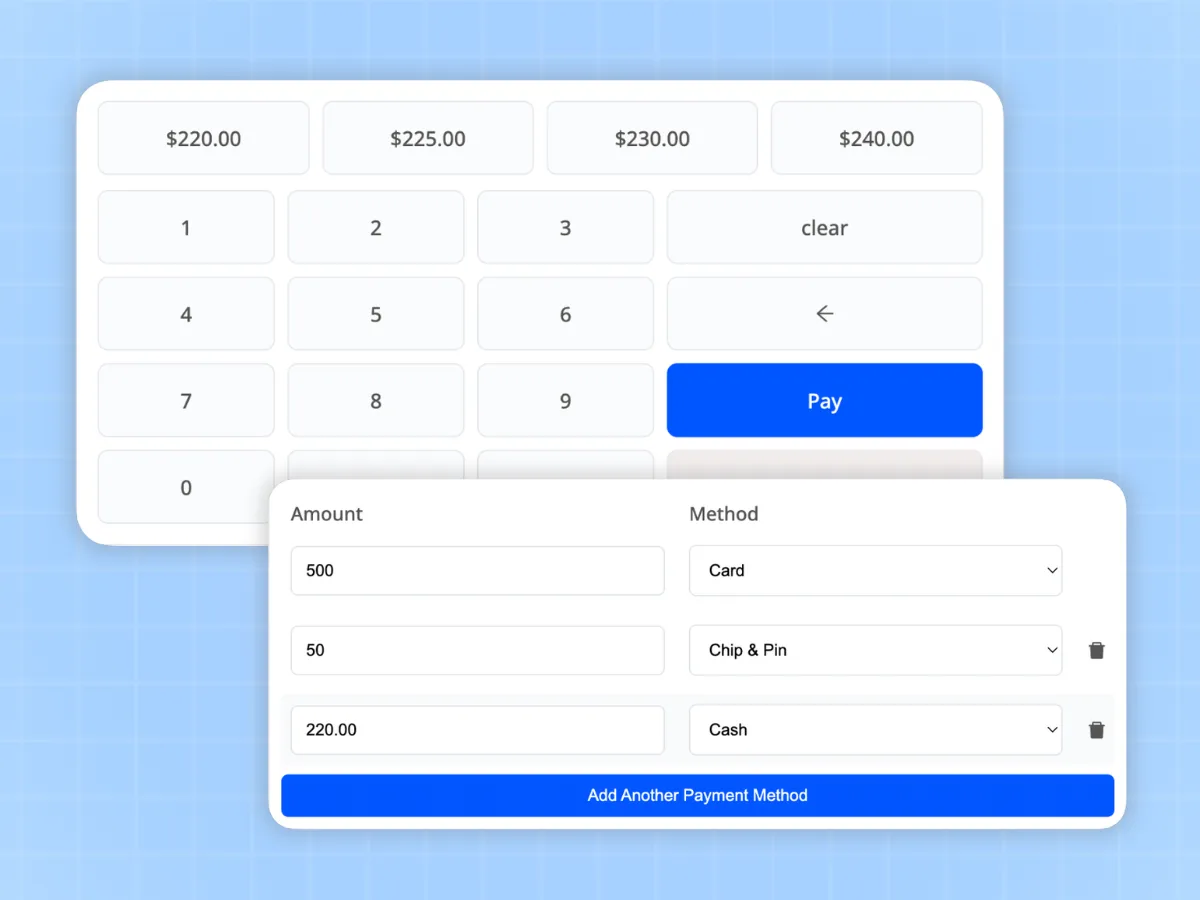
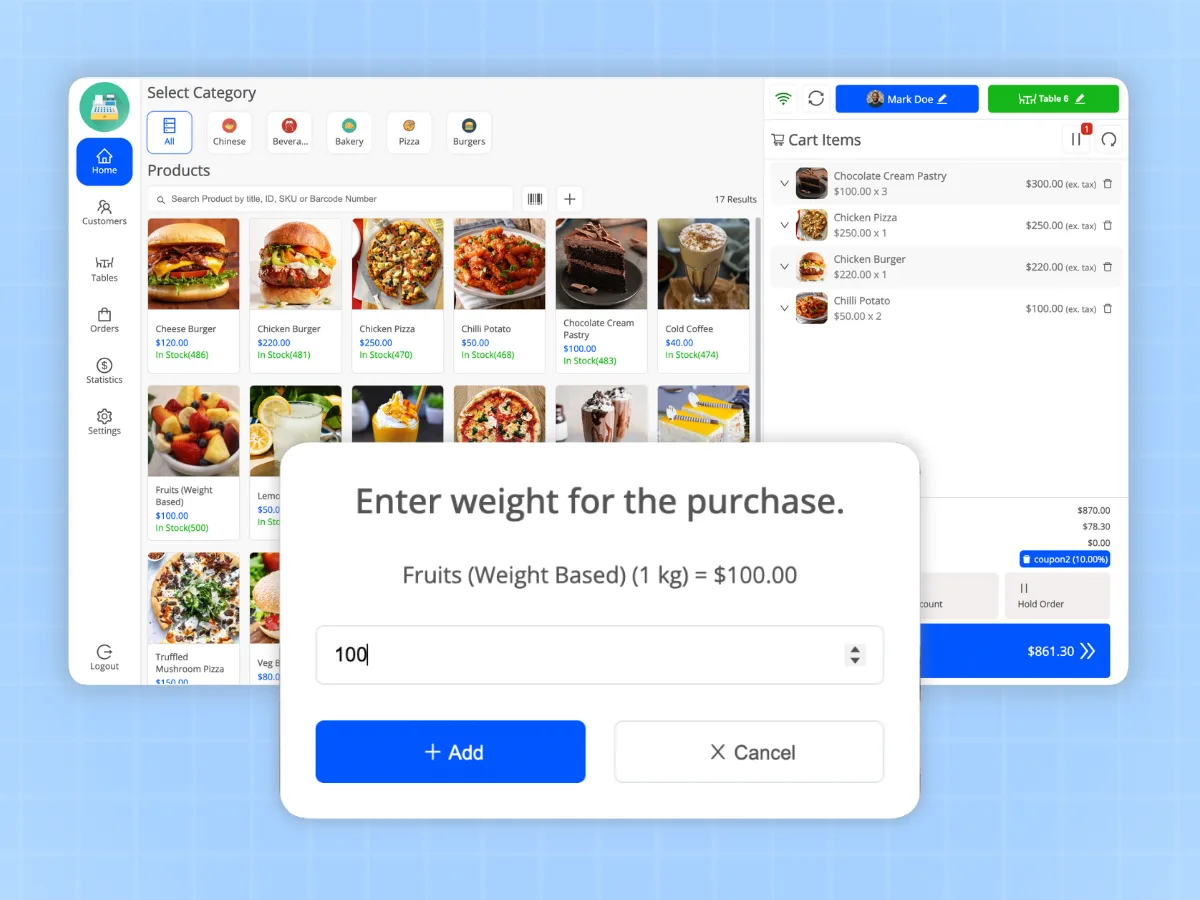
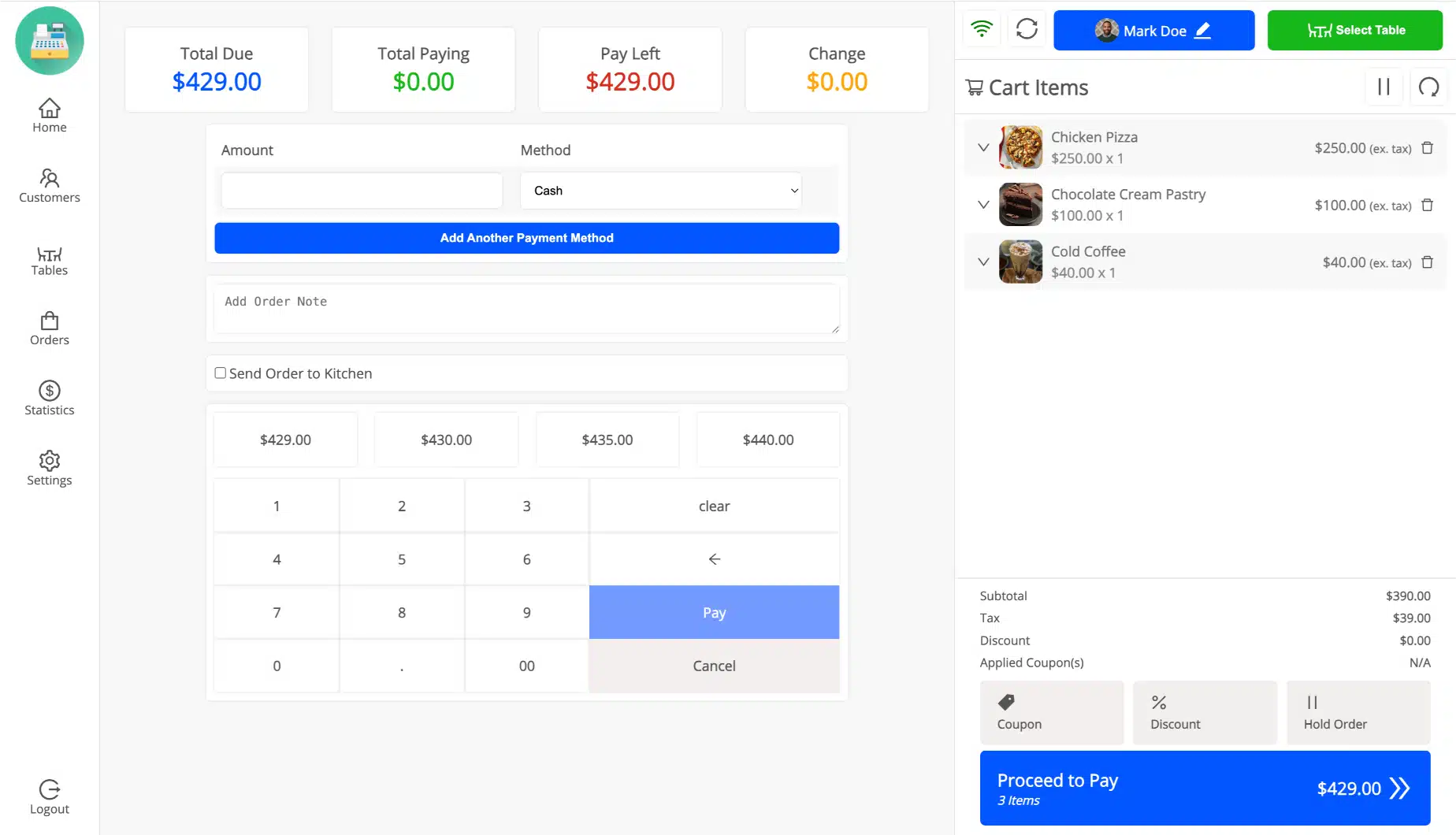
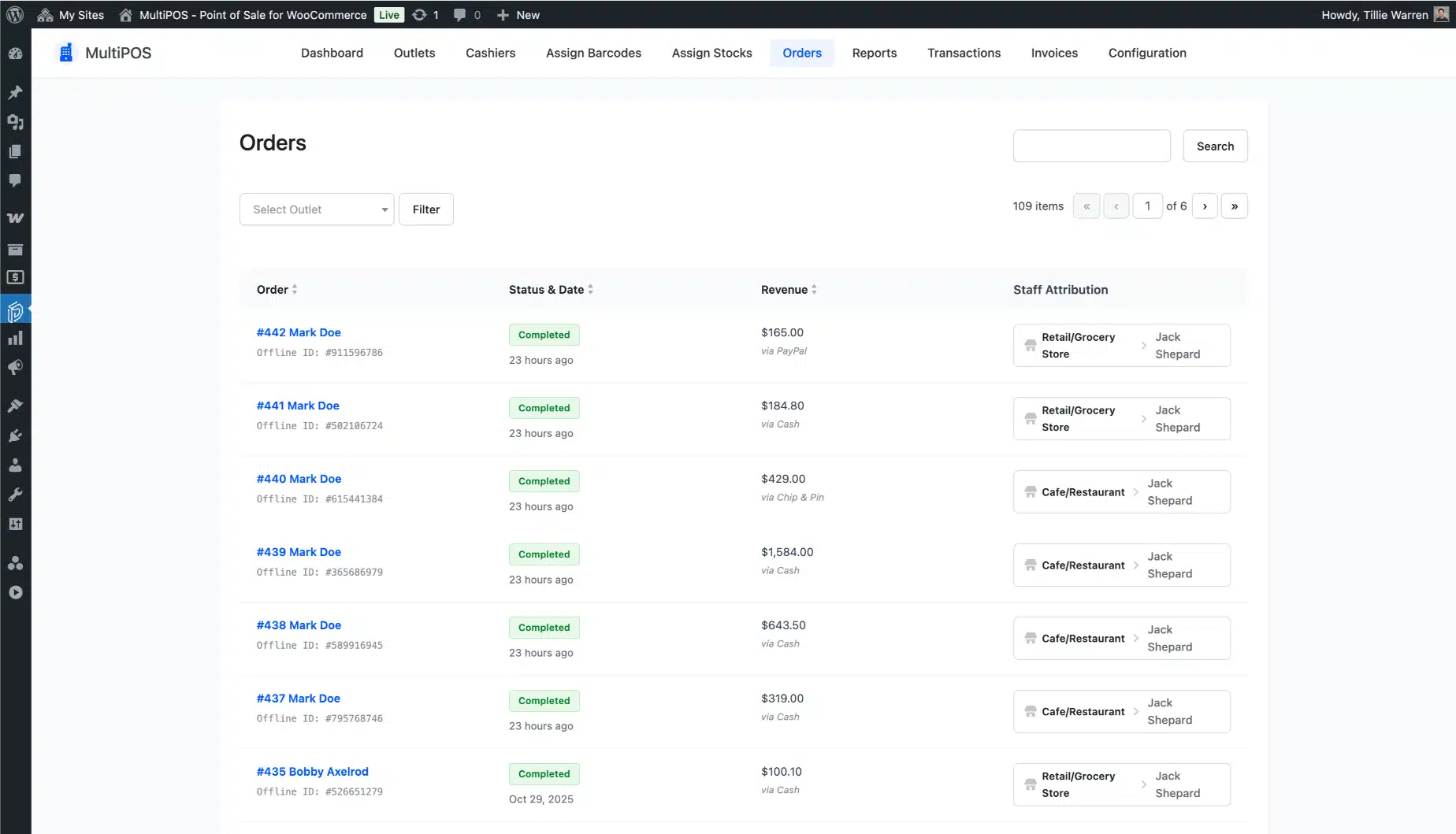
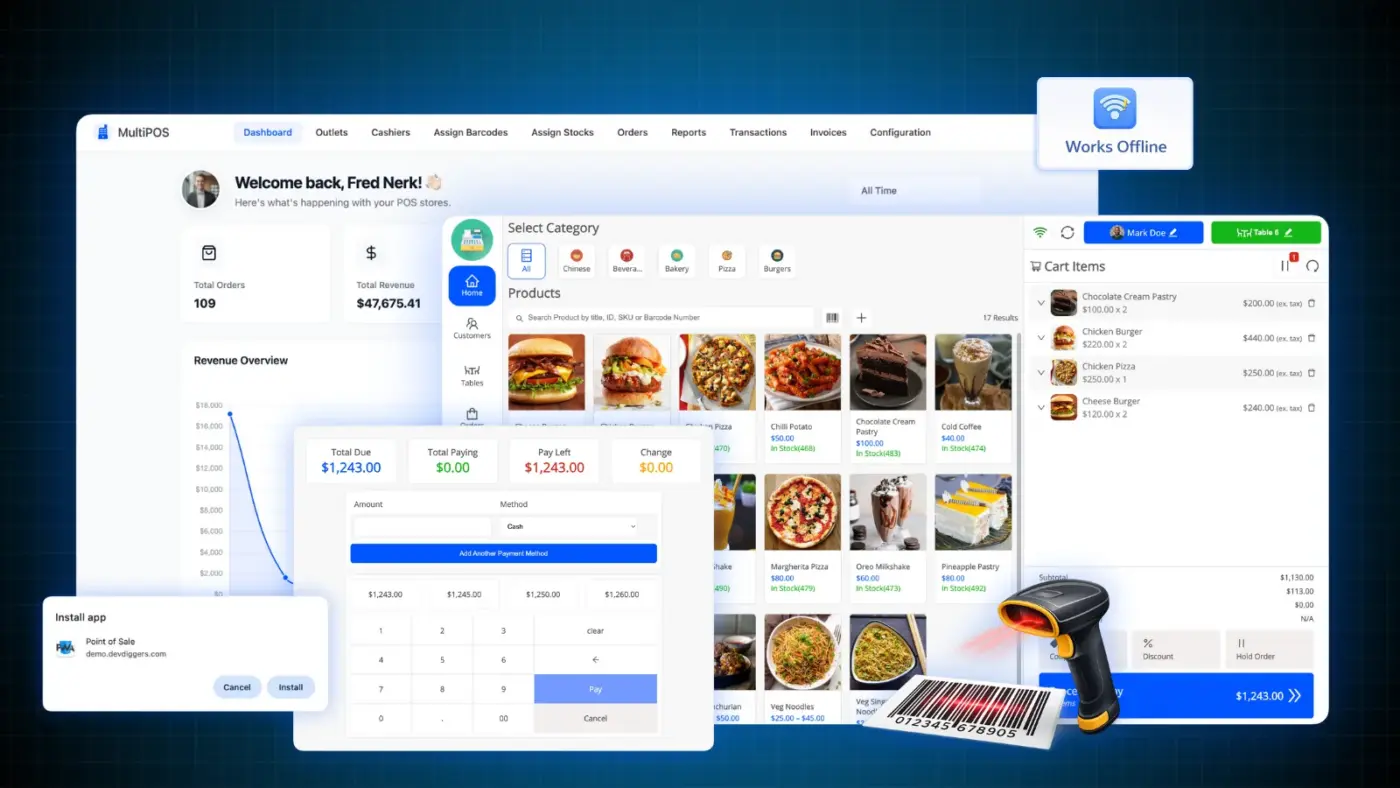
Every screen below is from the live plugin running a real WooCommerce store. Try the live demo yourself. No account needed.
“Running a physical store together with an online shop should feel simple. MultiPOS was created to remove the hassle, letting you pay full attention to your customers as we take care of the technology.”
~ Yash Kapoor, Founder
Common Questions About MultiPOS
Do you have questions about our WooCommerce POS plugin? You might find the answers below.
Your WooCommerce Store Is Ready to Sell In Person
MultiPOS is the WooCommerce POS plugin that keeps your in-store and online sales in one place. No duplicate stock records. No separate systems running out of sync. No sales lost because the internet dropped at the wrong moment.
Still unsure whether it will work on your setup? The live demo runs the full plugin, try it free before you buy.
Questions before you buy? Contact us and we’ll reply the same day.


baloxh – Verified Buyer
Great Support for POS Issue
I faced an issue where the POS system crashed when selecting variable products and the screen turned white. I contacted support, and they handled it quickly and professionally. Everything is working fine now. I am really impressed with the fast response and help!
technologymaster2021 – Verified Buyer
Helpful and Knowledgeable Team
The team is very helpful and clearly knows what they’re doing. They guided me properly and answered all my questions with clarity. It made the whole experience smooth and stress-free.
jonwit – Verified Buyer
Amazing Support, Deserves More Than 5 Stars
Thanks for your great support. The team was really helpful and quick. Honestly, I wish I could give 10 stars!
ketersis – Verified Buyer
Reliable POS with Minor Mobile UX Issue
This is a solid POS plugin that I’ve been using for quite some time now, and it works really well. I haven’t faced any bugs so far, which is great. The customer support is also good and helpful whenever needed.
The only downside for me is the mobile experience. The navigation feels a bit inconvenient since the buttons are hidden on the side behind a small button. It would be much better if they were placed at the bottom, like most mobile apps.
Other than that, everything works smoothly, and if you mainly use it on desktop, you likely won’t face any issues at all.
sarkham666 – Verified Buyer
Great POS Features Availability
The POS plugin comes with a good range of features that cover everything I need. It feels well thought out and practical for real use. Overall, I’m happy with what it offers and how useful it is.
infolocale – Verified Buyer
Great POS Plugin and Efficient Support
The support was very quick and handled everything efficiently. My issue was resolved without any hassle, and the whole process was smooth. I’m really satisfied with the experience.
celindo – Verified Buyer
Quick and Reliable Support
The customer support is really good and very fast. They respond quickly and help solve issues without any delay. Overall, a smooth and helpful experience.
alienative – Verified Buyer
This plugin is outstanding
This plugin is outstanding, offering a wide range of capabilities and excellent code quality! The support team promptly resolved an issue I faced when I submitted a support request. I highly recommend it.
derekgrimes – Verified Buyer
High Quality WooCommerce POS Plugin
The support from DevDiggers is extremely fast and very high quality. They completed several custom developments for us, which greatly improved the efficiency of our business compared to our previous plugin setup.
The team was professional, helpful, and willing to add the extra features we needed. We are very happy with the final result and the overall service provided. I highly recommend both the plugin and the DevDiggers team for anyone needing reliable support or custom work.
aman0651 – Verified Buyer
This POS system exceeded my expectations!
This POS system exceeded my expectations. The interface is very user-friendly, transactions are fast, and the integration with our business operations works smoothly. Really impressed with the overall performance and experience.