The best WordPress appointment plugins in 2026 are BookingPress, Amelia, Bookly, Simply Schedule Appointments, FluentBooking, WooCommerce Bookings, MotoPress, Booking Calendar, Trafft, and Team Booking. Each one handles scheduling differently, and picking the wrong one costs you more than just money.
WordPress now powers 42.2% of all websites on the internet, which means the plugin market is crowded with options ranging from genuinely useful to quietly broken.
Most roundup posts hand you a list and call it a day. This one matches each plugin to a specific business type, flags the trade-offs competitors skip, and answers the questions you’d actually ask before installing anything.
You’ll find a comparison table, honest pricing breakdowns, a section on what nobody tells you before you install, and a use-case guide to help you choose without second-guessing yourself.
What to Look for in a WordPress Appointment Booking Plugin?
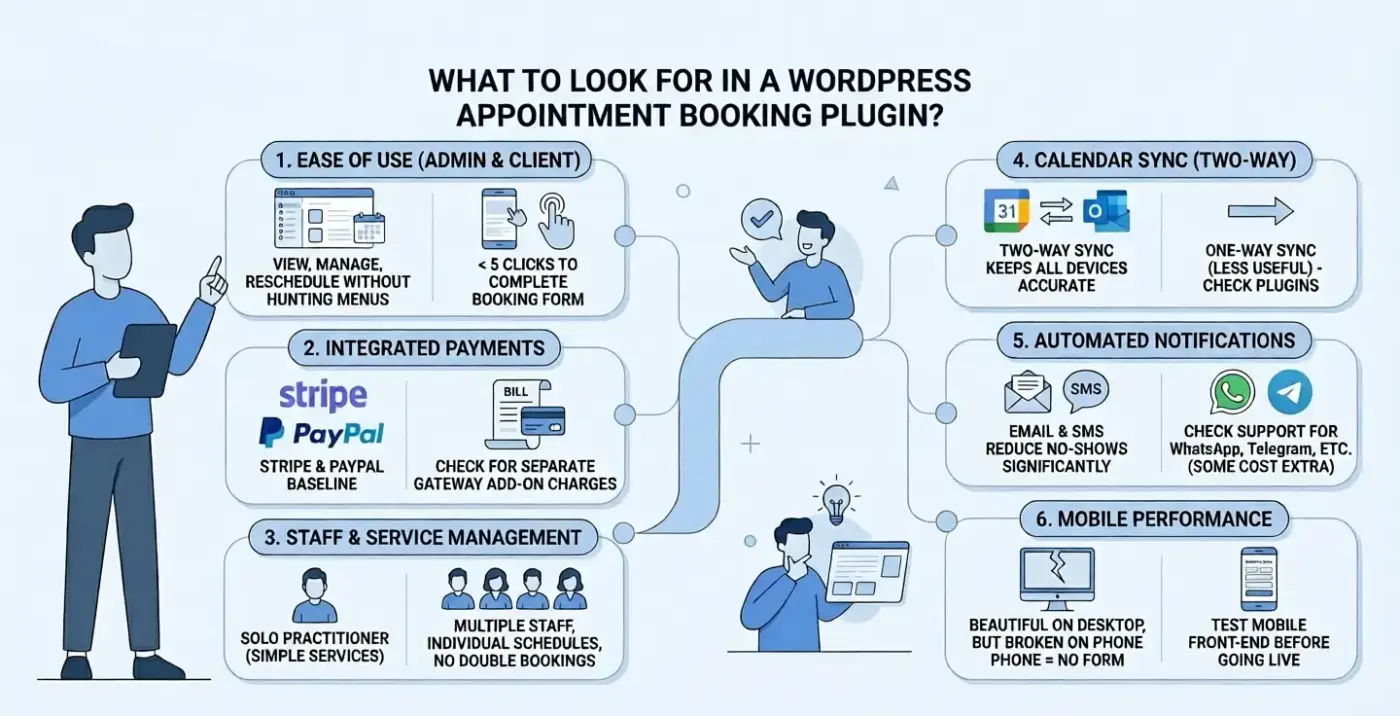
Before you compare specific tools, it helps to know which features actually matter for your business. Here’s what separates a useful booking plugin from one that creates more work than it saves.
- Ease of use on both sides: The admin dashboard should let you view, manage, and reschedule appointments without hunting through menus. The front-end booking form should take a client fewer than five clicks to complete. If either side feels clunky in the demo, it will feel worse in production.
- Payment support: If you charge for appointments, your plugin needs to handle it. Look for Stripe and PayPal as a baseline. Some plugins charge for payment gateway add-ons separately. Know that before you commit.
- Staff and service management: A solo practitioner needs something different from a salon with four stylists. If you manage multiple staff members, you need individual schedules, service assignments, and the ability to prevent double bookings across the team.
- Calendar sync: Two-way sync with Google Calendar, Outlook, and iCal keeps your schedule accurate across every device. One-way sync, where bookings push to your calendar but changes don’t come back is less useful than it sounds. Check which direction each plugin syncs before you install.
- Automated notifications: Email confirmations are standard. SMS, WhatsApp, and Telegram support varies by plugin and sometimes costs extra. Research consistently shows that automated reminders reduce no-shows by a significant margin. Make sure your plugin supports at least email and SMS before going live.
- Mobile performance: Most clients today book from their phones. A booking form that works beautifully on a desktop but breaks on a phone is not a booking form. Test the front end on mobile before going live.
Quick Comparison: Best WordPress Appointment Plugins at a Glance
| Plugin | Starting Price | Free Tier | Best For | Calendar Sync | SMS/WhatsApp |
|---|---|---|---|---|---|
| BookingPress | $79/year | Yes | Salons, spas, multi-service | Two-way (Google, Outlook, iCal) | Yes (30+ SMS gateways) |
| Bookings and Appointments for WooCommerce | $149/year | No | Rentals, Accommodation Bookings | Yes | No |
| Amelia | $79/year | Yes (lite) | Clinics, fitness studios | Two-way (Google) | Yes (SMS add-on) |
| Bookly | $89/year | Yes | Flexible/modular builds | One-way (Google) | Add-on required |
| Simply Schedule Appointments | $99/year | Yes | Coaches, consultants | Two-way (Google, iCal) | No |
| FluentBooking | $79/year | Yes | CRM-connected teams | Two-way (Google, Outlook) | Via integrations |
| WooCommerce Bookings | $239/year | No | eCommerce service businesses | Via WooCommerce | Via add-ons |
| MotoPress | $49/year | Yes (lite) | Hospitality, time-slot services | Two-way (Google, iCal) | Yes |
| Booking Calendar | Free / $60+ | Yes | Simple availability display | iCal import | No |
| Trafft | $59/year | Yes | Agencies, multi-location | Two-way (Google, Outlook) | Yes |
| Team Booking | $28 one-time | No | Solo providers, budget setups | Two-way (Google) | No |
10+ Best WordPress Appointment Plugins for 2026
1. BookingPress (Best for Salons, Spas, and Multi-Service Businesses)
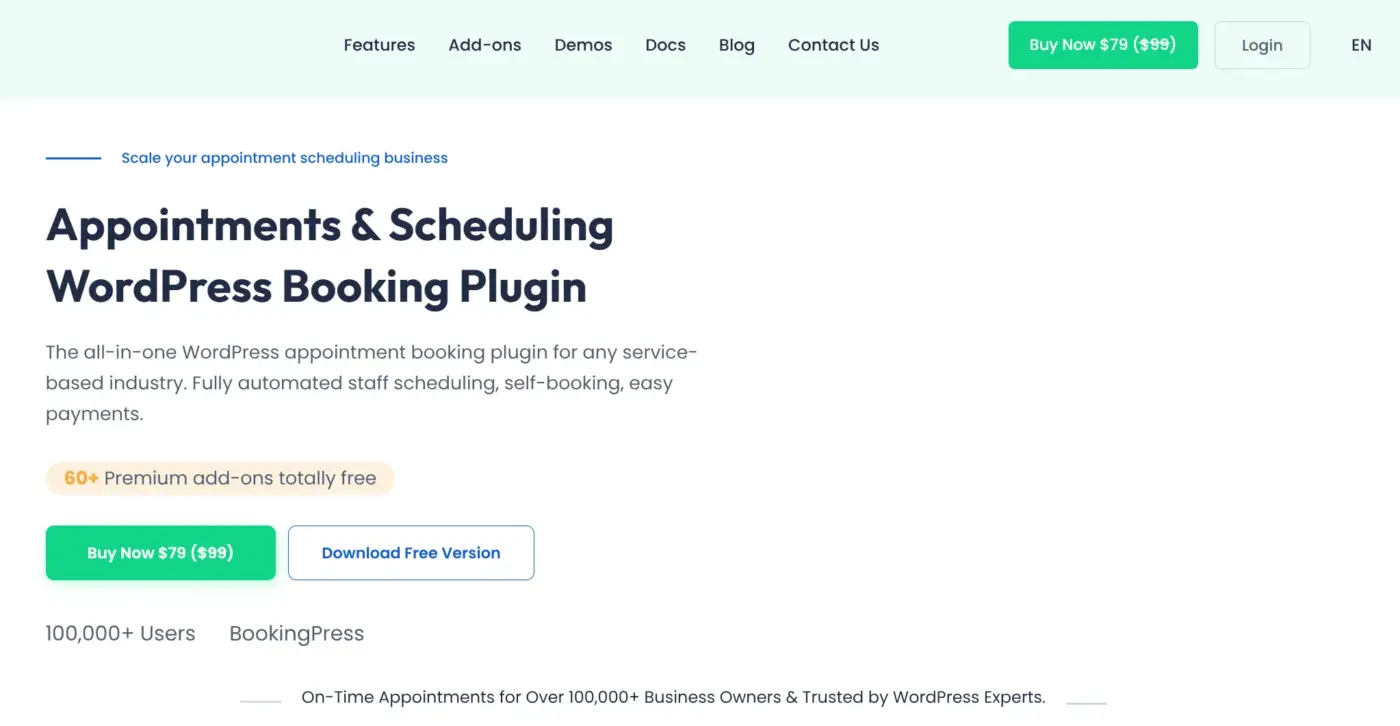
BookingPress is the strongest all-in-one booking plugin for service businesses right now. The premium version bundles 60+ add-ons at no extra cost, which matters a lot when you compare it against plugins that charge separately for every feature you actually need.
The front-end booking form is fully customizable. You control the color scheme, layout, field order, and step count. Clients can book, reschedule, cancel, and download invoices from a self-service panel without contacting you. That alone saves time every week.
BookingPress supports two-way sync across Google Calendar, Outlook Calendar, and iCal. If a staff member blocks time directly in their Google Calendar, that change reflects in BookingPress automatically. Most plugins in this list only push bookings outward.
Payment support covers 20+ gateways, including full and partial deposit options. For salons and spas that take a deposit at booking and collect the balance at the appointment, that deposit feature is not available in most free or entry-level competitors.
Notifications go out via email, SMS (30+ gateways), WhatsApp, and Telegram. Integrations include Mailchimp, AWeber, Zoom, WhatsApp, Google Meet, and Zapier.
Best for
- Hair salons
- beauty spas
- medical clinics
- fitness studios
- Any service business with multiple staff members and service packages
Pricing
- Free lite version available
- Premium: $79/year
2. Bookings and Appointments for WooCommerce (Best for Rentals, Accommodation Bookings)
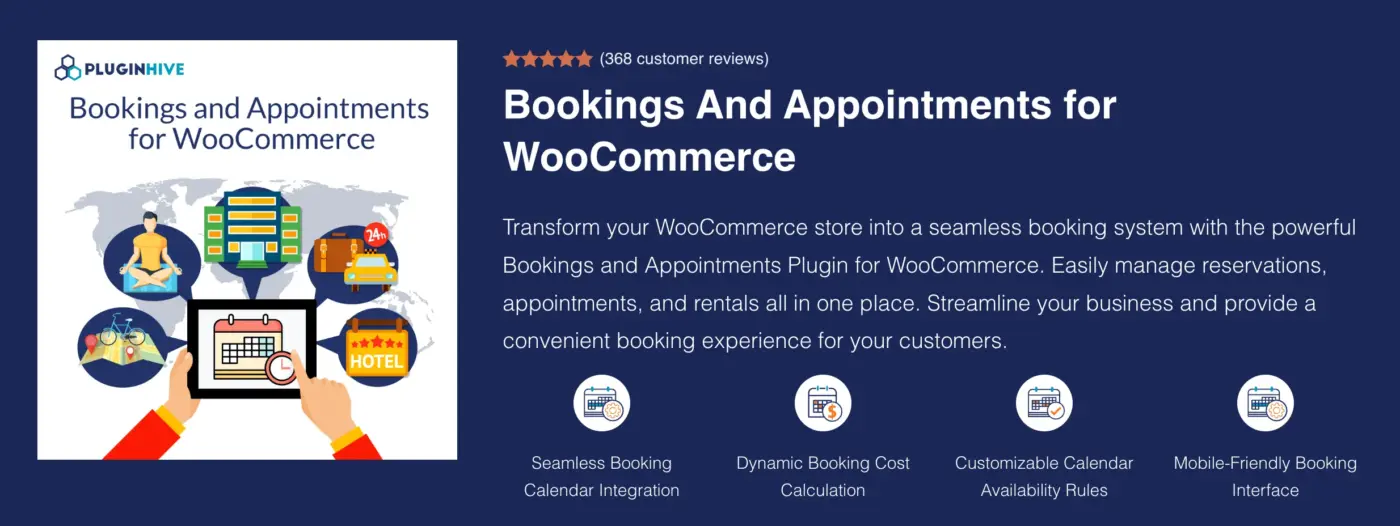
Bookings and Appointments for WooCommerce is designed for businesses that need more than basic appointment scheduling. While many booking plugins focus primarily on service appointments, support appointments, rentals, accommodations, classes, and other reservation-based services directly within WooCommerce.
Its biggest advantage is flexibility. You can create bookings based on minutes, hours, days, or months, making it suitable for everything from consulting sessions and salon appointments to vacation rentals and equipment bookings. The plugin also includes advanced availability controls, resource allocation, staff management, and customizable booking rules that can handle more complex scheduling scenarios.
Worth knowing from an operational perspective: PluginHive Bookings is built natively for WooCommerce. That means businesses can manage bookings through their existing WooCommerce checkout, payment gateways, customer accounts, coupons, and order management workflows rather than relying on a separate booking system. For stores already invested in WooCommerce, that integration can significantly simplify day-to-day management.
The plugin also includes features that larger booking businesses often need, such as Google Calendar synchronization, automated notifications, booking approvals, buffer times, group bookings, deposits, and seasonal pricing. If your business relies heavily on reservations and scheduling, those capabilities can eliminate a lot of manual administrative work.
Best for
- WooCommerce businesses offering appointments
- rentals
- Accommodations, tours, classes, events, or other bookable services that require advanced scheduling and booking management.
Pricing
- Starts at $149/year
3. Amelia (Best for Automation and a Modern Client Experience)
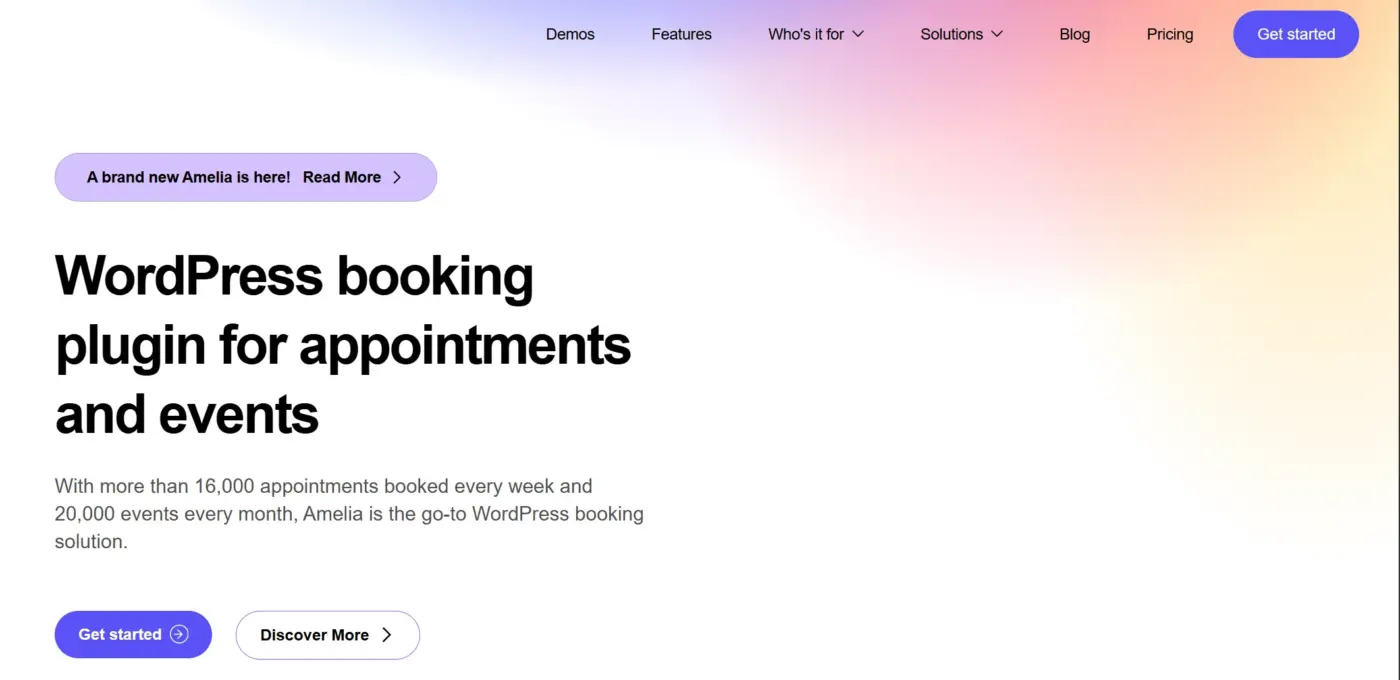
Amelia has built a strong user base and a solid reputation for combining clean design with automated workflows. The interface is the most polished of any plugin in this list on the front end. Clients see a step-by-step booking flow that feels closer to a native app than a WordPress form.
Where Amelia earns its place is in automation. SMS and email reminders fire automatically. Recurring appointments are easy to set up. The employee panel lets each staff member manage their own schedule without admin access to the full site.
The events system handles group bookings, workshops, and waiting lists, useful for fitness studios or training providers who run both one-on-one sessions and group classes.
Two-way calendar sync is available but limited to Google Calendar on the standard plan. Outlook sync requires a higher tier. For teams heavily invested in Microsoft 365, that matters.
Best for
- Fitness studios
- Wellness centers
- Consultants
- Any business that wants the cleanest front-end booking experience in the list
Pricing
- Free lite version on WordPress
- Premium for one site: $79/year
4. Bookly (Best Modular Setup, but Watch the Add-On Costs)
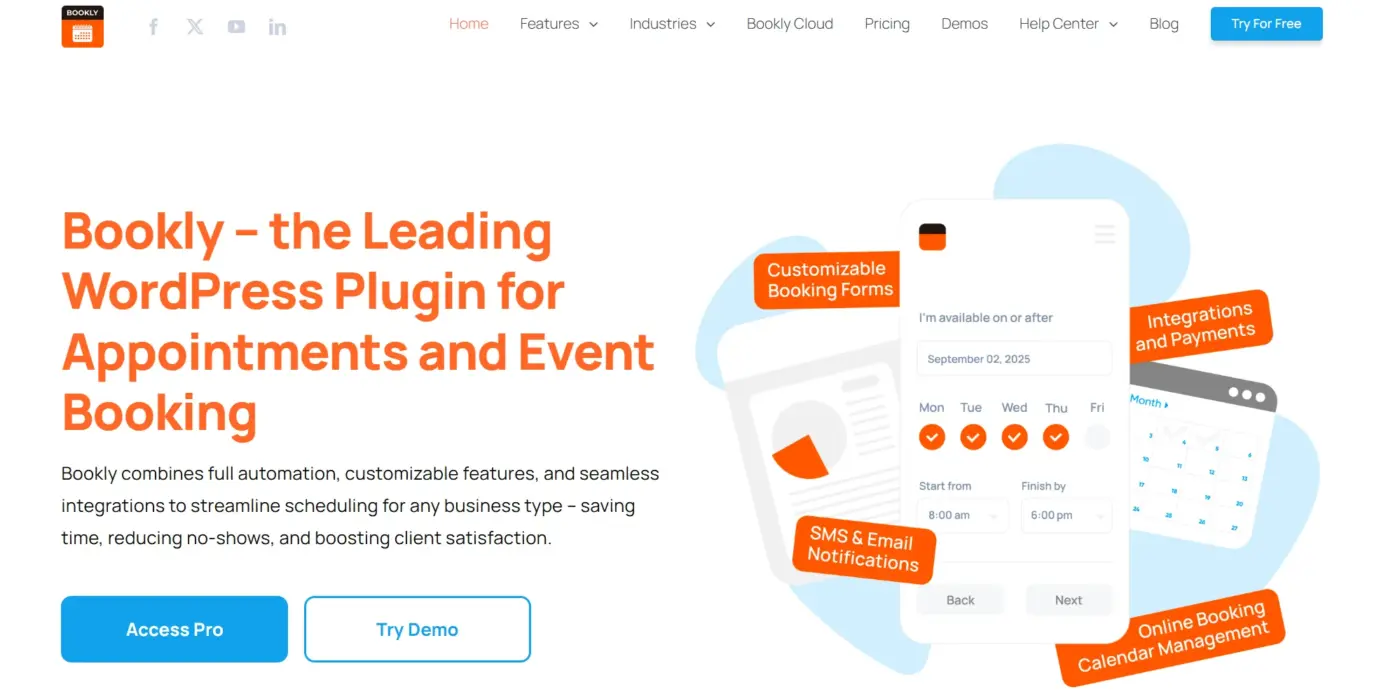
Bookly is one of the most established names in this space, trusted by tens of thousands of businesses worldwide. The core plugin is free and solid, but the real Bookly, the one with SMS reminders, payment gateways, custom forms, and staff management, requires paid add-ons. Each add-on is priced separately.
That modular model gives you flexibility. You pay only for what your business needs. But in practice, most service businesses end up needing 4-6 add-ons, and the total cost climbs past what you’d pay for BookingPress or Amelia with their bundled pricing.
Worth knowing from a support perspective: Bookly’s add-on ecosystem is one of the largest in this space. If you need something unusual, weight-based pricing, group discounts, or custom approval workflows, there is almost certainly a Bookly add-on for it. That breadth is genuinely useful for complex setups.
The free version handles basic appointment booking well. It’s a reasonable starting point for businesses that aren’t sure yet how many features they actually need.
Best for
Service businesses with specific or unusual requirements that need modular control over features and costs
Pricing
- Free version on WordPress
- Pro: $89/year
- Individual add-ons sold separately
5. Simply Schedule Appointments (Best for Fast Setup)
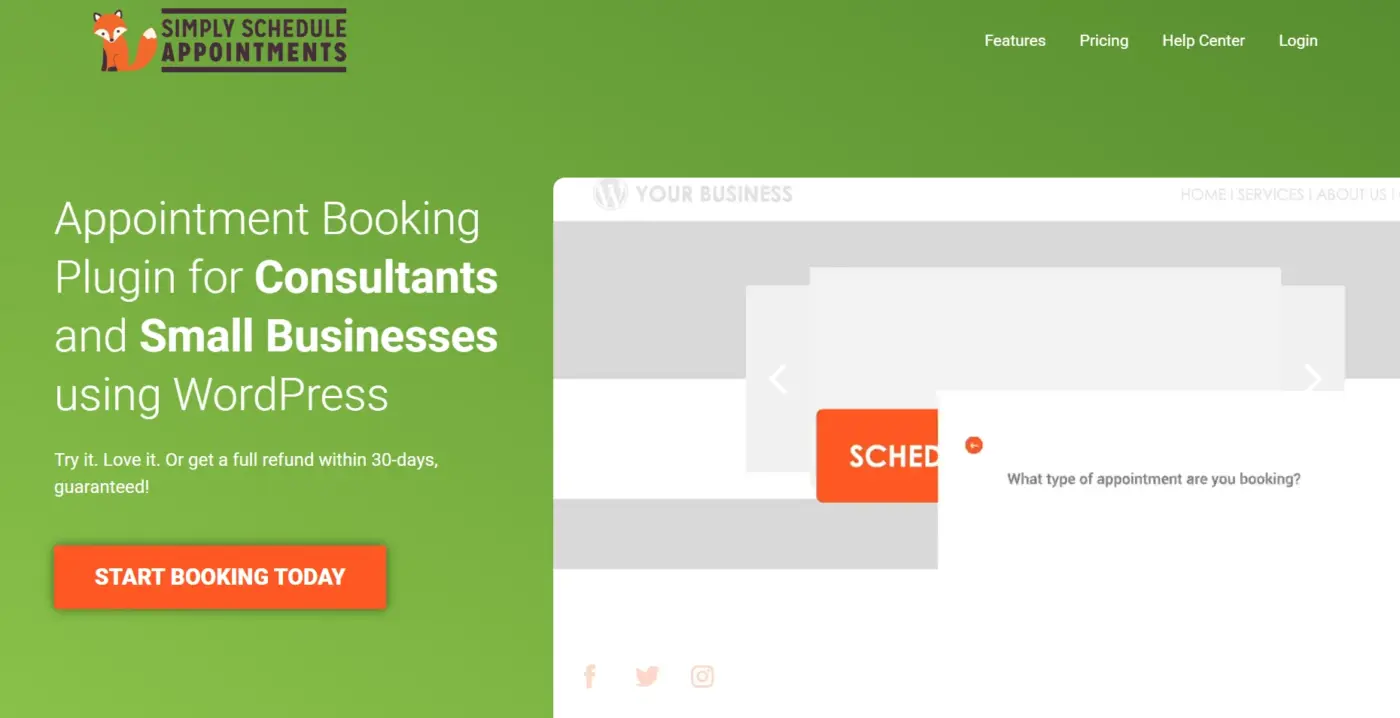
If you need to go from install to taking bookings in under ten minutes, Simply Schedule Appointments (SSA) is your answer. The onboarding wizard is the most direct in this list. You pick your availability, connect Google Calendar, add the booking widget to a page, and you’re live. No configuration maze. No settings are buried five menus deep.
SSA also takes accessibility seriously. It follows WCAG guidelines more thoroughly than most competitors. For businesses serving clients with disabilities, or any site subject to accessibility compliance requirements, that detail matters and it’s one nobody else in this list covers as a built-in priority.
The trade-off is scope. SSA is not built for complex multi-staff setups or businesses with multiple service categories and individual pricing per staff member. It shines brightest for solo providers and small teams who want clean, fast scheduling without excess complexity.
Best for
- Coaches
- Consultants
- Educators
- Solo service providers who want the fastest path from install to live bookings
Pricing
- Free version on WordPress
- Premium: $99/year
6. FluentBooking (Best for Teams Already Using FluentCRM)
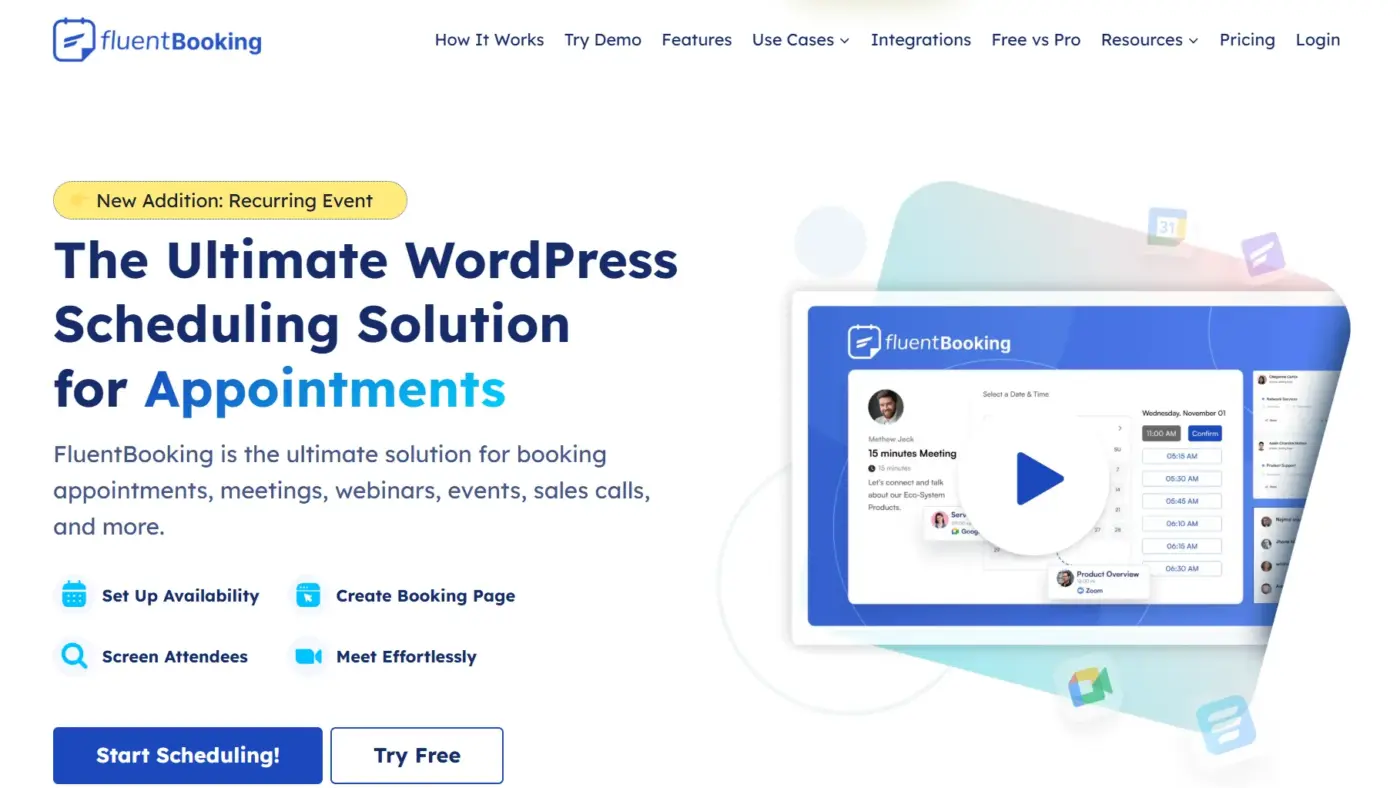
FluentBooking is newer than most options on this list, but it gained real traction fast, especially among WordPress users already in the Fluent ecosystem. If you use FluentCRM for customer management or Fluent Forms for lead capture, FluentBooking connects to both without any custom work.
FluentBooking supports time zone intelligence, customizable booking forms, self-service bookings, advanced reporting, unlimited hosts, booking pages, and meetings, along with advanced scheduling types and team management. For teams managing meeting bookings rather than service appointments, think agencies, coaches, or consultants who handle discovery calls and client check-ins. FluentBooking’s meeting-centric design is more natural than appointment-centric plugins built for salons and clinics.
The free version is generous. Premium adds advanced scheduling types, team availability rules, and deeper CRM integration.
Best for
- Marketing agencies
- Consultants
- WordPress-heavy teams that want tight CRM integration with their booking system
Pricing
- Free version on WordPress
- Premium from $79/year
7. WooCommerce Bookings (Best for eCommerce-Driven Service Businesses)
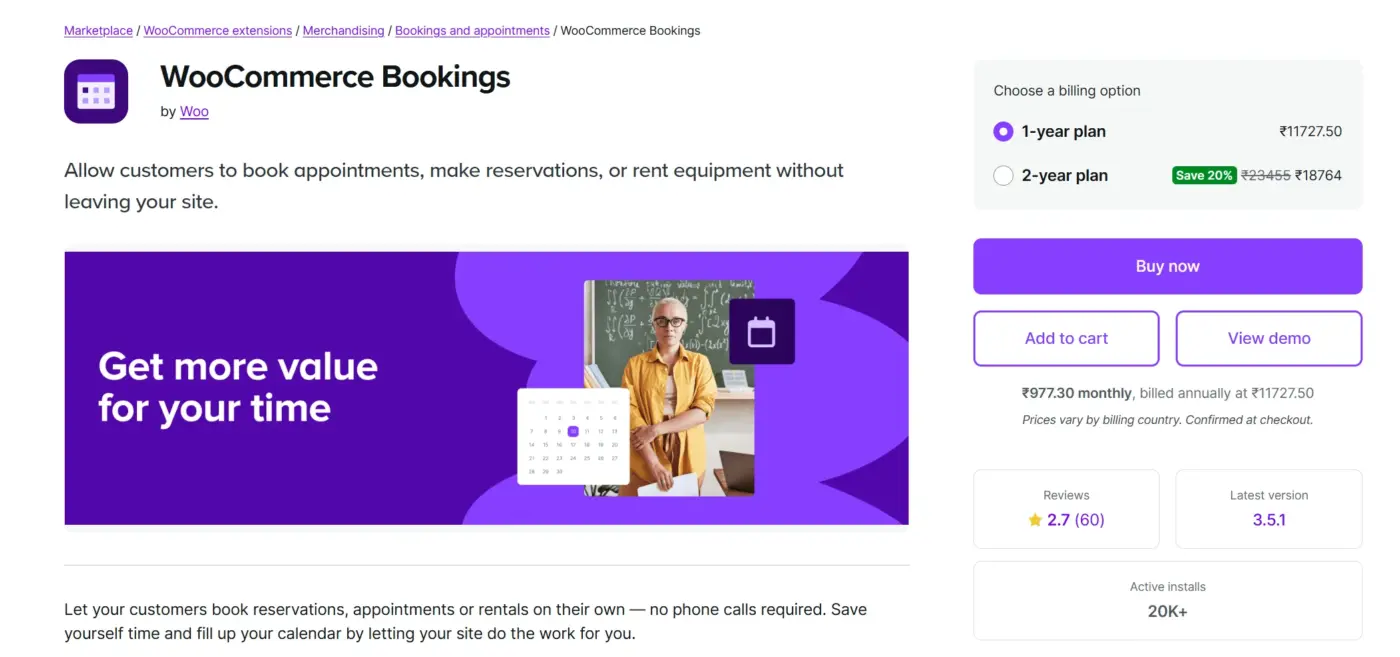
WooCommerce Bookings is the right choice when your bookable services live inside a WooCommerce store. Rental businesses, tour operators, class providers, and any business selling time as a product benefit from treating bookings like WooCommerce orders.
Because it runs inside WooCommerce, you get full access to the payment gateway library, tax settings, coupon engine, and any WooCommerce extension you already use. It handles single and multi-day bookings, recurring bookings, and group bookings out of the box.
The setup is more complex than standalone booking plugins. You’re configuring a WooCommerce product, not a simple booking form. For developers building sites for clients with existing WooCommerce stores, that complexity is acceptable. For a solo salon owner with no WooCommerce experience, it’s the wrong tool.
If you use our WooCommerce POS plugin to run in-person sales alongside online bookings, WooCommerce Bookings keeps everything inside one WooCommerce order system. That’s a clean setup for businesses running both channels.
Best for
- Businesses that already run on WooCommerce and want bookings treated as purchasable WooCommerce products
- Poor fit for non-WooCommerce sites
Pricing
- $239/year
- No free version
- 30-day trial available.
8. MotoPress Appointment Booking (Best for Time-Slot Services Without the Complexity)
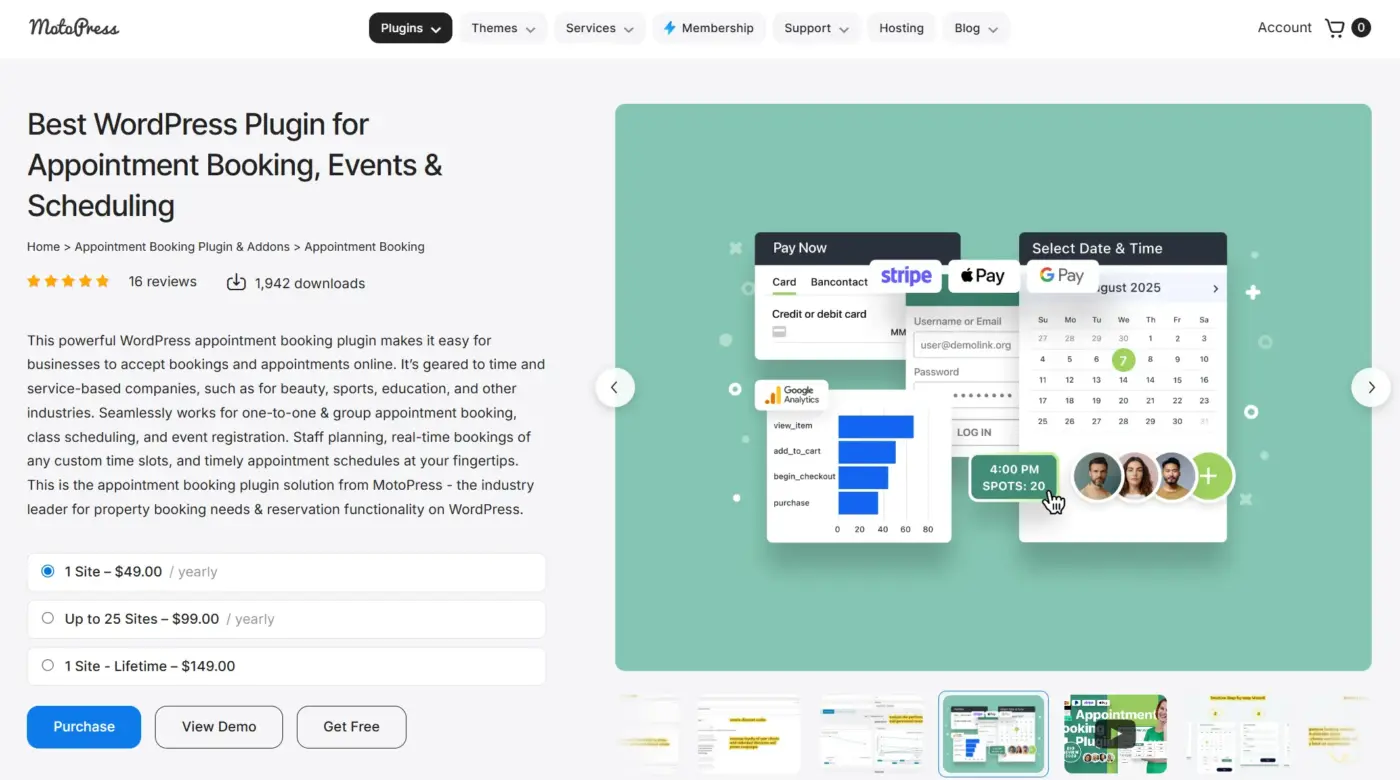
MotoPress Appointment Booking is worth considering for every service business owner who wants to manage appointments with time slots only. It works well for salons, healthcare providers, tutors, and similar industries where appointments need to be organized accurately by the minute.
The selling point is focus. MotoPress doesn’t try to be an events manager, a CRM, or a marketing tool. It handles time-slot booking with solid staff management, service grouping, and automatic notifications. That clarity makes it easier to set up and maintain than feature-heavy alternatives.
It also supports multi-location management, which makes it useful for small chains or franchise-style businesses with two or three sites.
The free Lite version covers basic time-slot booking. Premium adds online payments, group bookings, and deeper calendar integrations.
Best for
- Tutors, healthcare providers
- Beauty salons
- Any business running tight time-slot scheduling without needing complex event management
Pricing
- Free lite version available
- Premium: $49/year
9. Booking Calendar (Best Free Option for Simple Availability)
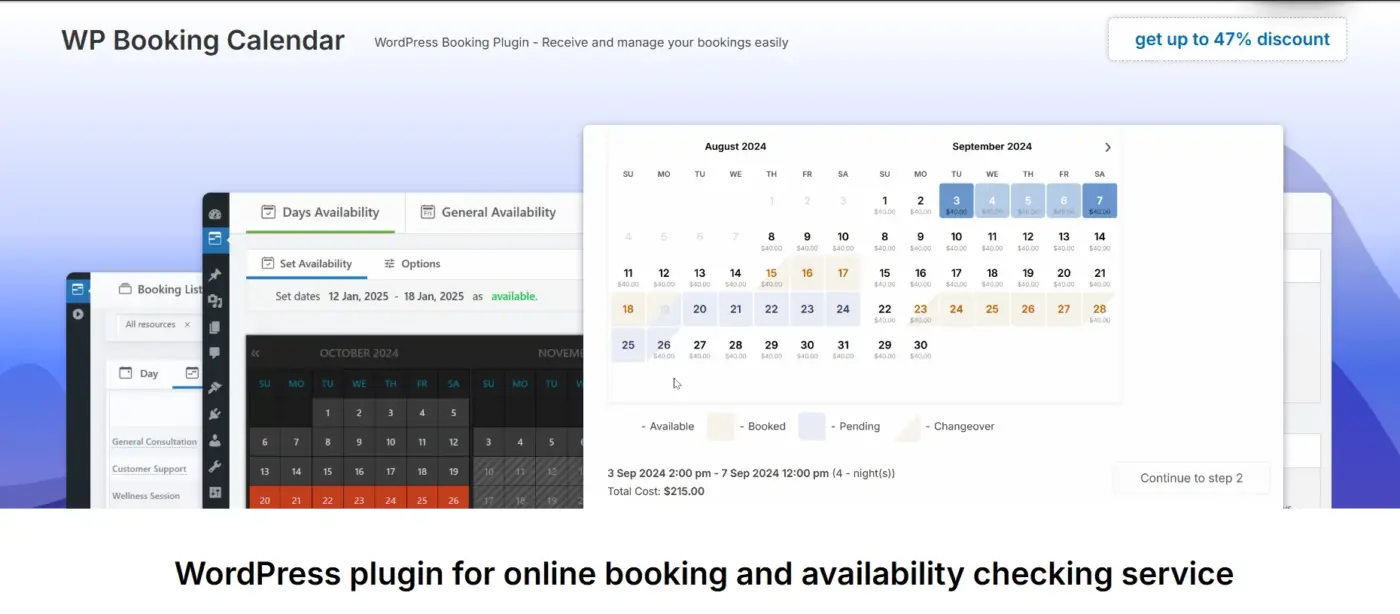
Booking Calendar is one of the longest-running booking plugins in the WordPress directory. It’s been around long enough to have a very stable codebase and an active user base that has pushed edge cases into the open.
The free version is one of the most complete in this list for basic use. You get a customizable booking form, CAPTCHA spam protection, email notifications, and a calendar view clients can read at a glance.
What it doesn’t have: flexible staff management, SMS reminders, two-way calendar sync without a premium plan, or a modern front-end design. Hotels, vacation rental owners, tutors, and small businesses that just need a clear availability calendar will find it more than enough.
Best for
- Hosts
- Rental properties
- Small businesses that need an availability display
- Simple date-based bookings without payment complexity
Pricing
- A free version covers most basic needs
- Paid plans start around $60 and scale up with features
10. Trafft (Best for Agencies and Multi-Location Businesses)
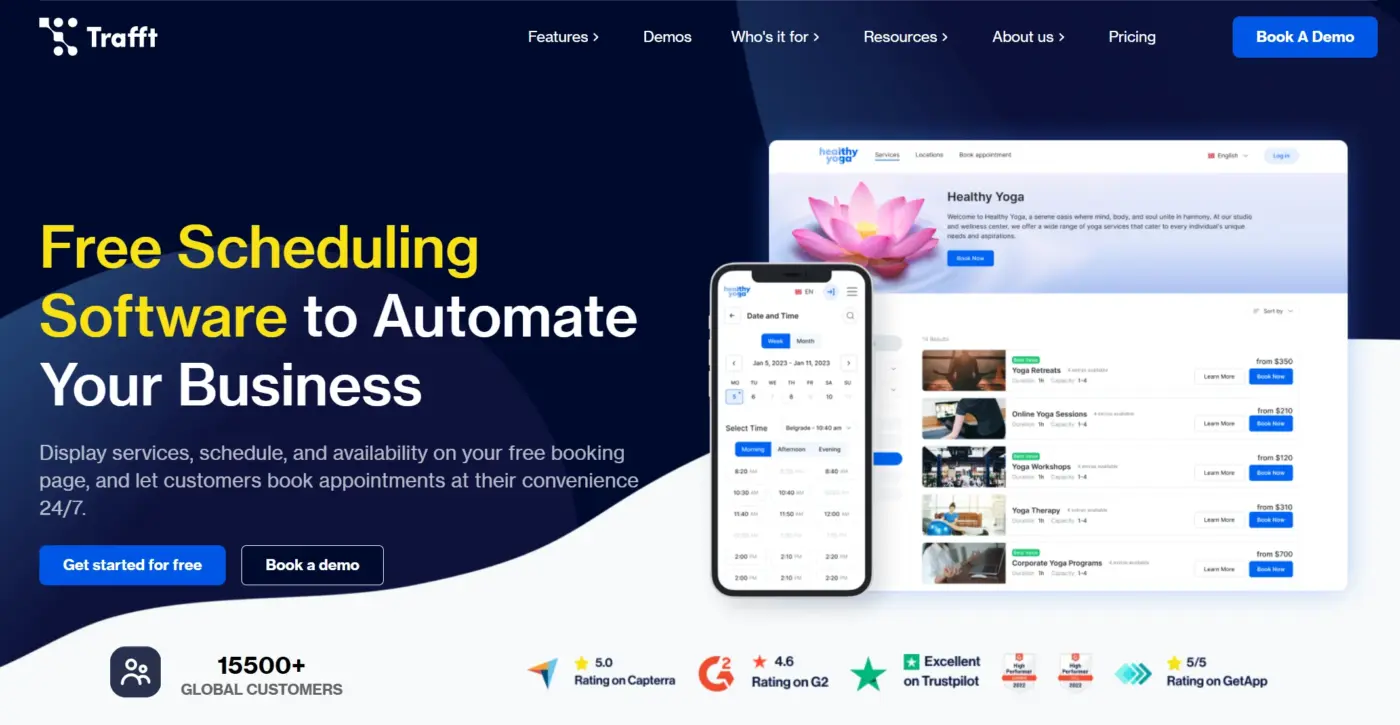
Trafft takes a different approach from most plugins in this list. It’s built for agencies managing booking systems across multiple client sites, or for businesses running several locations under one account.
The admin experience reflects that. You can manage staff, locations, services, and analytics across multiple business entities from one dashboard, something no other plugin in this list handles as cleanly.
Trafft also offers a client-facing app, which is uncommon in this price range. Clients can manage bookings from a dedicated interface rather than through email links alone.
The trade-off is that Trafft’s deeper features work best as a SaaS layer on top of WordPress rather than a pure self-hosted plugin. For agencies deploying booking systems for multiple clients and wanting one tool to manage everything, it’s genuinely useful. For a solo salon owner, it’s more than needed.
Best for
- WordPress agencies
- Multi-location service businesses
- Freelancers who manage booking setups for multiple clients
Pricing
- Free plan available with limited bookings per month
- Paid plans: $59/year
11. Team Booking (Best Budget Option for Solo Providers)
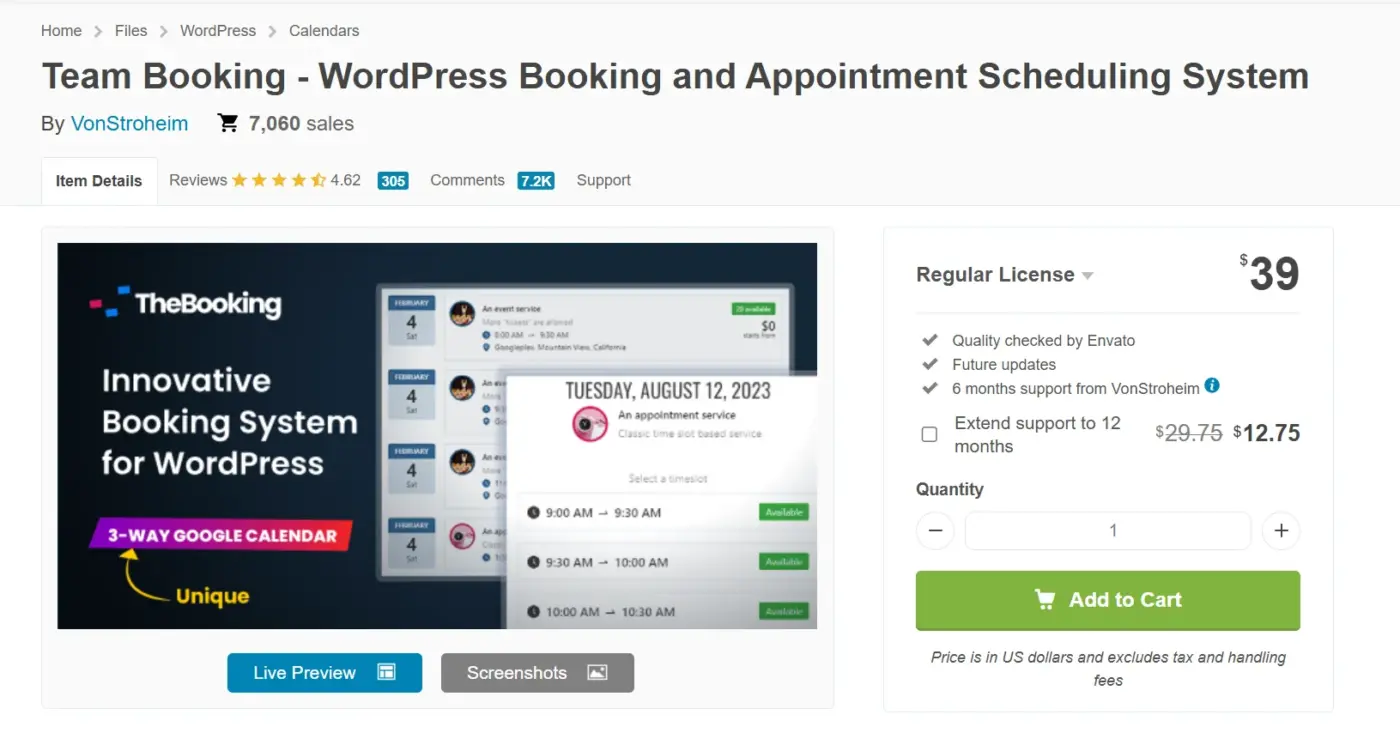
Team Booking is a $28 one-time payment. That price covers a surprisingly complete feature set: Google Calendar-based scheduling, three booking formats (appointments, unscheduled services, and events), Stripe and PayPal support, and customizable forms.
The name is slightly misleading. It works better for solo providers than large teams. The “team” refers to multiple service providers, each managing their own Google Calendar-connected schedule.
Setup is more manual than modern plugins. You connect a Google Calendar, configure your availability inside Google, and let Team Booking read from it. That keeps the WordPress-side configuration simple, but it means your availability lives in Google rather than in a purpose-built admin panel.
For a freelancer or solo consultant who wants to take bookings without a recurring subscription and who lives in Google Calendar anyway, this is the most cost-effective option in the list by a significant margin.
Best for
- Solo freelancers
- Consultants
- Service providers who want a one-time payment and no recurring subscription
Pricing
One-time license: $28
What Nobody Tells You Before You Install a Booking Plugin?
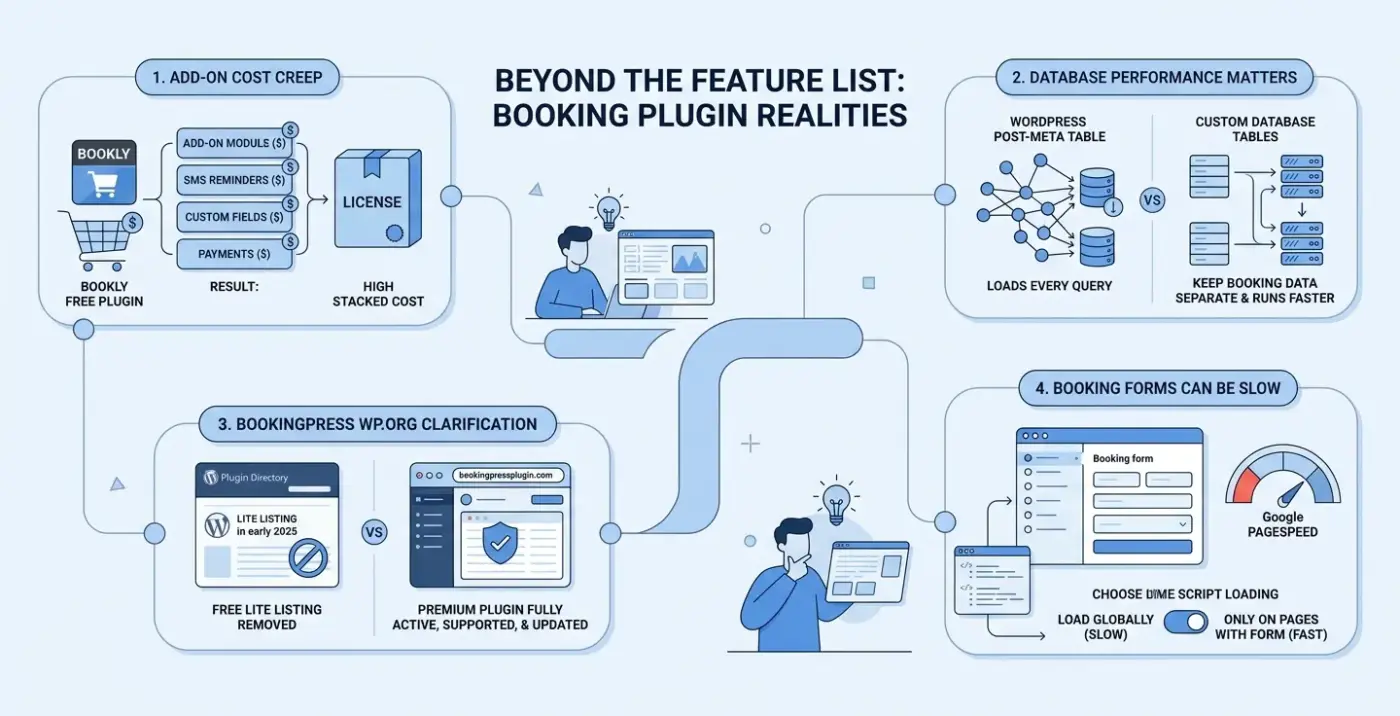
Most comparisons stop at feature lists. Here’s what trips people up once the plugin is live.
- Add-on cost creep is real. Bookly’s free plugin is genuinely useful. But the moment you need SMS reminders, custom form fields, and payment support, you’re buying three or four separate add-ons. One client went to set up Bookly for a three-stylist salon and ended up with an add-on stack costing more than a full BookingPress license. Run the numbers before you commit to any modular plugin.
- Database performance matters more than most guides admit. Booking plugins that store data in WordPress’s post-meta table add load to every query your site makes. Plugins that use custom database tables keep booking data separate and run faster under traffic. This is worth checking if your site gets serious traffic or if your booking form sits on a page that already loads slowly.
- The BookingPress WordPress.org question. BookingPress’s free lite listing was removed from WordPress in early 2025, which raised concern in some developer circles. The important clarification: the premium plugin is fully active, supported, and updated. The removal only affects the free lite listing in the plugin directory. Buy the premium license directly from the developer if you’re evaluating it for a client build.
- Booking forms are often your slowest page element. Multi-step booking forms load scripts, make API calls to check availability, and sometimes pull in external calendar data all at once. Before going live, run your booking page through Google PageSpeed Insights and check where the load is coming from. If your score drops sharply with the plugin active, check whether it loads its scripts globally or only on pages with a booking form. Most well-built plugins let you control that.
Worth knowing before you go further: a well-structured WordPress site with fast page load times converts better than a slow one, regardless of which booking plugin you choose.
Which WordPress Appointment Plugin Is Right for Your Business?
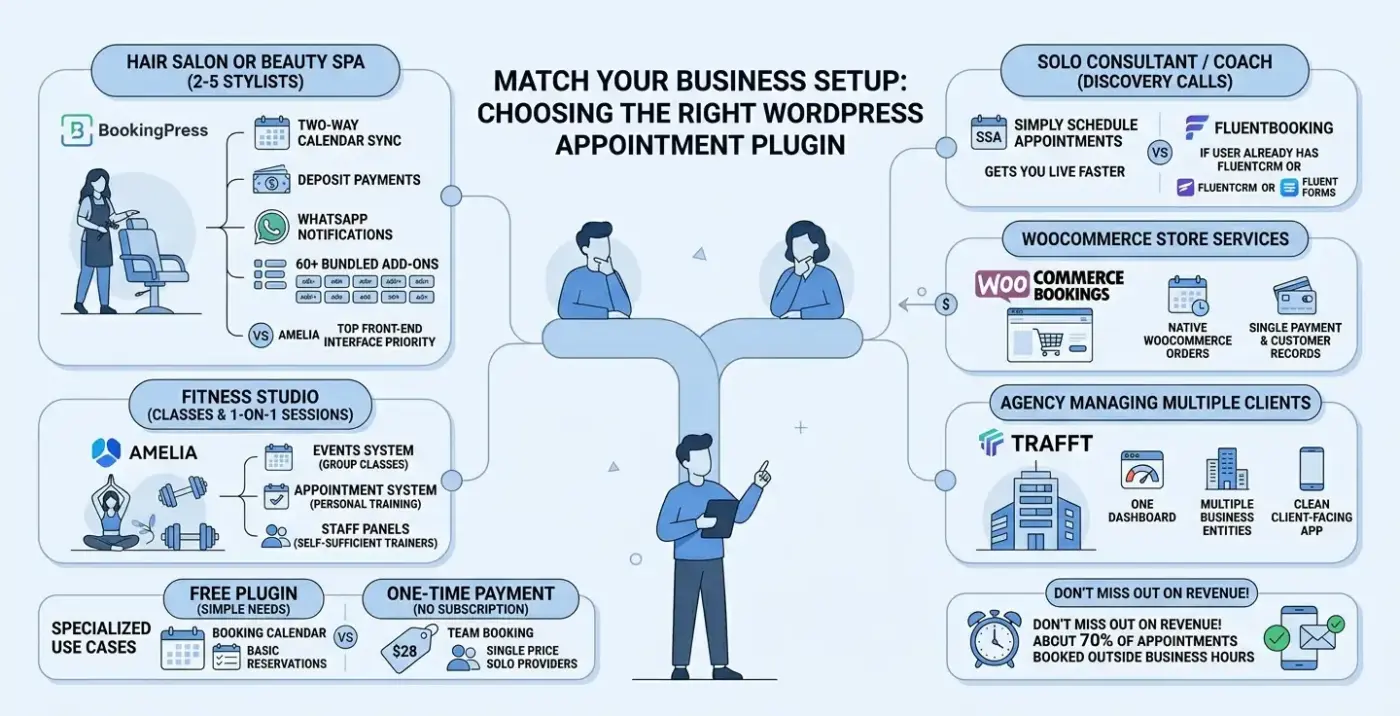
Here’s the short version. Match your setup to a scenario below, and you’ll have a clear answer.
- You run a hair salon or beauty spa with 2-5 stylists. BookingPress is the call. Two-way calendar sync, deposit payments, WhatsApp notifications, and 60+ bundled add-ons cover everything you need without add-on cost surprises. Amelia is a close second if the front-end interface is your top priority.
- You run a fitness studio with classes and one-on-one sessions. Amelia handles both well. The events system manages group classes. The appointment system handles personal training. Staff panels keep your trainers self-sufficient.
- You’re a solo consultant or coach who books discovery calls. Simply Schedule Appointments or FluentBooking. SSA gets you live faster. FluentBooking wins if you already use FluentCRM or Fluent Forms.
- You sell services through a WooCommerce store. WooCommerce Bookings. It’s the most expensive option, but it treats bookings as native WooCommerce orders, which keeps your payment records and customer data in one place.
- You’re an agency building booking systems for multiple clients. Trafft. One dashboard, multiple business entities, and a clean client-facing app make it the most practical agency tool in the list
- You need a free plugin, and your needs are simple. Booking Calendar. It’s been around since before most of the others and still works well for date-based availability and basic reservations.
- You want a one-time payment with no subscriptions. Team Booking at $28 covers the basics for solo providers without a recurring bill.
About 70% of online appointments are booked outside business hours. If you’re still taking bookings by phone or email, you’re handing revenue to competitors who have already solved this problem. Pick a plugin, get it live, and optimize from there.
Conclusion
The best WordPress appointment plugins in 2026 are not interchangeable. BookingPress leads for multi-service businesses that want bundled add-ons and two-way calendar sync without a modular pricing headache.
Amelia wins in design and automation. Simply Schedule Appointments is the fastest to go live. WooCommerce Bookings is the only real answer if your bookings need to live inside WooCommerce.
The right plugin depends on your business type, your staff count, and how you take payments. Use the comparison table and the use-case guide above to narrow it down.
If you’re building a booking site for a client and need a custom setup beyond what any of these plugins offers out of the box, our WordPress development services can help you get there.
Frequently Asked Questions(FAQs)
Q1. What is the best free WordPress appointment booking plugin?
Booking Calendar is the most complete free option for simple, date-based availability and reservations. BookingPress and Amelia both offer free lite versions, but most of their useful features require a paid plan. Simply Schedule Appointments also has a solid free tier for solo providers who need calendar-connected scheduling without payment support.
Q2. Does BookingPress work after being removed from WordPress.org?
Yes. The premium BookingPress plugin at bookingpressplugin.com is fully active and maintained. The WordPress.org removal in early 2025 affected the free lite listing in the plugin directory, not the premium product. Buy the license directly from the developer’s site.
Q3. Which WordPress booking plugin is best for a salon with multiple staff?
BookingPress is the strongest choice for multi-staff salons. It handles individual staff schedules, service assignments, two-way Google Calendar sync, deposit payments, and client-facing management panels. Amelia is a close second, particularly if you prioritize the front-end booking interface.
Q4. Can WordPress appointment plugins send SMS reminders?
Several can. BookingPress supports 30+ SMS gateways and also sends notifications via WhatsApp and Telegram. Amelia supports SMS through an add-on. Bookly requires a separate SMS add-on. Simply Schedule Appointments and Team Booking do not include SMS support.
Q5. What is the cheapest WordPress booking plugin worth using?
Team Booking at $28 is a one-time license with no recurring subscription. It covers Google Calendar-based scheduling, Stripe and PayPal payments, and three booking formats. It lacks modern design and some automations, but for solo providers on a tight budget, it covers the essentials reliably.