Most Best WCFM Marketplace POS Plugin lists are written for single-store shops, then get recycled for marketplace owners without anyone checking if the plugin even understands what a vendor is. That gap causes real problems.
A WCFM marketplace has dozens of sellers, each with their own stock, their own outlet, and their own sales history that shouldn’t leak into anyone else’s dashboard.
This list only includes plugins that actually work with WCFM Marketplace, either because they were built for it directly or because they can be configured to keep vendor data separate. We checked each one for native vendor support, offline sales handling, HPOS compatibility, and real pricing, not marketing copy.
WCFM Multivendor Marketplaces: A Quick Look
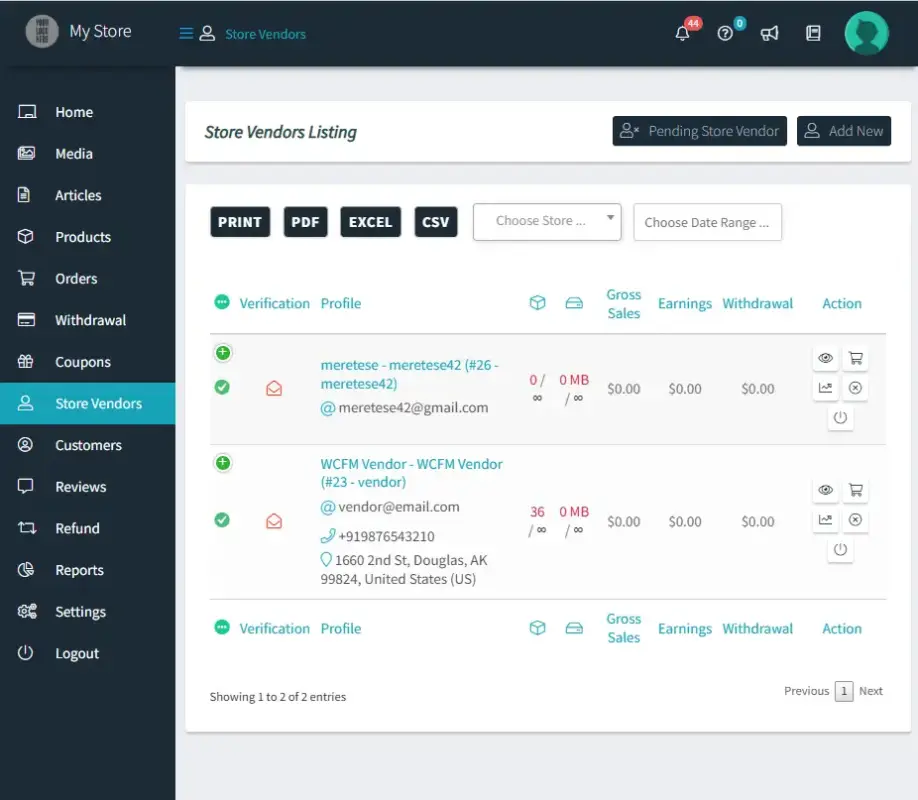
WCFM Marketplace is a WooCommerce plugin that turns a single store into a multi-seller platform, similar to Etsy or Flipkart.
It has grown into one of the most widely used multivendor marketplace plugins for WordPress, with 20,000+ active installations.
Each vendor gets their own dashboard, inventory, and orders, which is exactly why a generic POS plugin often falls short at the counter.
7 Best WCFM Marketplace POS Plugins: Detailed Overview
Here’s the detailed overview of all the plugins:
1. MultiPOS: Point of Sale for WCFM Marketplace Plugin
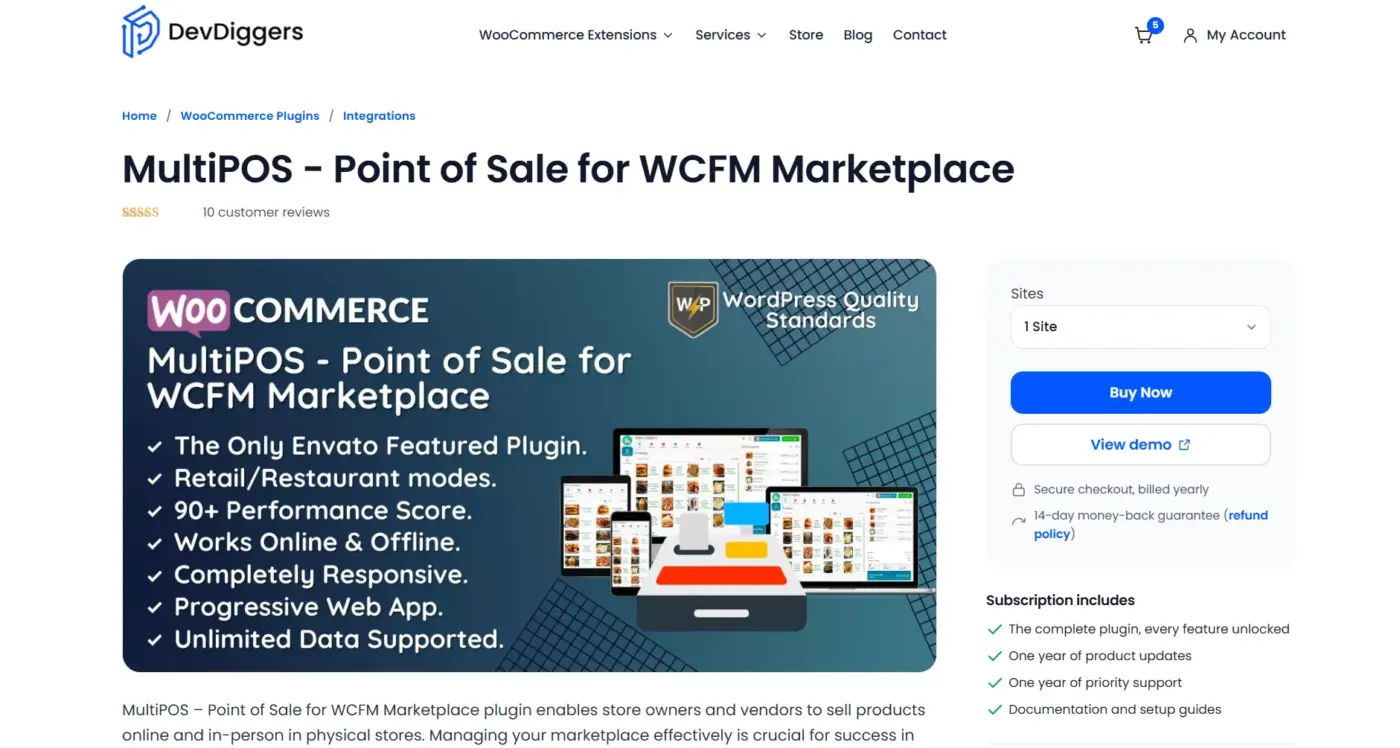
MultiPOS – Point of Sale for WCFM Marketplace is built specifically for WCFM, not adapted from a general-purpose POS plugin afterward. It gives store owners and vendors a way to sell both online and in person from one system, with orders syncing to the WooCommerce database in real time through REST APIs.
The plugin is built with React and supports unlimited products, outlets, orders, and customers, and it works whether the connection is live or not.
Best For
Marketplace owners who need each vendor to run their own counter, with separate outlets, stock, and sales history that never mix with another seller’s data.
Key Features
- “PWA” support for desktop and mobile, so the POS installs like an app
- Offline order queueing that syncs automatically once the connection returns
- Restaurant mode with table management and a dedicated kitchen view
- Barcode scanning and weight-based pricing for grocery-style outlets
Pricing
- 1 Site: $139/year
- 5 Sites: $399/year
- 10 Sites: $799/year
Each vendor needs their own license on top of the base plugin, which reflects the per-seller nature of a marketplace rather than a single storefront.
Benefits
- Real ownership: no per-transaction cut, unlike POS apps tied to a specific payment processor.
- Vendor isolation: vendors only see their own outlet data, categories, and orders.
- HPOS ready: works cleanly with WooCommerce’s newer order storage system.
Limitations
- Per-vendor licensing adds cost as a marketplace scales past a handful of sellers.
- No native mobile app; it runs as a browser-based PWA instead.
Why It Stands Out: MultiPOS is the only plugin on this list purpose-built for WCFM’s vendor structure rather than retrofitted onto it, which is why one longtime user compared it favorably to Shopify POS and Clover for marketplace and hybrid retail use.
2. wePOS: Dokan-Style Marketplaces
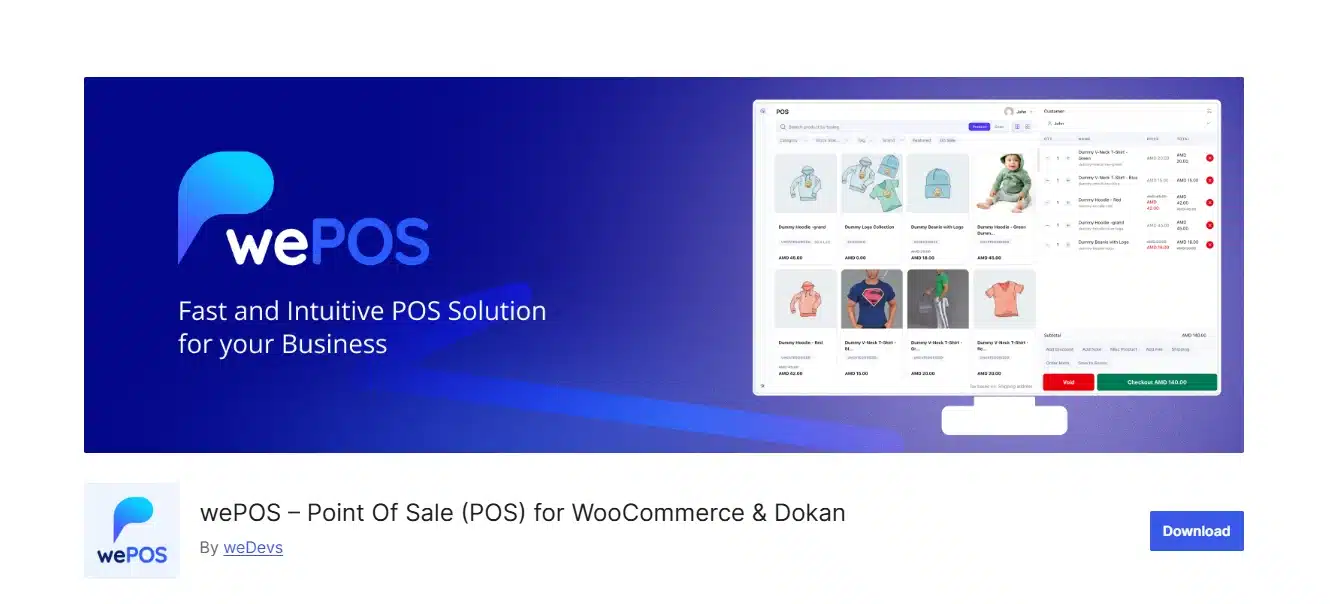
wePOS was built for Dokan’s marketplace structure first, and its multivendor features assume that framework rather than WCFM. Some WCFM users report making it work, though one reviewer noted it took WCFM Compatible (With Code)” effort rather than out-of-the-box support.
For a single-vendor WooCommerce store, though, it runs as a straightforward free cash register with barcode scanning and receipt printing built in.
Best For
Dokan marketplaces or single-store WooCommerce shops that want a free POS with an upgrade path to multi-outlet features.
Key Features
- Native “Dokan multivendor” integration with per-vendor dashboards
- Barcode scanning and fractional quantity support for weighed goods
- Light, dark, and system display modes
Pricing
- Free, core POS features, always free
- Starter: $99/year (1 site)
- Business: $199/year (multi-site, outlet and reporting features)
Benefits
- Free to start: real in-store sales work without paying anything upfront.
- Active development: version 2.0 rebuilt the cashier screen from scratch in 2026.
Limitations
- Overall rating sits at 3.5/5 stars, with several 1-star reviews citing bugs and slow support.
- WCFM support isn’t official; it’s built around Dokan’s vendor model instead.
3. WCPOS: Offline-First Single Store
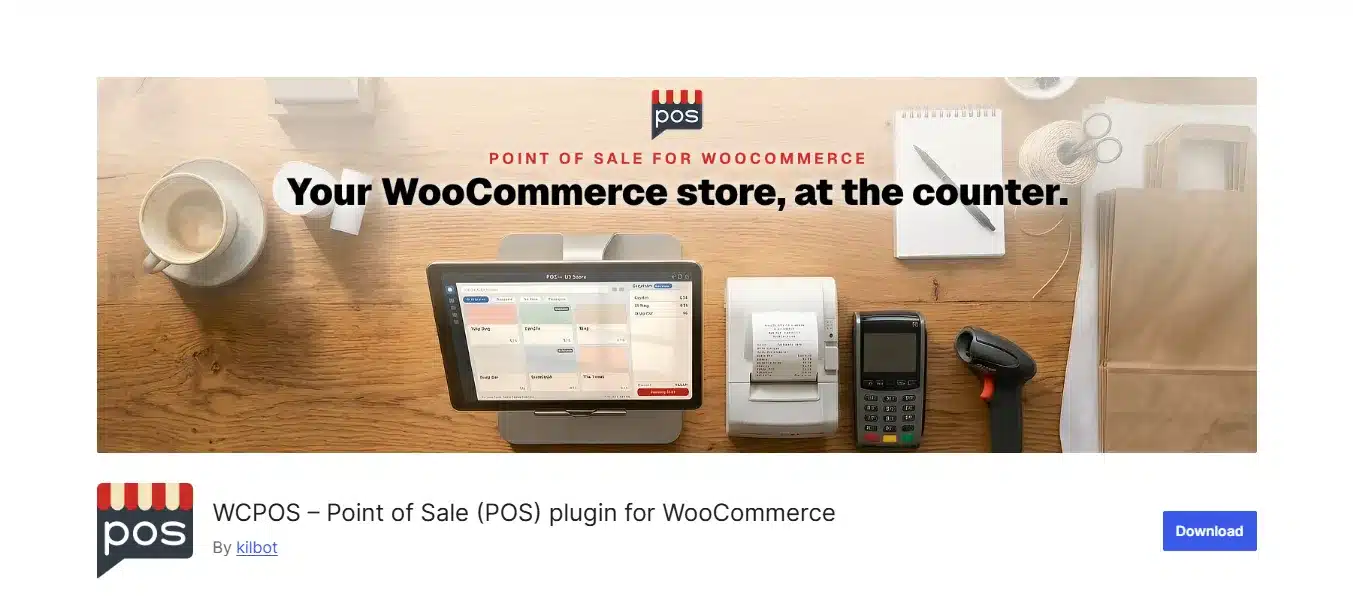
WCPOS (formerly WooCommerce POS) focuses on one thing: keeping a register running even when the internet doesn’t. Products are stored locally so cashiers can keep browsing and building carts during a connection drop, then sync once it’s back.
It has no vendor-aware features at all, so on a WCFM marketplace it would need to run per-outlet as if each vendor were a separate store.
Best For
Single-location WooCommerce stores or WCFM vendors running their own independent outlet who just need a reliable offline-capable register.
Key Features
- Native desktop apps for Windows and Mac, plus mobile apps in beta
- “Offline mode” for product browsing and cart building
- Support for standard barcode scanners and thermal receipt printers
Pricing
- Pro: $129/year or $399 lifetime
Benefits
- Simple setup: works with your existing WooCommerce catalogue in minutes.
- No lock-in: GPL-licensed and open source on GitHub.
Limitations
- No marketplace or vendor-separation features; it’s built for one store, not many sellers.
- Reviewers note it has historically been maintained by a single developer, which affects how fast some features ship.
4. OpenPOS: Multi-Outlet Retail Chains
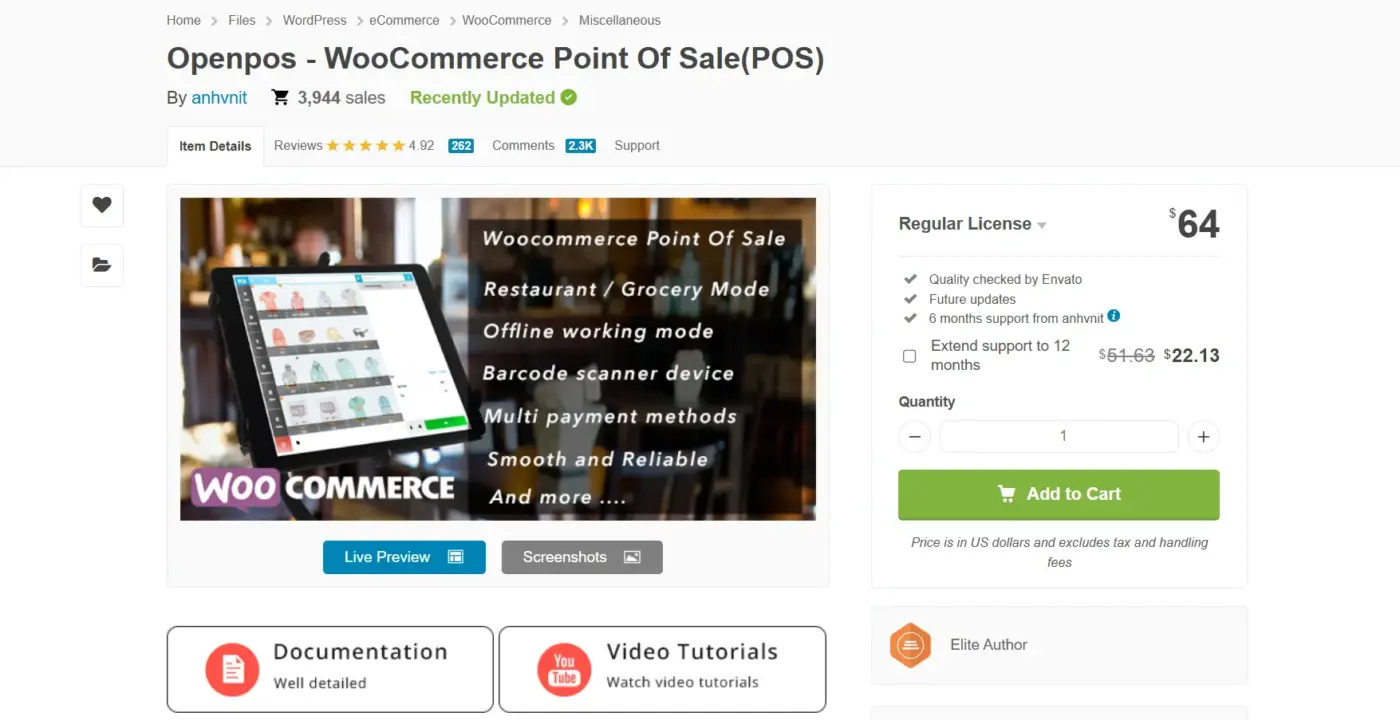
OpenPOS is a CodeCanyon plugin aimed at businesses running several physical outlets under one WooCommerce catalog. It supports retail, cafe, and salon modes, and has been bought by nearly 4,000 customers with a 4.92/5 rating across 262 reviews.
It has no concept of a “vendor,” though; every outlet reports to the same admin, so on WCFM it would only suit an admin managing outlets directly, not independent sellers.
Best For
Retail chains, cafes, or pop-up shops with multiple physical outlets but a single owner, not a marketplace of separate vendors.
Key Features
- “Multi-Warehouse” support for unlimited outlets and stock locations
- Kitchen View screen for restaurant and cafe order flow
- Offline mode with automatic sync on reconnection
Pricing
- Regular License: $64 one-time
Benefits
- Low cost: a single one-time fee instead of a recurring subscription.
- Industry templates: pre-built modes for grocery, cafe, and salon businesses.
Limitations
- No vendor isolation, so it can’t separate WCFM sellers from each other.
- Support is handled through the developer’s own ticket system rather than a dedicated team.
5. Square for WooCommerce: Hybrid Retail Plus Online

Square for WooCommerce isn’t a WordPress POS screen at all; it syncs your WooCommerce catalogue with Square’s physical POS hardware and app, so vendors who already run a Square register in person can keep online and offline stock aligned. It’s maintained by the WooCommerce team directly and has more than 80,000 active installations.
For WCFM, this only works cleanly if each vendor connects their own Square account to their own outlet; there’s no built-in marketplace logic.
Best For
Vendors who already sell through Square’s physical terminals and want their WooCommerce store to mirror that inventory automatically.
Key Features
- Bi-directional product, price, and inventory sync with Square
- Accepts Apple Pay, Google Pay, and card payments at checkout
- Works with Square’s dedicated hardware: Terminal, Stand, and Reader
Pricing
- Free; no license fee
- Square processing: 2.6% + $0.15 per in-person transaction on Square’s Free plan
Benefits
- Official support: built and maintained by the WooCommerce core team.
- Hardware flexibility: works with Square Terminal, Stand, or a basic card reader.
Limitations
- Requires a separate Square account and its own transaction fees on top of WooCommerce.
- No native vendor-level dashboard for a WCFM marketplace; each seller needs their own Square setup.
6. Oliver POS: iPad and Tap to Pay Retail
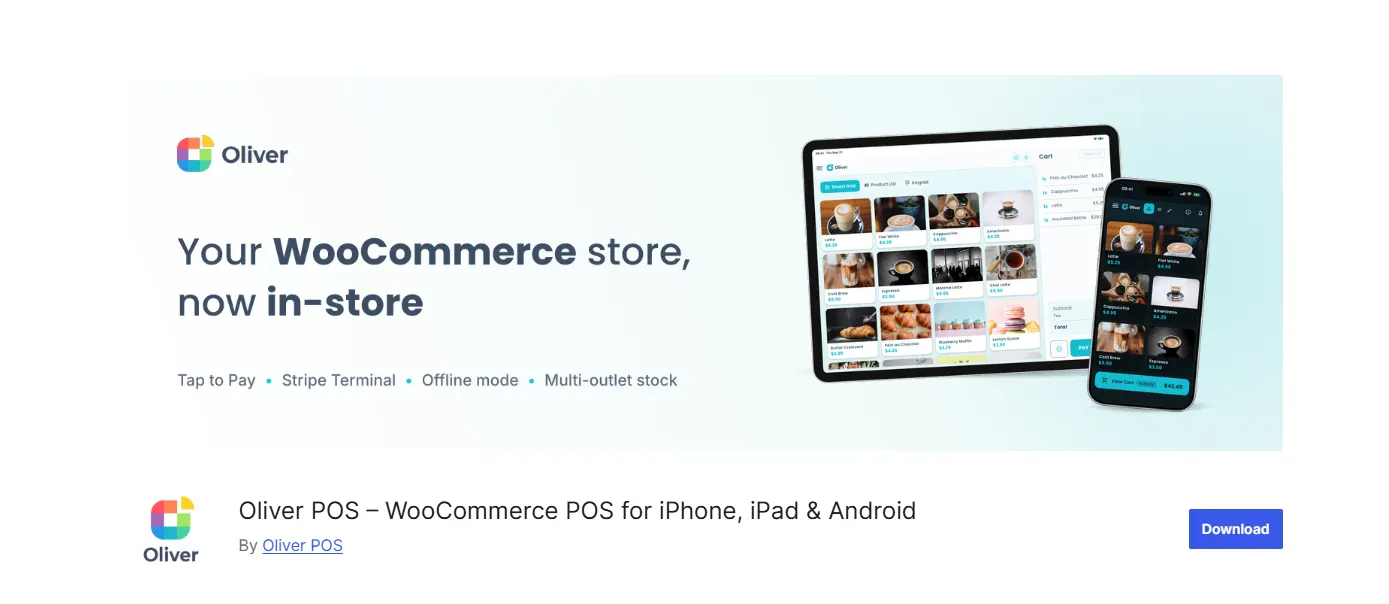
Oliver POS is a touch-first register for iPhone, iPad, Android, and web, built around the official WooCommerce REST API rather than a proprietary database.
It has been installed by more than 45,000 retailers and supports Tap to Pay with no extra card reader needed.
Like most single-store POS tools, it has no vendor separation, so on WCFM it would only work for one seller managing their own outlet independently.
Best For
Retailers who want native iPad or Android apps with Tap to Pay support, run by a single store owner rather than a marketplace admin.
Key Features
- Native apps for iPhone, iPad, Android, plus a web register
- “Offline-First” sales queueing during connectivity drops
- Stripe Terminal integration for card-present payments
Pricing
- Starter Plan: $89/year
- Pro Plan: $289/year
- Enterprise Plan: $489/year
Benefits
- Real WooCommerce data: orders and products live in your own database, not a third-party silo.
- Multi-outlet stock: each physical location gets its own inventory count.
Limitations
- Recent reviews report onboarding failures and slow support response times, with some calling the plugin abandoned.
- No vendor-level access control, so it isn’t built for a shared marketplace like WCFM.
7. YITH Point of Sale: Simple Cash Register
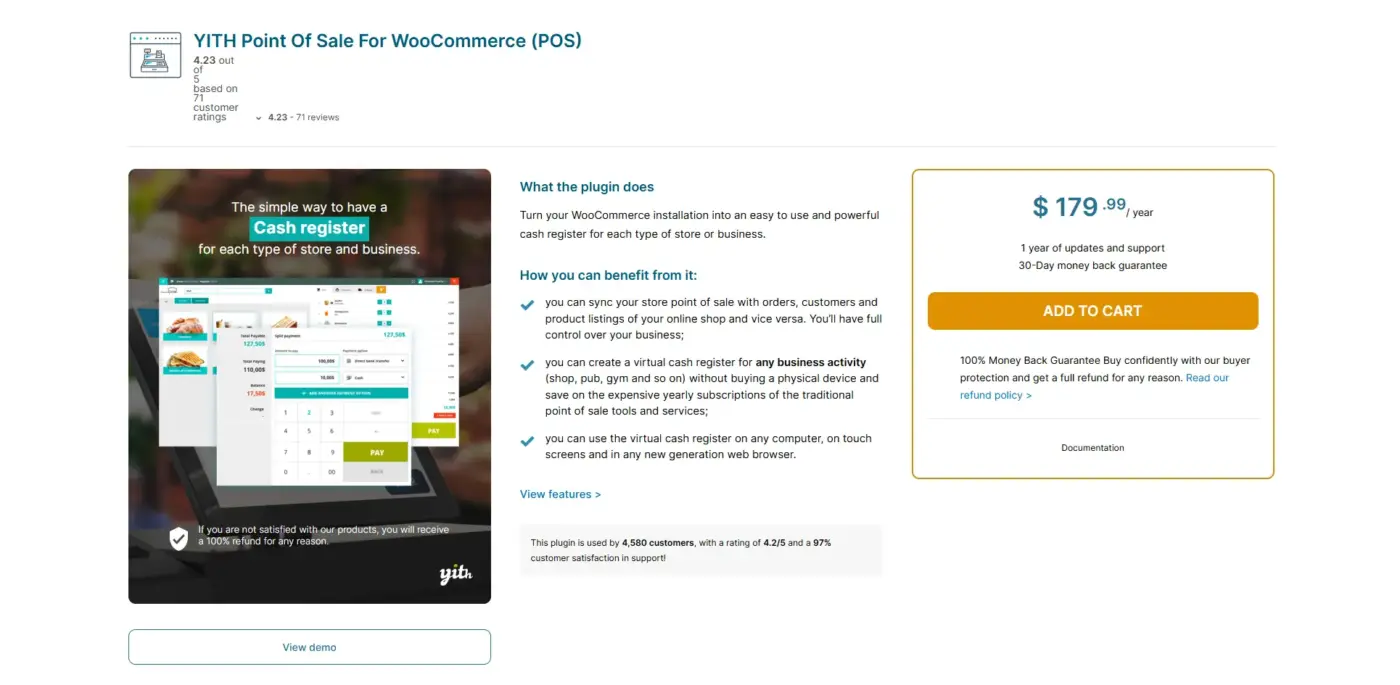
YITH Point of Sale for WooCommerce is a straightforward virtual cash register for any single business type, from a supermarket to a gym.
It has a 4.23/5 rating from 71 customer reviews and supports unlimited stores and registers under one admin.
Its own documentation confirms it has no way to keep sales agents from seeing each other’s customers, which rules it out for a real multivendor setup.
Best For
A small single-owner shop that wants unlimited registers and stores without needing to separate different sellers’ data.
Key Features
- “Split payment” support across multiple methods on one order
- Multi-Stock feature for different stock counts per store
- Barcode scanning through YITH’s companion Barcodes plugin
Pricing
- 1 year of updates and support: $179.99/year
Benefits
- Unlimited registers: no cap on how many cash registers or stores you run.
- Familiar checkout: split payments and suspended carts work like a real retail counter.
Limitations
- YITH’s own FAQ confirms sales agents will be able to see all customers, with no per-vendor data isolation.
- No offline mode, so a dropped connection stops checkout entirely.
Quick Comparison: 7 POS Plugins for WCFM at a Glance
Here’s how all seven stack up on the checks that actually matter for a WCFM marketplace.
| Plugin | Native WCFM Support | Offline Mode | HPOS Compatible | Starting Price |
|---|---|---|---|---|
| MultiPOS | Yes, built for WCFM | Yes | Yes | $139/year |
| wePOS | No, built for Dokan | No | Yes | Free |
| WCPOS | No | Yes | Yes | Free |
| OpenPOS | No | Yes | Yes | $64 one-time |
| Square for WooCommerce | No | No | Yes | Free (fees apply) |
| Oliver POS | No | Yes | Yes | Free |
| YITH Point of Sale | No | No | Unspecified | $179.99/year |
If you’re running a real WCFM marketplace with multiple active sellers, this table narrows things fast: only one plugin here was built with vendor separation in mind.
Which POS Plugin Fits Your WCFM Marketplace?
For a marketplace with more than one active vendor, MultiPOS is the only option built to keep each seller’s outlet, stock, and orders separate from day one, which is exactly the gap the rest of this list runs into.
| Marketplace Size | Recommended Plugin |
|---|---|
| Multiple active WCFM vendors | MultiPOS |
| Single vendor testing WCFM | wePOS (free tier) or WCPOS |
| Admin-run outlets, no vendors | OpenPOS or Oliver POS |
If your marketplace is still one seller for now, a free tool like WCPOS is a reasonable starting point, but plan to move to a WCFM-native plugin once a second vendor joins.
What Nobody Tells You About WCFM POS Plugins
Most POS reviews test on a single-store demo, then apply the verdict to marketplaces without checking vendor isolation at all. That’s how a plugin with no multivendor logic ends up recommended for WCFM stores.
- “Multivendor ready” in marketing usually means Dokan-compatible, not actually WCFM-tested.
- “Unlimited outlets” often means admin-managed outlets, not vendor-owned ones.
Test with two live vendor accounts before buying, not one admin login. That single step catches most of the plugins that look ready for a marketplace but aren’t.
Conclusion
Picking the best POS plugin for a WCFM multivendor marketplace comes down to one question the marketing copy rarely answers directly: does it separate vendors, or just outlets under one admin? MultiPOS is the only plugin here built around WCFM’s vendor structure from the start, while options like wePOS, WCPOS, and OpenPOS work well for single stores but need workarounds on a real marketplace.
Run the checks from the comparison table above against your own vendor count before committing to a license. A plugin that looks complete in a demo can fall apart the moment a second seller logs in.
Frequently Asked Questions (FAQs)
Q1. Can I use a regular WooCommerce POS plugin on a WCFM marketplace?
You can install one, but most general POS plugins have no concept of separate vendors, so every seller’s data ends up visible to whoever runs the register unless the plugin was built for WCFM specifically.
Q2. Does each WCFM vendor need their own POS license?
For plugins like MultiPOS, yes, since licensing is priced per vendor to reflect the fact that each seller runs an independent outlet.
Q3. Is HPOS compatibility important for a WCFM POS plugin?
Yes. WooCommerce’s High-Performance Order Storage changes how orders are stored, and a POS plugin without HPOS support can break order syncing on newer WooCommerce installs.
Q4. What happens to WCFM POS sales when the internet goes down?
It depends on the plugin. MultiPOS, WCPOS, OpenPOS, and Oliver POS all queue offline sales locally and sync them once the connection returns; Square for WooCommerce and YITH Point of Sale require a live connection to complete checkout.