The best WooCommerce hide price plugins for B2B stores swap a public price tag for a login prompt, a quote form, or a wholesale gate, based on who is looking, where they are, or what they qualify for. No code required.
That matters because a wholesale buyer, a competitor, and a retail shopper who lands on a B2B catalog by accident all want something different from the same product page. One open price list cannot serve all three at once.
This guide compares seven ways to handle that, from a simple login gate to a full private store. Some stores only need one. Larger operations often run two or three side by side.
Below, you will find a quick comparison table, a full breakdown of each plugin, real 2026 pricing, and a short setup walkthrough so you can get a rule live today.
Why B2B Stores Hide Prices: A Quick Introduction
A wholesale rate negotiated for one buyer rarely makes sense as a public price. Competitors screenshot open pricing pages, retail shoppers add single units to carts built for pallets, and some regions restrict advertised B2B pricing outright.
The trend backs this up. Nearly half of B2B SaaS companies, 44%, now run sales-negotiated pricing instead of a fixed price list, which is exactly the kind of pricing a static product page cannot display. Hiding the number and restricting it behind a login, a quote form, or an approved role is how most WooCommerce B2B stores solve that gap.
7 Best WooCommerce Hide Price Plugins for B2B Stores in 2026
Each entry below covers a distinct way to hide pricing, what it costs in 2026, and where it fits best.
1. WooCommerce Hide Price For Guest
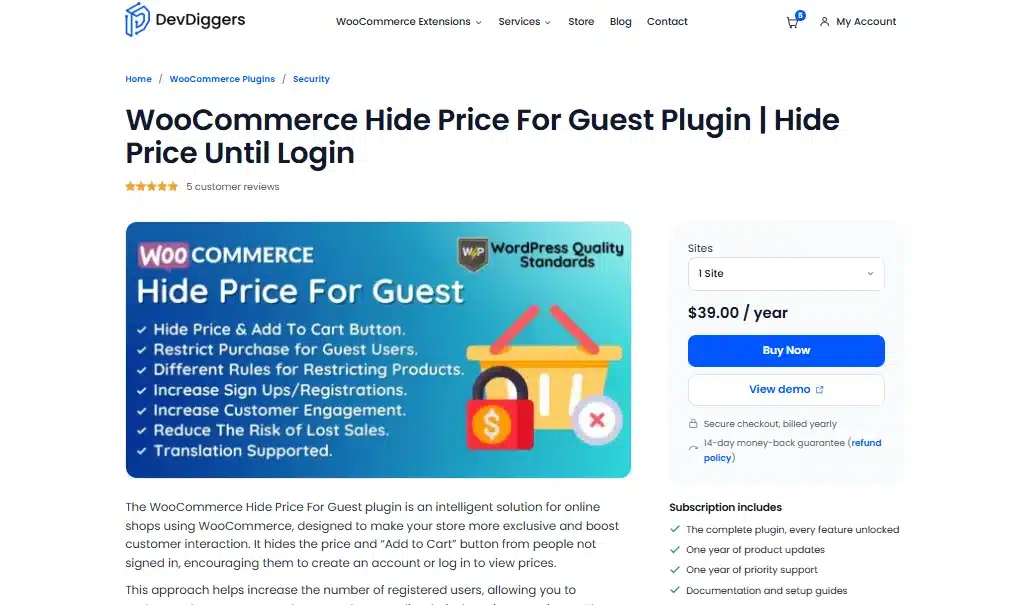
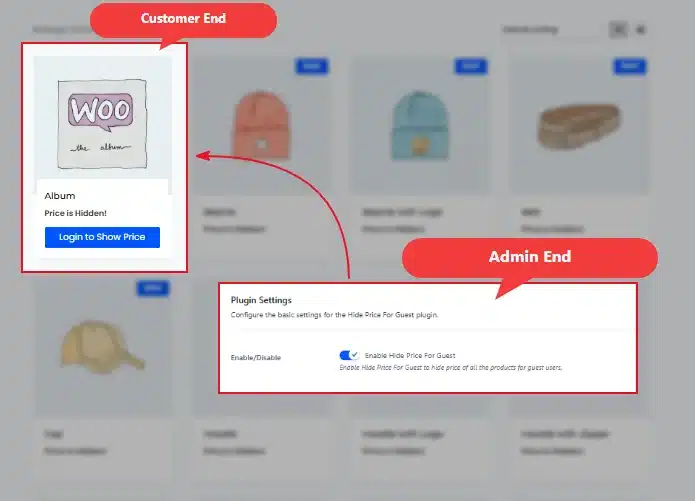
The WooCommerce Hide Price For Guest plugin hides both the price and the Add to Cart button for anyone who is not logged in. Guests see a custom message instead, and prices reappear the moment the right account signs in. It is built by DevDiggers and updated for WooCommerce’s High-Performance Order Storage.
Best For
Stores that just need a simple login wall before pricing shows.
Key Features
- Hides price and “Add to Cart” for guest users only
- Rules by specific product, category, stock level, or product type
- Custom “hidden price” and “add to cart” text
- Works on virtual, downloadable, and on-sale products
Pricing
- 1 Site: $39/year
- 5 Sites: $179/year
- 10 Sites: $299/year
Benefits
- Fast setup: No coding, live in minutes from the plugin settings screen
- Flexible rules: Exclude specific products so retail lines stay visible
- HPOS ready: Confirmed compatible with WooCommerce 9.0 and newer
Limitations
- No built-in quote form for negotiated pricing
- No country or geolocation targeting
Why It Stands Out: It solves the single most common B2B request, a login-gated price, without a bigger structural change to the store, and it does that job at the lowest entry price on this list.
Hiding Method
Role-Based Price Hiding: Prices stay hidden for guests and reappear automatically once the right account logs in. One product page, two different views. Set a rule for the Guest role, and anyone unregistered sees a message like “Login to view wholesale pricing” instead of a number, while approved accounts see pricing as normal.
2. YITH Request a Quote
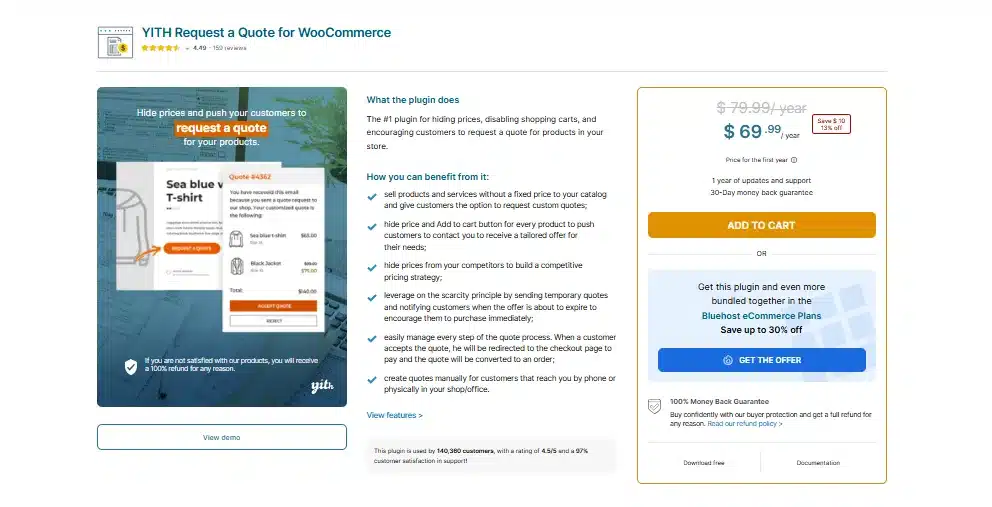
YITH Request a Quote for WooCommerce replaces the price and cart button with an “Add to Quote” option. Shoppers build a list of products, submit their details through a form, and your sales team responds with a custom number. No price is ever published.
Best For
Custom fabrication, bulk deals, or per-project pricing.
Key Features
- “Add to Quote” button on product and archive pages
- Multi-product quote list with a tracking widget
- Optional PDF quote attached to the email reply
- Restrict quote requests to specific user roles
Pricing
- Premium (1 site): $79.99/year
Benefits
- No published number: Fits deals where even a price range gives too much away
- Multi-item quotes: Buyers request several products in one submission
- Role targeting: Show the quote button only to wholesale accounts
Limitations
- Reviewers report slow support response times on the premium tier
- Free version lacks PDF export and role targeting
Hiding Method
Quote-Request Replacement: Some B2B pricing cannot reduce to a single number. Custom orders, bulk deals with shipping variables, and per-project work all need a human to quote them. This swaps the price for a form, and the buyer’s requirements go straight to your sales inbox instead of a public price tag.
3. YITH WooCommerce Catalog Mode
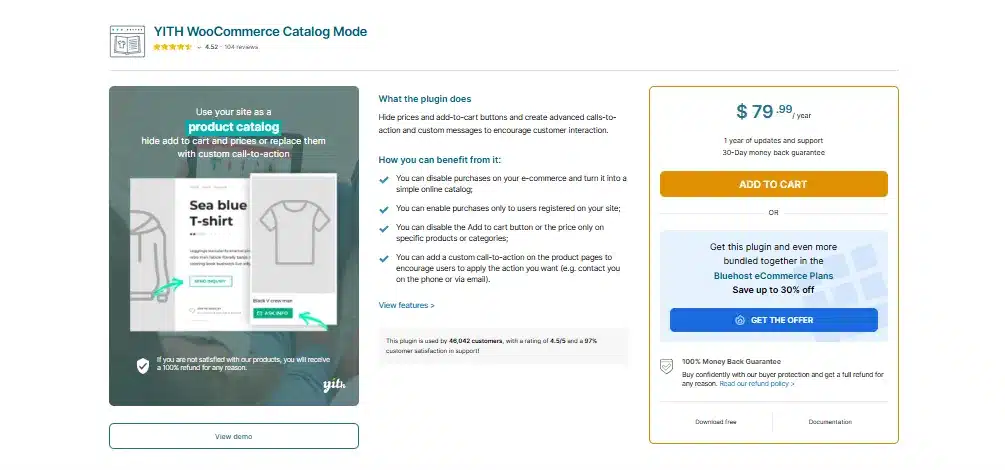
YITH WooCommerce Catalog Mode turns the entire store into a browsable list with no cart and no checkout. Visitors see specs, images, and descriptions, then reach out off-platform to close the sale. One click switches the whole setup back to a normal shop.
Best For
Manufacturers not selling online directly yet.
Key Features
- Global or per-product catalog toggle
- Replace “Add to Cart” with a custom button or inquiry form
- Schedule shop closures by date, day, or time range
- Pairs with YITH Request a Quote for a combined setup
Pricing
- 1 Site: $79.99/year
Benefits
- Instant reversal: Flip back to a full shop with one setting
- Scheduled closures: Hide pricing on specific days without manual work
- Inquiry forms: Capture interest without publishing a price
Limitations
- Applies the same behavior across every product by default
- Needs role-based rules layered on top for a mixed catalog
Hiding Method
Catalog Mode: The whole store behaves like a digital catalog rather than a checkout. No prices, no cart, no purchasing at all. This suits a transition period, where a manufacturer wants a live product catalog online while sales still happen by phone or in person.
4. Prices and Cart Control for Specific Products
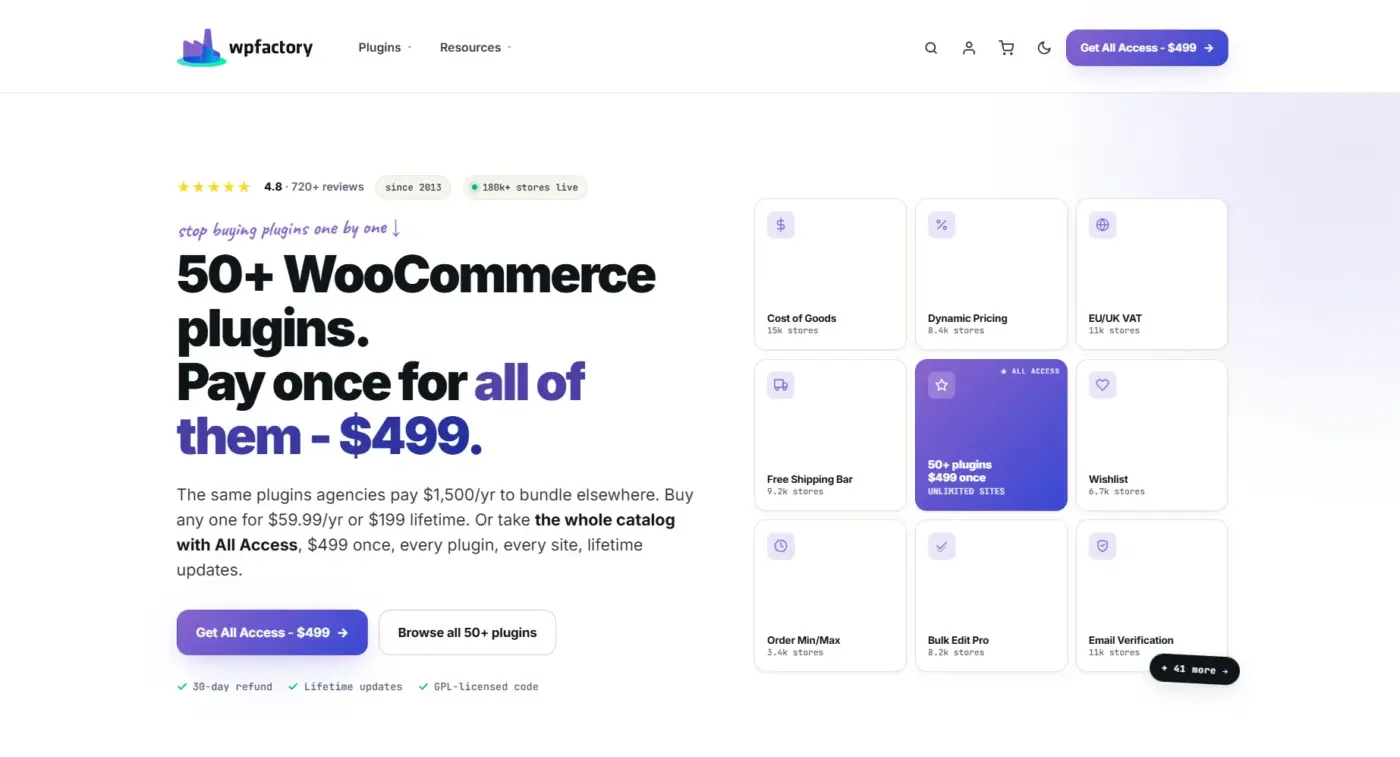
WPFactory’s Prices and Cart Control for Specific Products lets a store gate pricing on one category while leaving another fully public. A distributor selling wholesale hardware alongside retail accessories can hide the “Wholesale Electronics” line and keep “Accessories” priced normally, all in the same store.
Best For
Stores mixing wholesale and retail product lines.
Key Features
- Rules scoped to specific products, categories, or roles
- Hide price only, cart button only, or both together
- Stack multiple rules without conflicts
- Works alongside other WPFactory extensions
Pricing
- 1 Site: $59.99/year
- Unlimited sites, lifetime: $199 (one-time)
Benefits
- Targeted scope: Avoid restricting an entire catalog for one confidential line
- One-time option: The lifetime tier skips renewal costs entirely
- Rule stacking: Combine category and role conditions in one setup
Limitations
- Interface is more technical than single-purpose hide-price plugins
- Best value requires the lifetime tier, which costs more upfront
Hiding Method
Category or Product-Specific Hiding: Most B2B stores are not purely B2B. Instead of restricting the whole catalog, this targets exactly which products or categories carry hidden pricing, so one confidential line stays private while everything else sells normally to any visitor.
5. Country Restrictions for WooCommerce
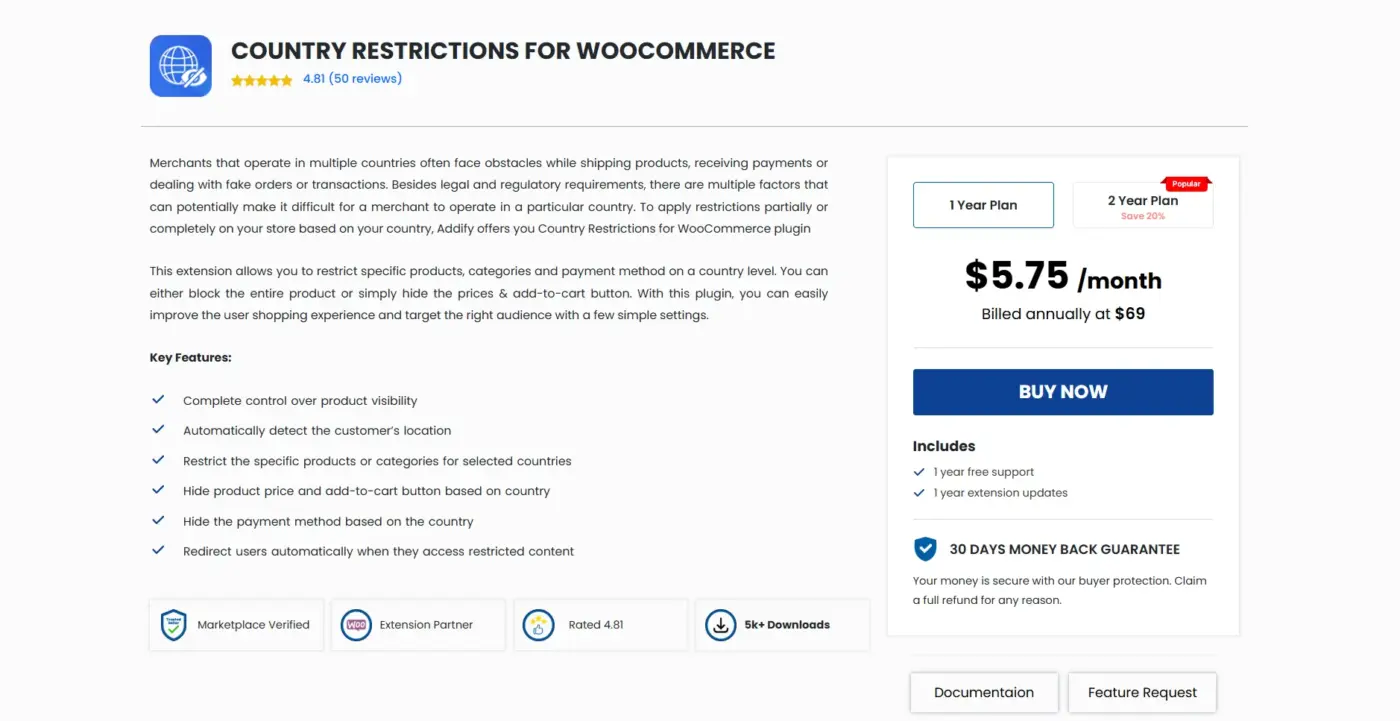
Country Restrictions for WooCommerce by Addify detects a visitor’s country through geolocation and applies pricing rules accordingly. Show prices to buyers in one market, hide them where advertised B2B pricing needs a business relationship first.
Best For
Sellers with region-specific pricing rules.
Key Features
- Hide price, cart button, or the entire product by country
- Bulk restrictions by category, tag, or shipping class (PRO)
- Custom message per restricted country
- Payment method restrictions by region
Pricing
- PRO (1 site): $99/year (from third-party pricing trackers)
Benefits
- Compliance-friendly: Matches pricing display to regional advertising rules
- Automatic detection: No manual country selection needed at checkout
- Granular targeting: Rules apply per product, category, or globally
Limitations
- IP-based detection is not perfect and VPN traffic can misfire
- Not a substitute for a full legal compliance review
Hiding Method
Country or Region-Based Hiding: Cross-border B2B sellers run into pricing that is fine to show in one market and restricted in another. This detects the visitor’s country and shows or hides pricing based on that, catching the compliance gap a single global rule would miss.
6. Wholesale Prices Premium
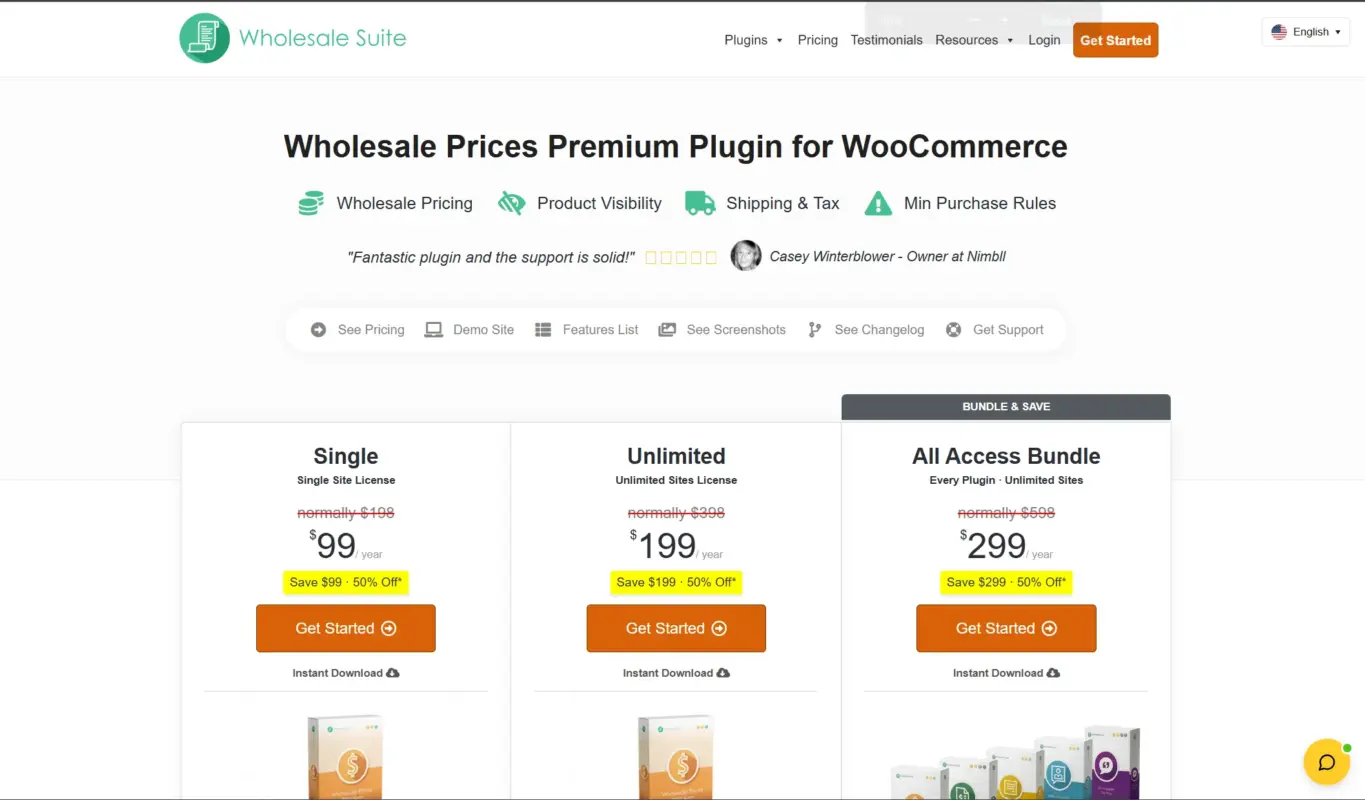
Wholesale Prices Premium from Wholesale Suite is less about hiding a price and more about showing the right price to the right buyer. It calculates a discounted rate by quantity, role, or order history, then displays that instead of, or alongside, the standard price.
Best For
Stores running volume-based wholesale discounts.
Key Features
- Unlimited wholesale user roles, each with its own pricing
- Fixed pricing, percentage discounts, or category-based rates
- Tiered pricing by quantity break
- Product visibility control by role
Pricing
- Growth Bundle: $148.50/year
- Business Bundle (unlimited sites): $298.50/year
Benefits
- Automatic tiers: Pricing adjusts at checkout with no manual step
- Role flexibility: Different wholesale groups get different rates
- Proven track record: Over 25,000 active stores, per the vendor
Limitations
- Focused on price display, not full price hiding on its own
- Best paired with a login gate for stores that also need to hide numbers
Hiding Method
Tiered Wholesale Pricing: A buyer ordering 500 units sees a per-unit rate that reflects the volume, while a buyer ordering 5 sees the standard price or none at all if paired with role-based hiding. This controls which price shows to which buyer rather than hiding pricing outright.
7. B2BKing
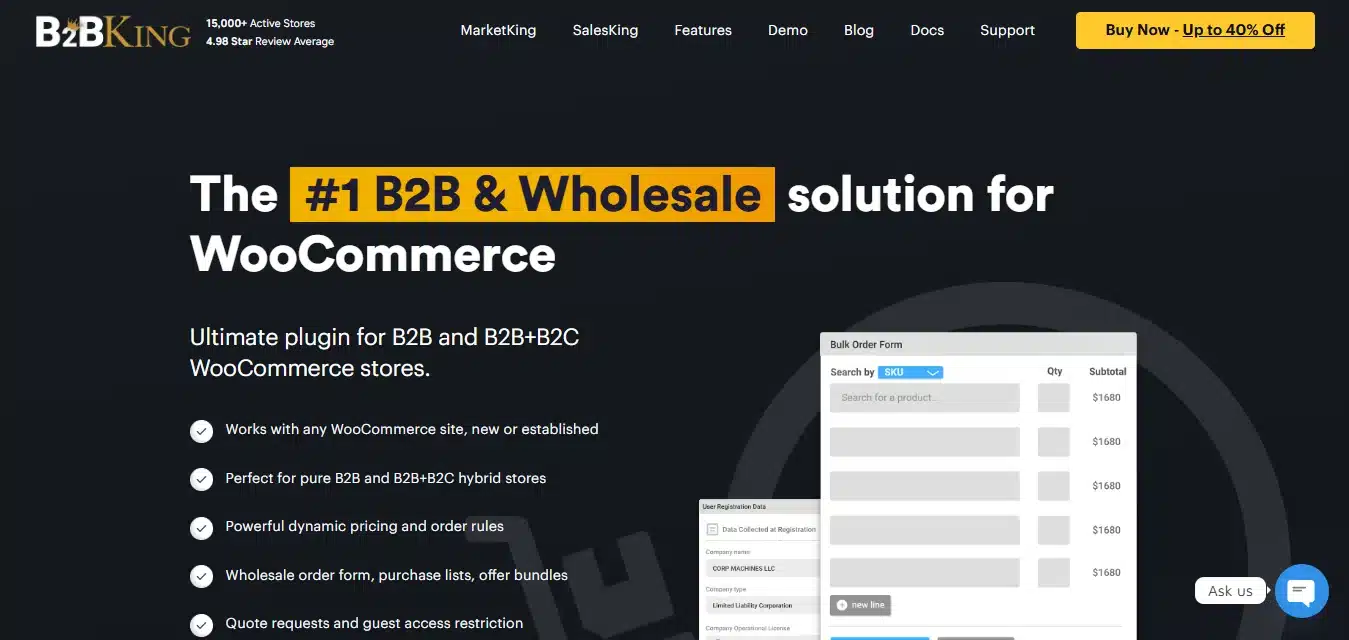
B2BKing locks down pricing, the Add to Cart button, or the entire storefront for guests. It is the most feature-dense option here, built specifically for members-only wholesale operations and invite-only B2B marketplaces.
Best For
Members-only or invite-only wholesale stores.
Key Features
- Hide prices for guests, hide the site, or replace prices with a quote request
- Dynamic rules by user, role, product, or category
- Tiered pricing, tax exemptions, and multiple buyers per account
- Free version on WordPress.org with core B2B features
Pricing
- Startup (1 site): $199/year
- Pro (3 sites): $299/year
- Developer (unlimited sites): $449/year
Benefits
- Everything in one plugin: 137+ features cover pricing, tax, and registration
- Layered access: Combine guest hiding with role, product, and category rules
- Active development: 134+ releases and monthly updates, per the vendor
Limitations
- Heaviest setup on this list since it changes site-wide behavior
- Higher price point than single-purpose hide-price plugins
Hiding Method
Full Private Store: Guests cannot browse products, see prices, or view the shop page without logging in or requesting access. This fits members-only wholesale operations and invite-only marketplaces where the product catalog itself needs to stay confidential, not just the pricing.
Quick Comparison: 7 Best WooCommerce Hide Price Approaches for B2B Stores
Here is how the seven plugins stack up on cost and standout features.
| Plugin | Best For | Pricing | Standout Feature |
|---|---|---|---|
| WooCommerce Hide Price For Guest | Wholesale logins | $39 to $299/year | Rules by product, category, stock, or type |
| YITH Request a Quote | Negotiated pricing | $79.99/year | “Add to Quote” basket for multiple items |
| YITH WooCommerce Catalog Mode | Pure catalogs | $79.99/year | One click to switch catalog back to a shop |
| Prices and Cart Control for Specific Products | Mixed catalogs | $59.99/year or $199 once | Stackable rules by product and category |
| Country Restrictions for WooCommerce | Cross-border rules | From $99/year | Geolocation-based price and cart hiding |
| Wholesale Prices Premium | Volume discounts | $148.50 to $298.50/year | Unlimited wholesale roles with tiered rates |
| B2BKing | Private stores | $199 to $449/year | 137+ B2B features in a single plugin |
How to Set Up Price Hiding in WooCommerce
- Install the plugin: Upload it through Plugins, then Add New, or install directly from the repository.
- Pick your audience: Choose guests, a specific role, a country, or a combination.
- Choose what to hide: Price only, the Add to Cart button, or the entire product.
- Write the replacement message: Use something specific, like “Login to view wholesale pricing,” not a blank space.
- Scope the rule: Apply it store-wide, or limit it to certain categories or products.
- Test as a guest: Open a private browser window and confirm what an anonymous visitor actually sees.
Most stores get a basic rule running in under 15 minutes. Stacking country, role, and category conditions together takes longer, which is common for larger B2B operations selling across regions.
Common Mistakes B2B Stores Make When Hiding Prices
A few patterns show up again and again once a store starts restricting pricing.
| Mistake | Fix |
|---|---|
| Hiding a price with no explanation | Use a specific message like “Wholesale pricing after registration” |
| Testing only while logged in as admin | Check the guest view in a private browser window |
| One rule applied to a mixed catalog | Use category or product-specific rules instead of a blanket setting |
| Hiding entire pages behind a login wall | Keep pages crawlable and hide only the price for logged-out users |
Most of these come down to testing the guest experience before launch and matching the rule’s scope to how mixed the catalog actually is.
Conclusion
Picking from these 7 best WooCommerce hide price plugins for B2B stores comes down to what your catalog actually needs. A simple login gate covers most wholesale stores. Negotiated pricing needs a quote form instead of a number. Cross-border sellers need geolocation rules layered on top.
Start with the comparison table above, match your catalog size and pricing model to a row, and test the guest view before the rule goes live. Most B2B operations end up combining two of these seven rather than picking one in isolation, and that combination is usually enough to keep pricing private without frustrating the buyers who are supposed to see it.
Frequently Asked Questions (FAQs)
Q1. Does hiding prices in WooCommerce hurt SEO?
Not usually, as long as the product page itself stays visible to search engines. Hiding the price only for logged-out visitors while keeping the page crawlable has minimal SEO impact. Hiding the entire page behind a login wall is different and can remove that page from search results.
Q2. Can I hide prices for some products but show them for others?
Yes. Category and product-specific rules let you gate wholesale lines while keeping retail products fully visible, all within the same store and often the same plugin.
Q3. Is a free hide price plugin enough for a B2B store?
It depends on complexity. A single rule, like hiding prices for all guests, often works with a free or lite version. Once country rules, quote routing, or several stacked conditions come into play, a paid plugin with detailed rule controls usually saves setup time.
Q4. Do hide price plugins work with WooCommerce’s High-Performance Order Storage (HPOS)?
Most actively maintained plugins in 2026 support HPOS. Check the plugin’s compatibility notes before installing, especially with an older or less frequently updated extension.
Q5. What is the difference between catalog mode and role-based hiding?
Catalog mode hides pricing and purchasing for everyone, turning the store into a browsable list with no checkout. Role-based hiding keeps purchasing active but only shows prices to approved roles, which is the more common B2B setup.
Q6. Can I combine multiple hide price approaches in one store?
Yes, and larger B2B operations usually do. A typical stack pairs role-based hiding for general wholesale access with tiered pricing for volume discounts, plus geo-based rules for stores selling internationally.