Building a WordPress site used to mean picking a theme, wrestling with page builder settings, and writing every line of copy yourself. AI website builders skip most of that. You answer a few questions about your business. The tool hands you a working WordPress site in minutes instead of days.
Not every AI builder does this well. Some produce a clean starting point you can run a business on, and others hand you generic filler. We checked each tool’s own product and pricing pages in October 2026. This list compares features and prices for the 10 best WordPress AI website builders.
If you just want the short answer: SeedProd is the strongest all-around pick for most WordPress users. Angie by Elementor is the one to reach for if you want AI that writes real code. 10Web is the best option if you’re rebuilding an existing site. Prices change often, so each one below reflects the month we read it.
What Is a WordPress AI Website Builder?
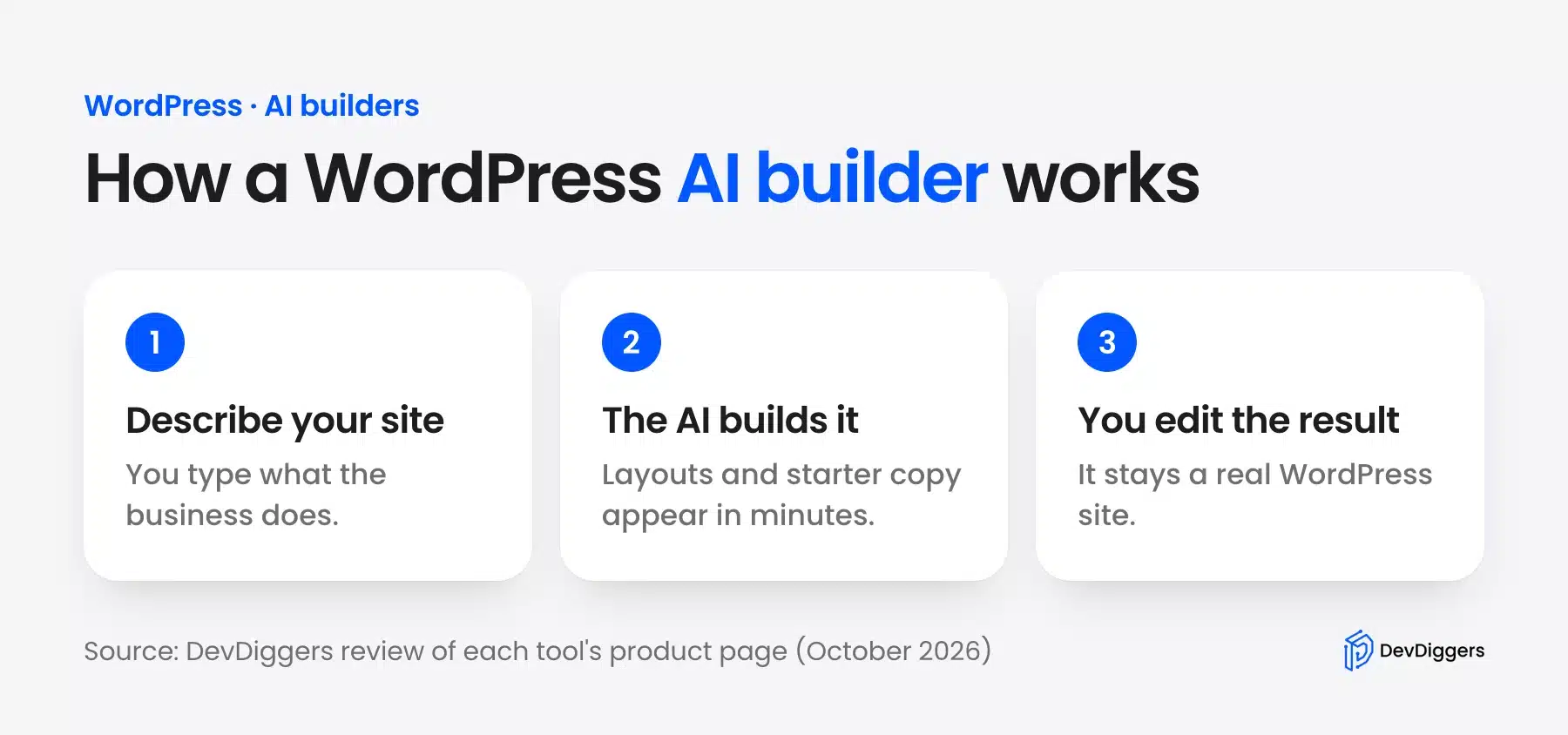
A WordPress AI website builder is a plugin, theme, or hosting tool that uses artificial intelligence to generate a working WordPress site from a short description of your business. You type in what your site is for. The tool builds layouts, writes starter copy, and picks images to match.
Our guide shows how to connect WordPress to Claude AI through MCP.
Some of these tools live inside WordPress as plugins you install on an existing site. Others are bundled with hosting. The AI builds your site the moment you sign up for a plan. Either way, the goal is the same. Cut the setup time from days to minutes and end up with a real WordPress site you can edit and grow over time.
This is different from a website builder vs coding decision, where you’re choosing between full manual control and a no-code platform. An AI builder sits in the middle. You still get a real, editable WordPress site. You just don’t have to build it from scratch by hand.
WordPress powers 39.7% of all websites, according to W3Techs data for October 2026. Among sites with a known CMS, its share is 58.5%. That reach is why so many AI builders target WordPress first.
Comparison Table: 10 Best WordPress AI Website Builders
| Tool | Best For | Starting Price | Output Type |
|---|---|---|---|
| SeedProd AI | Overall best, landing pages and full sites | Free Lite plugin (paid plans from a $79 regular price) | WordPress plugin |
| Angie by Elementor | Developers who want real code beyond layouts | Free | WordPress plugin |
| CrocoBuilder | Developers and agencies who want AI-assisted building with full code control | $79/year | WordPress plugin |
| 10Web | Rebuilding or cloning an existing site | From $10/month billed yearly | Hosted WordPress |
| ZipWP | Fast prototypes and testing ideas | Free plan with 3 AI site generations | WordPress plugin/hosted |
| Divi AI | Designers who want AI image and copy generation inside Divi | $193/year as an add-on to Divi | WordPress theme/plugin |
| Elementor AI | Elementor users who want AI text and image tools in the editor | Included in Elementor One plans | WordPress plugin add-on |
| Bluehost AI Site Creator | Beginners who want to host and build in one step | From $3.99/month on a 36-month hosting term | Hosted WordPress |
| Hostinger AI Builder | Budget-conscious users who want speed over customization | From $2.99/month on a 48-month hosting term | Hosted and WordPress-based |
| Telex by Automattic | Developers who need a custom Gutenberg block | No public pricing (October 2026) | Block plugin generator |
| Brizy AI | Fast visual builds on a free plugin | Free version available | WordPress plugin |
The 10 Best WordPress AI Website Builders
1. SeedProd AI
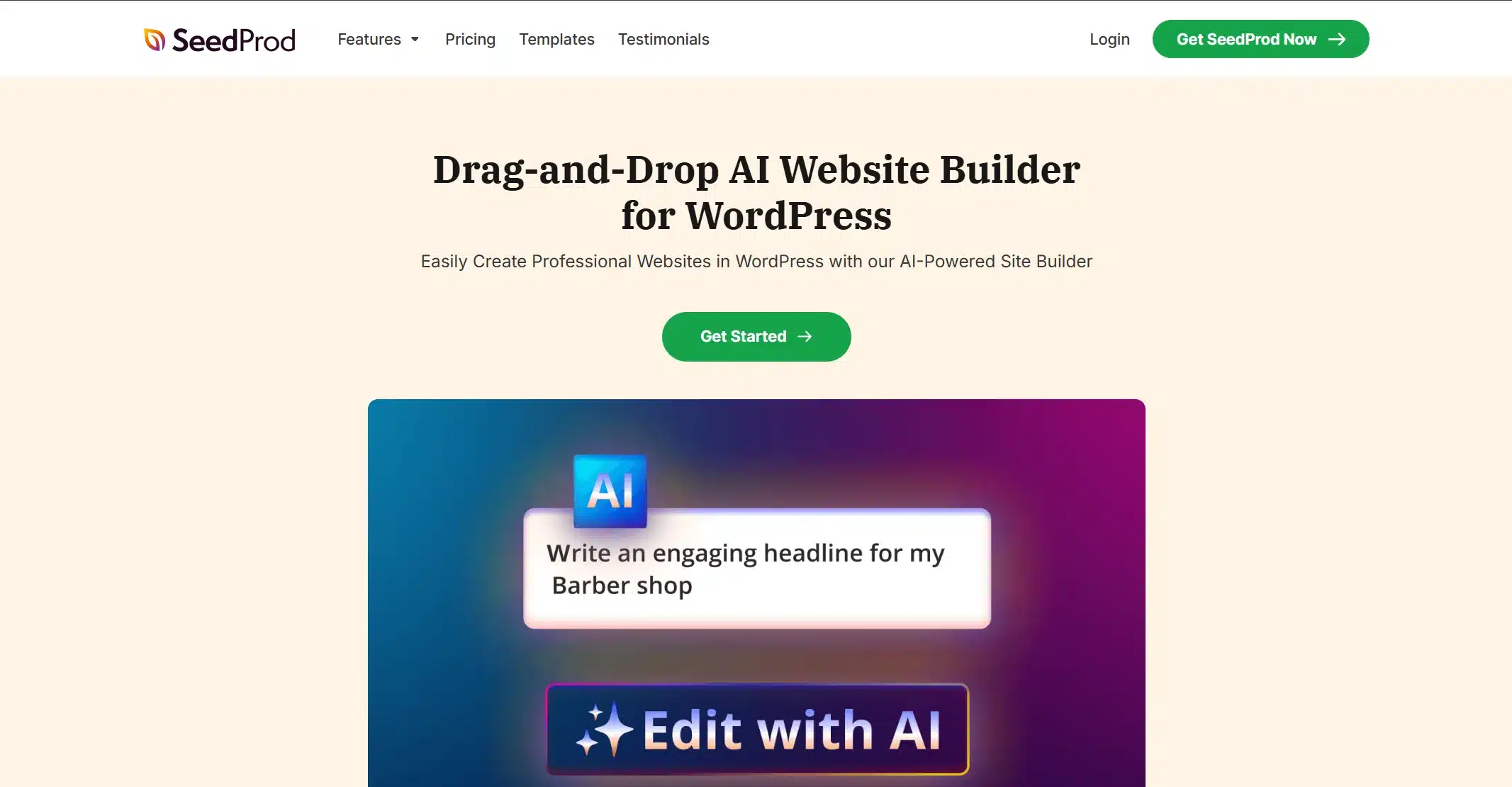
SeedProd is the best all-around AI website builder for WordPress if you want one tool that handles landing pages, full sites, and WooCommerce stores. You answer a short set of questions about your business. SeedProd generates a complete site using its block-based editor, which works directly inside WordPress rather than a separate app.
What stands out is the AI writing assistant built into the same interface. You can generate headlines, page copy, and FAQ sections without leaving the page you’re editing. That helps when you want to write copy alongside your design instead of as a separate step.
Best for
Small business owners and marketers who want one plugin for design and copy.
Pricing
- Free version available without AI.
- Paid plans list regular prices from $79 for Basic to $599 for Elite (October 2026). Check the pricing page for which plan carries the AI tools.
Pros
- Fast setup
- Dozens of templates
- Works for landing pages and full sites
- Strong AI writing tools.
Cons
- AI features are locked behind paid plans.
- The free version doesn’t include AI generation.
2. Angie by Elementor
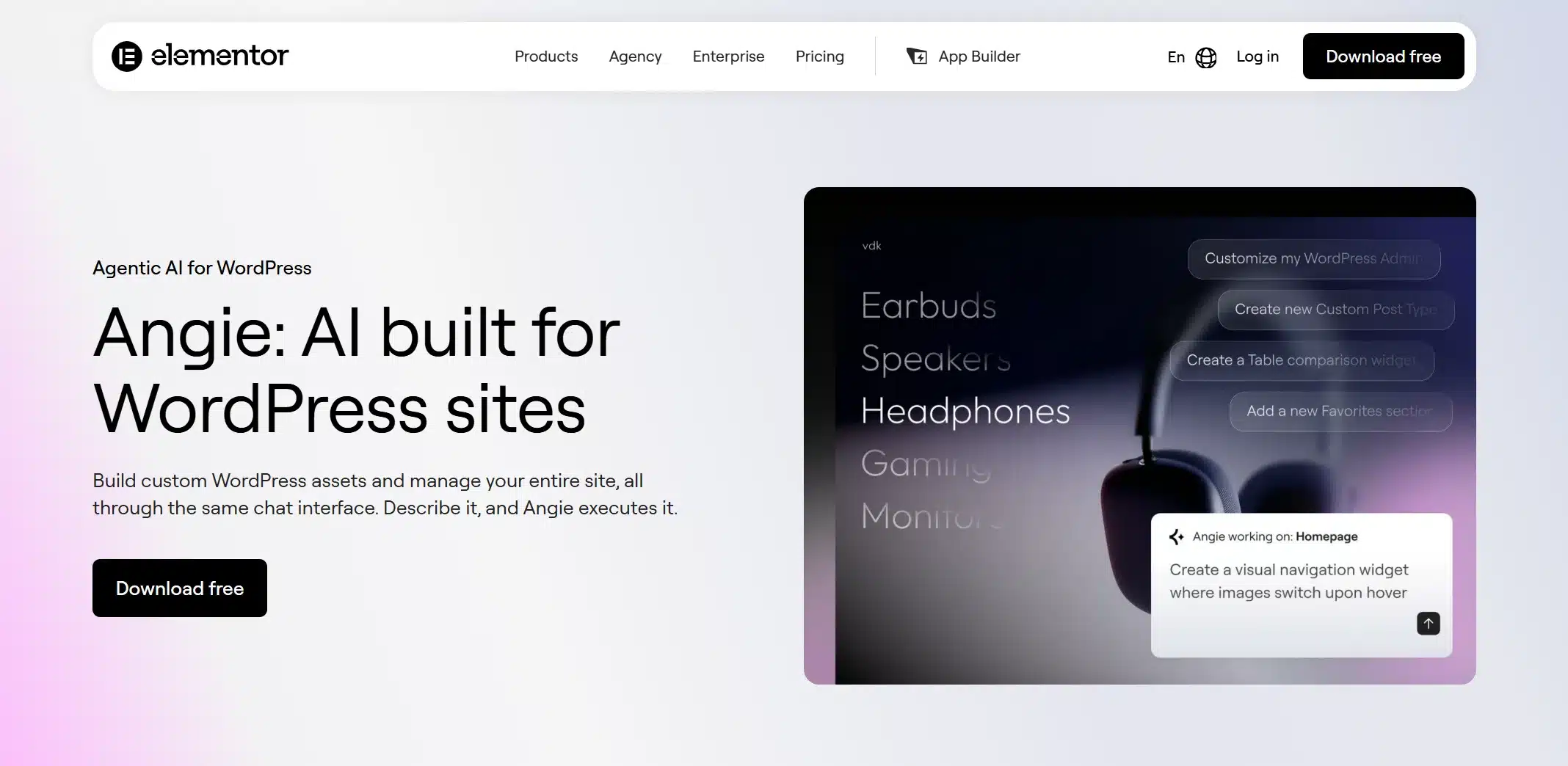
Angie is a different kind of AI builder. Instead of just arranging pre-made blocks, it acts more like an assistant that plans and carries out tasks across your WordPress site. It installs as its own free plugin and logs in with an Elementor account. It can generate Elementor widgets, code snippets and full pages from chat.
This is the pick for developers and agencies who want AI that understands how WordPress works under the hood. It’s built for people who need more than a page that just looks right. If your work involves custom logic beyond visual design, Angie is built with that in mind.
Best for
Developers and agencies who want AI output they can build on and not just a finished template.
Pricing
- Free plan with limited daily-renewing AI credits
- Elementor’s FAQ says extra credits cannot be bought on the free plan (October 2026). Elementor One plans carry their own AI credits.
Pros
- Free to use with 100,000+ active installs on WordPress.org
- Generates real code and plans multi-step tasks instead of single actions
Cons
- Steeper learning curve than a simple template picker
- Best suited to users already comfortable with Elementor
3. CrocoBuilder
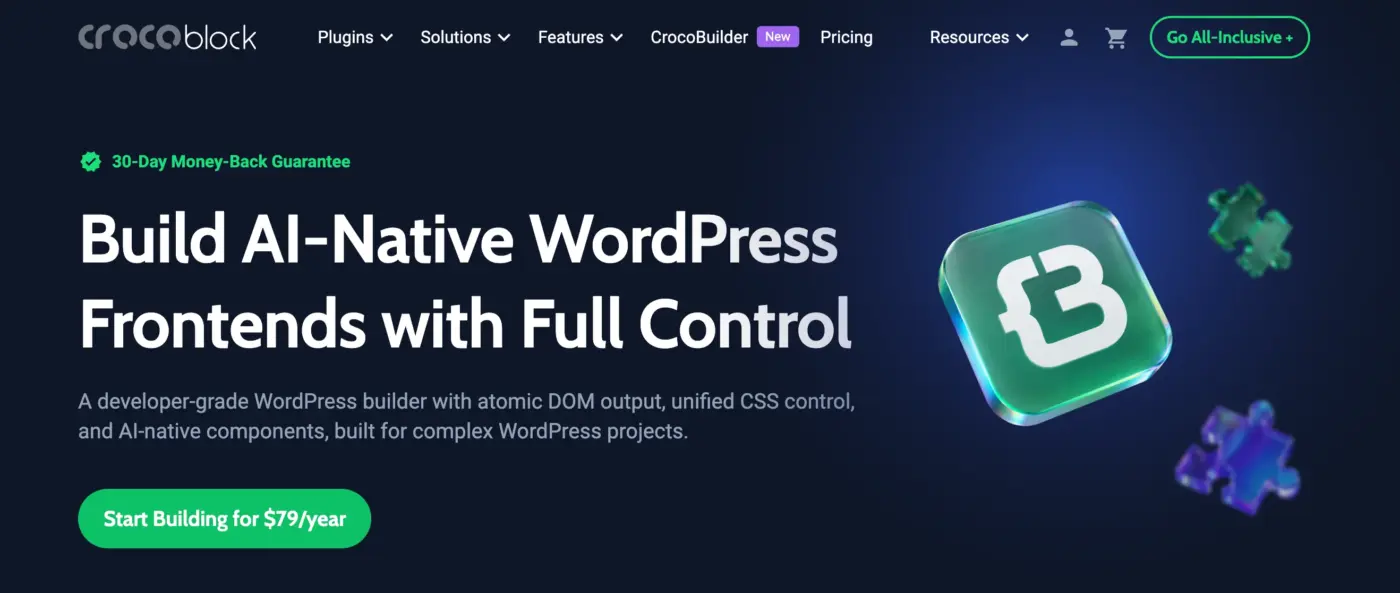
CrocoBuilder is an AI-native WordPress website builder designed for developers, agencies, and teams who want to build websites faster without giving up control over the underlying code. Instead of treating AI as a simple content or layout generator, CrocoBuilder combines AI-assisted workflows with a structured frontend development system.
What makes CrocoBuilder different is its focus on predictable, production-ready output. Every builder element maps to a single DOM node, which helps keep the markup clean and easier to maintain. You also get unified CSS controls, real CSS classes and variables, custom breakpoints, and the ability to switch between visual styling and raw CSS without maintaining separate style systems.
CrocoBuilder is particularly useful for dynamic WordPress projects. Its Loop Builder, Query Builder, Theme Builder, conditional logic, and reusable components allow you to create complex interfaces without relying on hardcoded templates or duplicating content. Developers can also build custom components using HTML, CSS, and JavaScript, either manually or with AI assistance.
The AI workflow goes beyond generating a page from a prompt. CrocoBuilder can help create page structures, components, styles, and site layouts, while MCP integration allows AI agents such as Claude and other compatible tools to interact with the builder. You can review and refine the generated output while retaining access to the underlying code.
Best for
WordPress developers, agencies, and product teams who want AI-assisted website building with full control over frontend code, styles, components, and dynamic content.
Pricing
Starts at $79/year.
30-day money-back guarantee included.
Pros
- AI-assisted website and component building
- Clean, predictable atomic DOM output
- Full HTML, CSS, and JavaScript control
- Unified CSS classes, variables, and design system tools
- Dynamic content with Loop Builder and Query Builder
- Reusable components with properties and slots
- MCP integration for AI-powered workflows
- Custom responsive breakpoints
- Visual editing and raw CSS work with the same styles
Cons
- No free version
- Better suited to developers and advanced WordPress users than beginners
- Some integrations and features are still on the roadmap
4. 10Web
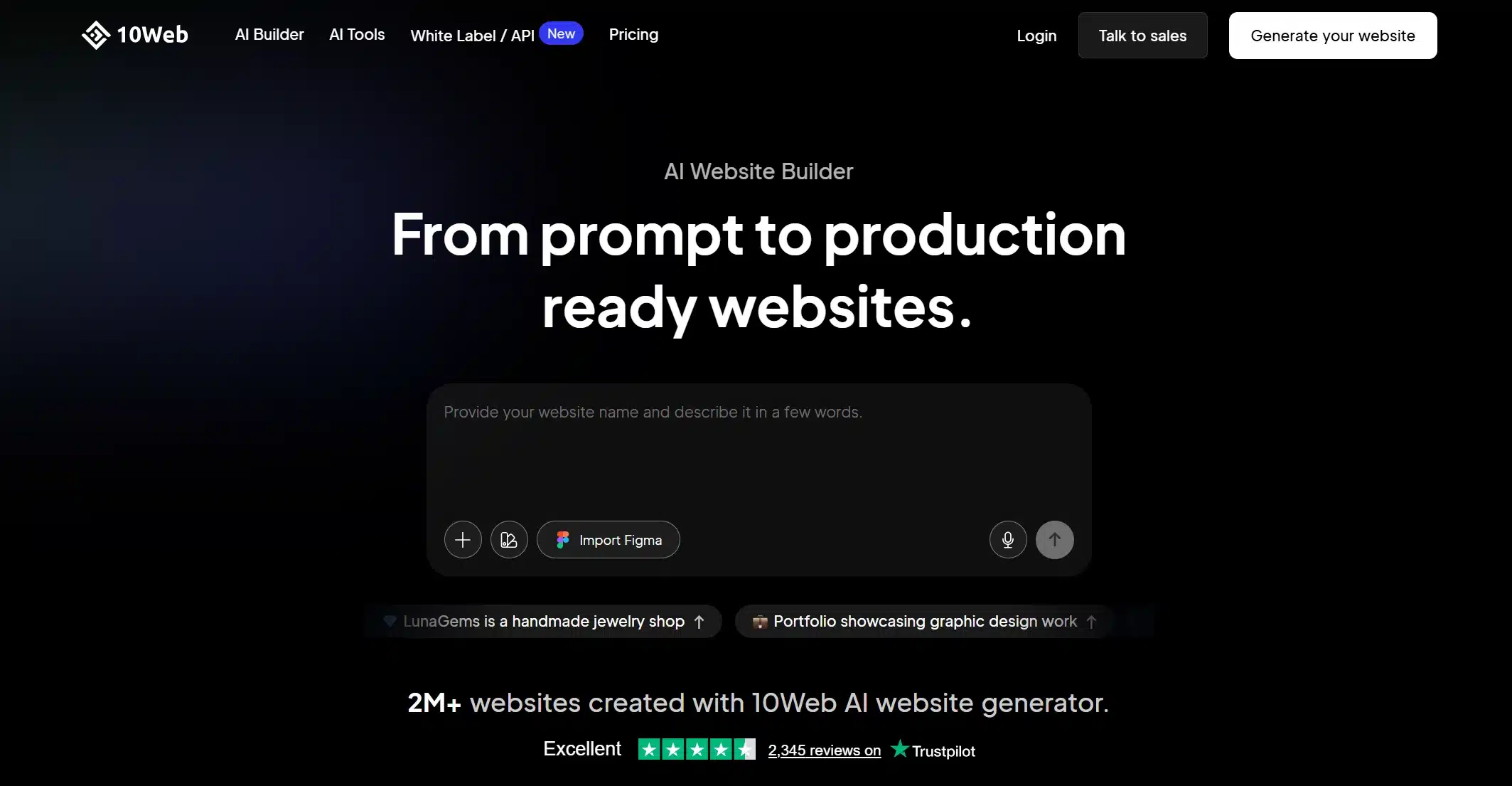
10Web takes a different approach entirely. Instead of generating a new site from a text prompt, you paste in a URL. 10Web’s AI scans the layout, typography, and structure of that site. It then rebuilds it inside WordPress using Elementor-compatible widgets. It’s aimed at people migrating off a restrictive platform or recreating a design they already like.
10Web also bundles hosting with the builder. For agencies moving clients off closed site builders, this cuts out a lot of manual rebuilding work.
Best for
Agencies and freelancers moving a site off another platform and onto WordPress.
Pricing
- No free plan listed, with a 30-day money-back guarantee
- AI Starter with hosting: $10/month billed yearly ($120) as of October 2026
Pros
- Can recreate an existing site’s design automatically
- Bundles hosting with performance targets
- Works well for migrations
Cons
- Requires a paid hosting plan
- Not the cheapest option if you only need the AI builder
5. ZipWP
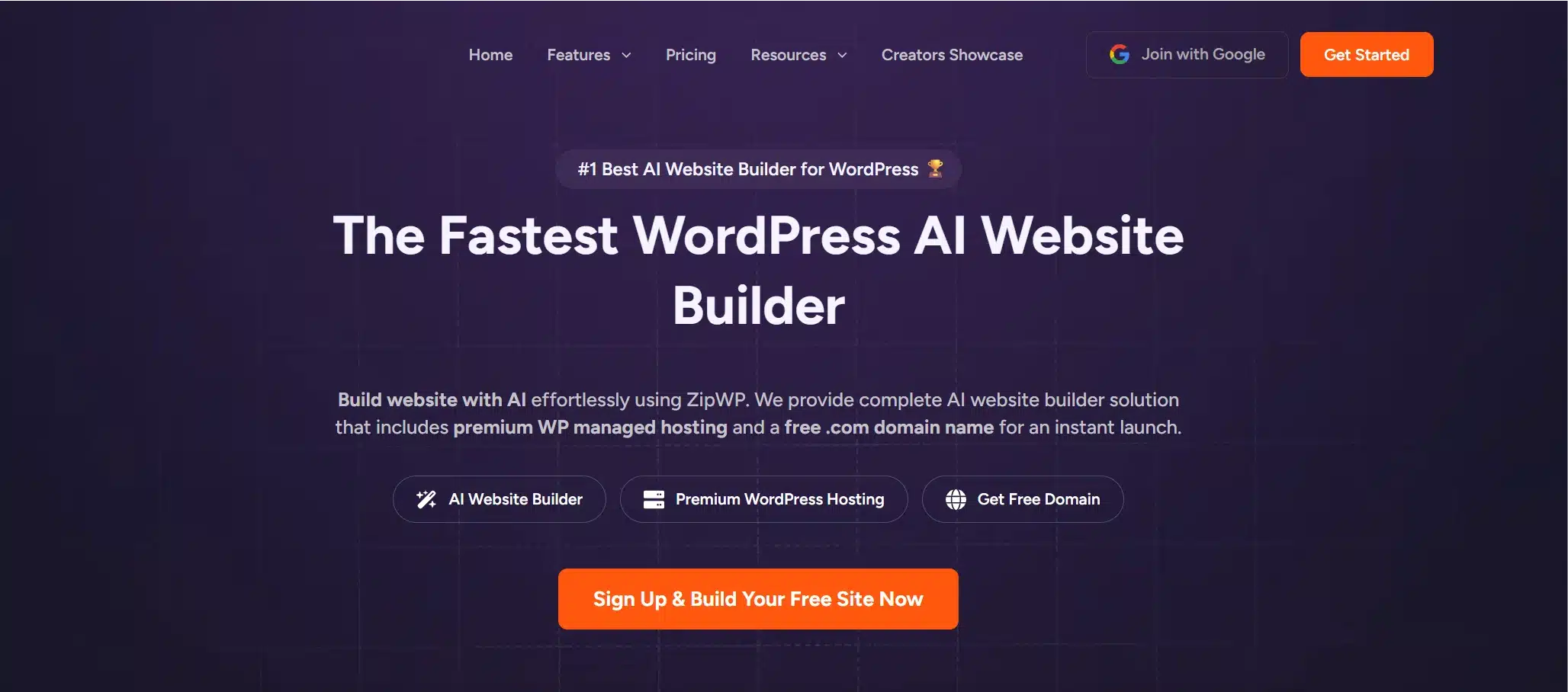
ZipWP is built for speed. It asks a handful of questions about your business and generates a full WordPress site in under a minute. It doesn’t tie you to a specific host or theme. That independence is the main reason it shows up on so many shortlists: the site it builds is yours to host anywhere.
The free plan covers 3 AI site generations with no credit card. That makes it a strong tool for testing an idea fast. Paid plans add unlimited sites.
Best for
Anyone who wants to test a site idea quickly before committing to a platform.
Pricing
- Free plan: 3 AI site generations
- Starter: $29/month or Lifetime at $399 one time (October 2026)
Pros
- Not locked to one host or theme
- Free plan with no credit card
- Fast generation
Cons
- The free plan stops at 3 AI site generations
- Starter costs more per month than most hosting-bundled builders
6. Divi AI
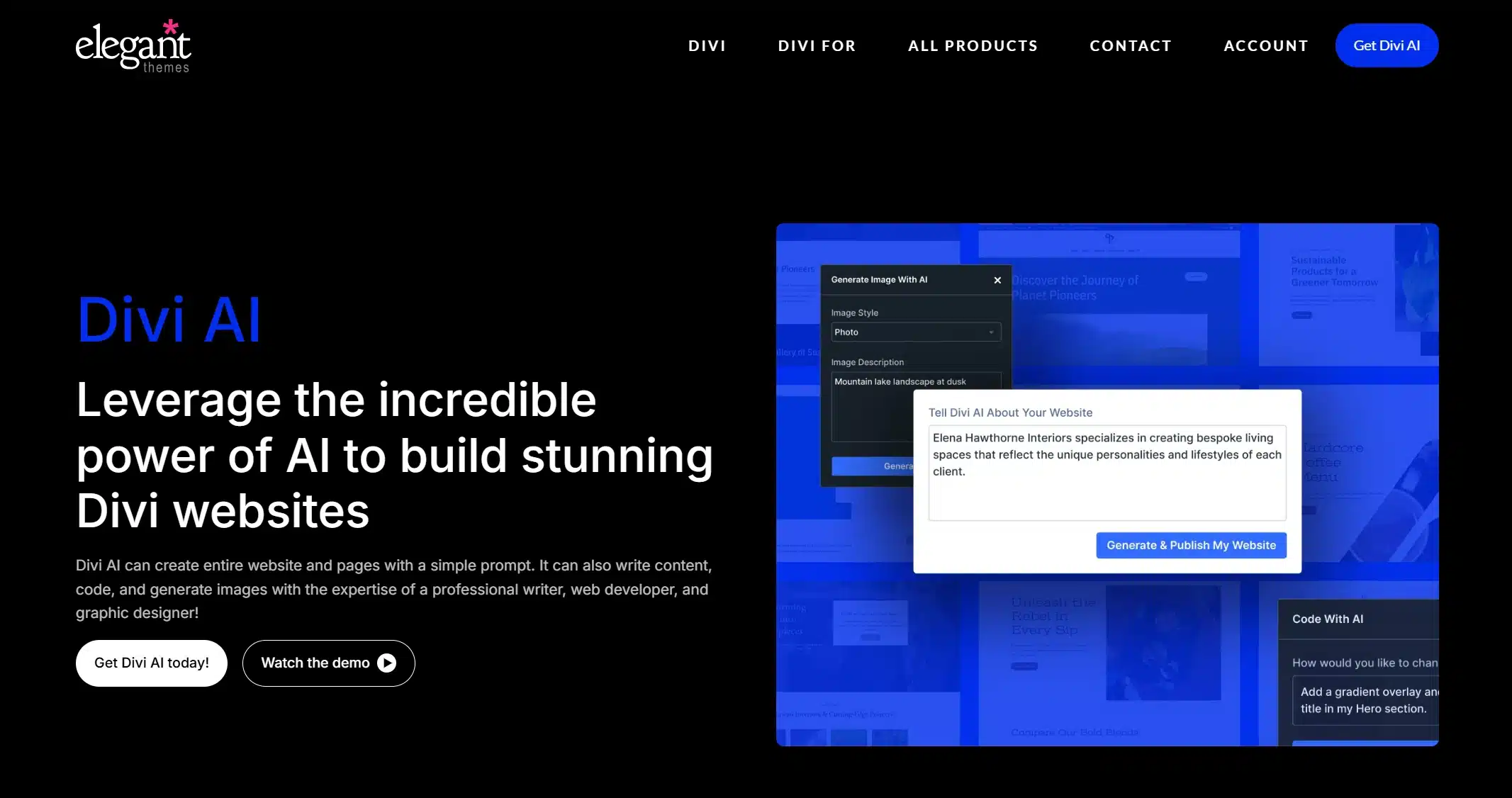
Divi AI adds generative tools directly into the Divi theme and builder, covering text, images, and code snippets in one place. If you’re already using Divi, this is the most natural way to add AI without switching your workflow. It can write page copy, generate custom images instead of relying on stock photos, and even produce basic code for custom elements.
It’s an add-on to an existing Divi license and not a separate product. So it makes the most sense if you already build with Divi.
Best for
Existing Divi users who want AI content and image generation without leaving their builder.
Pricing
- Separate Divi AI membership: $21.36/month
- Yearly Divi AI: $193/year ($16.08/month) with unlimited text, image, code and site generation under a fair use policy
- Bundled with Divi Pro: $277/year as of October 2026
Pros
- Generates text, images, and code in one tool
- Fits directly into an existing Divi workflow
Cons
- Only useful if you’re already using Divi
- Not a separate builder for non-Divi sites
7. Elementor AI
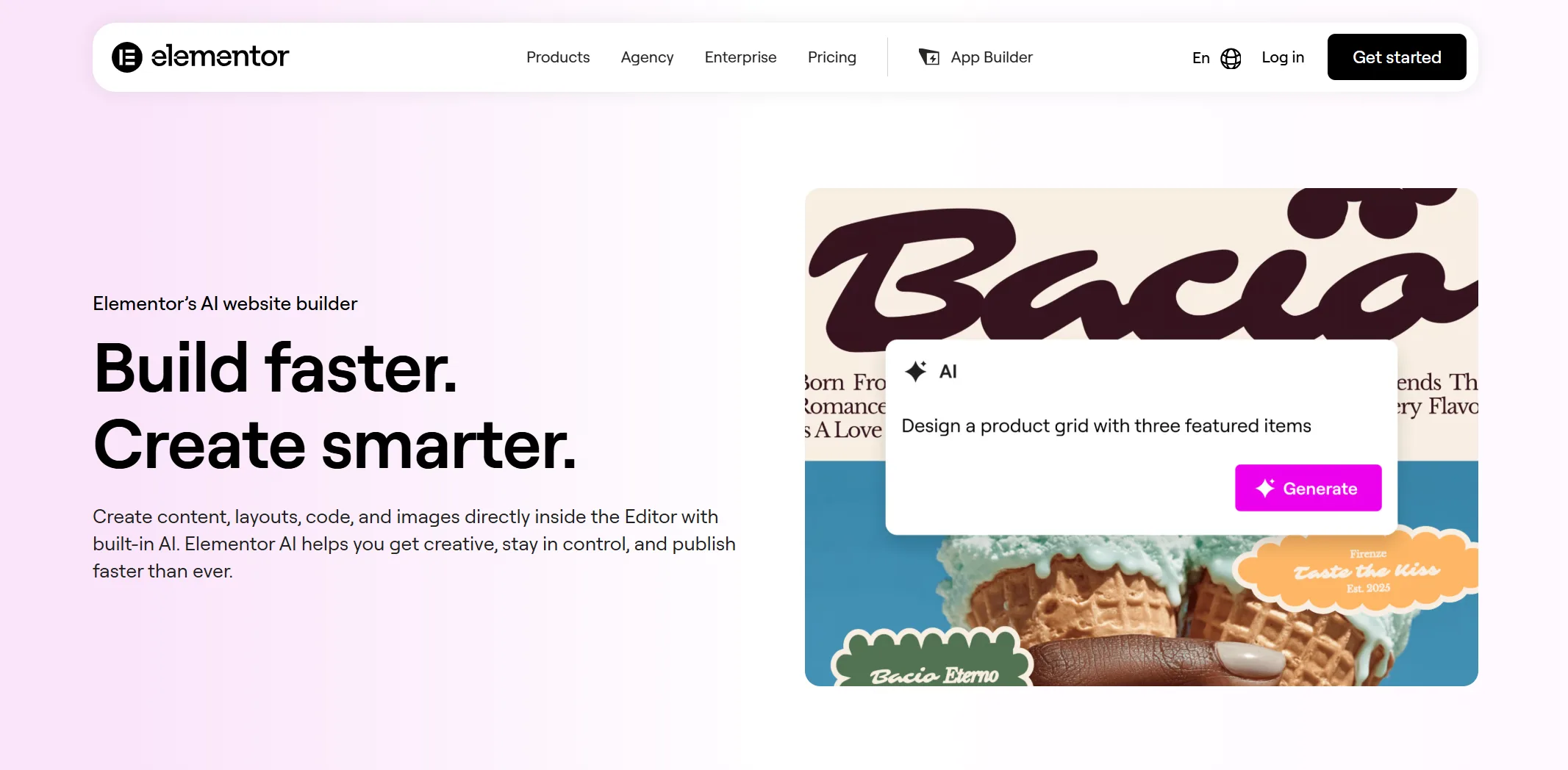
Elementor AI is less a single builder and more a set of AI tools spread through the Elementor editor. That includes an AI writing assistant, an image generator that can extend or restyle existing images, and a code generator for HTML and CSS. There’s also a site planner that produces a sitemap and wireframes from a prompt.
It’s a good fit for people who want AI help with specific tasks inside a project they’re already designing by hand. It’s not a tool that builds the whole site for you upfront.
Best for
Elementor users who want AI assistance on demand rather than a full auto-build.
Pricing
- AI is bundled into Elementor One plans, and each AI action uses 1 to 40 credits
- Elementor One: 25,000 monthly credits for one site (October 2026)
Pros
- Useful across many small tasks and not just initial generation
- Image editing tools go beyond simple generation
Cons
Credit-based pricing can add up if you’re generating a lot of content or images.
8. Bluehost AI Site Creator
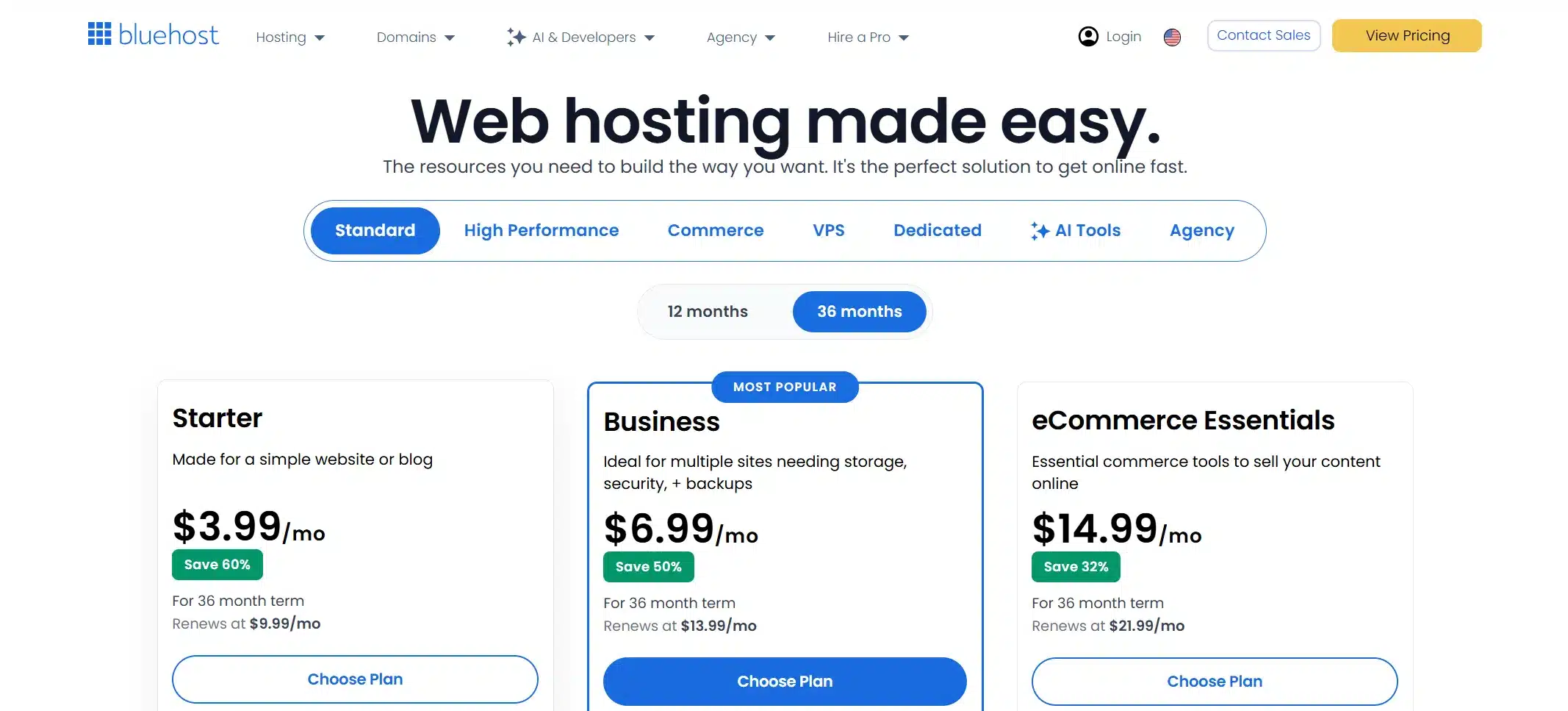
Bluehost AI Site Creator bundles hosting and AI site generation into one sign-up. That makes it one of the simplest options for someone who has never built a WordPress site before. It works inside the standard WordPress block editor. There’s no extra plugin to learn. It also pairs with WonderBlocks for additional design patterns.
Bluehost says its WordPress AI builder comes free with every WordPress hosting plan. Stock photos and design choices can be swapped out after the site is generated.
Best for
First-time WordPress users who want hosting and a built site in a single step.
Pricing
- WordPress Starter: $3.99/month on a 36-month term that renews at $9.99/month
- eCommerce Essentials: $14.99/month on a 36-month term (October 2026)
Pros
- Hosting and AI builder in one package
- Works with the native WordPress editor
- Affordable starting price
Cons
WonderBlocks is less extensive than a dedicated page builder like SeedProd or Elementor.
9. Hostinger AI Builder
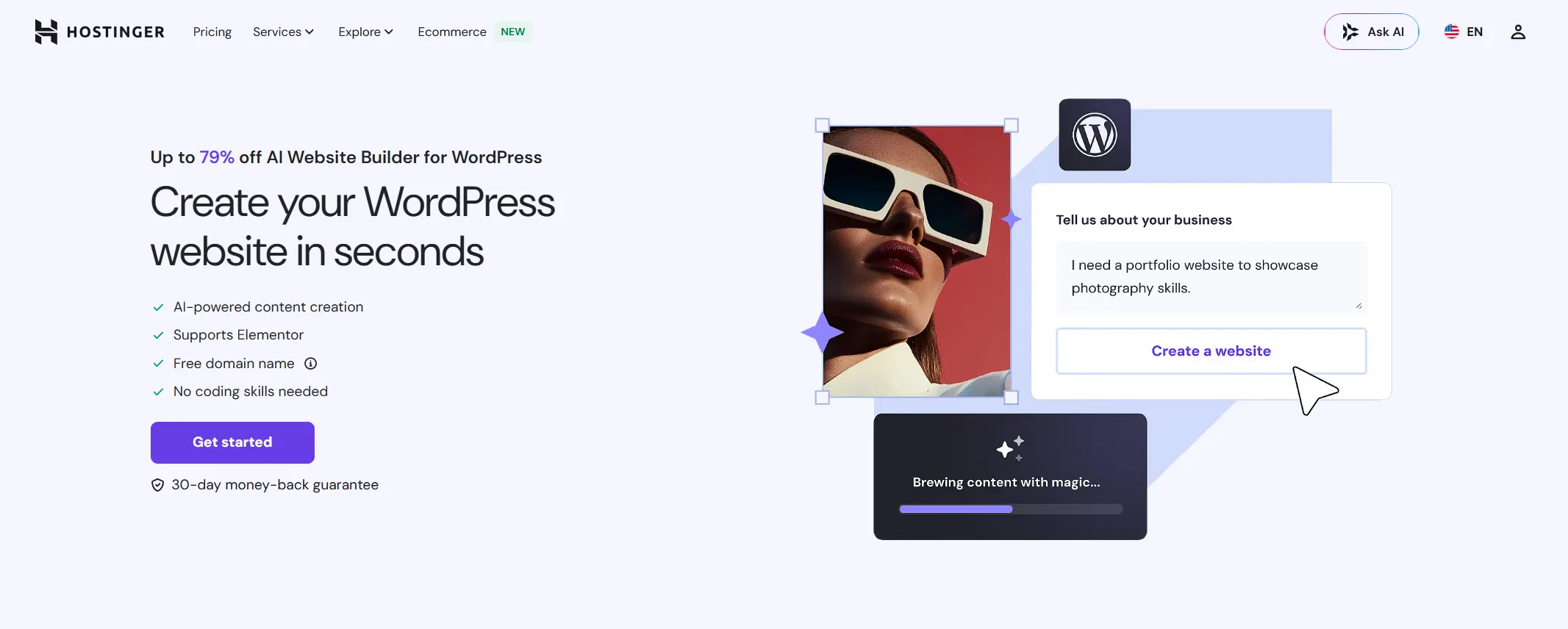
Hostinger’s AI builder is bundled directly into its hosting plans. You get a working site the moment your hosting account is set up. It’s built for speed and low cost and not for deep customization. That makes it a reasonable option if your priority is getting online fast on a tight budget.
One thing worth knowing: Hostinger’s original separate website builder runs on its own proprietary system and not on WordPress. If you want a true WordPress-based build from Hostinger, confirm you’re selecting their WordPress hosting plan with AI setup and not the separate non-WordPress builder.
Best for
Budget-focused users who want speed over deep customization.
Pricing
- Premium: $2.99/month on a 48-month term that renews at $10.99/month
- Unlimited: $3.99/month on a 48-month term
- Cloud Startup: $7.99/month on a 48-month term (October 2026)
Pros
- Low cost and fast setup
- Bundled with hosting that you likely need anyway
Cons
- Designs can feel generic compared to those of more design-focused builders
- Confirm you’re on the WordPress-based option
10. Telex by Automattic
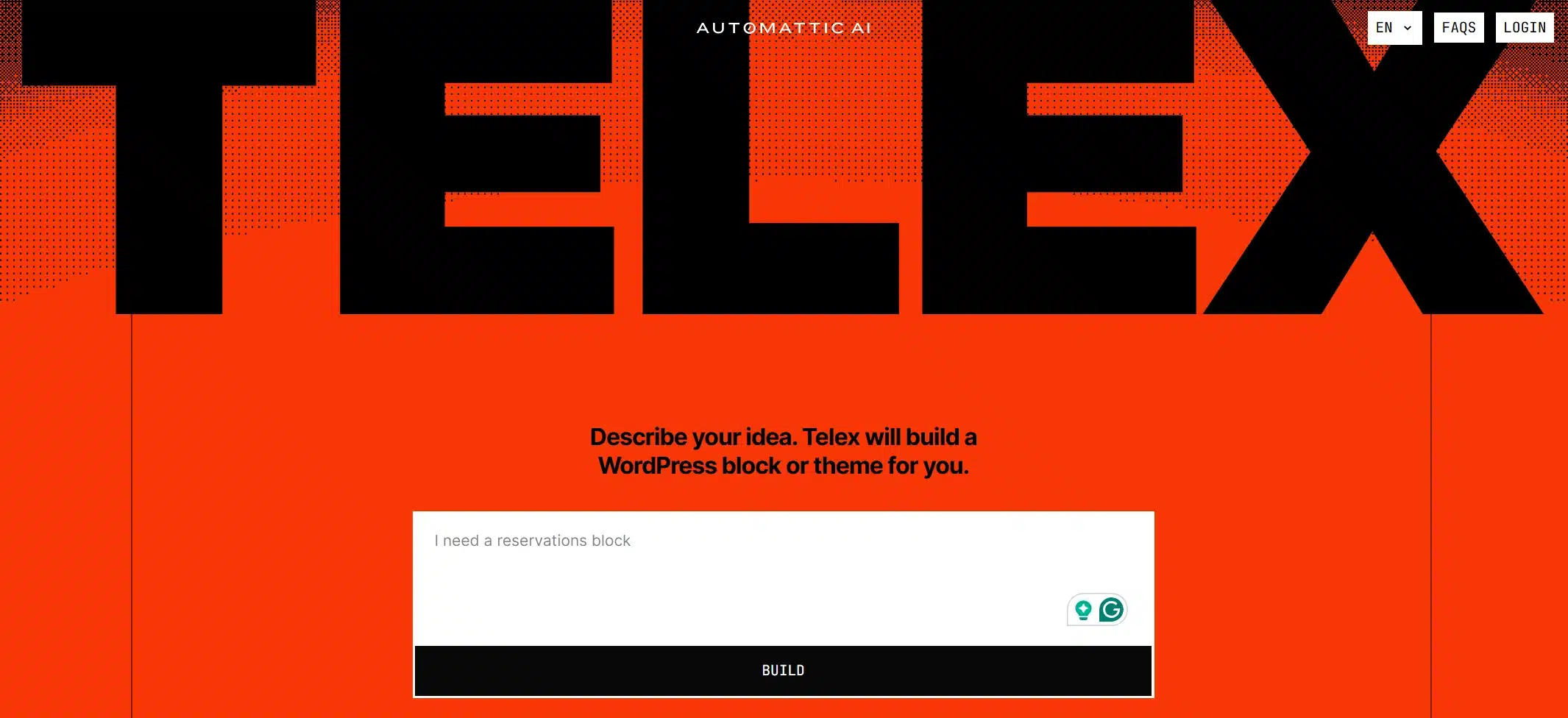
Telex is Automattic’s own AI tool for WordPress, first shown at WordCamp US 2025. It turns a plain-language description into a Gutenberg block. The result comes as a downloadable plugin you install like any other. You can keep refining it with follow-up prompts or by editing the code.
This isn’t a tool for building a whole site. It’s for developers, agencies, and even non-developers who need a specific block or small custom feature without writing it line by line.
Best for
Developers, agencies, or site owners who want a quick custom block or small WordPress feature without starting from a blank file.
Pricing
Telex had no public pricing page when we checked in October 2026.
Pros
- Output is built for Gutenberg blocks and block plugins
- Packages results as a ready-to-install block plugin that needs no separate setup
- Built by the Automattic team behind WordPress.com
Cons
- Early project where some blocks need manual fixes
- Not a site builder and not meant for full custom development. You still need to review the output for security and best practices
- Very new with limited independent reviews so far
11. Brizy AI
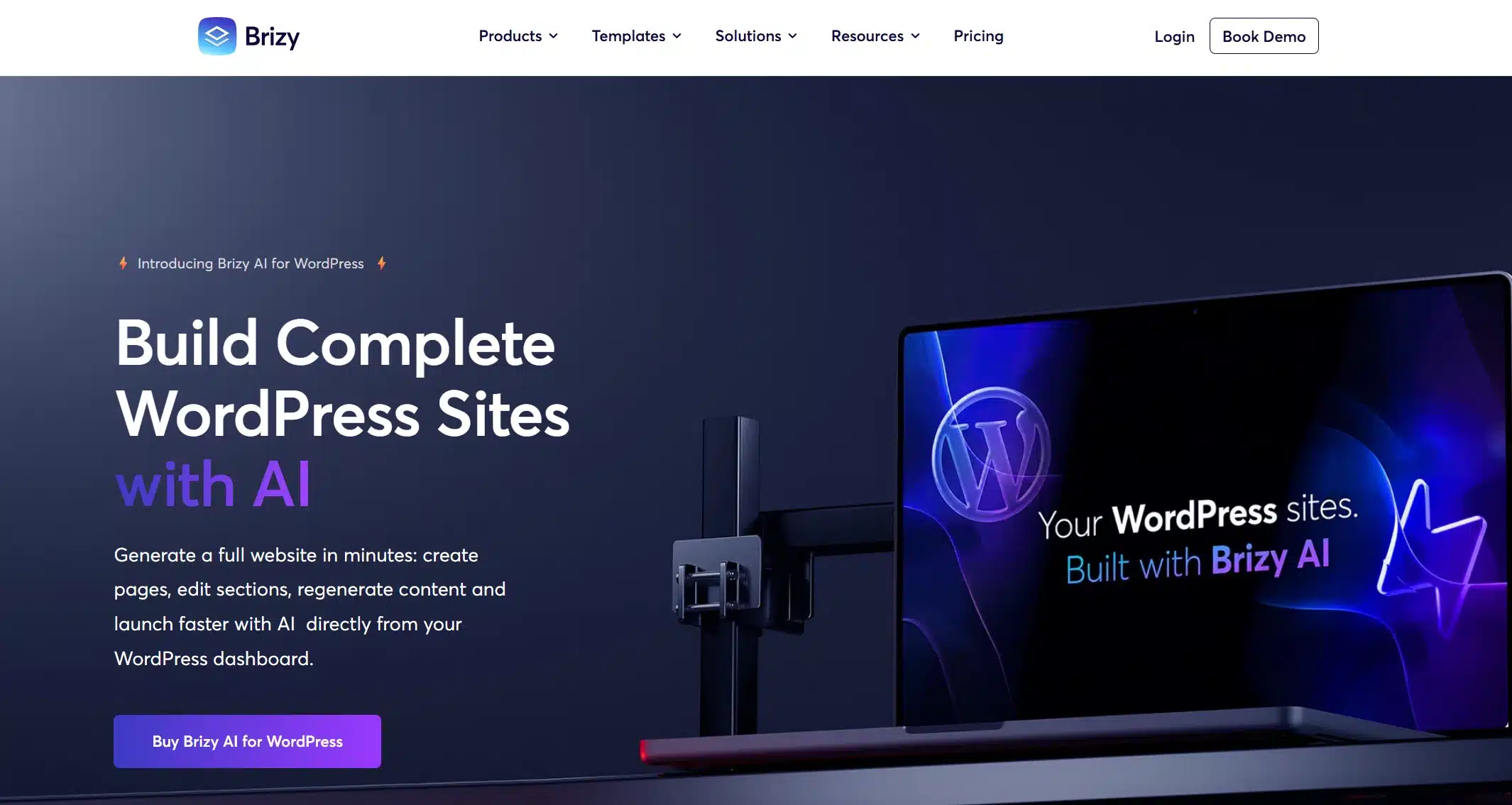
Brizy AI is built around speed and a smooth building experience. Its free plugin is usable for real projects. WordPress.org shows 60,000+ active installs and a 4.7 star rating from 971 reviews (October 2026).
It won’t match Elementor or Divi on feature depth. But for simple sites where speed and a clean client handoff matter more than deep customization, it holds up well.
Best for
Agencies and freelancers who want quick builds with a clean client handoff.
Pricing
- Free plugin on WordPress.org
- Brizy Pro: priced per number of sites on Brizy’s pricing page
Pros
- Fast and smooth editing experience
- Large free user base on WordPress.org
Cons
Fewer advanced features than Elementor or Divi for complex and highly custom builds.
Which AI Website Builder Should You Use?
The right pick depends on what you’re building. Here’s a quick way to match your situation to the right tool instead of testing all 10 yourself.
| Your Situation | Best Pick | Why |
|---|---|---|
| First WordPress site, no technical background | Bluehost AI Site Creator | Hosting and building happen in one step without a separate plugin to learn |
| Small business site or blog | SeedProd AI | Full site generation plus built-in AI writing tools |
| Running or planning a WooCommerce store | SeedProd AI or 10Web paired with manual setup | Neither fully automates WooCommerce configuration; see the section below |
| Agency moving client sites | 10Web | Fast migration from other platforms with hosting included |
| Developer who wants custom code instead of templates | Angie by Elementor or Telex | Angie writes widgets and snippets, and Telex builds custom blocks |
| Testing an idea before committing to a platform | ZipWP | Free to try and not locked to one host |
What Can’t AI Website Builders Do?
AI website builders can’t plan your long-term content structure, write in your brand voice or set up store logic. They get you to a working first draft fast. The list below covers the gaps that still need a human pass before launch.
- Long-term content structure: AI builders rarely plan for what your site will need six months out. Custom post types, content categories, and future API integrations are usually an afterthought, if they come up at all
- Scalability beyond basic pages: You’ll often get a decent-looking site today that needs a partial rebuild once your needs grow past basic pages and posts
- Brand voice: The copy generated is a reasonable first draft and not a finished voice
- Image accuracy: AI-picked or generated images have improved a lot, but they still miss the mark on tone or context often enough that everyone needs a review before launch
- Conversion-focused logic: Structure, brand voice, and store logic still benefit from a human pass, even after the AI gets you to a working starting point fast
None of this makes these tools bad; it just means the AI gets you to a working starting point fast. Our guide on publishing a WordPress site covers the steps that still need manual attention after any builder, AI or not. If you would rather skip the builder, you can create a WordPress site from scratch and keep control of every setting.
Can AI Website Builders Handle WooCommerce Stores?
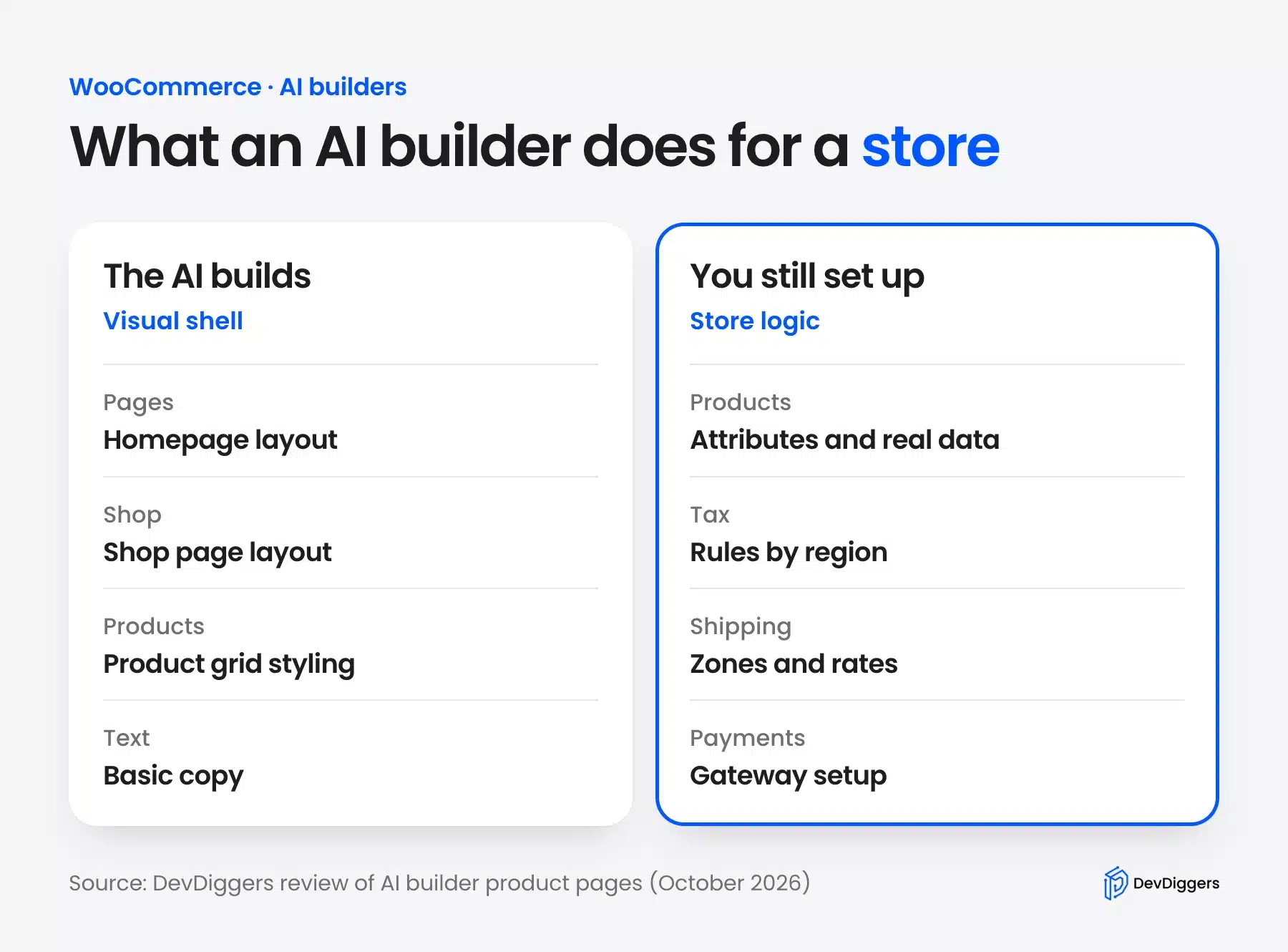
Mostly but not completely. AI builders are good at generating the visual shell of a store: a homepage, a shop page layout, product grid styling, and basic copy. What they’re not built to handle is the configuration work underneath it. A builder does not check whether AI tools cite you. Measure your AI search visibility yourself.
Product attributes, tax rules by region, shipping zones, and payment gateway setup still need manual attention after the AI generates your starting layout. WooCommerce itself is fully capable of handling this complexity, but the AI builder rarely configures it correctly on its own. An AI-generated store can look finished on the surface and still carry placeholder product data. Default tax settings rarely match the store owner’s real business either.
If you’re serious about running a store and not just testing an idea, treat the AI builder as your starting point for design. Then plan time for a proper WooCommerce setup pass. That’s also where a WordPress development services team can help. This is especially true if your store needs custom product logic, subscriptions, or integrations the AI builder can’t generate on its own.
How Much Do WordPress AI Website Builders Cost?
WordPress AI website builders cost from nothing to about $277 a year, as of October 2026. Some charge per year and some bundle the builder into hosting. Others use credits that run down as you generate.
Free options exist at every tier. ZipWP, Angie and Brizy AI all let you start at no upfront cost. ZipWP’s free plan stops at 3 site generations, and Angie assumes some technical comfort. Brizy’s free plugin lacks the Pro features you may want later.
Hosting-bundled tools like Bluehost AI Site Creator and Hostinger’s AI builder look the cheapest on the surface, but watch renewal pricing. Hostinger Premium renews at $10.99 a month after its $2.99 intro rate. Bluehost Starter renews at $9.99 after $3.99.
Credit-based tools like Elementor AI are the hardest to budget for, since image generation can cost far more credits than text. If your project leans heavily on AI-generated images, check the per-image credit cost before committing.
The real cost comparison isn’t just the fee. It’s how much manual cleanup follows. A slightly pricier tool that gets you 90% of the way there can end up cheaper than a free one that needs a full rebuild.
Conclusion
AI website builders have changed how fast you can get a WordPress site live, but “fast” and “finished” aren’t the same thing. SeedProd is the strongest general pick if you want one plugin that handles design and copy together.
Angie and Telex are worth a look if you’re a developer who wants real code output instead of generic templates. And if you’re building a WooCommerce store, plan on the AI handling your layout while you or a developer handles the configuration underneath it.
Pick the WordPress AI website builder that matches what you’re building and not just the one at the top of every list. You’ll spend a lot less time undoing what the AI generated.
Frequently Asked Questions (FAQs)
Q1. Is there a free AI website builder for WordPress?
Yes. ZipWP, Angie by Elementor and Brizy AI all offer free versions you can start with. ZipWP’s free plan covers 3 AI site generations, so plan to upgrade for a long-term site.
Q2. Do AI website builders work with WooCommerce?
They can generate the visual layout of a store, including product grids and homepage design. You’ll still need to manually set up product attributes, tax rules, shipping, and payment gateways.
Q3. Which AI website builder is best for beginners?
Bluehost AI Site Creator is the easiest starting point. It bundles hosting and site generation into one signup, using the standard WordPress editor rather than a separate plugin interface.
Q4. Can I still edit a site after an AI builder generates it?
Yes. Every tool on this list produces a real and editable WordPress site or page instead of a locked template. You can adjust layouts, swap images, and rewrite copy after generation.
Q5. Is Hostinger’s AI builder built on WordPress?
It depends on which plan you choose. Hostinger’s original website builder runs on its own system and not on WordPress. Make sure you select their WordPress hosting plan with AI setup if you specifically want a WordPress site.